17

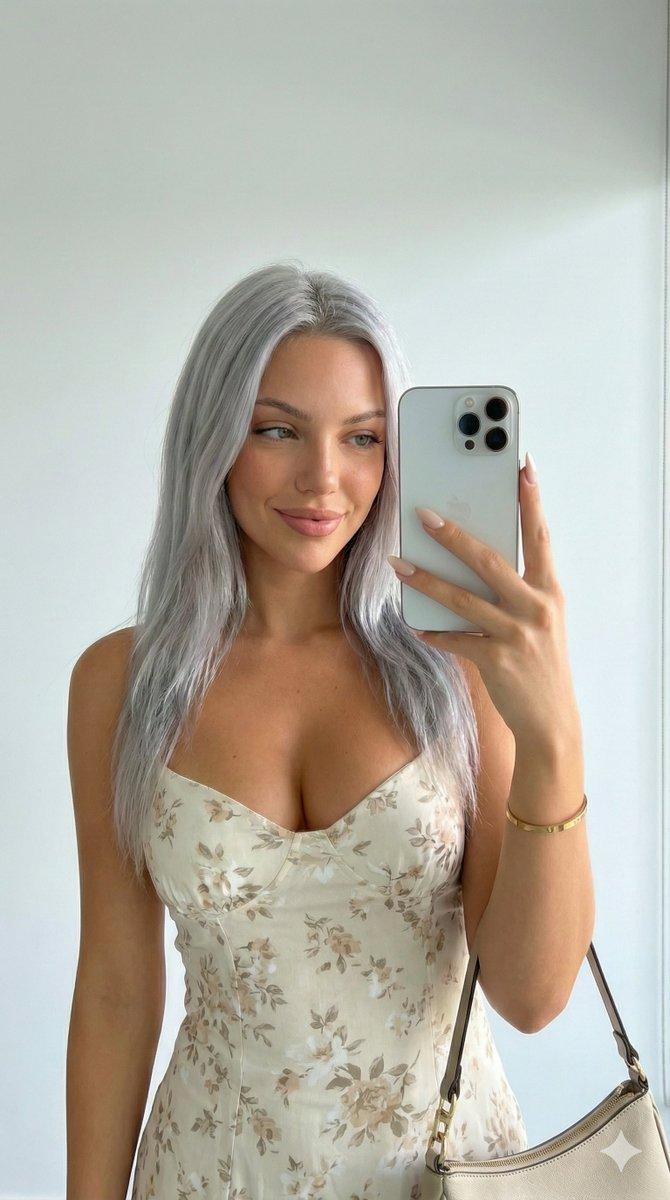
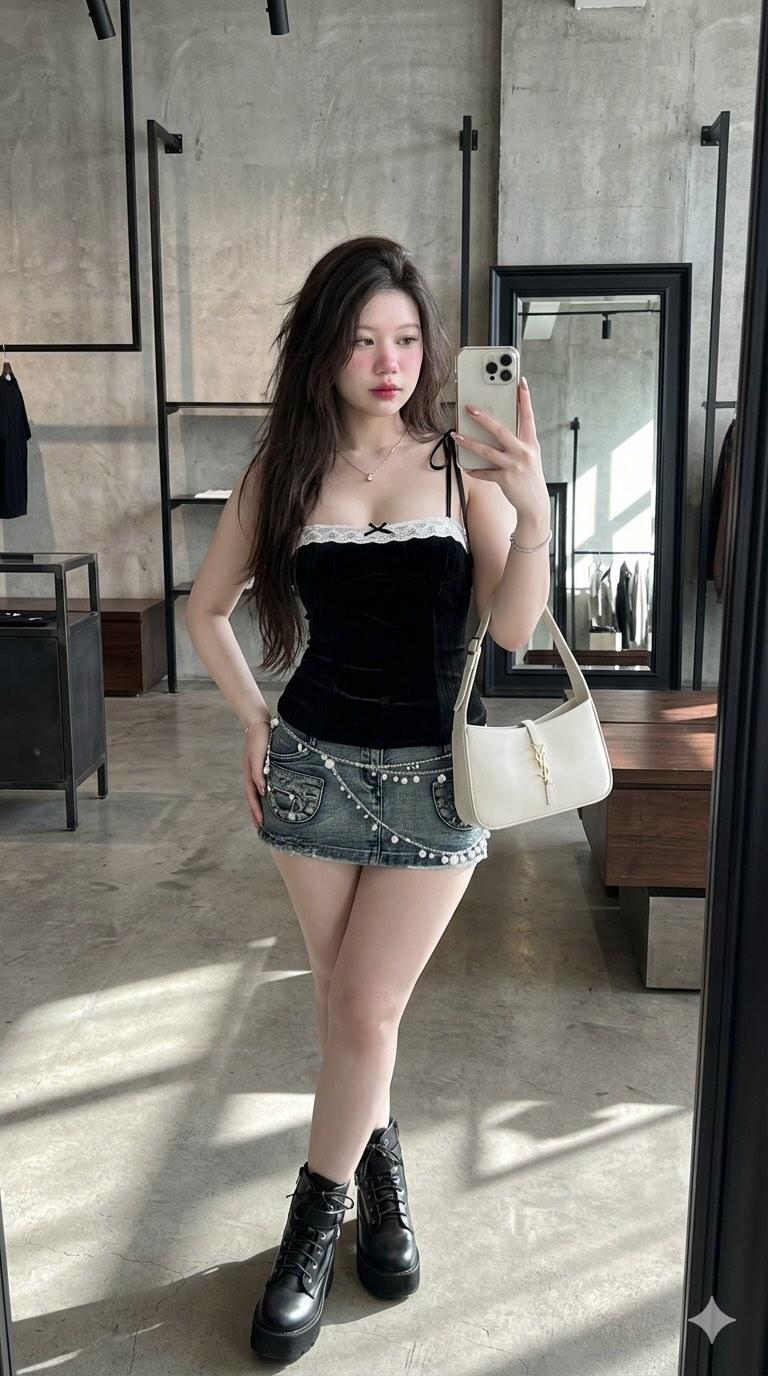
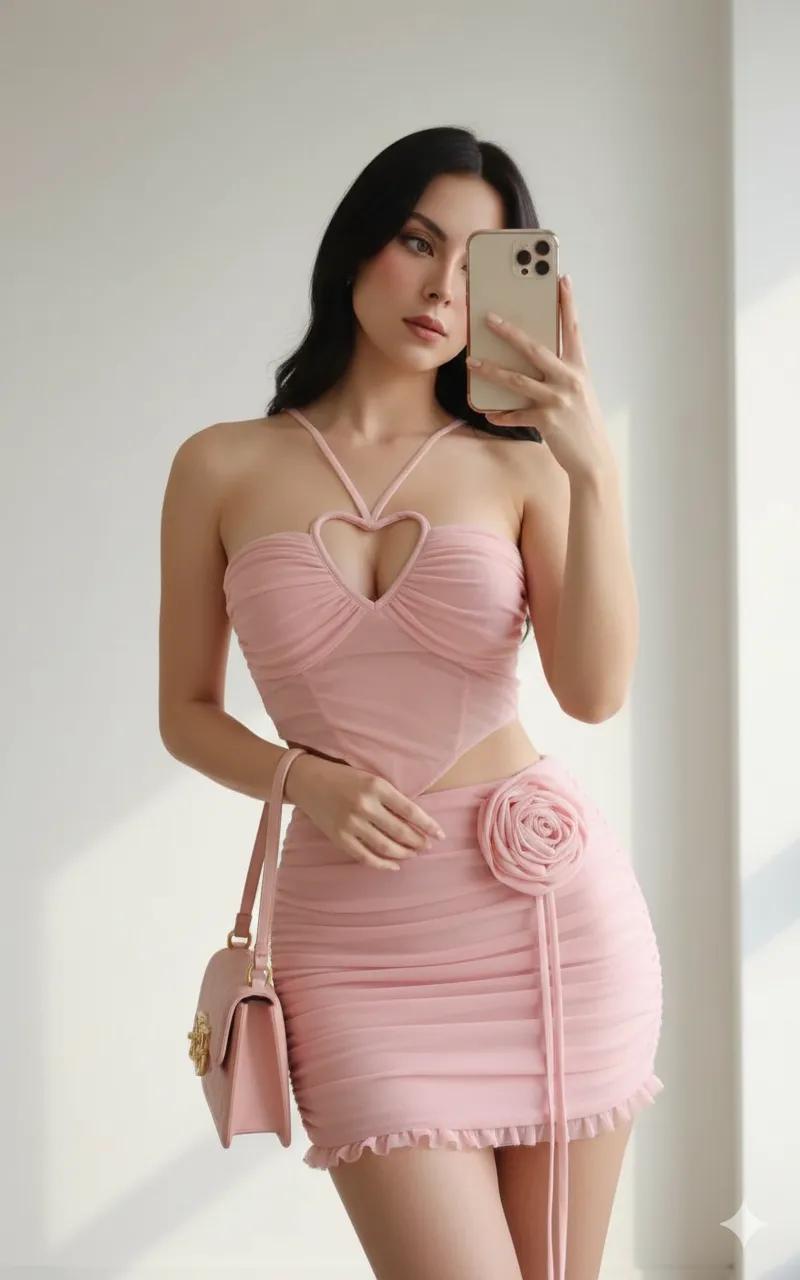
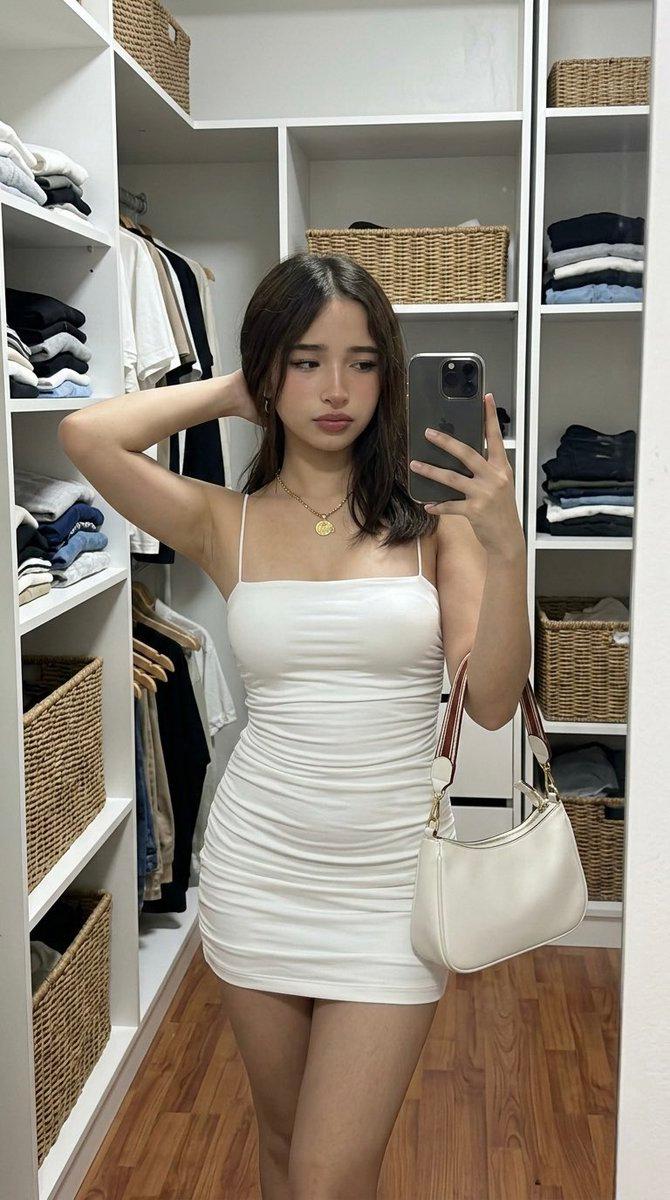
超逼真自拍提示词(日式餐厅和浴室)
Enlarge

超逼真自拍提示词(日式餐厅和浴室)

Prompt
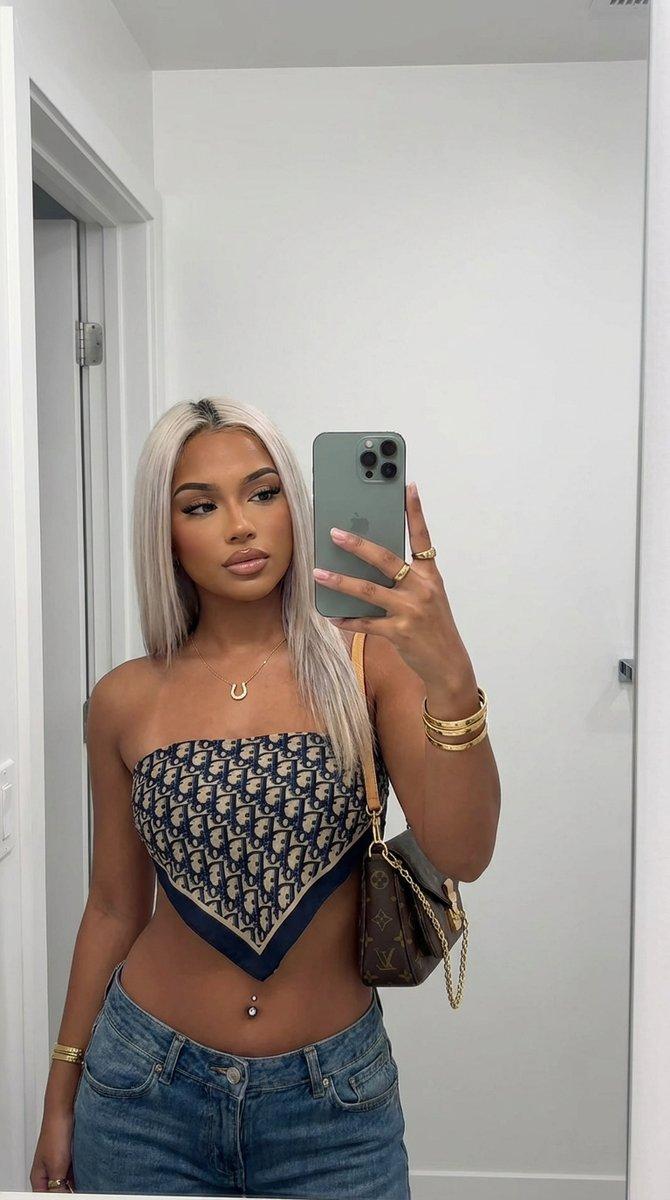
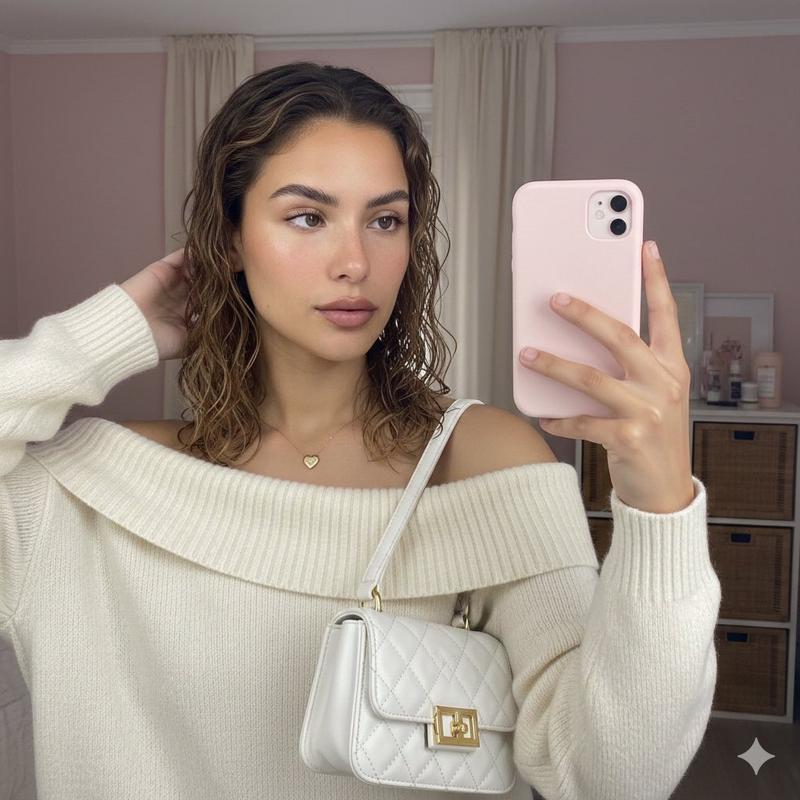
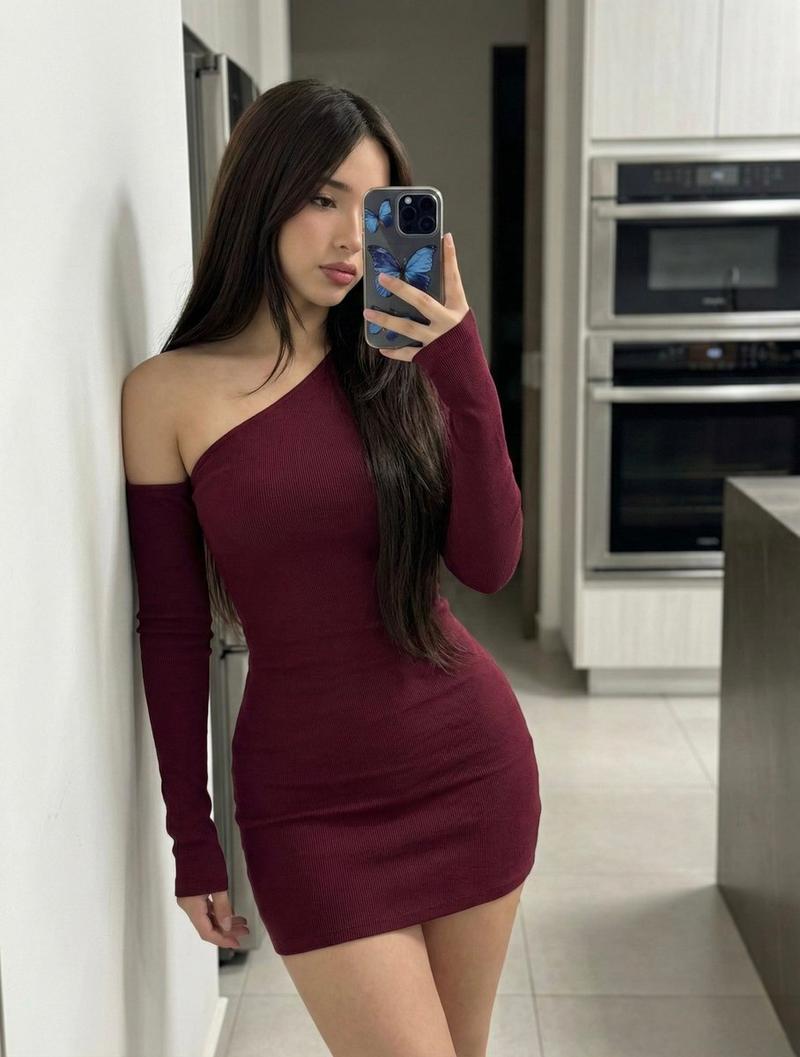
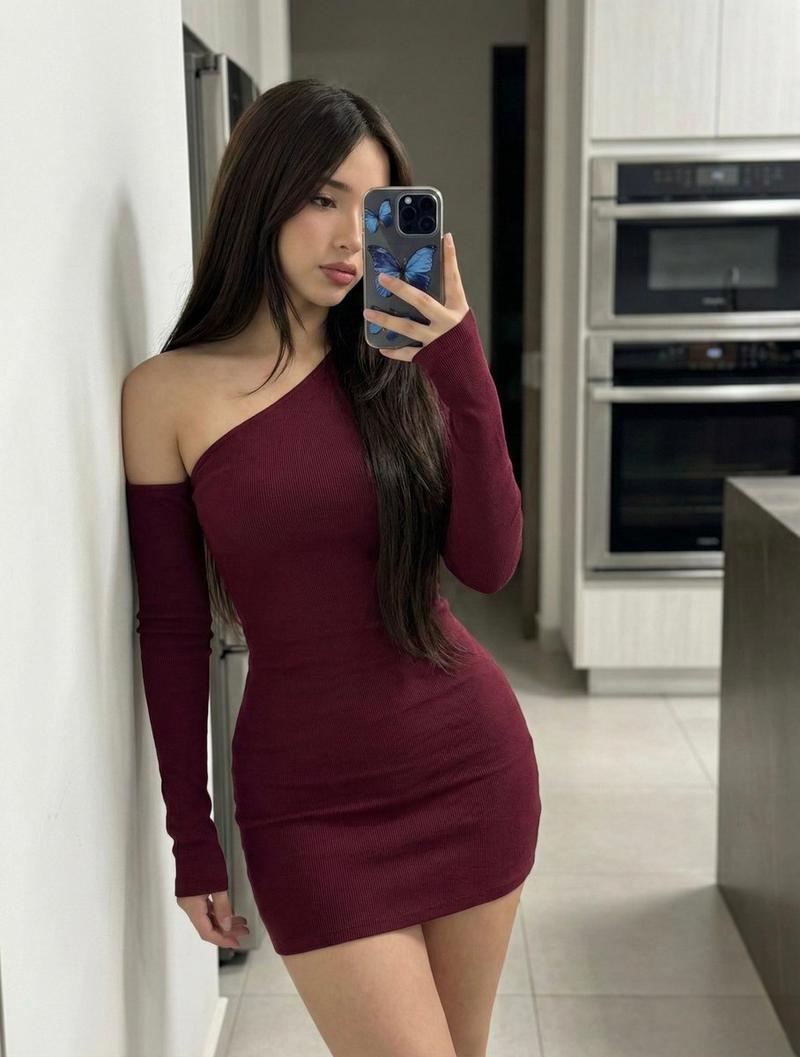
1、照片级真实感,特写自拍,第一人称视角。
一位年轻女性在日式餐厅对镜自拍,背景是悬挂手写菜单木牌的木质墙壁。
她身穿露肩奶油色刺绣上衣,佩戴显眼绿色大手镯,手持橙色iPhone,正微微舔上唇并看向镜头。
光线为温暖的室内环境光,面部有柔和粉调光晕,带轻微美颜柔焦效果。色彩以暖橙、奶油白、深草木绿为主,搭配木色与深棕。突出上衣面料、木墙纹理及手机质感。画面氛围温暖私密,如真实的居酒屋自拍。高清,细节丰富。

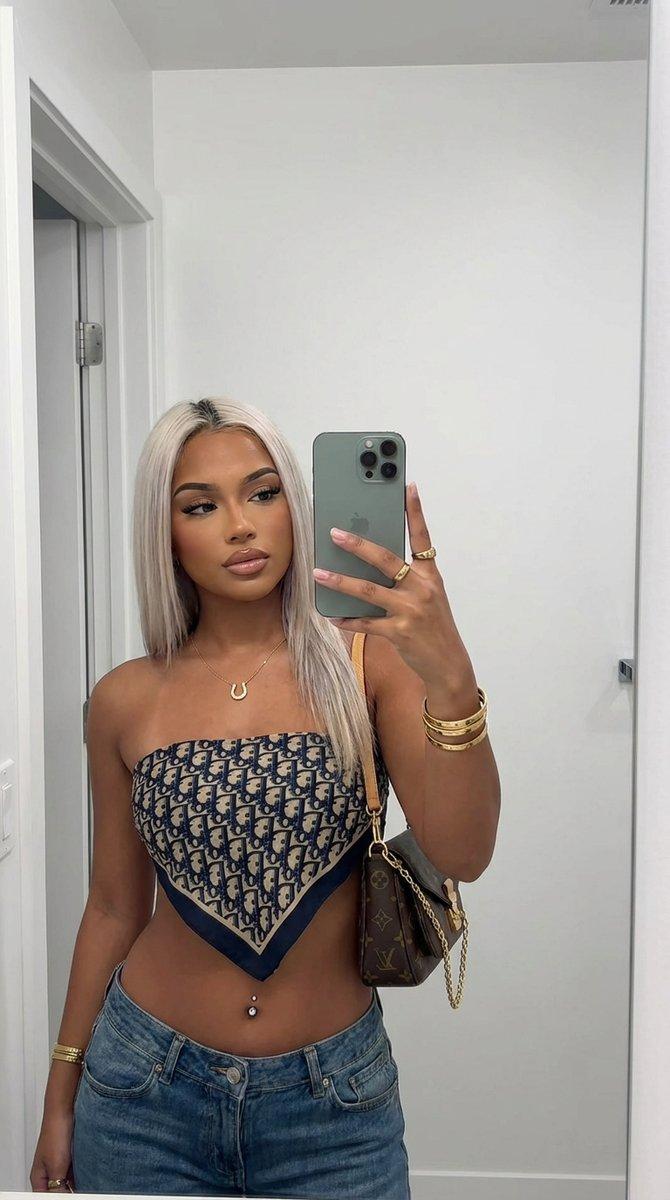
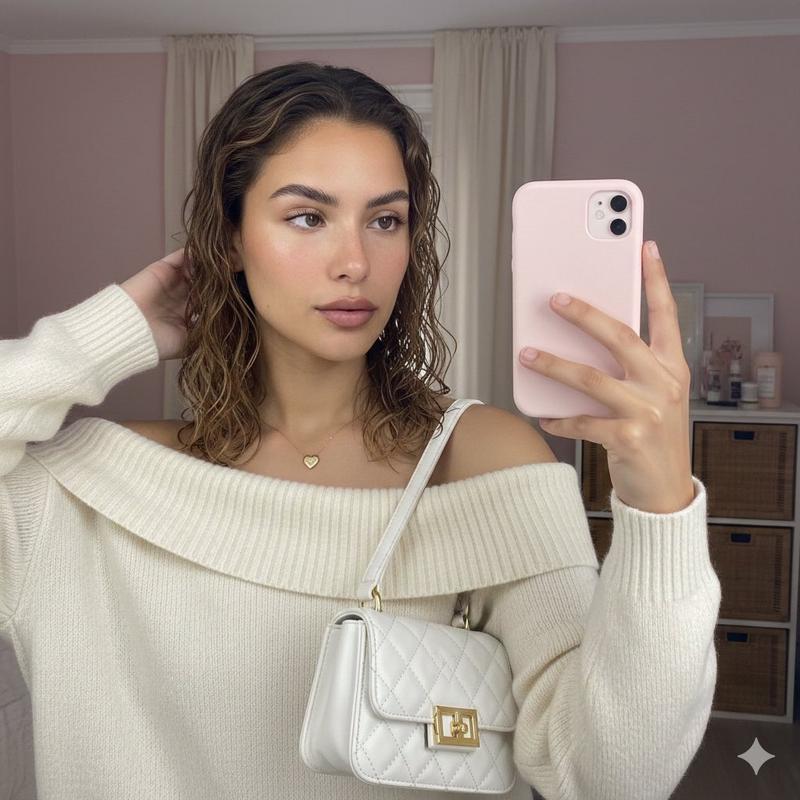
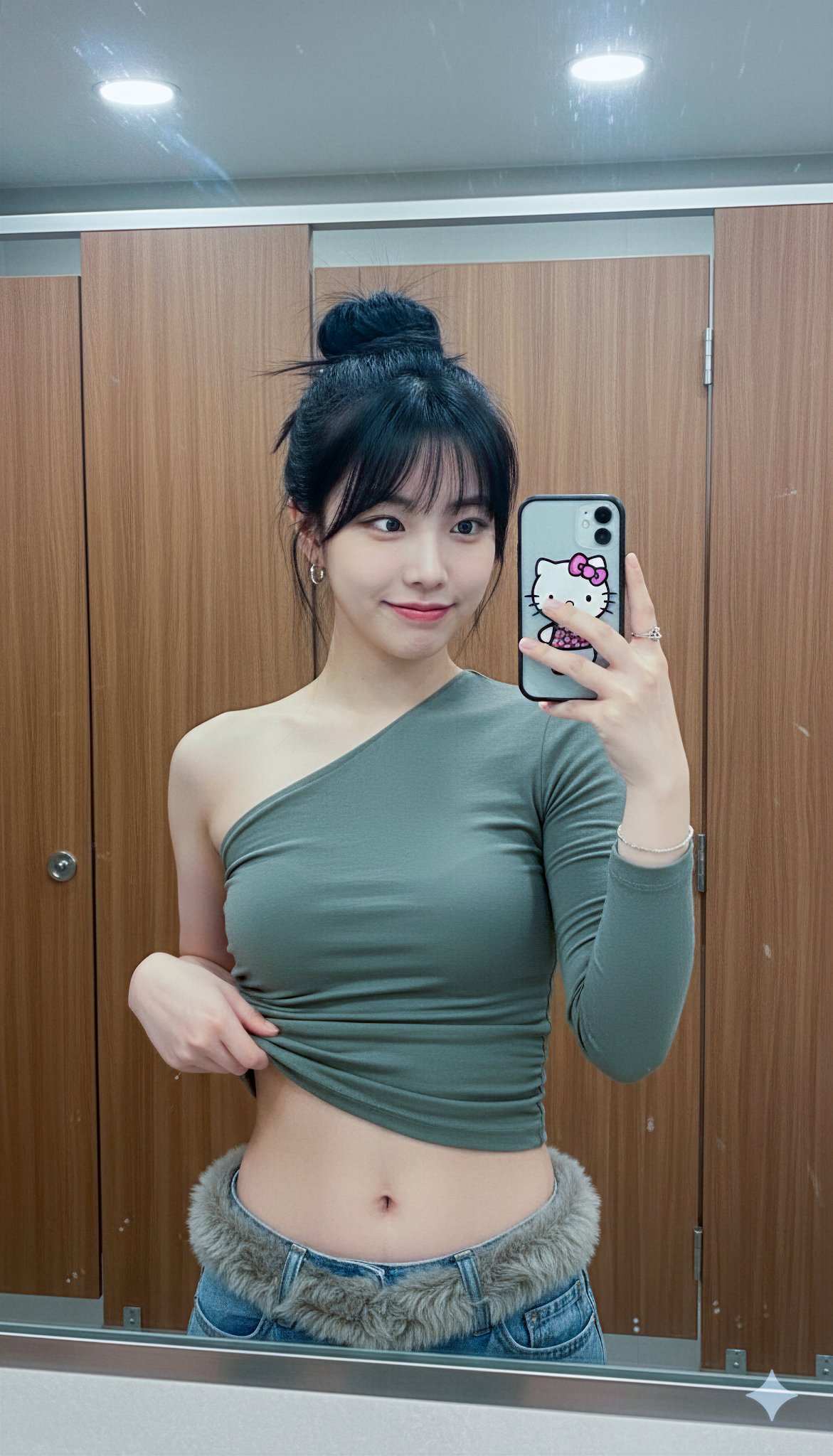
2、写实摄影,镜面自拍,垂直构图,中景。一位年轻女性在灰色瓷砖浴室对镜自拍,身穿纹理白色抹胸与白裙。画面核心是手机相机闪光造成的强烈镜头光斑和高光,明亮照亮人物及镜中手机反射,与昏暗的浴室环境(含马桶、深色门)形成高对比。镜中清晰反射人物长发、专注表情及手持手机的姿态。色彩以白、深灰、黑为主,辅以暖米、浅灰。带有低光环境下闪光的轻微颗粒感。强调真实手机拍摄的闪光效果与镜面构图。高清,细节丰富。
Category
创意图片
Model
Nano Banana Pro
Views0
Source ID
17e710cf-977f-45b9-81d4-bc4b6fca3037
Published
Mar 8, 2026

Guide

About "超逼真自拍提示词(日式餐厅和浴室)"

What is this prompt for?

"超逼真自拍提示词(日式餐厅和浴室)" AI image prompt for Nano Banana Pro (创意图片). 两个独立的逼真自拍提示。第一个提示生成一张在日本餐厅拍摄的温馨私密镜面自拍,重点突出特定的服装、配饰和温暖的室内照明。第二个提示生成一张在昏暗浴室中拍摄的高对比度、闪光灯照明的镜面自拍,强调…

The full copyable prompt and example visuals above are ready for AI image generation or one-click recreate in Picva.

How to use this prompt

  1. Step 1

    Open the prompt detail

    Review the example visuals, category, and full prompt text for "超逼真自拍提示词(日式餐厅和浴室)".

  2. Step 2

    Copy the prompt

    Copy the prompt body from this page, or load it directly in Studio.

  3. Step 3

    Pick a model (Nano Banana Pro)

    Prefer Nano Banana Pro. If you switch models, keep subject and composition and tweak style terms.

  4. Step 4

    Generate and export

    Recreate the look in Picva, or export into your workflow for editing and publishing.

FAQ

What is the "超逼真自拍提示词(日式餐厅和浴室)" prompt?
It is an AI image-generation prompt for Nano Banana Pro in the 创意图片 category. This page includes the full prompt text, example visuals, and a one-click recreate path in Picva.
How do I use this prompt to generate an image?
Copy the prompt from this page, or use Generate / Studio. Paste it into a compatible image model, or recreate the look in Picva with optional reference images.
Which model is this prompt for?
This page lists Nano Banana Pro. Most descriptive prompts also transfer to nearby image models such as GPT Image, Flux, or Midjourney with light style tweaks.
Can I use the result commercially?
You can usually copy the prompt for creation, but commercial use of the final image depends on the model terms, reference-image rights, and the generated content. Follow the source author and platform rules.