20

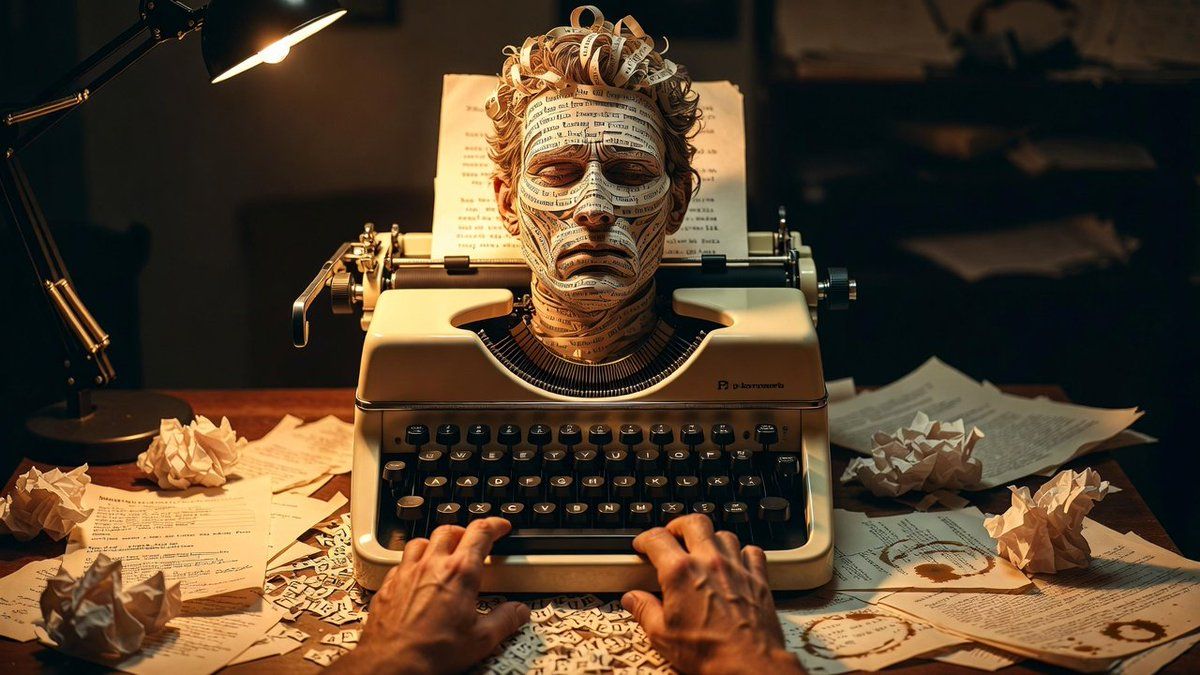
打字机艺术作品展示场景
Enlarge

打字机艺术作品展示场景

Prompt
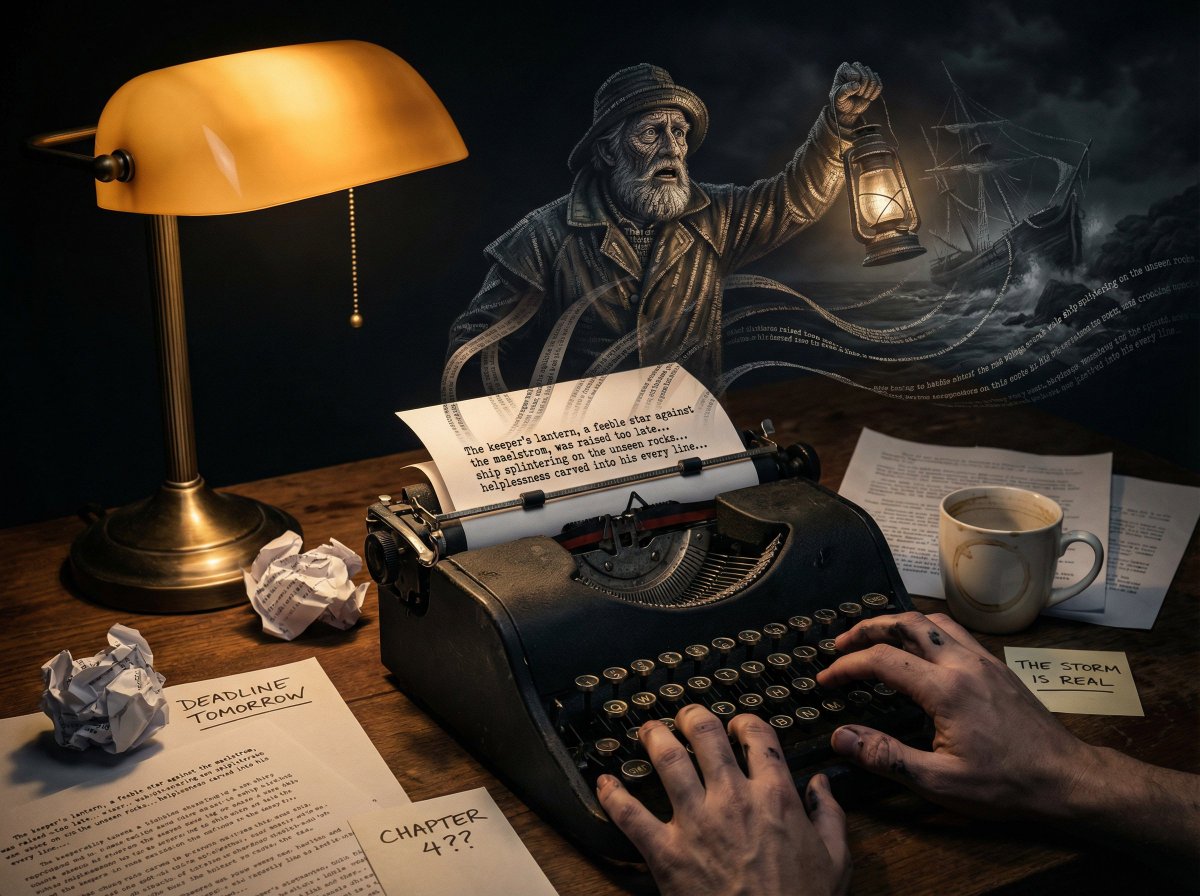
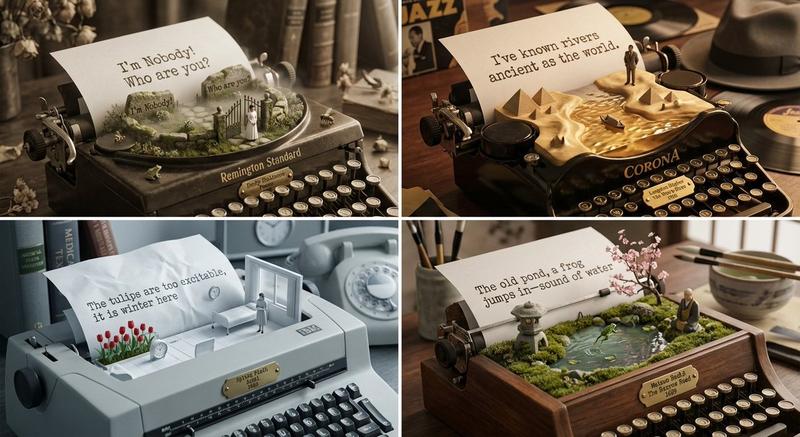
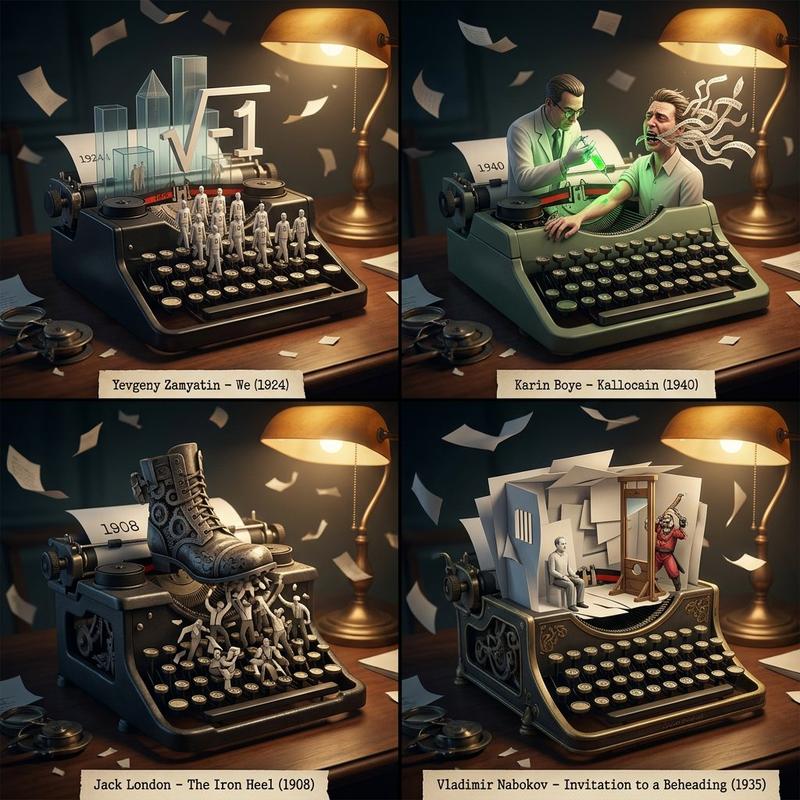
A vintage typewriter on a writer's desk, with the {argument name="subject" default="[SUBJECT]"} materializing from the words being typed, rising from the page as narrative becomes reality. Letters at the base are still flat ink, sentences curl upward becoming ribbons of text that weave into three-dimensional form, [KEY FEATURES] fully realized at the apex while origin remains visible as pure language. The [SUBJECT] is literally made of story, words still legible in skin and surface. Fresh typing continues below, feeding the manifestation. Crumpled drafts, coffee rings, deadline notes surround the machine. The ribbon bleeds into being. The writer's hands hover at keys, unsure if they control this anymore. Late night desk lamp casting harsh pool of light, noir shadows, amber and cream tones, 8K, the fiction that writes itself.
Category
创意图片
Model
Nano Banana Pro
Views0
Source ID
b76bc11d-1560-4a78-adb2-e173d324b726
Published
Mar 8, 2026

Guide

About "打字机艺术作品展示场景"

What is this prompt for?

"打字机艺术作品展示场景" AI image prompt for Nano Banana Pro (创意图片). 一个创意提示,用于生成打字机艺术风格的图像,其中主体由一台老式打字机上打出的文字构成。它强调主体由清晰可辨的文字字面组成,置身于一个充满黑色阴影的深夜作家书桌环境中。 --- 一台老式打字机放在作家的书…

The full copyable prompt and example visuals above are ready for AI image generation or one-click recreate in Picva.

How to use this prompt

  1. Step 1

    Open the prompt detail

    Review the example visuals, category, and full prompt text for "打字机艺术作品展示场景".

  2. Step 2

    Copy the prompt

    Copy the prompt body from this page, or load it directly in Studio.

  3. Step 3

    Pick a model (Nano Banana Pro)

    Prefer Nano Banana Pro. If you switch models, keep subject and composition and tweak style terms.

  4. Step 4

    Generate and export

    Recreate the look in Picva, or export into your workflow for editing and publishing.

FAQ

What is the "打字机艺术作品展示场景" prompt?
It is an AI image-generation prompt for Nano Banana Pro in the 创意图片 category. This page includes the full prompt text, example visuals, and a one-click recreate path in Picva.
How do I use this prompt to generate an image?
Copy the prompt from this page, or use Generate / Studio. Paste it into a compatible image model, or recreate the look in Picva with optional reference images.
Which model is this prompt for?
This page lists Nano Banana Pro. Most descriptive prompts also transfer to nearby image models such as GPT Image, Flux, or Midjourney with light style tweaks.
Can I use the result commercially?
You can usually copy the prompt for creation, but commercial use of the final image depends on the model terms, reference-image rights, and the generated content. Follow the source author and platform rules.