17

第一人称 AR 购物界面叠加
Enlarge

第一人称 AR 购物界面叠加

Prompt
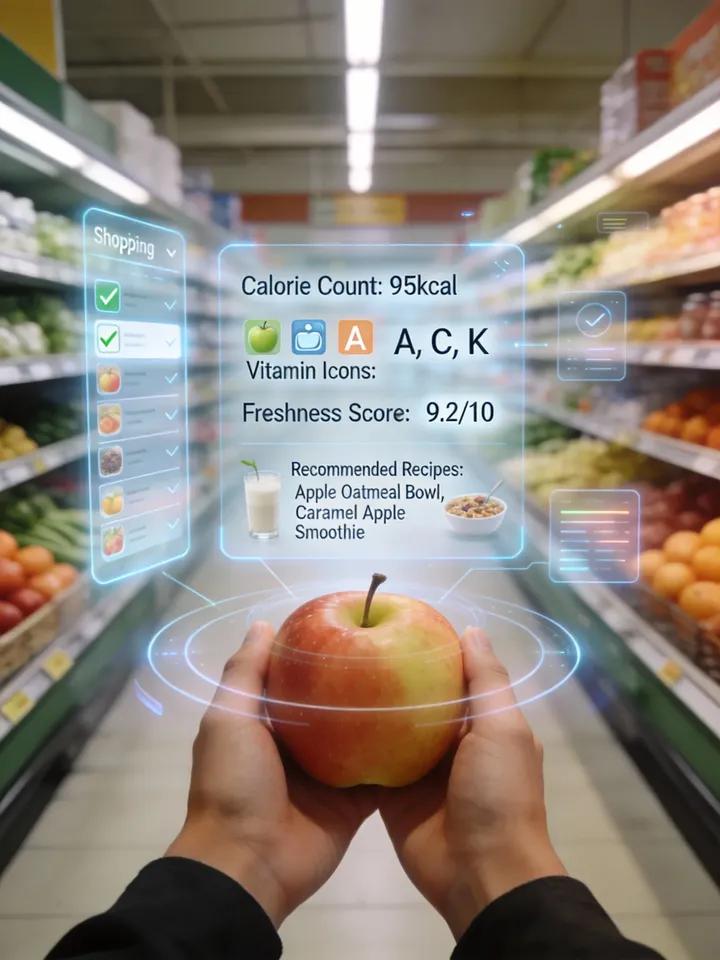
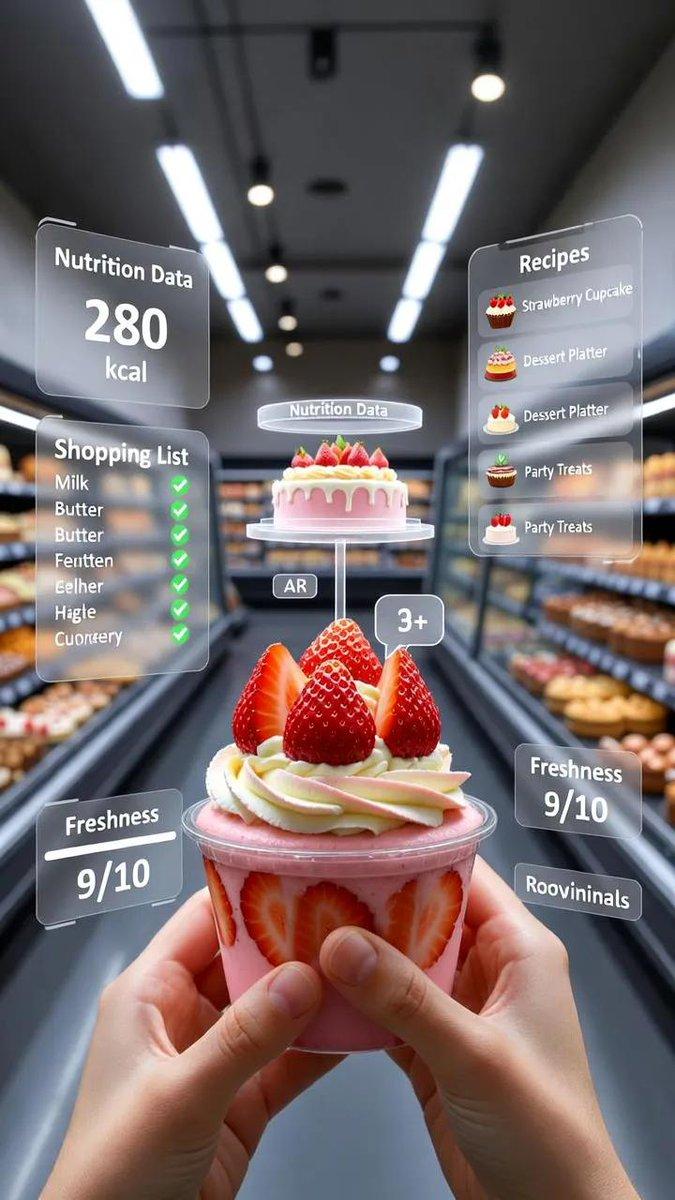
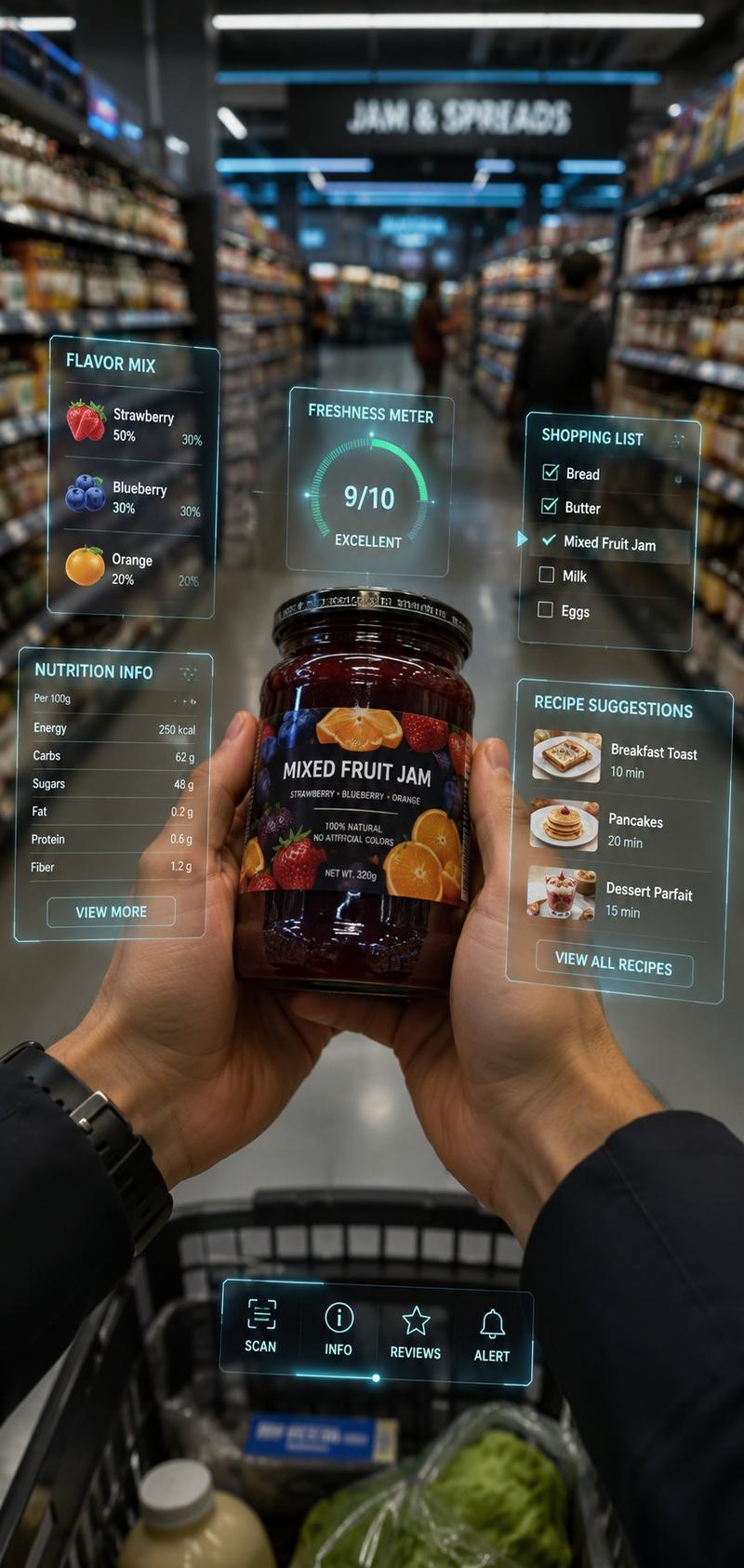
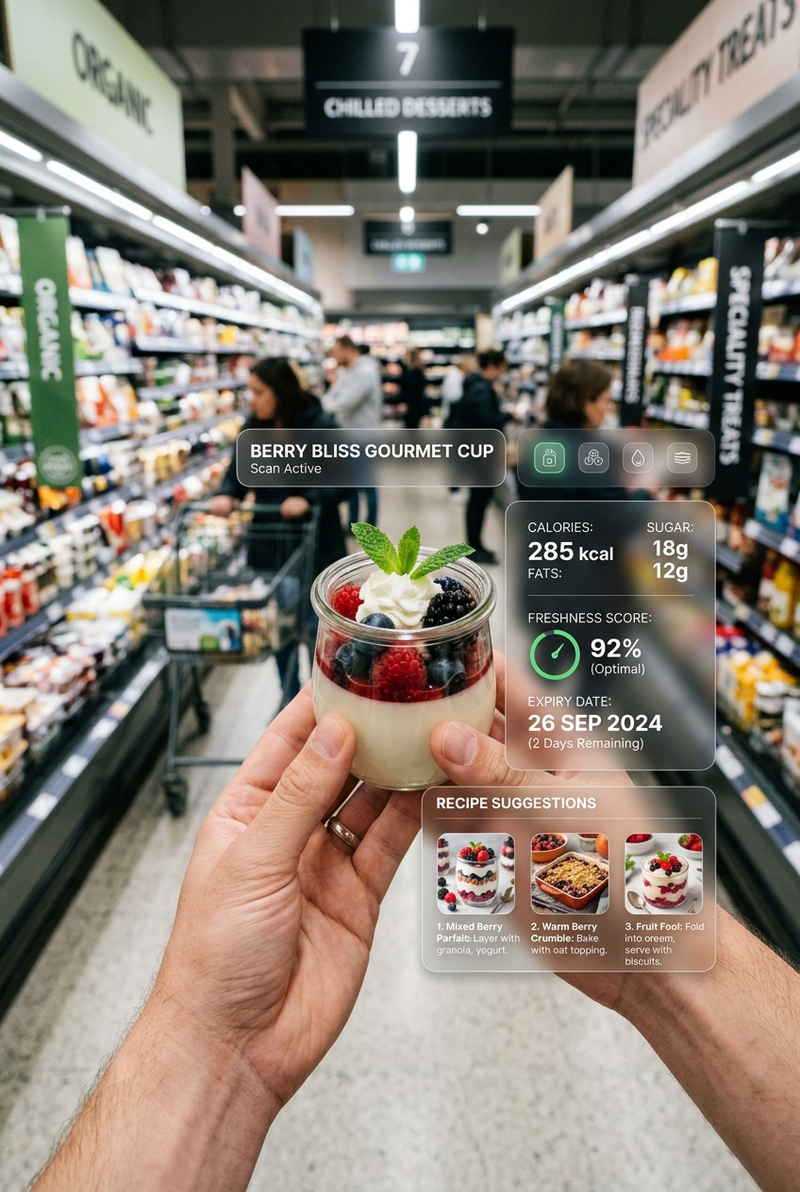
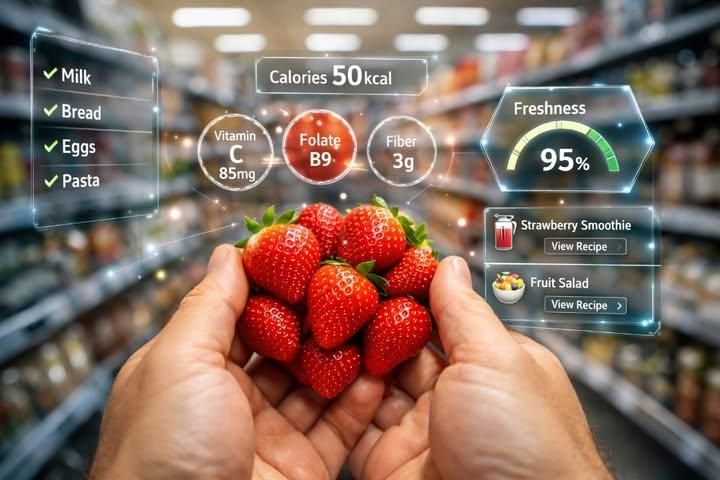
A realistic first-person perspective (POV) shot of a person's hands holding a bunch of fresh, red strawberries in a blurred supermarket aisle. The image features a futuristic Augmented Reality (AR) interface overlay.

Glowing holographic graphics surround the strawberries displaying nutritional information like 'Calories {argument name="calories" default="50kcal"}', 'Vitamin C', 'Folate', and 'Fiber'. On the right, a digital gauge shows 'Freshness {argument name="freshness" default="95%"}' and recipe suggestions like 'Strawberry Smoothie'. On the left, a holographic shopping list checks off items like Milk and Bread.

High-tech, smart shopping concept, photorealistic lighting, 8k resolution.
Category
创意图片
Model
Nano Banana Pro
Creator
𝐌
Views0
Source ID
db9ee9c6-6be6-4c13-89f2-79fcc03e58de
Published
Mar 8, 2026

Guide

About "第一人称 AR 购物界面叠加"

What is this prompt for?

"第一人称 AR 购物界面叠加" AI image prompt for Nano Banana Pro (创意图片). 此提示生成一张逼真的第一人称视角 (POV) 图像,画面中手持草莓,并叠加了一个未来感的增强现实 (AR) 界面,显示营养成分、新鲜度量表和全息购物清单,强调高科技、照片级的照明效果。 --- 一…

The full copyable prompt and example visuals above are ready for AI image generation or one-click recreate in Picva.

How to use this prompt

  1. Step 1

    Open the prompt detail

    Review the example visuals, category, and full prompt text for "第一人称 AR 购物界面叠加".

  2. Step 2

    Copy the prompt

    Copy the prompt body from this page, or load it directly in Studio.

  3. Step 3

    Pick a model (Nano Banana Pro)

    Prefer Nano Banana Pro. If you switch models, keep subject and composition and tweak style terms.

  4. Step 4

    Generate and export

    Recreate the look in Picva, or export into your workflow for editing and publishing.

FAQ

What is the "第一人称 AR 购物界面叠加" prompt?
It is an AI image-generation prompt for Nano Banana Pro in the 创意图片 category. This page includes the full prompt text, example visuals, and a one-click recreate path in Picva.
How do I use this prompt to generate an image?
Copy the prompt from this page, or use Generate / Studio. Paste it into a compatible image model, or recreate the look in Picva with optional reference images.
Which model is this prompt for?
This page lists Nano Banana Pro. Most descriptive prompts also transfer to nearby image models such as GPT Image, Flux, or Midjourney with light style tweaks.
Can I use the result commercially?
You can usually copy the prompt for creation, but commercial use of the final image depends on the model terms, reference-image rights, and the generated content. Follow the source author and platform rules.