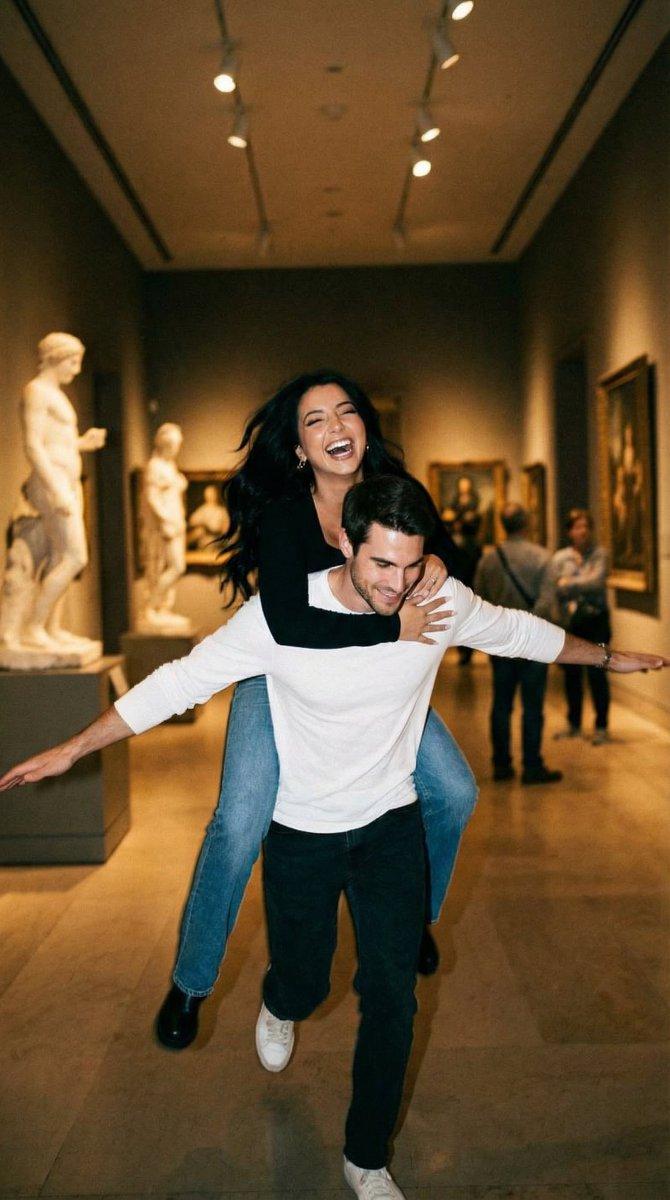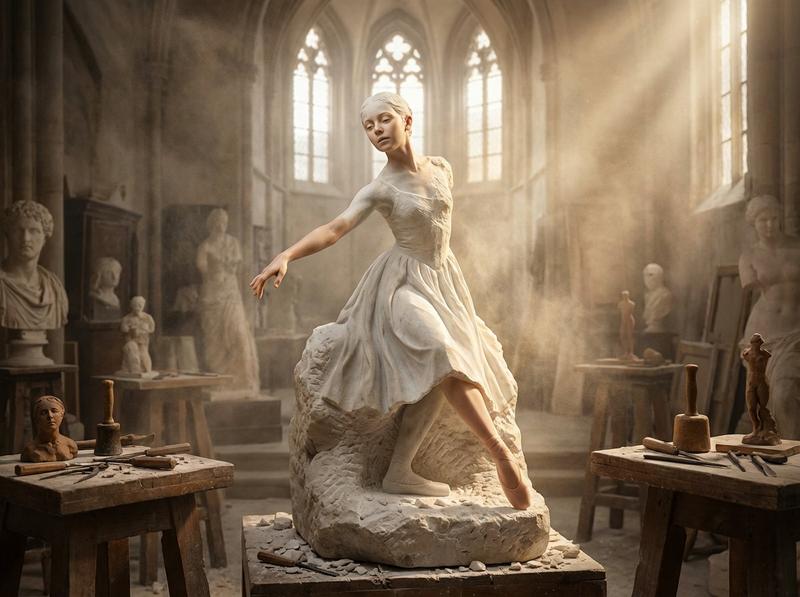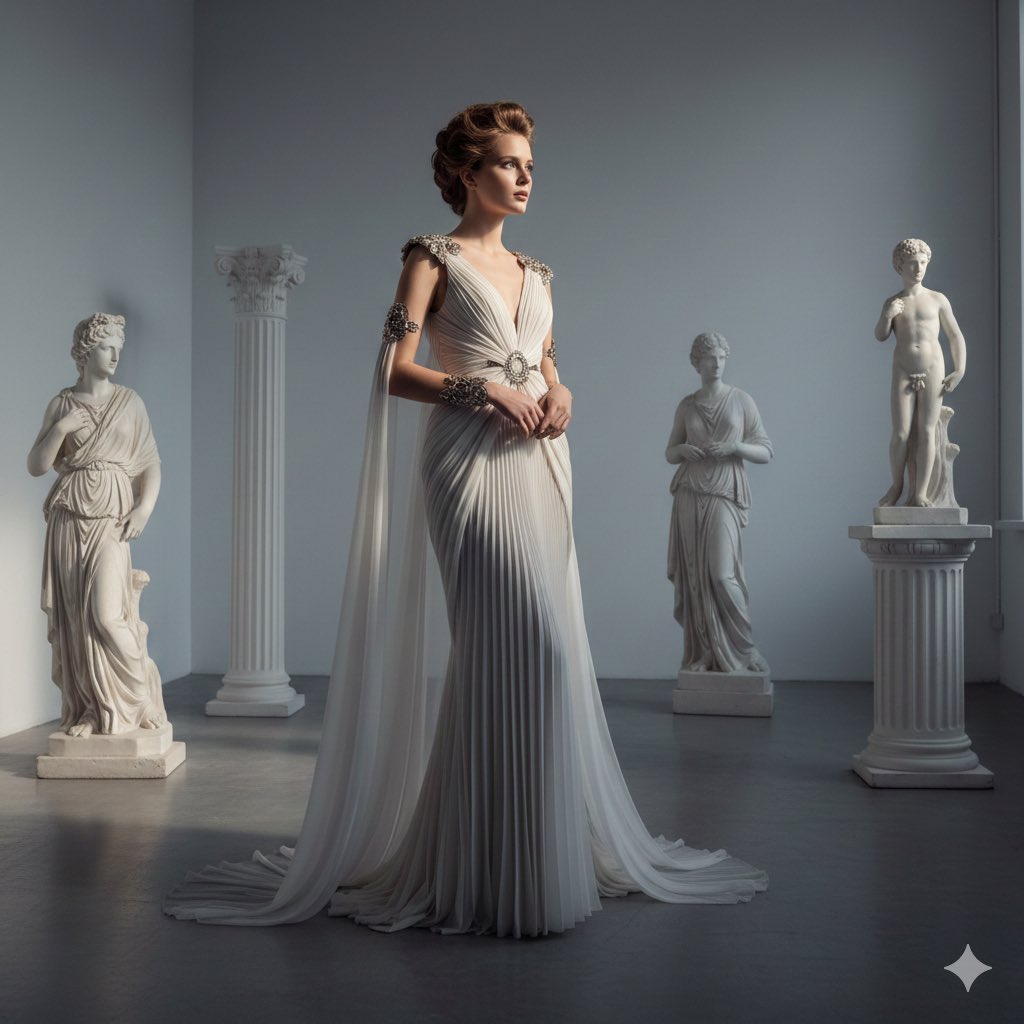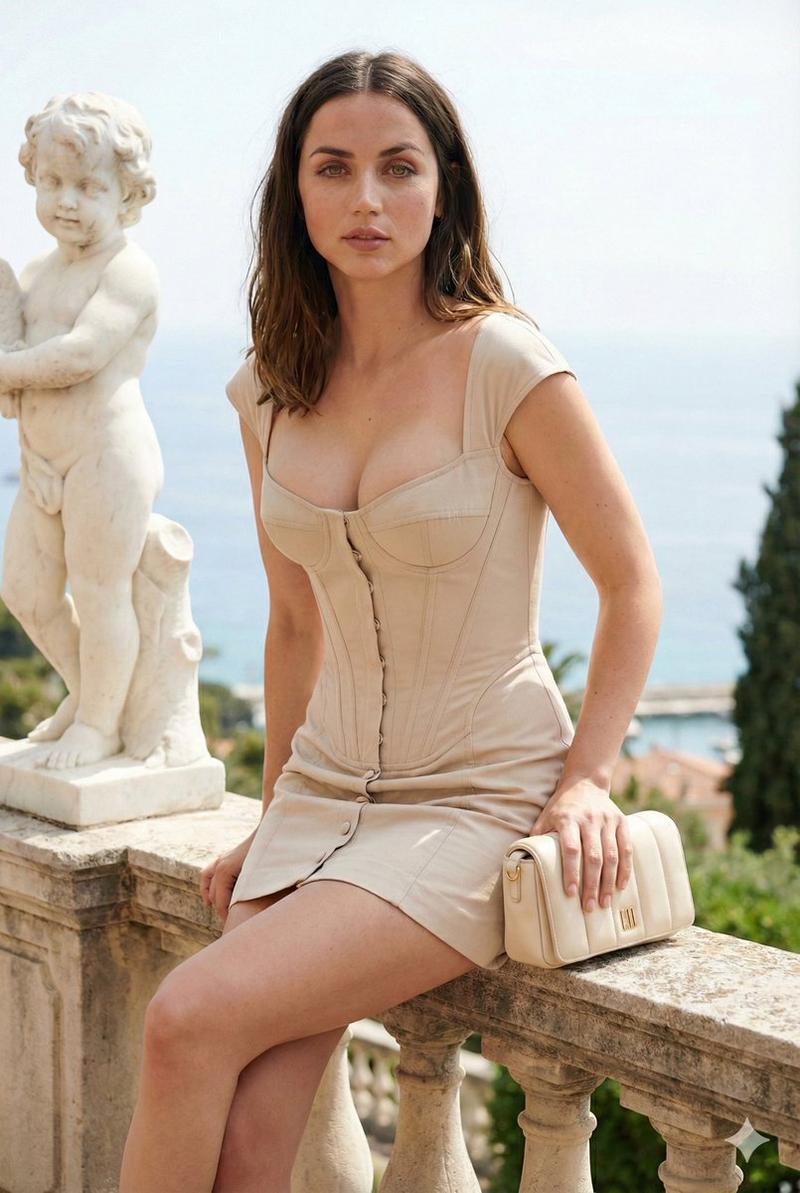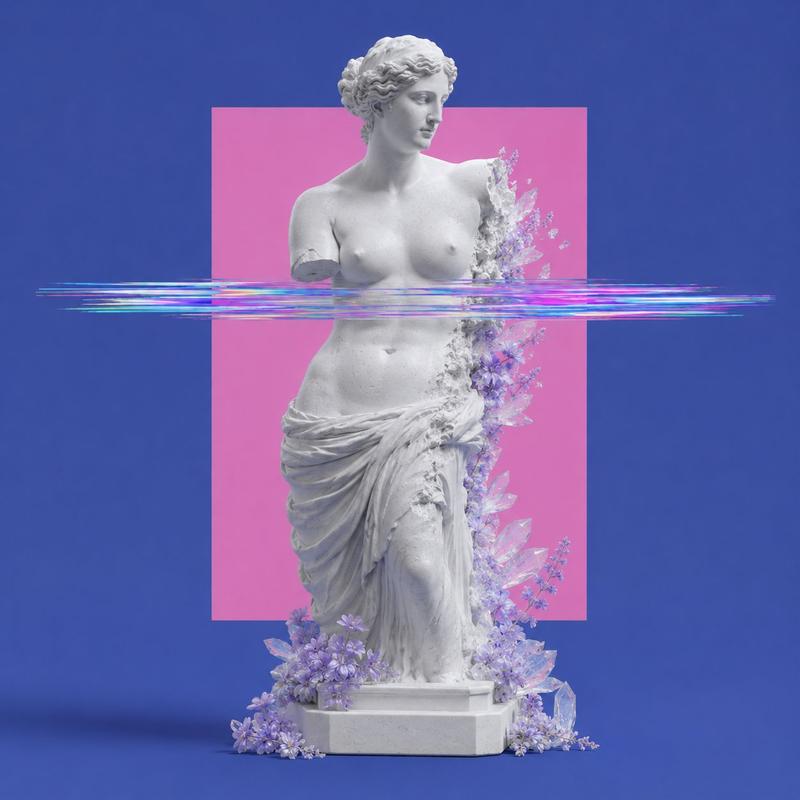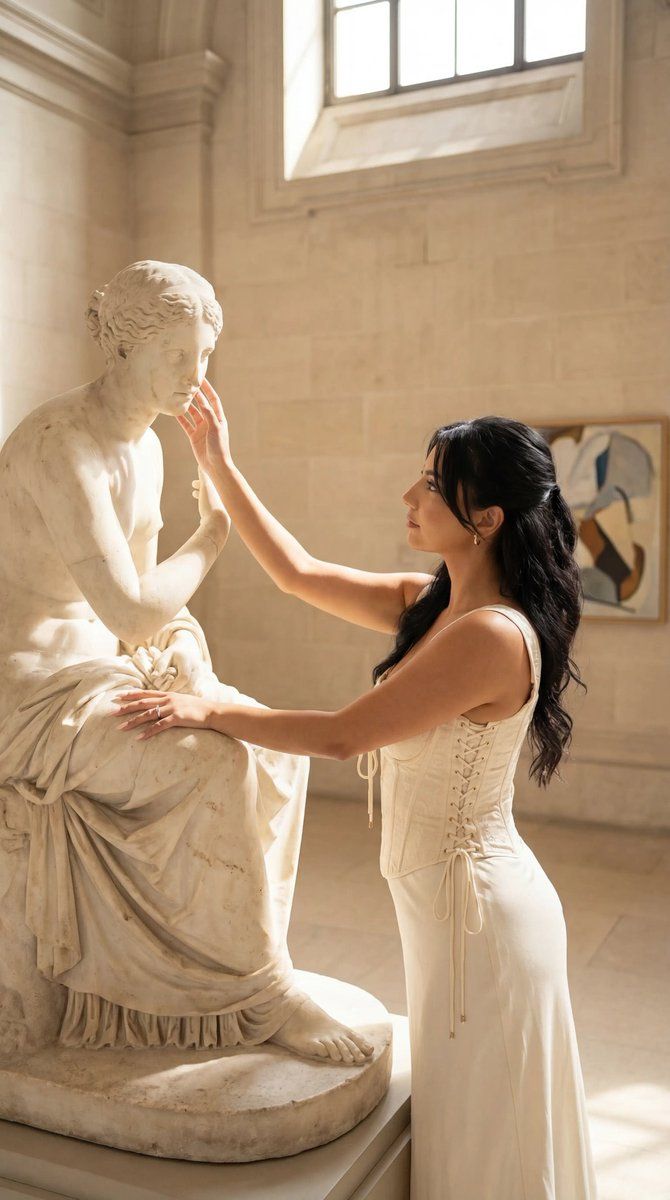
博物馆中与古典雕塑合影的编辑肖像
Prompt
{
  "generation_request": {
    "meta_data": {
      "tool": "NanoBanana Pro",
      "task_type": "photoreal_museum_classical_statue_editorial_portrait",
      "version": "v1.0_MUSEUM_STATUE_TOUCH_CREAM_CORSET_DRESS_SOFT_SUN_NO_TEXT_EN",
      "priority": "highest",
      "language": "en"
    },

    "references": {
      "reference_image_style": {
        "source": "UPLOAD_REFERENCE_IMAGE (REQUIRED)",
        "purpose": "STYLE_COMPOSITION_LIGHTING_ANCHOR",
        "strict_lock": true,
        "preserve_composition": true,
        "preserve_lighting": true,
        "preserve_palette": true,
        "preserve_vibe": true
      },
      "reference_image_face": {
        "source": "UPLOAD_REFERENCE_IMAGE (OPTIONAL)",
        "purpose": "FACE_IDENTITY_LOCK",
        "strict_lock": true,
        "face_similarity_priority": "MAX",
        "no_identity_blending": true,
        "no_beautify": true,
        "no_age_shift": true,
        "preserve_skin_texture": true,
        "preserve_facial_proportions": true,
        "preserve_moles_freckles_scars": true
      }
    },

    "global_constraints": {
      "rating": "PG-13",
      "no_nudity": true,
      "no_explicit_sexual_content": true,
      "no_logos": true,
      "no_watermark": true,
      "no_readable_text": true
    },

    "output_settings": {
      "aspect_ratio": "9:16",
      "orientation": "portrait",
      "resolution_target": "ultra_high_res",
      "render_style": "cinematic_photoreal_editorial",
      "sharpness": "crisp_but_natural",
      "film_grain": "subtle_35mm",
      "color_grade": "warm_creamy_beige_soft_sun",
      "dynamic_range": "natural_not_hdr",
      "skin_rendering": "real_texture_no_retouch"
    },

    "creative_prompt": {
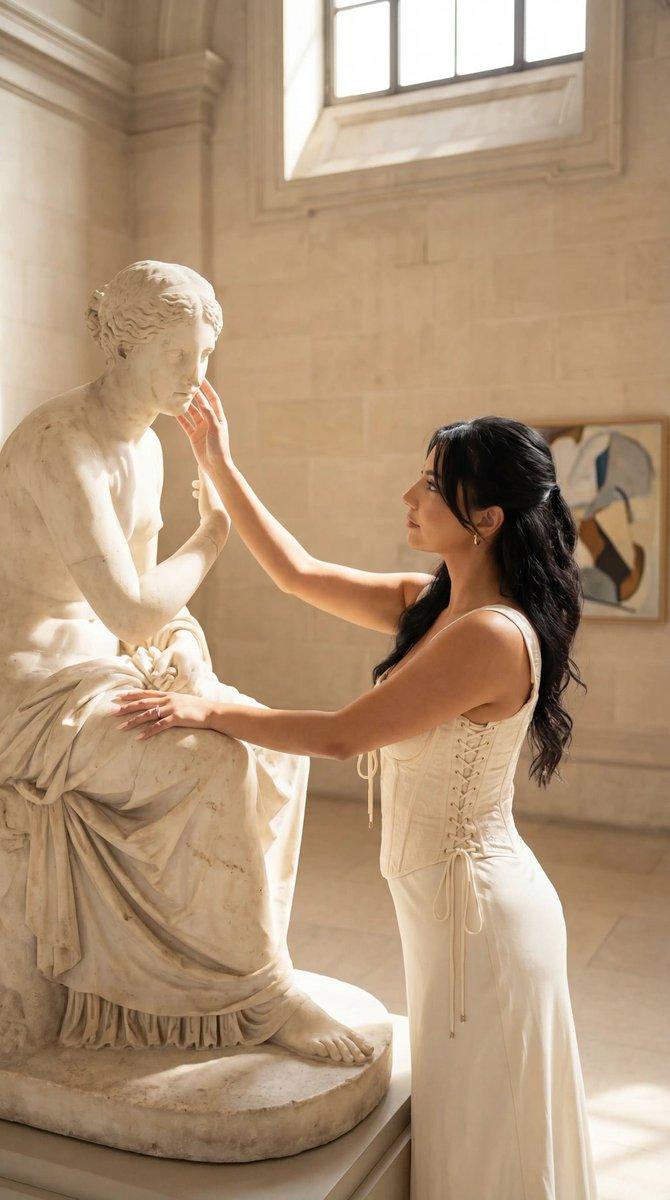
"scene_summary": "Create a photoreal editorial portrait in a classical museum/gallery space with pale stone walls and soft midday sunlight. Composition: vertical 9:16.\n\nForeground left: a large white marble classical statue (seated figure) with realistic stone texture, chips, and patina. The statue is modest and museum-appropriate.\n\nForeground right: one adult woman standing in profile facing left, gently touching the statue’s cheek/chin with her right hand (a delicate, respectful gesture). Her expression is calm and contemplative, looking toward the statue.\n\nWardrobe & styling: cream/beige corset-style top with visible lace-up ribbon detailing and decorative trim; paired with an ivory/white long skirt. Accessories: small gold earrings, thin bracelet, a small shoulder bag with a chain strap. Hair: dark brown, half-up with soft waves, neat and glossy. Makeup: natural, warm, minimal.\n\nBackground: a framed abstract artwork on the wall (NO readable text, NO logos), softly out of focus. Lighting: natural sun beam with gentle shadows and realistic highlights on marble and skin. Camera feel: premium candid editorial, shallow depth of field, realistic skin texture, no over-retouching.\n\nKeep everything elegant, quie"- Category
- 创意图片
- Model
- Nano Banana Pro
- Creator
- Özge Döner
- Source ID
- 42c5d405-c1d1-4b7e-ad8f-951765eb86b9
- Published
- Mar 8, 2026
Views0