20

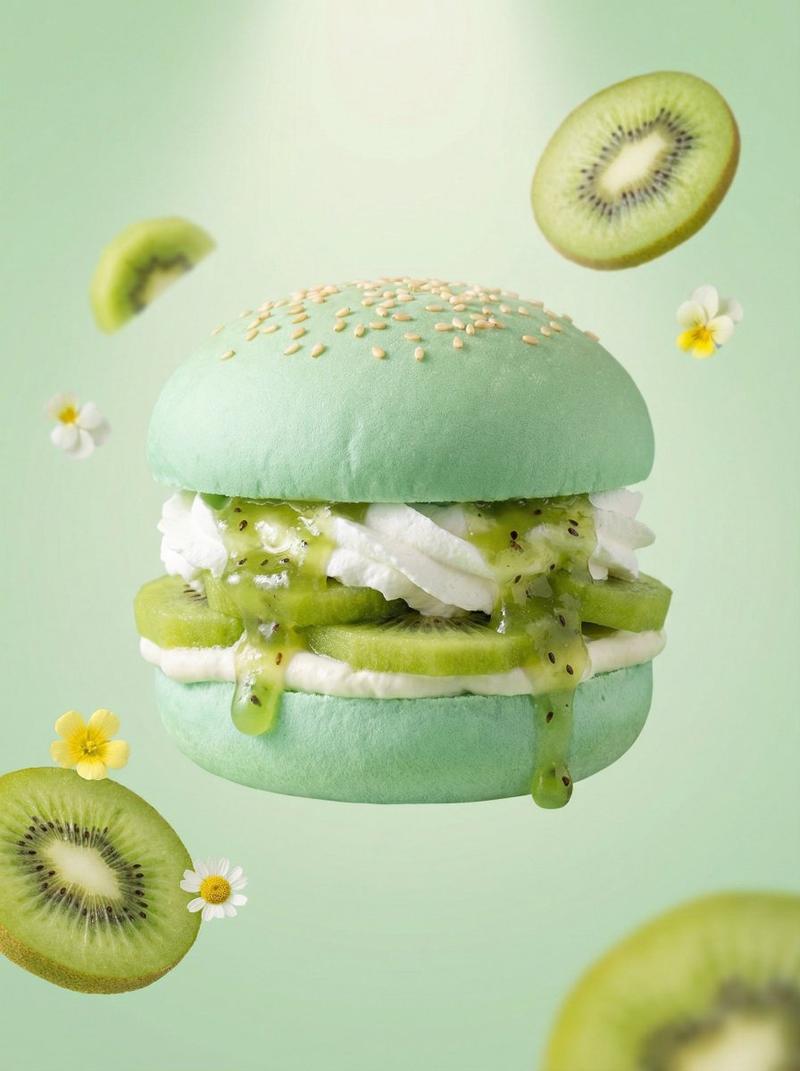
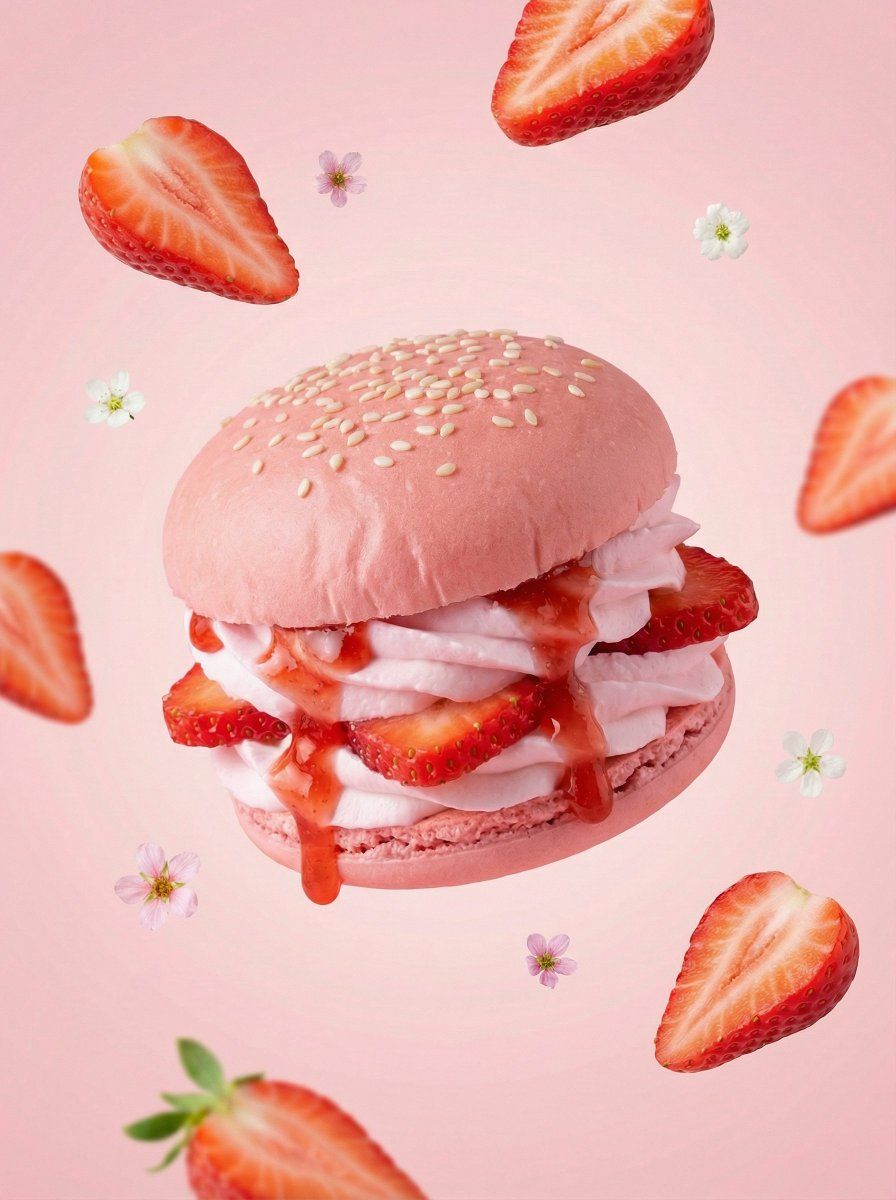
超逼真水果甜点汉堡
Enlarge

超逼真水果甜点汉堡

Prompt
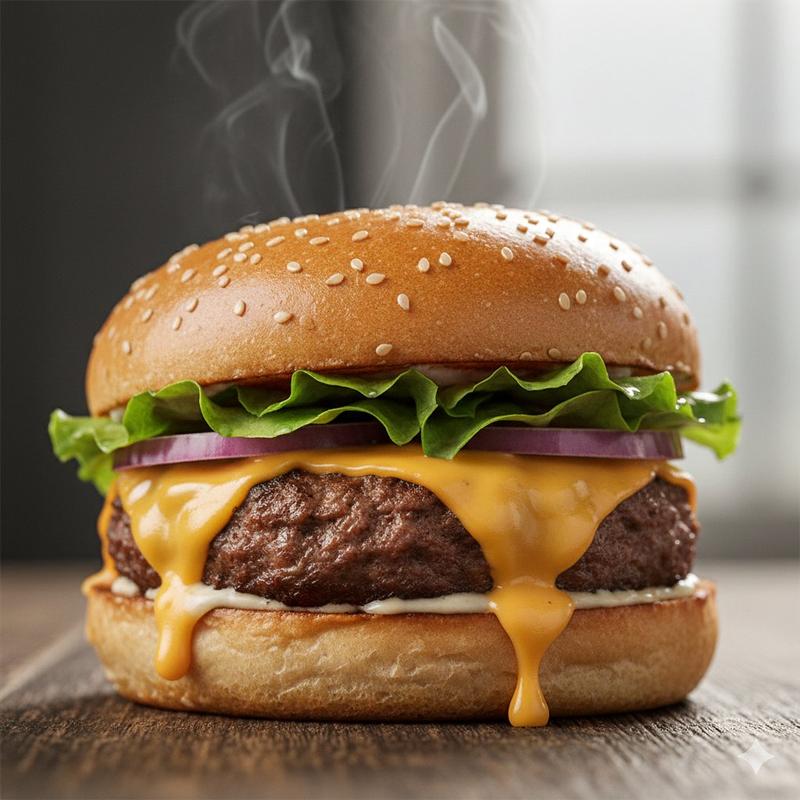
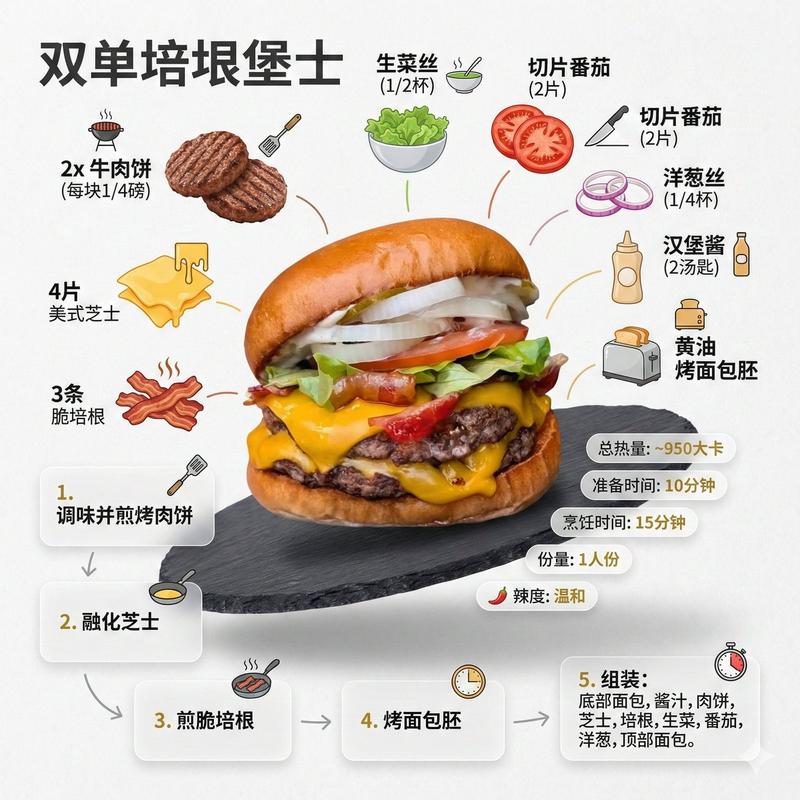
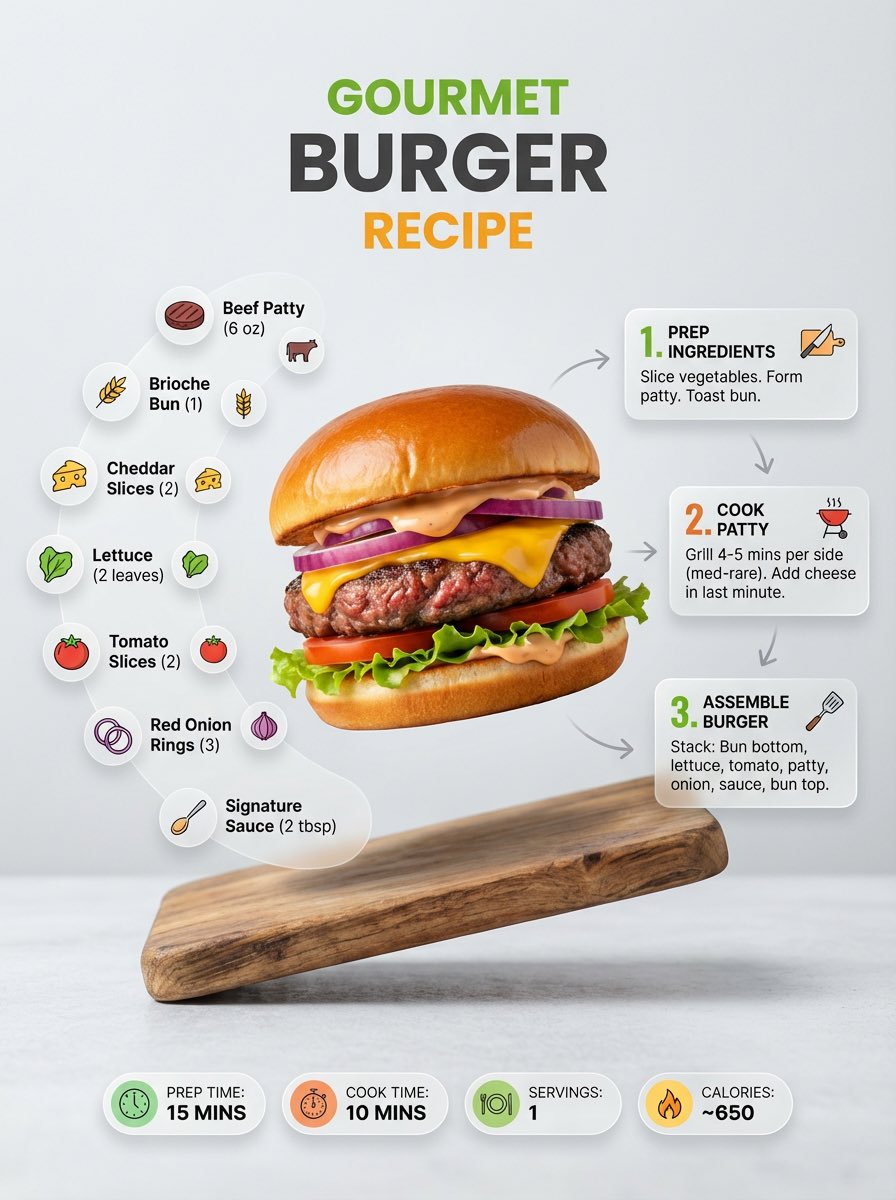
A hyper-realistic {argument name="fruit type" default="strawberry"} dessert burger, centered composition, soft pastel {argument name="fruit color" default="pink"} color palette. Fluffy {argument name="fruit color" default="pink"} burger buns with smooth matte texture and light sesame seeds on top. Layers of fresh sliced {argument name="fruit type" default="strawberry"} and airy white whipped cream inside, with glossy {argument name="fruit type" default="strawberry"} sauce dripping naturally. Floating {argument name="fruit type" default="strawberry"} slices and tiny flowers surrounding the burger. Minimal {argument name="fruit color" default="pink"} gradient background, soft studio lighting, luxury food advertising style, ultra clean, high detail, shallow depth of field.
Category
创意图片
Model
Nano Banana Pro
Creator
Latte
Views0
Source ID
0859c52e-69d4-455f-bb0f-829320c27d0e
Published
Mar 8, 2026

Guide

About "超逼真水果甜点汉堡"

What is this prompt for?

"超逼真水果甜点汉堡" AI image prompt for Nano Banana Pro (创意图片). 一个用于生成超现实、奢华水果甜点汉堡广告图片的模板提示。该提示使用占位符来表示水果类型和颜色,重点突出柔和的马卡龙色、哑光质感、光泽酱汁以及在简约渐变背景下的漂浮元素。 --- 一个超逼真的 {argume…

The full copyable prompt and example visuals above are ready for AI image generation or one-click recreate in Picva.

How to use this prompt

  1. Step 1

    Open the prompt detail

    Review the example visuals, category, and full prompt text for "超逼真水果甜点汉堡".

  2. Step 2

    Copy the prompt

    Copy the prompt body from this page, or load it directly in Studio.

  3. Step 3

    Pick a model (Nano Banana Pro)

    Prefer Nano Banana Pro. If you switch models, keep subject and composition and tweak style terms.

  4. Step 4

    Generate and export

    Recreate the look in Picva, or export into your workflow for editing and publishing.

FAQ

What is the "超逼真水果甜点汉堡" prompt?
It is an AI image-generation prompt for Nano Banana Pro in the 创意图片 category. This page includes the full prompt text, example visuals, and a one-click recreate path in Picva.
How do I use this prompt to generate an image?
Copy the prompt from this page, or use Generate / Studio. Paste it into a compatible image model, or recreate the look in Picva with optional reference images.
Which model is this prompt for?
This page lists Nano Banana Pro. Most descriptive prompts also transfer to nearby image models such as GPT Image, Flux, or Midjourney with light style tweaks.
Can I use the result commercially?
You can usually copy the prompt for creation, but commercial use of the final image depends on the model terms, reference-image rights, and the generated content. Follow the source author and platform rules.