20

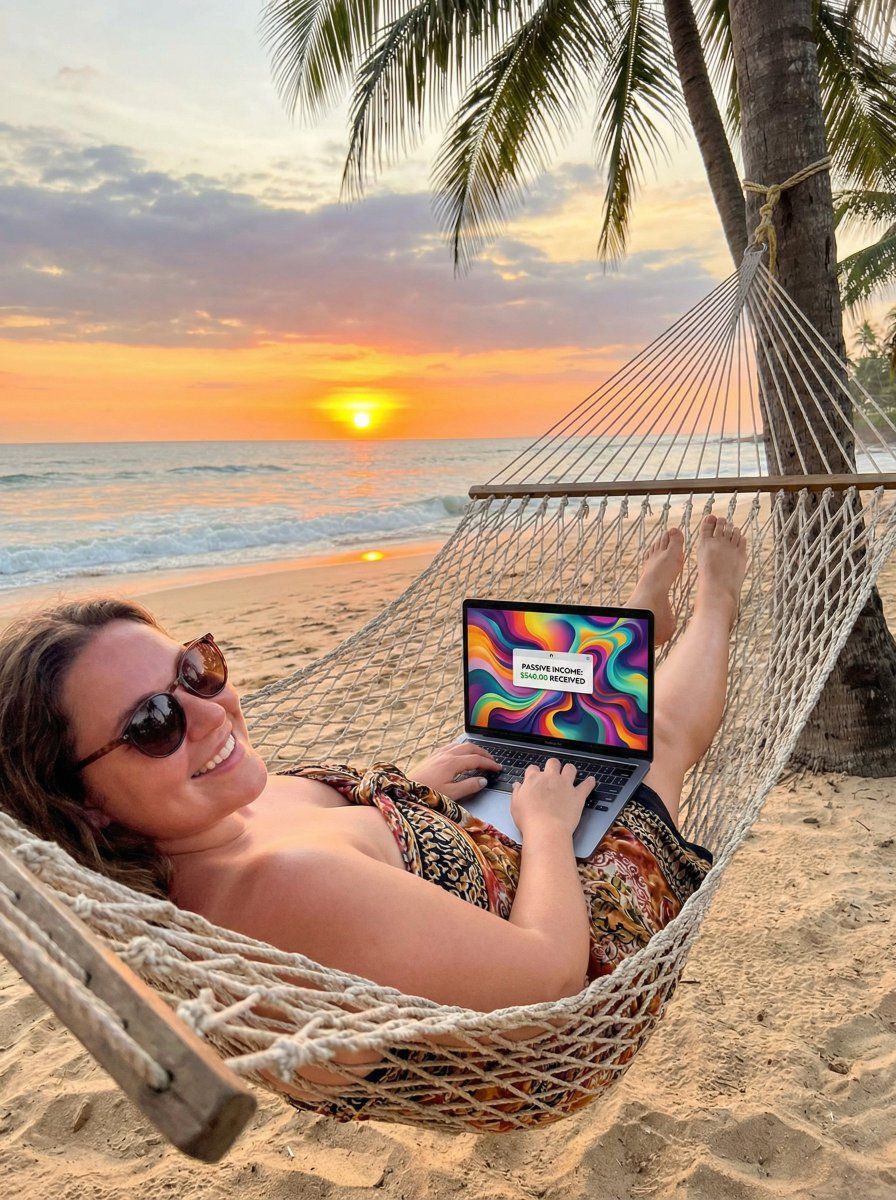
在沙滩吊床上生成 AI 艺术的数字游民的 JSON 提示
Enlarge

在沙滩吊床上生成 AI 艺术的数字游民的 JSON 提示

Prompt
{
 "scene": "Woman on beach hammock with laptop, generating AI art on screen", "subject": "Relaxed curvy nomad, sunglasses, flowy sarong, big smile", "pose": "Reclined, typing one-handed, ocean view", "details": "Sunset colors, waves crashing, passive income notification pop-up", "mood": "Freedom, financial independence via AI, motivational", "style": "Inspirational travel photo, golden hour, vibrant, 4k"
}
Category
创意图片
Model
Nano Banana Pro
Creator
RavelAI
Views0
Source ID
8eef7450-712f-43f4-947b-b17febde3fab
Published
Mar 8, 2026

Guide

About "在沙滩吊床上生成 AI 艺术的数字游民的 JSON 提示"

What is this prompt for?

"在沙滩吊床上生成 AI 艺术的数字游民的 JSON 提示" AI image prompt for Nano Banana Pro (创意图片). 为 Nano Banana Pro 设计的结构化提示,请求一张鼓舞人心的旅行照片:一位放松的、曲线优美的数字游民,在黄金时段的海滩吊床上,用笔记本电脑生成 AI 艺术,…

The full copyable prompt and example visuals above are ready for AI image generation or one-click recreate in Picva.

How to use this prompt

  1. Step 1

    Open the prompt detail

    Review the example visuals, category, and full prompt text for "在沙滩吊床上生成 AI 艺术的数字游民的 JSON 提示".

  2. Step 2

    Copy the prompt

    Copy the prompt body from this page, or load it directly in Studio.

  3. Step 3

    Pick a model (Nano Banana Pro)

    Prefer Nano Banana Pro. If you switch models, keep subject and composition and tweak style terms.

  4. Step 4

    Generate and export

    Recreate the look in Picva, or export into your workflow for editing and publishing.

FAQ

What is the "在沙滩吊床上生成 AI 艺术的数字游民的 JSON 提示" prompt?
It is an AI image-generation prompt for Nano Banana Pro in the 创意图片 category. This page includes the full prompt text, example visuals, and a one-click recreate path in Picva.
How do I use this prompt to generate an image?
Copy the prompt from this page, or use Generate / Studio. Paste it into a compatible image model, or recreate the look in Picva with optional reference images.
Which model is this prompt for?
This page lists Nano Banana Pro. Most descriptive prompts also transfer to nearby image models such as GPT Image, Flux, or Midjourney with light style tweaks.
Can I use the result commercially?
You can usually copy the prompt for creation, but commercial use of the final image depends on the model terms, reference-image rights, and the generated content. Follow the source author and platform rules.














