19

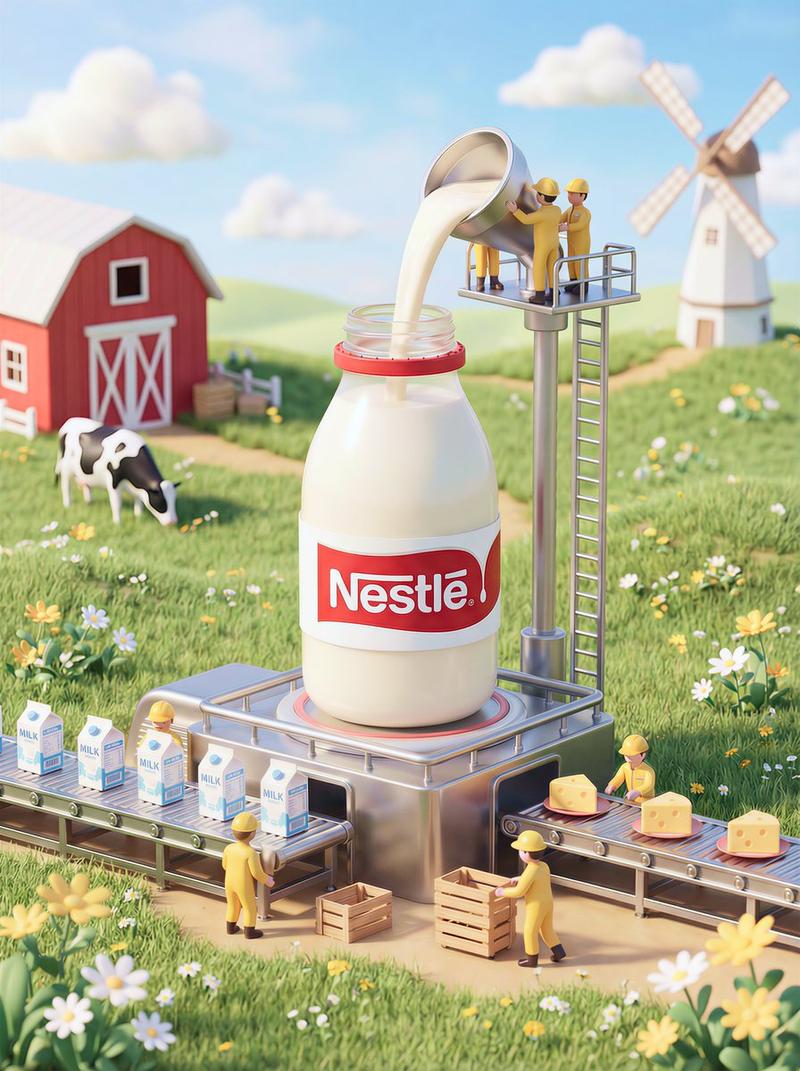
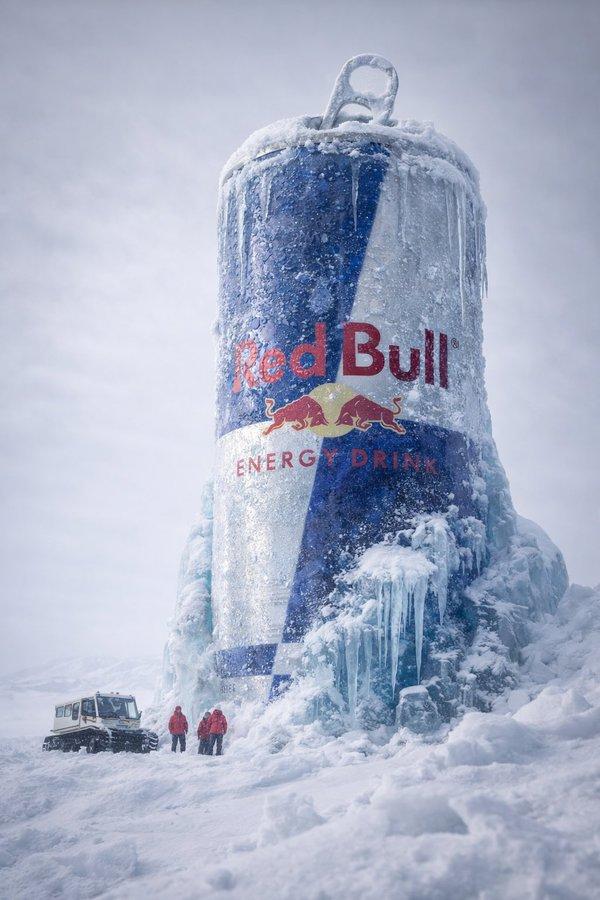
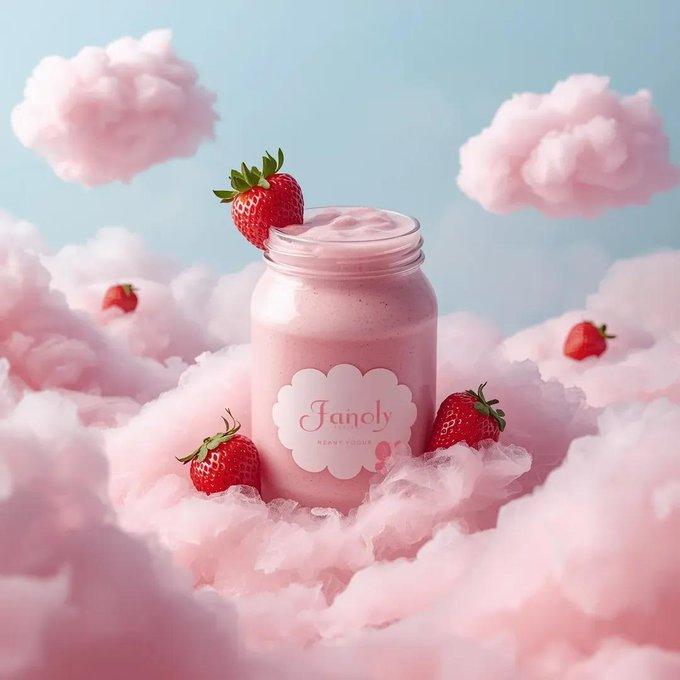
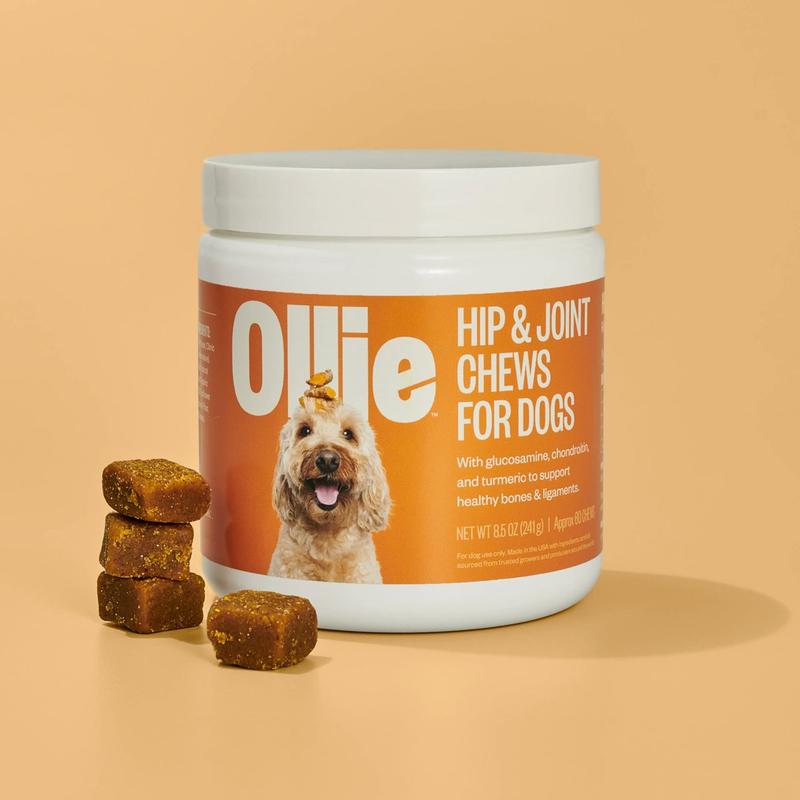
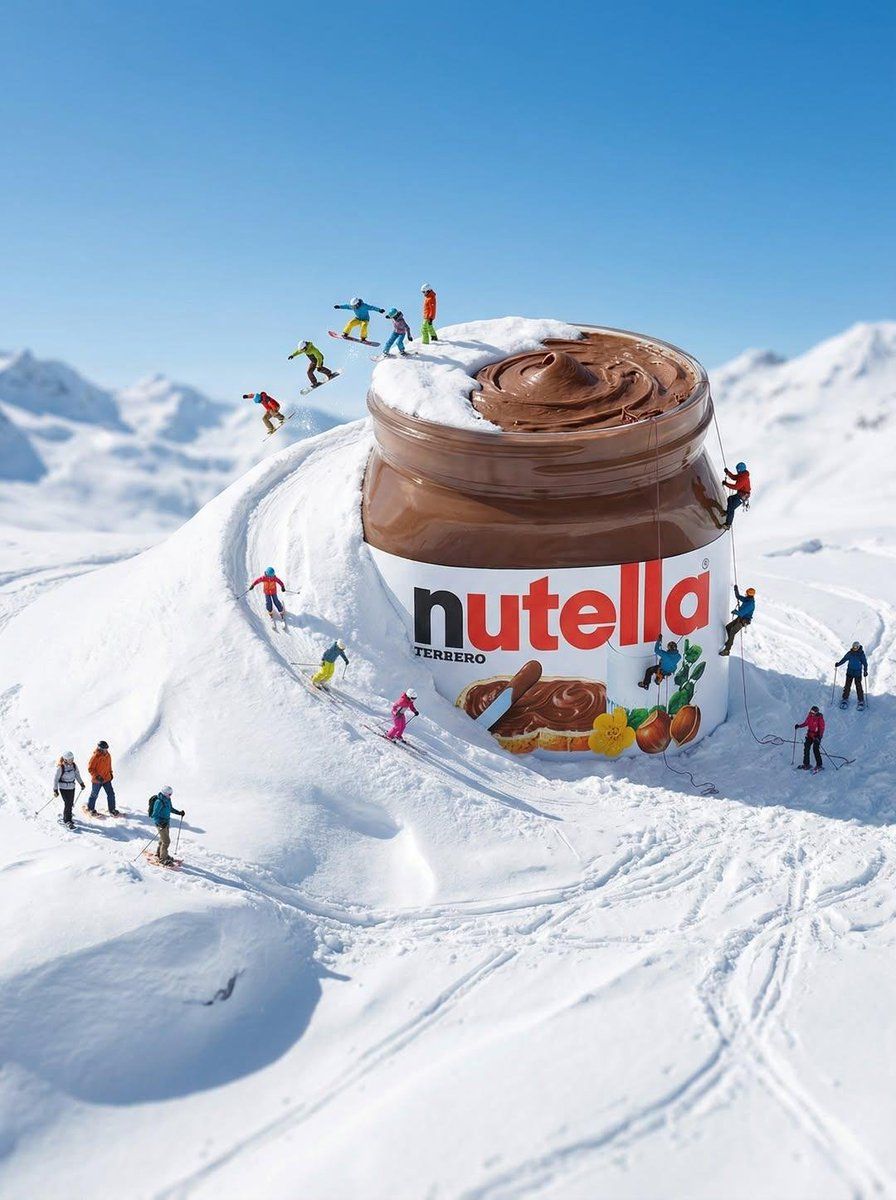
被雪覆盖的巨型产品与迷你探险家
Enlarge

被雪覆盖的巨型产品与迷你探险家

Prompt
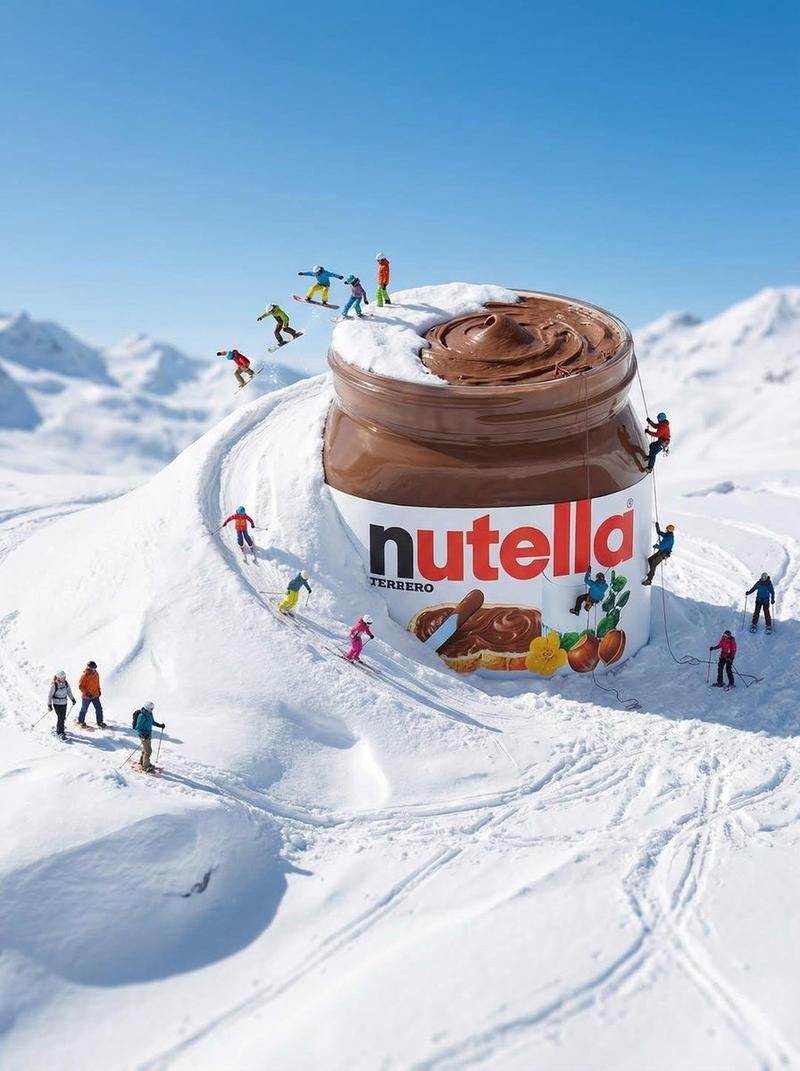
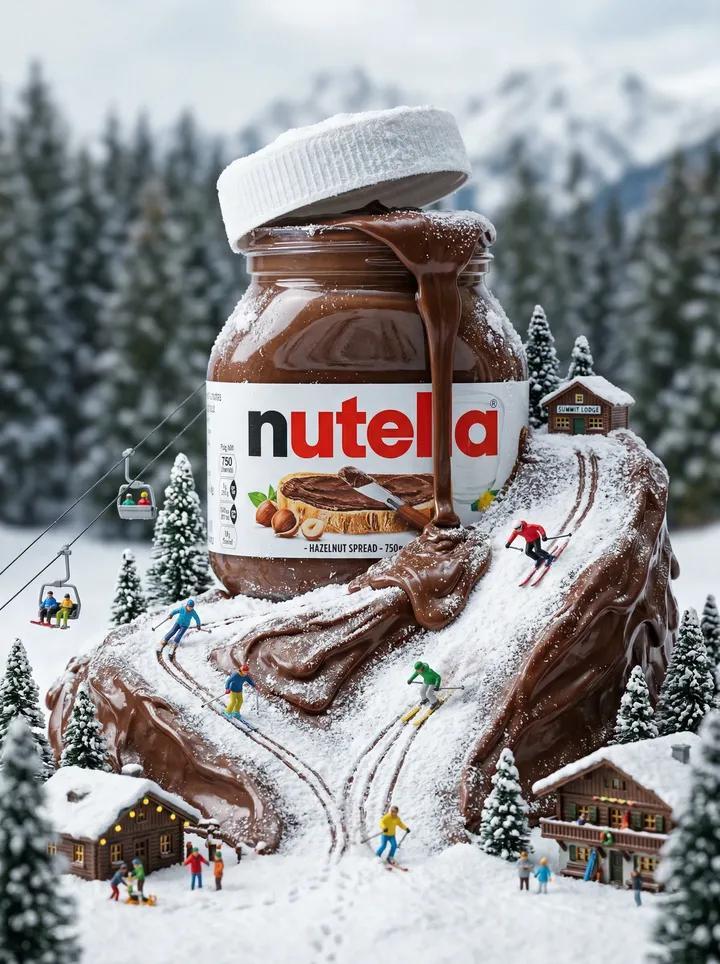
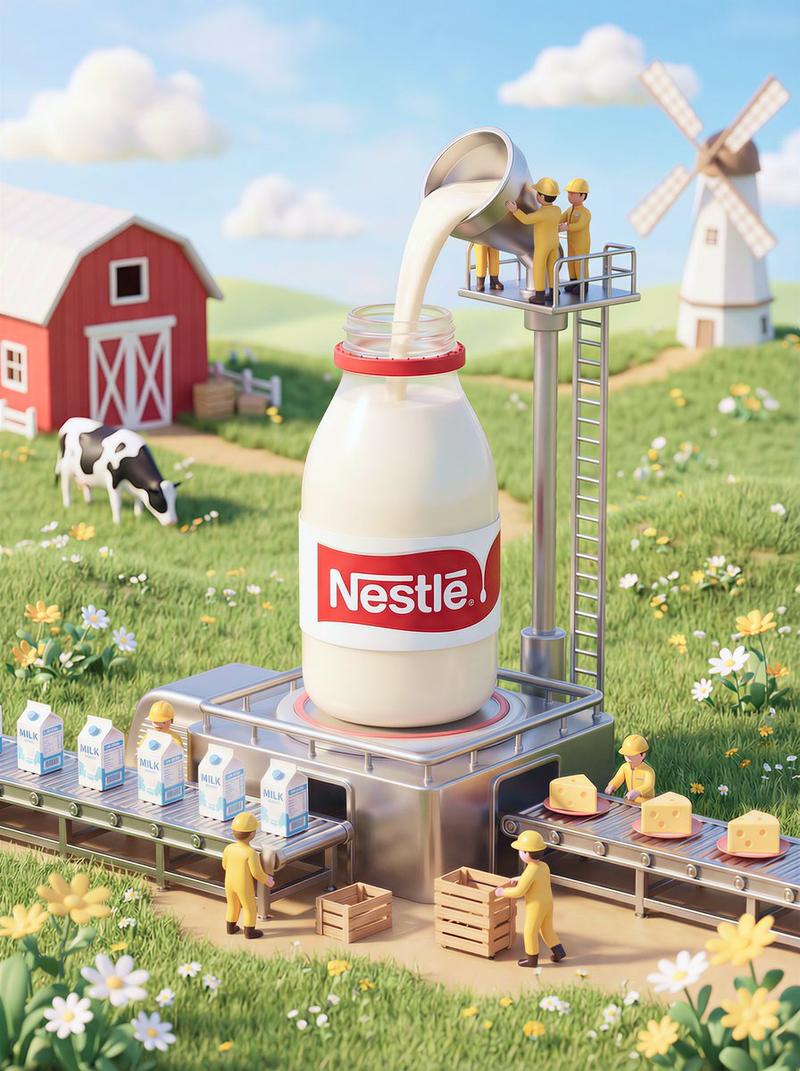
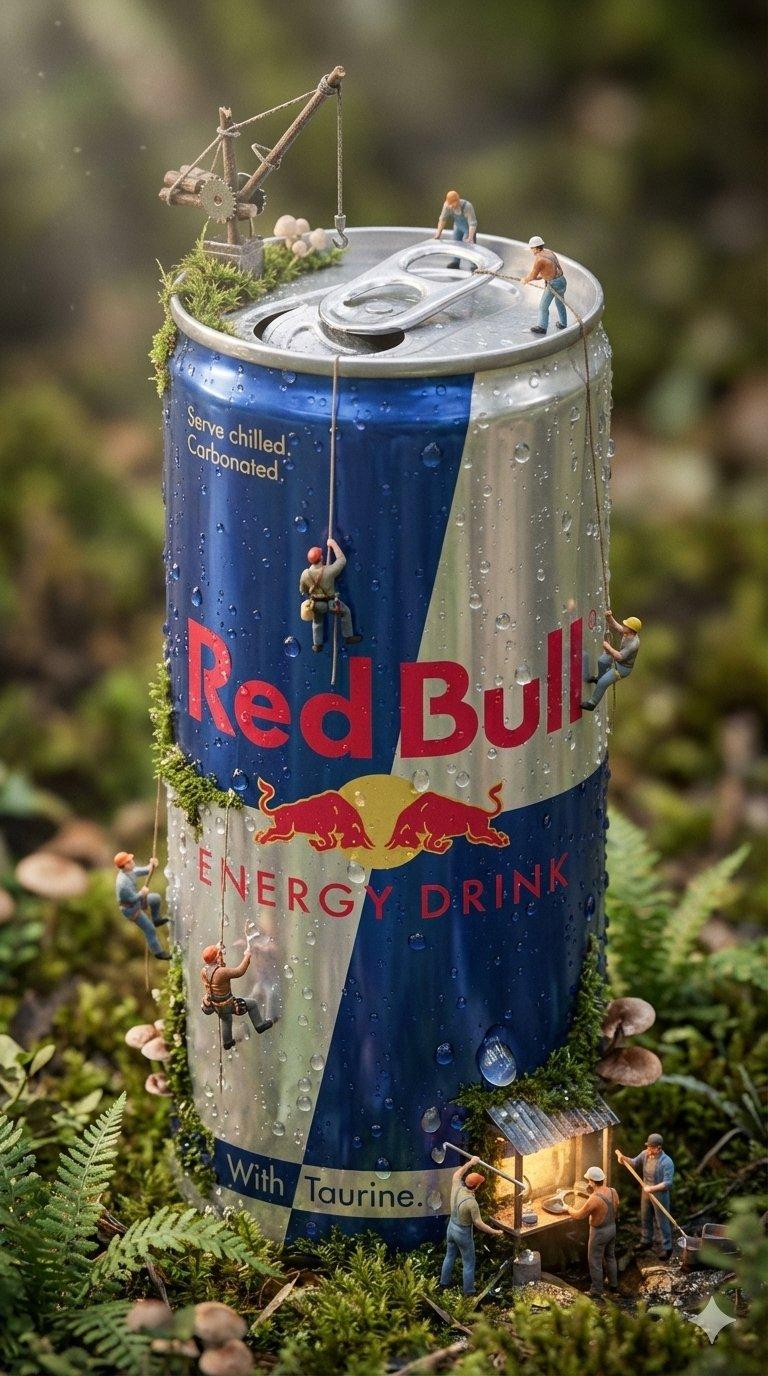
[PRODUCT NAME] is scaled up to gigantic size and partially buried in snow, becoming part of the landscape. The product looks highly realistic, with its original shape, texture, and branding preserved.

Around the product are miniature people (tiny people), dressed like extreme sports athletes or explorers. They use the product as part of the snowy terrain: skiing, running, sliding, climbing, or interacting with it as if it were a mountain or a track.

The snow is highly detailed and fluffy, with clear movement trails. Strong sense of motion: curved snow paths, a feeling of speed, and playful scale contrast. The atmosphere is whimsical, creative, and slightly magical.

Bright daylight, clear blue sky, high detail. Photorealistic product + miniature characters, cinematic advertising style, surreal realism, tilt-shift sense of scale.

No text, no logos over the scene, no UI elements
Category
创意图片
Model
Nano Banana Pro
Views0
Source ID
996b2f92-19af-4981-aebd-e3b2c814c67c
Published
Mar 8, 2026

Guide

About "被雪覆盖的巨型产品与迷你探险家"

What is this prompt for?

"被雪覆盖的巨型产品与迷你探险家" AI image prompt for Nano Banana Pro (创意图片). 一个高度详细的图像生成提示,用于创建一个超现实的广告场景:一个巨大的产品,{argument name="product name" default="Nano banana pro"},半埋在…

The full copyable prompt and example visuals above are ready for AI image generation or one-click recreate in Picva.

How to use this prompt

  1. Step 1

    Open the prompt detail

    Review the example visuals, category, and full prompt text for "被雪覆盖的巨型产品与迷你探险家".

  2. Step 2

    Copy the prompt

    Copy the prompt body from this page, or load it directly in Studio.

  3. Step 3

    Pick a model (Nano Banana Pro)

    Prefer Nano Banana Pro. If you switch models, keep subject and composition and tweak style terms.

  4. Step 4

    Generate and export

    Recreate the look in Picva, or export into your workflow for editing and publishing.

FAQ

What is the "被雪覆盖的巨型产品与迷你探险家" prompt?
It is an AI image-generation prompt for Nano Banana Pro in the 创意图片 category. This page includes the full prompt text, example visuals, and a one-click recreate path in Picva.
How do I use this prompt to generate an image?
Copy the prompt from this page, or use Generate / Studio. Paste it into a compatible image model, or recreate the look in Picva with optional reference images.
Which model is this prompt for?
This page lists Nano Banana Pro. Most descriptive prompts also transfer to nearby image models such as GPT Image, Flux, or Midjourney with light style tweaks.
Can I use the result commercially?
You can usually copy the prompt for creation, but commercial use of the final image depends on the model terms, reference-image rights, and the generated content. Follow the source author and platform rules.