19

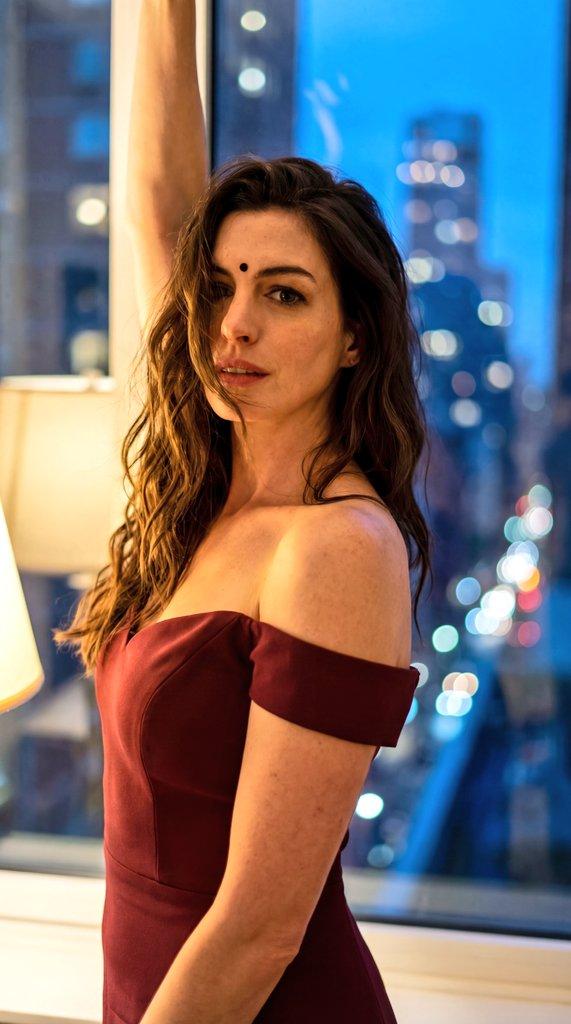
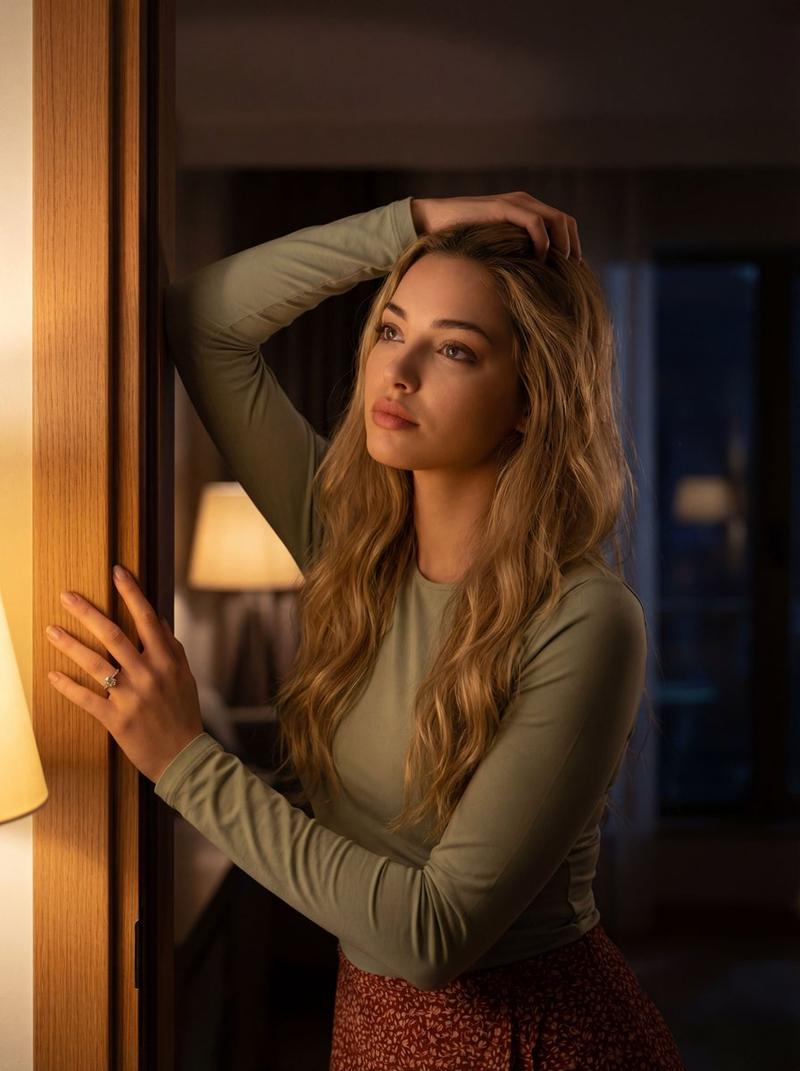
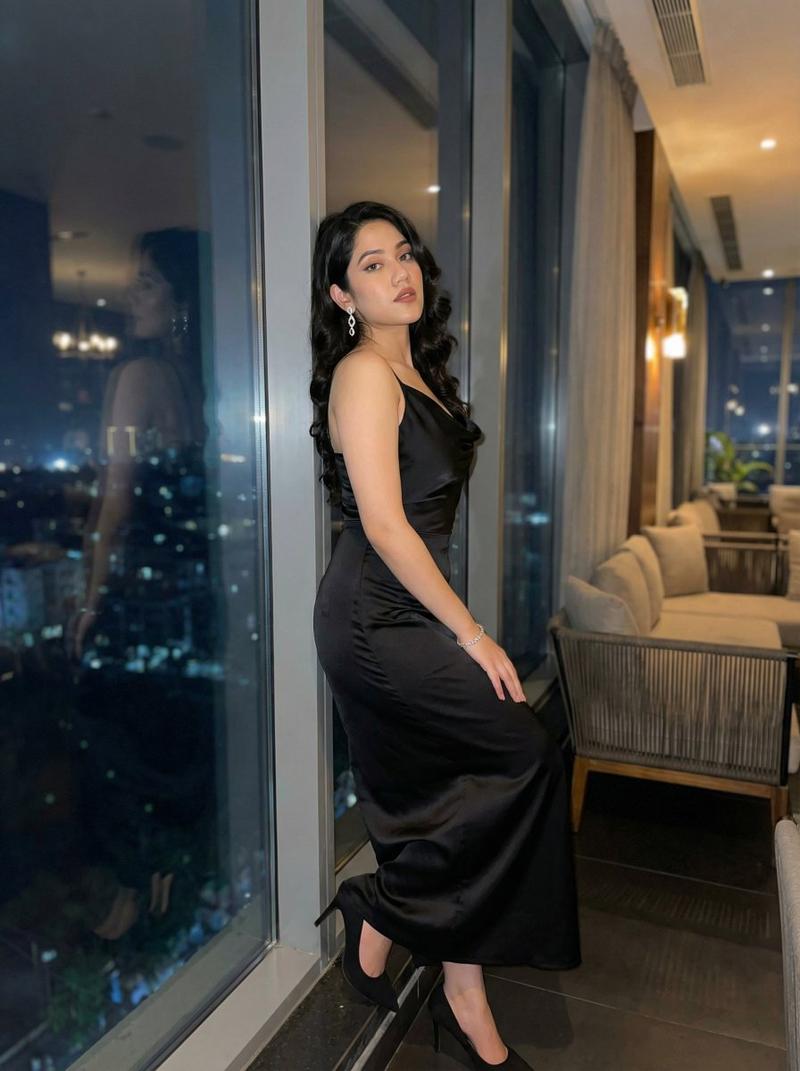
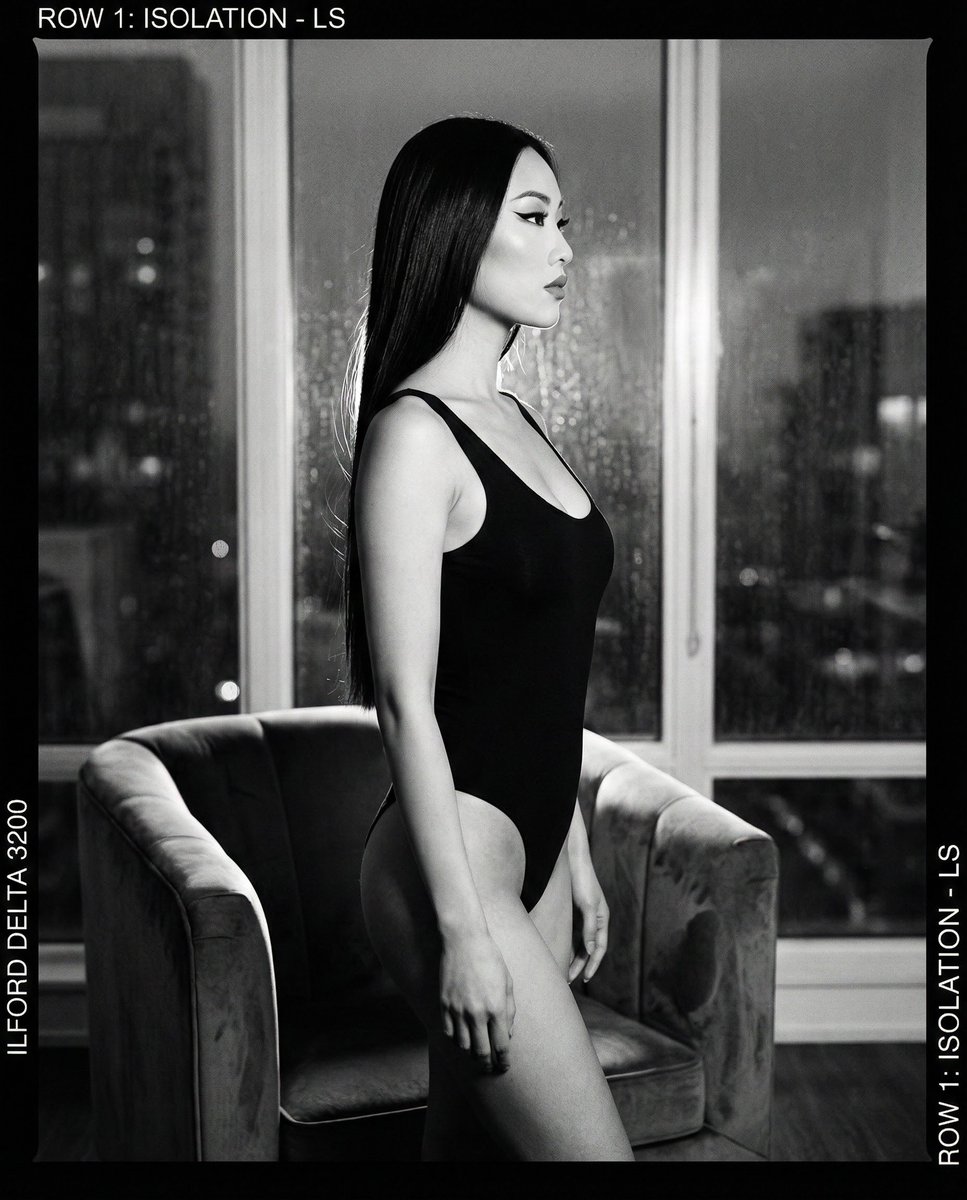
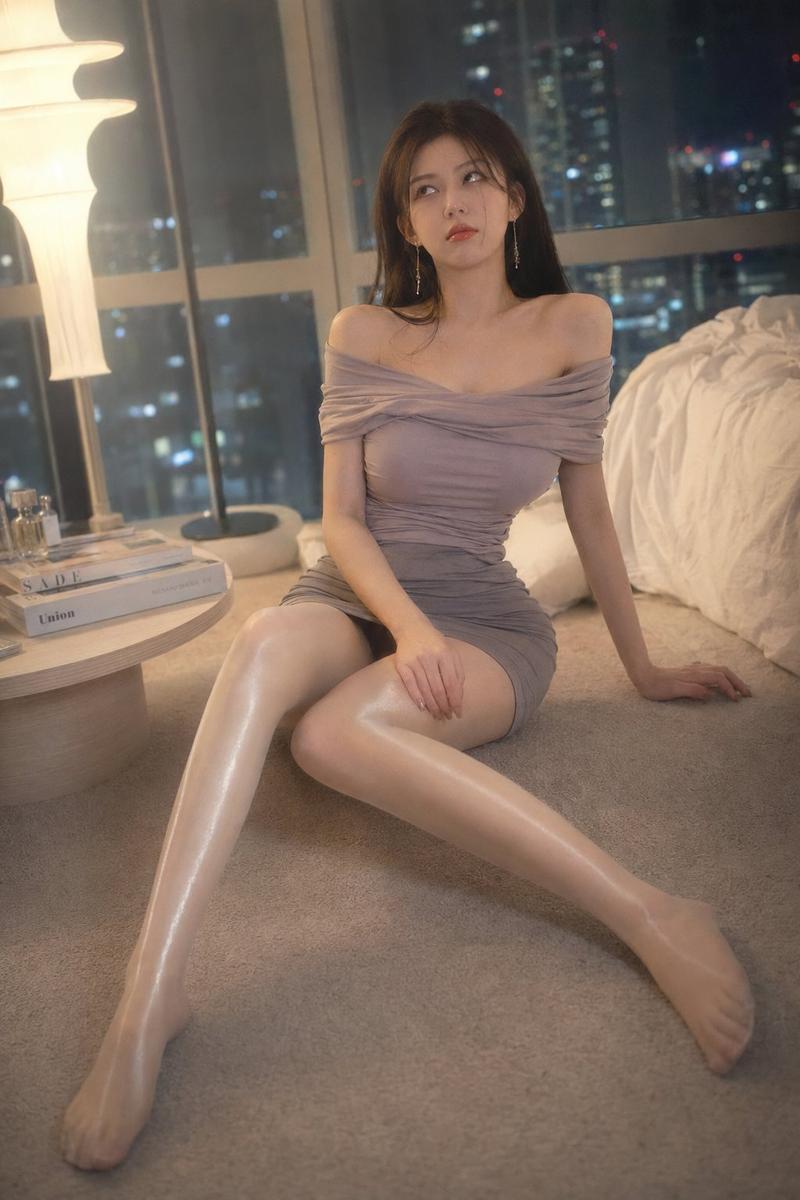
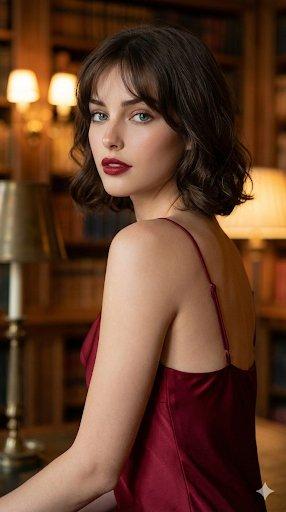
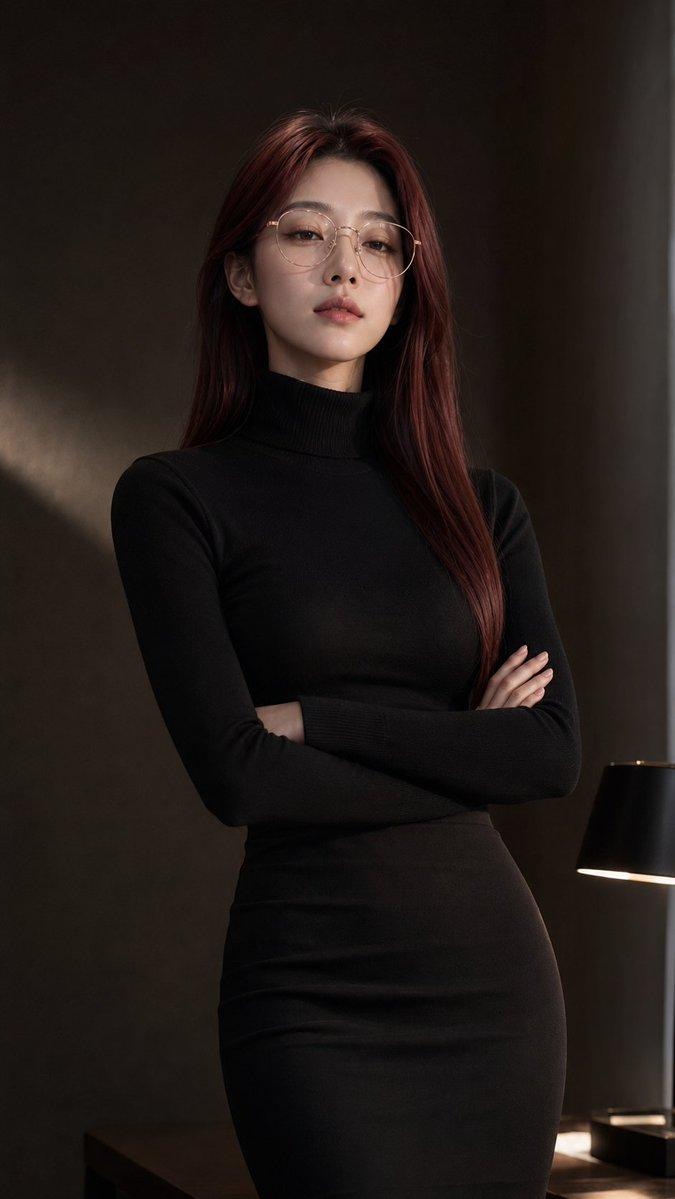
电影感东方夜景人像
Enlarge

电影感东方夜景人像

Prompt
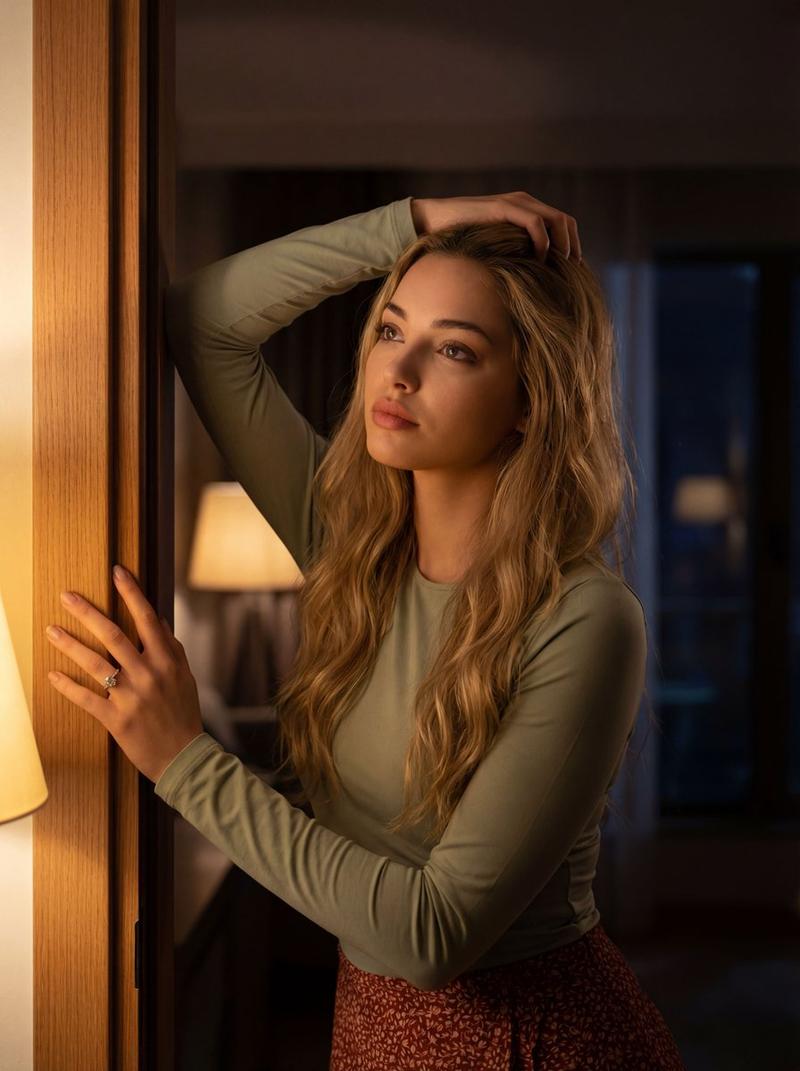
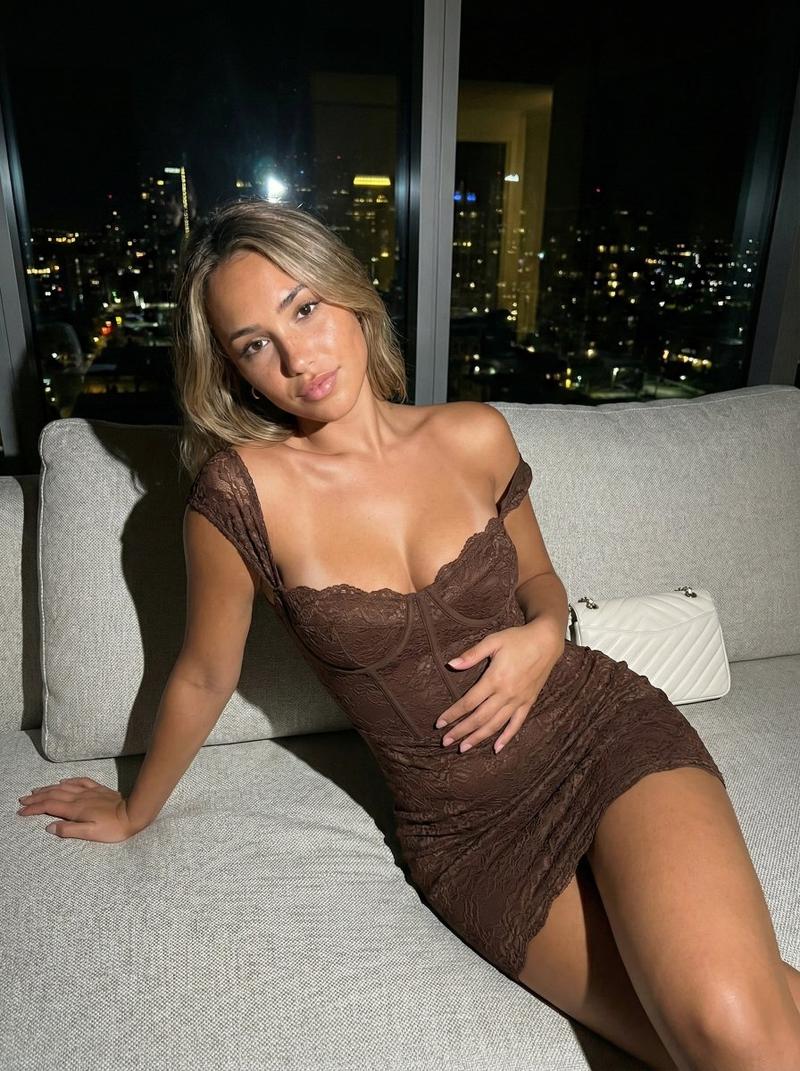
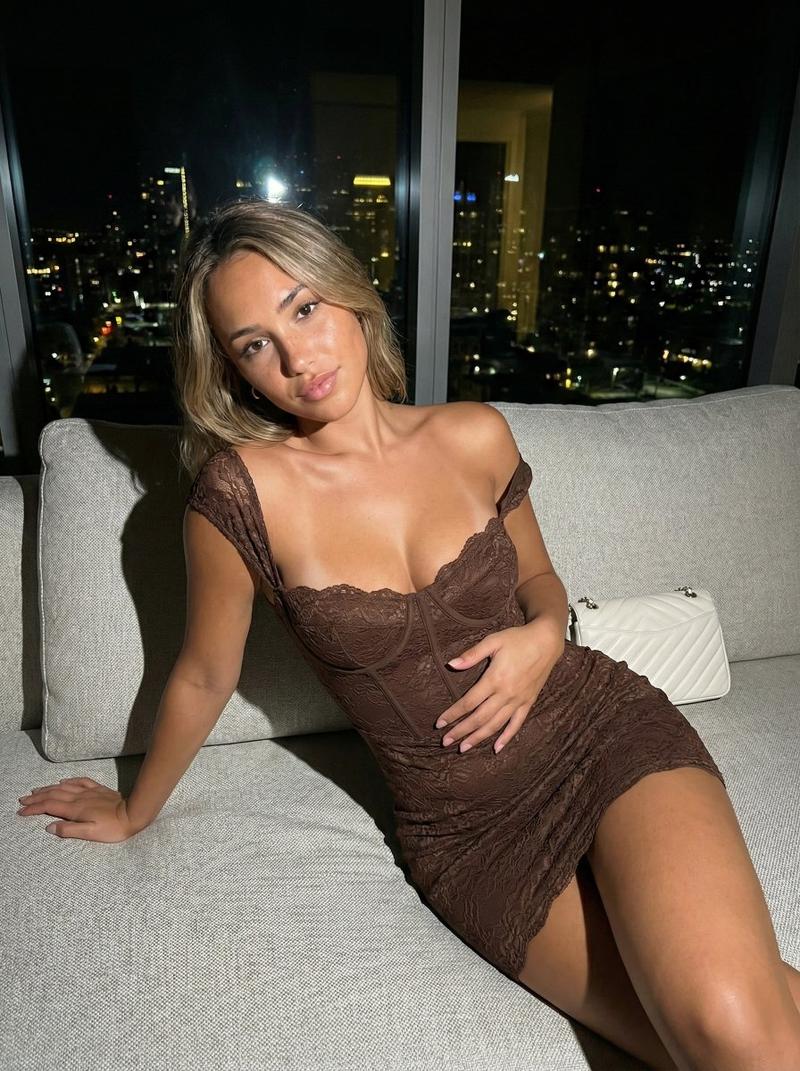
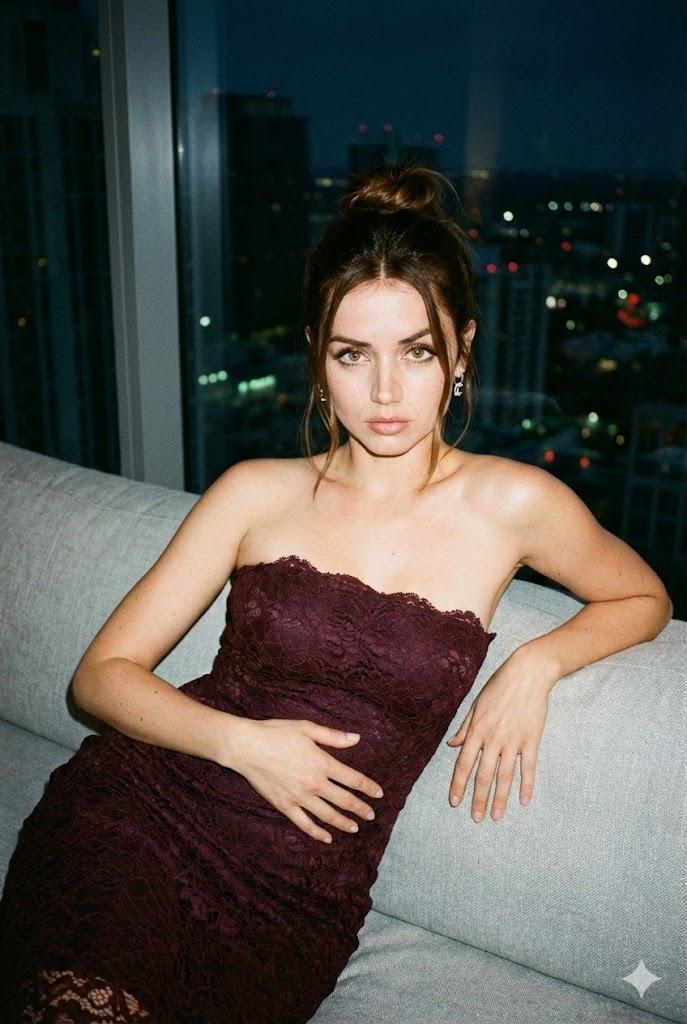
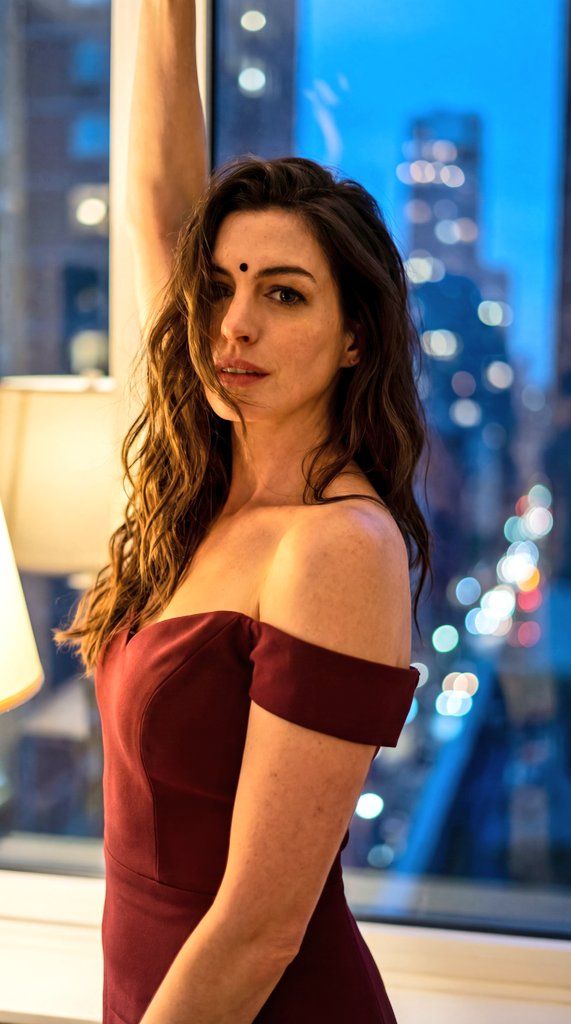
"A cinematic night-time portrait of the same South Asian woman in the same maroon off-shoulder dress. She is standing near a window or balcony indoors, one arm raised above her head, body slightly turned sideways emphasizing natural curves. Her long wavy black hair partially covers her face, small black {argument name="facial accessory" default="bindi"} present. Expression is confident and expressive. Background shows blurred city lights with strong bokeh effect. Warm indoor lighting mixed with cool night tones, shallow depth of field, realistic textures, fashion editorial photography, high detail, cinematic color grading.",

  "negative_prompt": "anime, illustration, unrealistic body, harsh flash, low resolution, extra limbs",

  "steps": 30,

  "cfg_scale": 7,

  "sampler": "DPM++ 2M",

  "seed": 12347
Category
创意图片
Model
Nano Banana Pro
Creator
WasifAI
Views0
Source ID
39ce44ba-8718-439b-9a04-c7332adbf4b4
Published
Mar 8, 2026

Guide

About "电影感东方夜景人像"

What is this prompt for?

"电影感东方夜景人像" AI image prompt for Nano Banana Pro (创意图片). 一个电影风格的提示,用于生成一张南亚女性的夜间肖像,她身穿露肩连衣裙,站在窗边,背景是模糊的城市灯光,强调强烈的焦外虚化(bokeh)、自然曲线和时尚杂志般的品质。 --- “一位南亚女性的电影感夜间肖像,…

The full copyable prompt and example visuals above are ready for AI image generation or one-click recreate in Picva.

How to use this prompt

  1. Step 1

    Open the prompt detail

    Review the example visuals, category, and full prompt text for "电影感东方夜景人像".

  2. Step 2

    Copy the prompt

    Copy the prompt body from this page, or load it directly in Studio.

  3. Step 3

    Pick a model (Nano Banana Pro)

    Prefer Nano Banana Pro. If you switch models, keep subject and composition and tweak style terms.

  4. Step 4

    Generate and export

    Recreate the look in Picva, or export into your workflow for editing and publishing.

FAQ

What is the "电影感东方夜景人像" prompt?
It is an AI image-generation prompt for Nano Banana Pro in the 创意图片 category. This page includes the full prompt text, example visuals, and a one-click recreate path in Picva.
How do I use this prompt to generate an image?
Copy the prompt from this page, or use Generate / Studio. Paste it into a compatible image model, or recreate the look in Picva with optional reference images.
Which model is this prompt for?
This page lists Nano Banana Pro. Most descriptive prompts also transfer to nearby image models such as GPT Image, Flux, or Midjourney with light style tweaks.
Can I use the result commercially?
You can usually copy the prompt for creation, but commercial use of the final image depends on the model terms, reference-image rights, and the generated content. Follow the source author and platform rules.