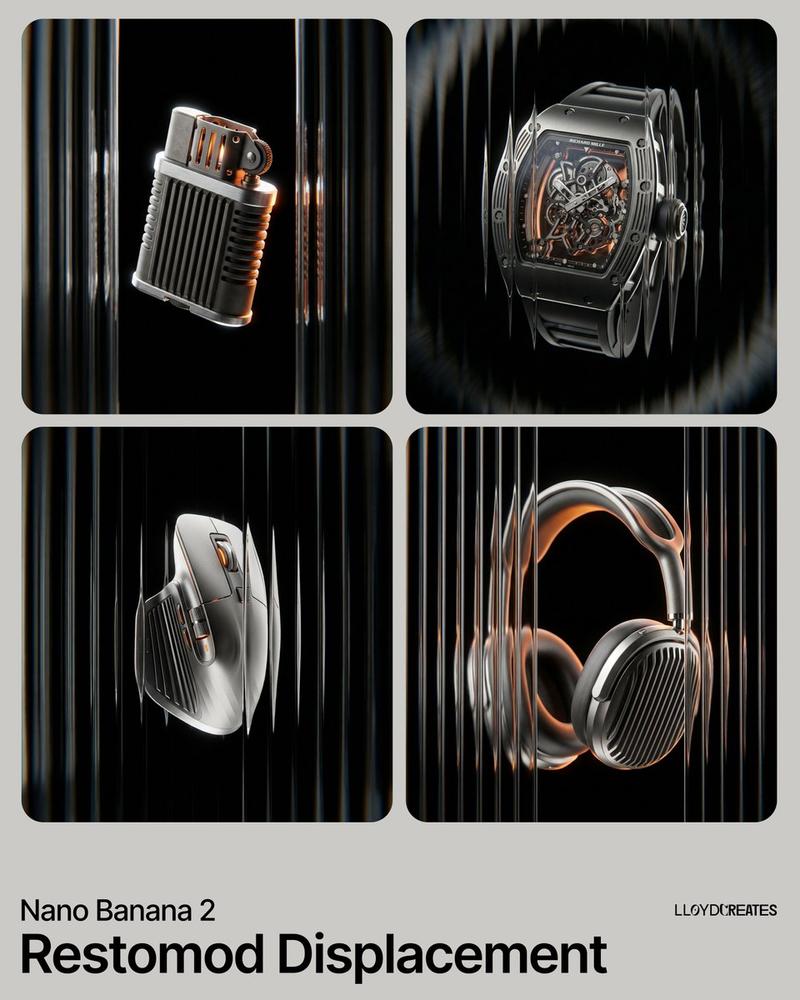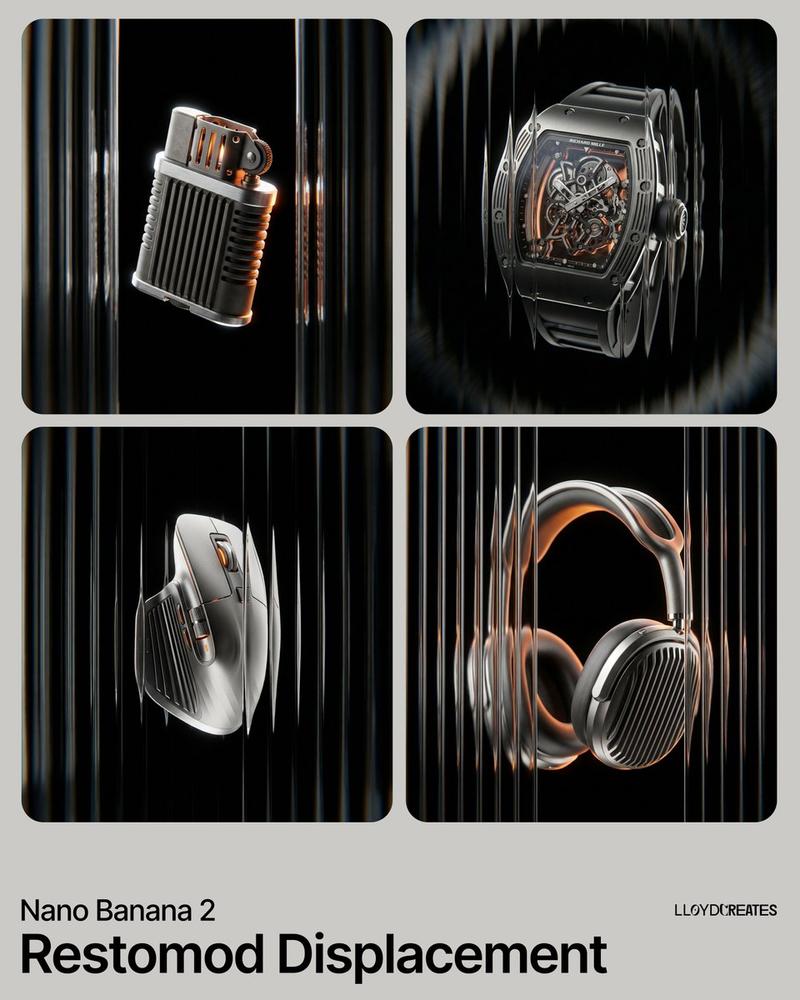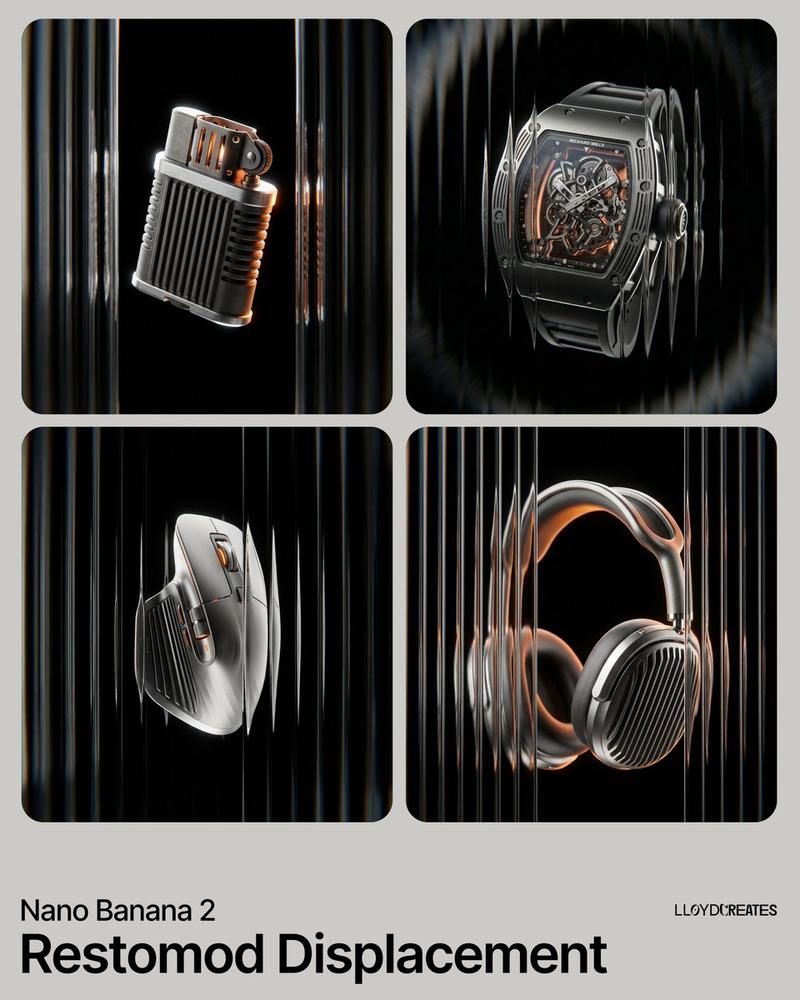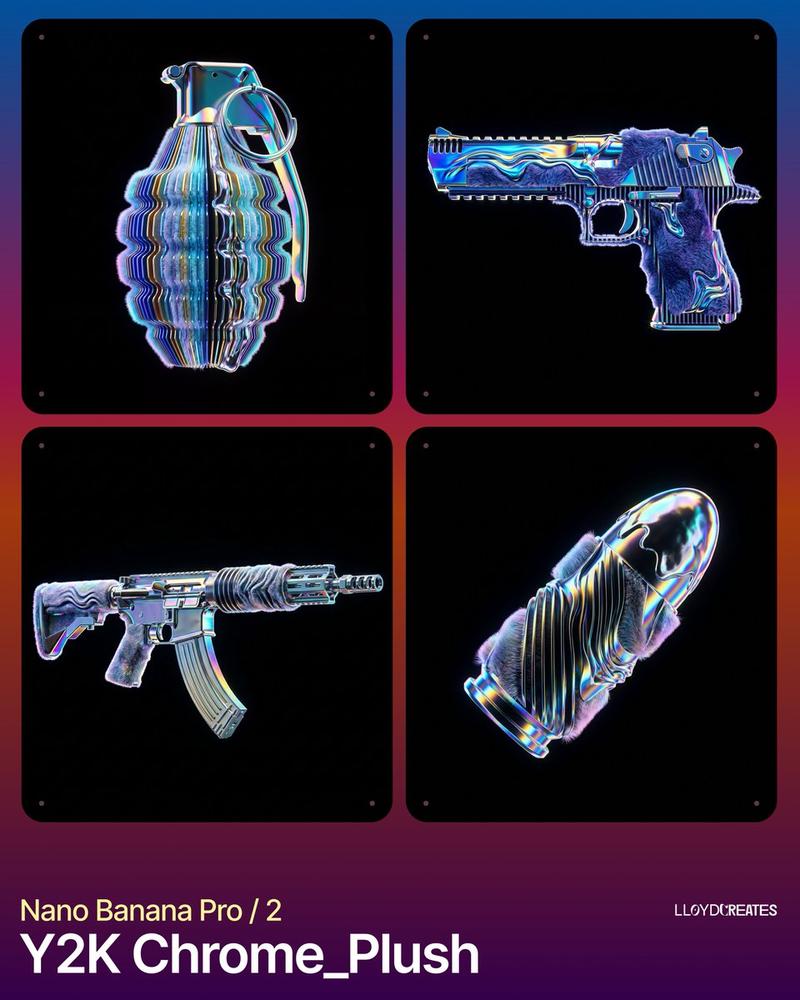
18

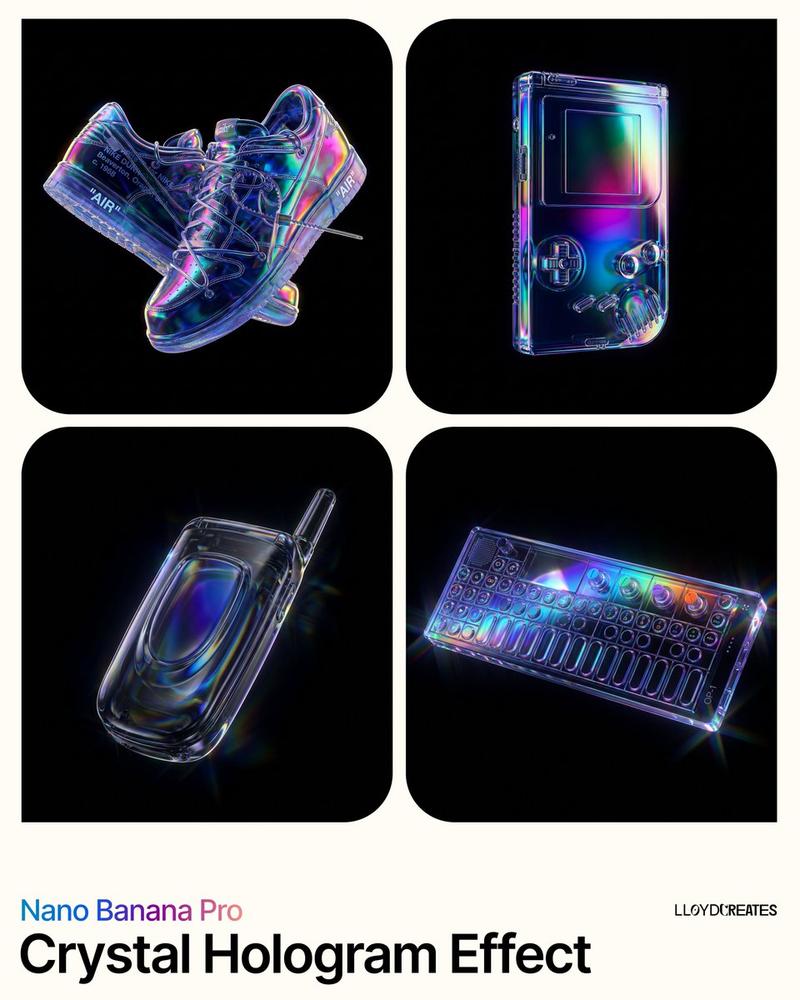
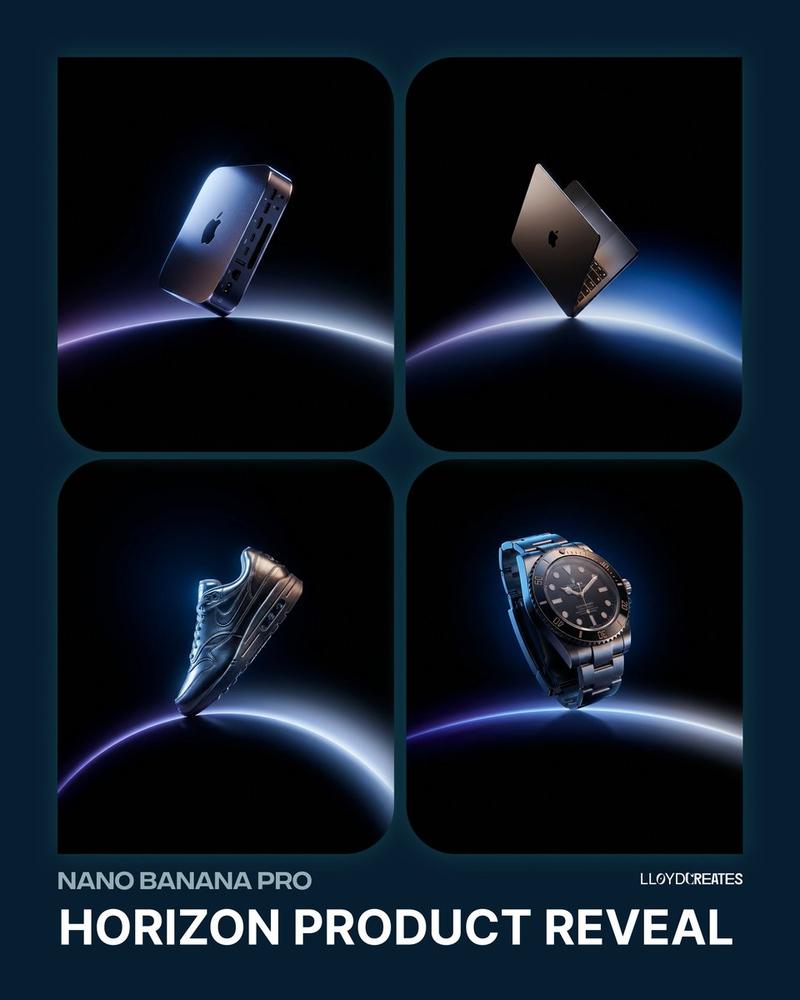
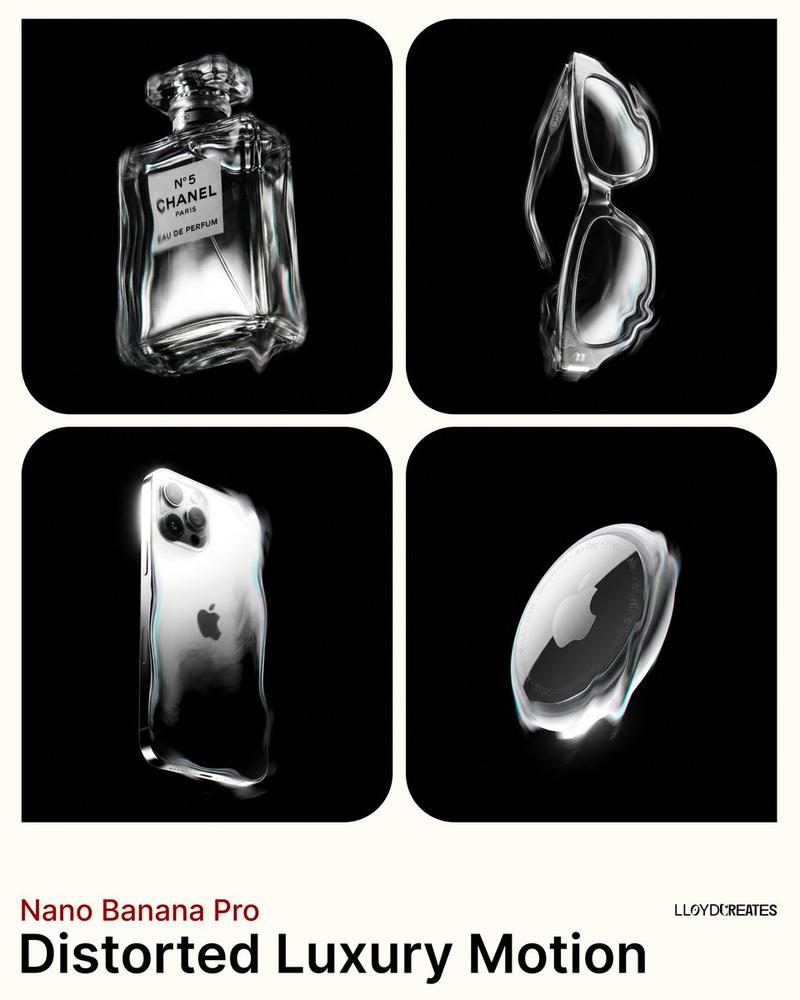
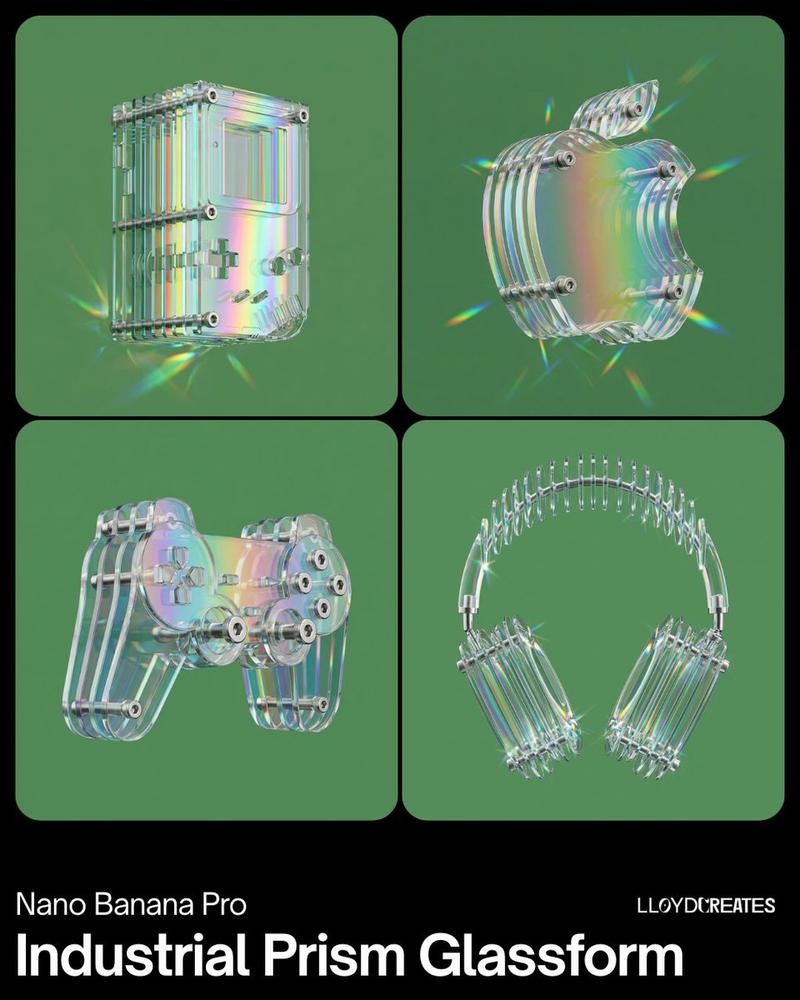
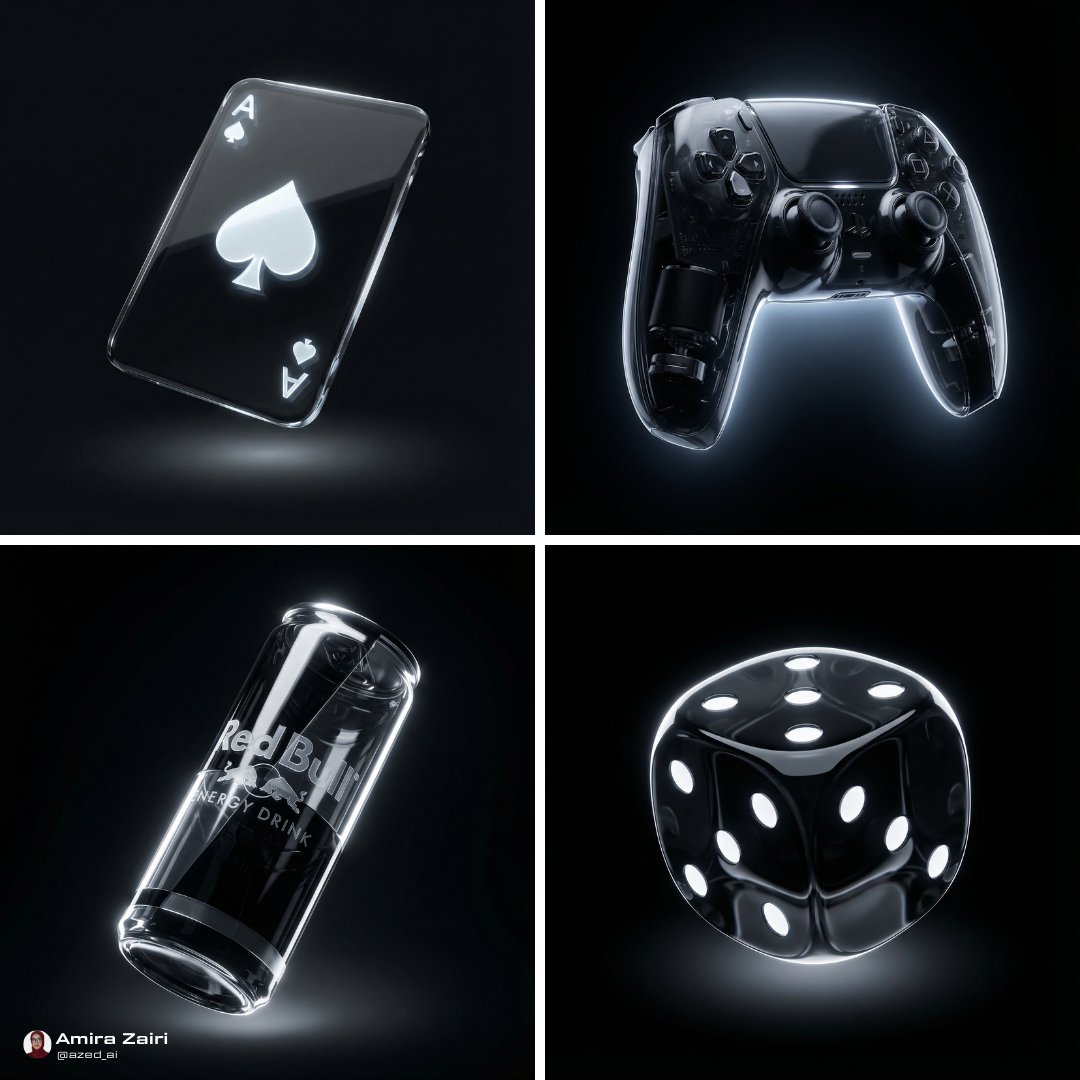
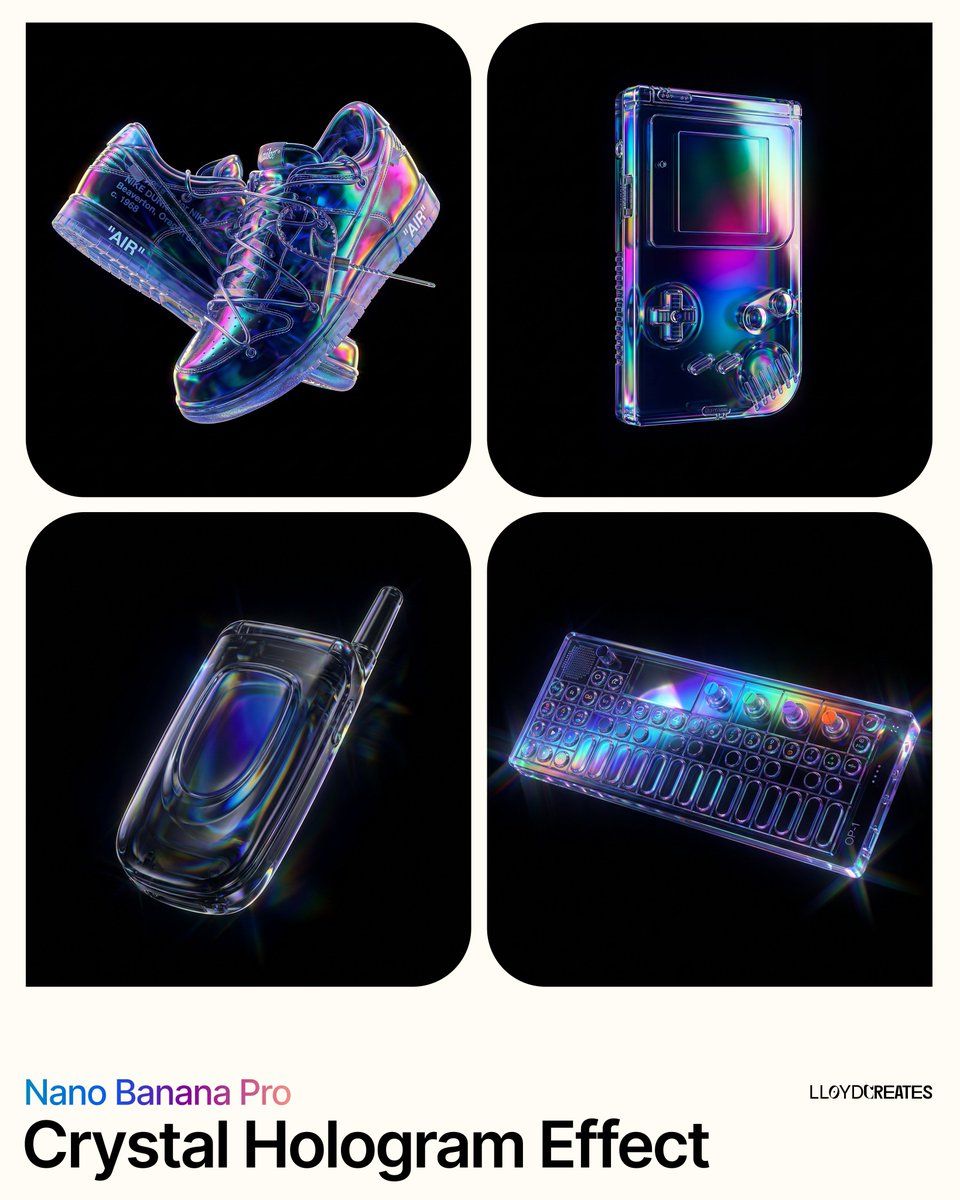
水晶全息产品摄影提示
Enlarge

水晶全息产品摄影提示

Prompt
{
  "ultra_high_fidelity_request": {
    "subject": "{argument name="product" default="[PRODUCT]"}",
    "framing": {
      "position": "Strictly centered and levitating",
      "boundary": "Full product visibility, zero cropping, isolated in 3D space",
      "background": "Solid pure black hex #000000"
    },
    "optical_effects": {
      "iridescence": "Extremely brilliant spectral iridescence, vivid neon oil-slick gradients",
      "volumetric": "Internal volumetric lighting, ethereal inner glow, light scattering within the material",
      "refraction": "High-index caustic light refraction, prismatic color splitting at the edges",
      "luminosity": "Super-saturated holographic highlights, intense electric blues and deep magentas"
    },
    "material_finish": {
      "texture": "Ultra-glossy liquid-smooth finish",
      "base": "Deep translucent obsidian glass with infinite depth",
      "reflections": "Crisp ray-traced mirror reflections of an invisible light source"
    },
    "negative_constraints": [
      "No platforms", "No floor", "No light boxes", "No softboxes",
      "No props", "No text", "No shadows on surfaces", "No pedestals"
    ]
  }
}
Category
创意图片
Model
Nano Banana Pro
Views0
Source ID
9f65b818-7ffa-4420-a2fc-f8e9be9a0fa8
Published
Mar 8, 2026

Guide

About "水晶全息产品摄影提示"

What is this prompt for?

"水晶全息产品摄影提示" AI image prompt for Nano Banana Pro (创意图片). 一个结构化的 JSON 提示词,用于生成具有水晶全息效果的超高保真产品摄影,强调虹彩、体积光照和纯黑背景下的焦散光折射。 --- ```json { "ultra_high_fidelity_reques…

The full copyable prompt and example visuals above are ready for AI image generation or one-click recreate in Picva.

How to use this prompt

  1. Step 1

    Open the prompt detail

    Review the example visuals, category, and full prompt text for "水晶全息产品摄影提示".

  2. Step 2

    Copy the prompt

    Copy the prompt body from this page, or load it directly in Studio.

  3. Step 3

    Pick a model (Nano Banana Pro)

    Prefer Nano Banana Pro. If you switch models, keep subject and composition and tweak style terms.

  4. Step 4

    Generate and export

    Recreate the look in Picva, or export into your workflow for editing and publishing.

FAQ

What is the "水晶全息产品摄影提示" prompt?
It is an AI image-generation prompt for Nano Banana Pro in the 创意图片 category. This page includes the full prompt text, example visuals, and a one-click recreate path in Picva.
How do I use this prompt to generate an image?
Copy the prompt from this page, or use Generate / Studio. Paste it into a compatible image model, or recreate the look in Picva with optional reference images.
Which model is this prompt for?
This page lists Nano Banana Pro. Most descriptive prompts also transfer to nearby image models such as GPT Image, Flux, or Midjourney with light style tweaks.
Can I use the result commercially?
You can usually copy the prompt for creation, but commercial use of the final image depends on the model terms, reference-image rights, and the generated content. Follow the source author and platform rules.