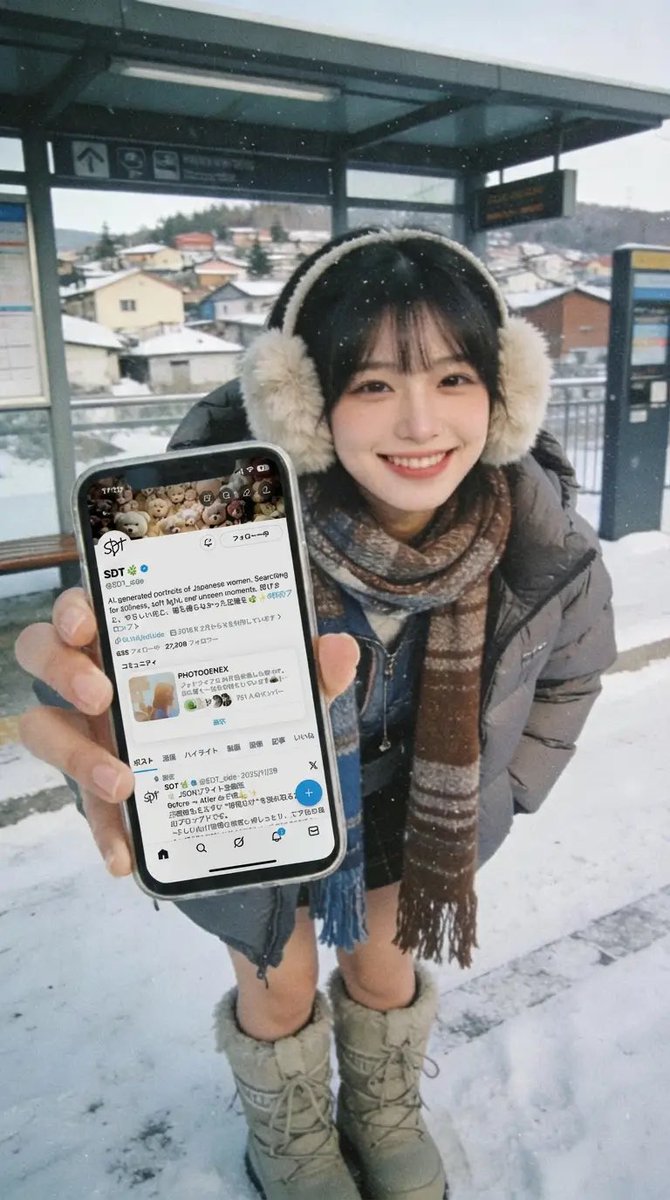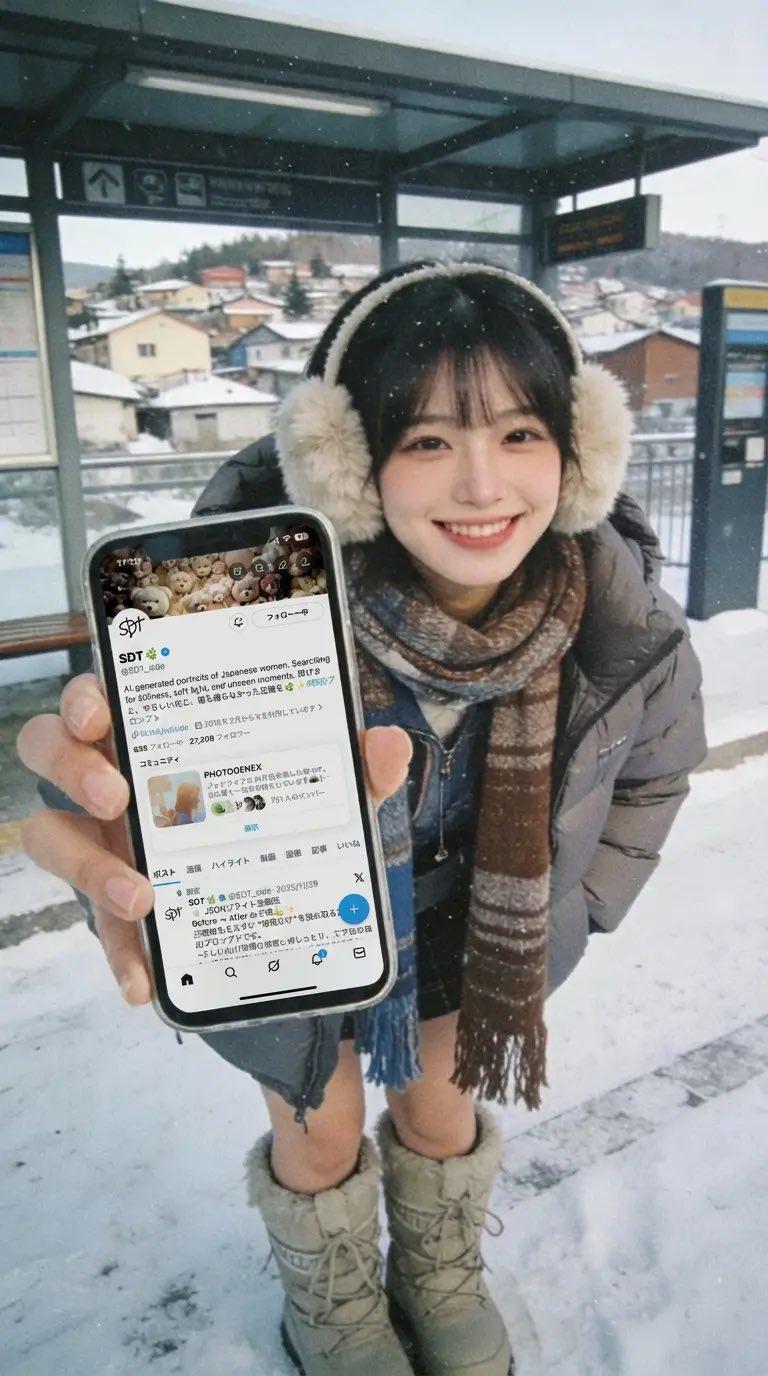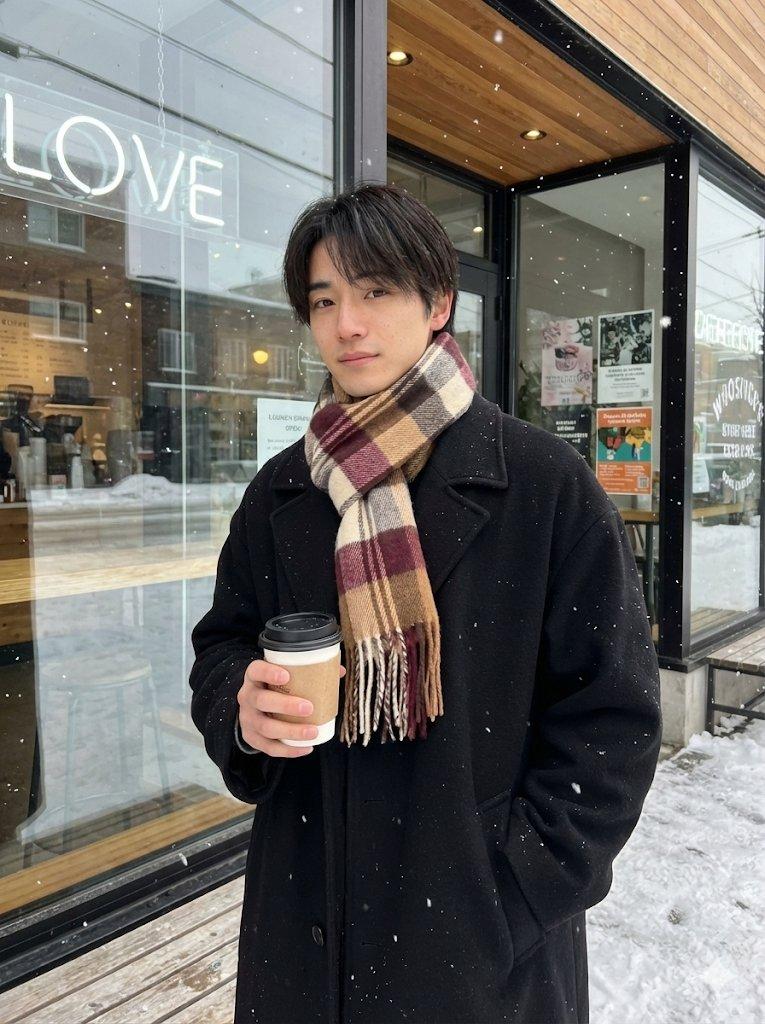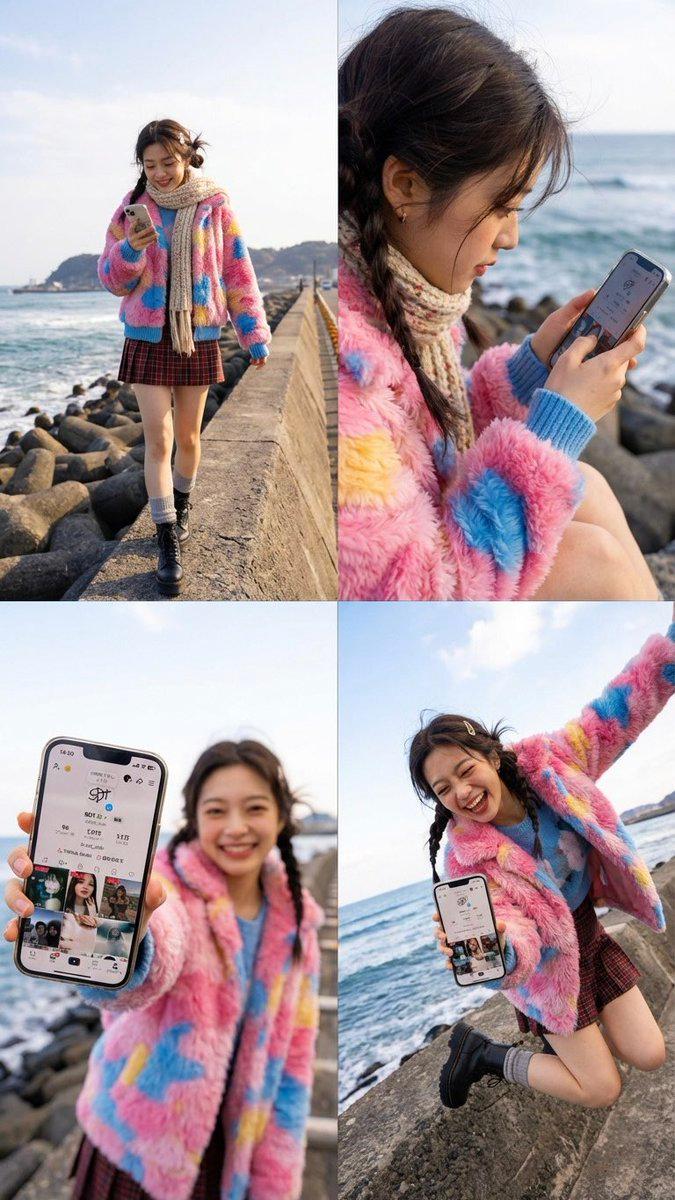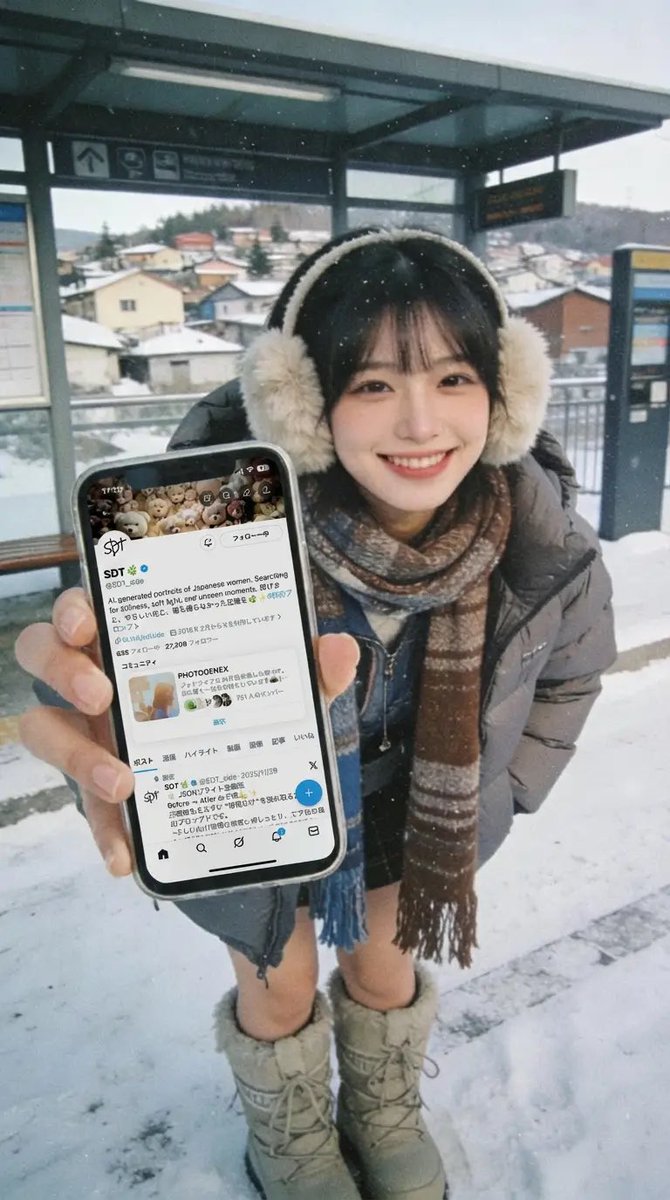
女生展示自己手机照片
Prompt
需要上传2张照片:1、上传人物照片 2、上传想要在手机上显示的图像,再输入以下提示词
{
  "edit_type": "extreme_wide_angle_phone_edit",

  "source": {
    "_hint": "元画像の人物・服・雰囲気を編集するベース。新キャラ禁止。",
    "mode": "EDIT",
    "reference_images": {
      "first": "base_photo_person_and_environment",
      "second": "screen_content_for_phone"
    },
    "preserve_from_first": {
      "_hint": "顔・髪型・服装は必ず同一人物として扱うための固定。",
      "same_person_or_group": true,
      "same_faces": true,
      "same_hairstyles": true,
      "same_outfits": true,
      "same_environment_style": true
    }
  },

  "identity": {
    "_hint": "表情の統一化。人物のアイデンティティを崩さず保持。",
    "keep_identity_consistent": true,
    "all_people_clearly_recognizable_as_original": true,
    "expression": "bright_natural_smile"
  },

  "camera_effect": {
    "_hint": "スマホを近づけたときの誇張パースを美しく安定化。",
    "perspective": "extreme_wide_angle",
    "style": "dynamic_photorealistic",
    "near_objects_appear_large": true,
    "far_objects_recede_dramatically": true,
    "allow_view_from_above_or_below": true
  },

  "pose": {
    "_hint": "元画像と同じポーズ禁止。手の動きを強調して破綻防止。",
    "pose_can_change": true,
    "must_be_completely_different_from_reference": true,
    "do_not_replicate_or_approximate_original_pose": true,
    "style_tags": [
      "stylish",
      "complex",
      "fluid",
      "powerful"
    ],
    "focus_on_expressive_hands": true,
    "avoid_arm_distortion": true,
    "allow_multiple_body_parts_near_lens": true
  },

  "phone": {
    "_hint": "スマホ専用領域。持ち方・向き・手元の自然さを定義。",
    "allowed": true,
    "holding_styles": [
      "one_handed",
      "two_handed",
      "low_angle",
      "high_angle",
      "tilted",
      "sideways",
      "near_chest",
      "near_hip",
      "casual_carry",
      "partially_toward_lens"
    ],
    "rules": {
      "_hint": "“レンズに向ける強制”を避け、自然な持ち方で画面が見える構図へ。",
      "each_person_may_hold_one_phone": true,
      "priority_is_natural_and_relaxed_body_structure": true,
      "do_not_force_phone_directly_toward_camera": true,
      "screen_should_be_naturally_visible_when_possible": true
    }
  },

  "screen_replacement": {
    "_hint": "差し替えスクリーン。UIなし・歪みなし・自然な貼り込み。",
    "target": "visible_phone_screen",
    "use_second_reference_image_as_content": true,
    "overlay_cleanly_on_visible_screen_area": true,
    "fit_without_distortion": true,
    "respect_screen_shape": true,
    "no_additional_cropping": true,
    "ui_constraints": {
      "_hint": "SNSバーやアプリ枠の発生を完全禁止。",
      "no_ui": true,
      "no_icons": true,
      "no_status_bar": true,
      "no_app_frame": true,
      "show_only_content_from_second_reference": true
    }
  },

  "environment": {
    "_hint": "元写真の空気感を保つが、季節や天気には依存しない汎用設計。",
    "preserve_environment_style_from_reference": true,
    "lighting_consistent_with_reference": true,
    "expand_space_for_wide_angle_view": true,
    "keep_texture_and_color_tone_consistent": true
  },

  "composition": {
    "_hint": "スマホ近接によるダイナミック構図の安定化。",
    "dynamic_but_readable": true,
    "extreme_depth_emphasis": true,
    "allow_phone_close_to_lens": true,
    "keep_all_people_visually_balanced": true
  },

  "constraints": {
    "_hint": "意図せぬ変化を禁止する保護設定。",
    "no_new_characters": true,
    "no_change_in_age_or_gender_presentation": true,
    "no_costume_change": true,
    "no_change_to_reference_location_type": true,
    "respect_original_photographic_style": true
  }
}- Category
- creative_scene
- Model
- Nano Banana Pro
- Creator
- @SDT_side
- Source ID
- cef6c045-b0c4-4ca9-b3a6-87f5f09eb579
- Published
- Dec 27, 2025
Views6