20

视频提示词:手绘室内设计改造

Prompt
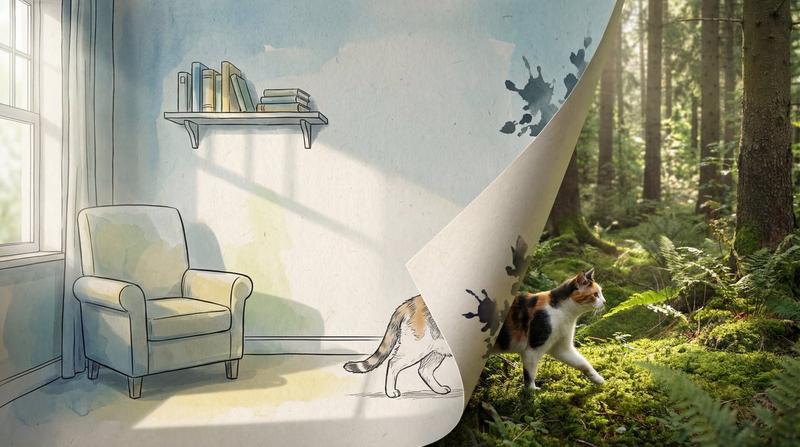
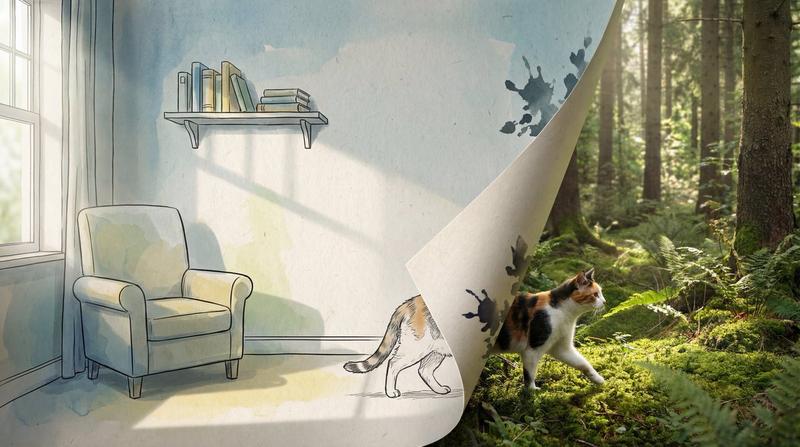
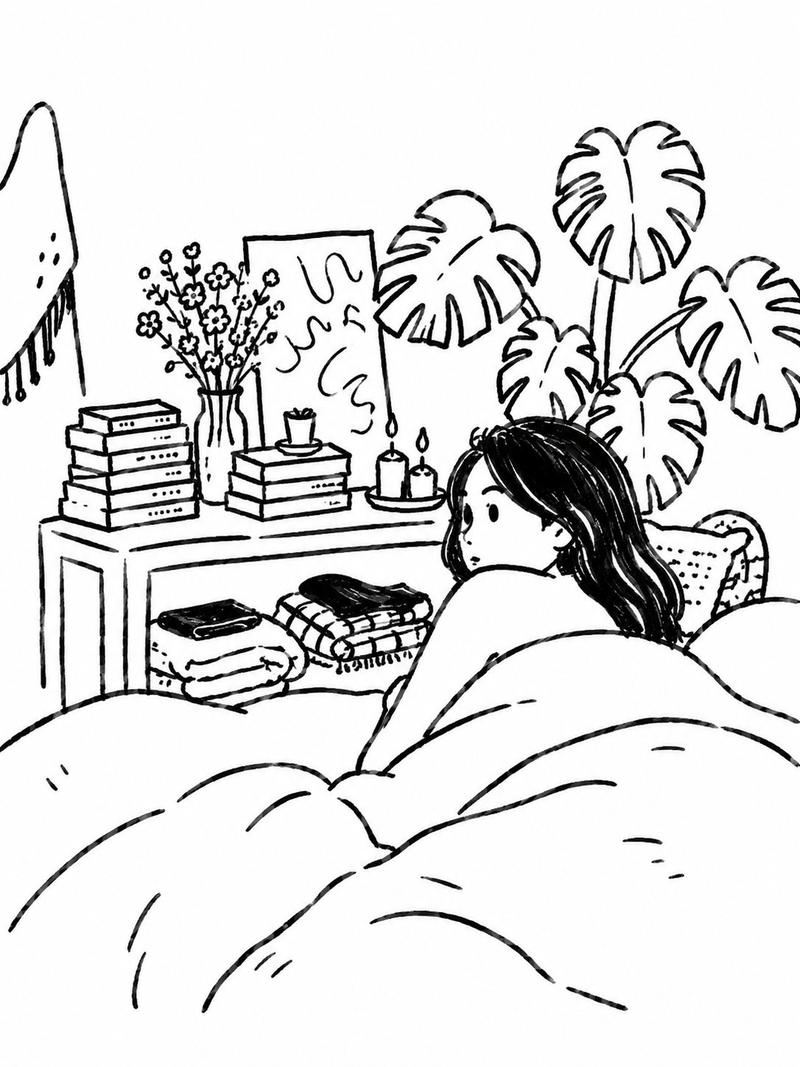
一个手绘稿变成手绘风格的3D室内的影片
0:00-0:02,绘制完毕,手和笔移出镜头。
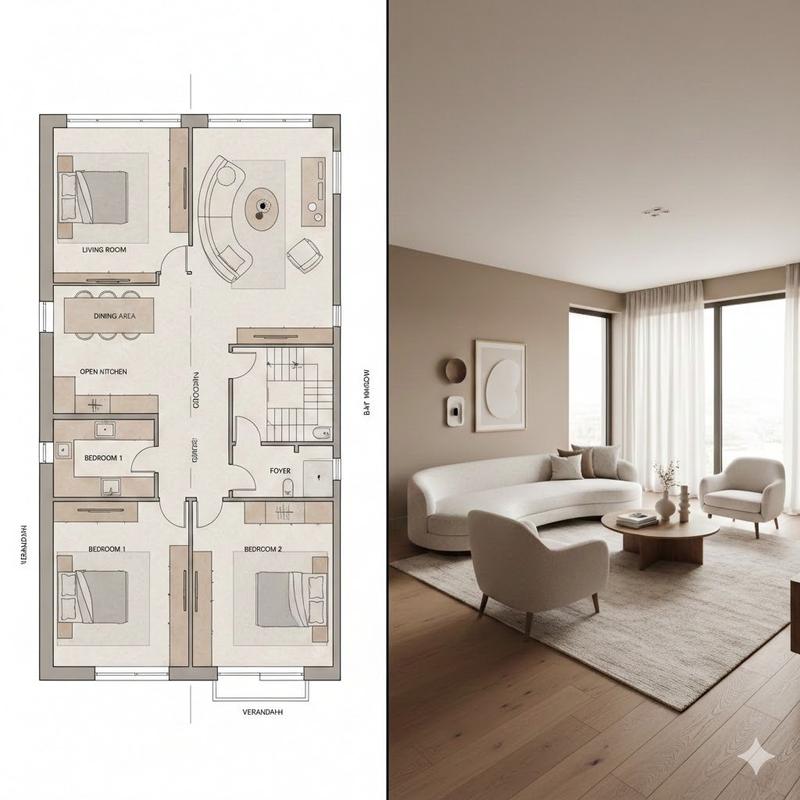
之后的镜头仿佛“钻”入绘画中,开始在画中的世界,在画中世界是由手绘风格的美术风格表达的室内,伴有轻微的室内漫游视角与环视镜头,画中世界的美术风格需要与之前高度一致

图像提示词:
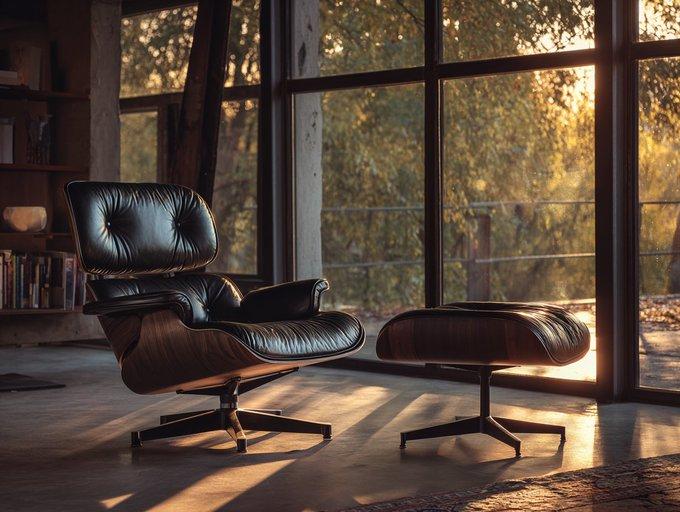
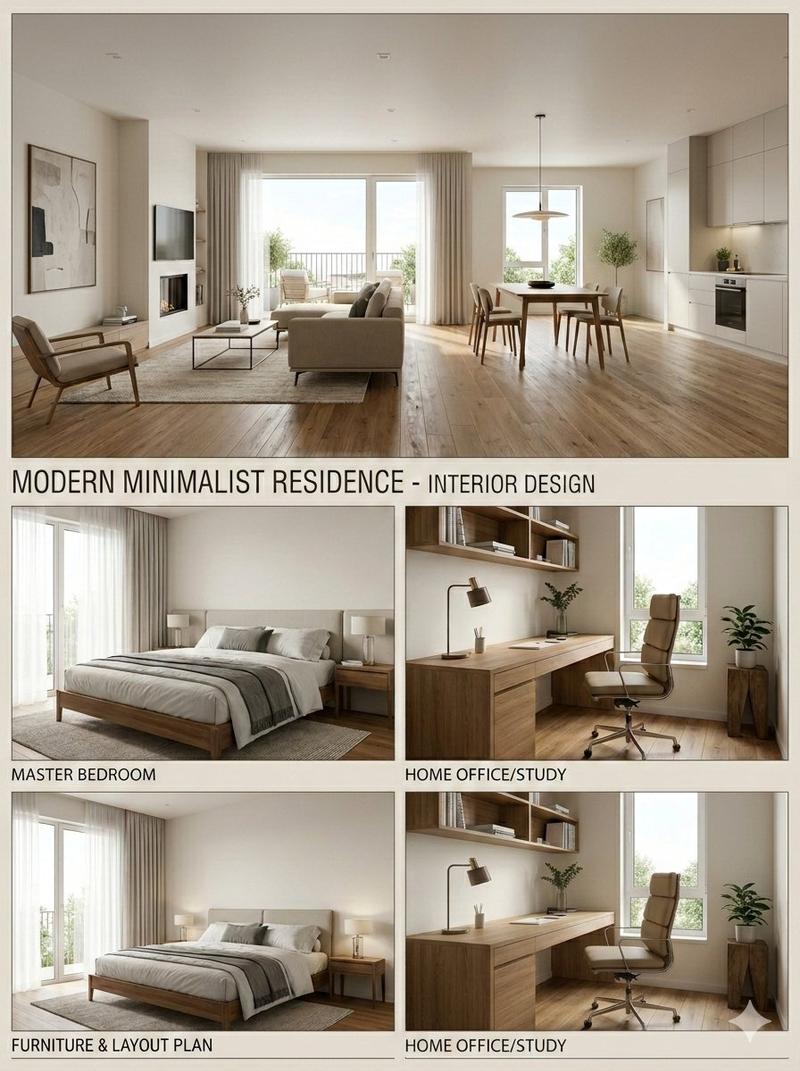
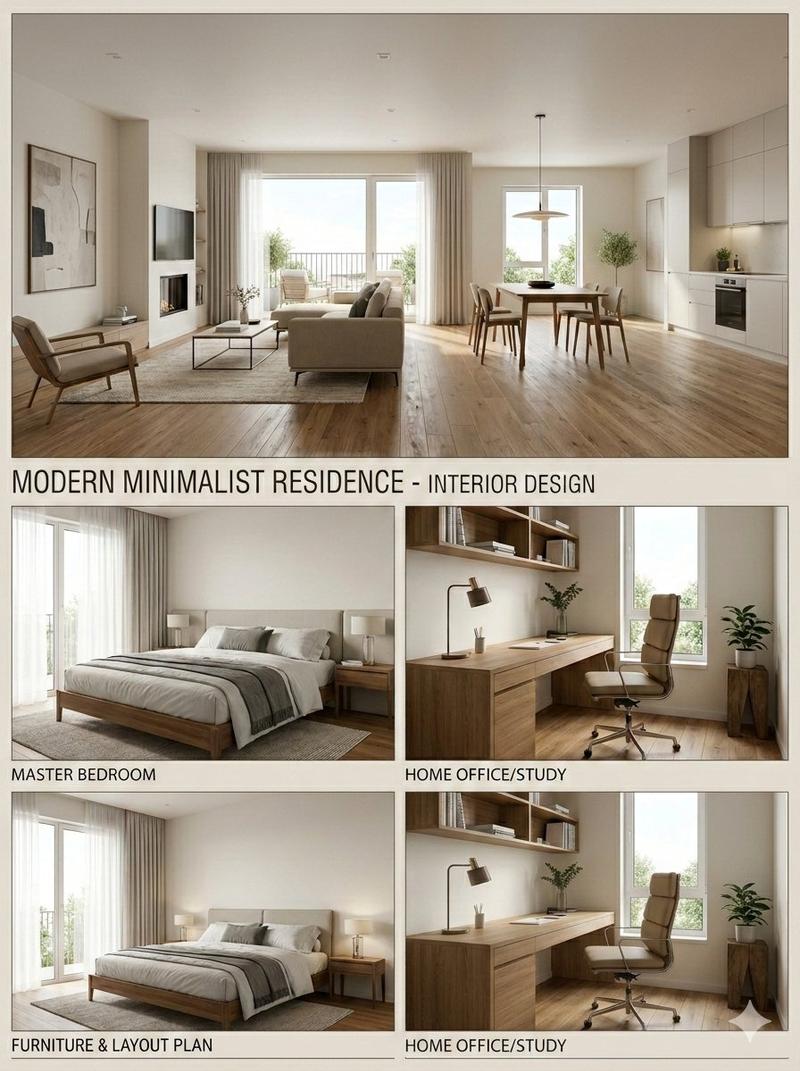
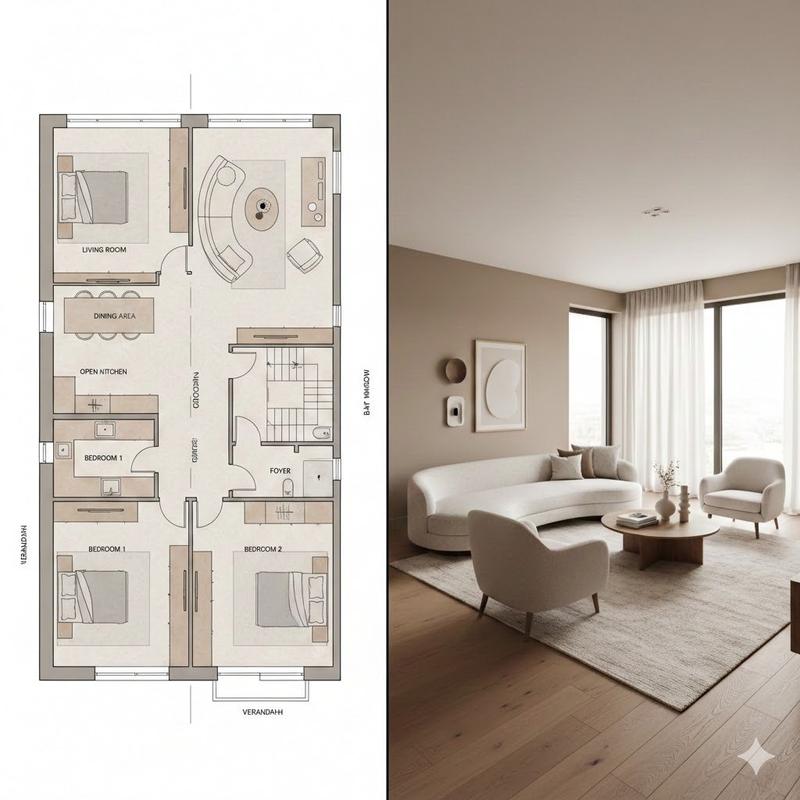
a real hand holding a marker pen is painting on the paper, pen sketch with some colors by marker paint. pen line, minimalist interior design of a small studio interior, home office. MUJI style, The large floor-to-ceiling windows along the street allow a lot of natural light to pour into the room, clear line, white background, a real hand holding a marker pen is painting the image
Category
创意图片
Model
seedance-2.0
Creator
MarioTan
Views0
Source ID
dcfbcedd-ef8b-4b6f-98e4-5b3185e89b22
Published
Mar 8, 2026

Guide

About "视频提示词:手绘室内设计改造"

What is this prompt for?

"视频提示词:手绘室内设计改造" AI image prompt for seedance-2.0 (创意图片). 一个两部分的提示,用于生成一个视频,该视频从真实的手绘制室内设计草图过渡到草图转变为具有一致手绘美学(MUJI 风格)的 3D 室内空间。 --- 一段手绘草图转变为手绘风格 3D 室内场景的视频。 0…

The full copyable prompt and example visuals above are ready for AI image generation or one-click recreate in Picva.

How to use this prompt

  1. Step 1

    Open the prompt detail

    Review the example visuals, category, and full prompt text for "视频提示词:手绘室内设计改造".

  2. Step 2

    Copy the prompt

    Copy the prompt body from this page, or load it directly in Studio.

  3. Step 3

    Pick a model (seedance-2.0)

    Prefer seedance-2.0. If you switch models, keep subject and composition and tweak style terms.

  4. Step 4

    Generate and export

    Recreate the look in Picva, or export into your workflow for editing and publishing.

FAQ

What is the "视频提示词:手绘室内设计改造" prompt?
It is an AI image-generation prompt for seedance-2.0 in the 创意图片 category. This page includes the full prompt text, example visuals, and a one-click recreate path in Picva.
How do I use this prompt to generate an image?
Copy the prompt from this page, or use Generate / Studio. Paste it into a compatible image model, or recreate the look in Picva with optional reference images.
Which model is this prompt for?
This page lists seedance-2.0. Most descriptive prompts also transfer to nearby image models such as GPT Image, Flux, or Midjourney with light style tweaks.
Can I use the result commercially?
You can usually copy the prompt for creation, but commercial use of the final image depends on the model terms, reference-image rights, and the generated content. Follow the source author and platform rules.