20

Google Nano banana pro + Wan 2.6 AI 🎥 → Use Nano Banana Pro / ChatGPT Image 1.
Enlarge

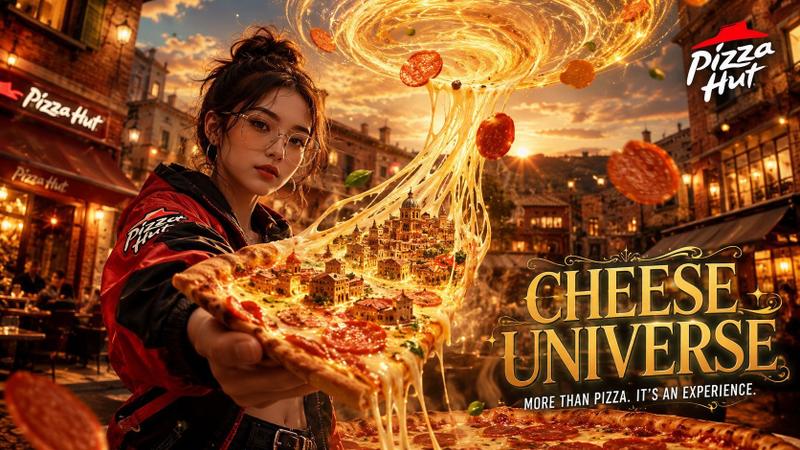
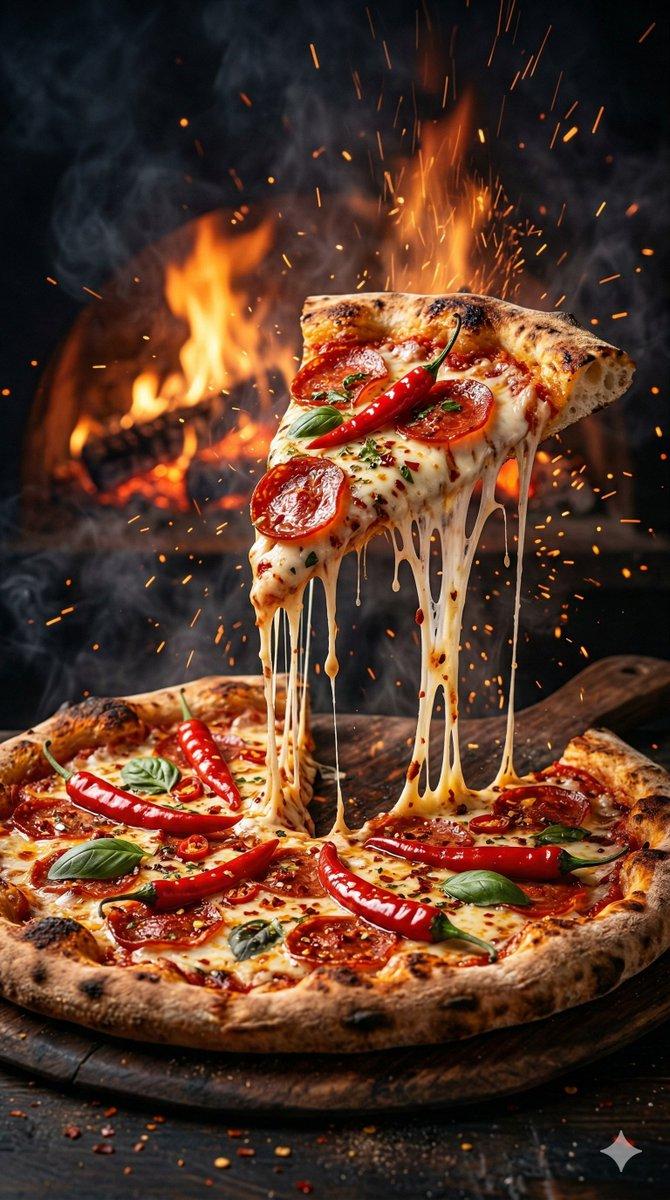
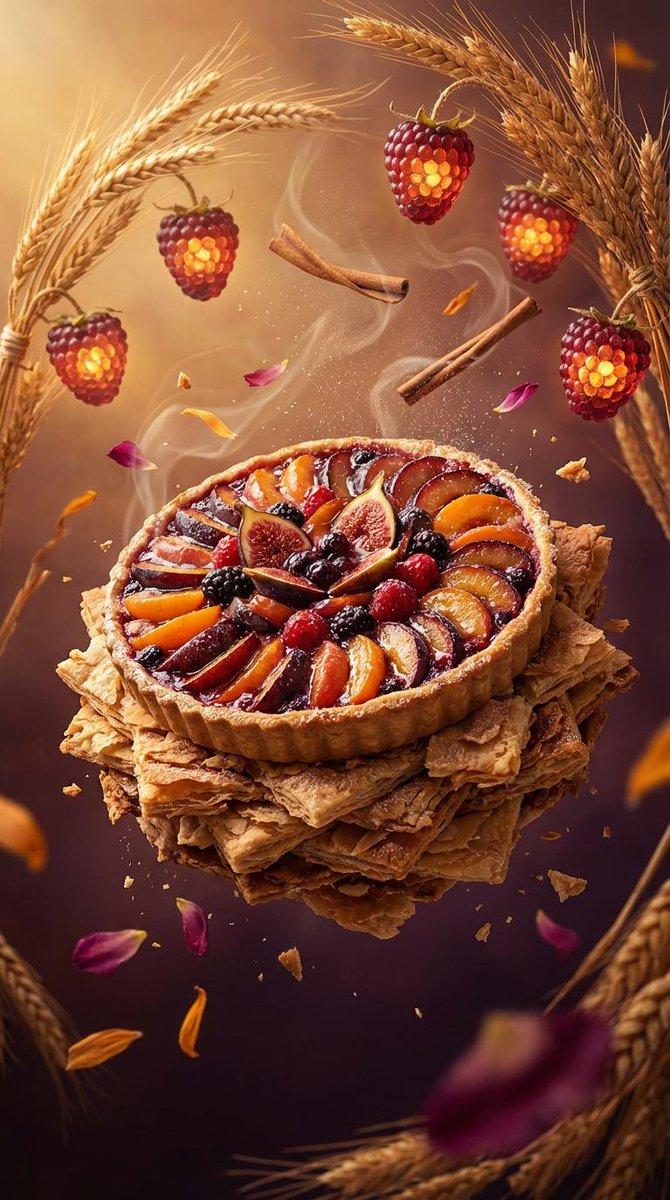
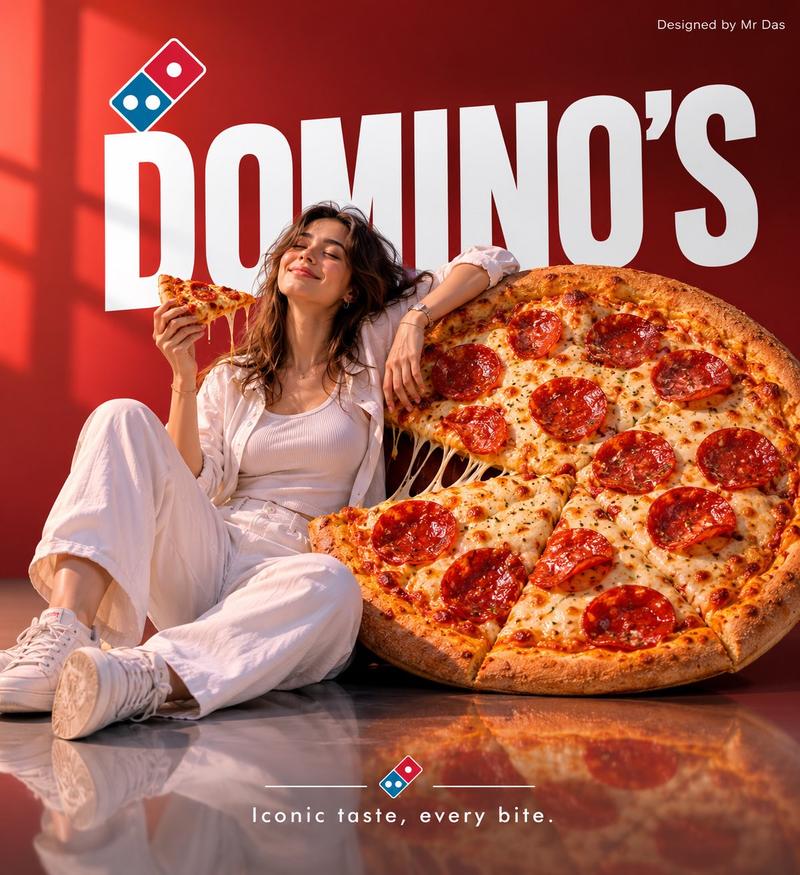
Example images

Google Nano banana pro + Wan 2.6 AI 🎥 → Use Nano Banana Pro / ChatGPT Image 1.

Prompt
Google Nano banana pro + Wan 2.6 AI 🎥

→ Use Nano Banana Pro / ChatGPT Image 1.5

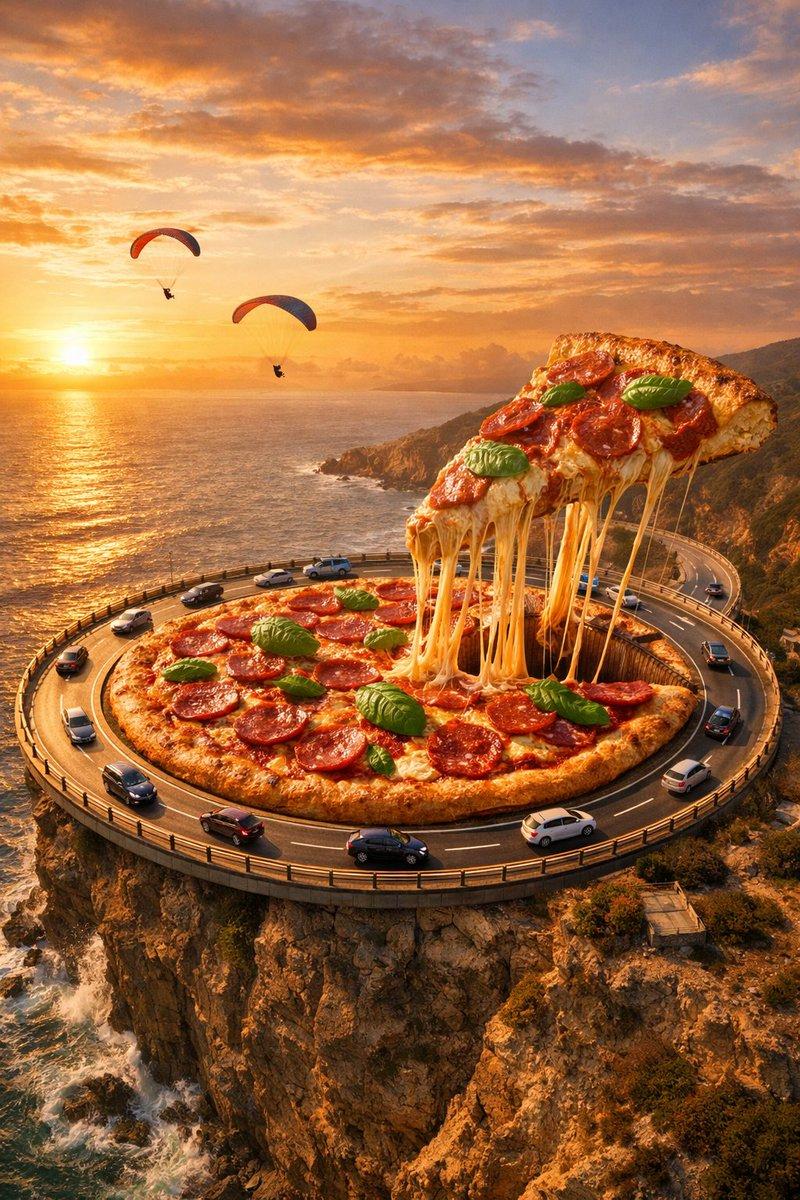
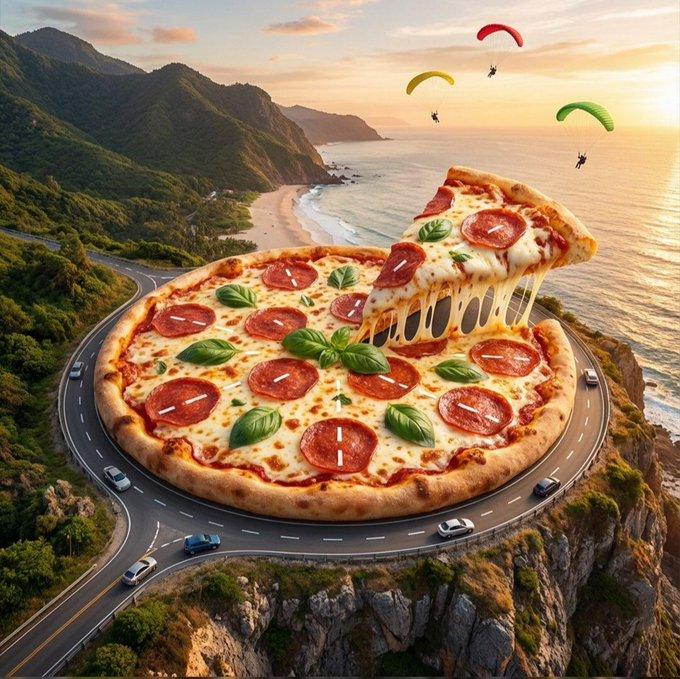
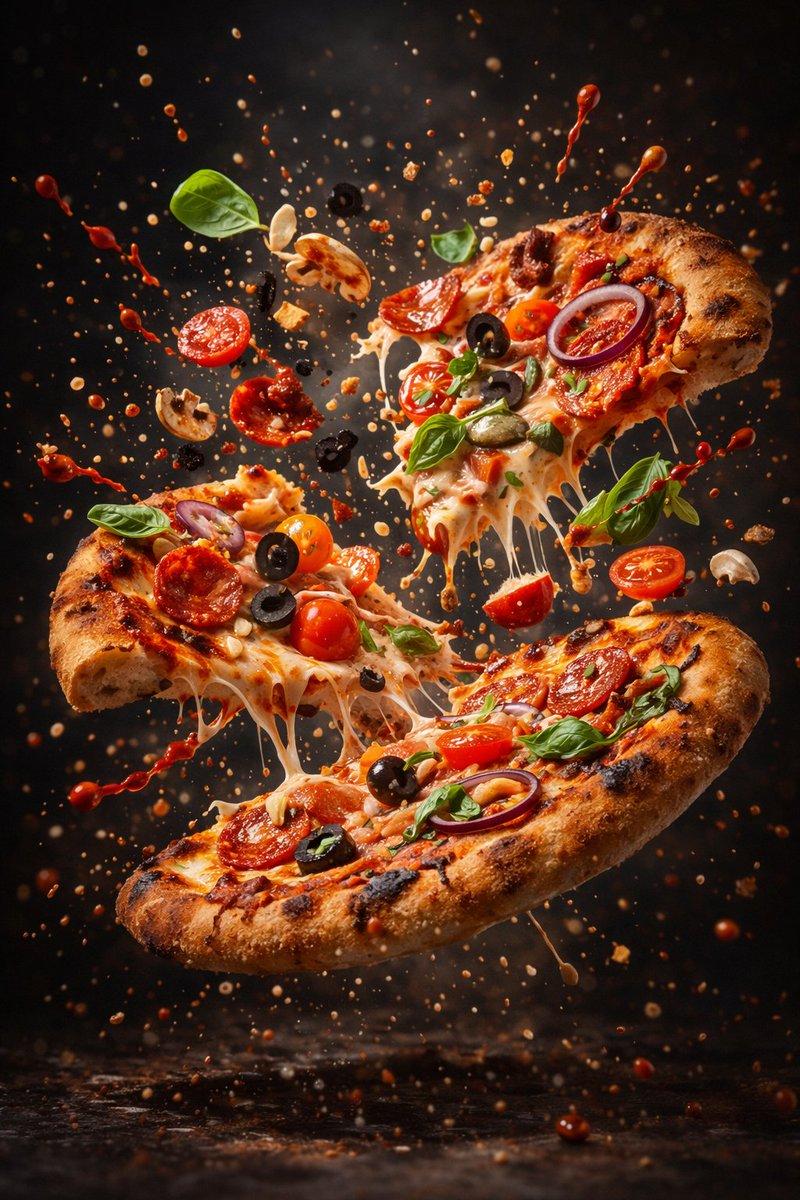
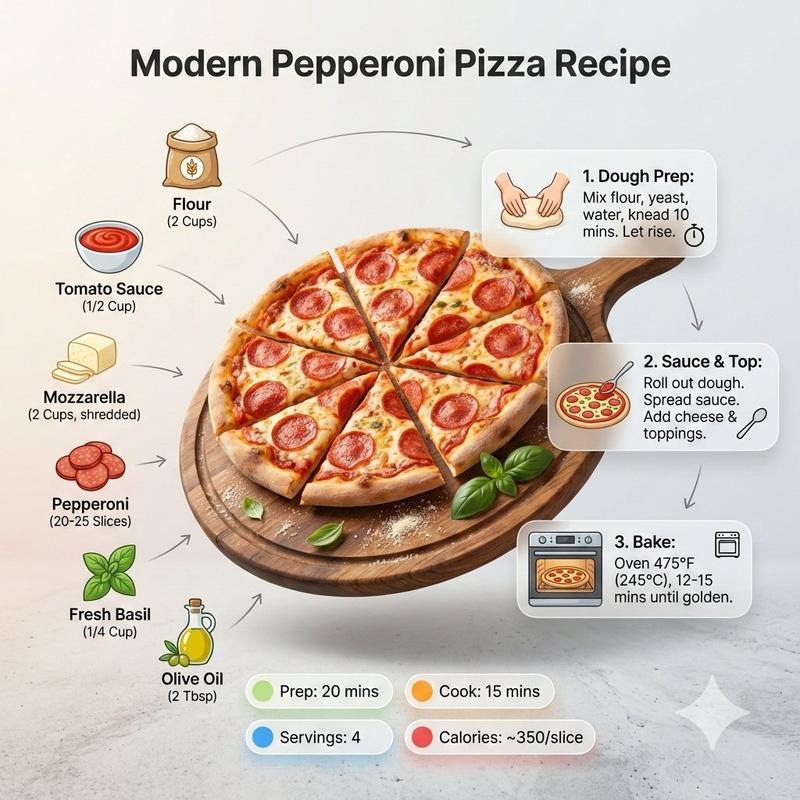
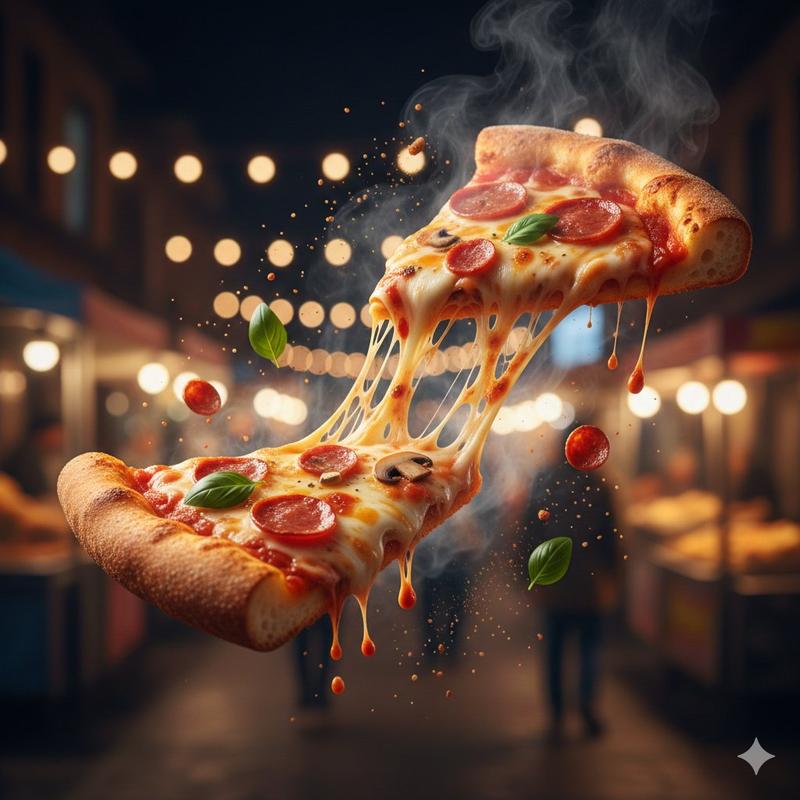
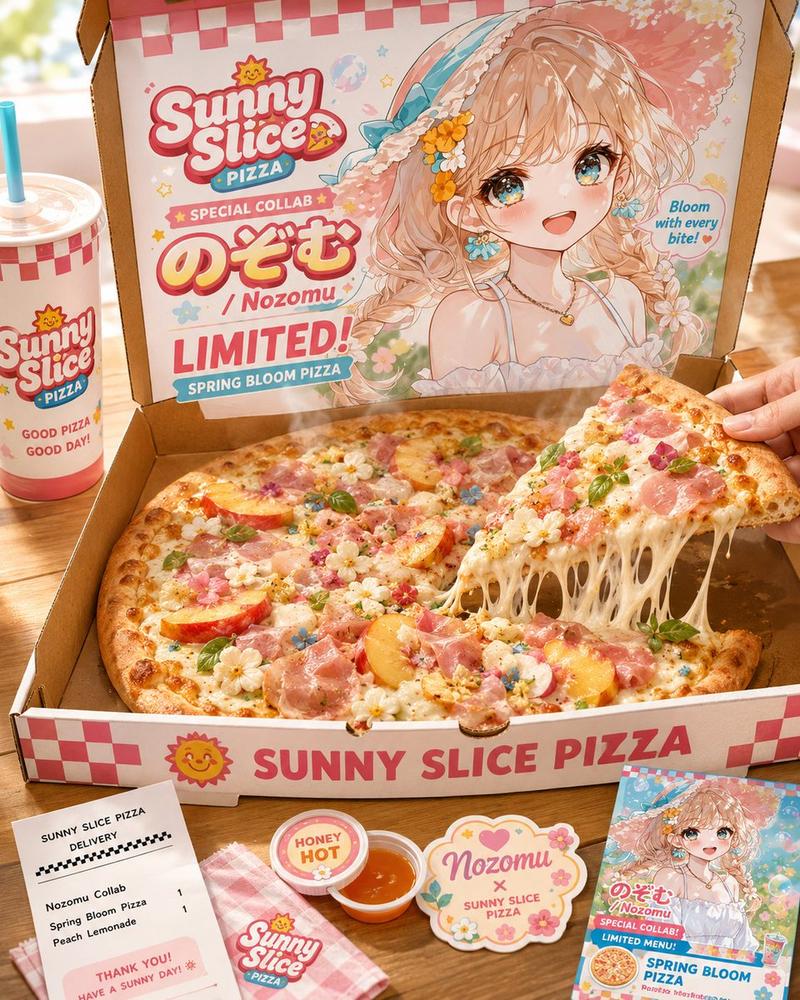
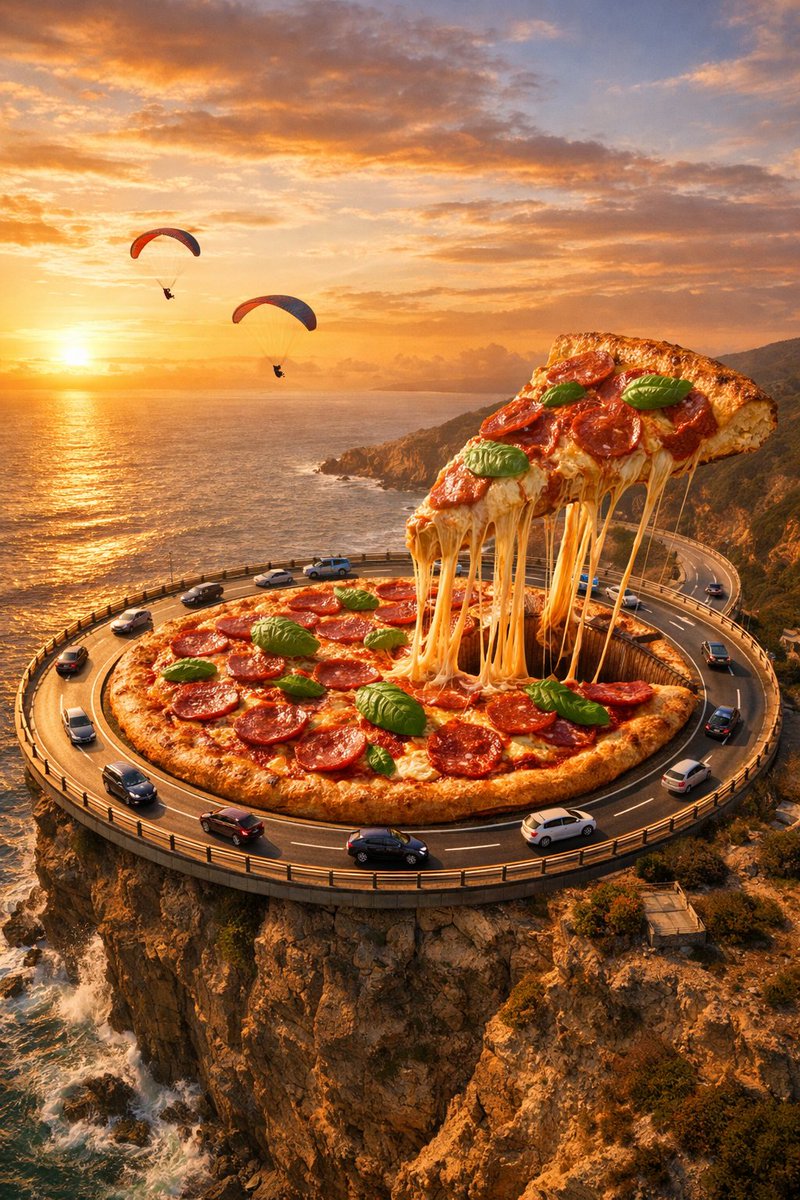
Prompt: A giant pepperoni pizza designed as a circular road roundabout Cars driving along the pizza surface like a highway One slice lifted with cheese stretch-ing dramatically Fresh basil leaves and pepperoni slices on top Located on a coastal cliff above the ocean Sunset sky with warm golden light Paraglid-ers flying in the distance Cinematic aerial perspec-tive Ultra-realistic food textures Fantasy surreal scale High detail, 8K quality Epic advertising-style composition
Category
创意图片
Model
Nano Banana Pro
Views0
Source ID
ead245a7-8736-45da-95c6-954a6b07a9e3
Published
Jan 19, 2026

Guide

About "Google Nano banana pro + Wan 2.6 AI 🎥 → Use Nano Banana Pro / ChatGPT Image 1."

What is this prompt for?

"Google Nano banana pro + Wan 2.6 AI 🎥 → Use Nano Banana Pro / ChatGPT Image 1." AI image prompt for Nano Banana Pro (创意图片). 创意图片 Copy it on Picva and recreat…

The full copyable prompt and example visuals above are ready for AI image generation or one-click recreate in Picva.

How to use this prompt

  1. Step 1

    Open the prompt detail

    Review the example visuals, category, and full prompt text for "Google Nano banana pro + Wan 2.6 AI 🎥 → Use Nano Banana Pro / ChatGPT Image 1.".

  2. Step 2

    Copy the prompt

    Copy the prompt body from this page, or load it directly in Studio.

  3. Step 3

    Pick a model (Nano Banana Pro)

    Prefer Nano Banana Pro. If you switch models, keep subject and composition and tweak style terms.

  4. Step 4

    Generate and export

    Recreate the look in Picva, or export into your workflow for editing and publishing.

FAQ

What is the "Google Nano banana pro + Wan 2.6 AI 🎥 → Use Nano Banana Pro / ChatGPT Image 1." prompt?
It is an AI image-generation prompt for Nano Banana Pro in the 创意图片 category. This page includes the full prompt text, example visuals, and a one-click recreate path in Picva.
How do I use this prompt to generate an image?
Copy the prompt from this page, or use Generate / Studio. Paste it into a compatible image model, or recreate the look in Picva with optional reference images.
Which model is this prompt for?
This page lists Nano Banana Pro. Most descriptive prompts also transfer to nearby image models such as GPT Image, Flux, or Midjourney with light style tweaks.
Can I use the result commercially?
You can usually copy the prompt for creation, but commercial use of the final image depends on the model terms, reference-image rights, and the generated content. Follow the source author and platform rules.