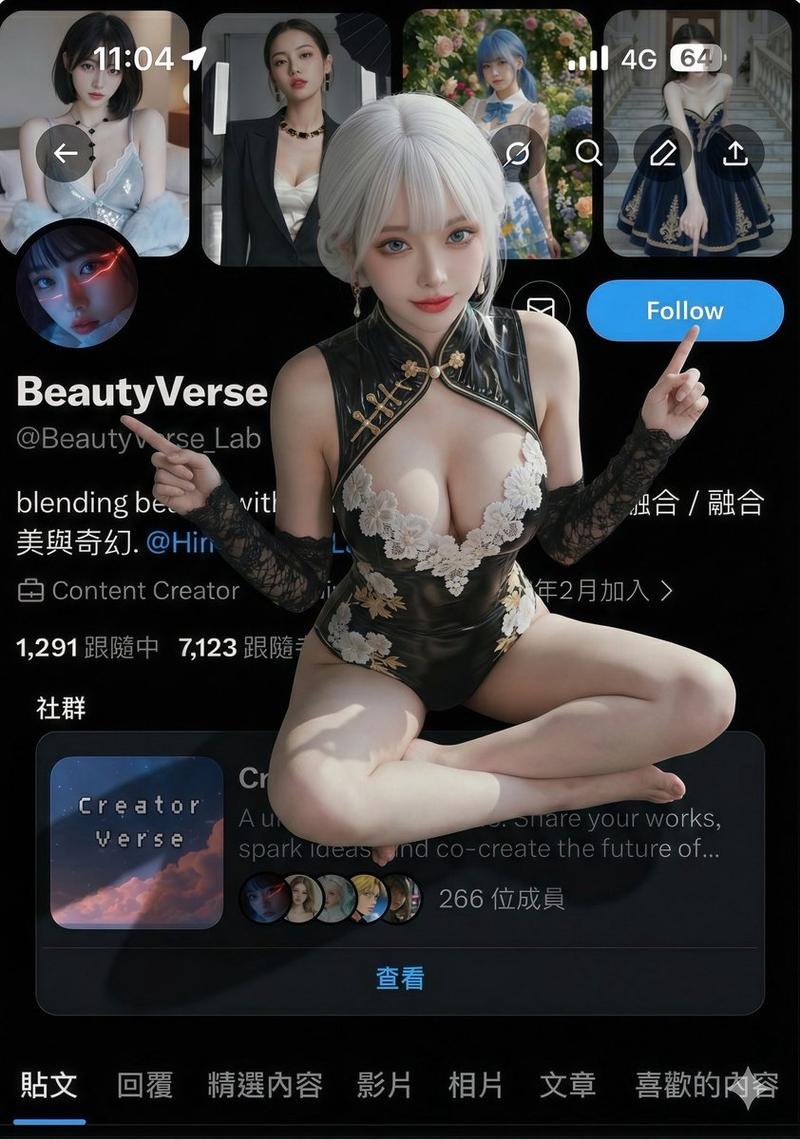
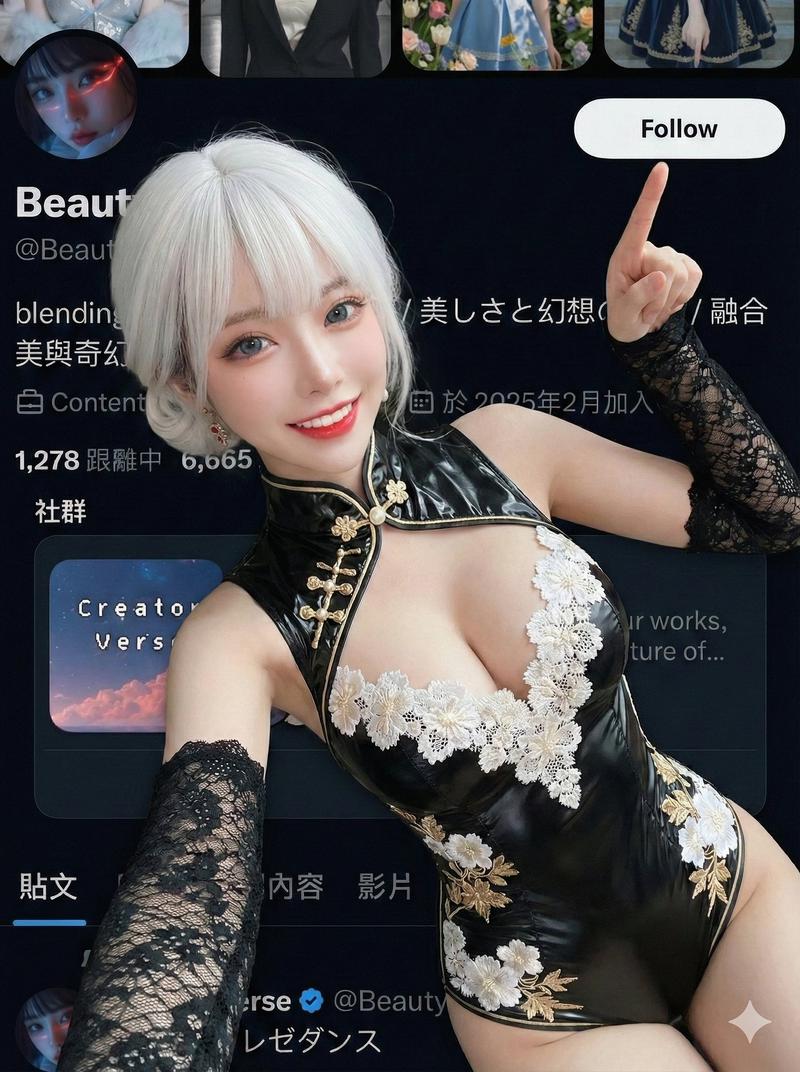
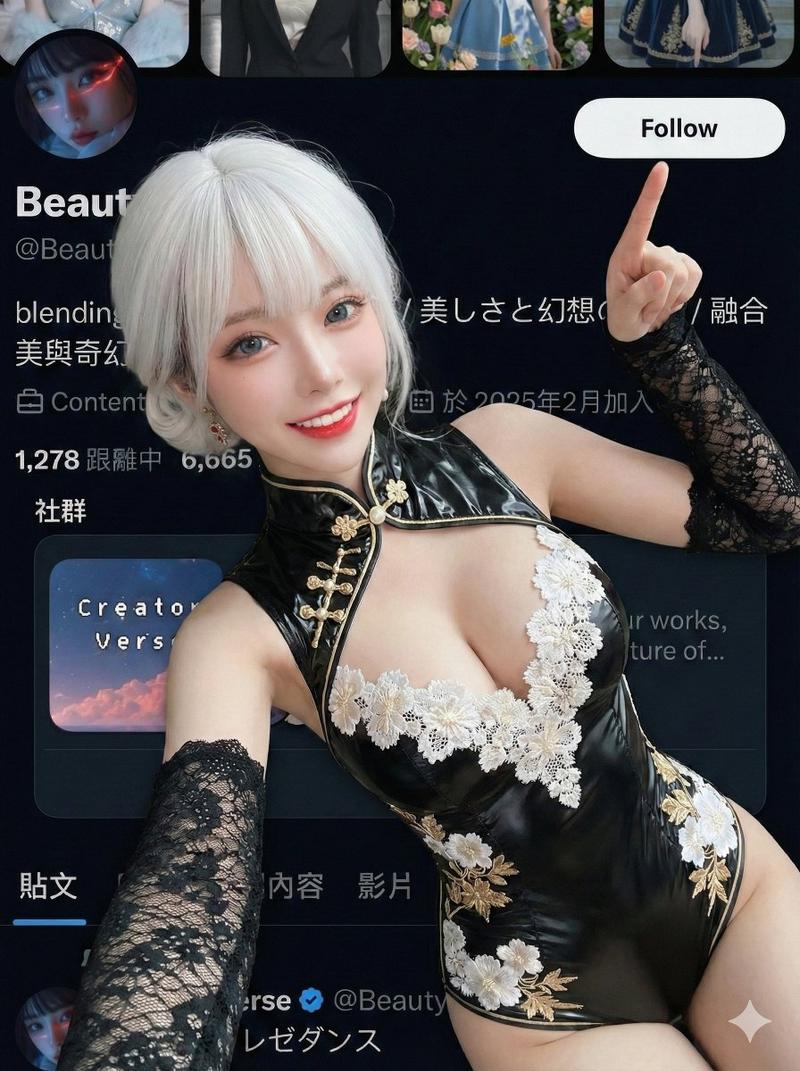
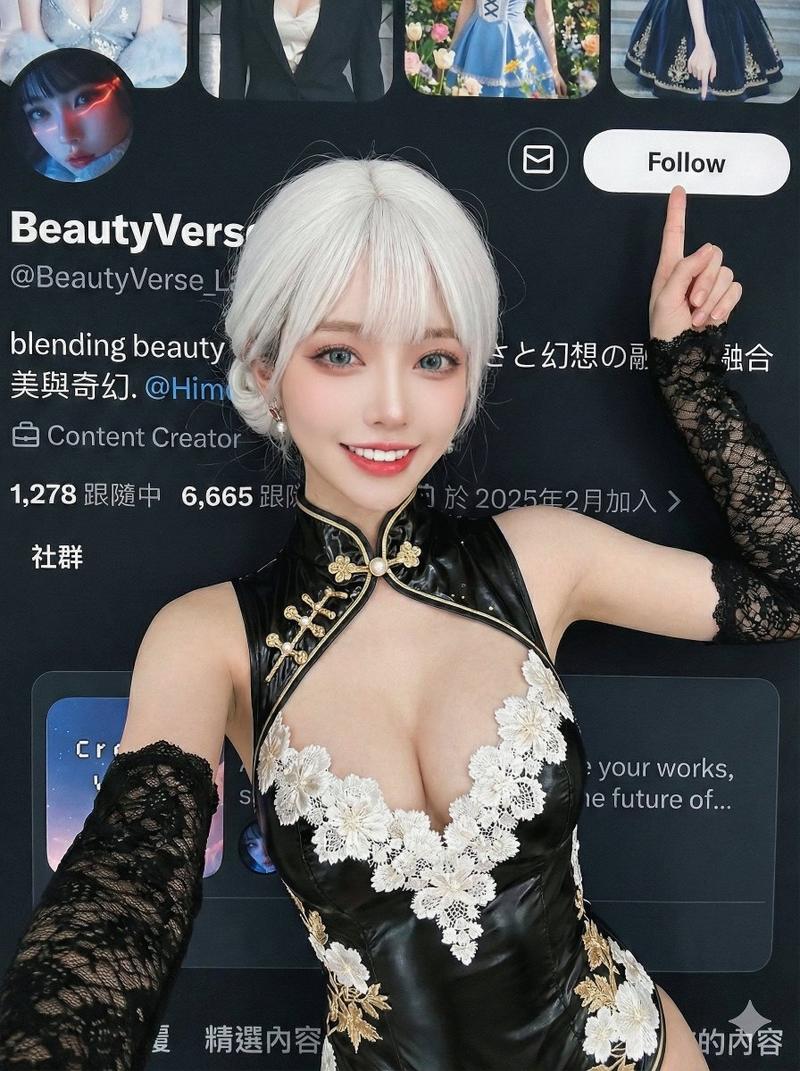
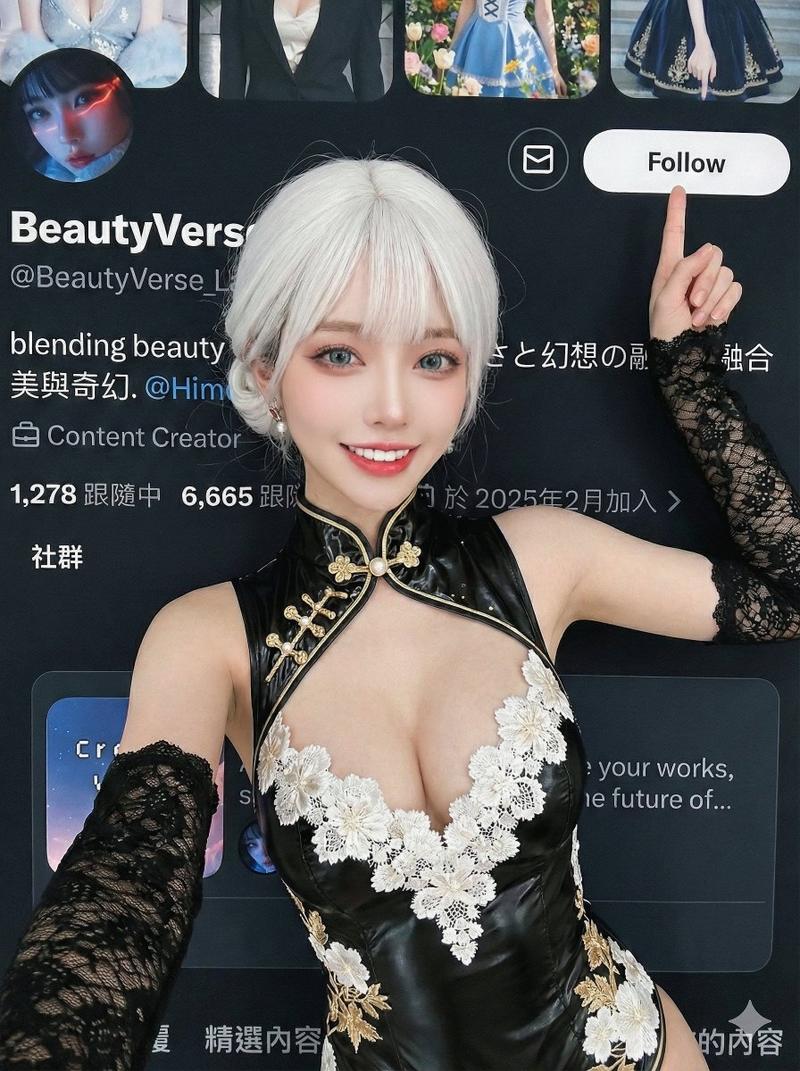
![[Nano Banana Pro] Original effect, major update. ✨Promo Effect v2.0✨ Based on th](https://cdn.pixshop.app/prompt-library/tweet-2014271293349327251/primary-0-1769349184828-32ubf80d.jpeg)
[Nano Banana Pro] Original effect, major update. ✨Promo Effect v2.0✨ Based on th
Prompt
[Nano Banana Pro]
Original effect, major update.

✨Promo Effect v2.0✨

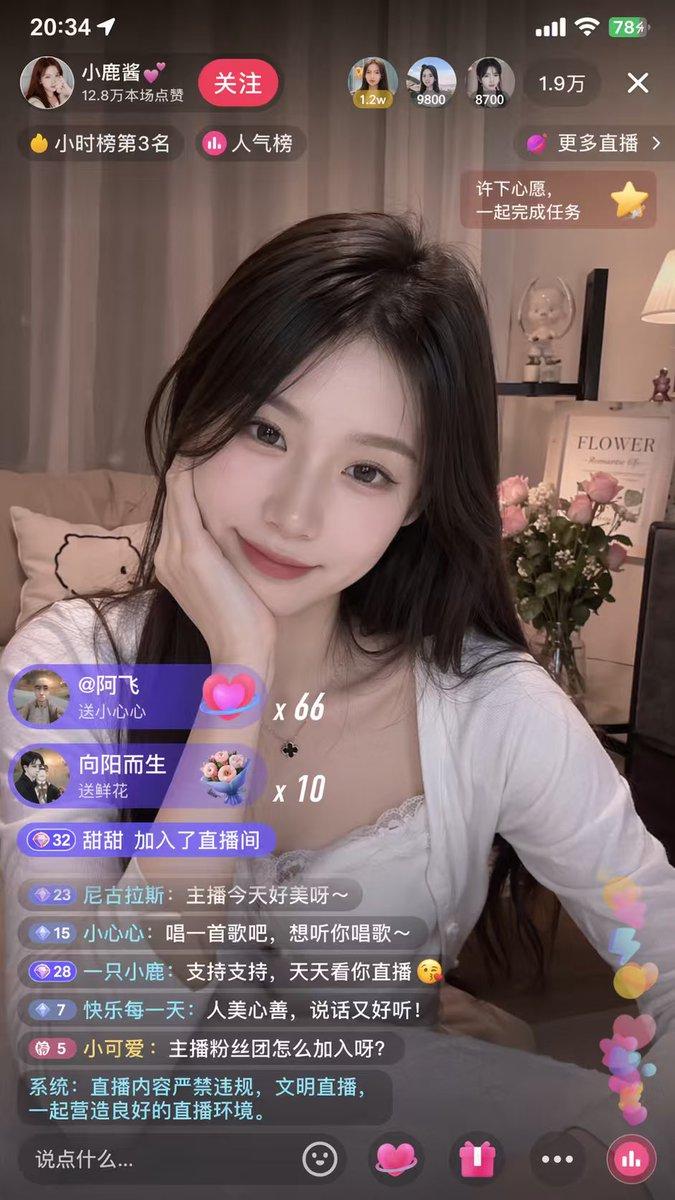
Based on the images shared in the comments, I fixed a few issues and adjusted how the result is presented.

v2.0:
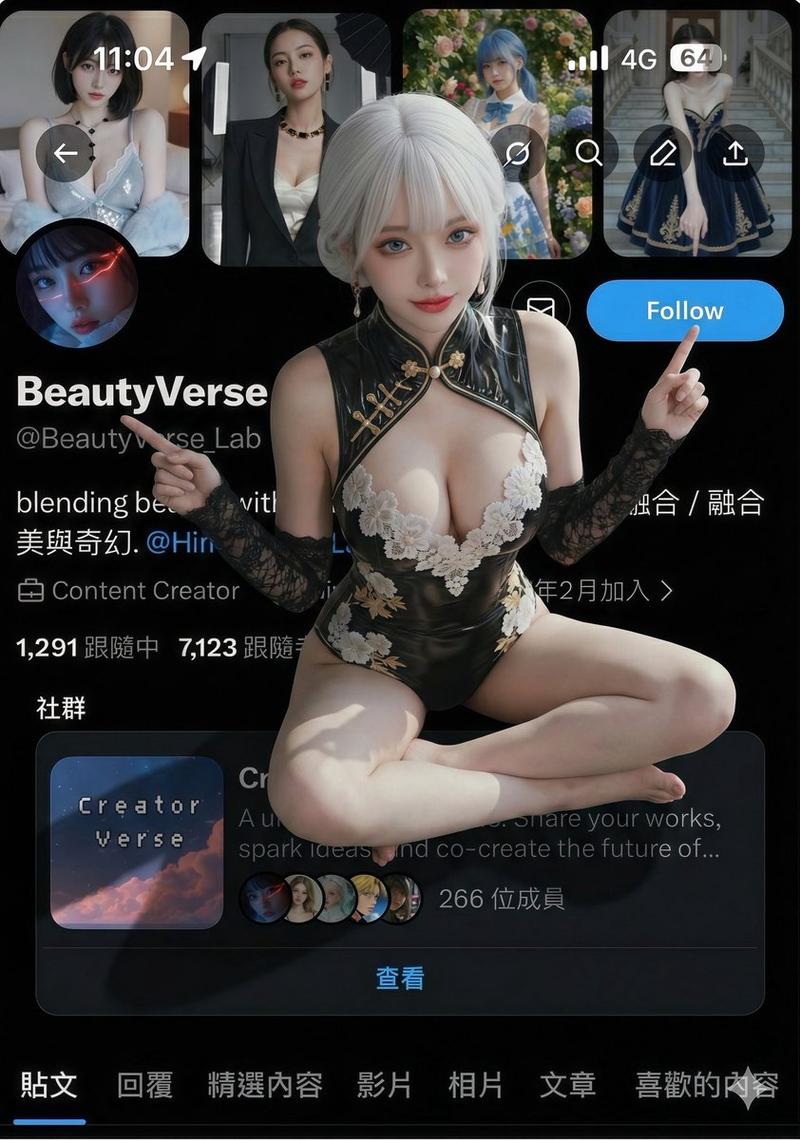
1.The character is now shown in full.
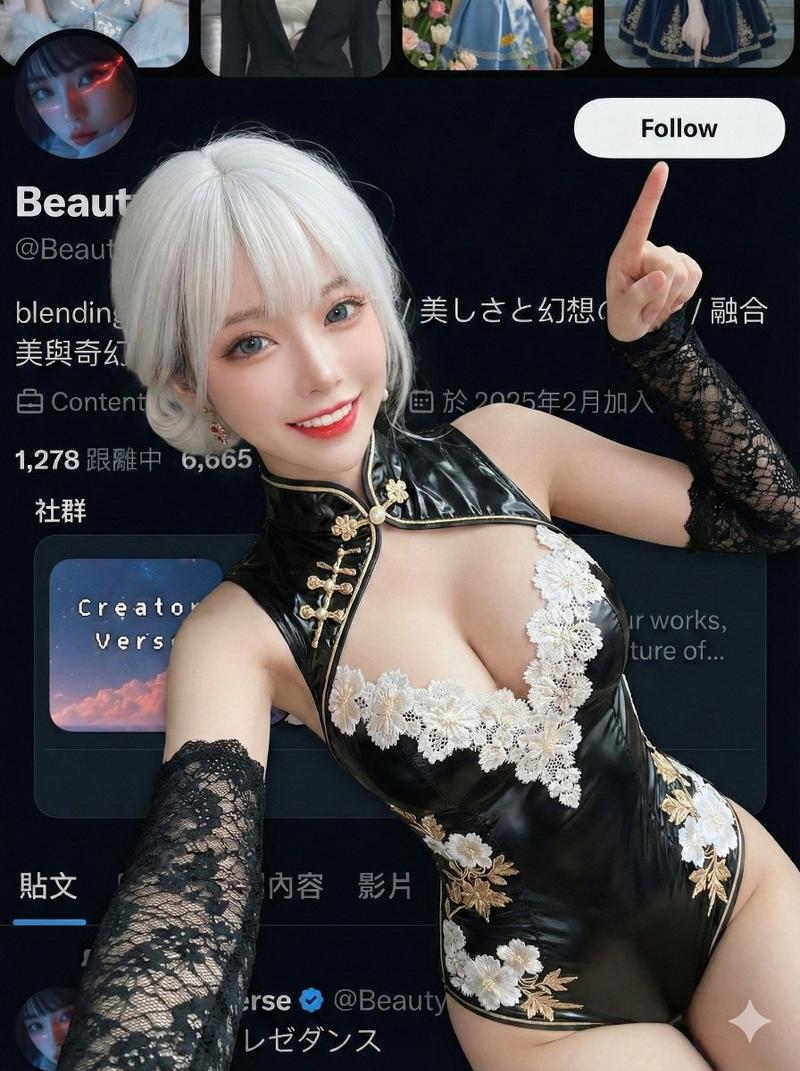
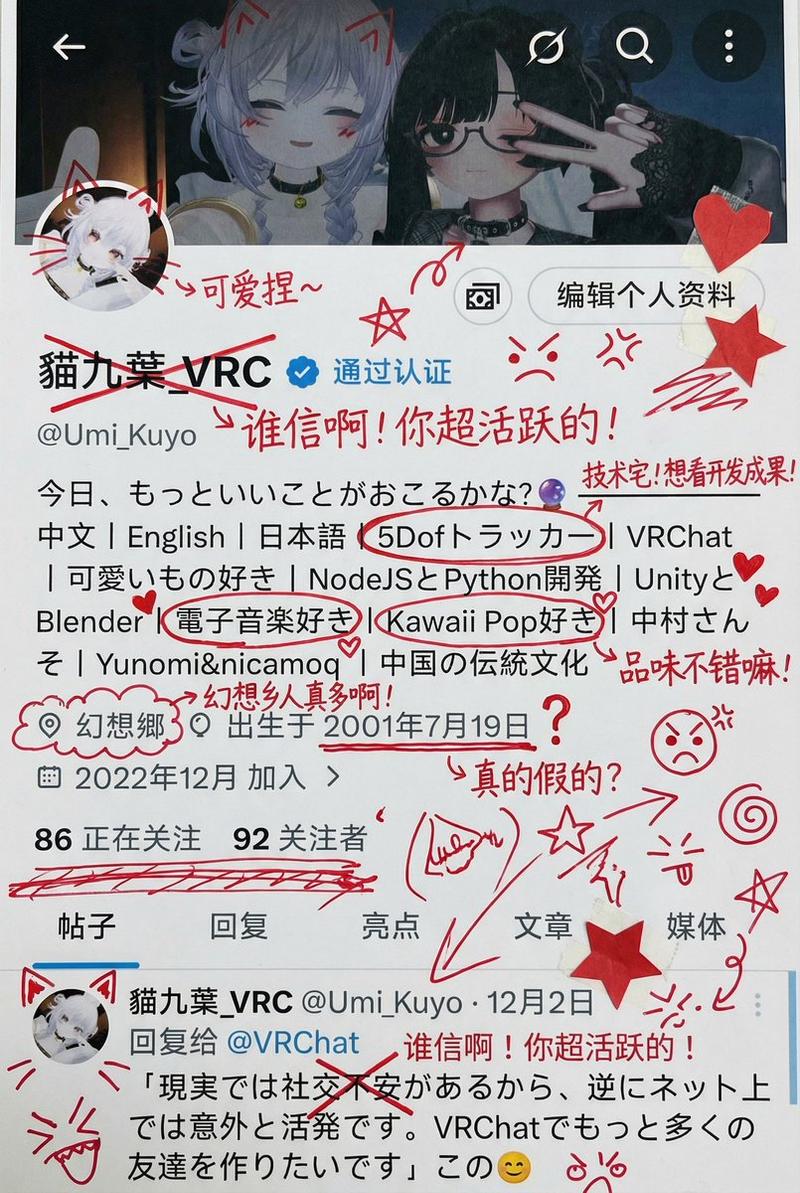
2.When running the prompt, it checks whether your profile screenshot includes a Follow button. If it is missing, it will create one and ensure the button text says Follow.
3.The pose is updated. One hand points at your account name, and the other points at Follow.

How to use:
1.Choose a character image you want to apply the effect to.
2.Upload a screenshot of your profile page.
3.Copy and paste the prompt.

Notes:
1.Since the character is shown full body, if your reference image does not include feet, the system will generate them automatically. The result may not always look good, so a full body reference with feet is recommended.
2.The best aspect ratio for the profile screenshot is 3:4.
——
/prompt/

{
  "edit_type": "precise_composite_overlay_dual_interaction_english_ui",

  "source": {
    "_hint": "Base Logic: Character sitting on Background. Background is fixed EXCEPT for the specific text on the button.",
    "mode": "IMAGE_COMPOSITION",
    "reference_images": {
      "foreground": "character_ref_image",
      "background_canvas": "profile_page_screenshot"
    },
    "consistency": {
      "character_fidelity": "high",
      "background_structure": "rigid_layout_preservation"
    }
  },

  "ui_text_enforcement": {
    "_hint": "CRITICAL: Ensure the button text reads 'Follow' in English, regardless of the text in the original screenshot.",
    "target_element": "action_button_top_right",
    "mandatory_text": "Follow",
    "language": "English",
    "font_style": "sans_serif_bold_legible",
    "correction_policy": "overwrite_original_text_if_not_follow"
  },

  "background_preservation": {
    "_hint": "Background is a rigid floor. Only allow changes to shadows and the button text.",
    "policy": "strict_pixel_retention_mostly",
    "allowed_modifications": [
      "realistic_contact_shadows_under_character",
      "replacement_of_button_text_to_Follow"
    ]
  },

  "camera_and_lighting": {
    "_hint": "Character sitting ON the interface.",
    "perspective": "high_angle_looking_down",
    "grounding_effect": {
      "technique": "contact_shadows_under_legs",
      "placement": "on_background_surface"
    }
  },

  "pose": {
    "_hint": "Dual pointing: Left Hand -> Name, Right Hand -> 'Follow' Button.",
    "pose_style": "sitting_cross_legged_or_kneeling",
    "head_position": "tilted_back_looking_at_camera",
    "hands_configuration": {
      "style": "dual_index_finger_pointing",
      "left_hand": {
        "action": "pointing_at_account_name",
        "target_location": "top_left_area"
      },
      "right_hand": {
        "action": "pointing_at_follow_button",
        "target_location": "top_right_area",
        "specific_focus": "indicate_the_word_Follow"
      }
    }
  },

  "constraints": {
    "text_must_spell_Follow_correctly": true,
    "no_gibberish_text": true,
    "no_chinese_characters_on_button": true,
    "hands_must_not_block_the_word_Follow": true
  }
}- Category
- 创意图片
- Model
- Nano Banana Pro
- Creator
- @BeautyVerse_Lab
- Source ID
- 43c24e74-9d40-4282-90c0-52aa95920e25
- Published
- Jan 25, 2026
Views0