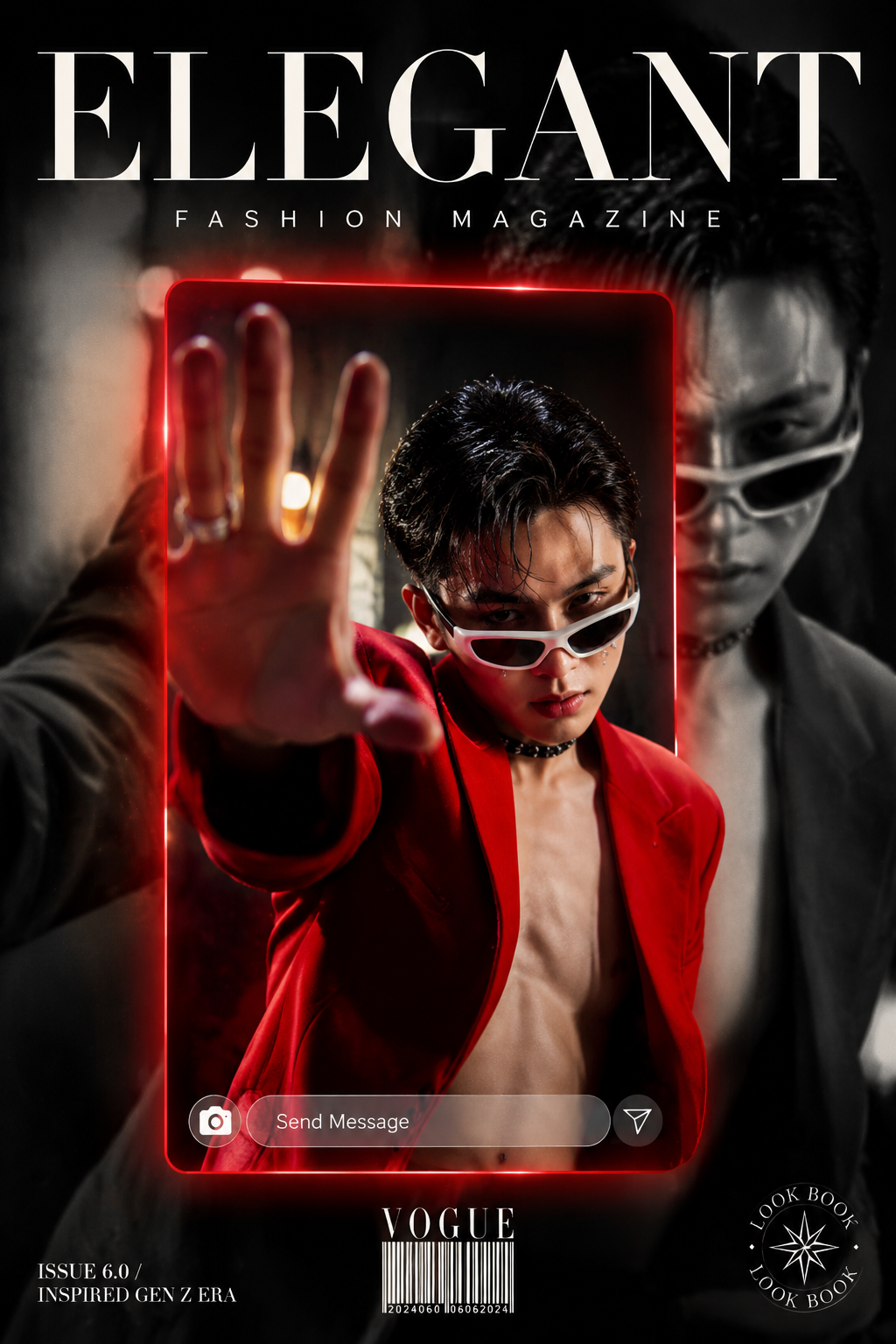
Create a high-fashion editorial magazine cover in portrait orientation (9:16 rat
Prompt
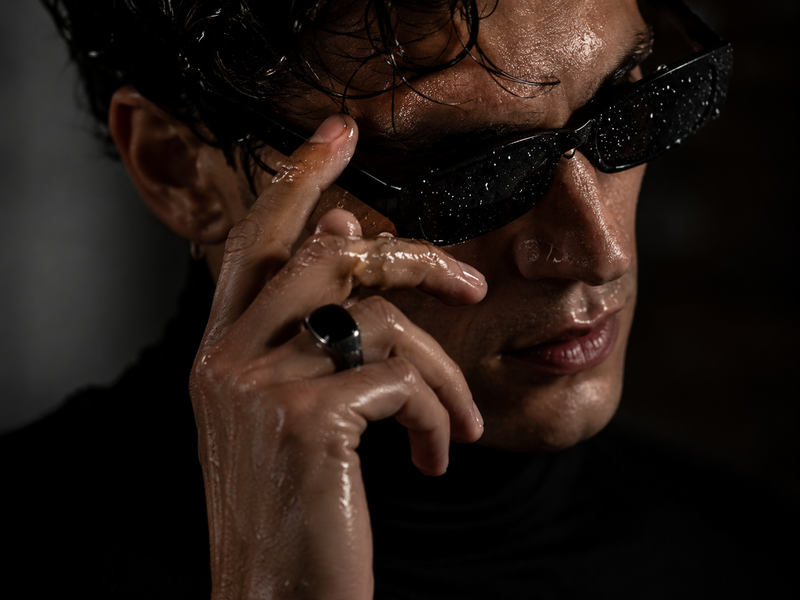
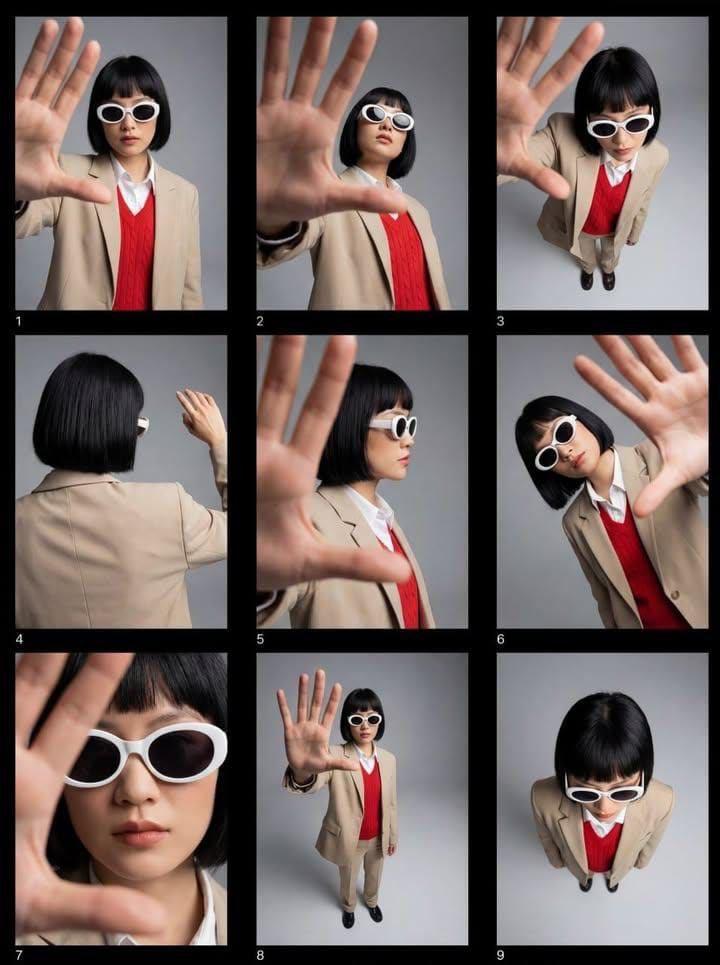
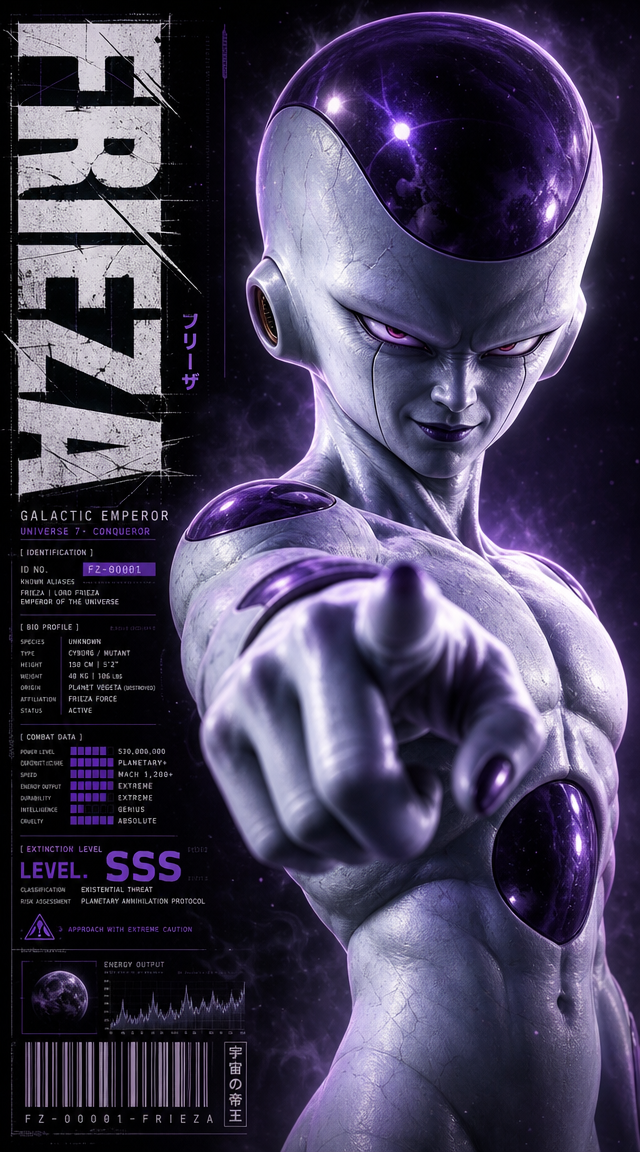
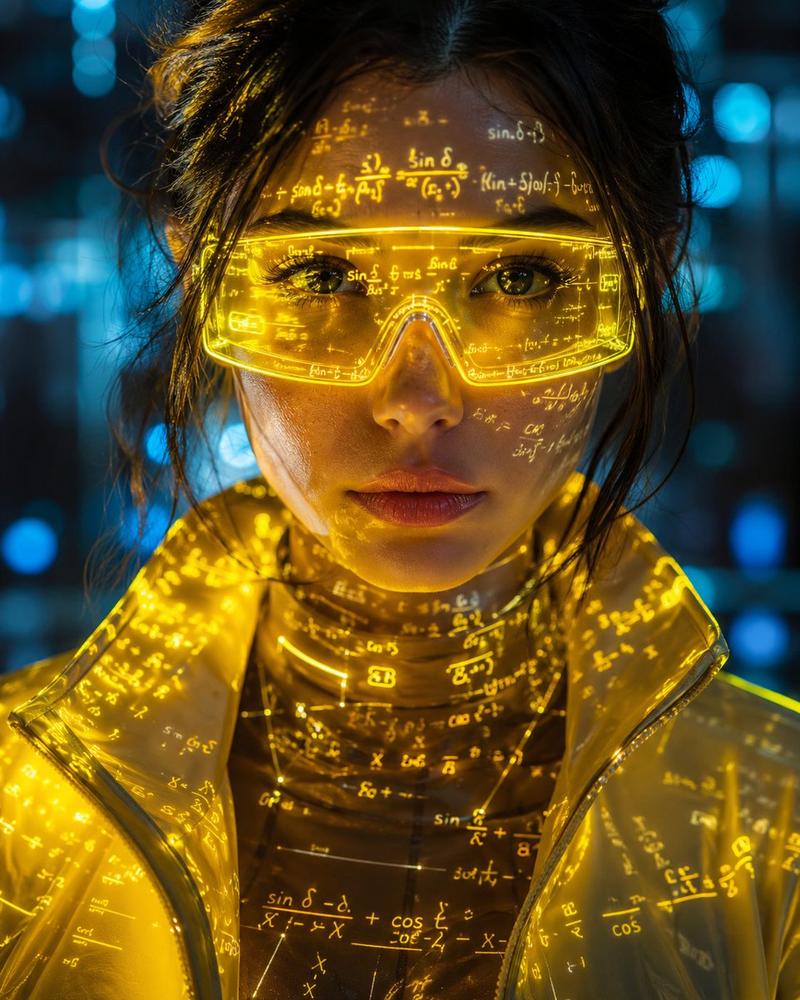
Create a high-fashion editorial magazine cover in portrait orientation (9:16 ratio). The main subject is a young East Asian male model in his early 20s wearing a bold oversized crimson red blazer with the collar open, no shirt underneath. He has short wet slicked-back dark hair, small face gems/beauty marks under one eye, a black choker necklace, and futuristic white wraparound cat-eye sunglasses.His pose is dynamic and editorial — leaning forward aggressively with one arm fully extended toward the camera, palm facing out as if stopping the viewer. His expression is intense and brooding.The composition layers two versions of the same person: the inner frame shows him in full vivid color inside a red-bordered glowing rectangle, while the larger background shows the same figure in full desaturated black-and-white wearing a dark suit, slightly blurred, creating a depth-of-field double-exposure effect.A red atmospheric bokeh glow halos the inner frame. At the bottom of the inner frame, overlay a sleek modern UI "Send Message" input bar in light gray. At the top of the image, display the magazine title "ELEGANT" in bold serif editorial font, with "FASHION MAGAZINE" in spaced caps beneath it. Bottom left reads "ISSUE 6.0 / INSPIRED GEN Z ERA". Bottom center has a barcode with "VOGUE" label. Bottom right has a circular stamp reading "LOOK BOOK" around a decorative star compass icon.Overall aesthetic: Gen Z high-fashion editorial, mixed media, digital art meets print magazine, cinematic and moody.Color grade: selective color isolation — only the red blazer and red border frame retain full vivid saturation (deep crimson #CC1A1A), all other elements are desaturated to cool gray tones. Background figure is pure black-and-white. Lighting is high contrast with blown-out matte whites and lifted blacks. Shadows have a slight cool cyan-blue undertone. Apply a cinematic split-tone: warm golden highlights, cool teal shadows. Add subtle film grain texture throughout. The red glows softly with a halation halo effect around fabric edges. Overall feel: Kodak Vision 3 film emulation, editorial color grade.Negative prompt: Please avoid: cartoon or anime style, illustration or painting look, smiling or happy expression, symmetrical static pose, plain studio white background, oversaturated rainbow colors, blurry or low resolution output, extra or deformed hands, multiple faces, watermarks, generic stock photo look, casual streetwear styling, flat even lighting.
- Category
- UI & Interfaces
- Model
- GPT Image 2
- Creator
- xie underwood
- Source ID
- 17924
- Published
- Jun 9, 2026
Views94