19

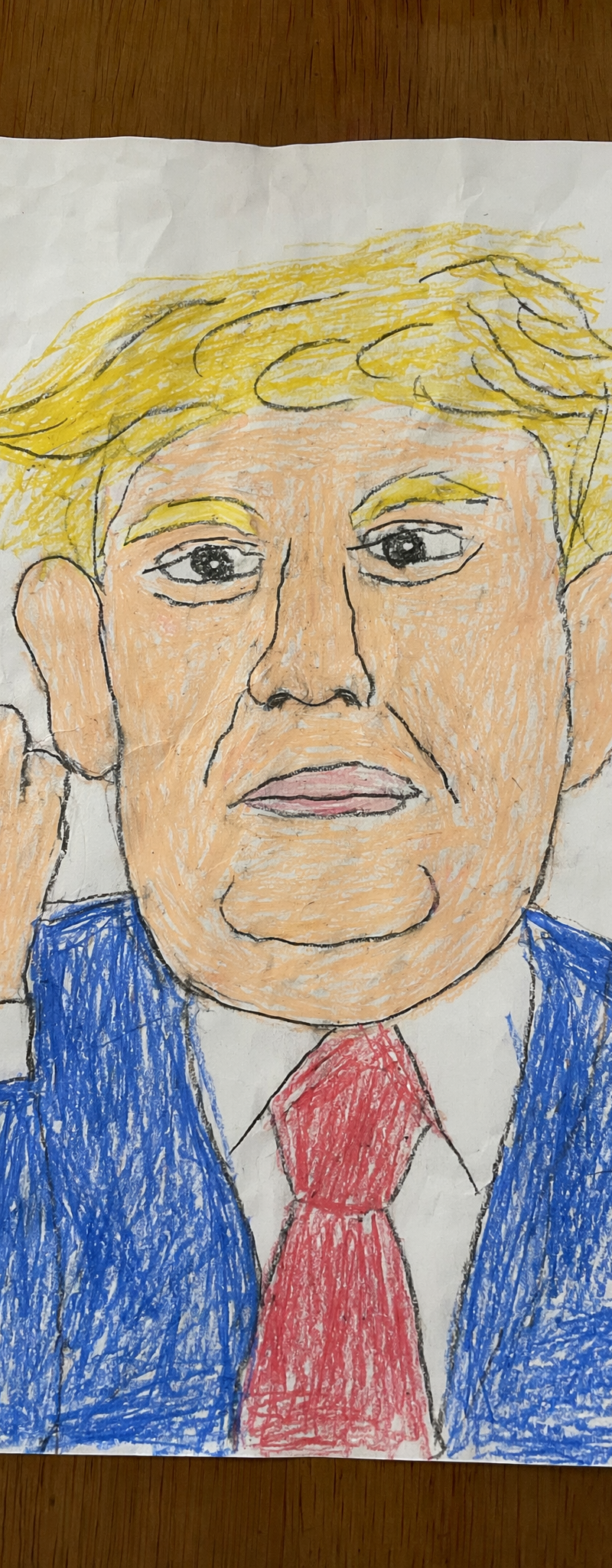
A realistic overhead photo of a childlike crayon drawing on a slightly wrinkled
Enlarge

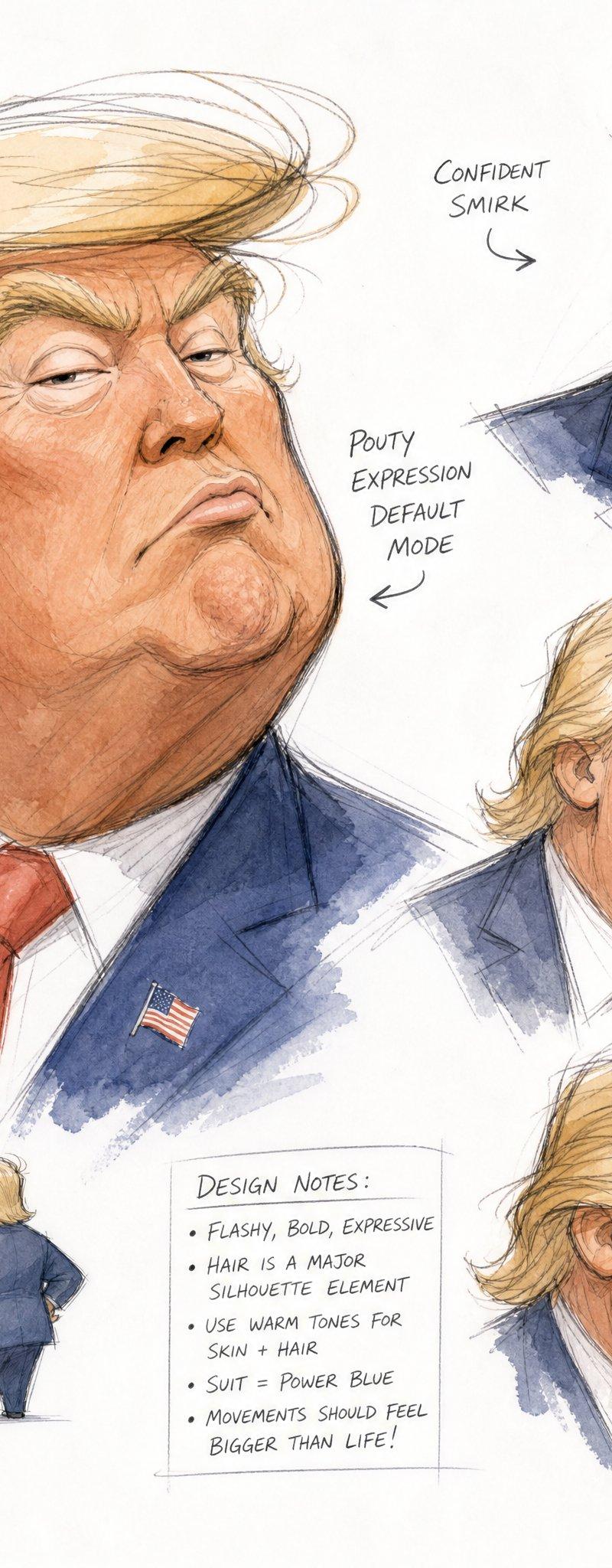
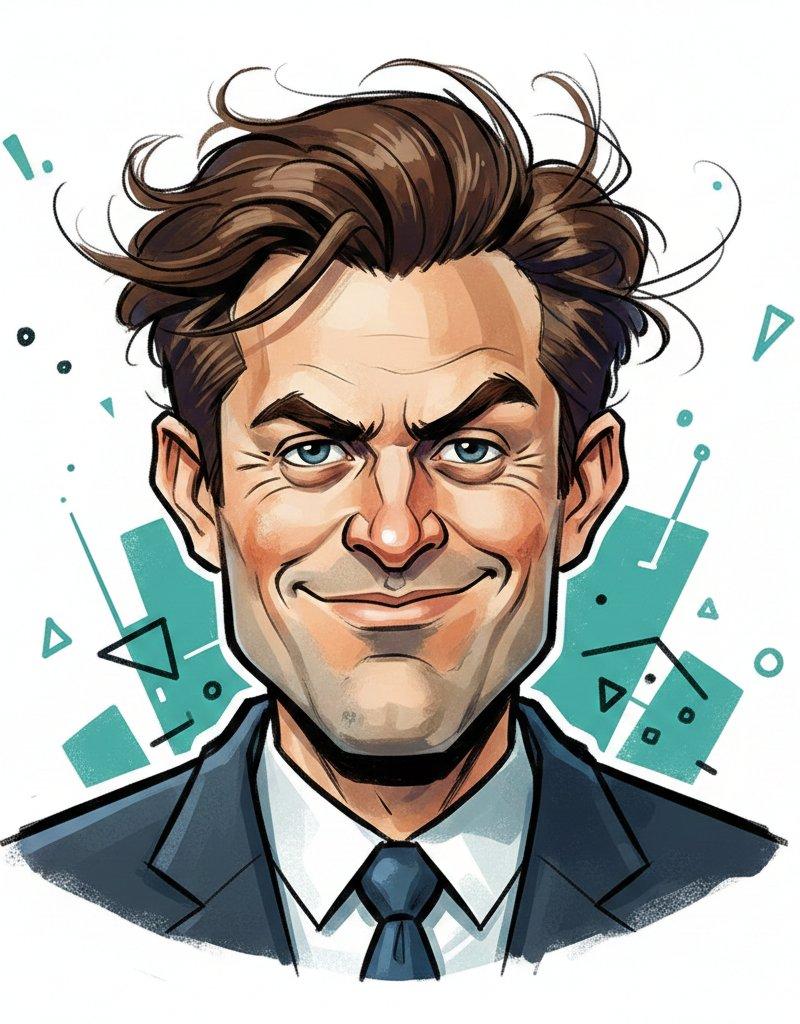
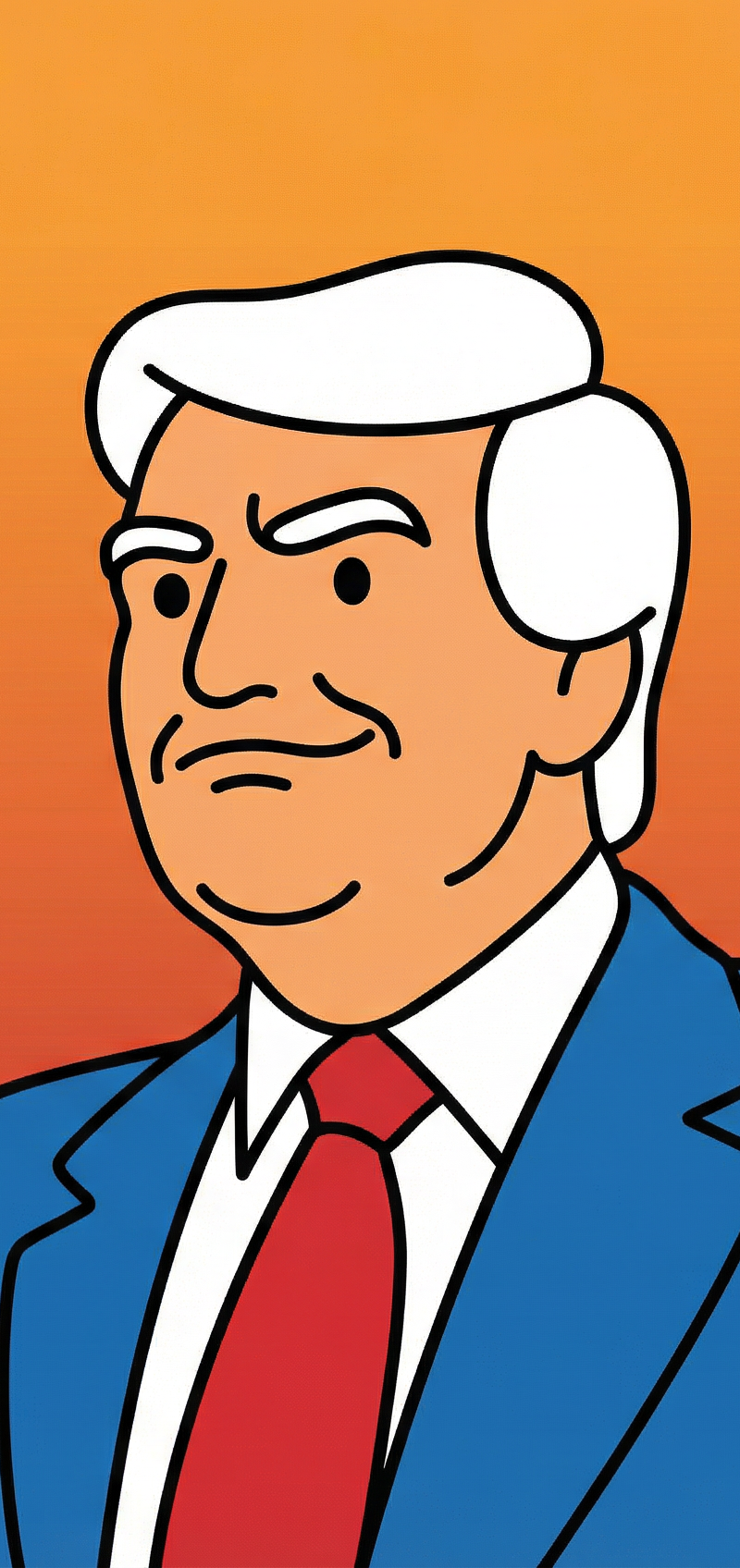
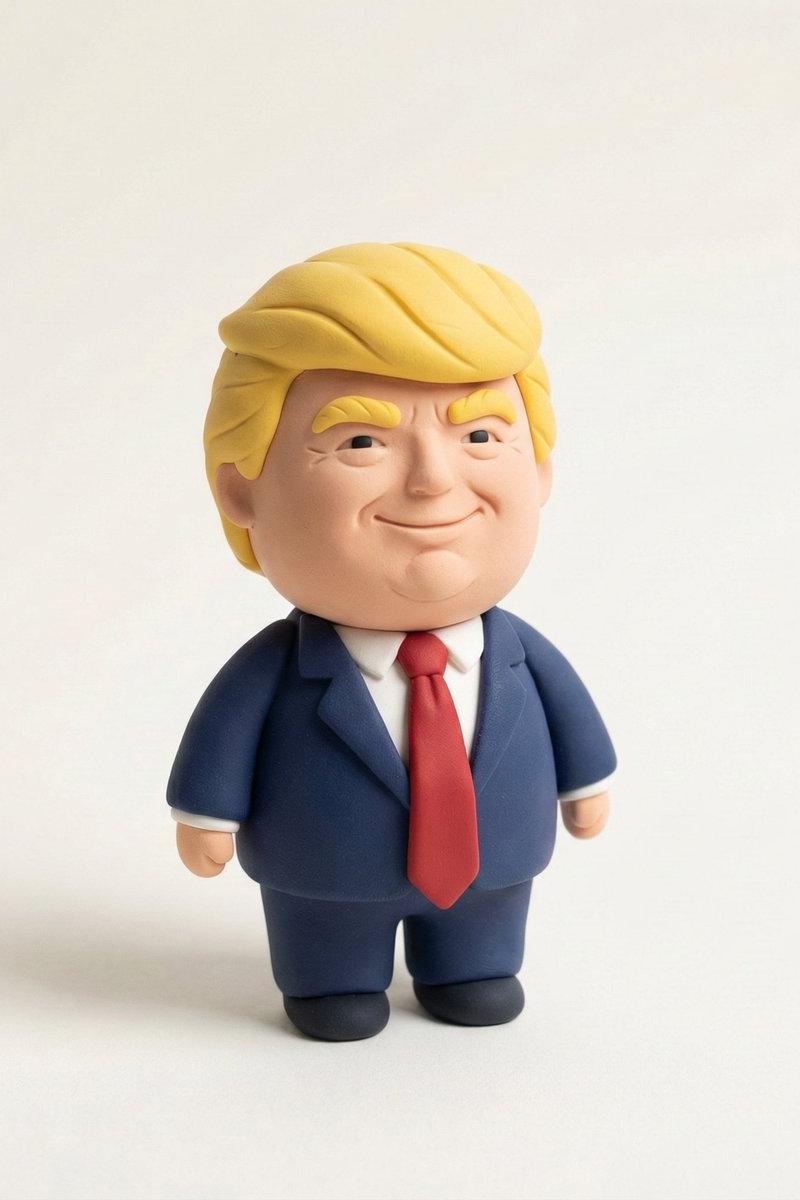
Example images

A realistic overhead photo of a childlike crayon drawing on a slightly wrinkled

Prompt
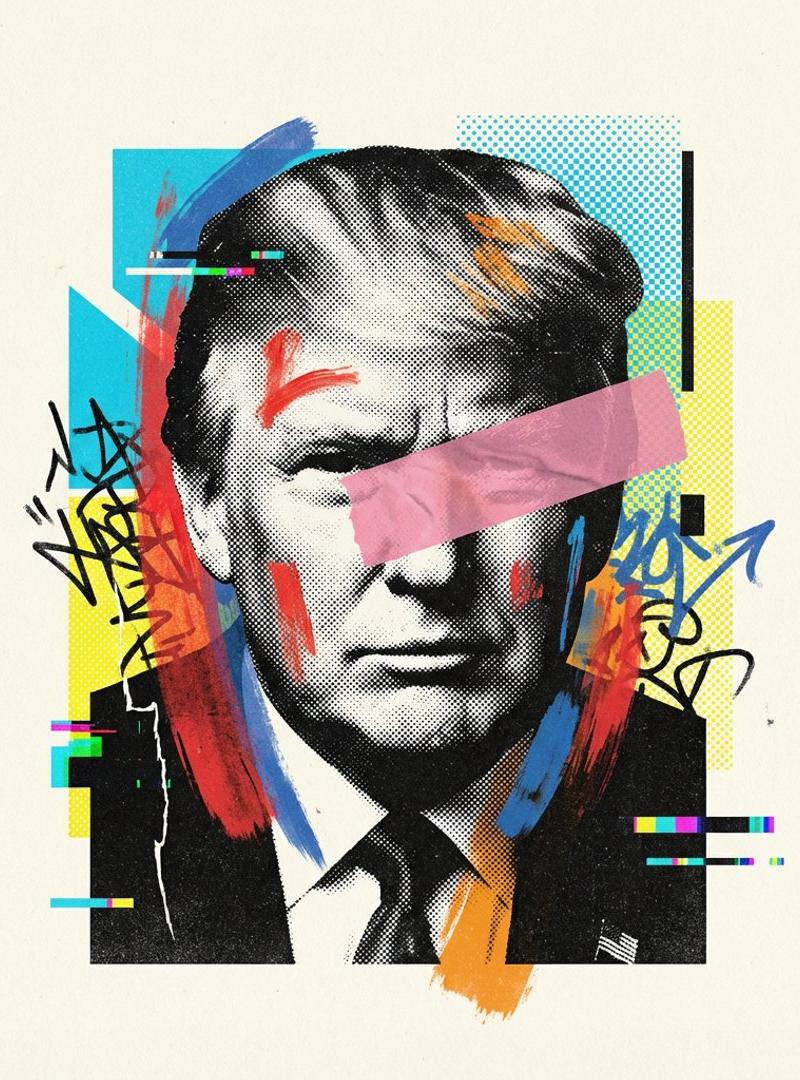
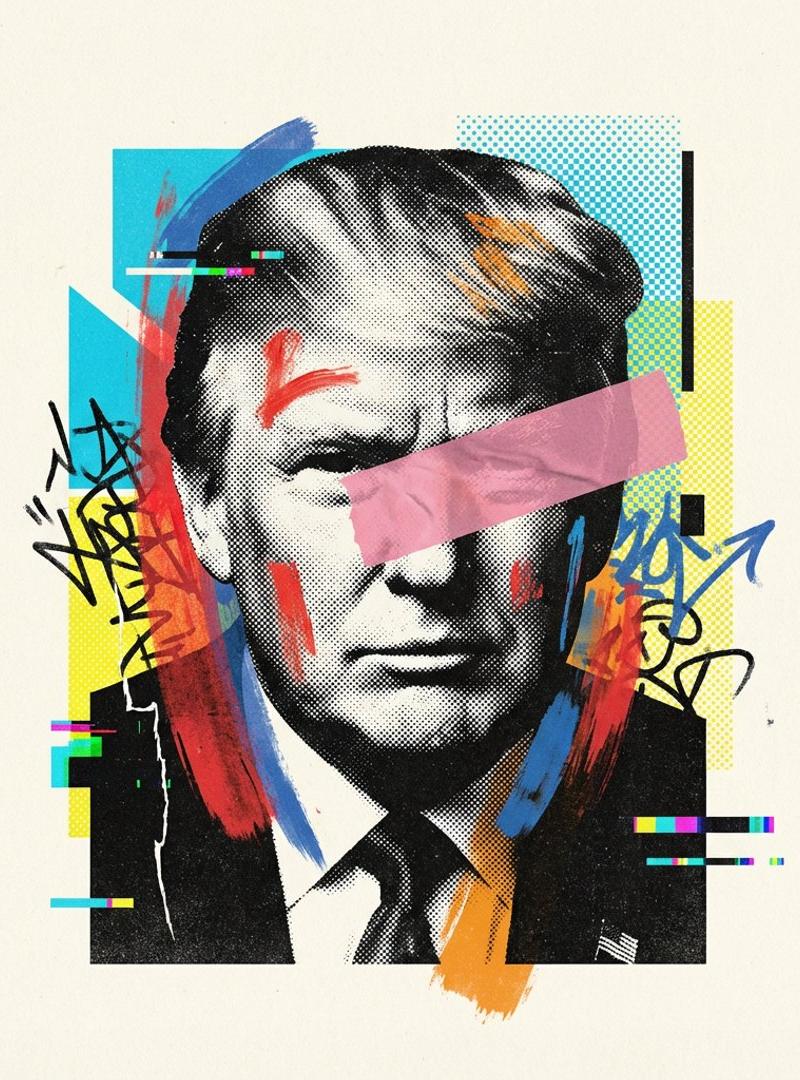
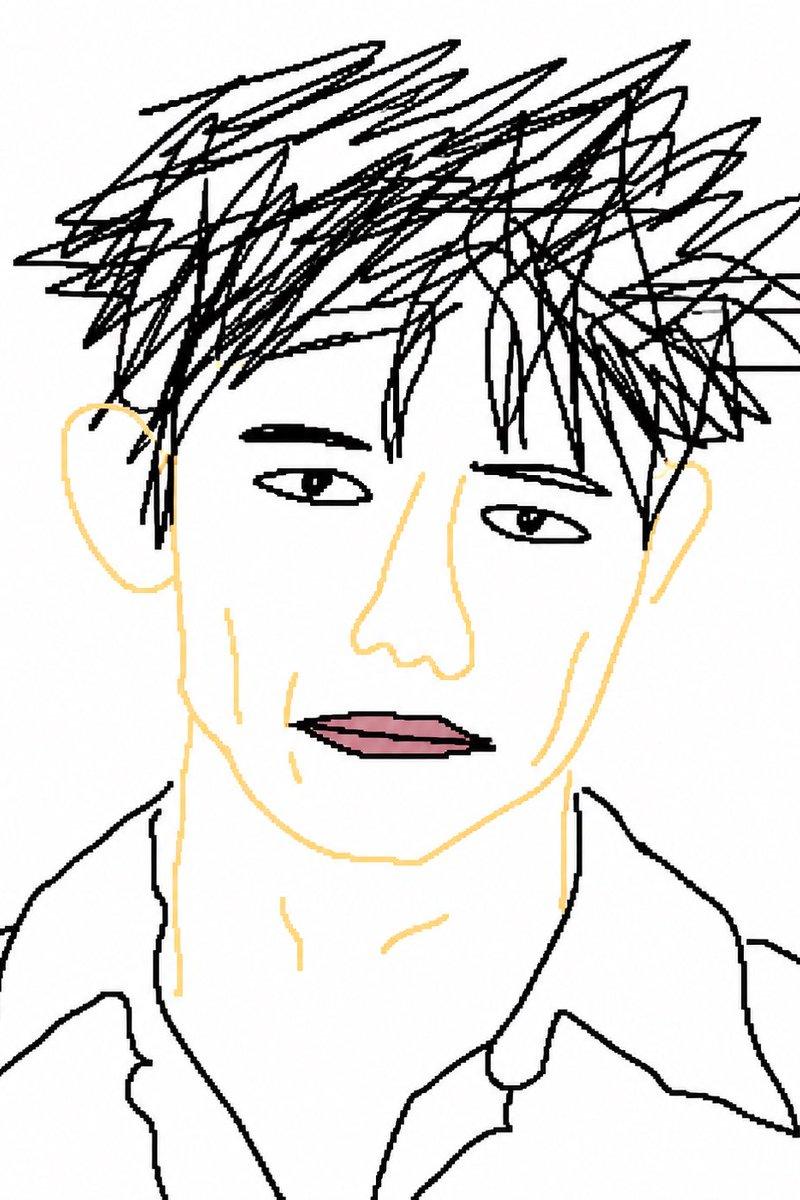
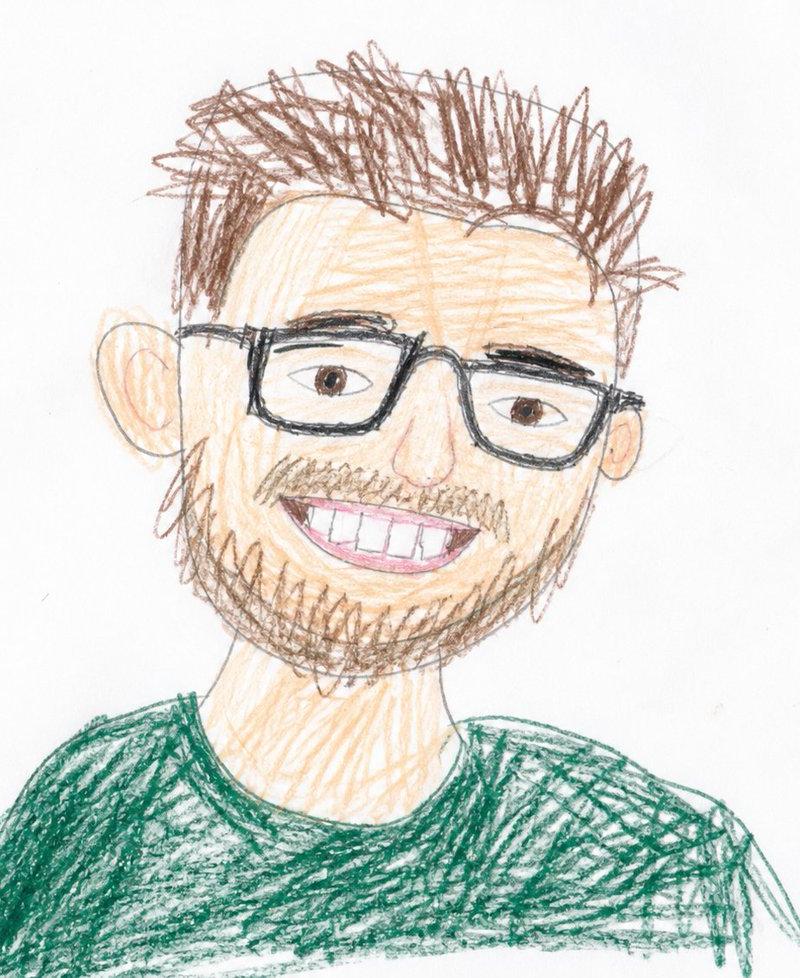
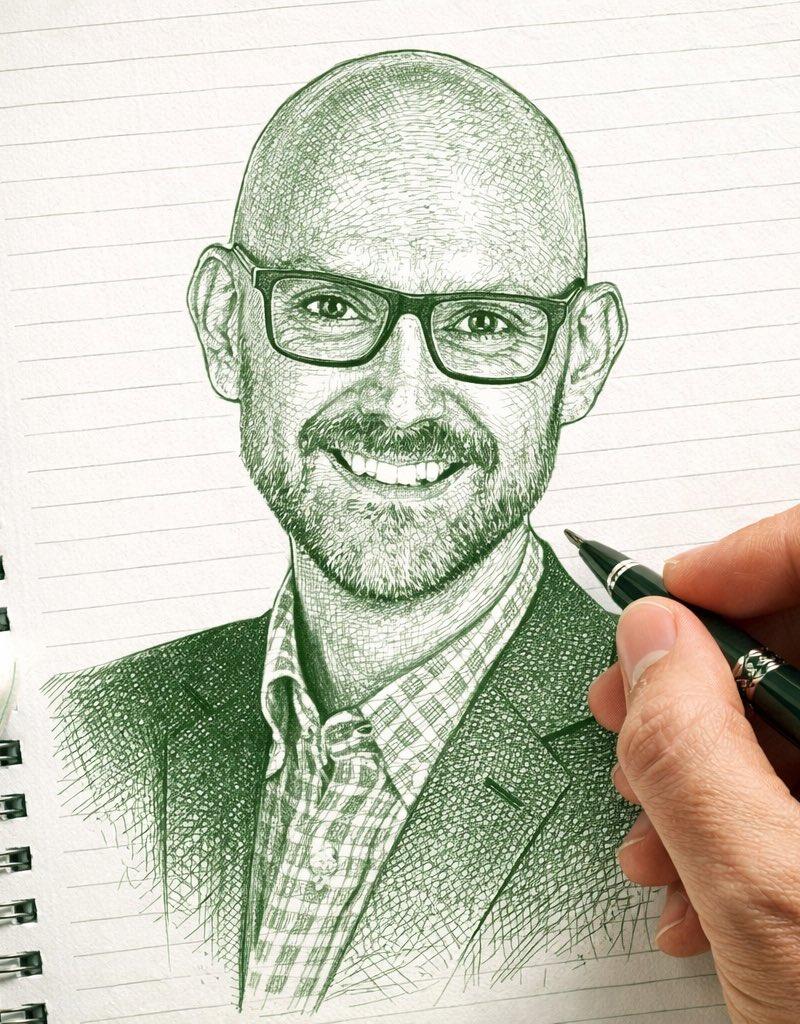
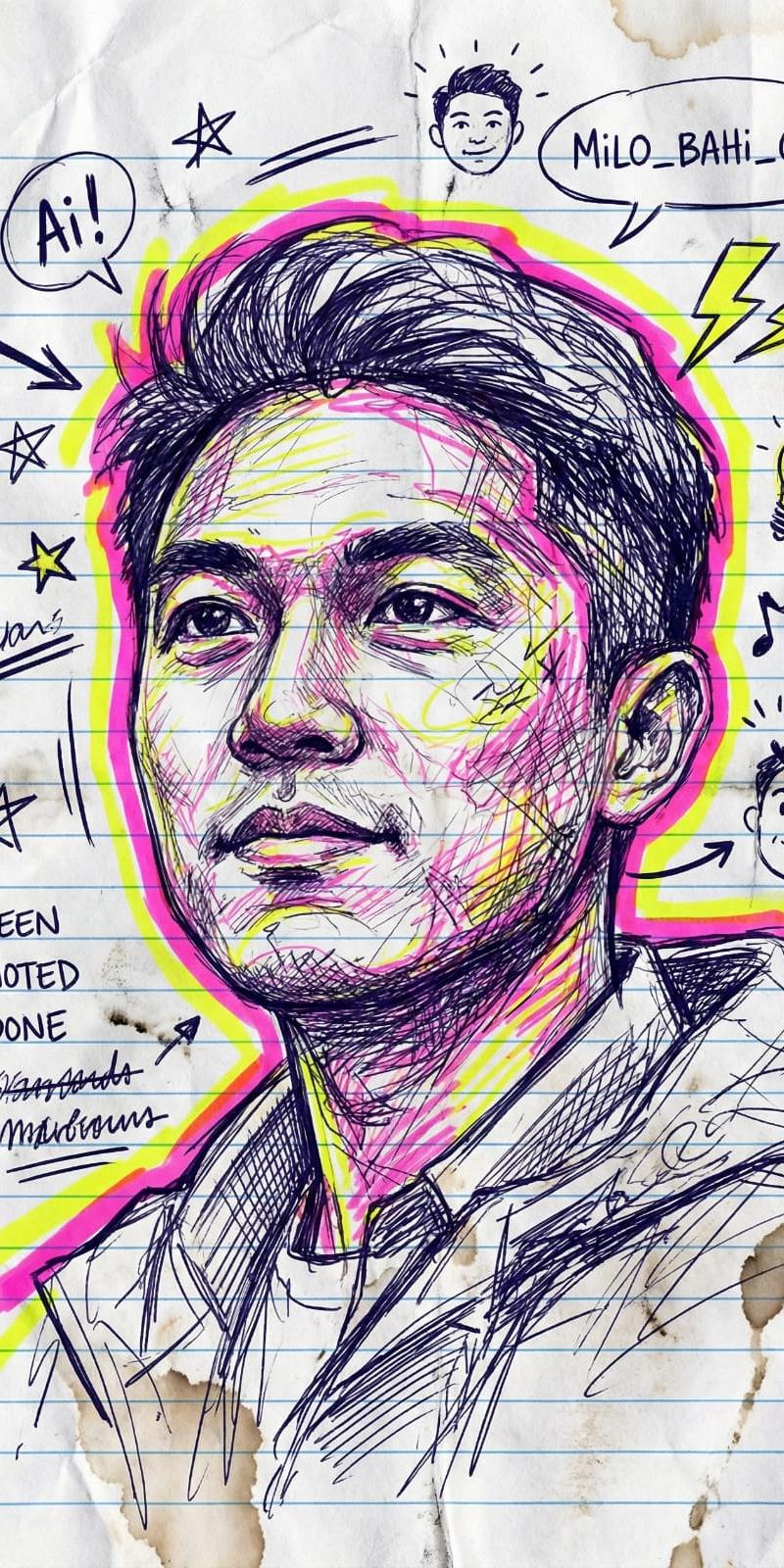
A realistic overhead photo of a childlike crayon drawing on a slightly wrinkled white sheet of paper placed on a wooden tabletop. The drawing shows a simple portrait of {argument name="character" default="Donald Trump"} in a naive elementary-school style, with messy yellow crayon hair, peach-colored skin, large ears, a blue suit jacket, white shirt collar, and a red necktie. The face is front-facing and fills most of the page, with one raised hand on the left side of the paper making a rude gesture with the middle finger extended. The linework is uneven black pencil or crayon outline, and the coloring is rough, scribbly, and intentionally clumsy, with visible childlike strokes that go outside the lines. On the right side of the page, there is vertical handwritten Japanese text in black that reads {argument name="side text" default="とらんぷさん"}. The composition is a candid smartphone snapshot, not a clean scan, showing the entire sheet of paper, slight perspective distortion, soft indoor lighting, and the texture of the wooden surface around the page. Emphasize the authentic handmade crayon texture, awkward proportions, and convincing “bad but charming” children’s artwork aesthetic.
Category
Charts & Infographics
Model
GPT Image 2
Creator
xie underwood
Source language
en
Views227
Source ID
2347
Published
Apr 28, 2026
Studio

Guide

About "A realistic overhead photo of a childlike crayon drawing on a slightly wrinkled "

What is this prompt for?

"A realistic overhead photo of a childlike crayon drawing on a slightly wrinkled " AI image prompt for GPT Image 2 (Charts & Infographics). A realistic overhea…

The full copyable prompt and example visuals above are ready for AI image generation or one-click recreate in Picva.

How to use this prompt

  1. Step 1

    Open the prompt detail

    Review the example visuals, category, and full prompt text for "A realistic overhead photo of a childlike crayon drawing on a slightly wrinkled ".

  2. Step 2

    Copy the prompt

    Copy the prompt body from this page, or load it directly in Studio.

  3. Step 3

    Pick a model (GPT Image 2)

    Prefer GPT Image 2. If you switch models, keep subject and composition and tweak style terms.

  4. Step 4

    Generate and export

    Recreate the look in Picva, or export into your workflow for editing and publishing.

FAQ

What is the "A realistic overhead photo of a childlike crayon drawing on a slightly wrinkled " prompt?
It is an AI image-generation prompt for GPT Image 2 in the Charts & Infographics category. This page includes the full prompt text, example visuals, and a one-click recreate path in Picva.
How do I use this prompt to generate an image?
Copy the prompt from this page, or use Generate / Studio. Paste it into a compatible image model, or recreate the look in Picva with optional reference images.
Which model is this prompt for?
This page lists GPT Image 2. Most descriptive prompts also transfer to nearby image models such as GPT Image, Flux, or Midjourney with light style tweaks.
Can I use the result commercially?
You can usually copy the prompt for creation, but commercial use of the final image depends on the model terms, reference-image rights, and the generated content. Follow the source author and platform rules.