18

Design a minimal early-internet personal profile webpage / digital portfolio lan
Enlarge

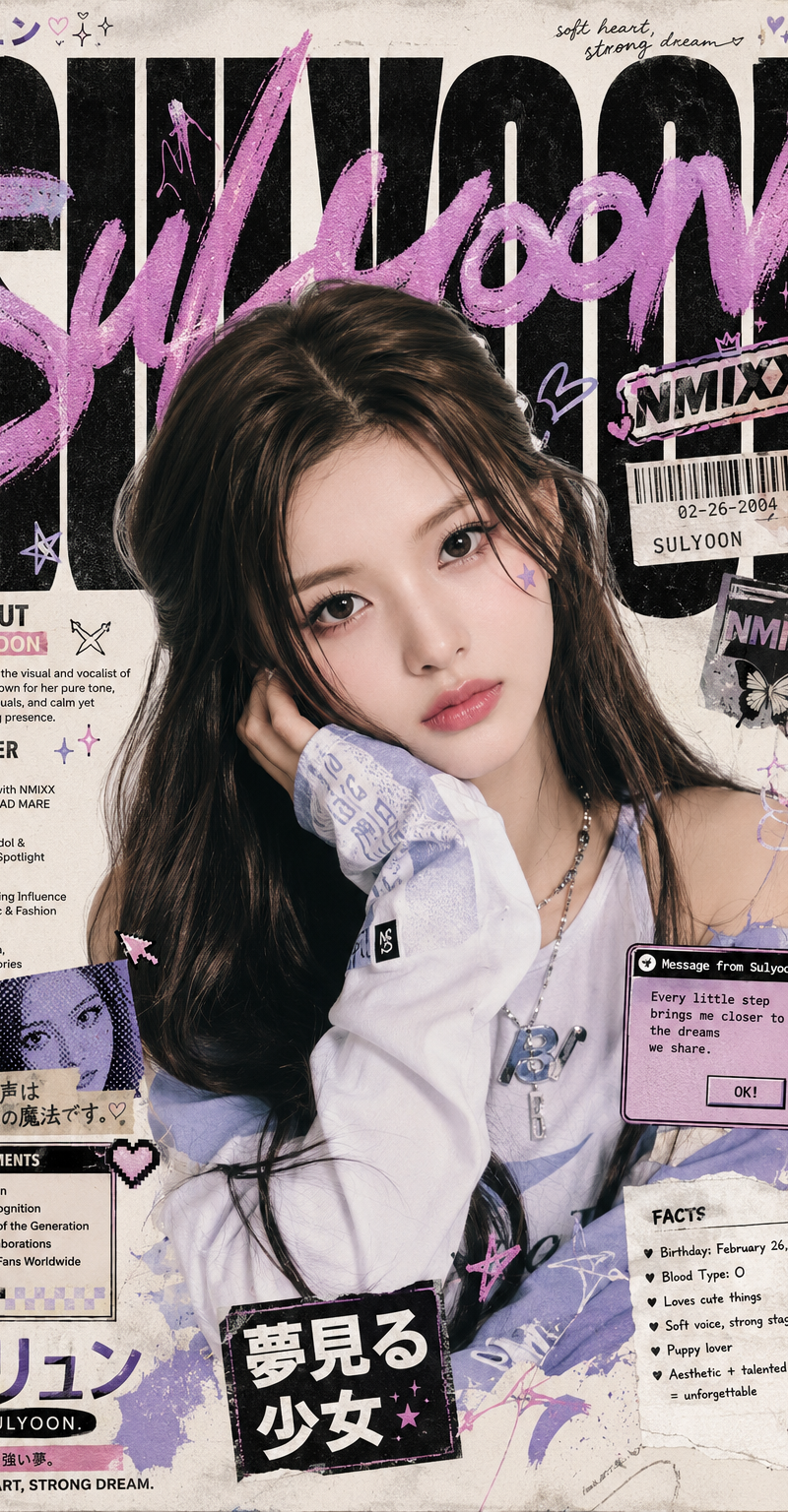
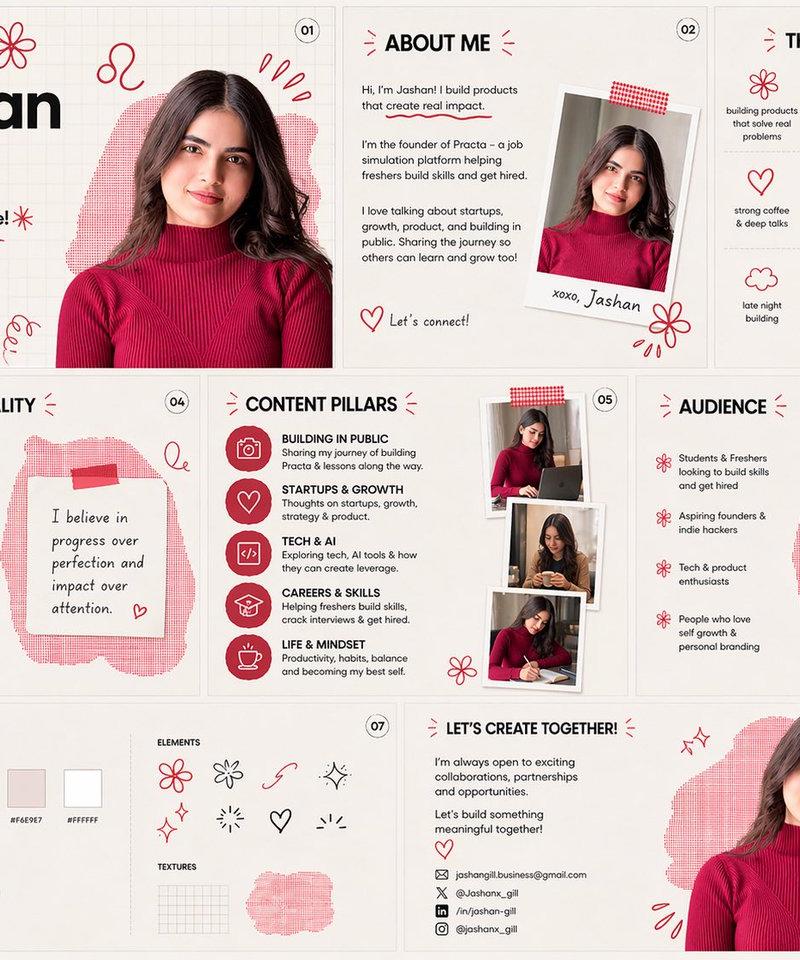
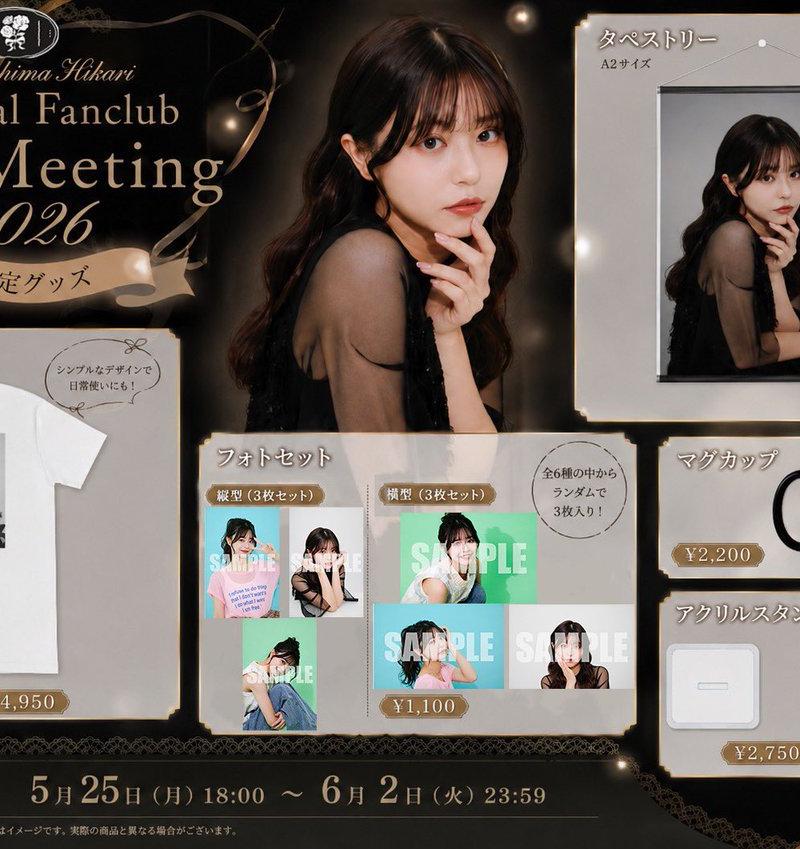
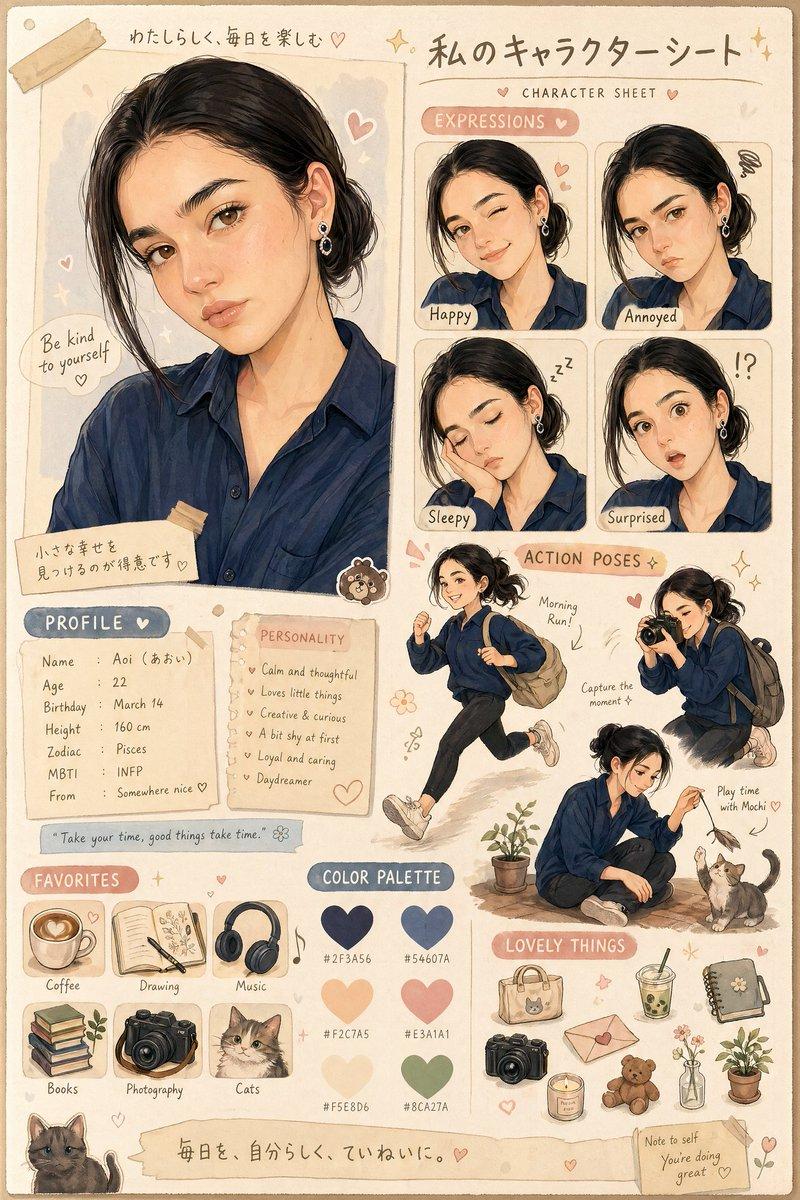
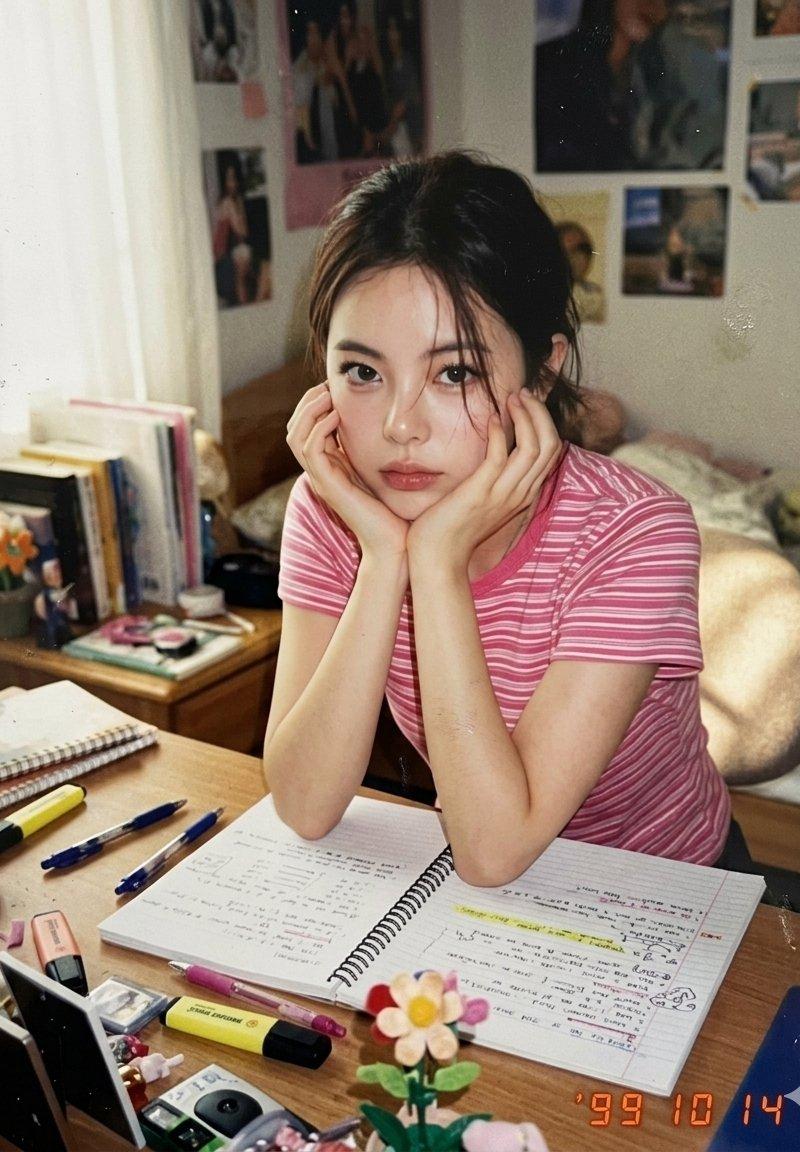
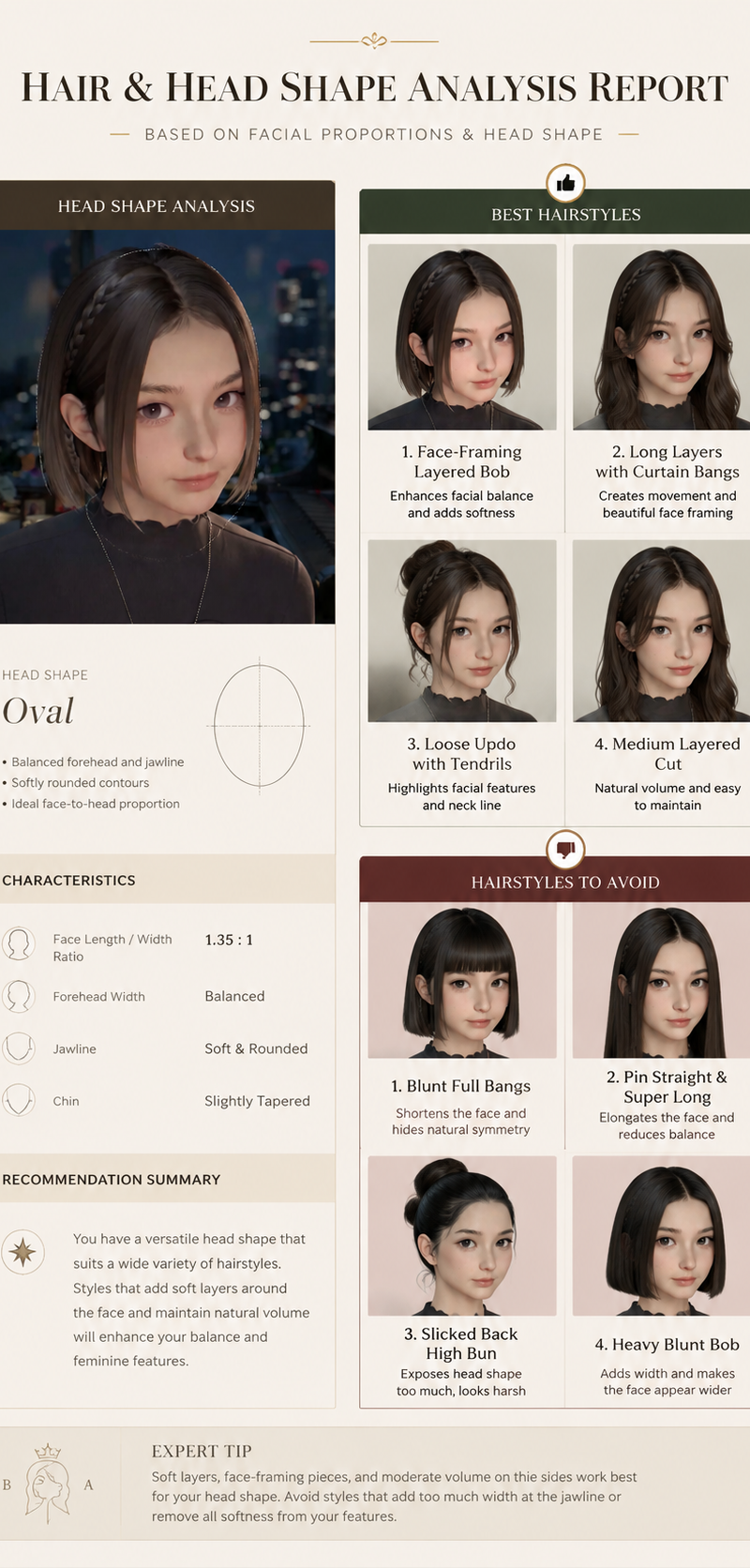
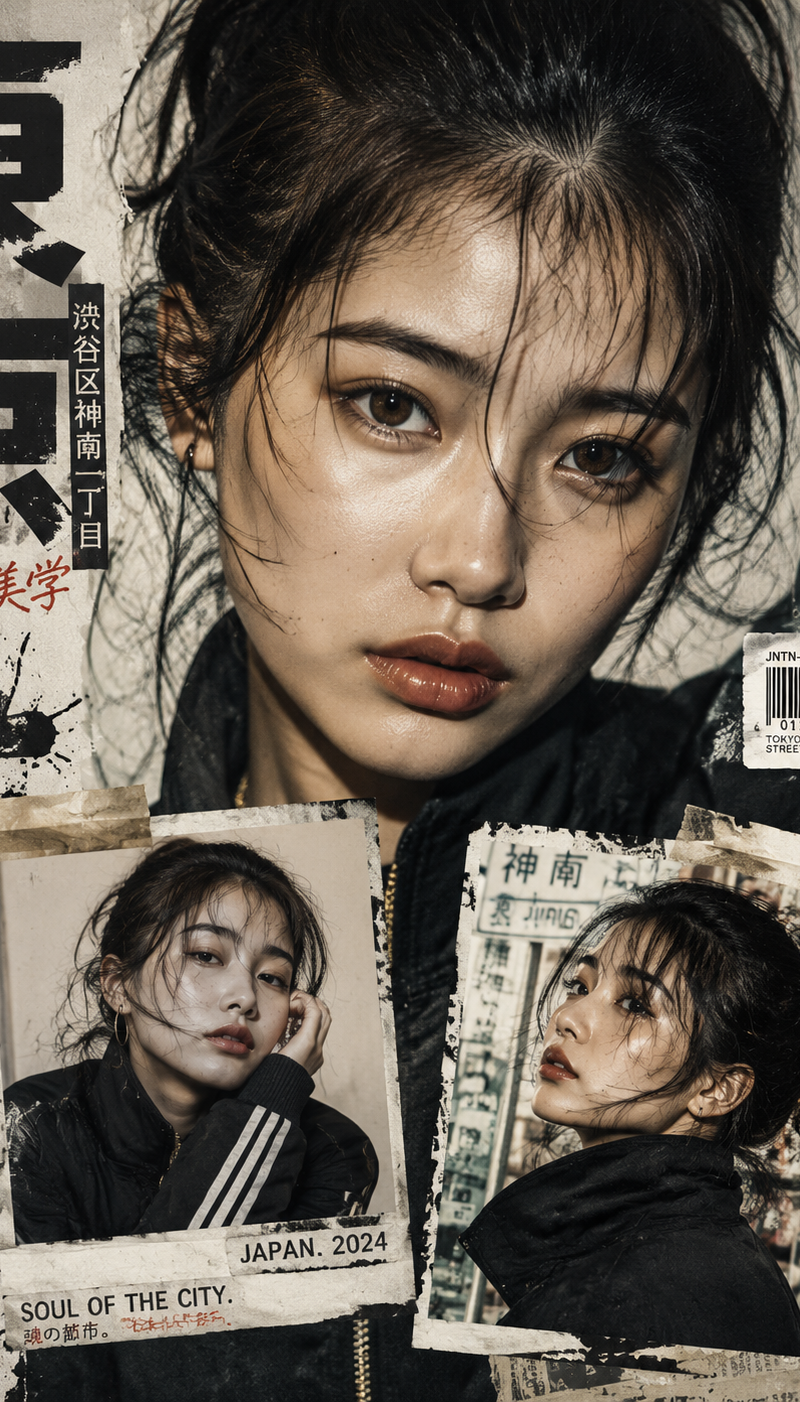
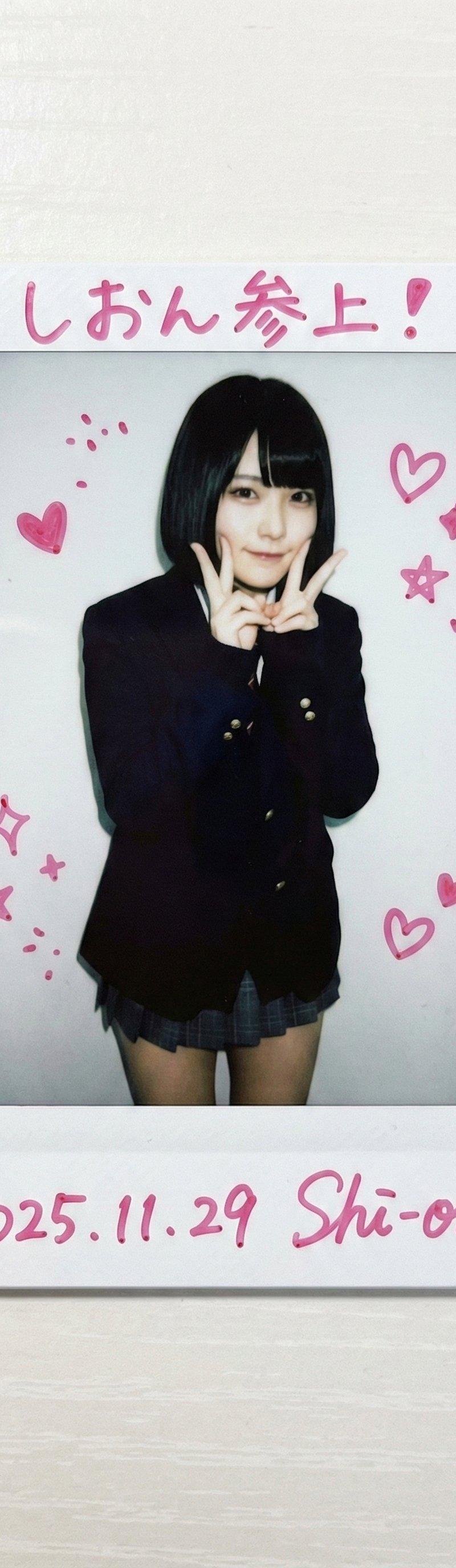
Example images

Design a minimal early-internet personal profile webpage / digital portfolio lan

Prompt
Design a minimal early-internet personal profile webpage / digital portfolio landing page on a large white canvas with generous negative space and a thin pastel pink browser-style frame. In the center, place a black-and-white editorial portrait of [SUBJECT], featuring soft film grain, subtle scanner texture, and low-contrast photographic tones.

Surround the portrait with scattered profile metadata labels and small star-bullet elements arranged asymmetrically, resembling a playful personal résumé. Include descriptors such as:

✦ creator
✦ model
✦ stylist
✦ DJ
✦ girl
✦ photographer
✦ collector
✦ dreamer

In the top-left corner, create a colorful hand-drawn logo or personal brand mark. Beneath it, add a tiny timestamp and date in a small system font, mimicking an old personal homepage.

In the top-right corner, place irregular sticker-like navigation tabs in bright accent colors (pink, cyan, purple, yellow, and green). Use simple labels such as:

HOME
ABOUT
WORK
DIARY
LINKS

Scatter handwritten marker-style notes, introductions, personal thoughts, and lifestyle captions throughout the empty space. Examples:

"currently making things online"
"welcome to my homepage"
"music, fashion, internet"
"updated today"
"living between projects"

Maintain an anti-grid editorial layout with intentionally imperfect spacing and playful placement. Mix tiny system fonts, handwritten script, and casual notebook-style annotations. Keep the portrait entirely monochrome while reserving color only for the logo, navigation stickers, and a few small graphic accents.
Category
UI & Interfaces
Model
GPT Image 2
Creator
xie underwood
Source language
en
Views31
Source ID
29559
Published
Jun 16, 2026
Studio

Guide

About "Design a minimal early-internet personal profile webpage / digital portfolio lan"

What is this prompt for?

"Design a minimal early-internet personal profile webpage / digital portfolio lan" AI image prompt for GPT Image 2 (UI & Interfaces). Design a minimal early-in…

The full copyable prompt and example visuals above are ready for AI image generation or one-click recreate in Picva.

How to use this prompt

  1. Step 1

    Open the prompt detail

    Review the example visuals, category, and full prompt text for "Design a minimal early-internet personal profile webpage / digital portfolio lan".

  2. Step 2

    Copy the prompt

    Copy the prompt body from this page, or load it directly in Studio.

  3. Step 3

    Pick a model (GPT Image 2)

    Prefer GPT Image 2. If you switch models, keep subject and composition and tweak style terms.

  4. Step 4

    Generate and export

    Recreate the look in Picva, or export into your workflow for editing and publishing.

FAQ

What is the "Design a minimal early-internet personal profile webpage / digital portfolio lan" prompt?
It is an AI image-generation prompt for GPT Image 2 in the UI & Interfaces category. This page includes the full prompt text, example visuals, and a one-click recreate path in Picva.
How do I use this prompt to generate an image?
Copy the prompt from this page, or use Generate / Studio. Paste it into a compatible image model, or recreate the look in Picva with optional reference images.
Which model is this prompt for?
This page lists GPT Image 2. Most descriptive prompts also transfer to nearby image models such as GPT Image, Flux, or Midjourney with light style tweaks.
Can I use the result commercially?
You can usually copy the prompt for creation, but commercial use of the final image depends on the model terms, reference-image rights, and the generated content. Follow the source author and platform rules.