20

This is a digital poster blending music visualization, UI design, and creative p
Enlarge

Example images

This is a digital poster blending music visualization, UI design, and creative p

Prompt
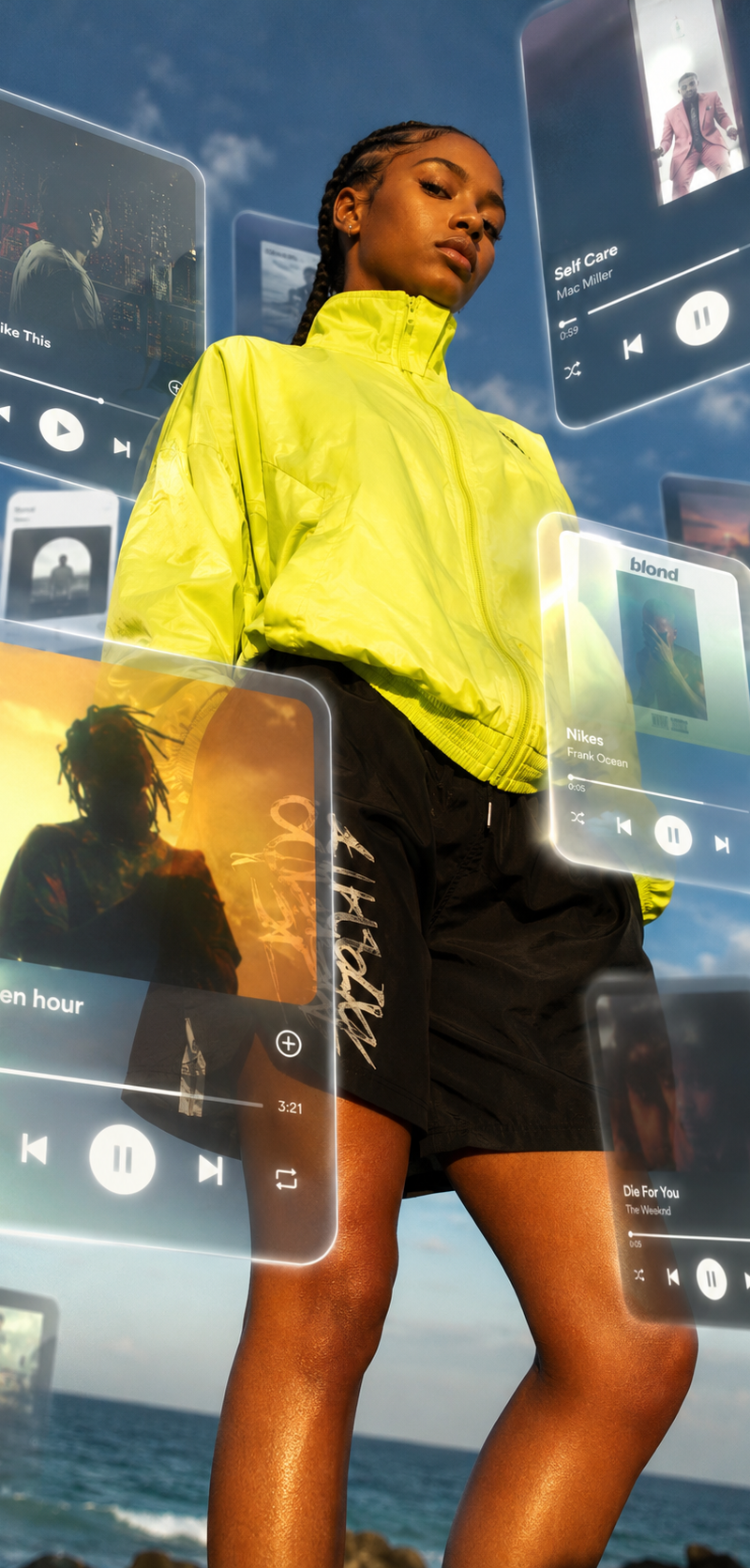
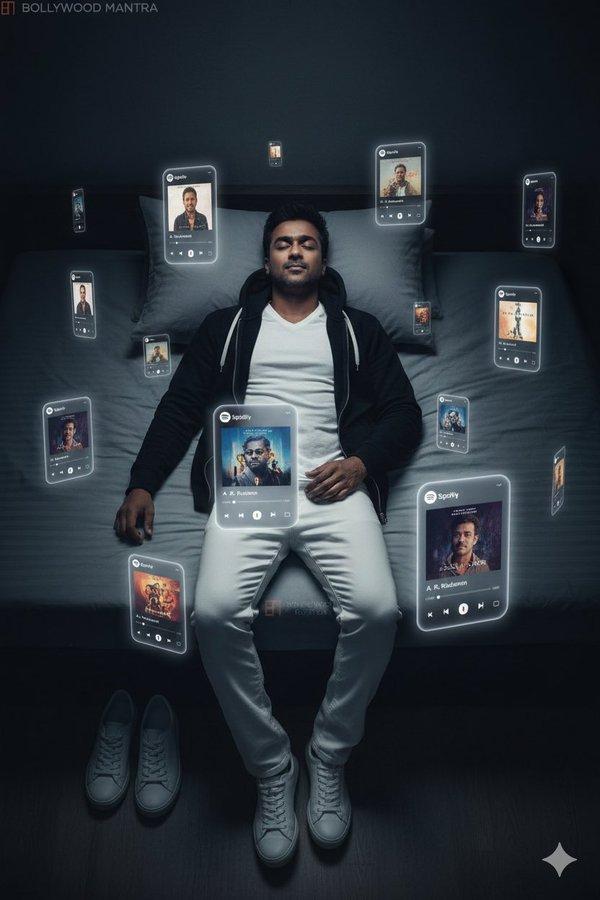
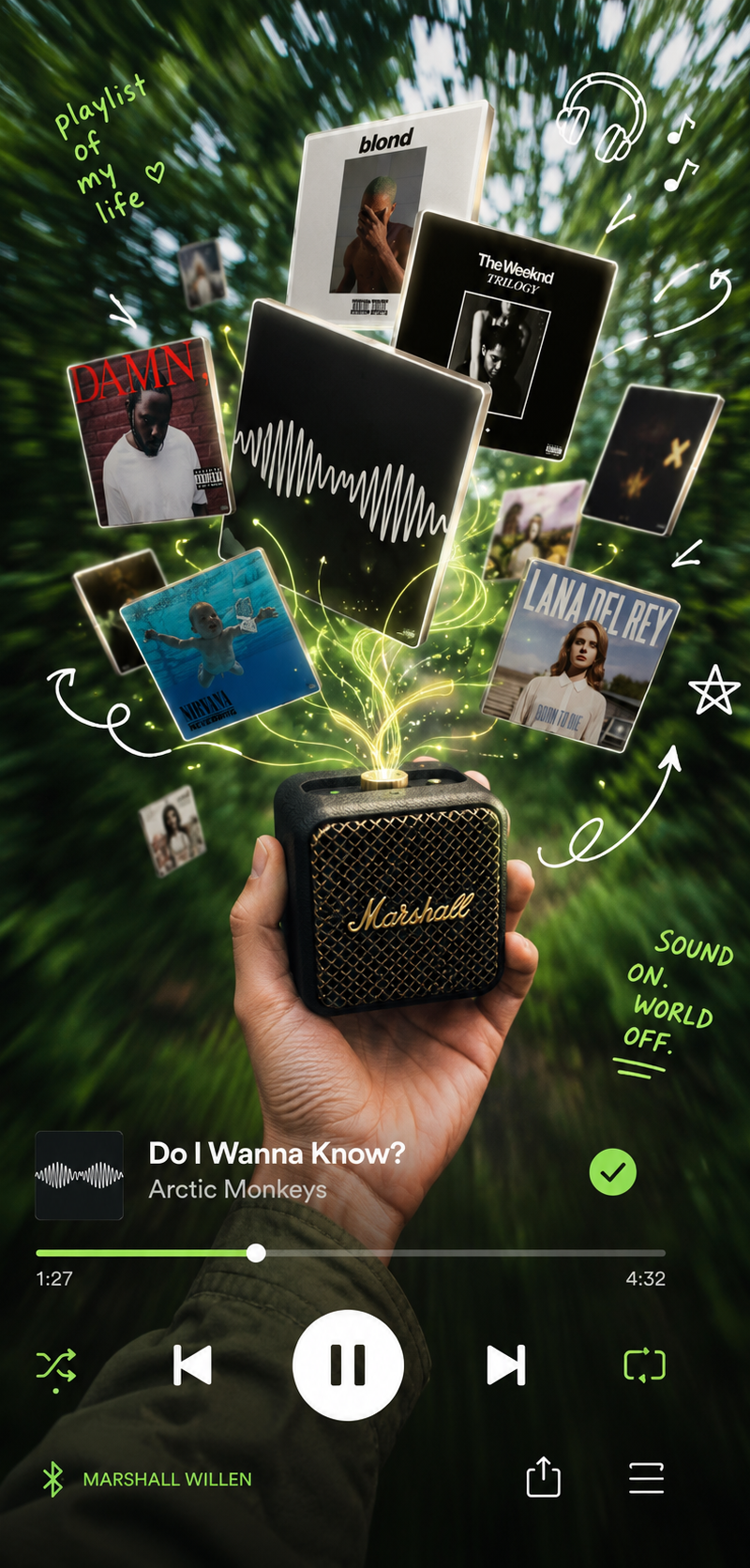
This is a digital poster blending music visualization, UI design, and creative photography.

The main subject is a hand holding a small Marshall-style mini speaker or charger device in an outdoor green environment. The device is treated as a conceptual “music controller,” as if it can release and manipulate sound energy.

Above the device, multiple floating music album covers appear, arranged in a dynamic 3D orbit. They look like emotional fragments being emitted from the music itself, transforming sound into visible objects.

The background is heavily motion-blurred greenery, creating a sense of speed and depth. Overlaid on top is a Spotify-style music player UI bar, including playback controls and interface elements, reinforcing the digital streaming aesthetic.

Hand-drawn arrows, doodles, and annotations are added to enhance the design language, making the composition feel like a hybrid between real photography and UI/UX visual design.

Overall, the mood is playful, creative, and immersive—an interpretation of music as something visible, controllable, and physically manifested in space.
Category
UI & Interfaces
Model
GPT Image 2
Creator
xie underwood
Source language
en
Views62
Source ID
30708
Published
Jun 18, 2026
Studio

Guide

About "This is a digital poster blending music visualization, UI design, and creative p"

What is this prompt for?

"This is a digital poster blending music visualization, UI design, and creative p" AI image prompt for GPT Image 2 (UI & Interfaces). This is a digital poster…

The full copyable prompt and example visuals above are ready for AI image generation or one-click recreate in Picva.

How to use this prompt

  1. Step 1

    Open the prompt detail

    Review the example visuals, category, and full prompt text for "This is a digital poster blending music visualization, UI design, and creative p".

  2. Step 2

    Copy the prompt

    Copy the prompt body from this page, or load it directly in Studio.

  3. Step 3

    Pick a model (GPT Image 2)

    Prefer GPT Image 2. If you switch models, keep subject and composition and tweak style terms.

  4. Step 4

    Generate and export

    Recreate the look in Picva, or export into your workflow for editing and publishing.

FAQ

What is the "This is a digital poster blending music visualization, UI design, and creative p" prompt?
It is an AI image-generation prompt for GPT Image 2 in the UI & Interfaces category. This page includes the full prompt text, example visuals, and a one-click recreate path in Picva.
How do I use this prompt to generate an image?
Copy the prompt from this page, or use Generate / Studio. Paste it into a compatible image model, or recreate the look in Picva with optional reference images.
Which model is this prompt for?
This page lists GPT Image 2. Most descriptive prompts also transfer to nearby image models such as GPT Image, Flux, or Midjourney with light style tweaks.
Can I use the result commercially?
You can usually copy the prompt for creation, but commercial use of the final image depends on the model terms, reference-image rights, and the generated content. Follow the source author and platform rules.