20

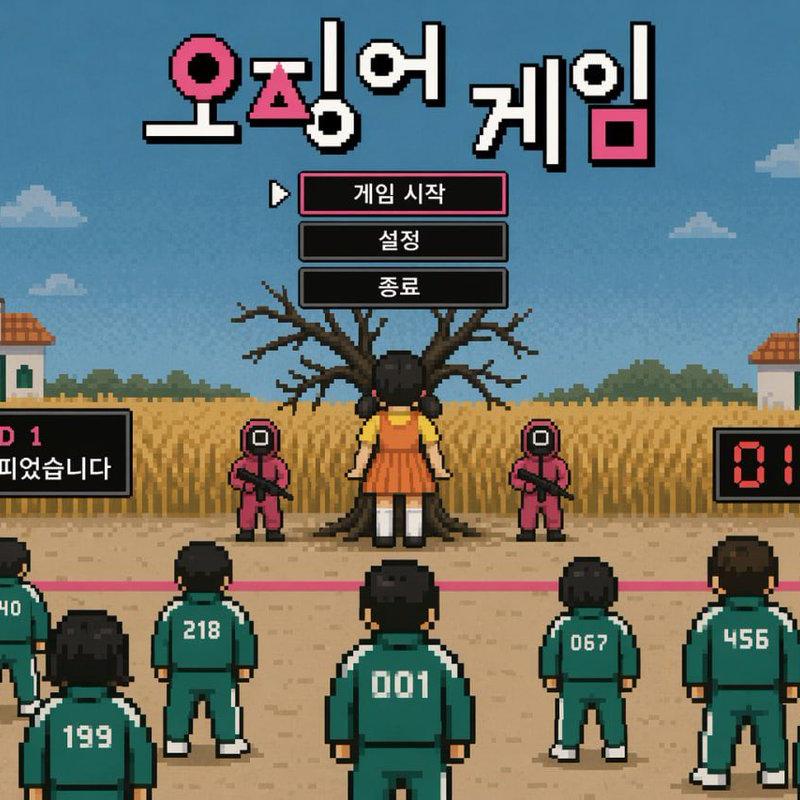
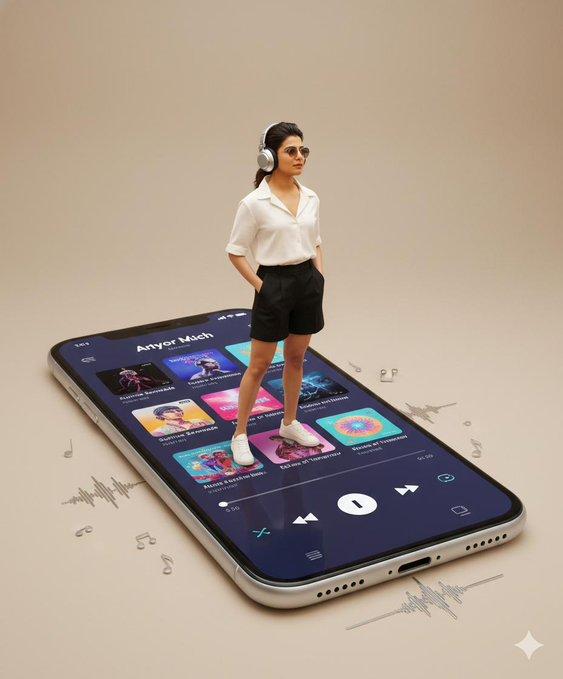
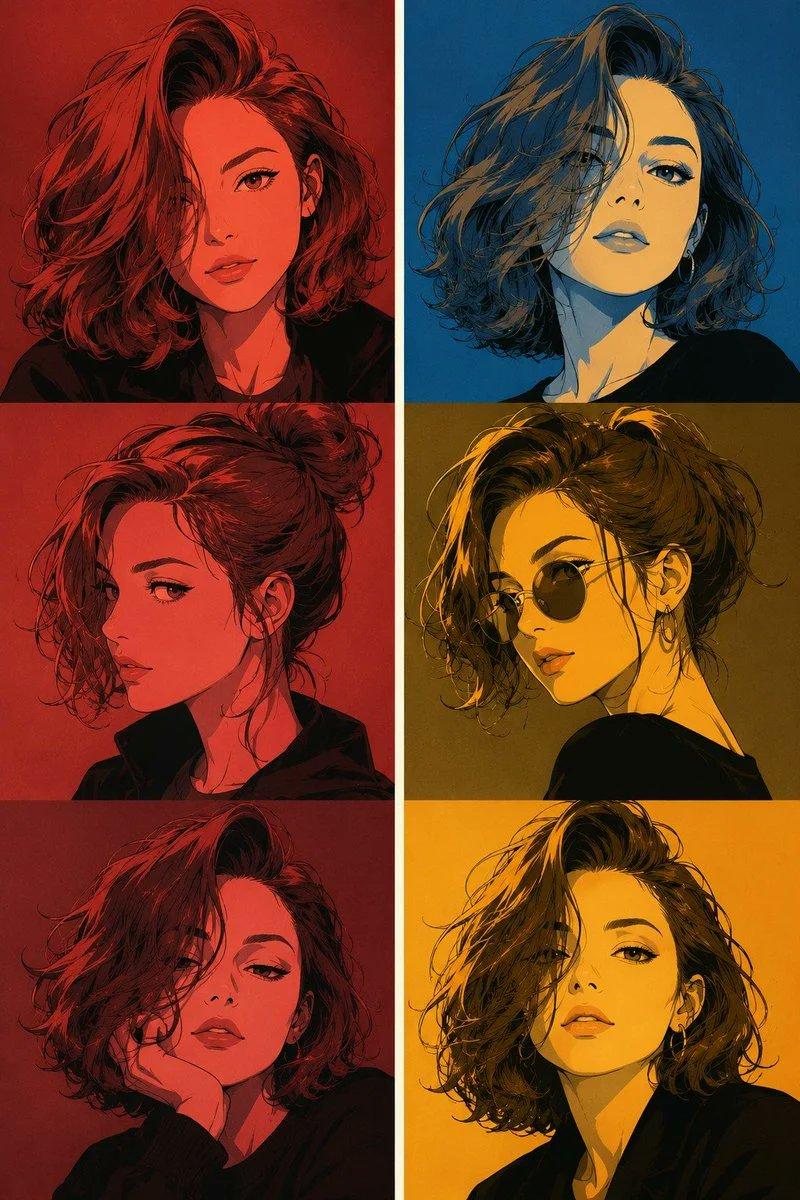
参考图片1,制作一段可爱卡通换装界面演示视频。主角站在中央,画面布局与参考图一致。主角依次点击右侧衣服选项,每点击一次,身上的T恤颜色立刻同步替换成对应颜色,人

Prompt
参考图片1,制作一段可爱卡通换装界面演示视频。主角站在中央,画面布局与参考图一致。主角依次点击右侧衣服选项,每点击一次,身上的T恤颜色立刻同步替换成对应颜色,人物脸部、发型、鸡头帽、裤子和姿势保持一致。随后主角点击下方背景缩略图,主背景依次切换为不同城市街景和自然场景。镜头基本固定,UI按钮有轻微高亮和弹跳反馈,切换顺滑,人物稳定不变形,整体像手机游戏角色自定义功能展示。
Category
UI & Interfaces
Model
Seedance 2.0
Creator
xie underwood
Source language
zh-CN
Views95
Source ID
4061
Published
May 14, 2026
Studio

Guide

About "参考图片1,制作一段可爱卡通换装界面演示视频。主角站在中央,画面布局与参考图一致。主角依次点击右侧衣服选项,每点击一次,身上的T恤颜色立刻同步替换成对应颜色,人"

What is this prompt for?

"参考图片1,制作一段可爱卡通换装界面演示视频。主角站在中央,画面布局与参考图一致。主角依次点击右侧衣服选项,每点击一次,身上的T恤颜色立刻同步替换成对应颜色,人" AI image prompt for Seedance 2.0 (UI & Interfaces). 参考图片1,制作一段可爱卡通换装界面演示视频。主…

The full copyable prompt and example visuals above are ready for AI image generation or one-click recreate in Picva.

How to use this prompt

  1. Step 1

    Open the prompt detail

    Review the example visuals, category, and full prompt text for "参考图片1,制作一段可爱卡通换装界面演示视频。主角站在中央,画面布局与参考图一致。主角依次点击右侧衣服选项,每点击一次,身上的T恤颜色立刻同步替换成对应颜色,人".

  2. Step 2

    Copy the prompt

    Copy the prompt body from this page, or load it directly in Studio.

  3. Step 3

    Pick a model (Seedance 2.0)

    Prefer Seedance 2.0. If you switch models, keep subject and composition and tweak style terms.

  4. Step 4

    Generate and export

    Recreate the look in Picva, or export into your workflow for editing and publishing.

FAQ

What is the "参考图片1,制作一段可爱卡通换装界面演示视频。主角站在中央,画面布局与参考图一致。主角依次点击右侧衣服选项,每点击一次,身上的T恤颜色立刻同步替换成对应颜色,人" prompt?
It is an AI image-generation prompt for Seedance 2.0 in the UI & Interfaces category. This page includes the full prompt text, example visuals, and a one-click recreate path in Picva.
How do I use this prompt to generate an image?
Copy the prompt from this page, or use Generate / Studio. Paste it into a compatible image model, or recreate the look in Picva with optional reference images.
Which model is this prompt for?
This page lists Seedance 2.0. Most descriptive prompts also transfer to nearby image models such as GPT Image, Flux, or Midjourney with light style tweaks.
Can I use the result commercially?
You can usually copy the prompt for creation, but commercial use of the final image depends on the model terms, reference-image rights, and the generated content. Follow the source author and platform rules.