19

A surreal mixed-media portrait of [PERSON], set against a clean, plain white bac
Enlarge

Example images

A surreal mixed-media portrait of [PERSON], set against a clean, plain white bac

Prompt
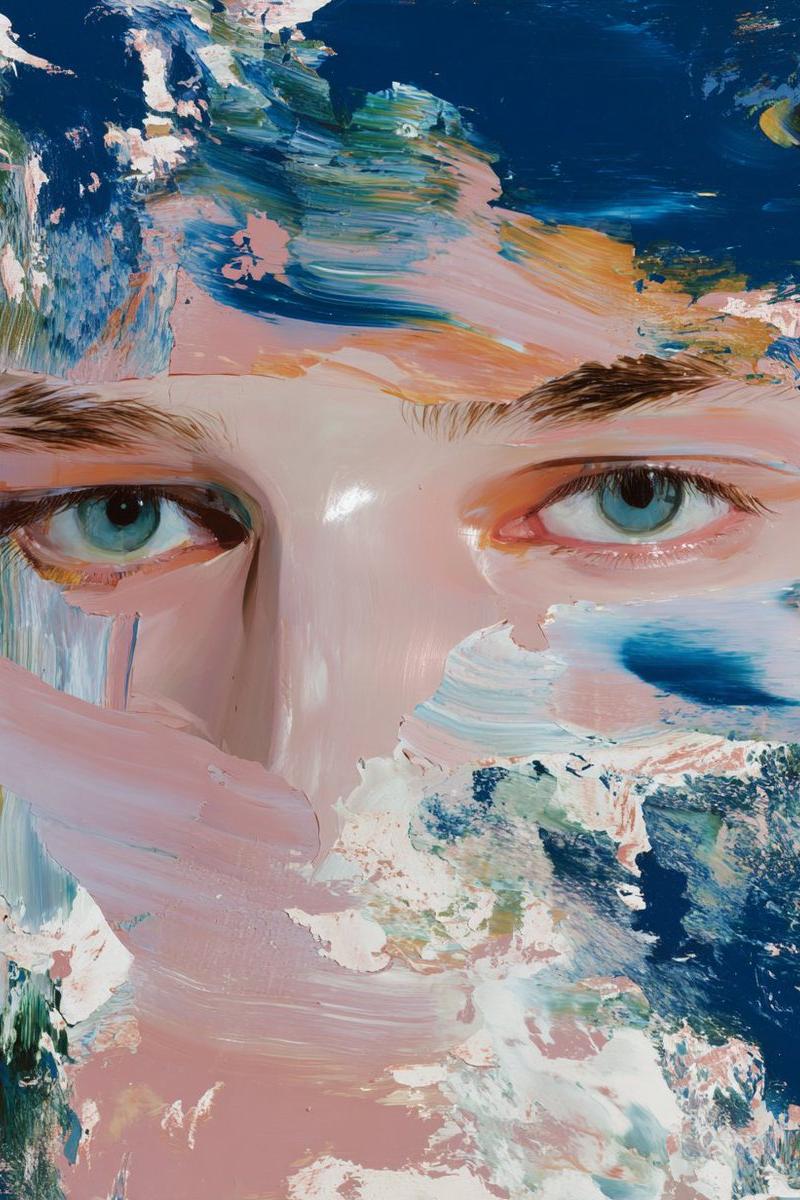
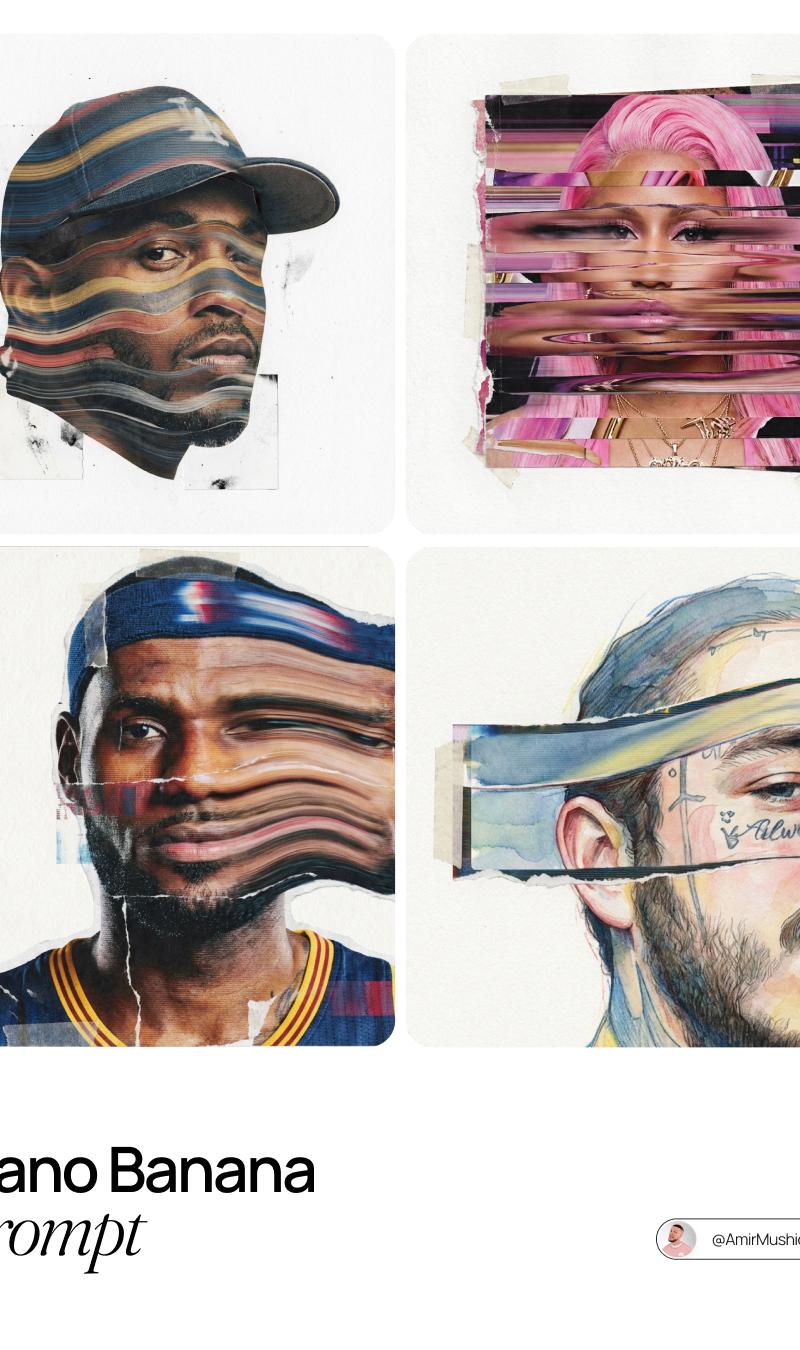
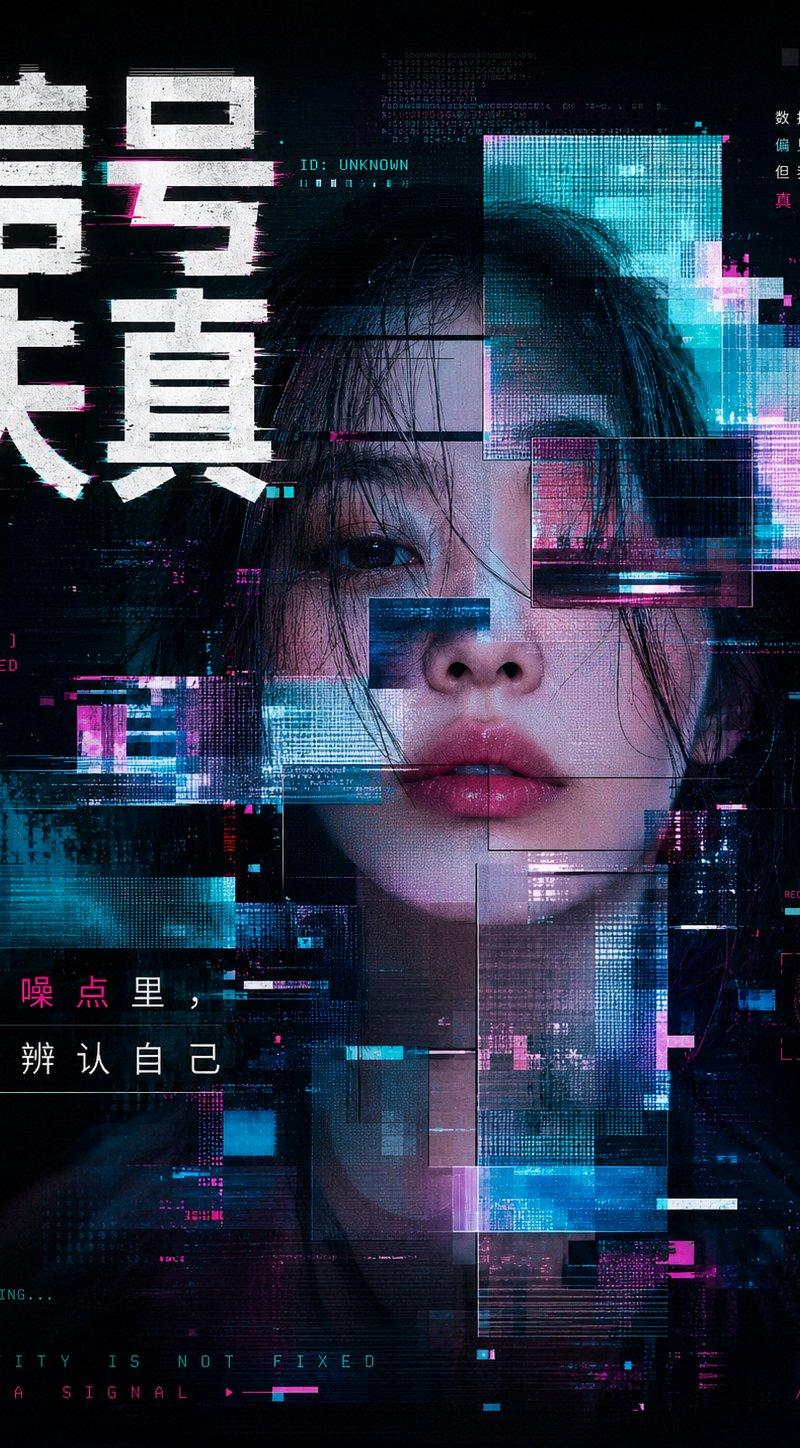
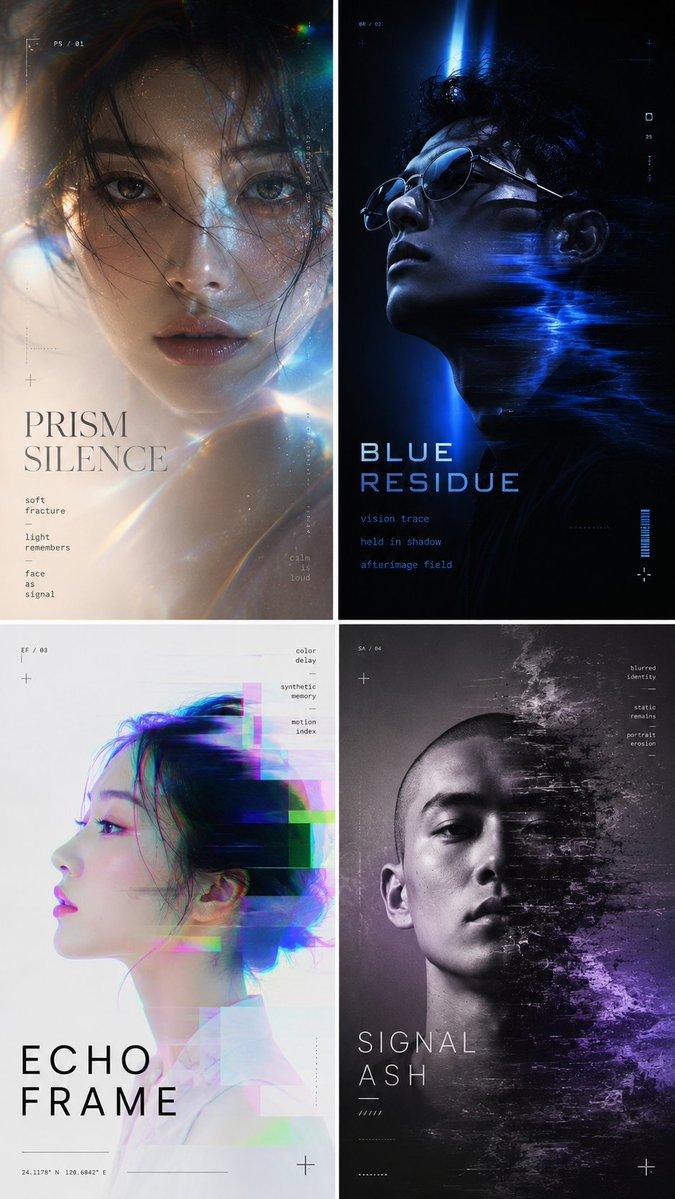
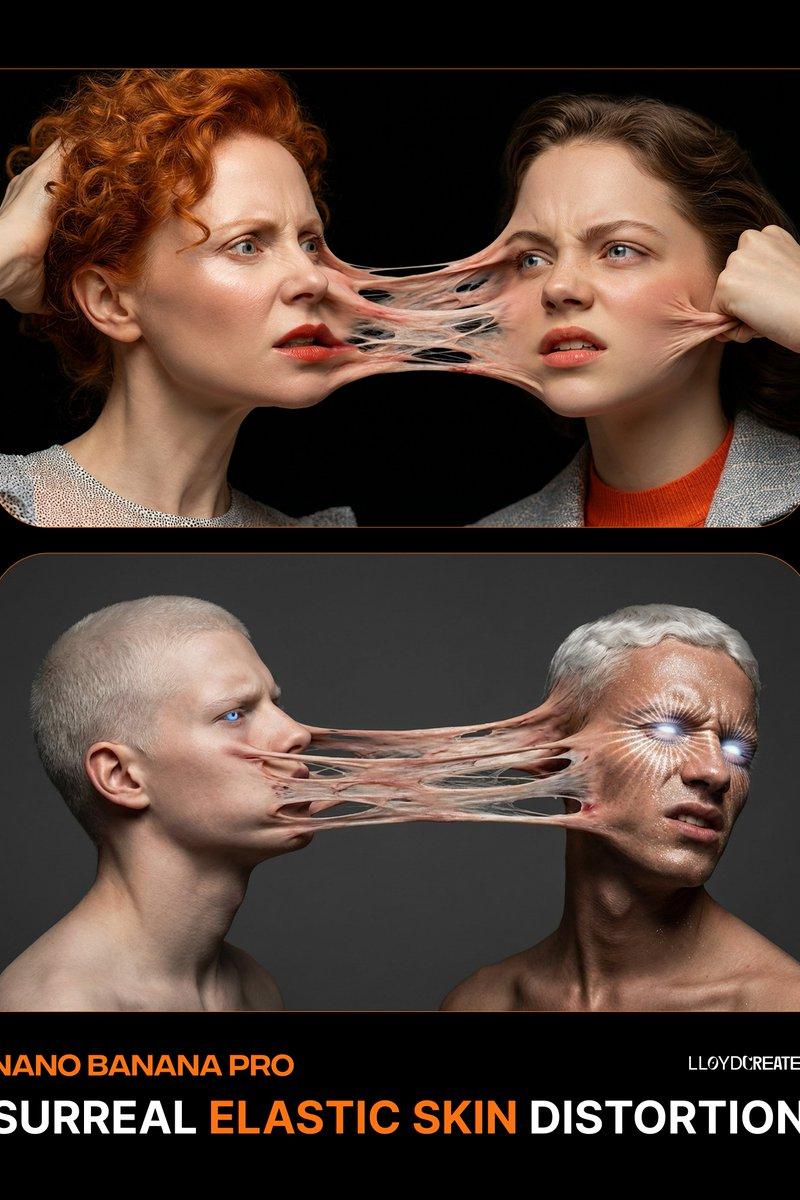
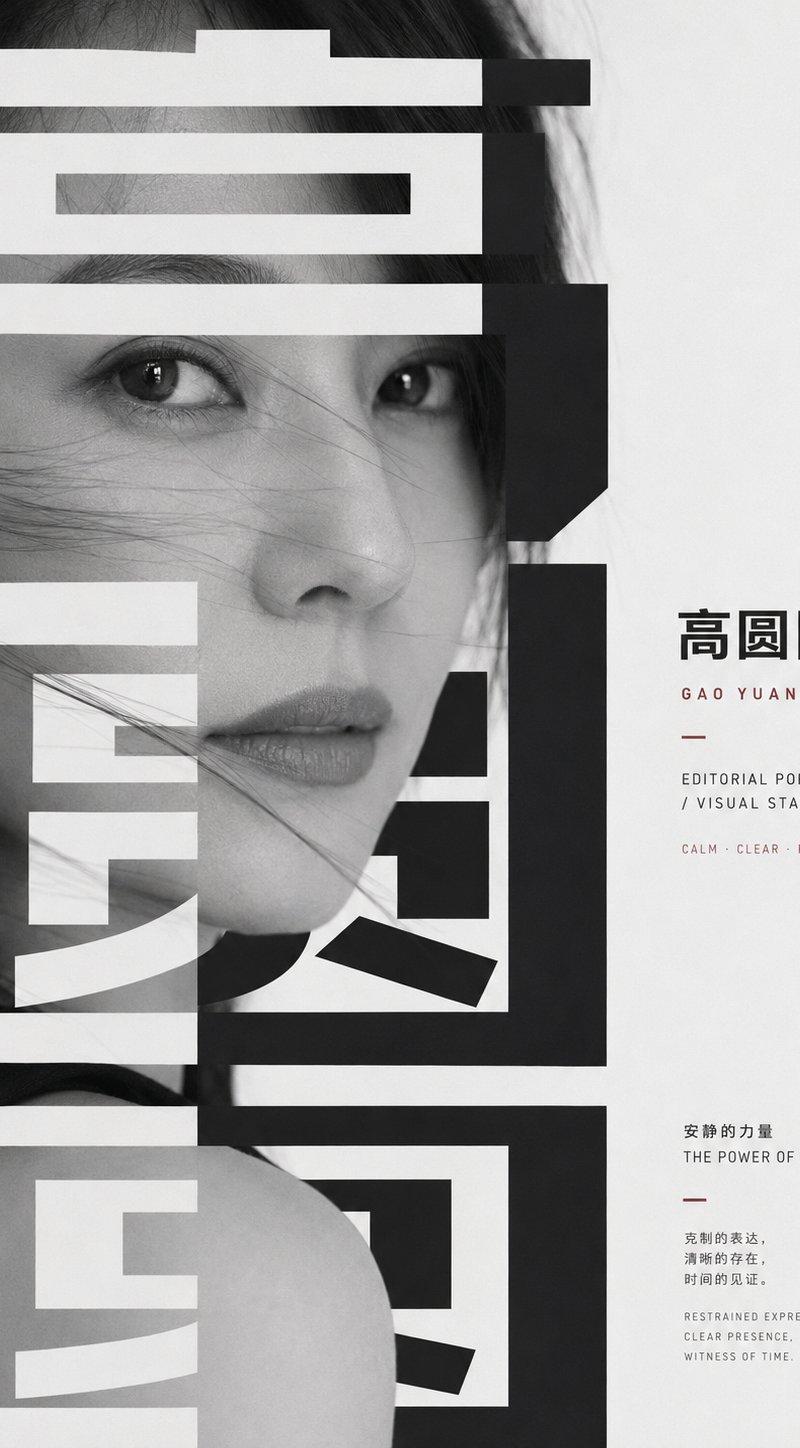
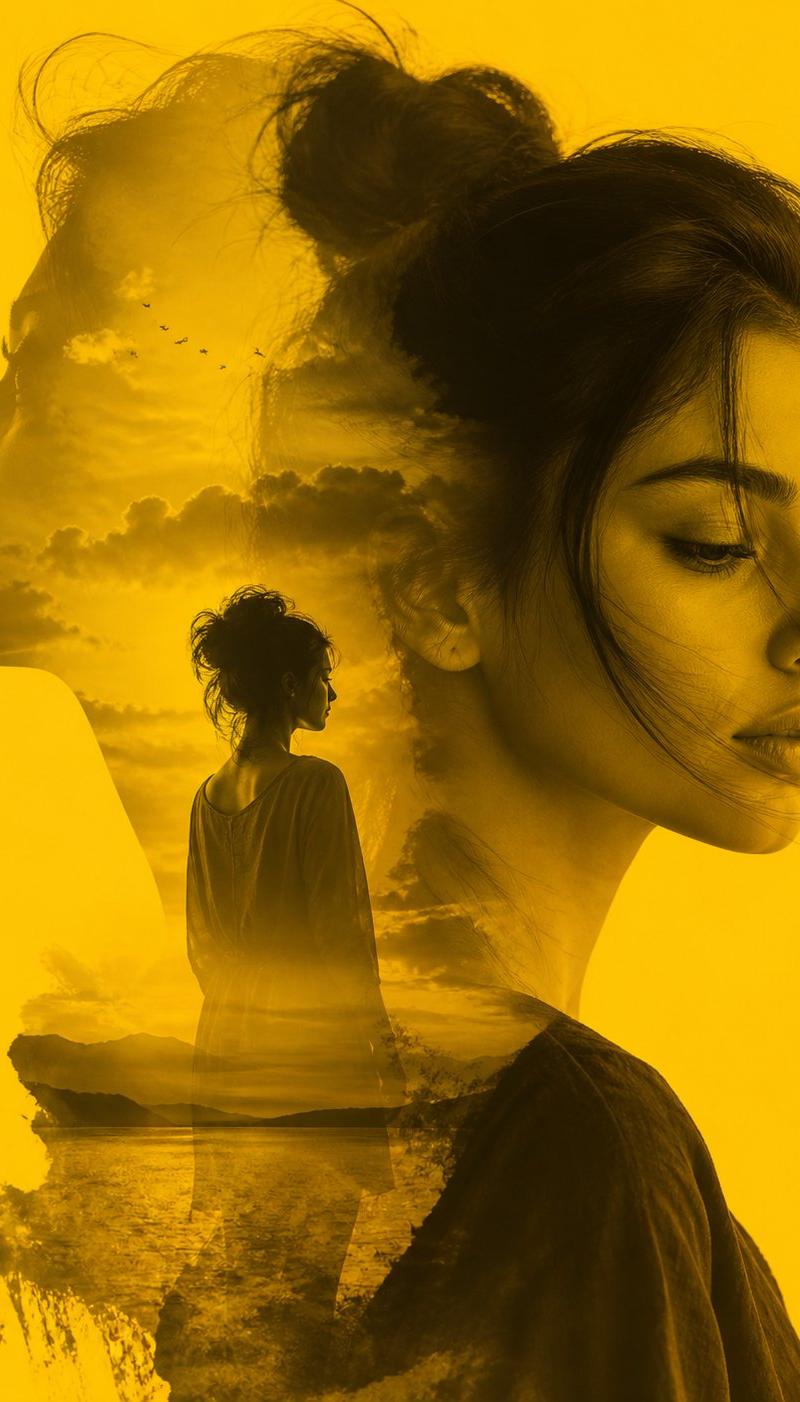
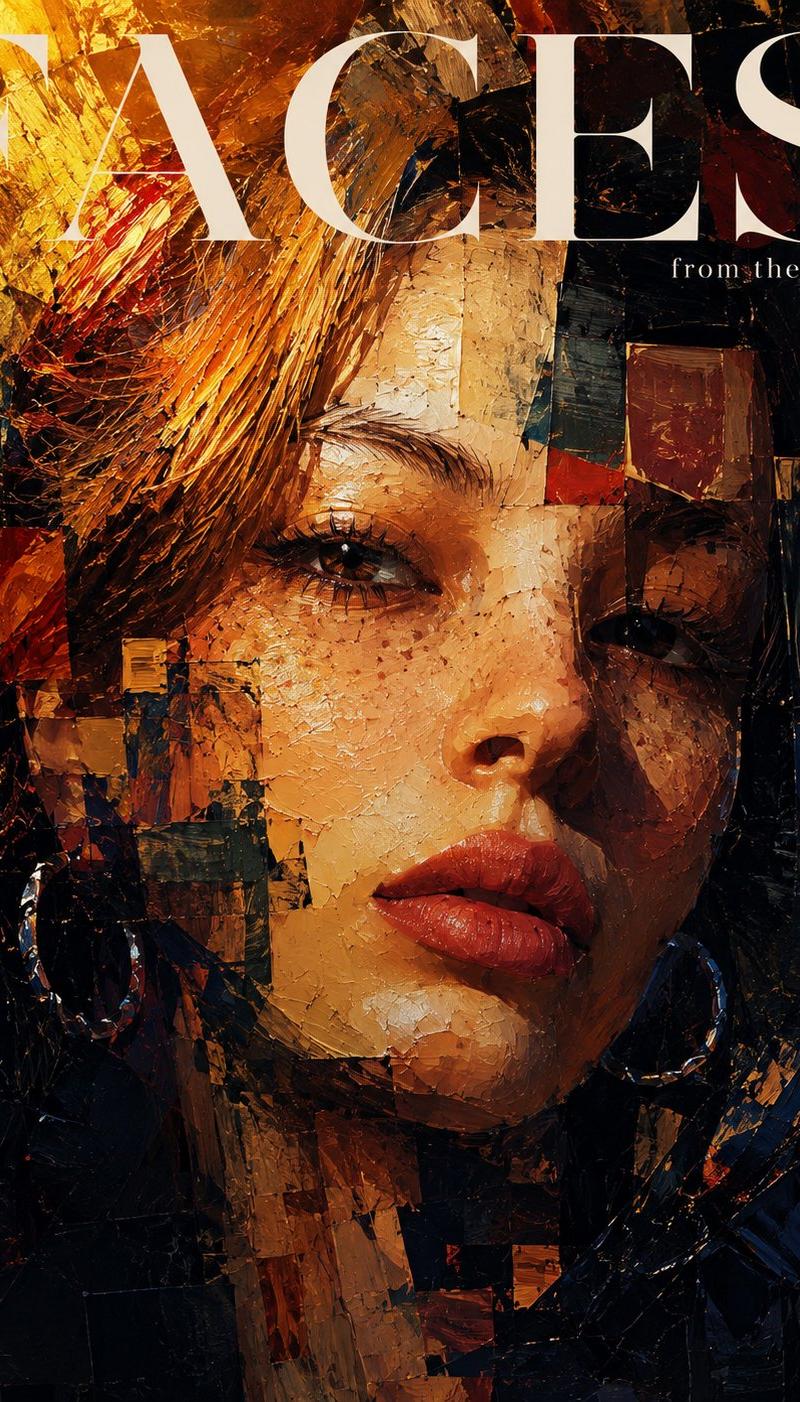
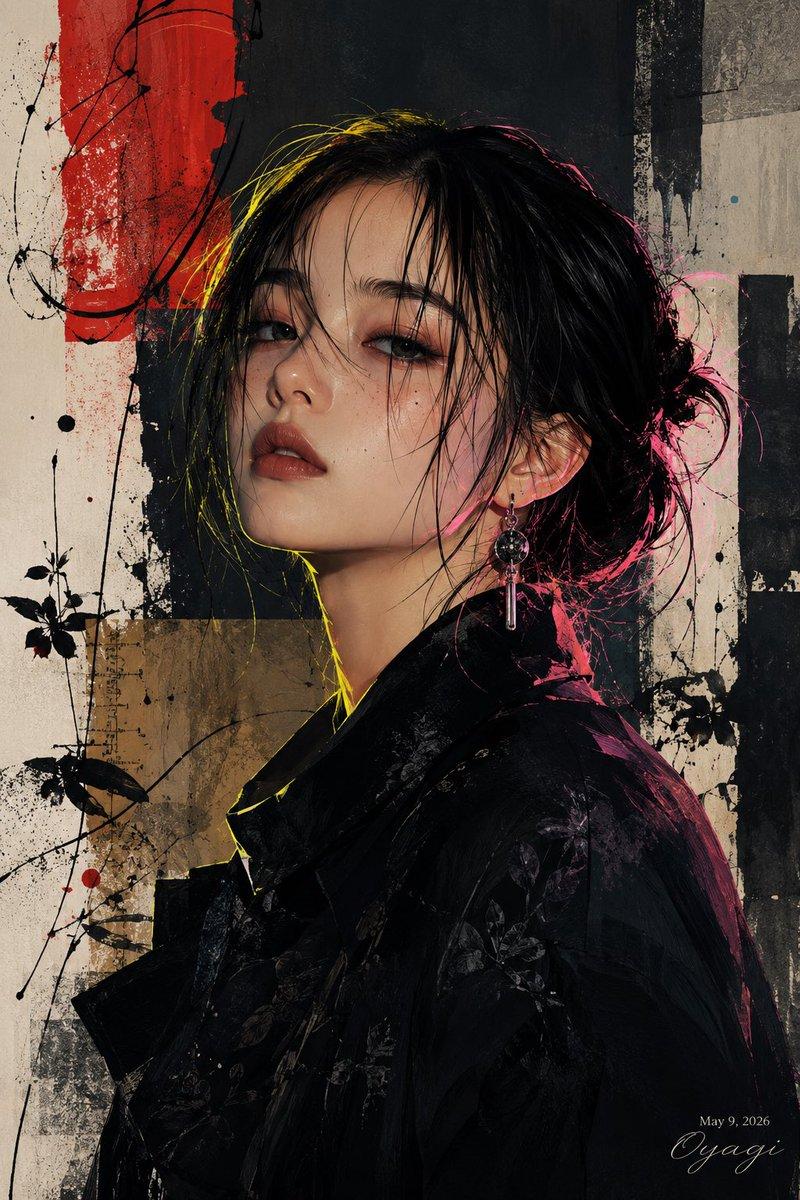
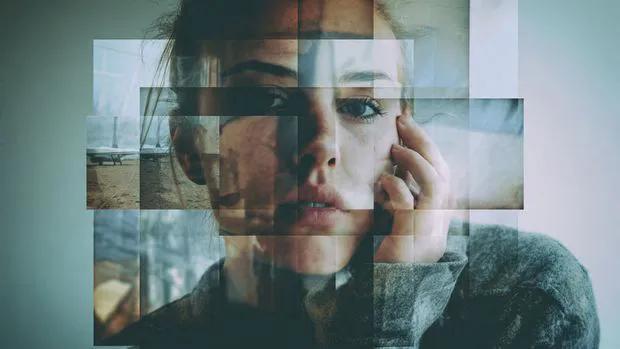
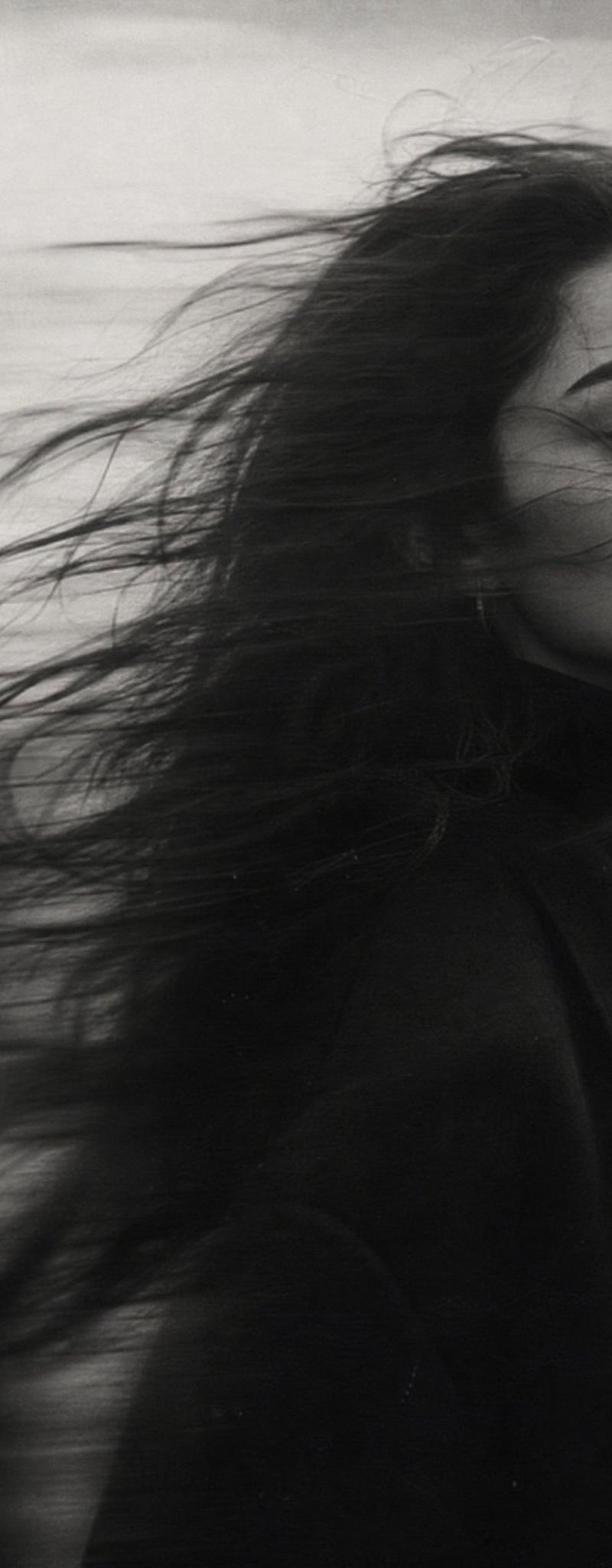
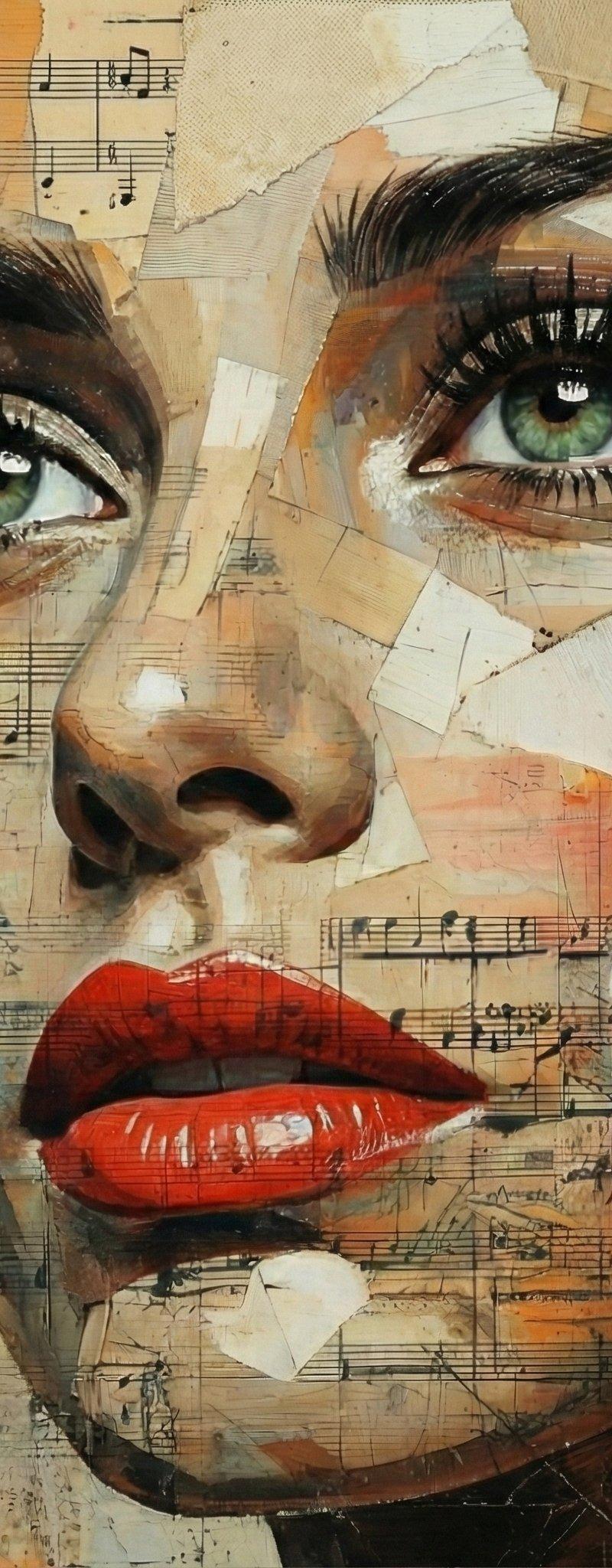
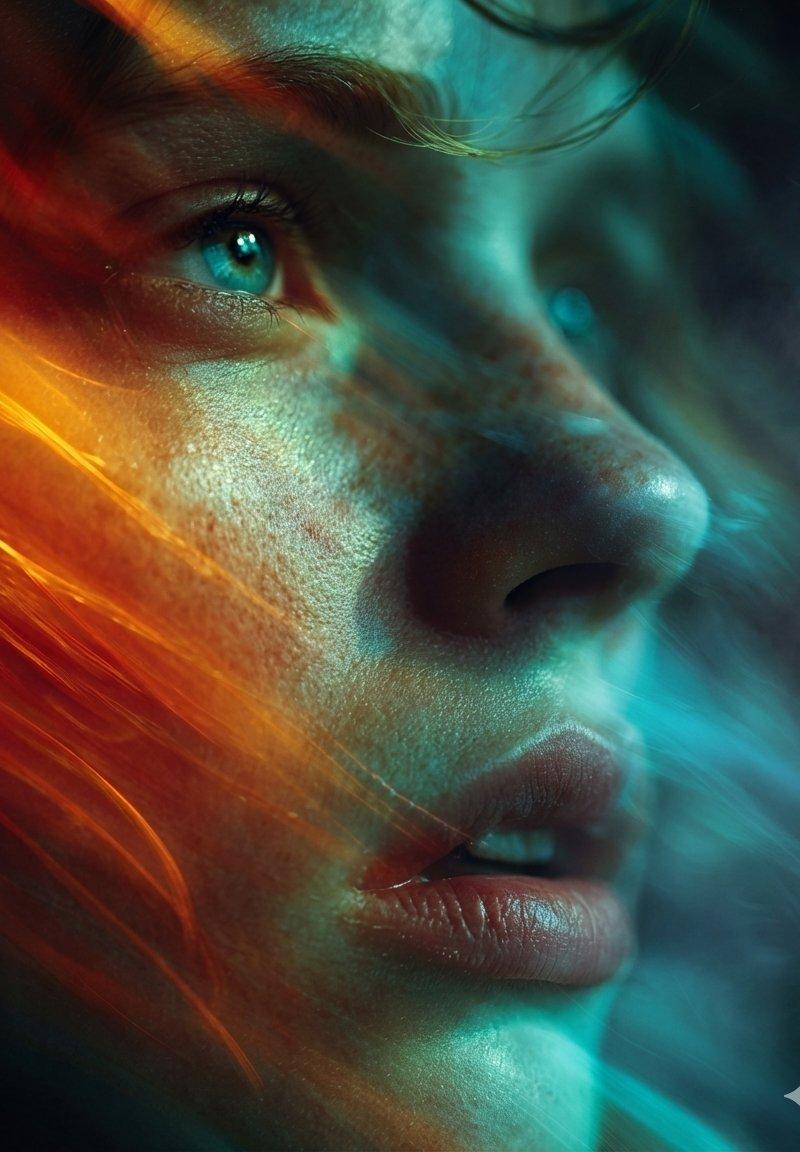
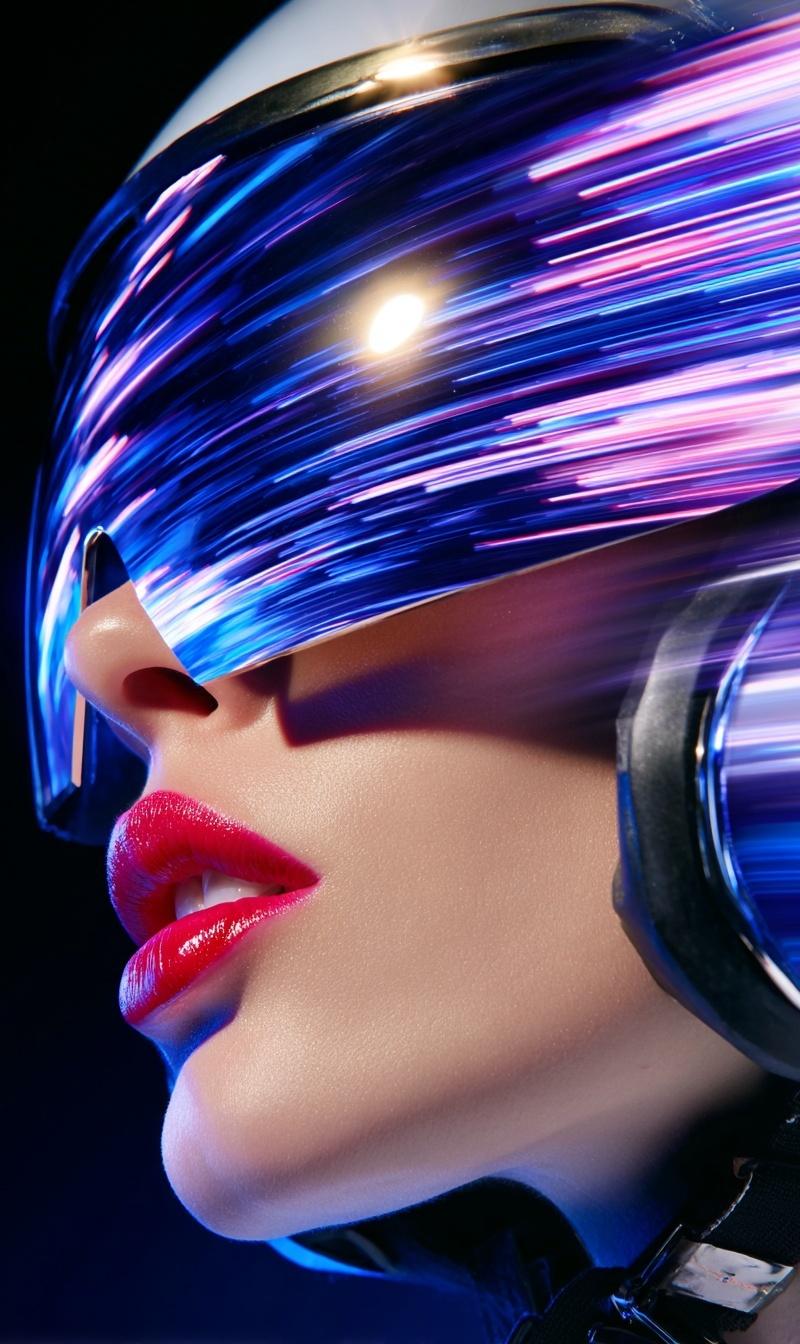
A surreal mixed-media portrait of [PERSON], set against a clean, plain white background with visible fine-grain paper texture. The character's face is the subject of a controlled, stylized distortion. Instead of chaotic fragmentation, the facial features are horizontally stretched into smooth, flowing bands of color and texture, resembling a deliberate digital scanline effect or a long exposure photograph pushed sideways. Key identifying features (like eyes, mouth, or distinct accessories) remain partially recognizable within these stretched streaks, creating a sense of fluid motion rather than destruction. The aesthetic blends analog collage textures with digital glitch art, feeling tactile and composed.
Category
Charts & Infographics
Model
GPT Image 2
Creator
xie underwood
Source language
en
Views303
Source ID
7416
Published
May 20, 2026
Studio

Guide

About "A surreal mixed-media portrait of [PERSON], set against a clean, plain white bac"

What is this prompt for?

"A surreal mixed-media portrait of [PERSON], set against a clean, plain white bac" AI image prompt for GPT Image 2 (Charts & Infographics). A surreal mixed-med…

The full copyable prompt and example visuals above are ready for AI image generation or one-click recreate in Picva.

How to use this prompt

  1. Step 1

    Open the prompt detail

    Review the example visuals, category, and full prompt text for "A surreal mixed-media portrait of [PERSON], set against a clean, plain white bac".

  2. Step 2

    Copy the prompt

    Copy the prompt body from this page, or load it directly in Studio.

  3. Step 3

    Pick a model (GPT Image 2)

    Prefer GPT Image 2. If you switch models, keep subject and composition and tweak style terms.

  4. Step 4

    Generate and export

    Recreate the look in Picva, or export into your workflow for editing and publishing.

FAQ

What is the "A surreal mixed-media portrait of [PERSON], set against a clean, plain white bac" prompt?
It is an AI image-generation prompt for GPT Image 2 in the Charts & Infographics category. This page includes the full prompt text, example visuals, and a one-click recreate path in Picva.
How do I use this prompt to generate an image?
Copy the prompt from this page, or use Generate / Studio. Paste it into a compatible image model, or recreate the look in Picva with optional reference images.
Which model is this prompt for?
This page lists GPT Image 2. Most descriptive prompts also transfer to nearby image models such as GPT Image, Flux, or Midjourney with light style tweaks.
Can I use the result commercially?
You can usually copy the prompt for creation, but commercial use of the final image depends on the model terms, reference-image rights, and the generated content. Follow the source author and platform rules.