19

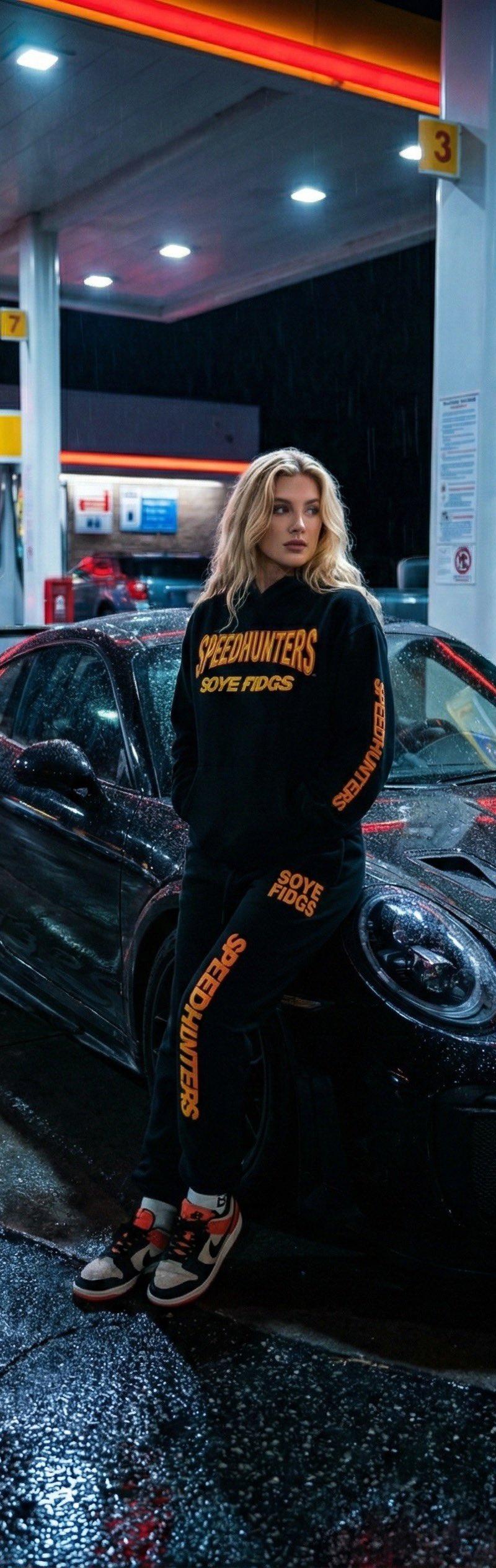
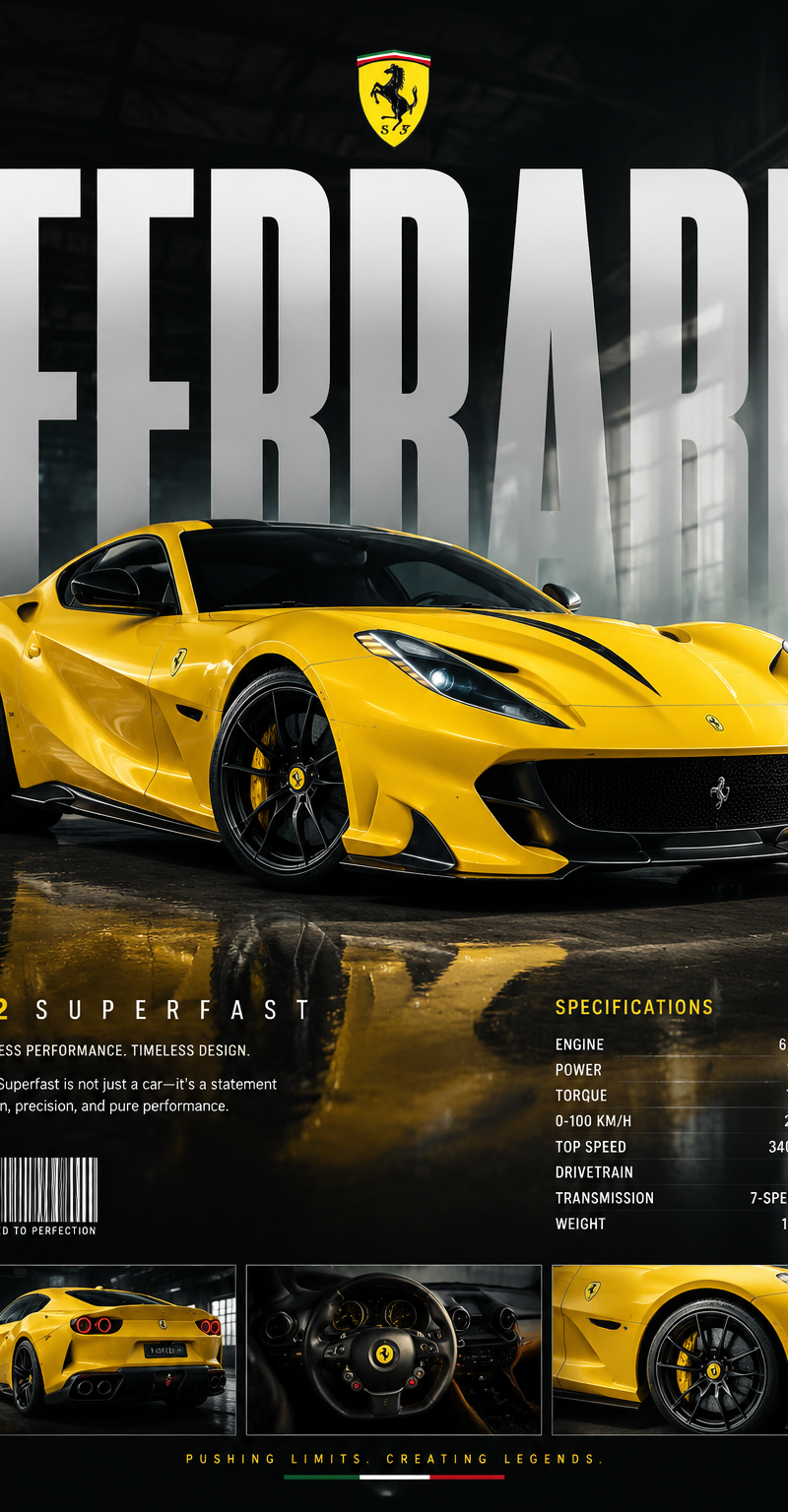
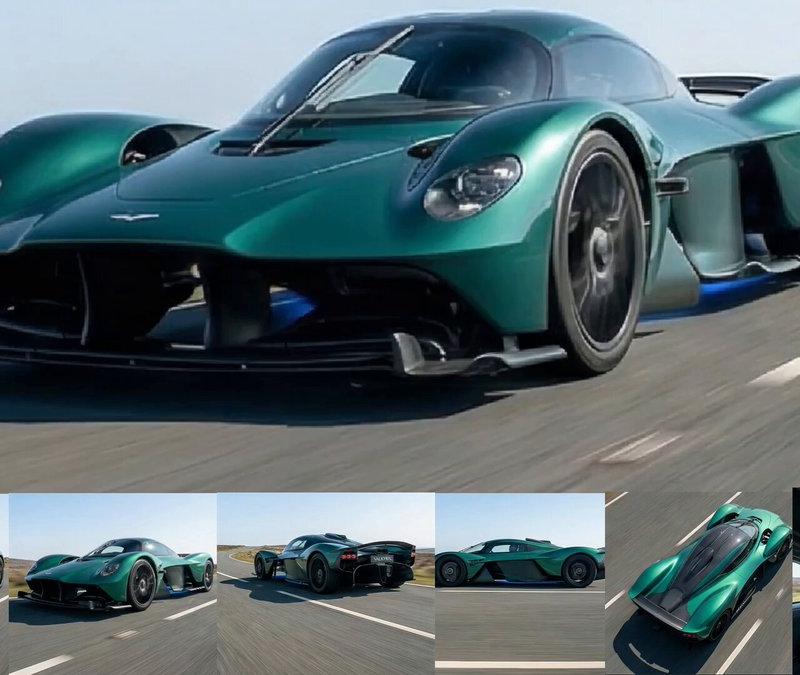
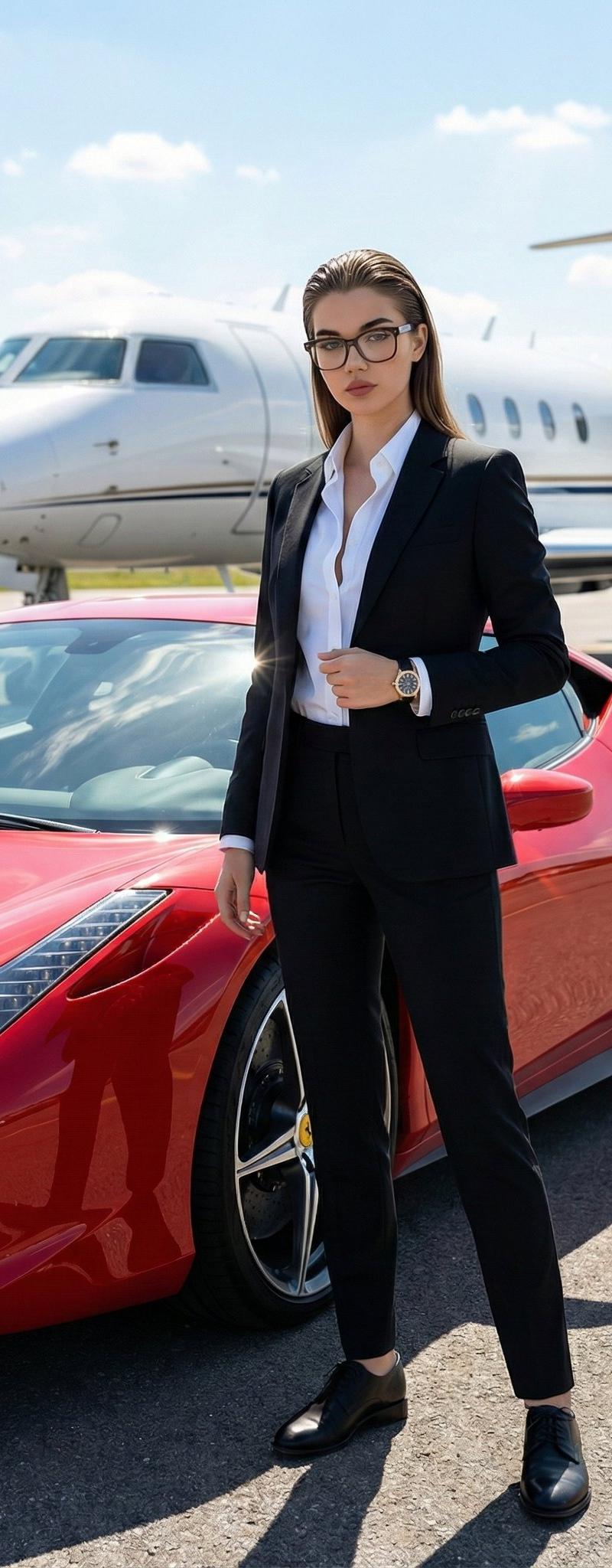
Crea un'immagine fotografica (argomento siti web Officine Meccaniche e Centri Pe
Enlarge

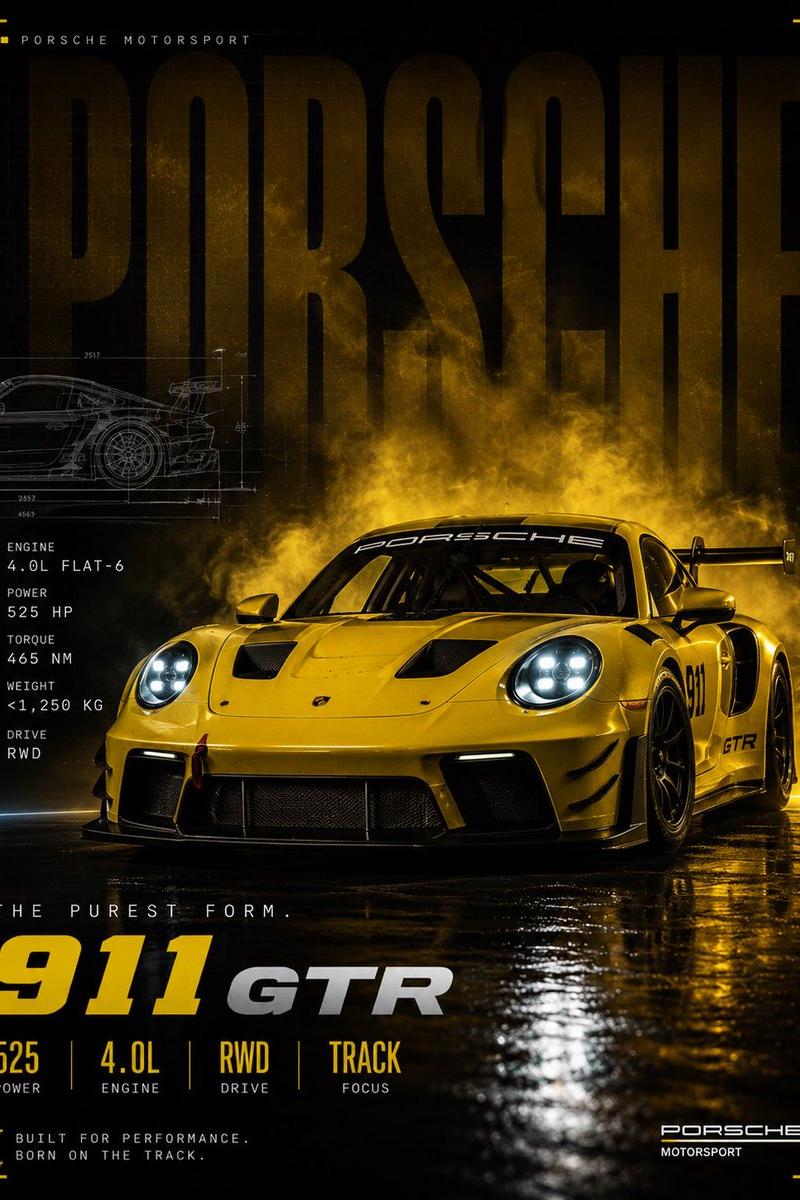
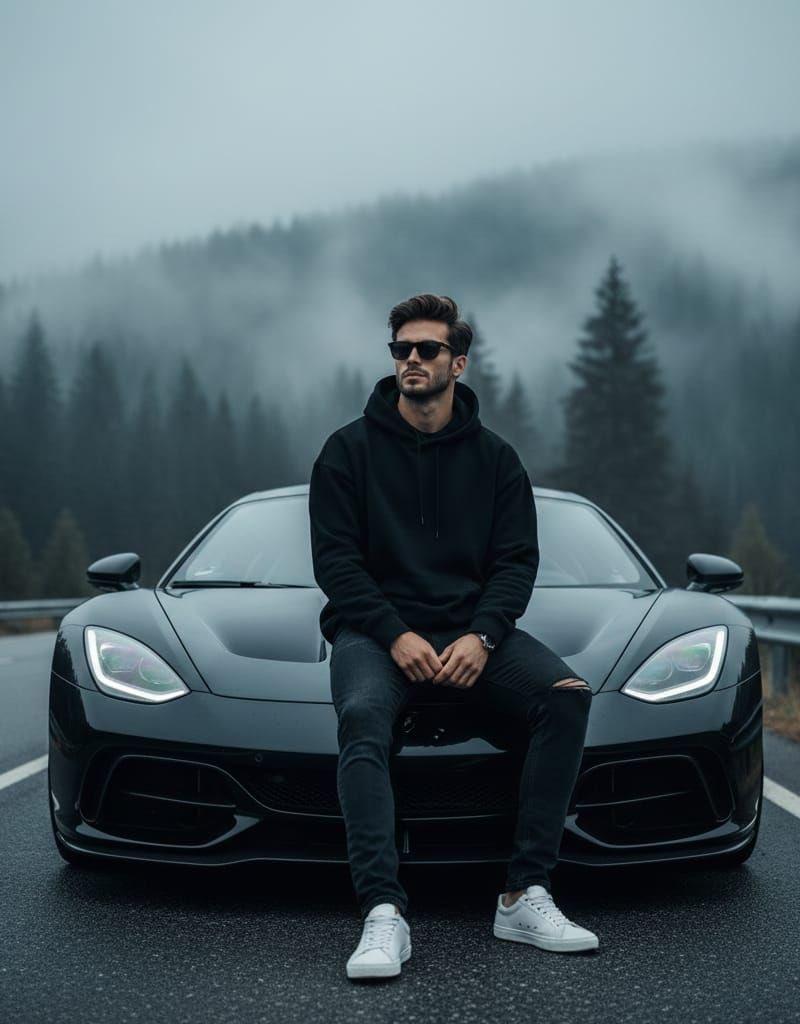
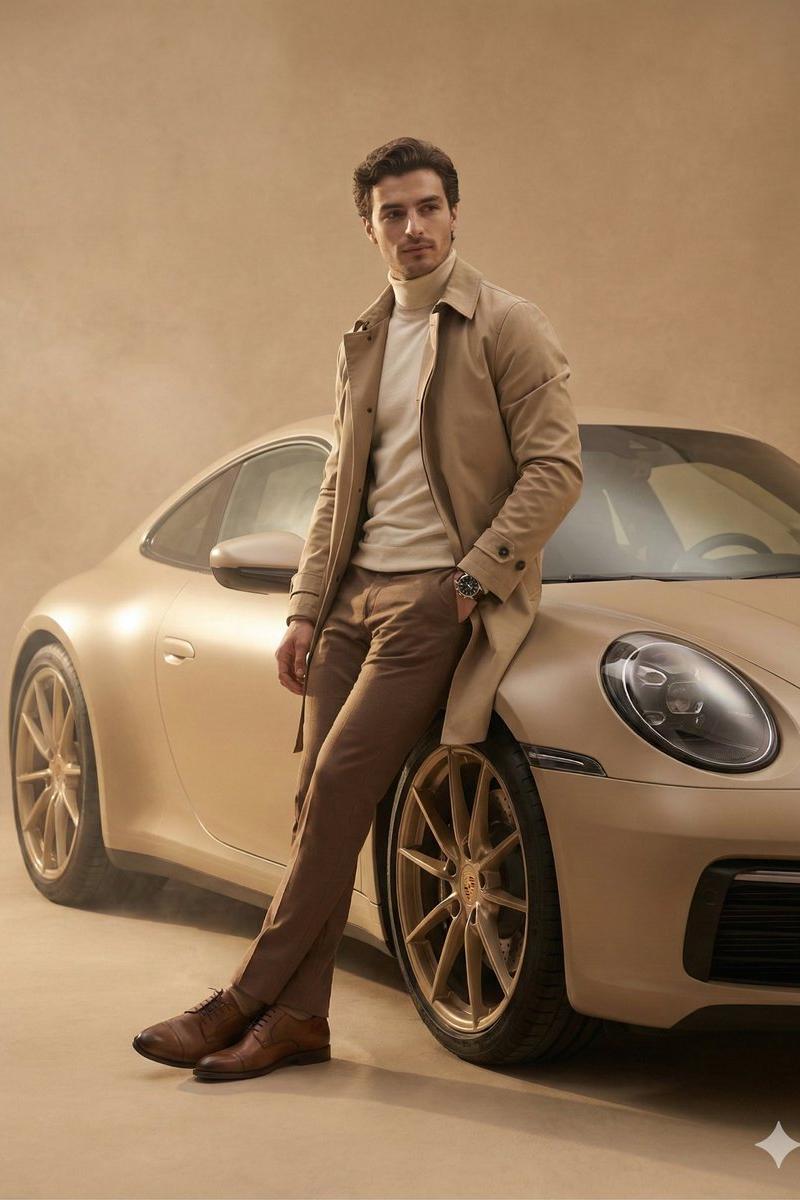
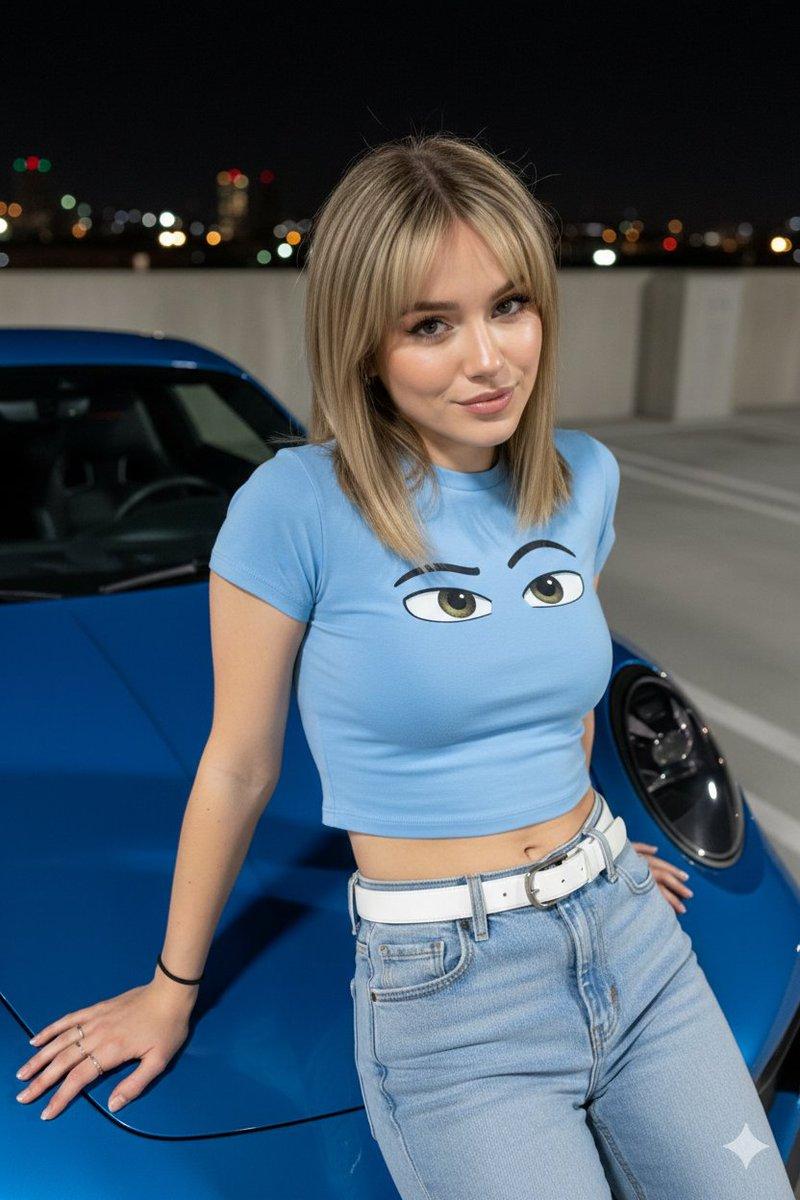
Example images

Crea un'immagine fotografica (argomento siti web Officine Meccaniche e Centri Pe

Prompt
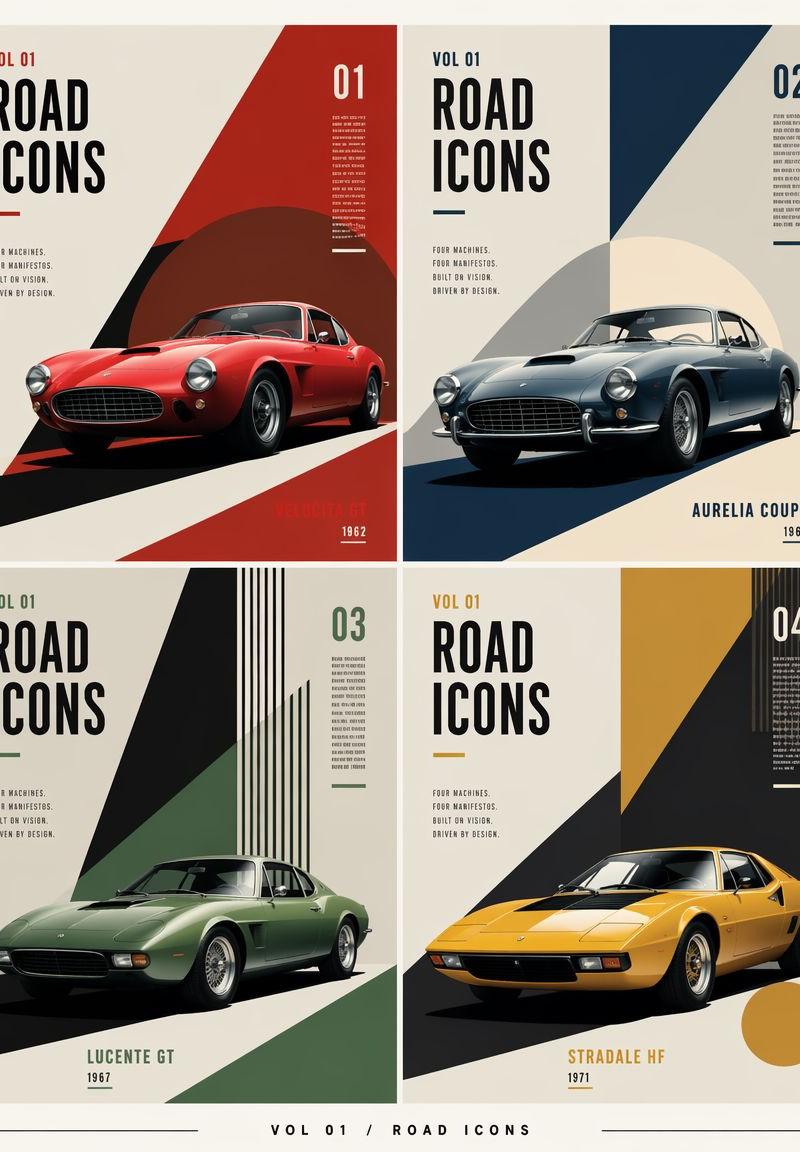
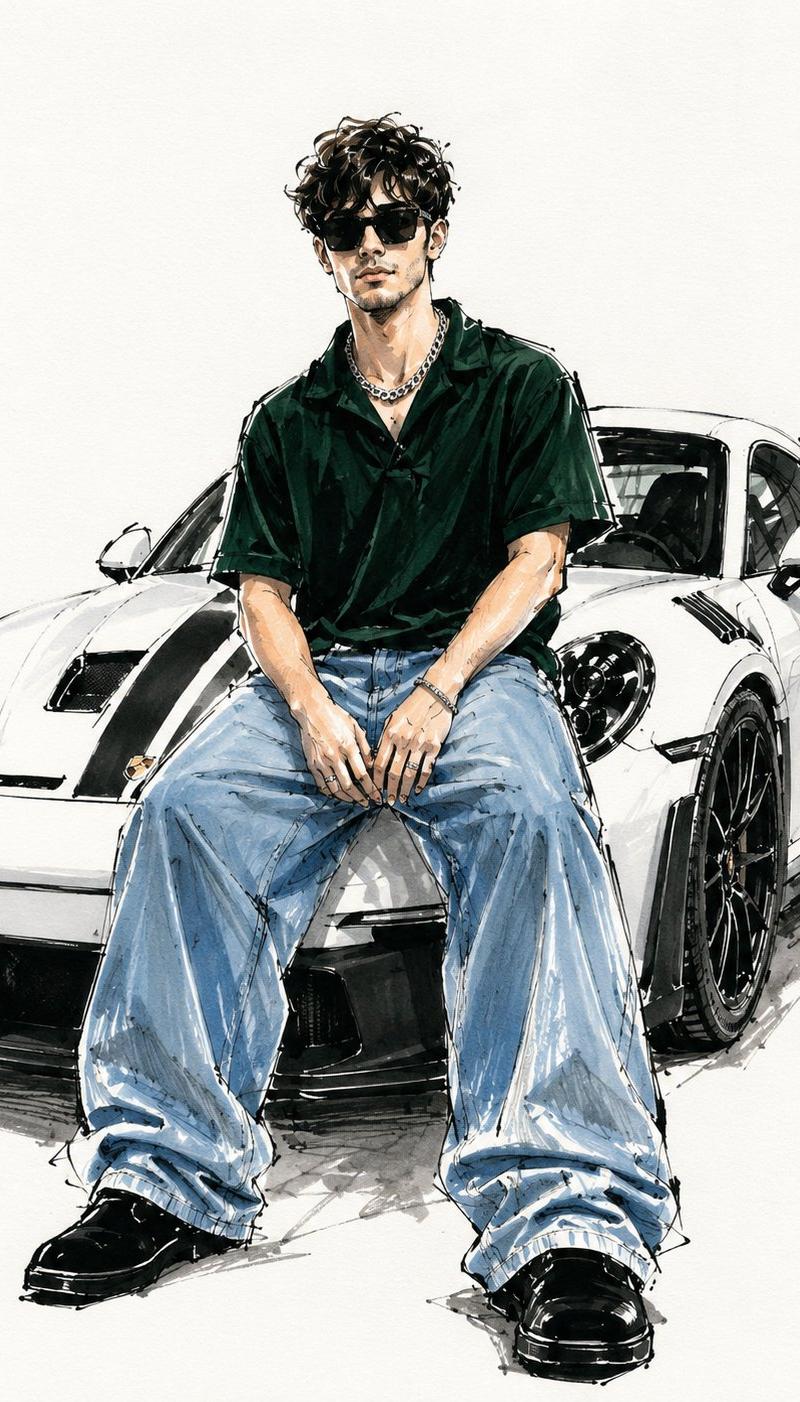
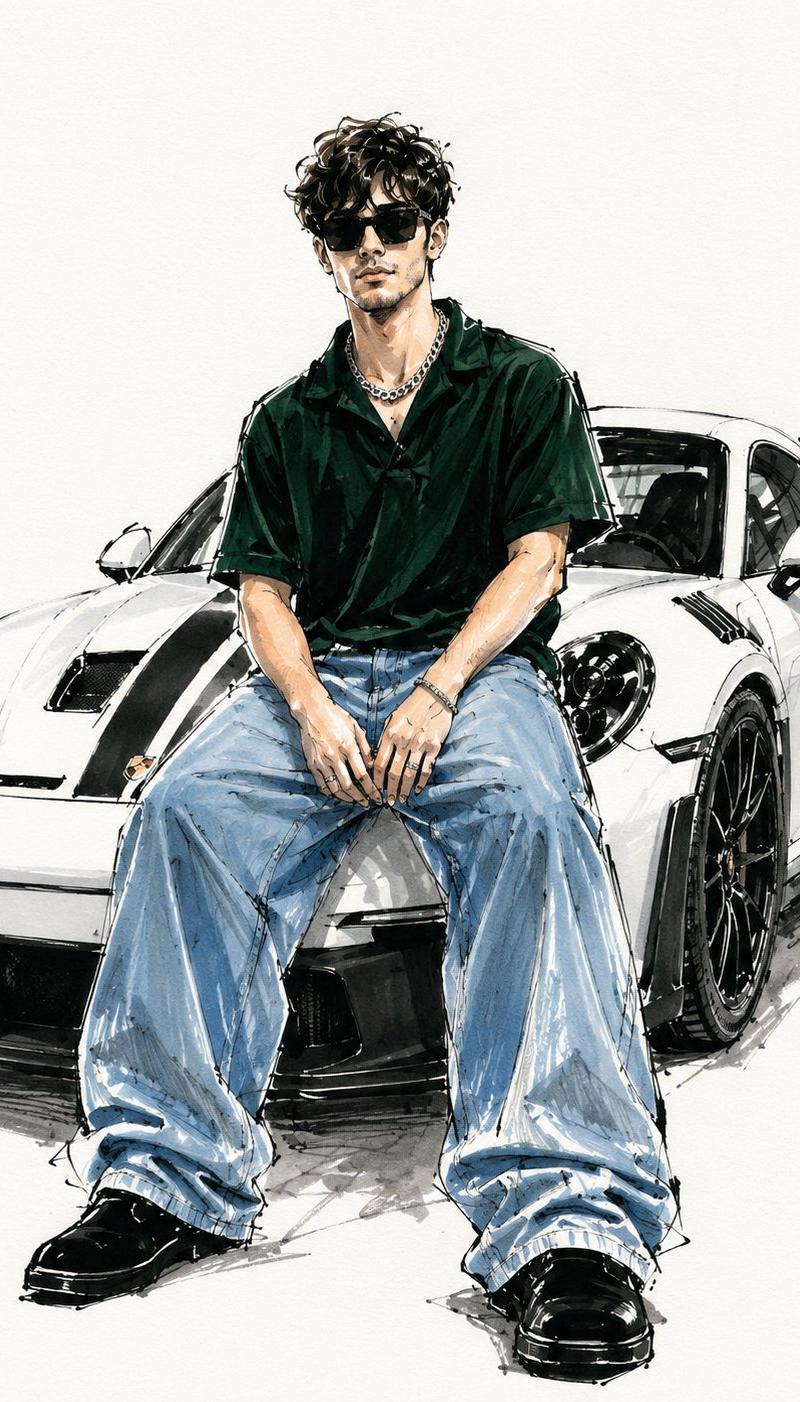
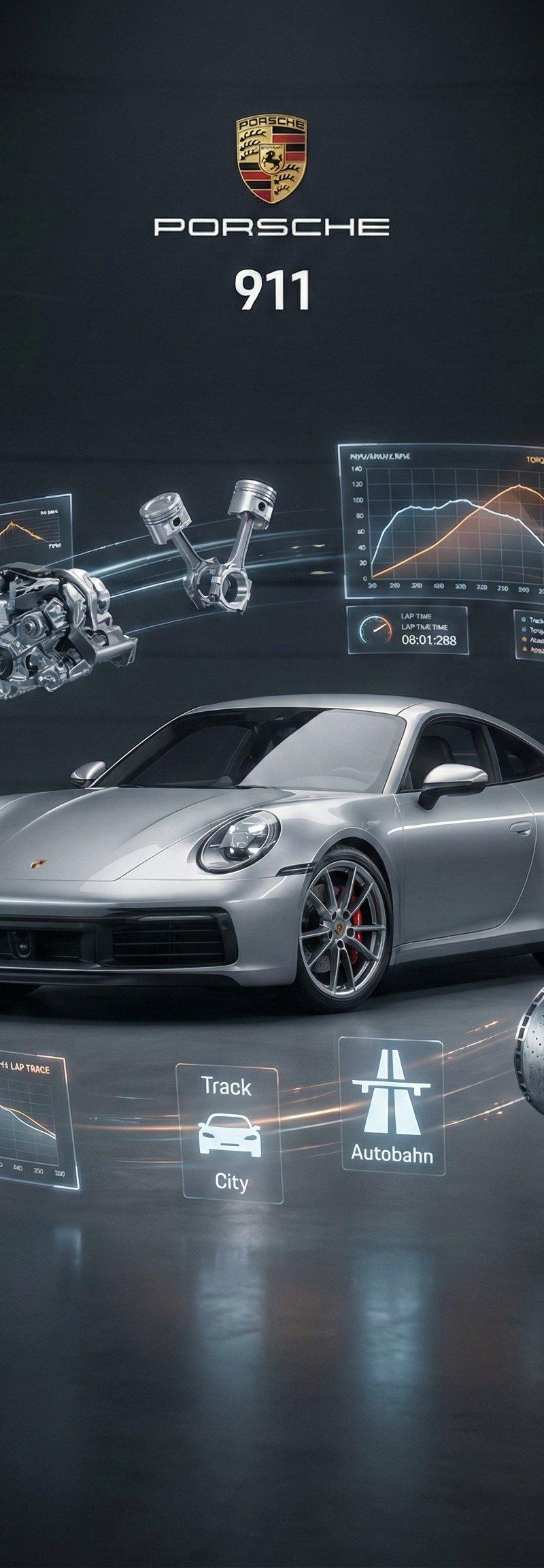
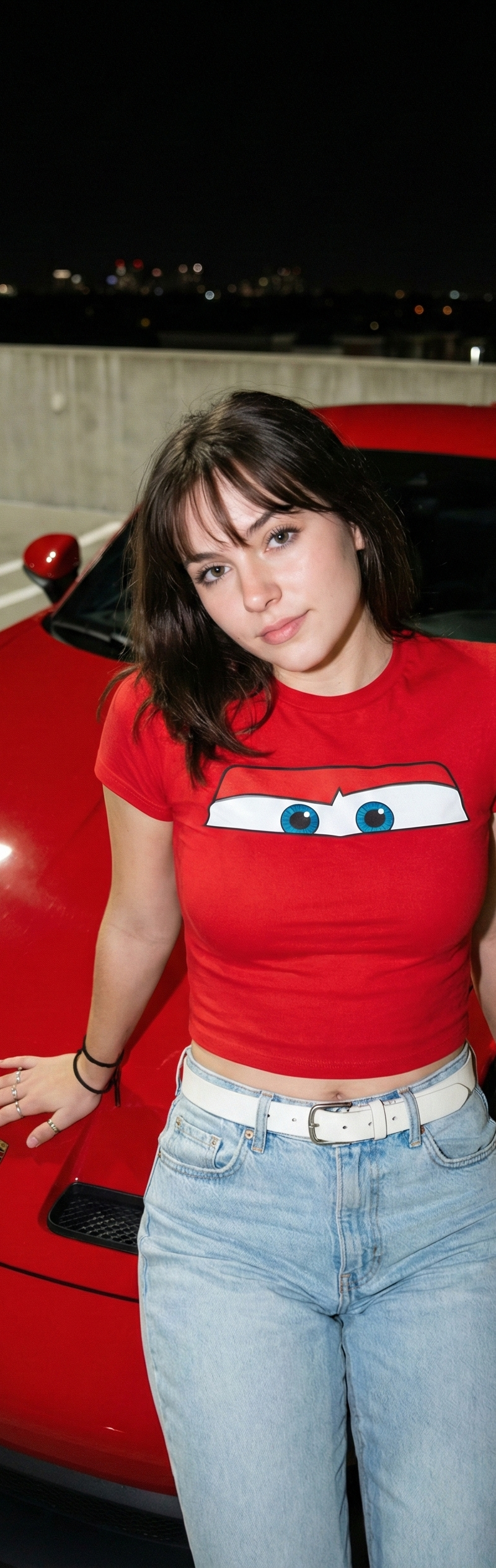
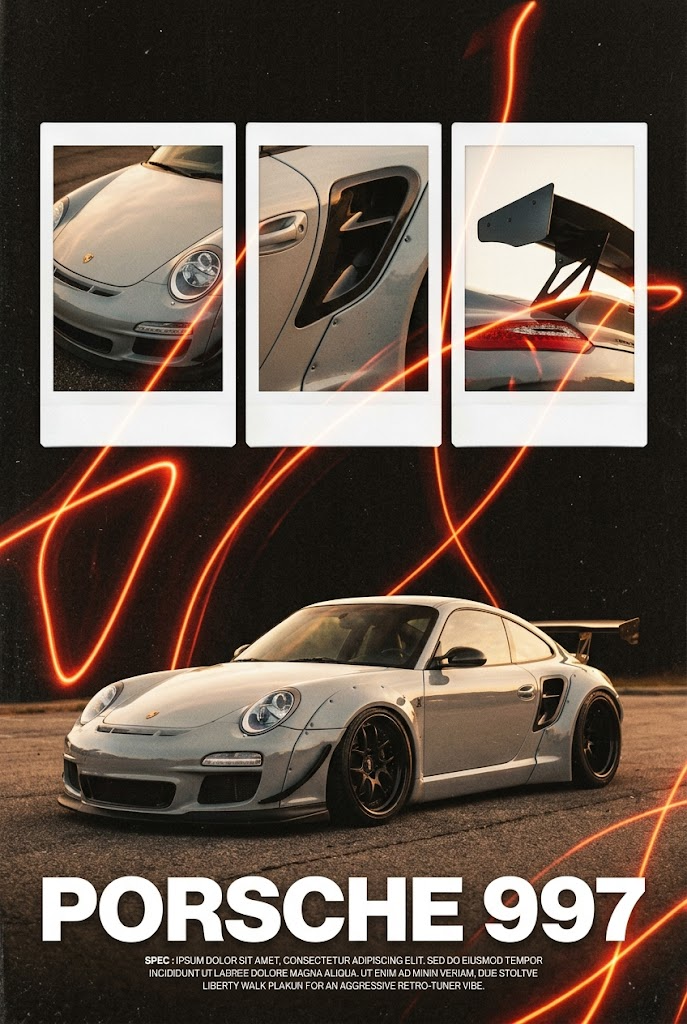
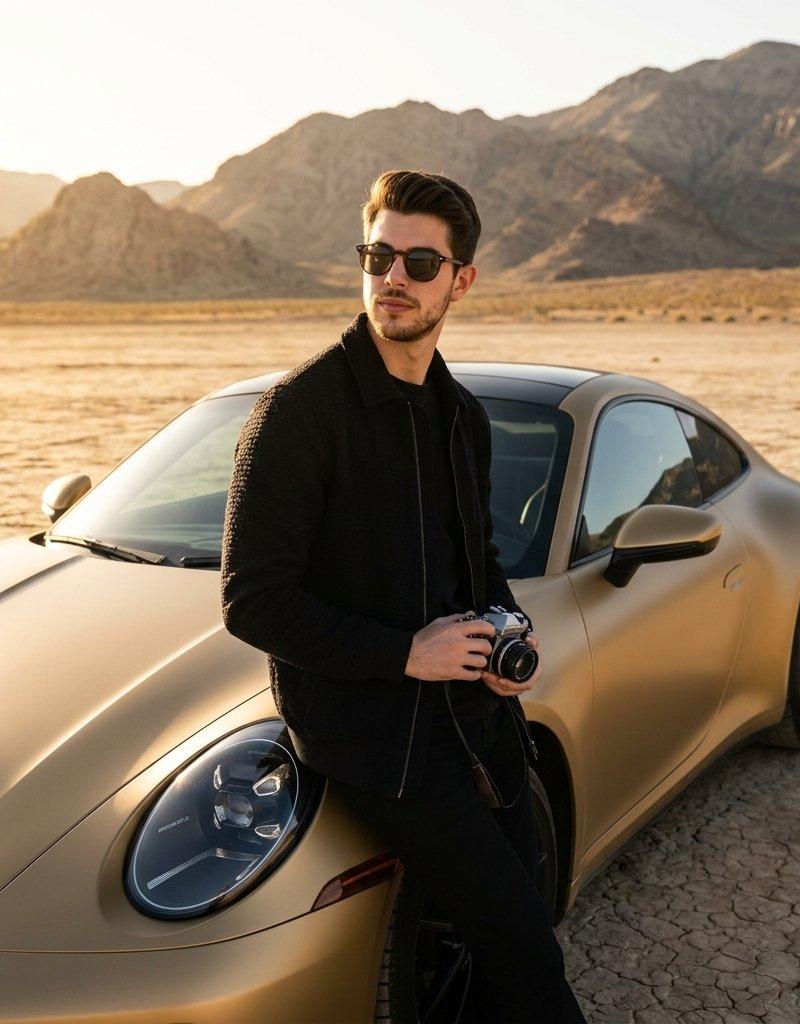
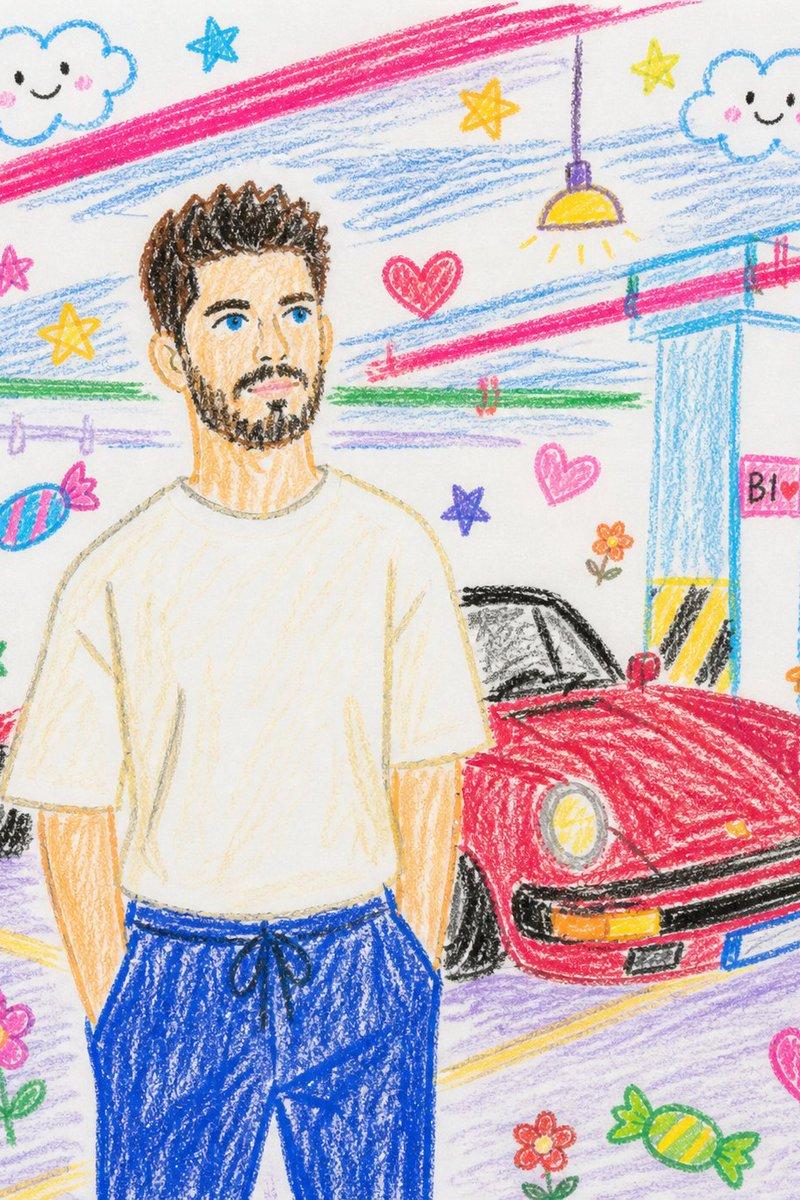
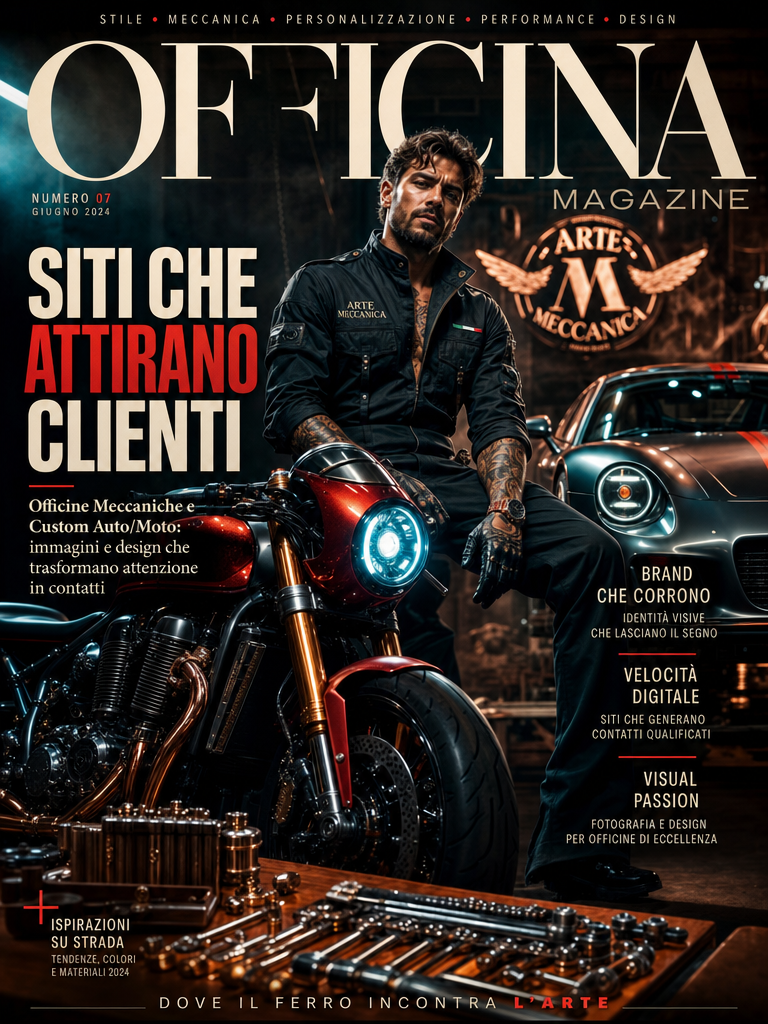
Crea un'immagine fotografica (argomento siti web Officine Meccaniche e Centri Personalizzazione Auto/Moto ) non convenzionale, in formato 4:5, progettata per catturare l'attenzione in modo istantaneo e duraturo. L'immagine deve essere visivamente sbalorditiva, evocare curiosità e stimolare una profonda connessione emotiva, deve sembrare una copertina di una rivista di moda. Utilizza una tavolozza di colori audaci, contrastanti e inaspettati per intensificare l'impatto visivo e creare un'atmosfera memorabile. Aggiungi un titolo hook accattivante che non solo catturi l'attenzione dell'utente, ma comunichi anche implicitamente la nostra competenza nell'attrarre clienti (con i nostri siti web Officine Meccaniche e Centri Personalizzazione Auto/Moto )per i nostri partner, sfruttando il potere dell'immagine stessa come prova tangibile della nostra abilità nel creare contenuti che colpiscono nel segno.
Category
UI & Interfaces
Model
GPT Image 2
Creator
mirko Aldighieri
Source language
en
Views122
Source ID
8838
Published
May 22, 2026
Studio

Guide

About "Crea un'immagine fotografica (argomento siti web Officine Meccaniche e Centri Pe"

What is this prompt for?

"Crea un'immagine fotografica (argomento siti web Officine Meccaniche e Centri Pe" AI image prompt for GPT Image 2 (UI & Interfaces). Crea un'immagine fotograf…

The full copyable prompt and example visuals above are ready for AI image generation or one-click recreate in Picva.

How to use this prompt

  1. Step 1

    Open the prompt detail

    Review the example visuals, category, and full prompt text for "Crea un'immagine fotografica (argomento siti web Officine Meccaniche e Centri Pe".

  2. Step 2

    Copy the prompt

    Copy the prompt body from this page, or load it directly in Studio.

  3. Step 3

    Pick a model (GPT Image 2)

    Prefer GPT Image 2. If you switch models, keep subject and composition and tweak style terms.

  4. Step 4

    Generate and export

    Recreate the look in Picva, or export into your workflow for editing and publishing.

FAQ

What is the "Crea un'immagine fotografica (argomento siti web Officine Meccaniche e Centri Pe" prompt?
It is an AI image-generation prompt for GPT Image 2 in the UI & Interfaces category. This page includes the full prompt text, example visuals, and a one-click recreate path in Picva.
How do I use this prompt to generate an image?
Copy the prompt from this page, or use Generate / Studio. Paste it into a compatible image model, or recreate the look in Picva with optional reference images.
Which model is this prompt for?
This page lists GPT Image 2. Most descriptive prompts also transfer to nearby image models such as GPT Image, Flux, or Midjourney with light style tweaks.
Can I use the result commercially?
You can usually copy the prompt for creation, but commercial use of the final image depends on the model terms, reference-image rights, and the generated content. Follow the source author and platform rules.