15

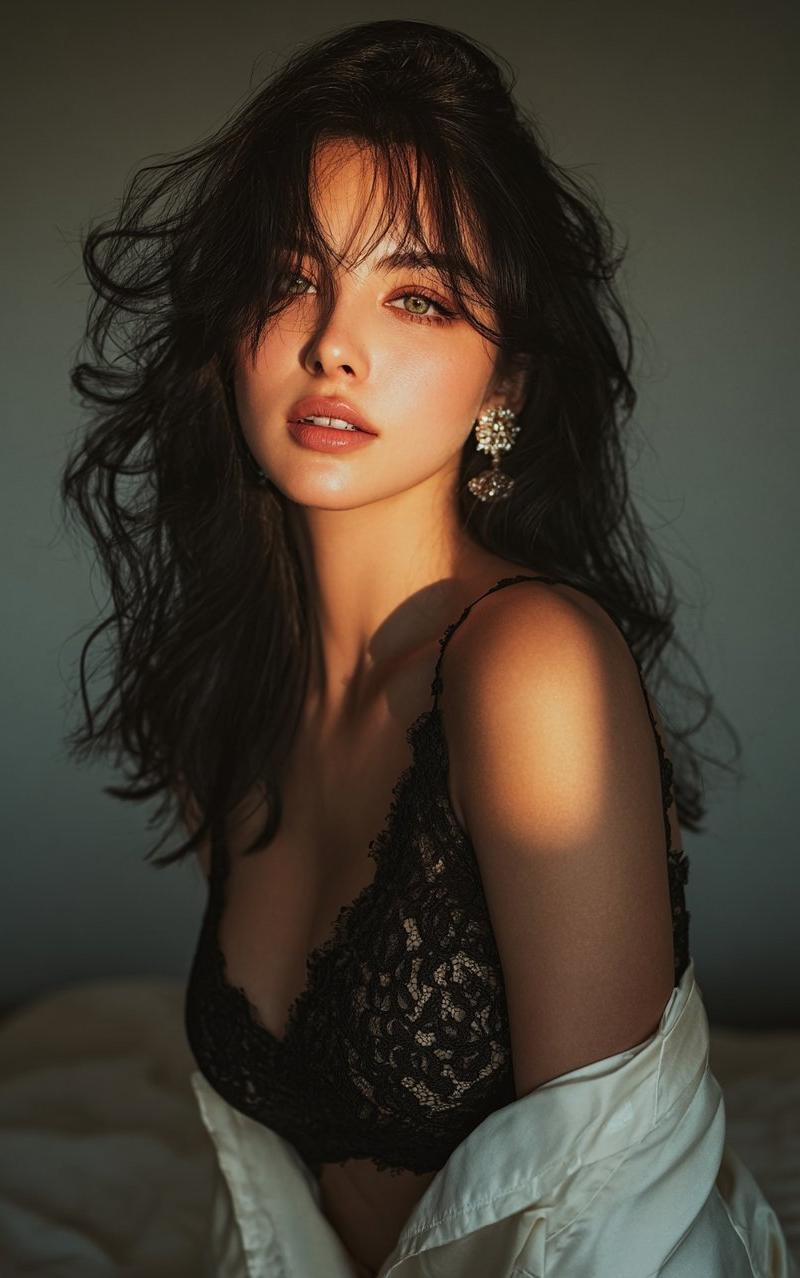
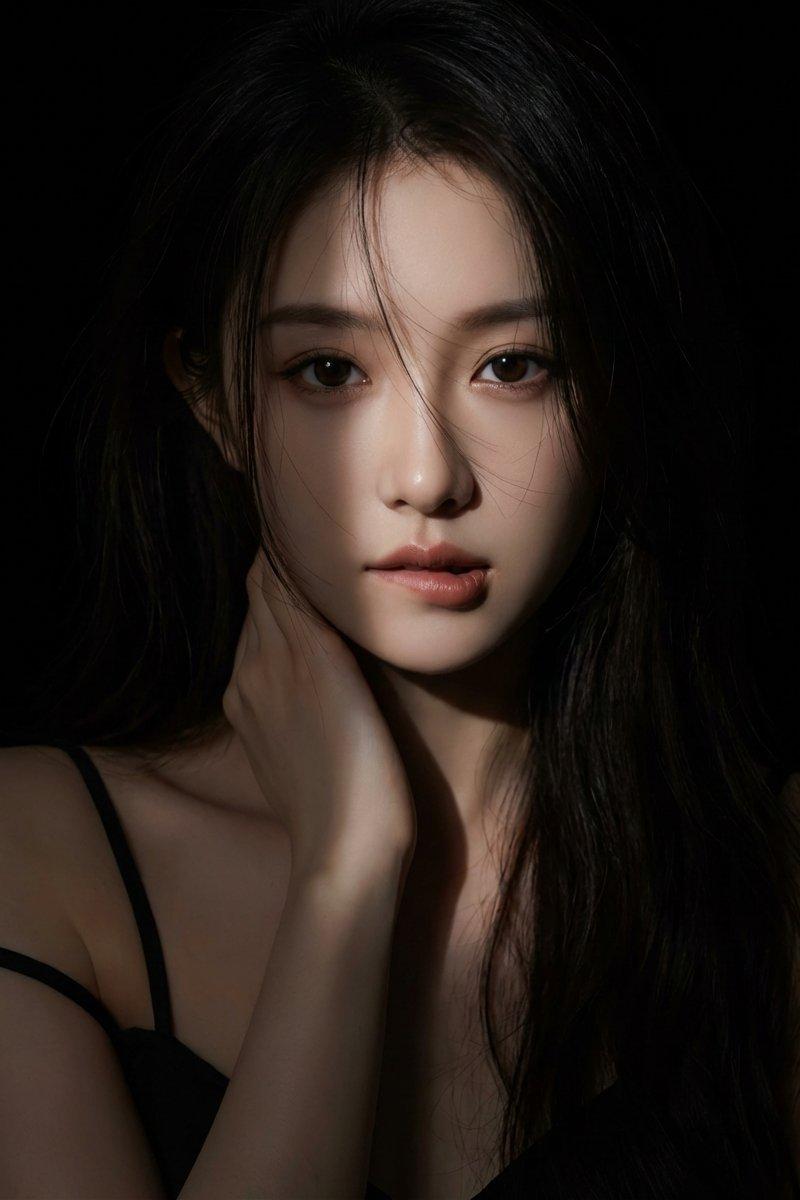
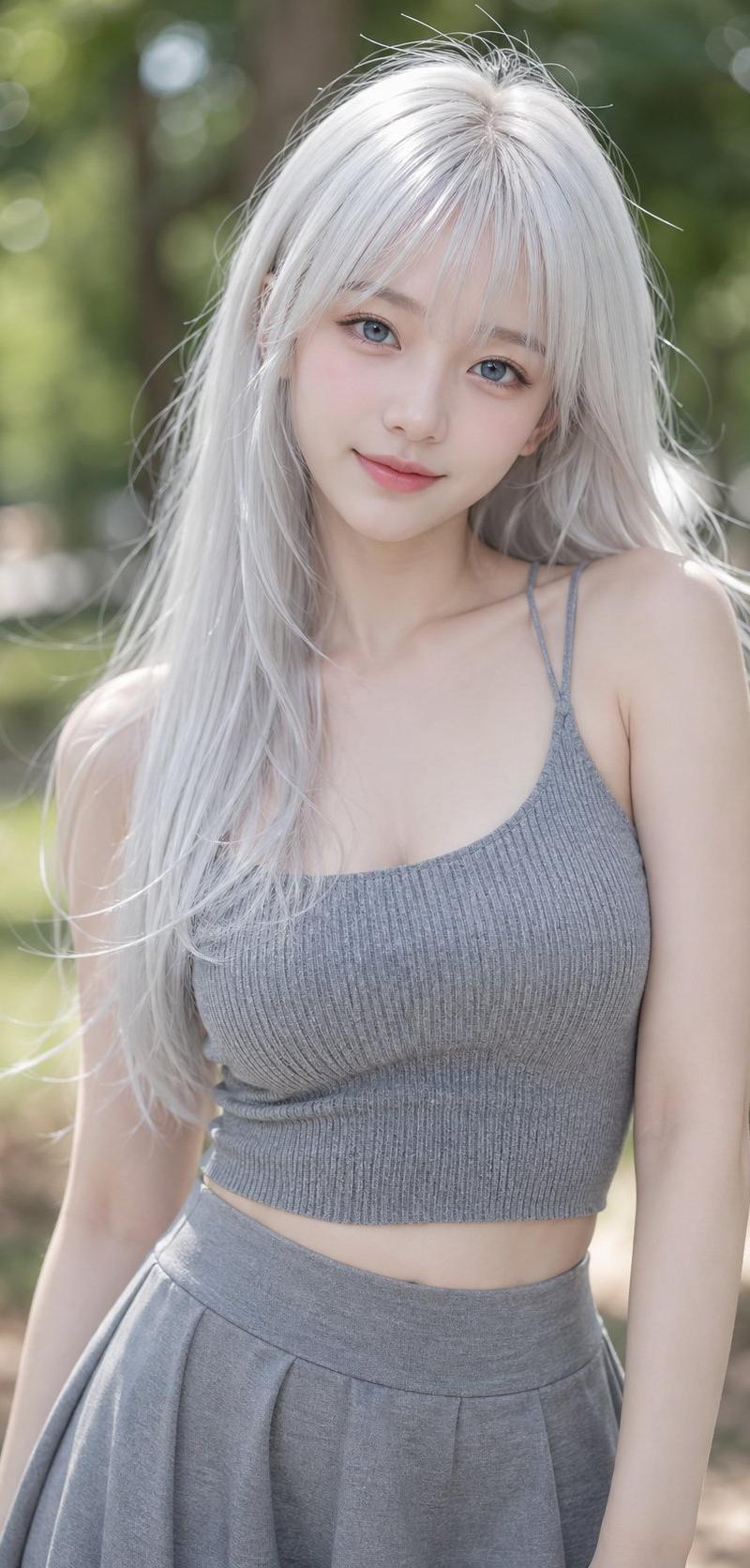
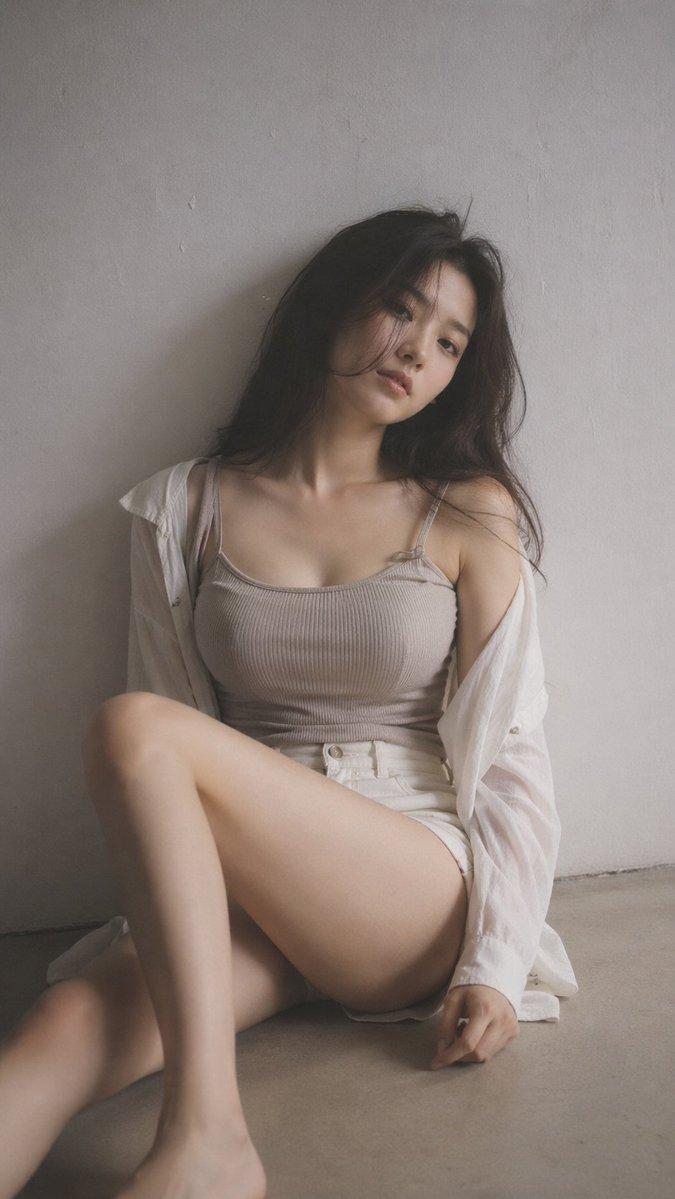
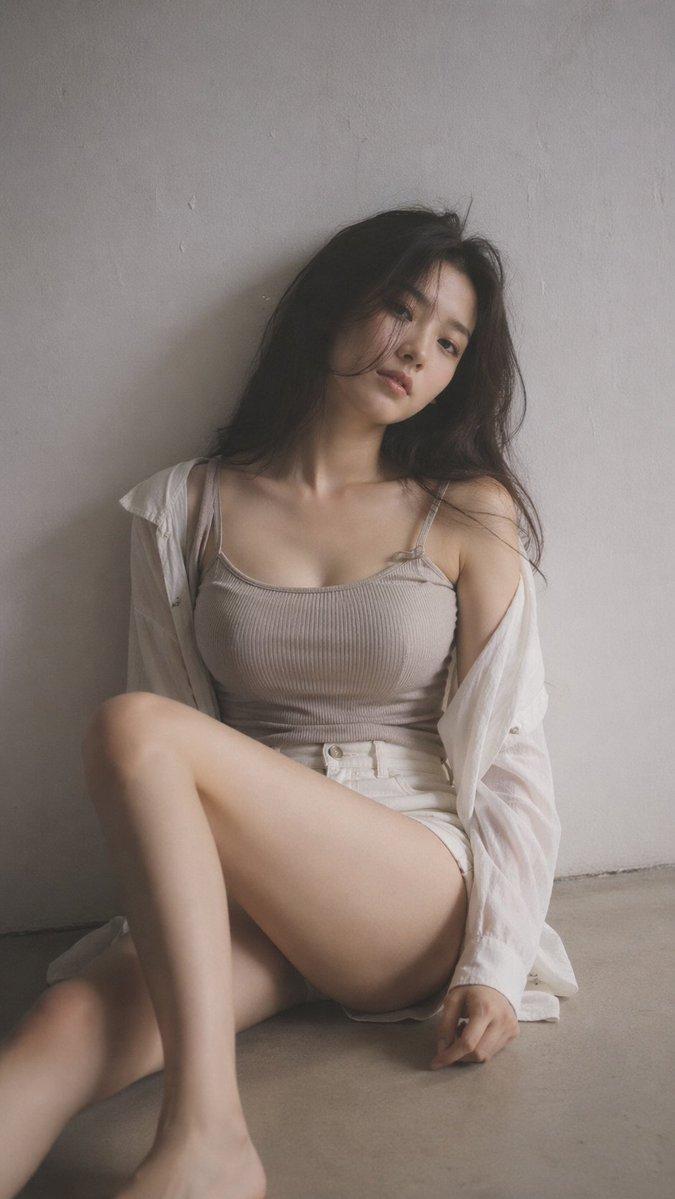
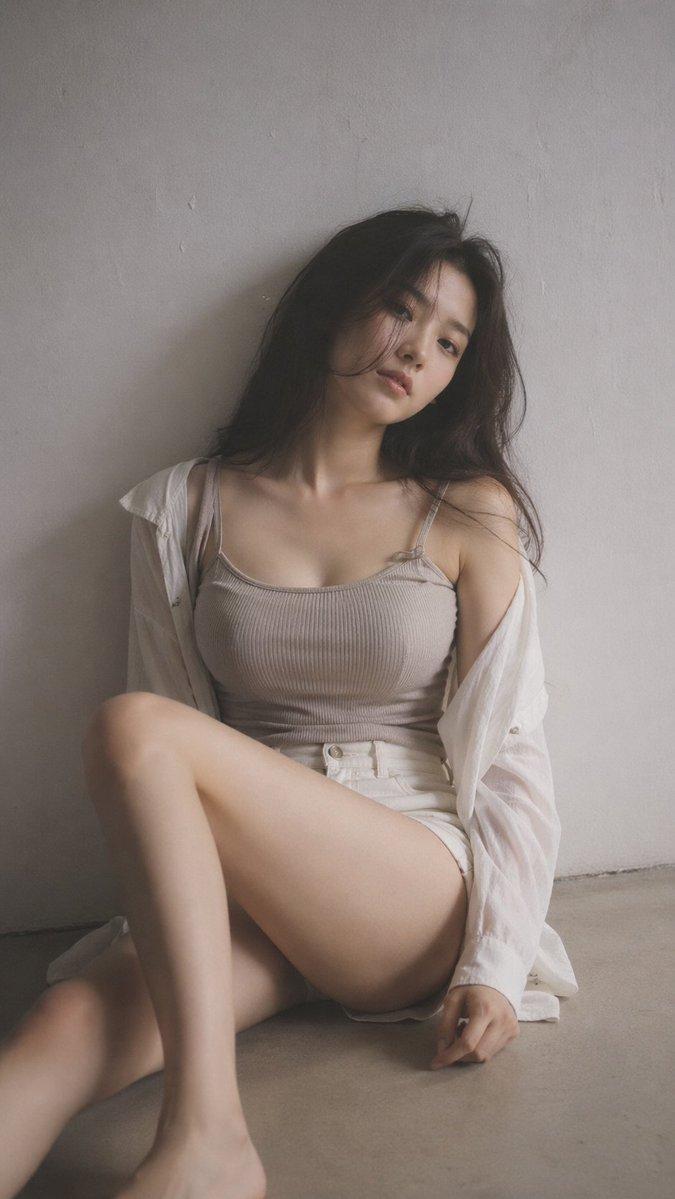
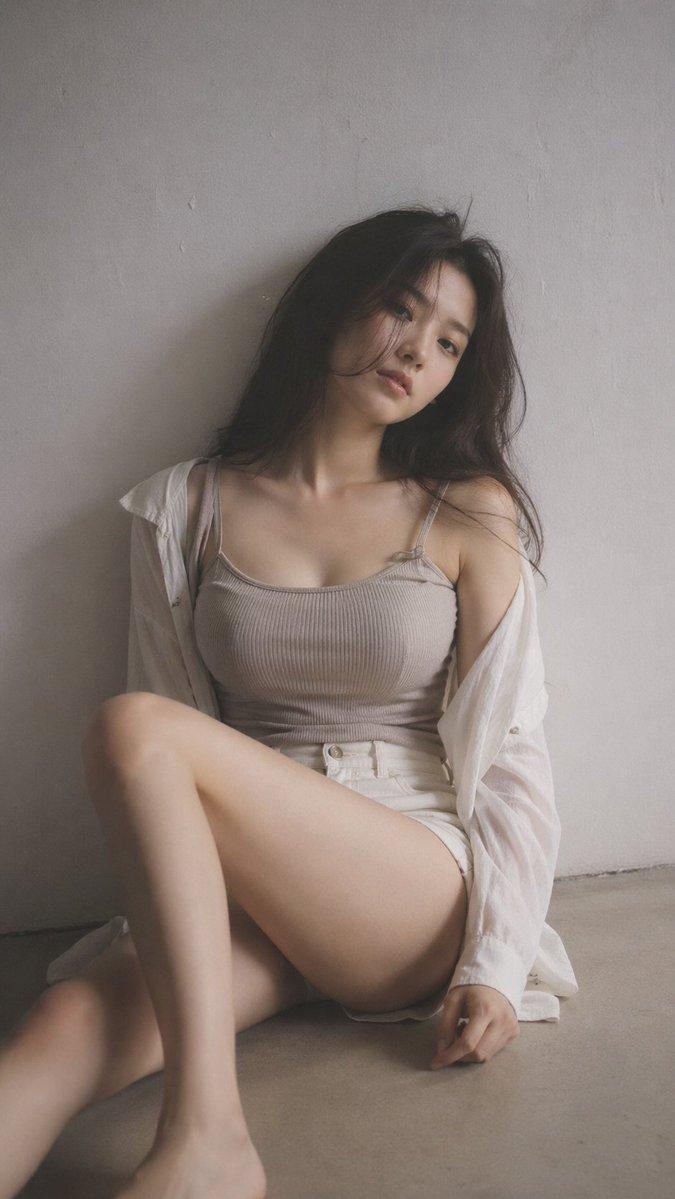
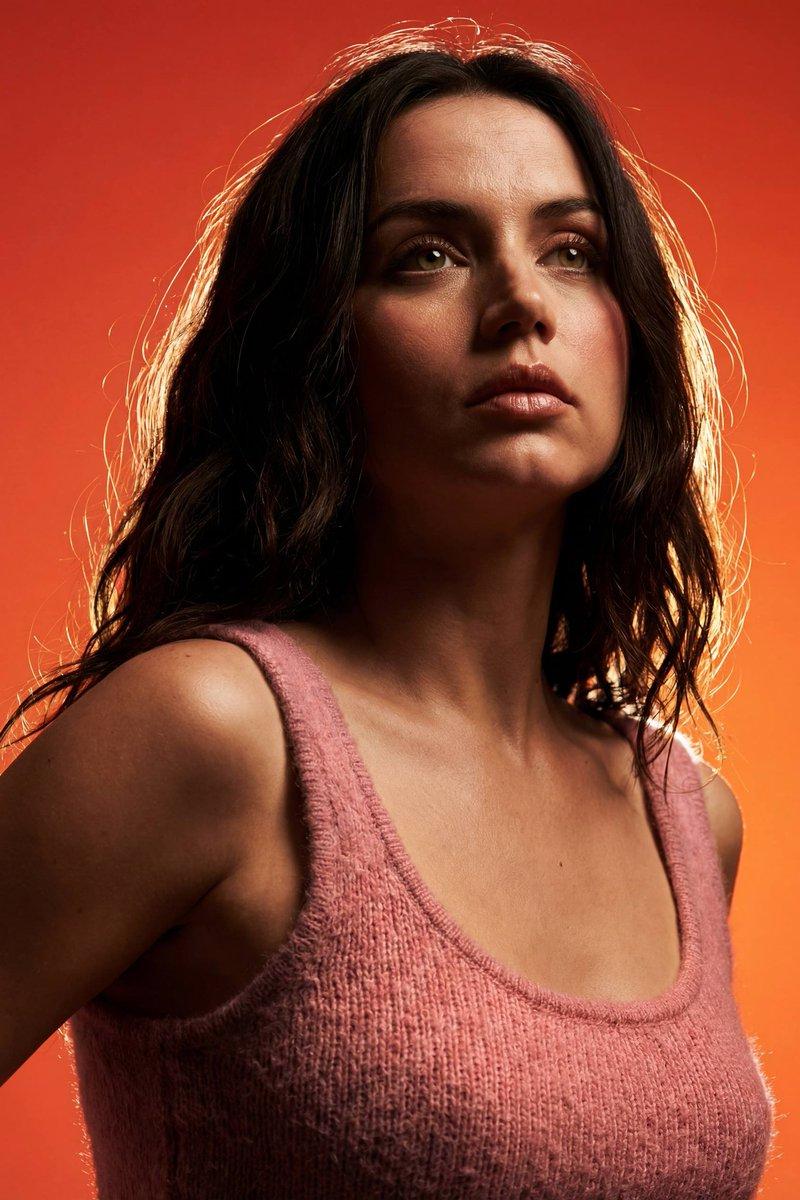
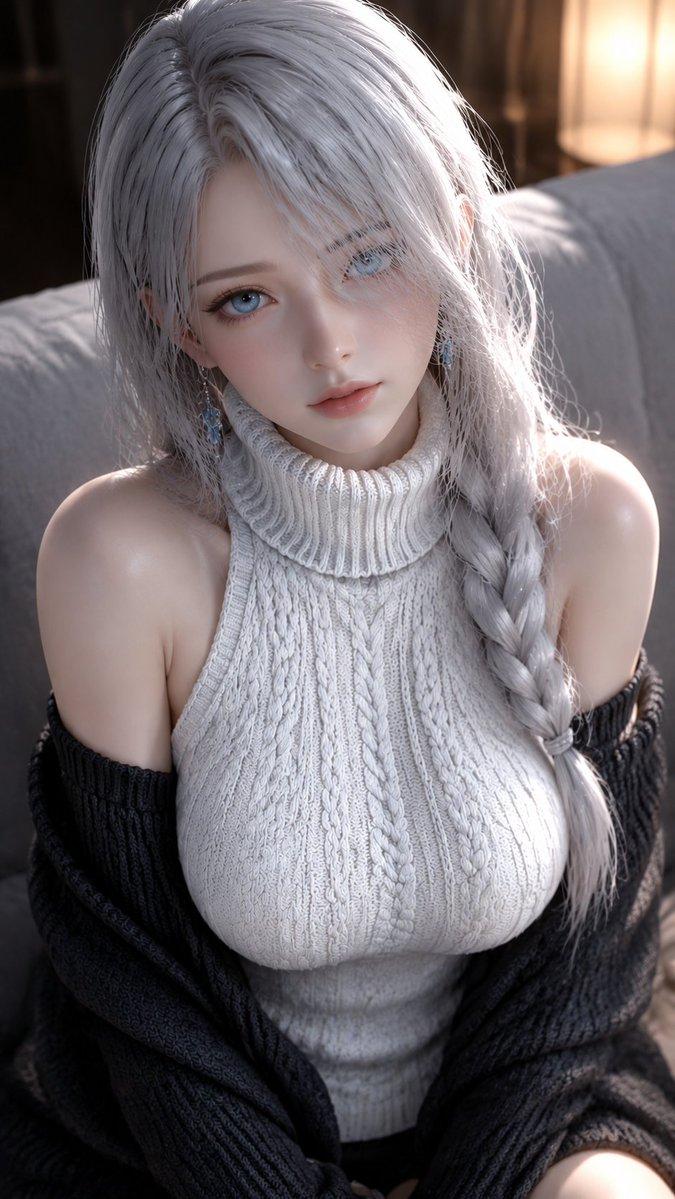
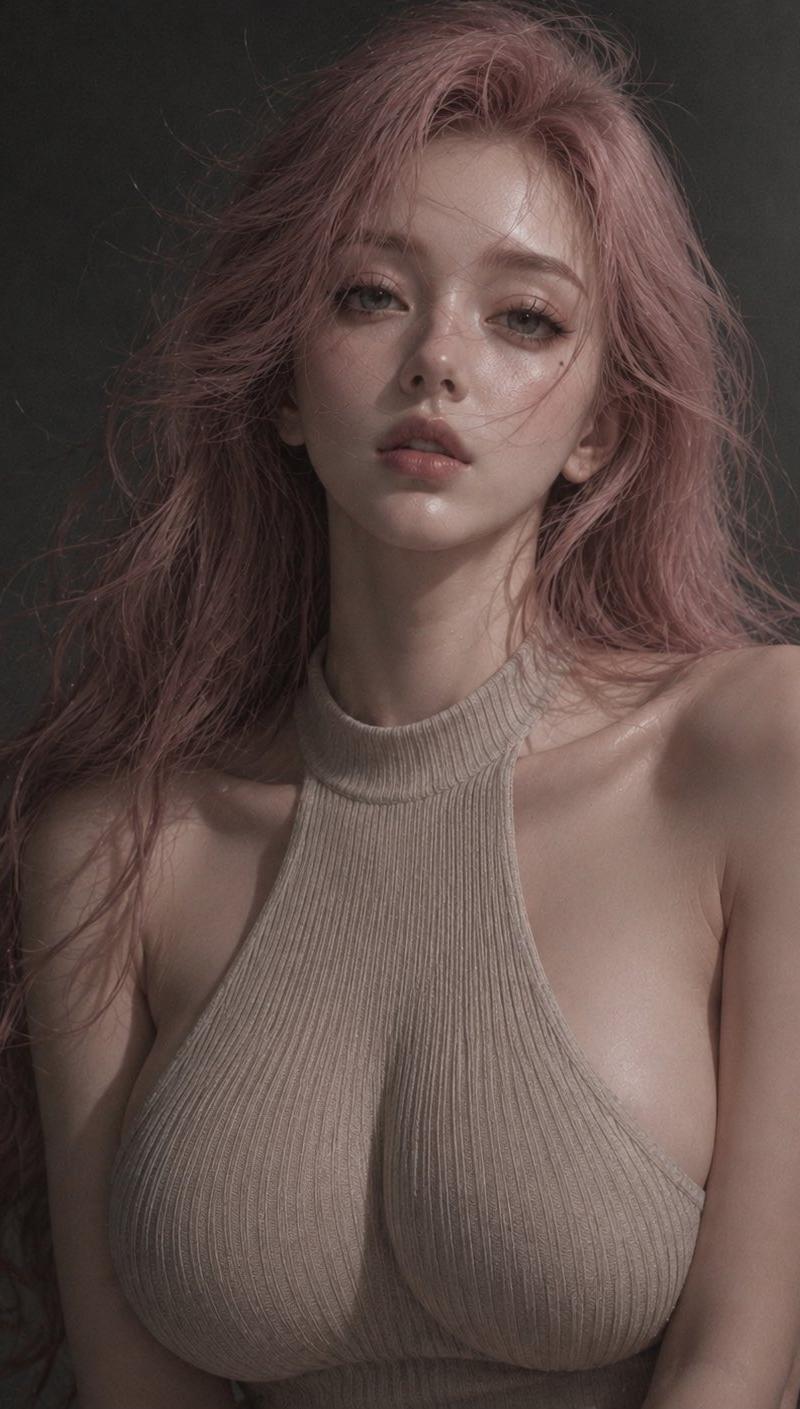
这组好喜欢 prompt-image2: 杰作,最佳品质,超详细,逼真肖像,情绪化的编辑摄影,亲密柔和颗粒肖像,低饱和度色调,细微胶片颗粒,安静...
Enlarge

Example images

这组好喜欢 prompt-image2: 杰作,最佳品质,超详细,逼真肖像,情绪化的编辑摄影,亲密柔和颗粒肖像,低饱和度色调,细微胶片颗粒,安静...

Prompt
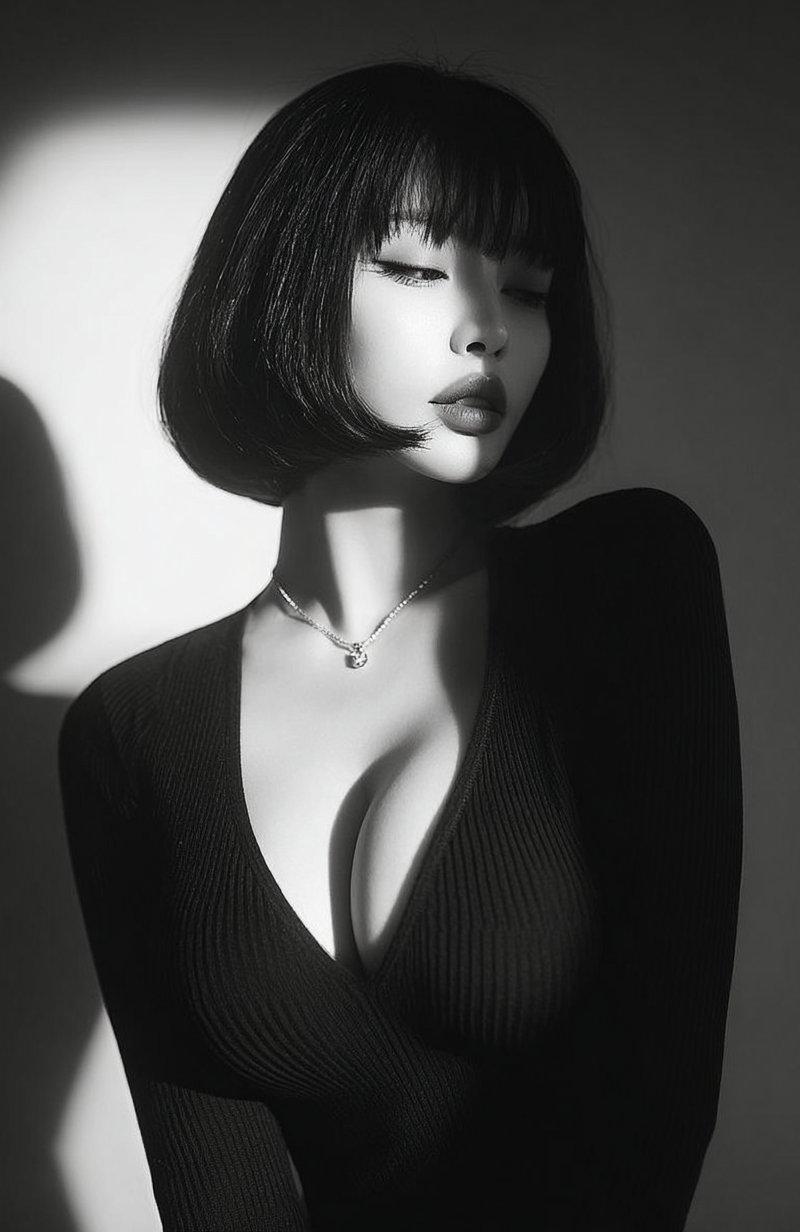
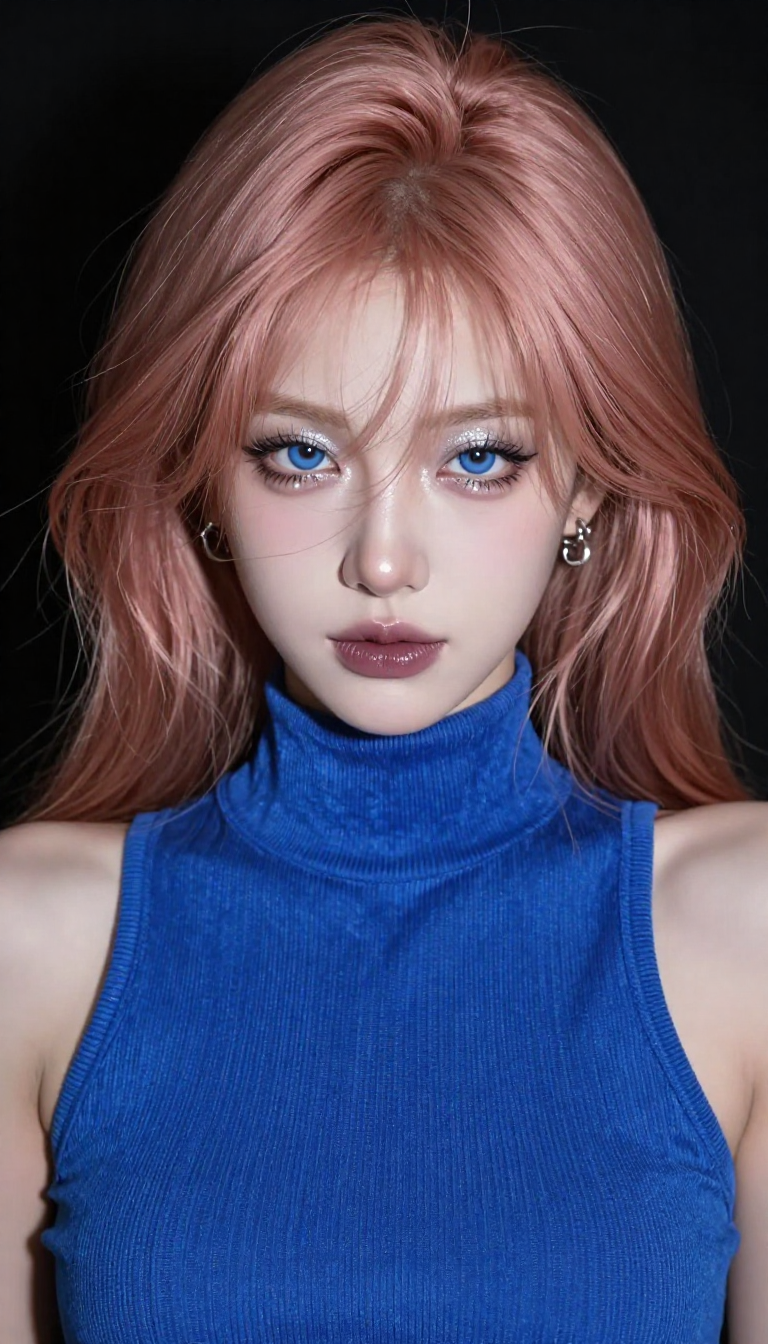
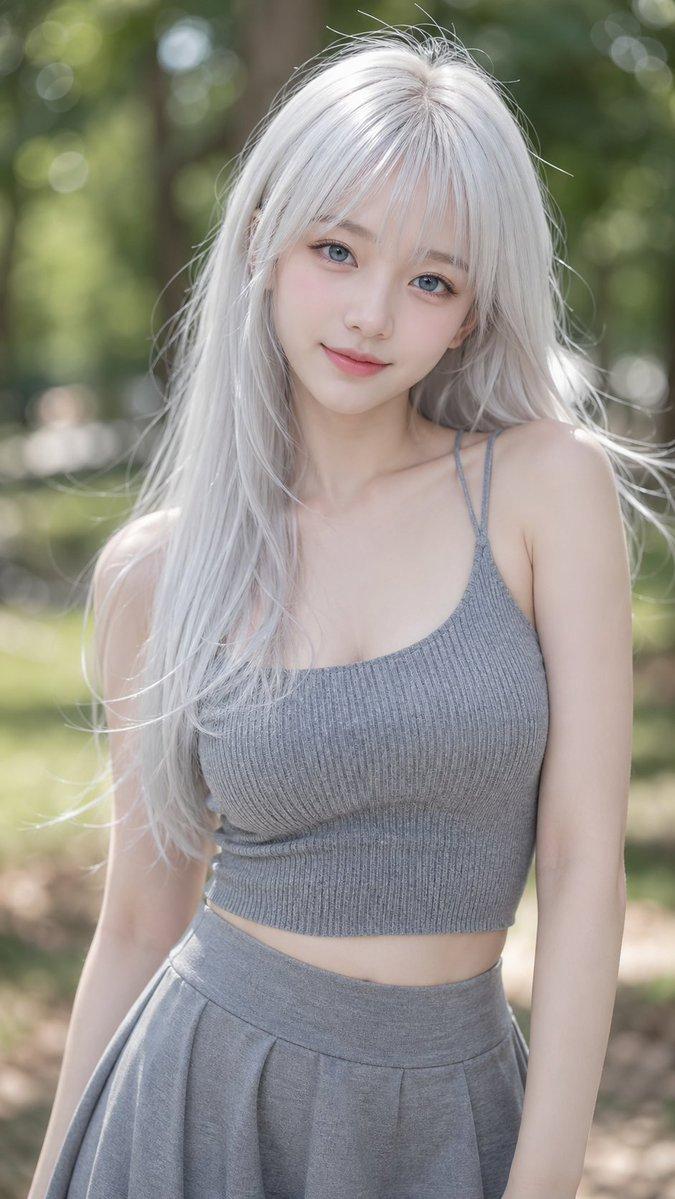
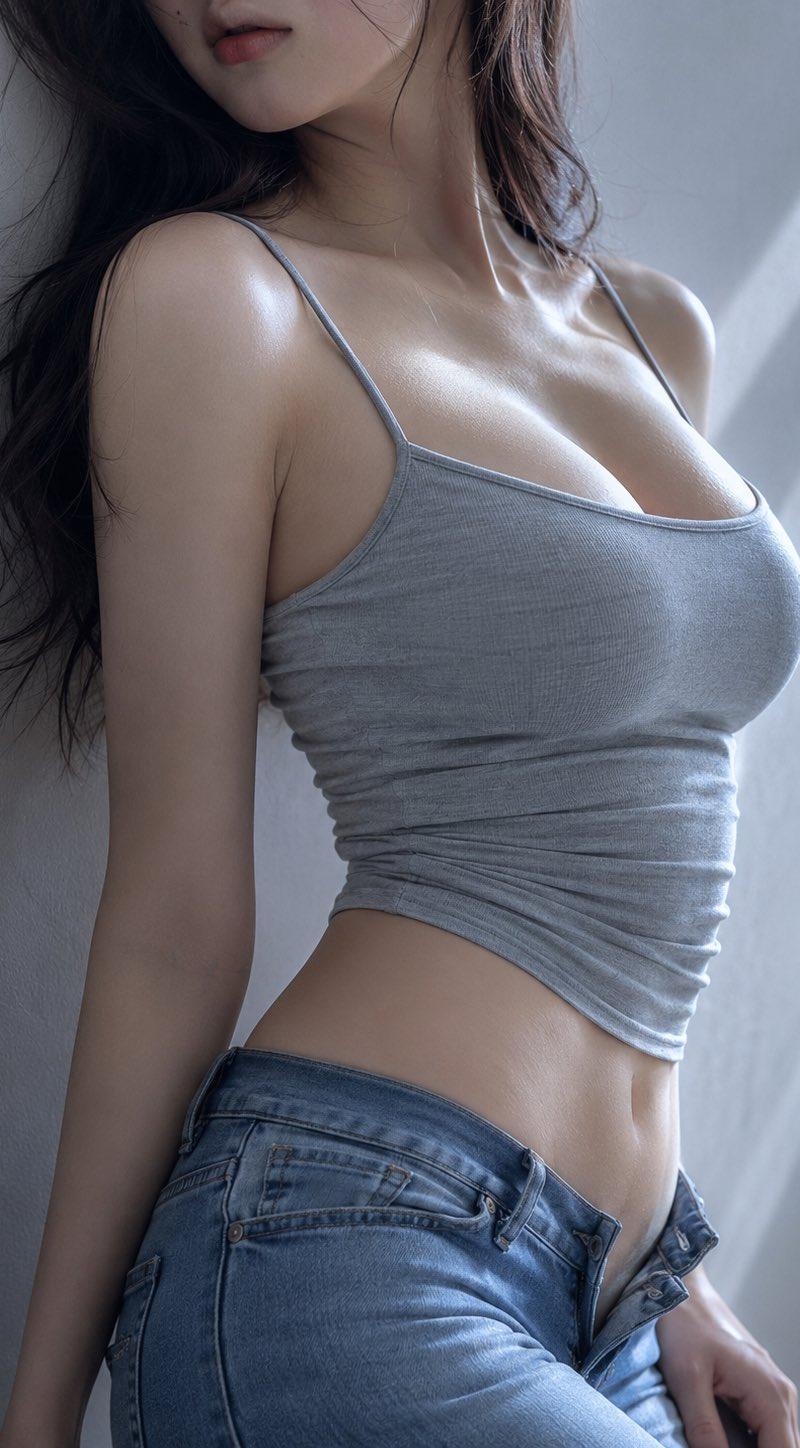
这组好喜欢 prompt-image2: 杰作,最佳品质,超详细,逼真肖像,情绪化的编辑摄影,亲密柔和颗粒肖像,低饱和度色调,细微胶片颗粒,安静的情感氛围,柔和的阴影过渡,最小化的深灰色工作室背景。 一位明显的成年女性穿着米色罗纹针织露背吊带上衣,高领口,露背设计,侧面开口,贴合身形的剪裁,优雅而简约,没有干扰注意力的配饰。 半身或上半身构图。她面对镜头,带着温柔略带忧郁的表情,柔和水润的眼睛,放松的嘴唇,自然的姿势。一只手轻轻触碰头发、脸颊或锁骨,另一只手则放在腰部附近。头发披散在双肩上,带有轻微的动态感。 柔和的正面昏暗照明,搭配细微的侧面阴影,自然的皮肤光泽,头发和嘴唇上的精致高光。韩式情感肖像摄影,近距离取景,简约背景,强烈聚焦于脸部、眼睛、发丝纹理和针织纹理。 内省、柔和、优雅、低调,带有深夜个人肖像的感觉。 无文字,无水印,无拼贴,无多余人物,无夸张笑容,无塑料感皮肤,无刺眼闪光,无僵硬姿势。
Category
创意图片
Model
GPT Image 2
Creator
@JoywDan
Source language
zh-CN
Views8
Source ID
2081043477291585761
Published
Jul 26, 2026
Studio

Guide

About "这组好喜欢 prompt-image2: 杰作,最佳品质,超详细,逼真肖像,情绪化的编辑摄影,亲密柔和颗粒肖像,低饱和度色调,细微胶片颗粒,安静..."

What is this prompt for?

"这组好喜欢 prompt-image2: 杰作,最佳品质,超详细,逼真肖像,情绪化的编辑摄影,亲密柔和颗粒肖像,低饱和度色调,细微胶片颗粒,安静..." AI image prompt for GPT Image 2 (创意图片). Saved from X post by @JoywDan. 这组好喜欢 prom…

The full copyable prompt and example visuals above are ready for AI image generation or one-click recreate in Picva.

How to use this prompt

  1. Step 1

    Open the prompt detail

    Review the example visuals, category, and full prompt text for "这组好喜欢 prompt-image2: 杰作,最佳品质,超详细,逼真肖像,情绪化的编辑摄影,亲密柔和颗粒肖像,低饱和度色调,细微胶片颗粒,安静...".

  2. Step 2

    Copy the prompt

    Copy the prompt body from this page, or load it directly in Studio.

  3. Step 3

    Pick a model (GPT Image 2)

    Prefer GPT Image 2. If you switch models, keep subject and composition and tweak style terms.

  4. Step 4

    Generate and export

    Recreate the look in Picva, or export into your workflow for editing and publishing.

FAQ

What is the "这组好喜欢 prompt-image2: 杰作,最佳品质,超详细,逼真肖像,情绪化的编辑摄影,亲密柔和颗粒肖像,低饱和度色调,细微胶片颗粒,安静..." prompt?
It is an AI image-generation prompt for GPT Image 2 in the 创意图片 category. This page includes the full prompt text, example visuals, and a one-click recreate path in Picva.
How do I use this prompt to generate an image?
Copy the prompt from this page, or use Generate / Studio. Paste it into a compatible image model, or recreate the look in Picva with optional reference images.
Which model is this prompt for?
This page lists GPT Image 2. Most descriptive prompts also transfer to nearby image models such as GPT Image, Flux, or Midjourney with light style tweaks.
Can I use the result commercially?
You can usually copy the prompt for creation, but commercial use of the final image depends on the model terms, reference-image rights, and the generated content. Follow the source author and platform rules.