20

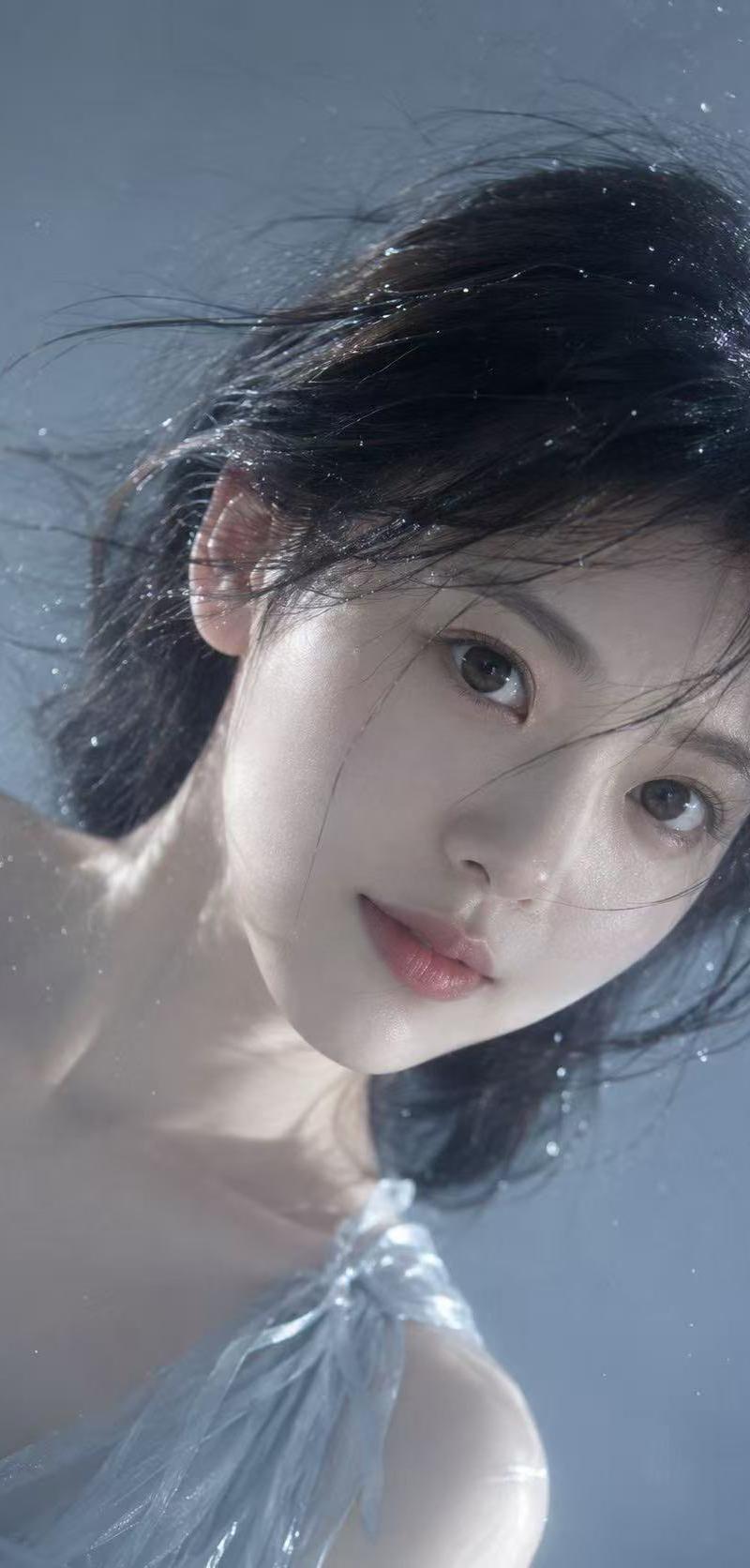
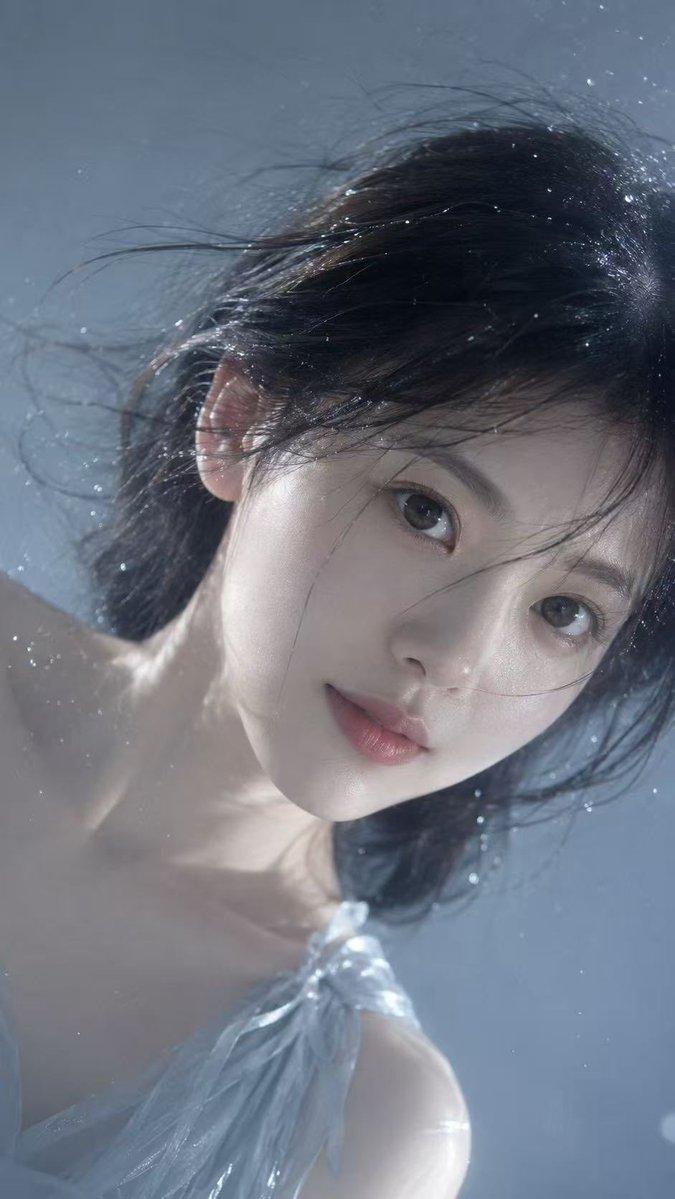
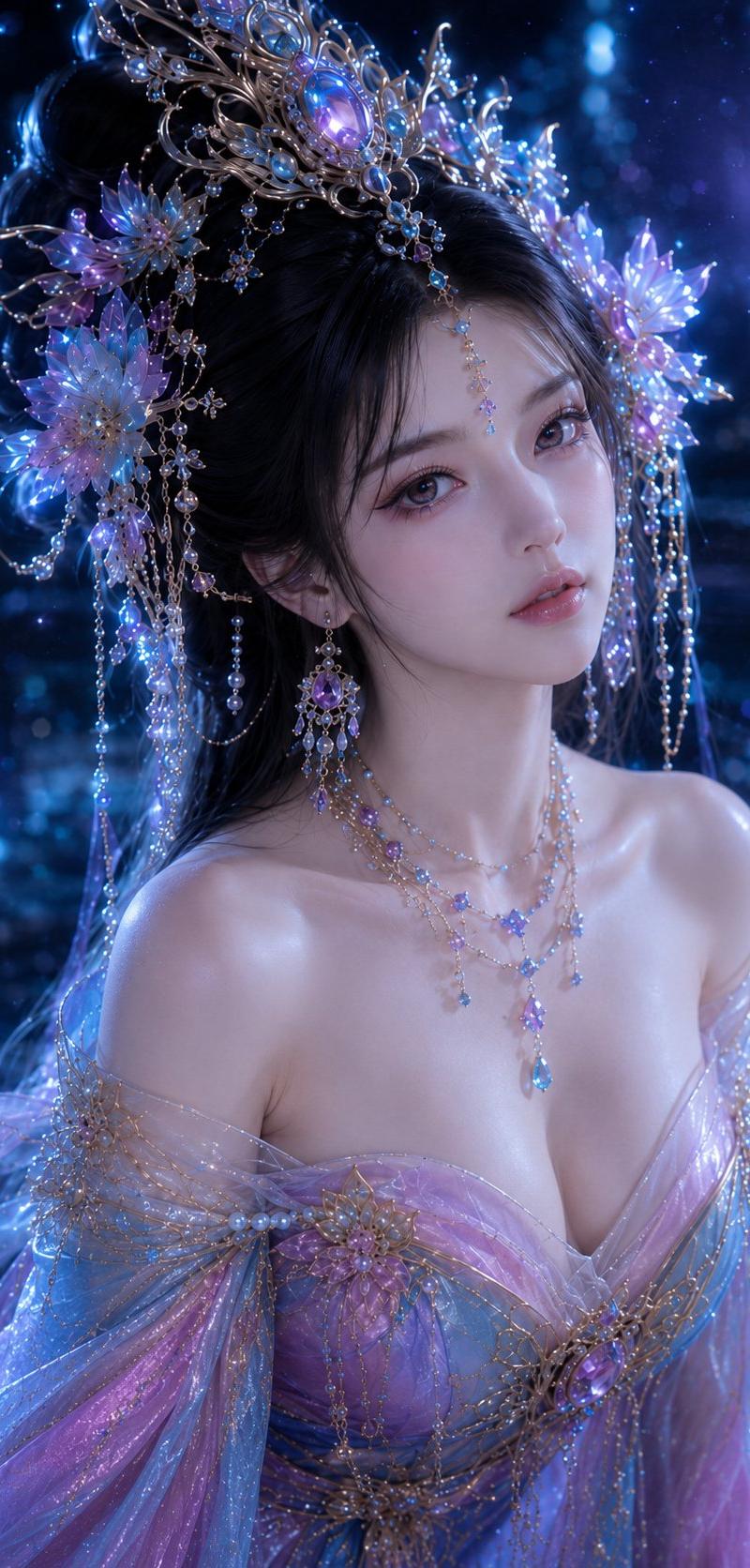
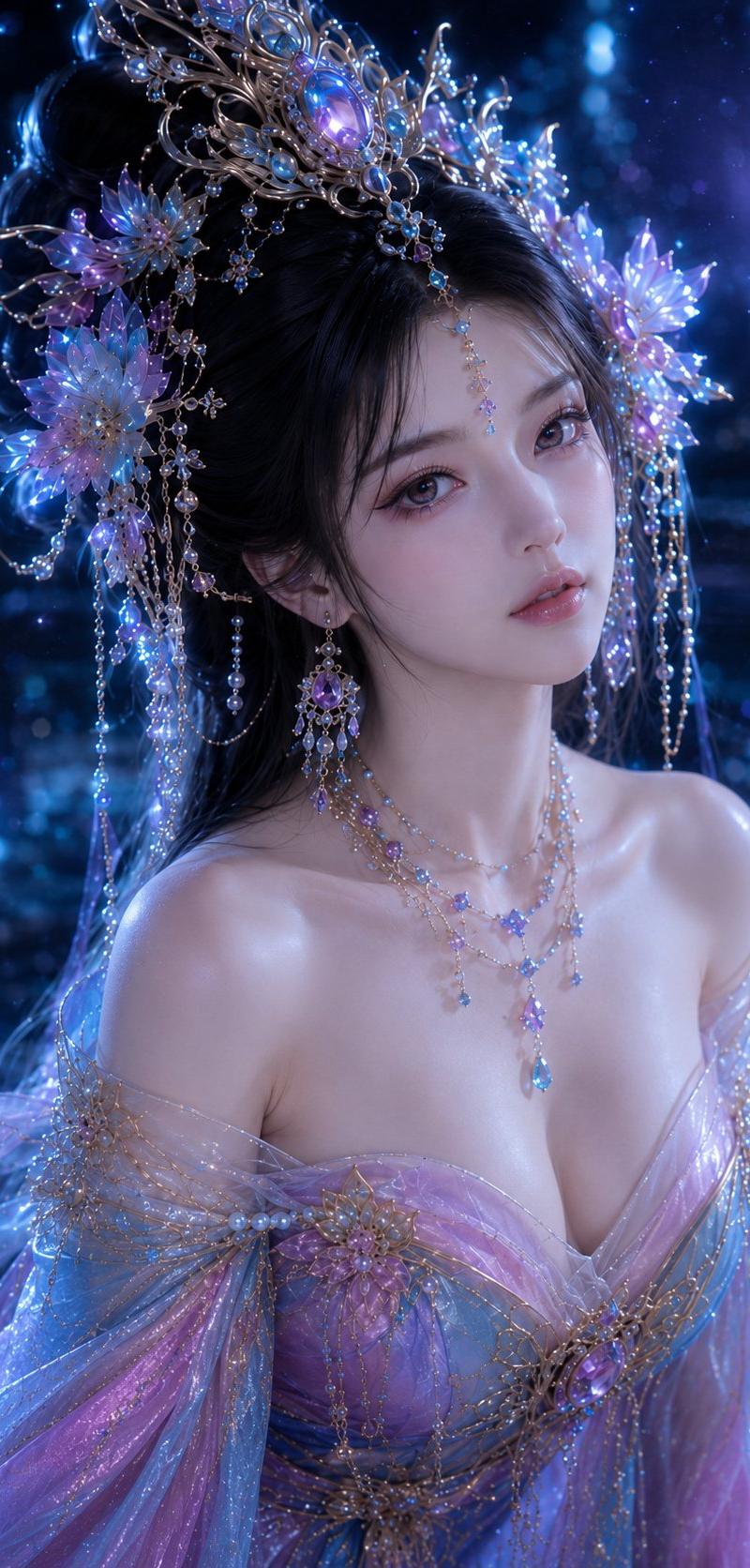
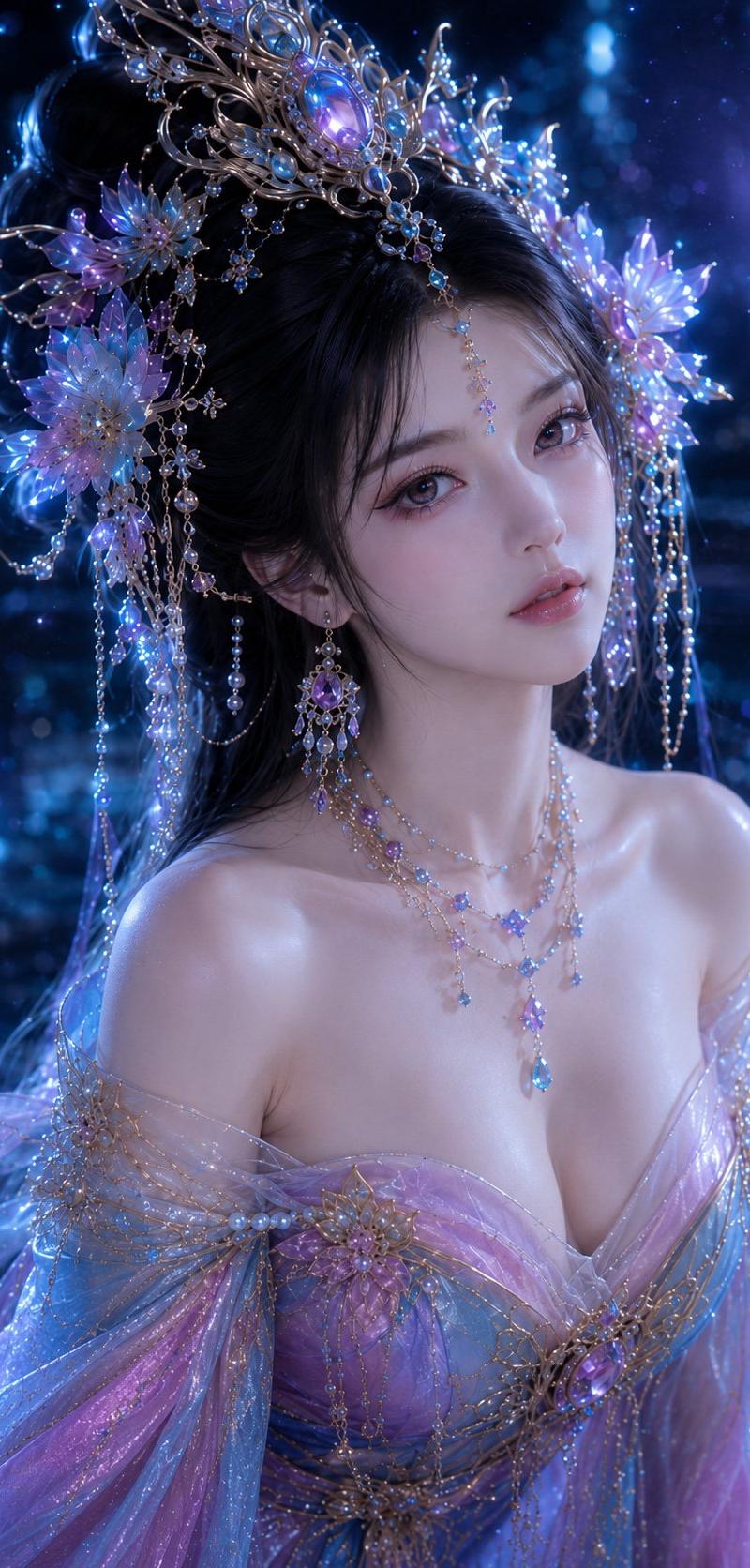
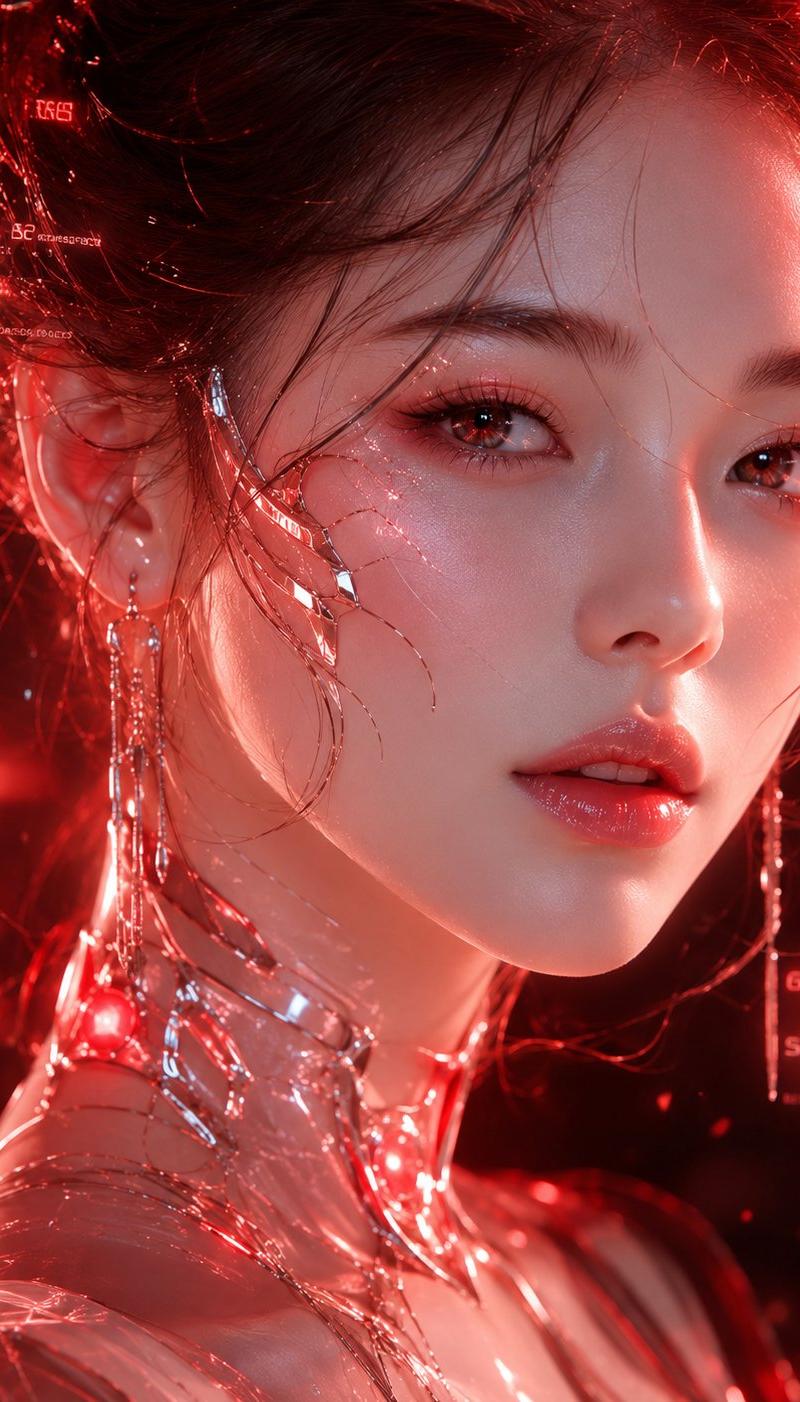
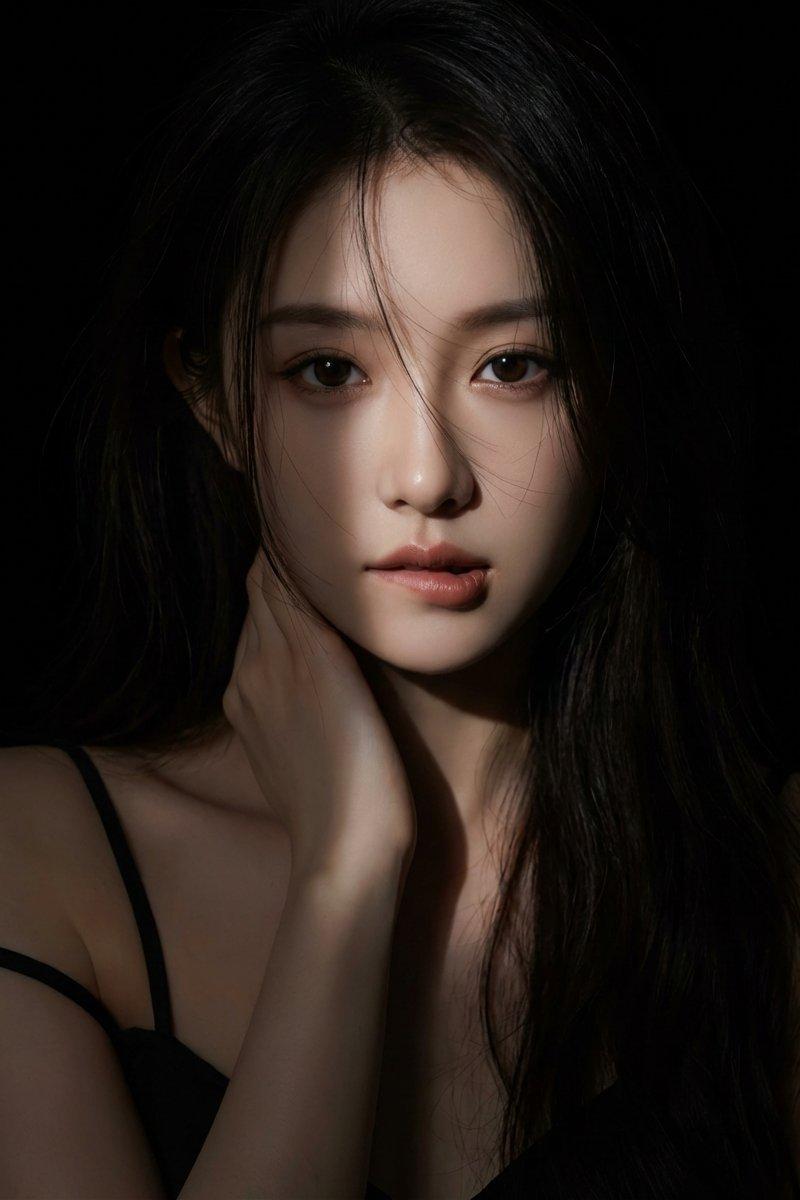
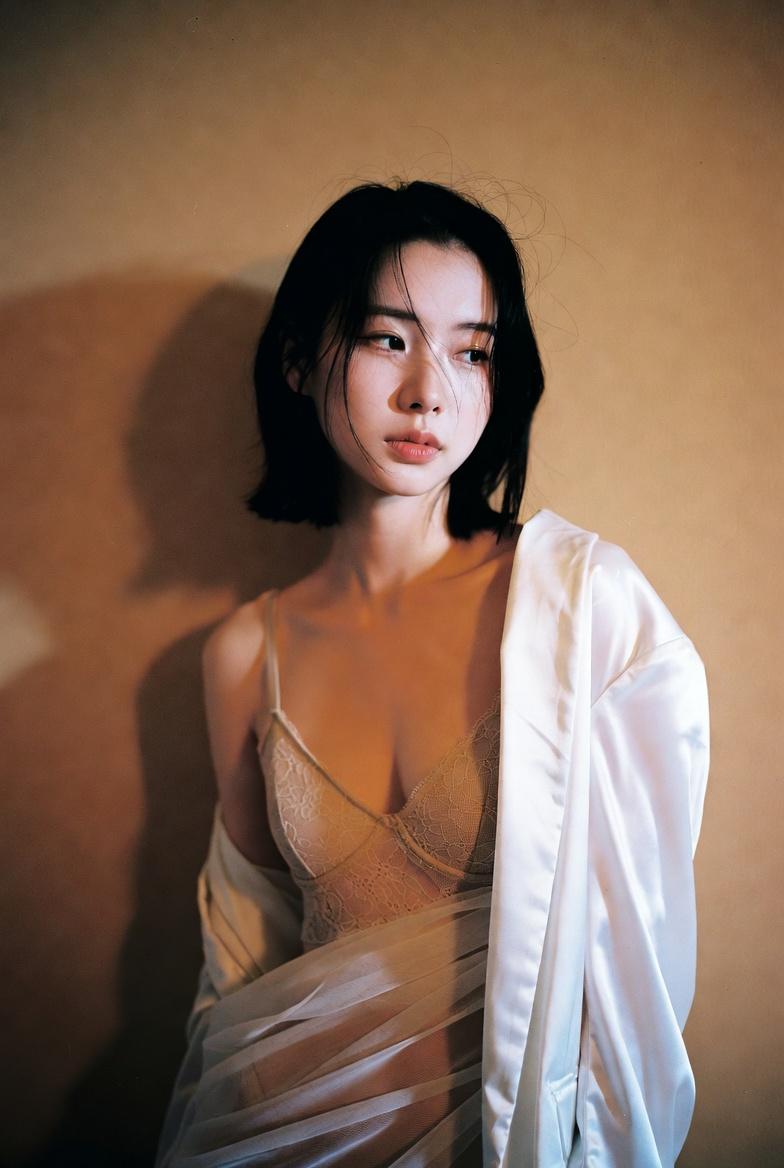
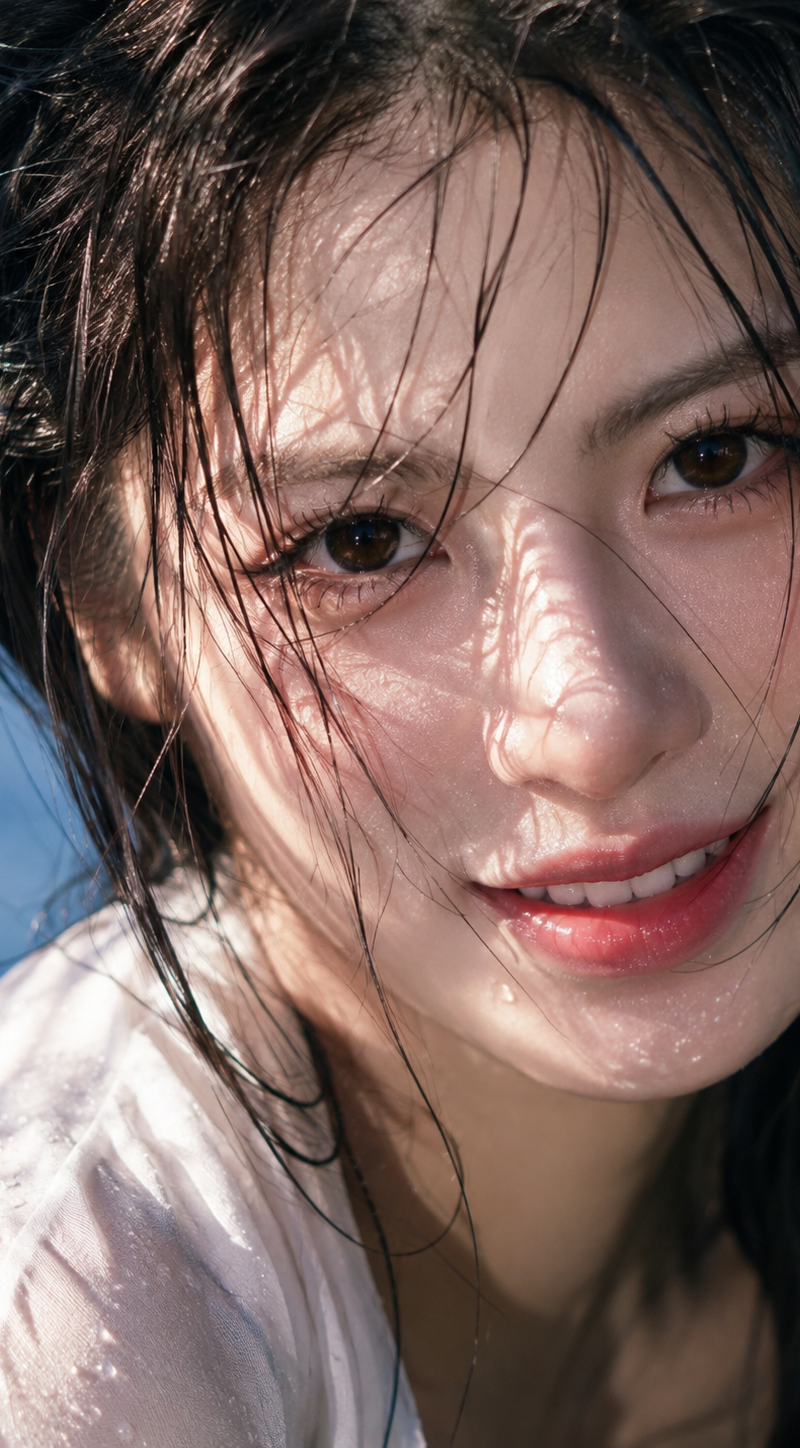
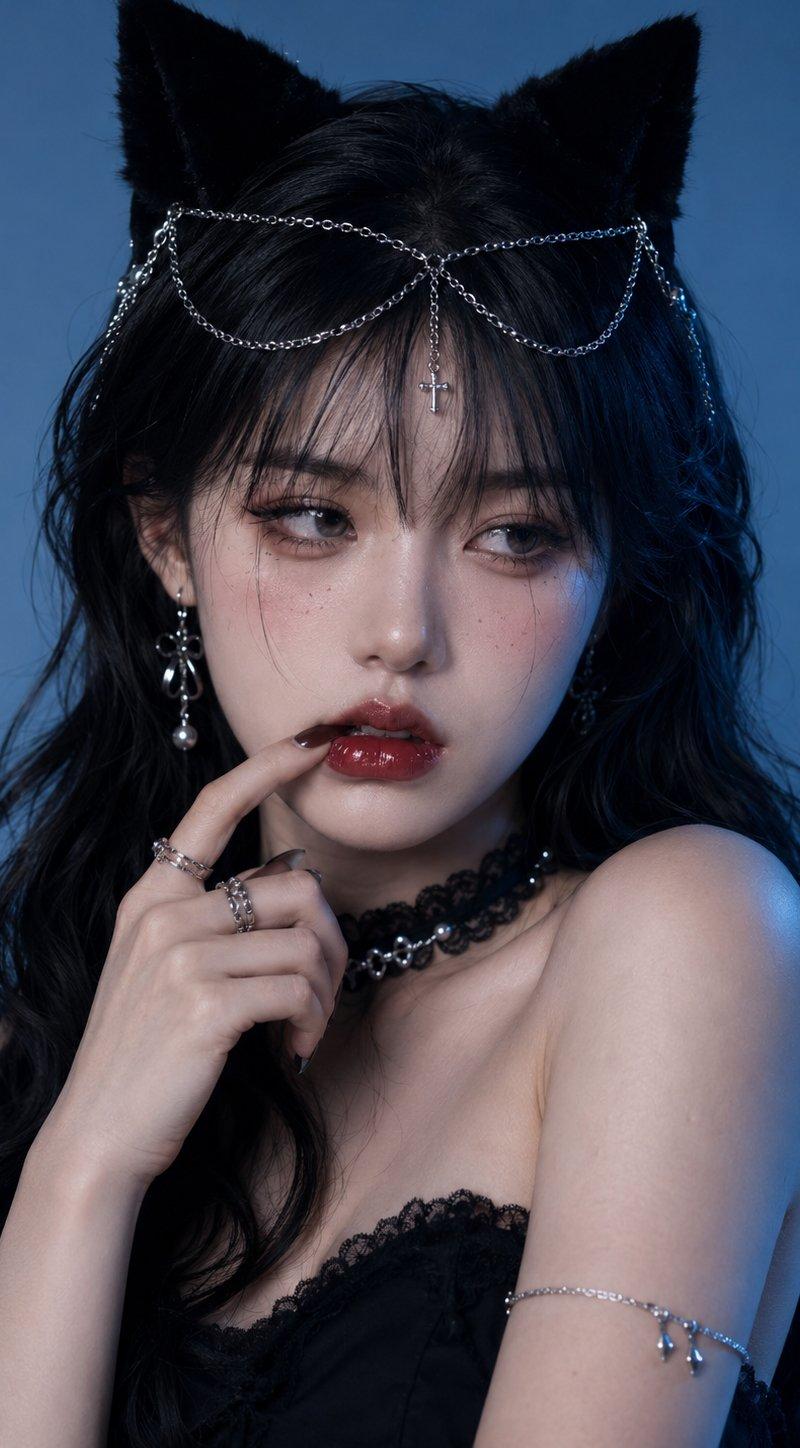
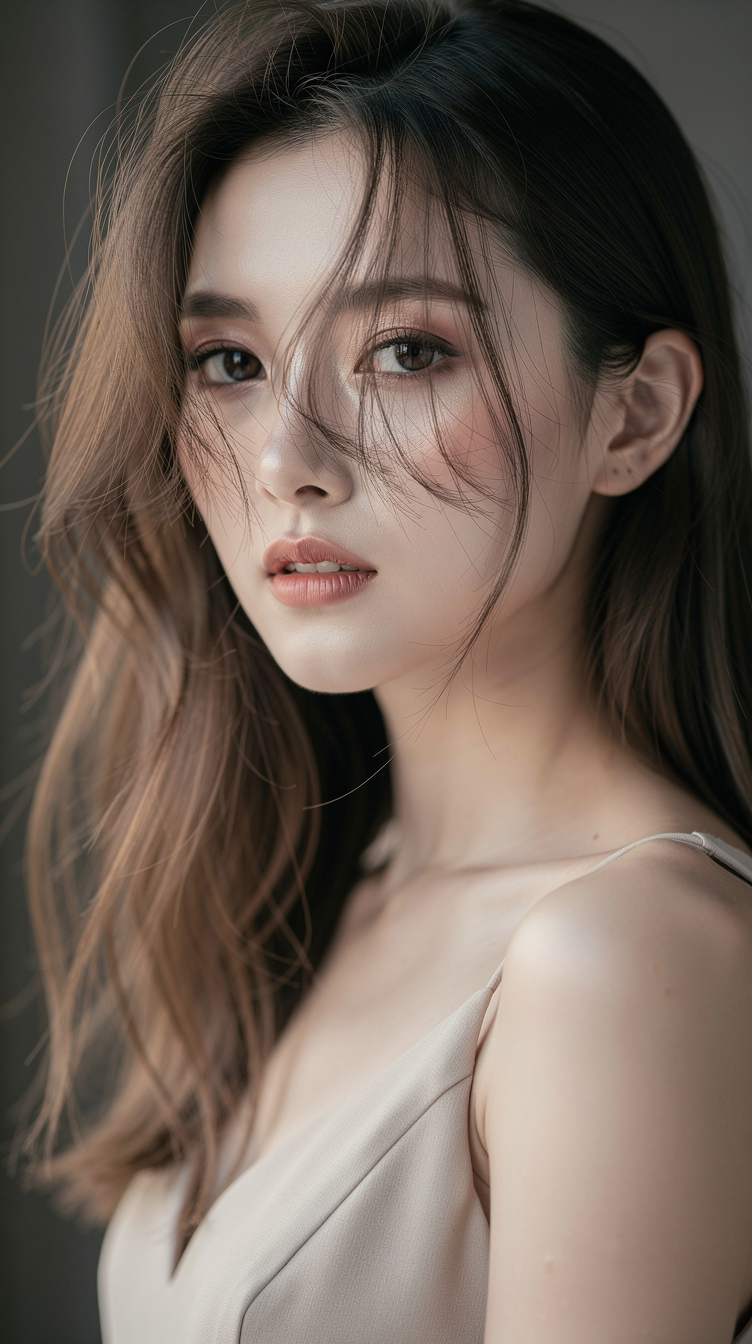
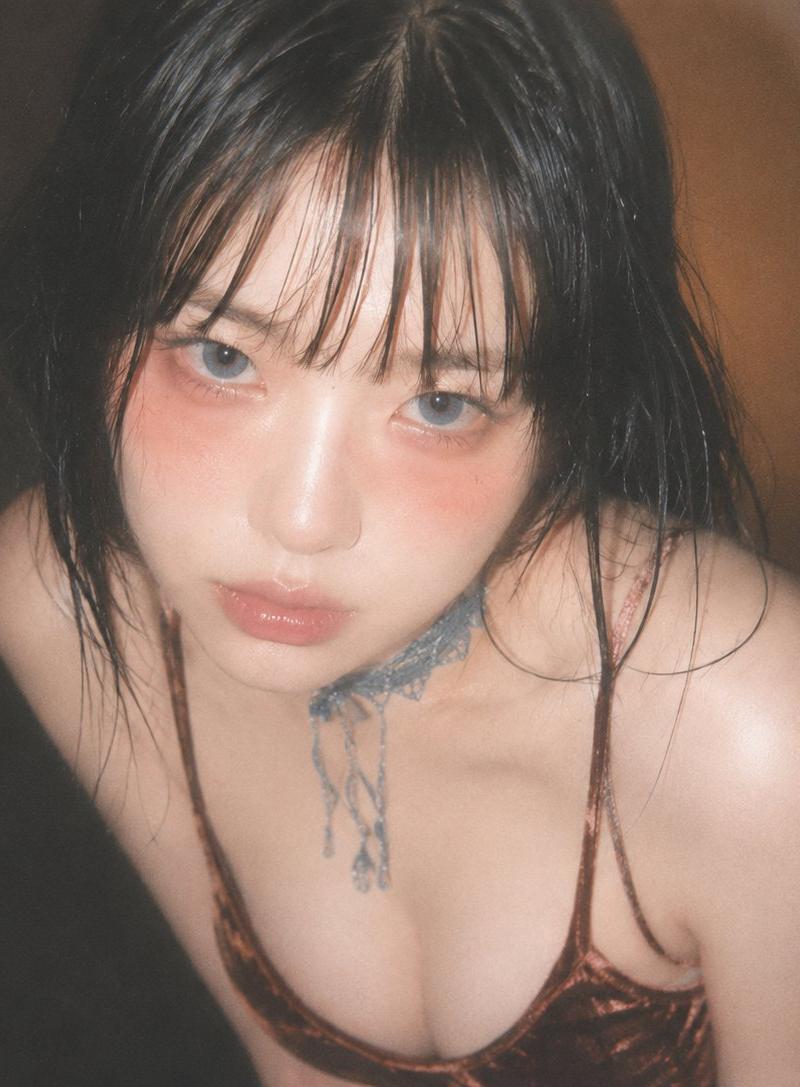
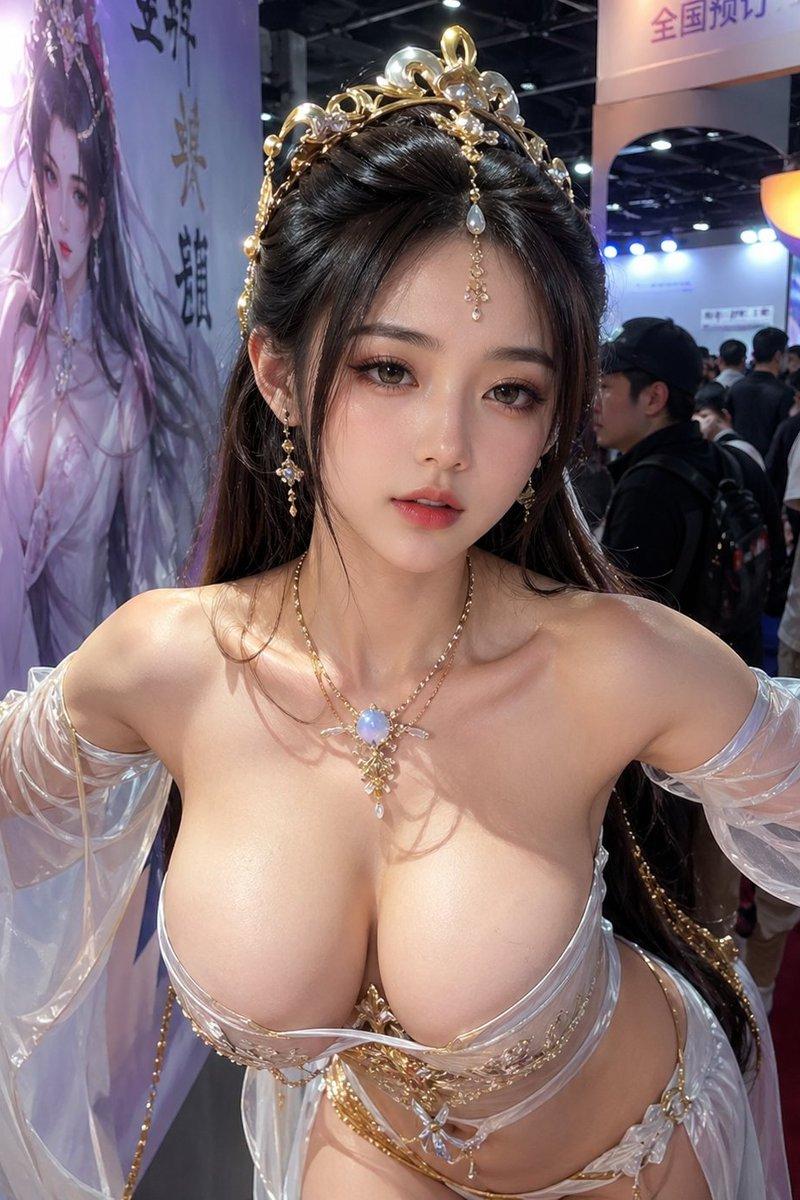
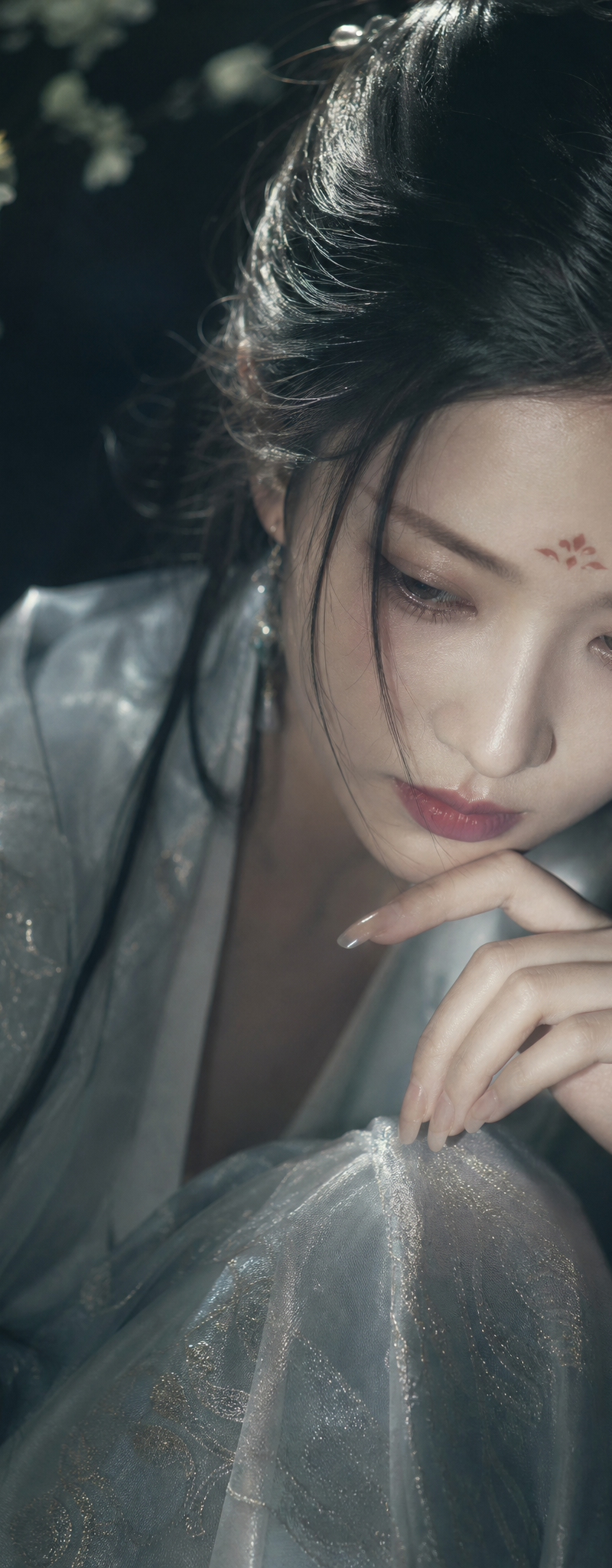
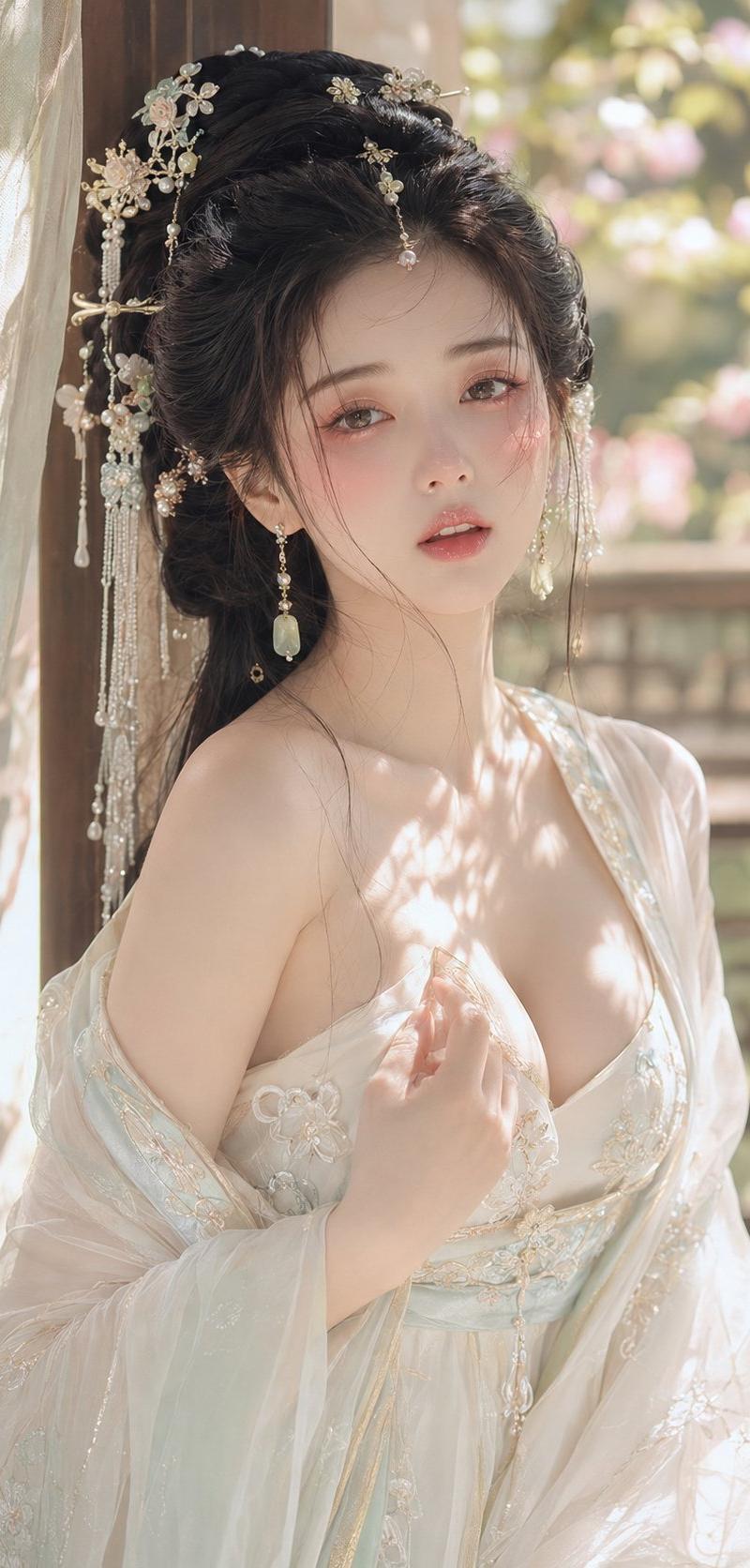
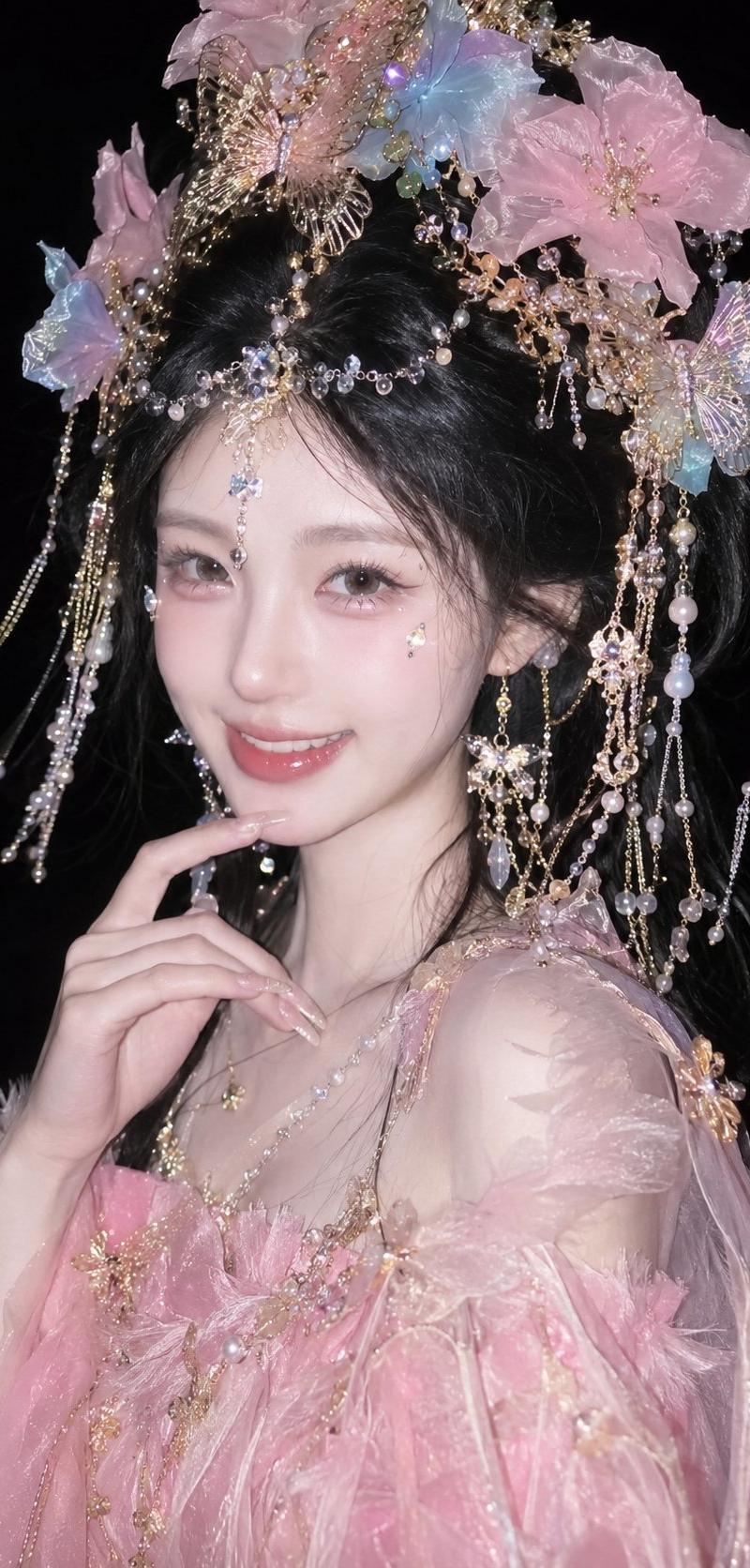
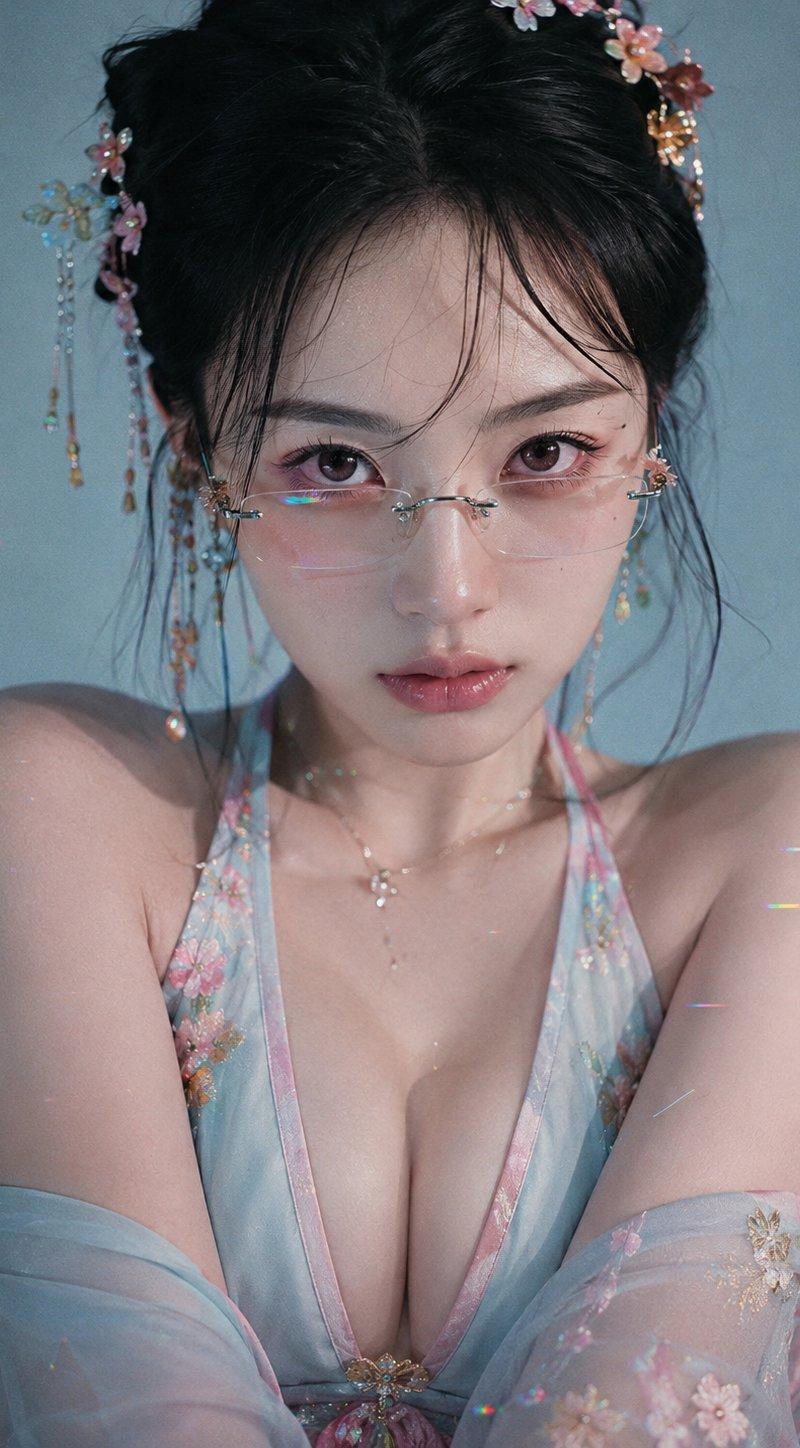
这么楚楚可怜的看着我,我真的会心动的 prompt分享: 青春电影,低反差数码人像,深V,唐风妆容,细长大眼,纯净无纹理背景,广角感,大眼直视,...
Enlarge

Example images

这么楚楚可怜的看着我,我真的会心动的 prompt分享: 青春电影,低反差数码人像,深V,唐风妆容,细长大眼,纯净无纹理背景,广角感,大眼直视,...

Prompt
这么楚楚可怜的看着我,我真的会心动的 prompt分享: 青春电影,低反差数码人像,深V,唐风妆容,细长大眼,纯净无纹理背景,广角感,大眼直视,细窄镜框,防御感,粉蓝黄点色,高光 ,细腻真实皮肤纹理
Category
创意图片
Model
GPT Image 2
Creator
@nanyuan0412
Source language
zh-CN
Views5
Source ID
2082549834532405628
Published
Aug 1, 2026
Studio

Guide

About "这么楚楚可怜的看着我,我真的会心动的 prompt分享: 青春电影,低反差数码人像,深V,唐风妆容,细长大眼,纯净无纹理背景,广角感,大眼直视,..."

What is this prompt for?

"这么楚楚可怜的看着我,我真的会心动的 prompt分享: 青春电影,低反差数码人像,深V,唐风妆容,细长大眼,纯净无纹理背景,广角感,大眼直视,..." AI image prompt for GPT Image 2 (创意图片). Saved from X post by @nanyuan0412. 这么楚楚可怜…

The full copyable prompt and example visuals above are ready for AI image generation or one-click recreate in Picva.

How to use this prompt

  1. Step 1

    Open the prompt detail

    Review the example visuals, category, and full prompt text for "这么楚楚可怜的看着我,我真的会心动的 prompt分享: 青春电影,低反差数码人像,深V,唐风妆容,细长大眼,纯净无纹理背景,广角感,大眼直视,...".

  2. Step 2

    Copy the prompt

    Copy the prompt body from this page, or load it directly in Studio.

  3. Step 3

    Pick a model (GPT Image 2)

    Prefer GPT Image 2. If you switch models, keep subject and composition and tweak style terms.

  4. Step 4

    Generate and export

    Recreate the look in Picva, or export into your workflow for editing and publishing.

FAQ

What is the "这么楚楚可怜的看着我,我真的会心动的 prompt分享: 青春电影,低反差数码人像,深V,唐风妆容,细长大眼,纯净无纹理背景,广角感,大眼直视,..." prompt?
It is an AI image-generation prompt for GPT Image 2 in the 创意图片 category. This page includes the full prompt text, example visuals, and a one-click recreate path in Picva.
How do I use this prompt to generate an image?
Copy the prompt from this page, or use Generate / Studio. Paste it into a compatible image model, or recreate the look in Picva with optional reference images.
Which model is this prompt for?
This page lists GPT Image 2. Most descriptive prompts also transfer to nearby image models such as GPT Image, Flux, or Midjourney with light style tweaks.
Can I use the result commercially?
You can usually copy the prompt for creation, but commercial use of the final image depends on the model terms, reference-image rights, and the generated content. Follow the source author and platform rules.