17

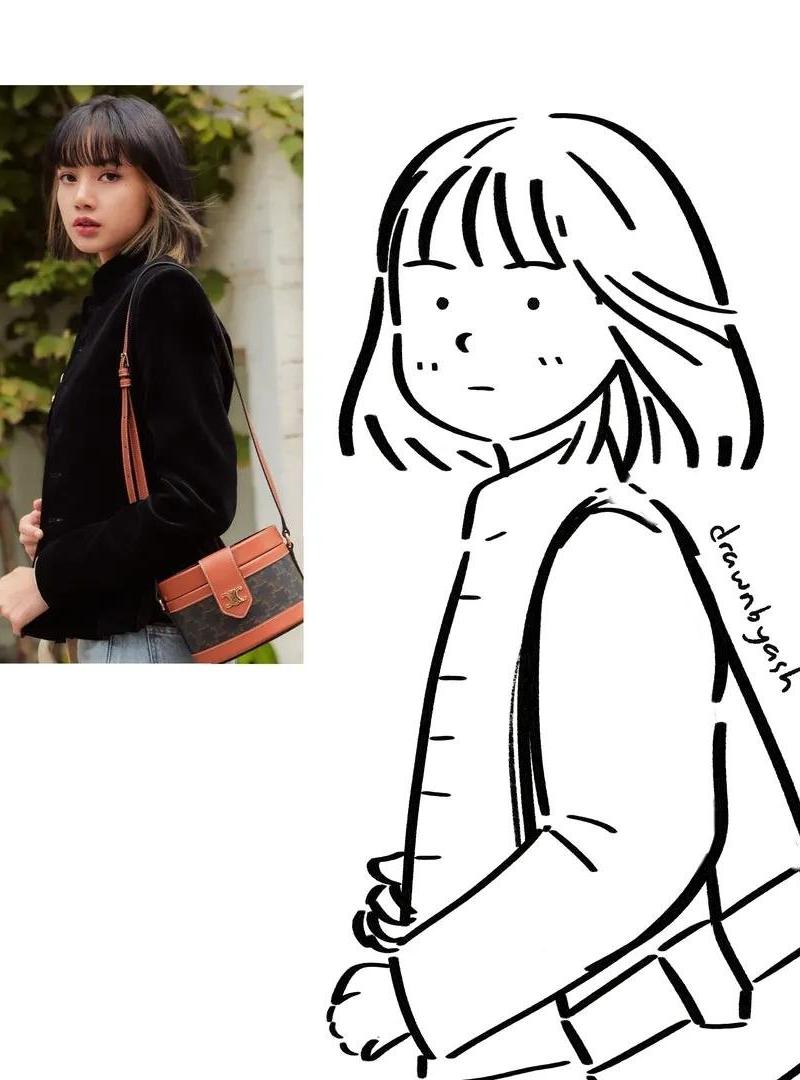
将上传的参考照片转化为极简的黑白手绘涂鸦插图,同时保留主体的姿势、发型、服装、配饰和整体构图。使用可爱、简洁的角色设计,拥有大而圆润的头部、微小...
Enlarge

Example images

将上传的参考照片转化为极简的黑白手绘涂鸦插图,同时保留主体的姿势、发型、服装、配饰和整体构图。使用可爱、简洁的角色设计,拥有大而圆润的头部、微小...

Prompt
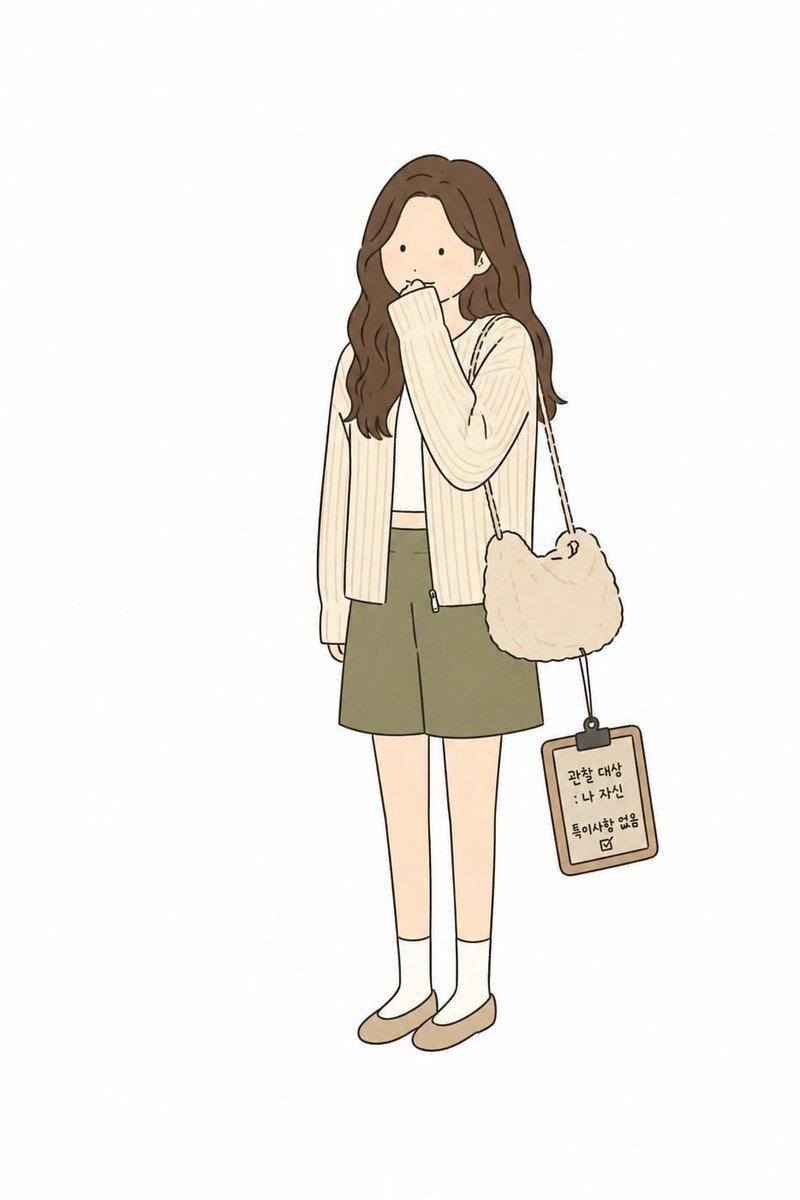
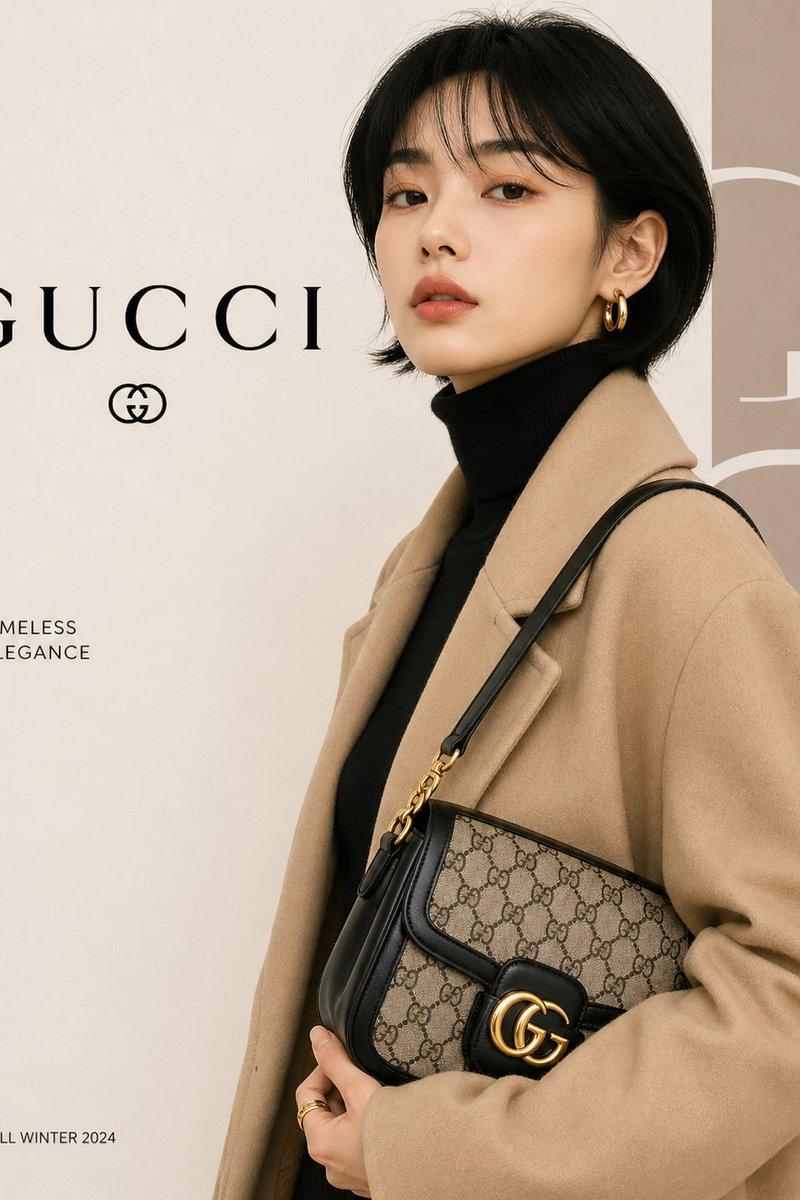
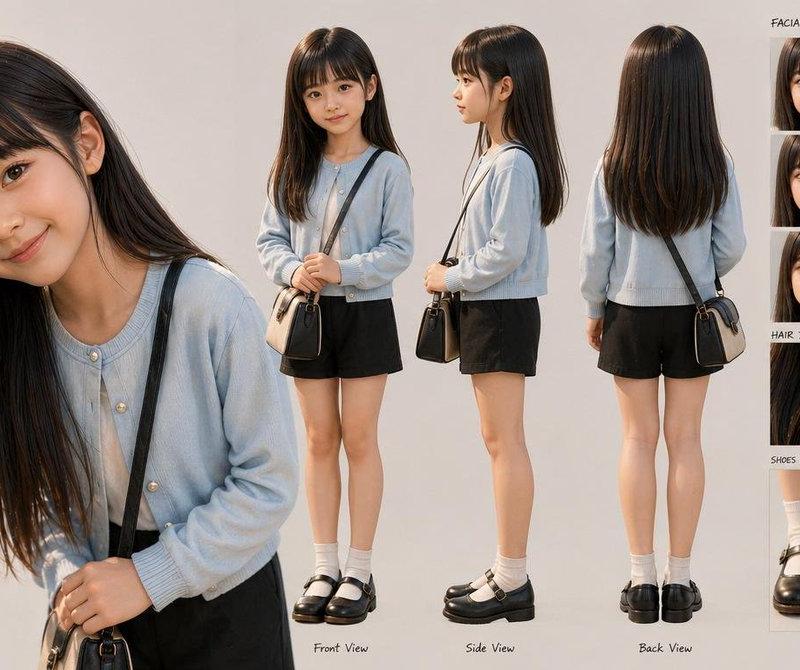
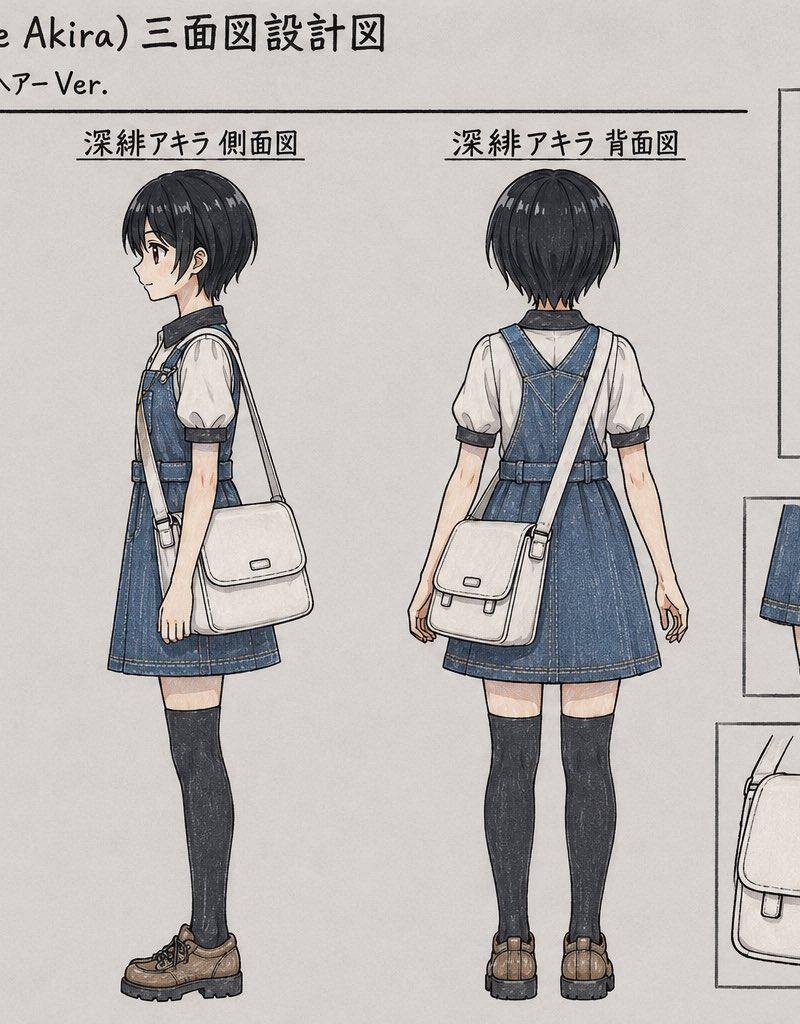
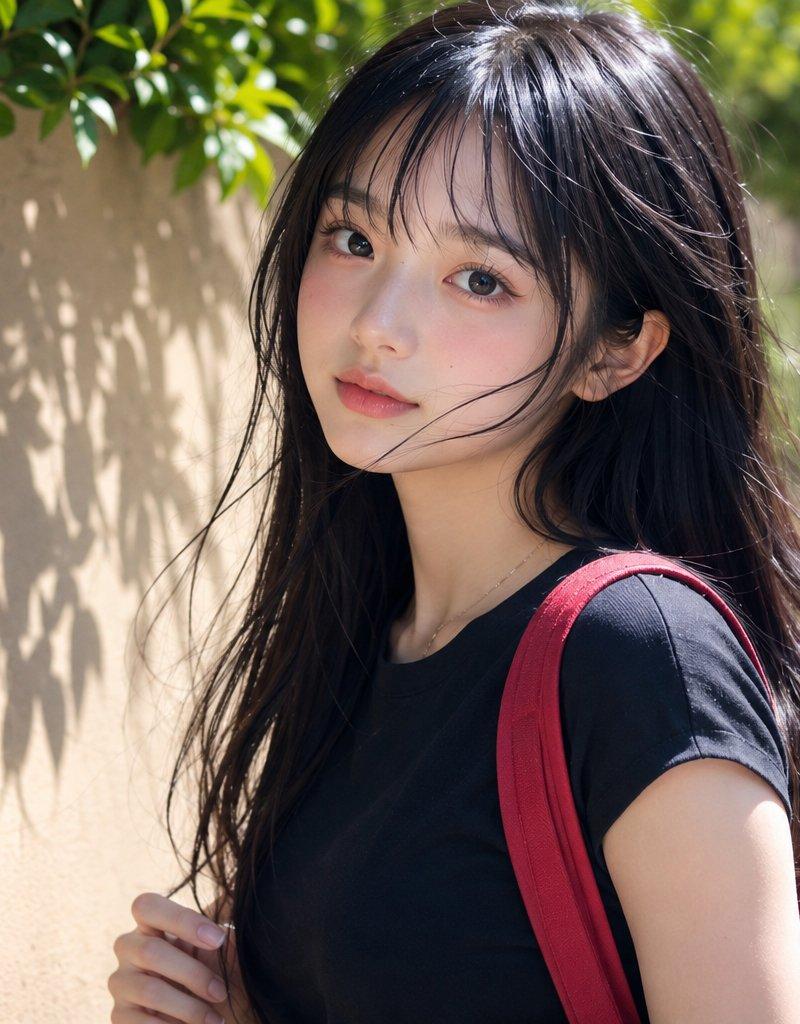
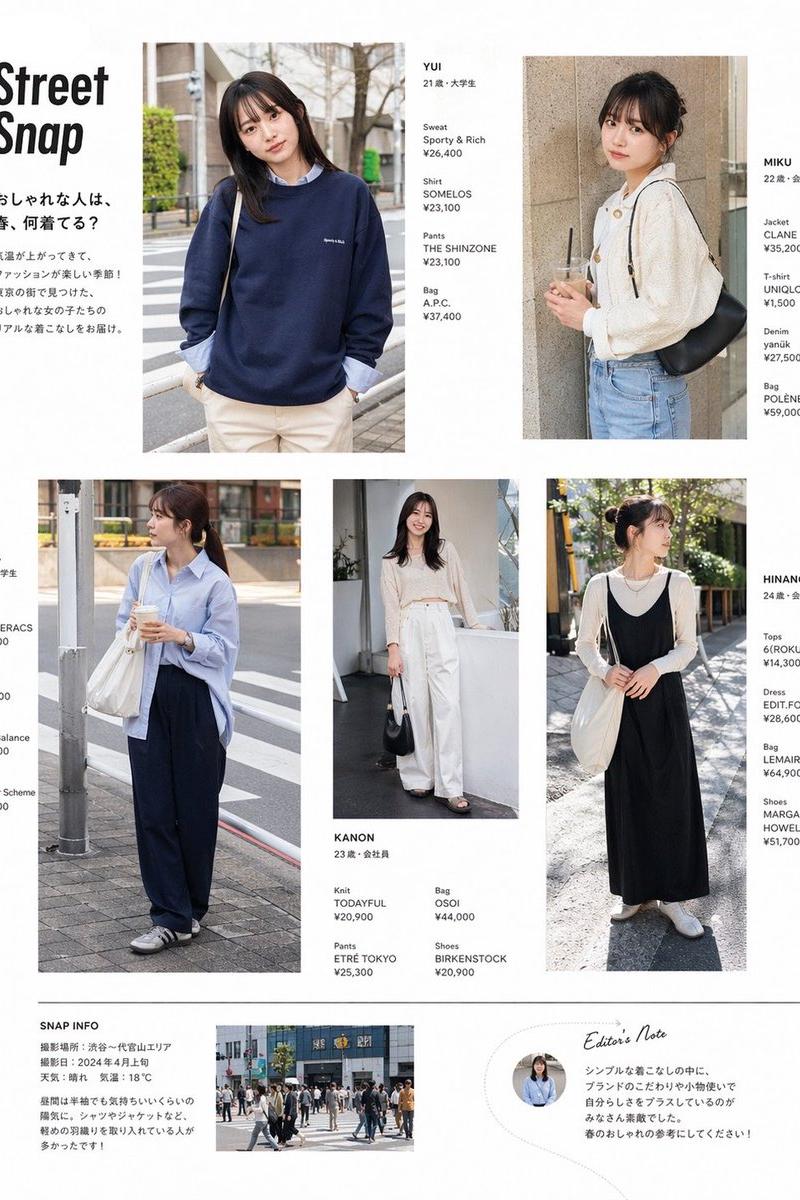
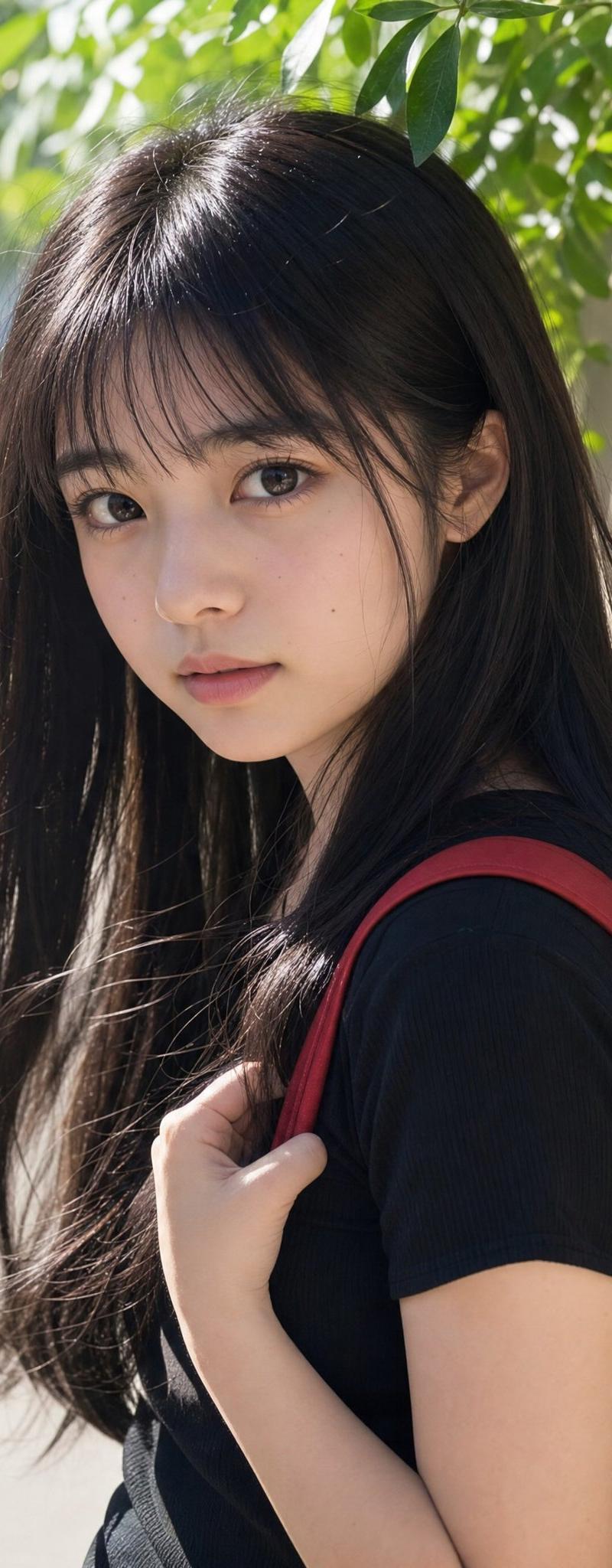
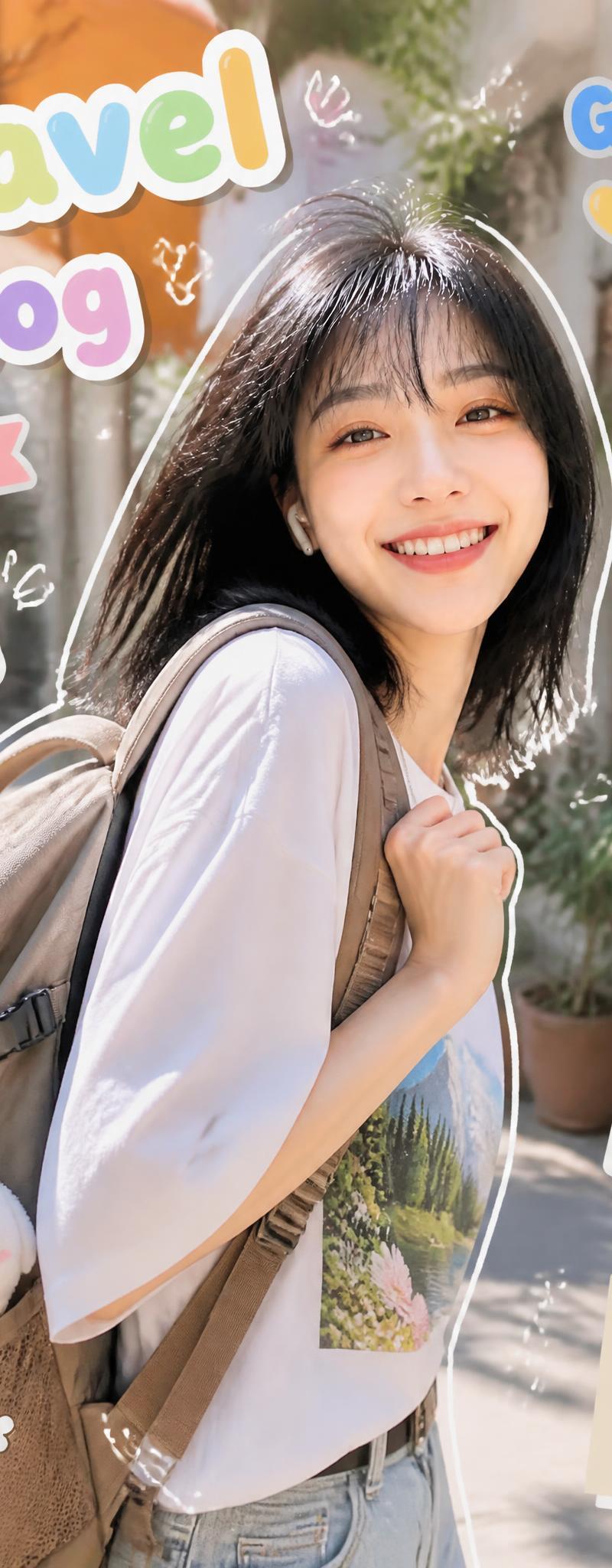
将上传的参考照片转化为极简的黑白手绘涂鸦插图,同时保留主体的姿势、发型、服装、配饰和整体构图。使用可爱、简洁的角色设计,拥有大而圆润的头部、微小的点状眼睛、微小的纽扣鼻、小小的脸颊腮红点,以及简约的嘴巴。用自信的黑色墨水线条绘制,线条粗细变化,轮廓平滑但略带抖动,几乎没有内部细节。将所有服装简化为宽松的图形形状,褶皱极少,同时保留可识别的物品,如夹克、围巾、包、连衣裙、麦克风、蝴蝶结、珠宝或手势。保留原始的手势和表情。只添加少量俏皮的强调元素,如闪光图标、小星星或简单的动态标记,围绕角色放置。将原始参考照片作为上左角的小矩形嵌入图,周围留出宽裕的白色边距,包围参考图和插图。插图置于纯白色背景上,无阴影、无灰度、无颜色、无纹理。干净的漫画风格涂鸦美学、可爱的手账本风格、大胆的黑色线稿、高度简化、平衡构图、1:1 纵横比。
Category
创意图片
Model
GPT Image 2
Creator
@Taaruk_
Source language
zh-CN
Views1
Source ID
2084205240543510967
Published
Aug 4, 2026
Studio

Guide

About "将上传的参考照片转化为极简的黑白手绘涂鸦插图,同时保留主体的姿势、发型、服装、配饰和整体构图。使用可爱、简洁的角色设计,拥有大而圆润的头部、微小..."

What is this prompt for?

"将上传的参考照片转化为极简的黑白手绘涂鸦插图,同时保留主体的姿势、发型、服装、配饰和整体构图。使用可爱、简洁的角色设计,拥有大而圆润的头部、微小..." AI image prompt for GPT Image 2 (创意图片). Saved from X post by @Taaruk_. GPT Image…

The full copyable prompt and example visuals above are ready for AI image generation or one-click recreate in Picva.

How to use this prompt

  1. Step 1

    Open the prompt detail

    Review the example visuals, category, and full prompt text for "将上传的参考照片转化为极简的黑白手绘涂鸦插图,同时保留主体的姿势、发型、服装、配饰和整体构图。使用可爱、简洁的角色设计,拥有大而圆润的头部、微小...".

  2. Step 2

    Copy the prompt

    Copy the prompt body from this page, or load it directly in Studio.

  3. Step 3

    Pick a model (GPT Image 2)

    Prefer GPT Image 2. If you switch models, keep subject and composition and tweak style terms.

  4. Step 4

    Generate and export

    Recreate the look in Picva, or export into your workflow for editing and publishing.

FAQ

What is the "将上传的参考照片转化为极简的黑白手绘涂鸦插图,同时保留主体的姿势、发型、服装、配饰和整体构图。使用可爱、简洁的角色设计,拥有大而圆润的头部、微小..." prompt?
It is an AI image-generation prompt for GPT Image 2 in the 创意图片 category. This page includes the full prompt text, example visuals, and a one-click recreate path in Picva.
How do I use this prompt to generate an image?
Copy the prompt from this page, or use Generate / Studio. Paste it into a compatible image model, or recreate the look in Picva with optional reference images.
Which model is this prompt for?
This page lists GPT Image 2. Most descriptive prompts also transfer to nearby image models such as GPT Image, Flux, or Midjourney with light style tweaks.
Can I use the result commercially?
You can usually copy the prompt for creation, but commercial use of the final image depends on the model terms, reference-image rights, and the generated content. Follow the source author and platform rules.