20

也许有点过于激进…… Midjourney + GPT2。 MJ:基础概念 + 参考 GPT2:添加纹理 + 清理。 MJ 基础提示: 拼贴画,...
Enlarge

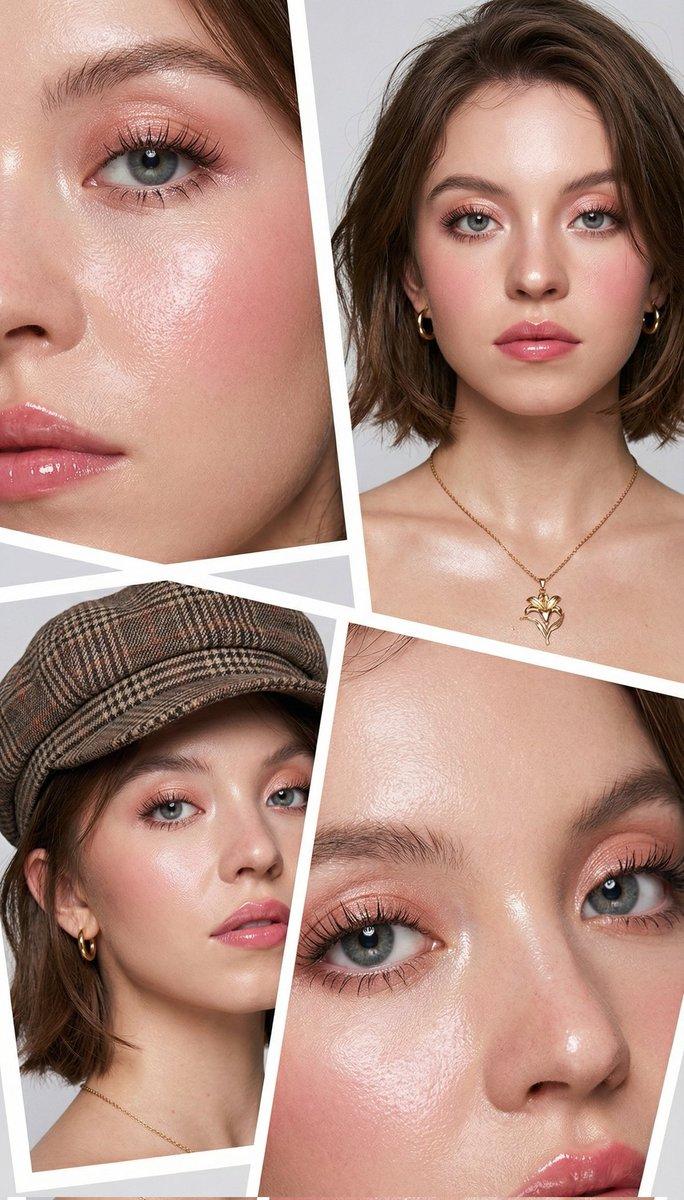
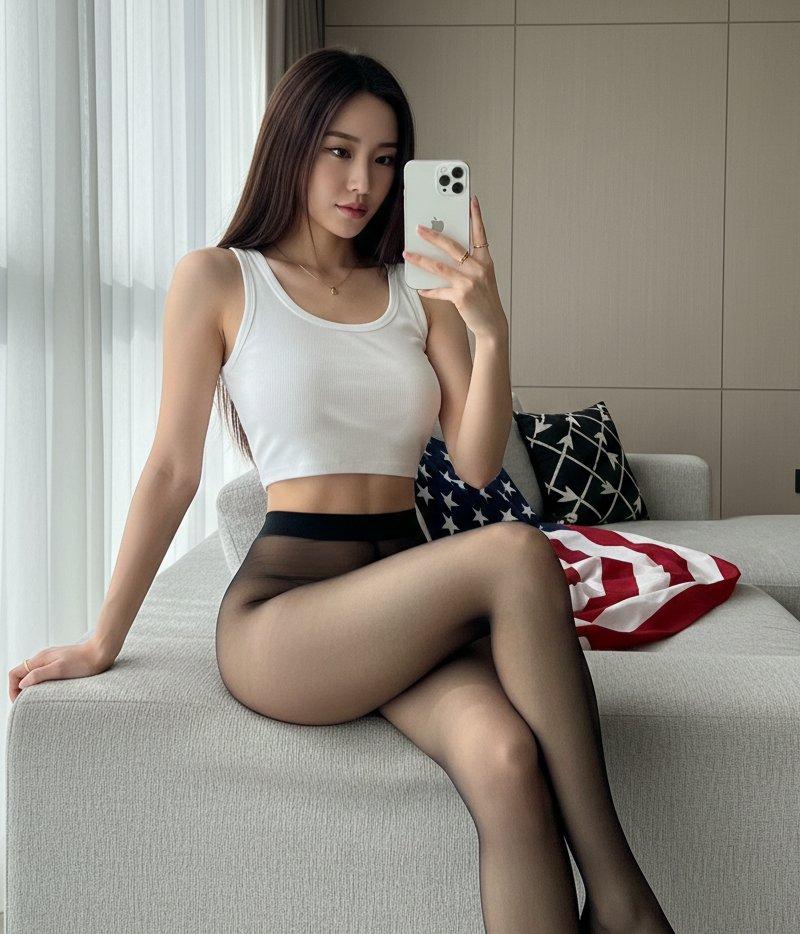
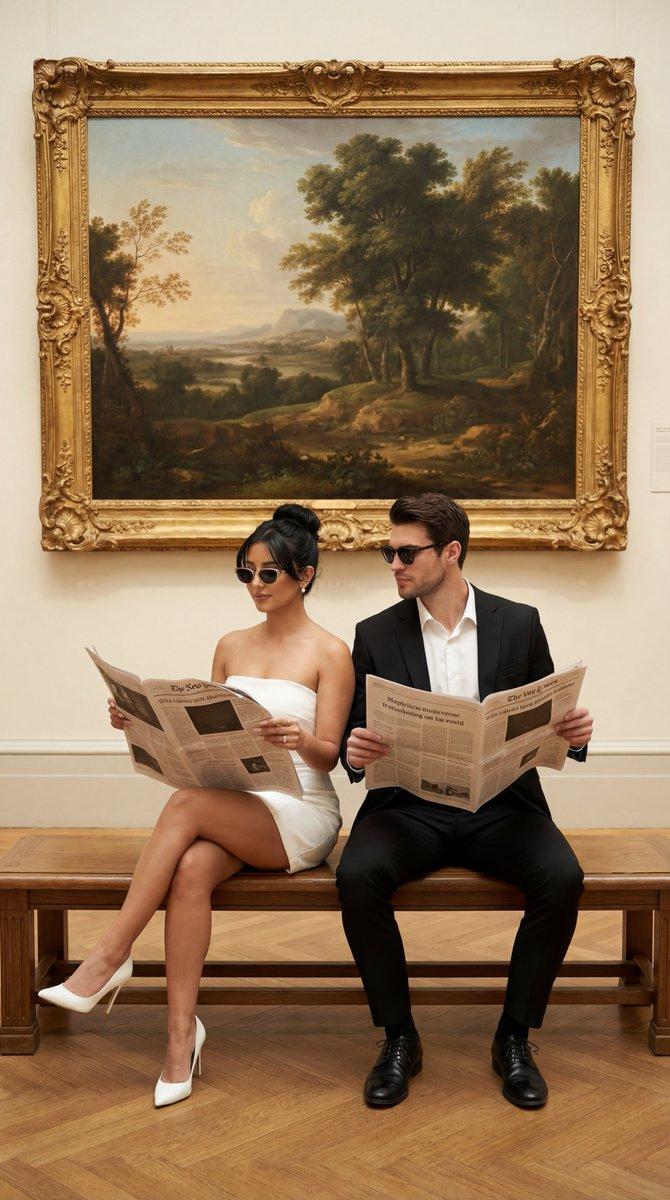
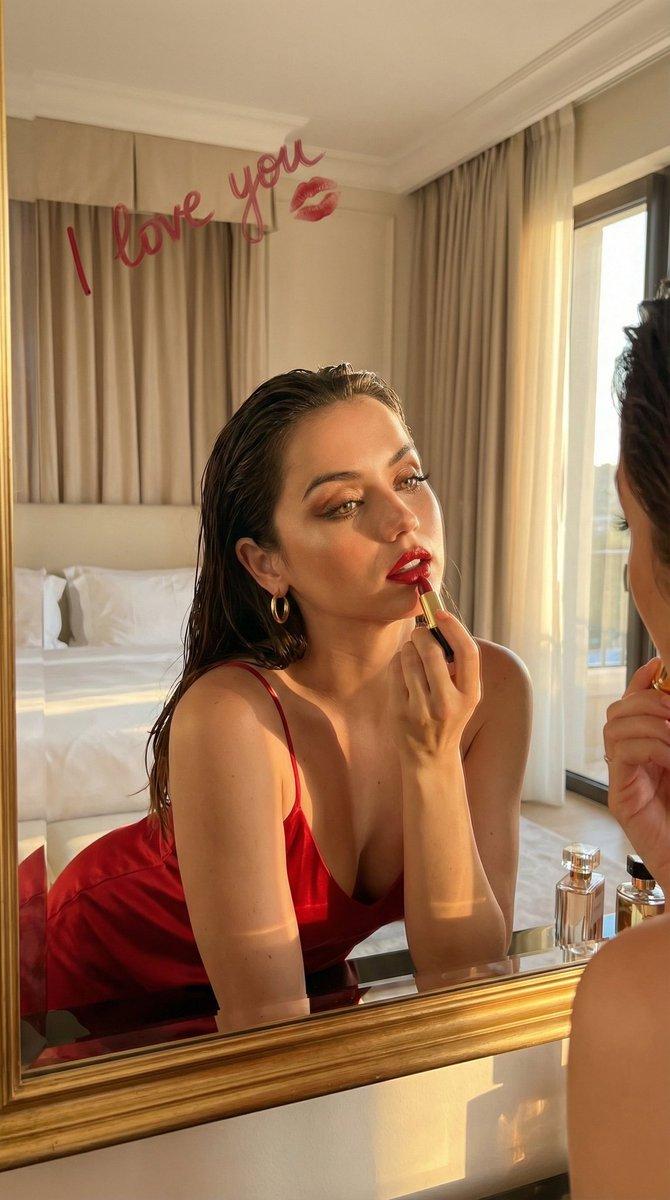
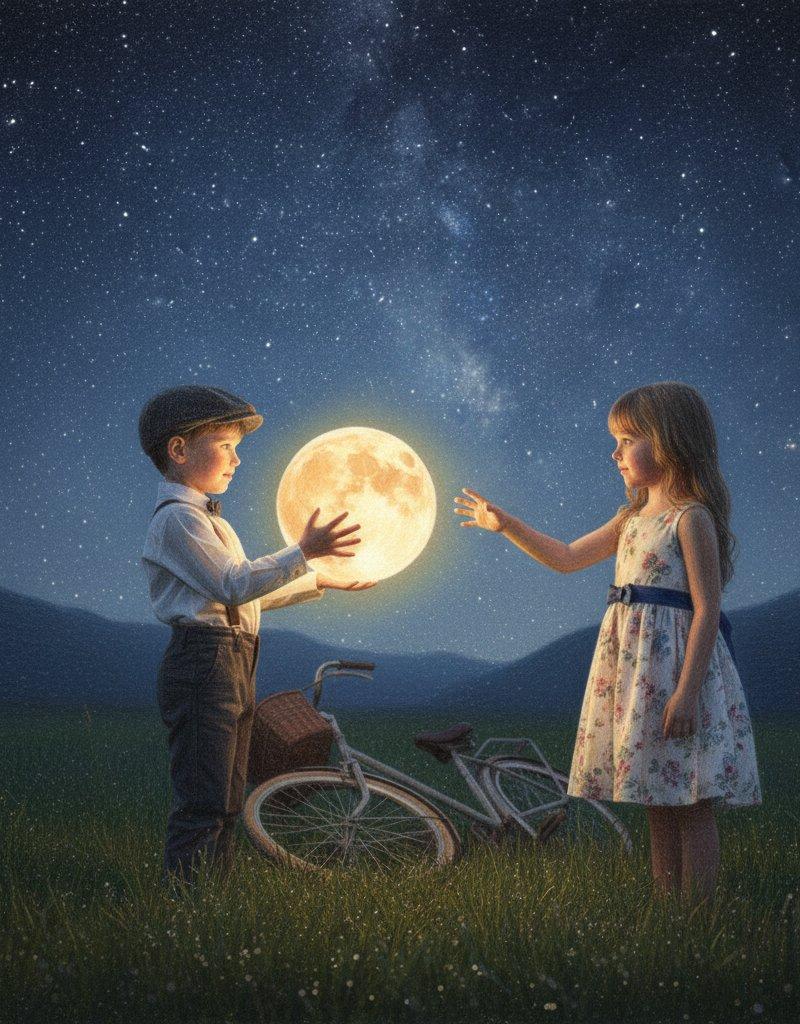
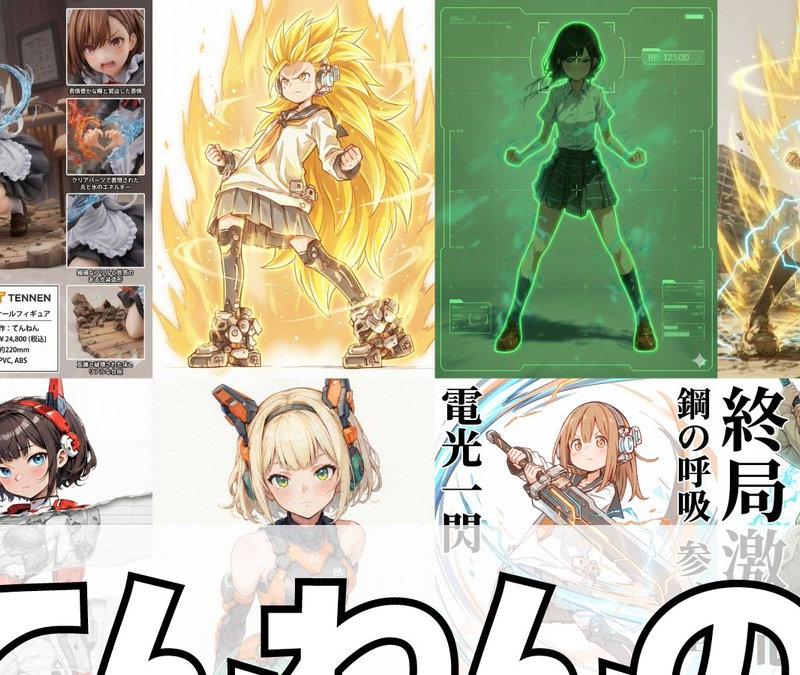
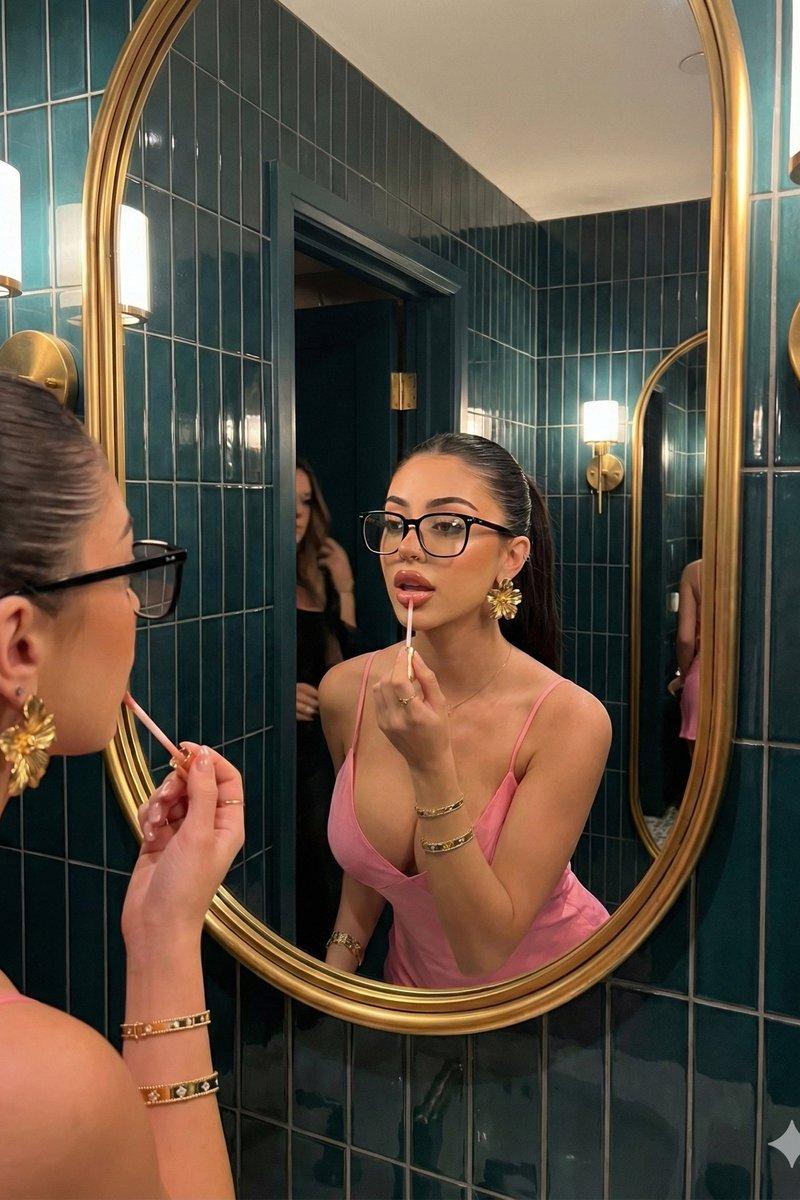
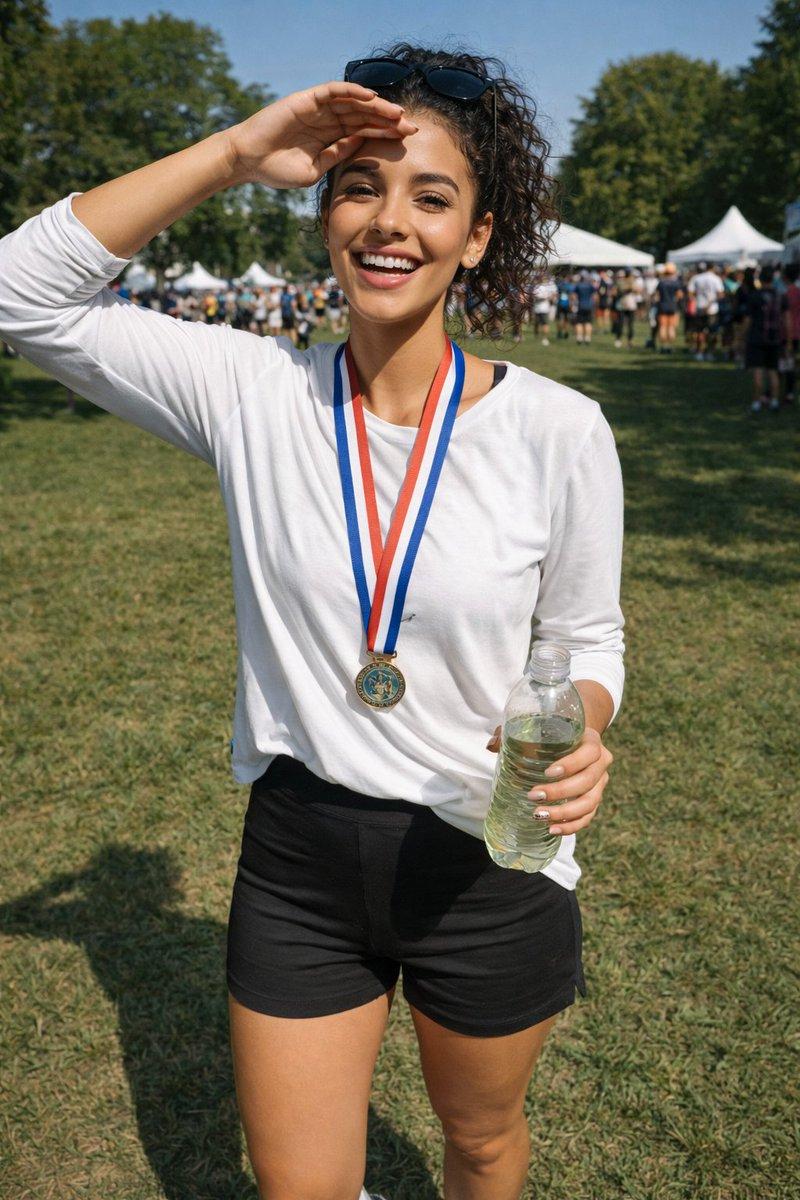
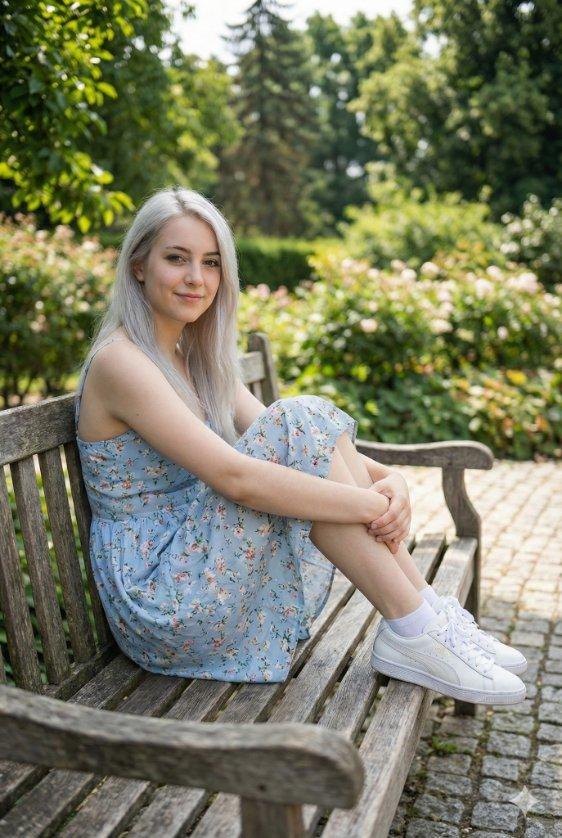
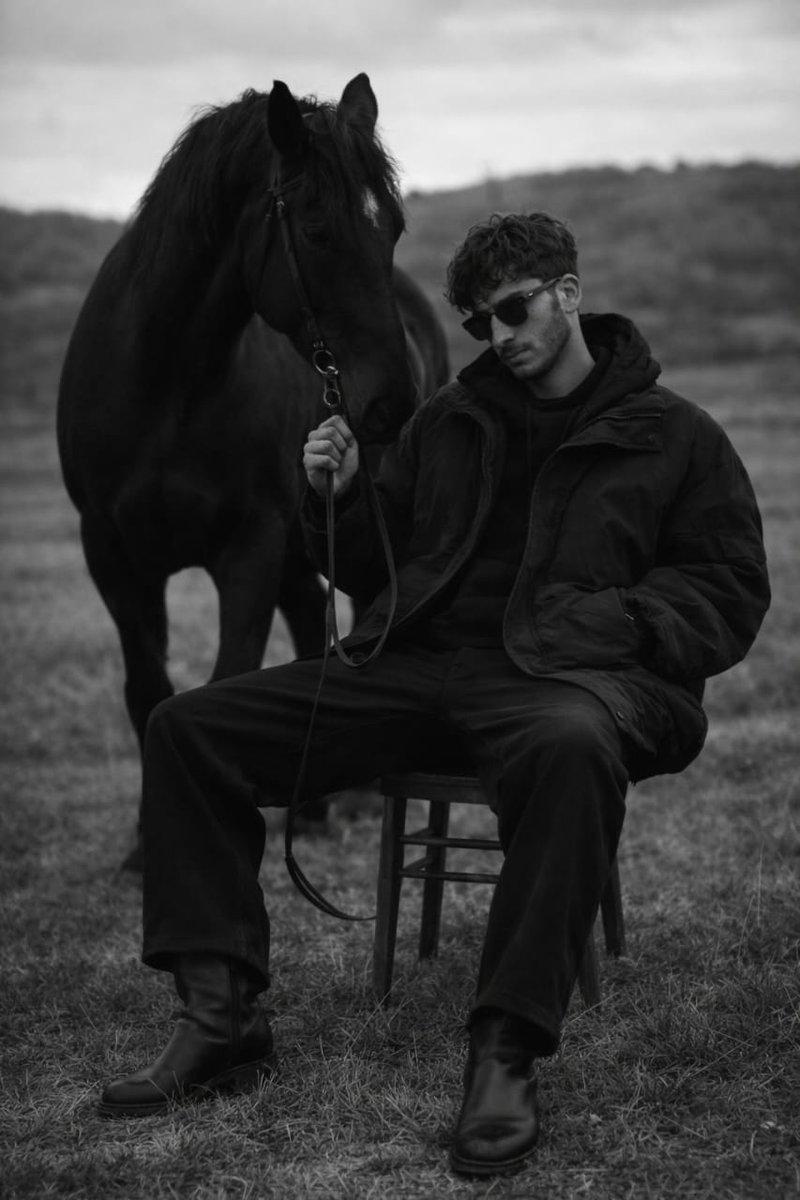
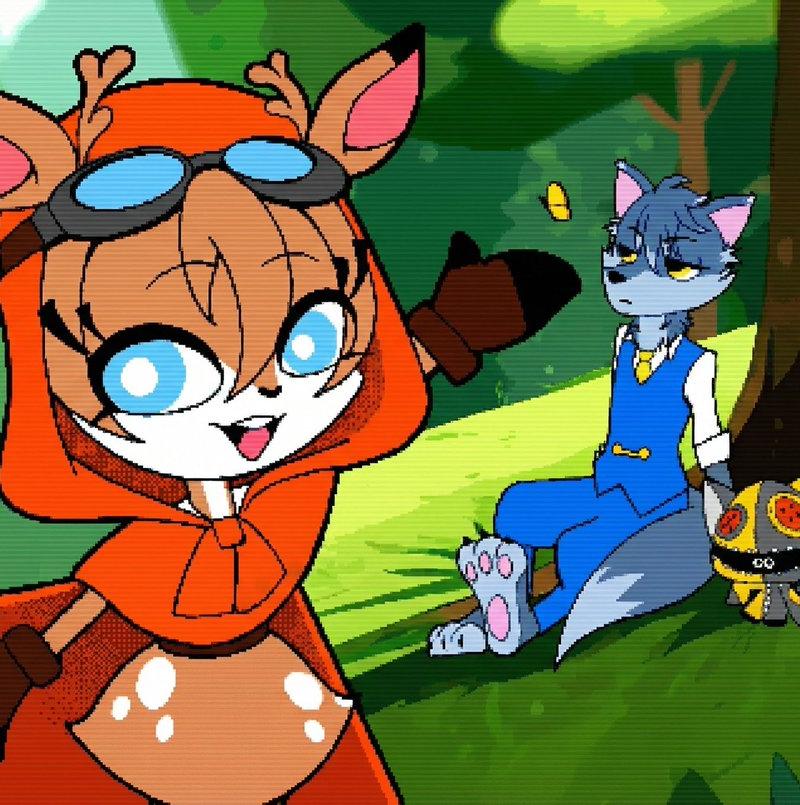
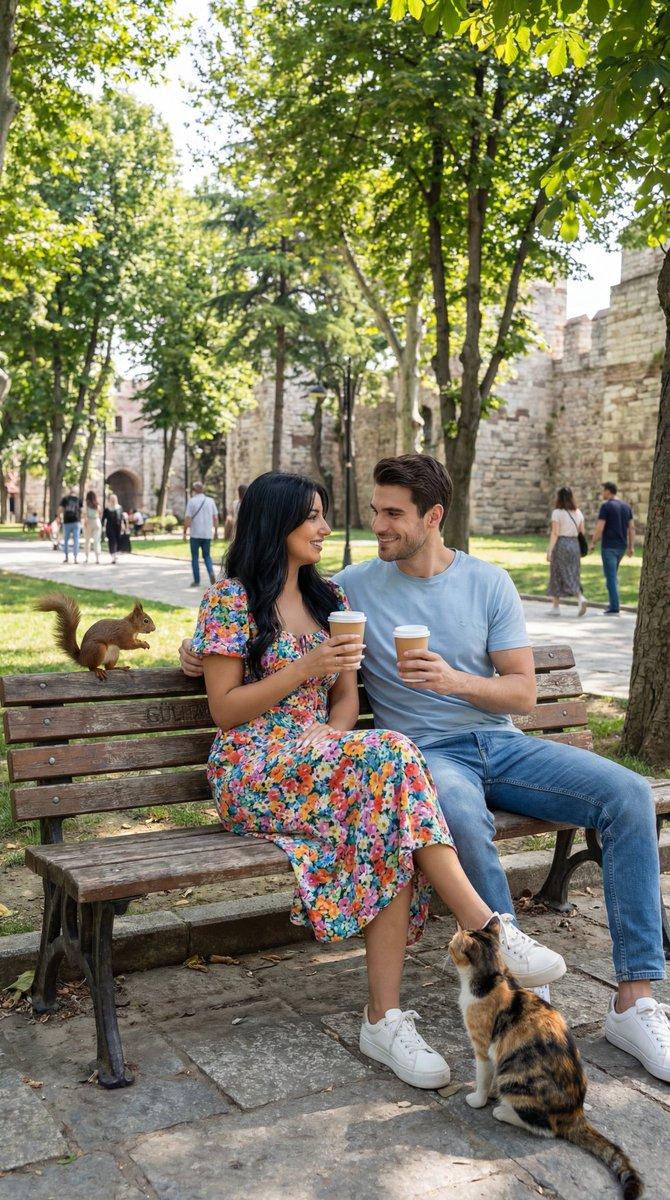
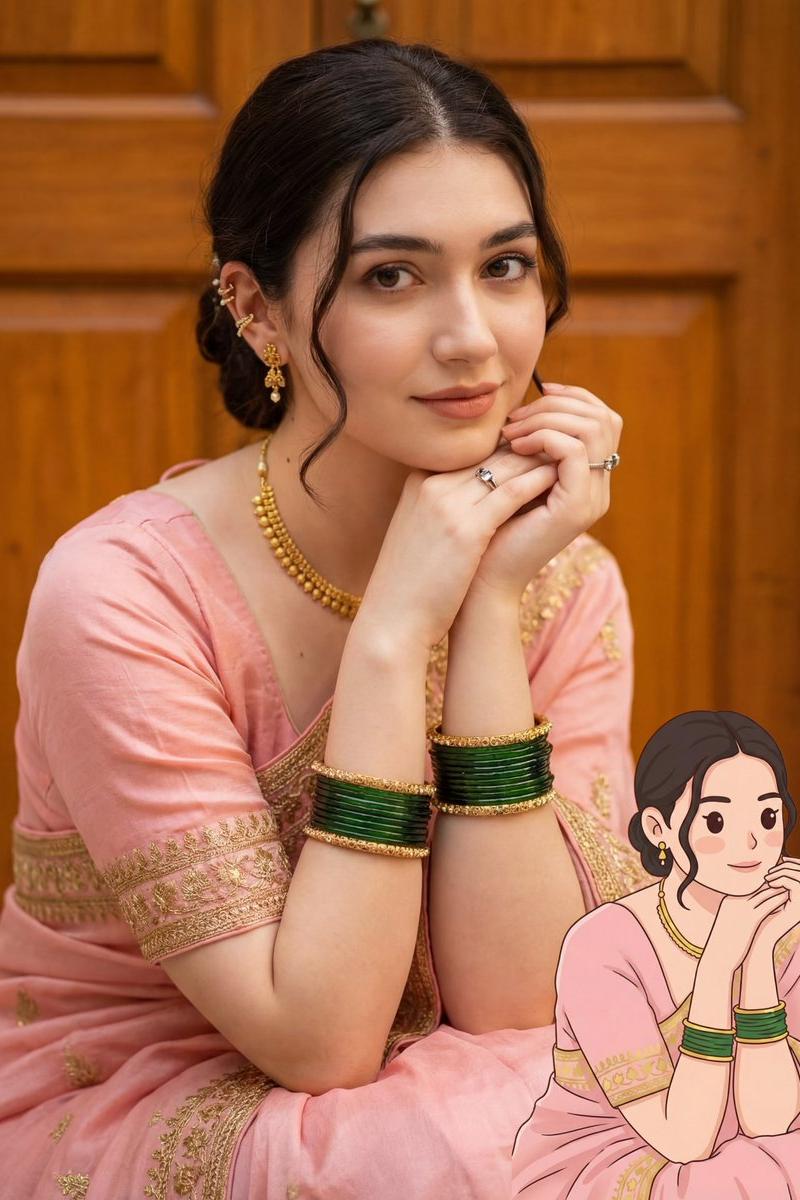
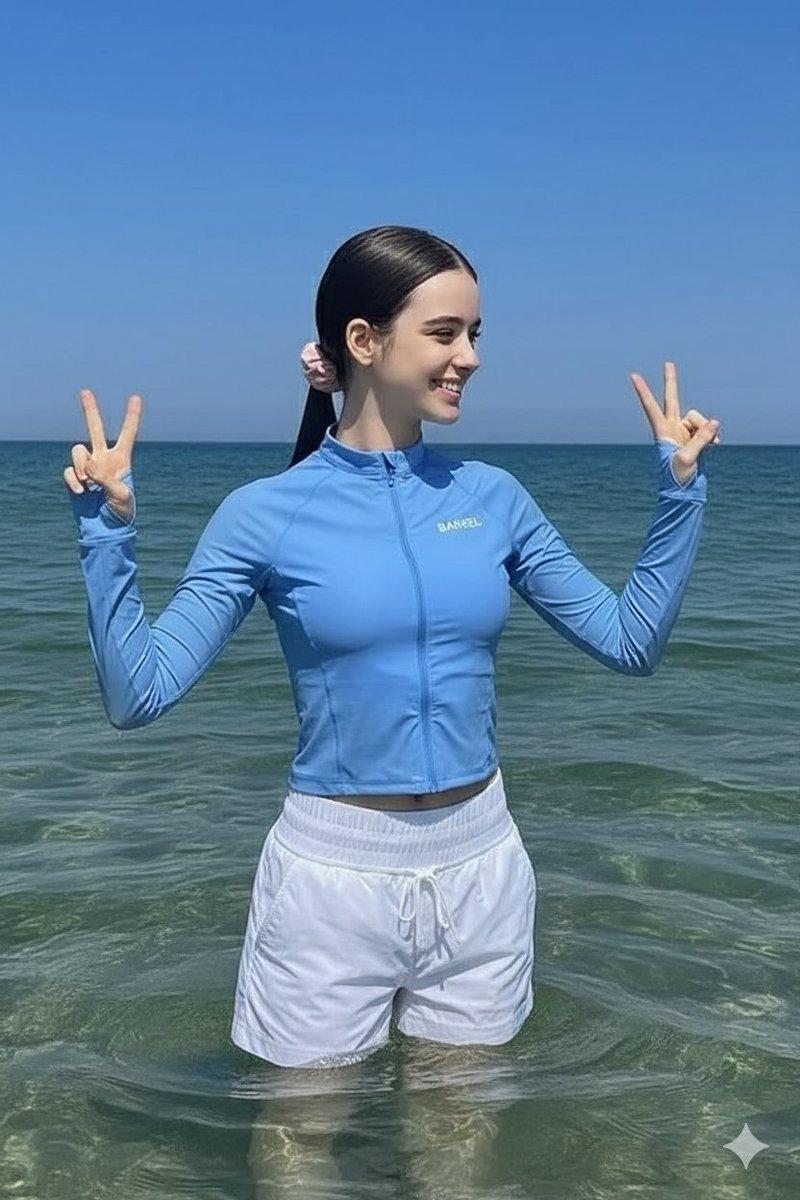
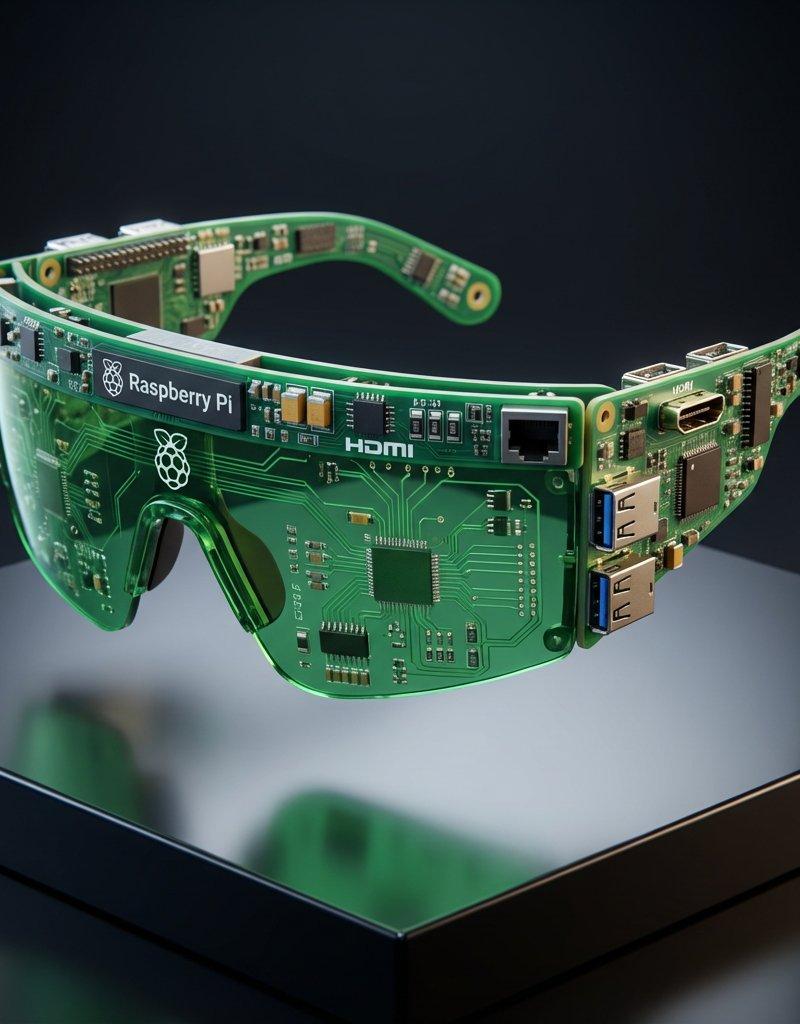
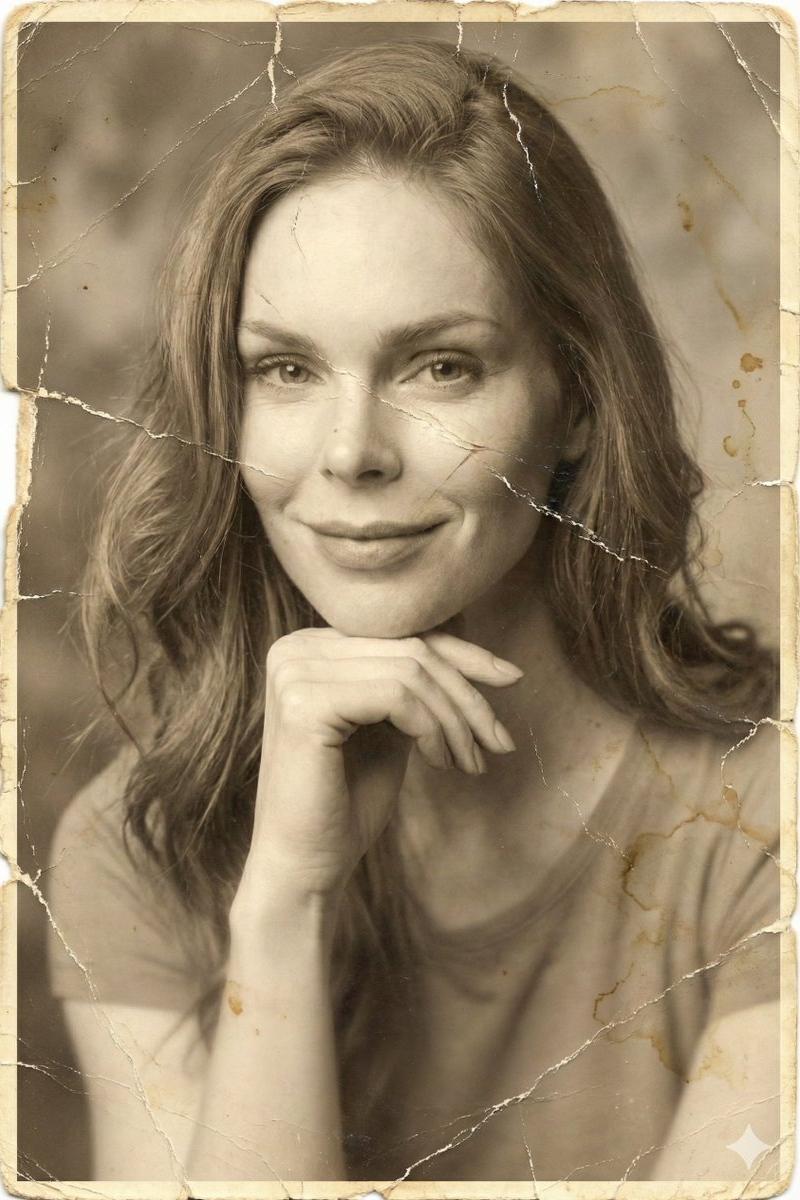
Example images

也许有点过于激进…… Midjourney + GPT2。 MJ:基础概念 + 参考 GPT2:添加纹理 + 清理。 MJ 基础提示: 拼贴画,...

Prompt
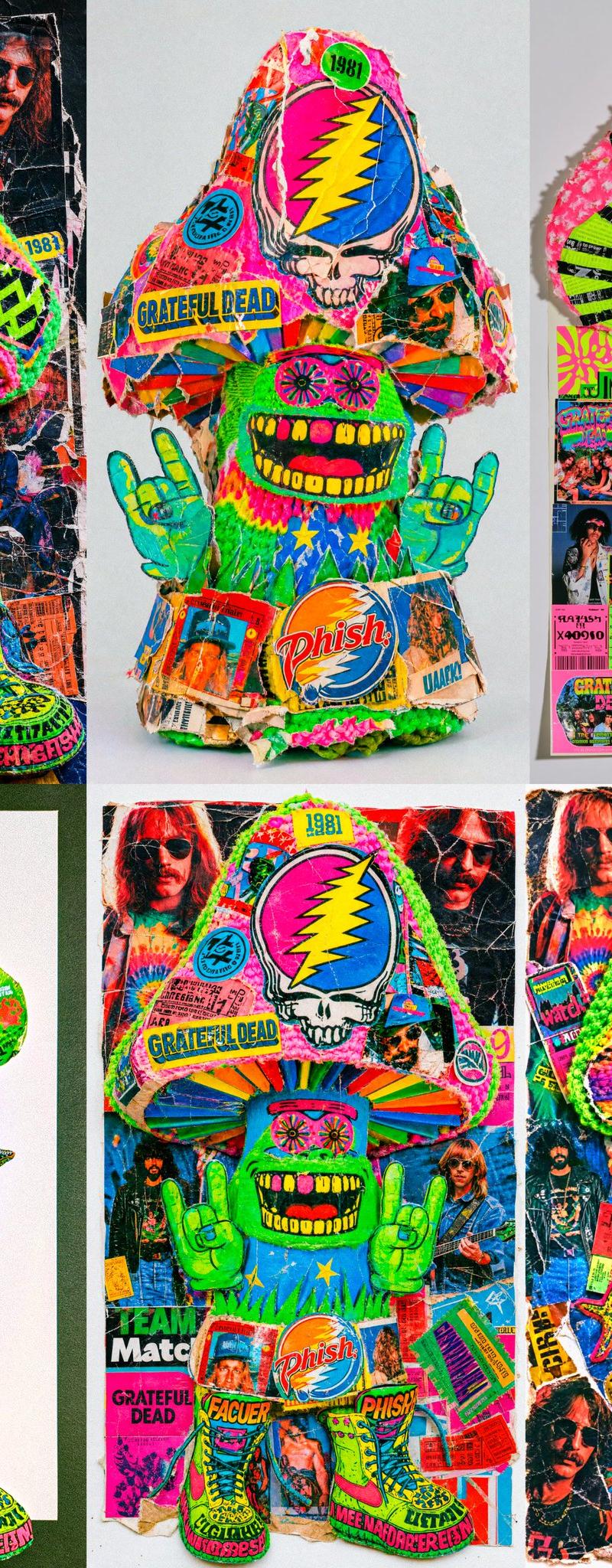
也许有点过于激进…… Midjourney + GPT2。 MJ:基础概念 + 参考 GPT2:添加纹理 + 清理。 MJ 基础提示: 拼贴画,用杂志剪贴组件构建的 2D 蘑菇,Phish,清晰的白色纸张背景,哈苏风格,复古 90 年代迷幻品牌元素,乐队贴纸和票根以及生活照,对比纹理、皱褶和撕裂,以及分层深度,Grateful Dead 标志,杂志剪贴,井然有序的细致混乱 --ar 51:91 --exp 30 --profile eftl5ji zmuvoru lncun5f lgaicxx --stylize 880 --hd
Category
创意图片
Model
GPT Image 2
Creator
@Ror_Fly
Source language
zh-CN
Views1
Source ID
2085451682809622706
Published
Aug 8, 2026
Studio

Guide

About "也许有点过于激进…… Midjourney + GPT2。 MJ:基础概念 + 参考 GPT2:添加纹理 + 清理。 MJ 基础提示: 拼贴画,..."

What is this prompt for?

"也许有点过于激进…… Midjourney + GPT2。 MJ:基础概念 + 参考 GPT2:添加纹理 + 清理。 MJ 基础提示: 拼贴画,..." AI image prompt for GPT Image 2 (创意图片). Saved from X post by @Ror_Fly. 也许有点过于激进………

The full copyable prompt and example visuals above are ready for AI image generation or one-click recreate in Picva.

How to use this prompt

  1. Step 1

    Open the prompt detail

    Review the example visuals, category, and full prompt text for "也许有点过于激进…… Midjourney + GPT2。 MJ:基础概念 + 参考 GPT2:添加纹理 + 清理。 MJ 基础提示: 拼贴画,...".

  2. Step 2

    Copy the prompt

    Copy the prompt body from this page, or load it directly in Studio.

  3. Step 3

    Pick a model (GPT Image 2)

    Prefer GPT Image 2. If you switch models, keep subject and composition and tweak style terms.

  4. Step 4

    Generate and export

    Recreate the look in Picva, or export into your workflow for editing and publishing.

FAQ

What is the "也许有点过于激进…… Midjourney + GPT2。 MJ:基础概念 + 参考 GPT2:添加纹理 + 清理。 MJ 基础提示: 拼贴画,..." prompt?
It is an AI image-generation prompt for GPT Image 2 in the 创意图片 category. This page includes the full prompt text, example visuals, and a one-click recreate path in Picva.
How do I use this prompt to generate an image?
Copy the prompt from this page, or use Generate / Studio. Paste it into a compatible image model, or recreate the look in Picva with optional reference images.
Which model is this prompt for?
This page lists GPT Image 2. Most descriptive prompts also transfer to nearby image models such as GPT Image, Flux, or Midjourney with light style tweaks.
Can I use the result commercially?
You can usually copy the prompt for creation, but commercial use of the final image depends on the model terms, reference-image rights, and the generated content. Follow the source author and platform rules.