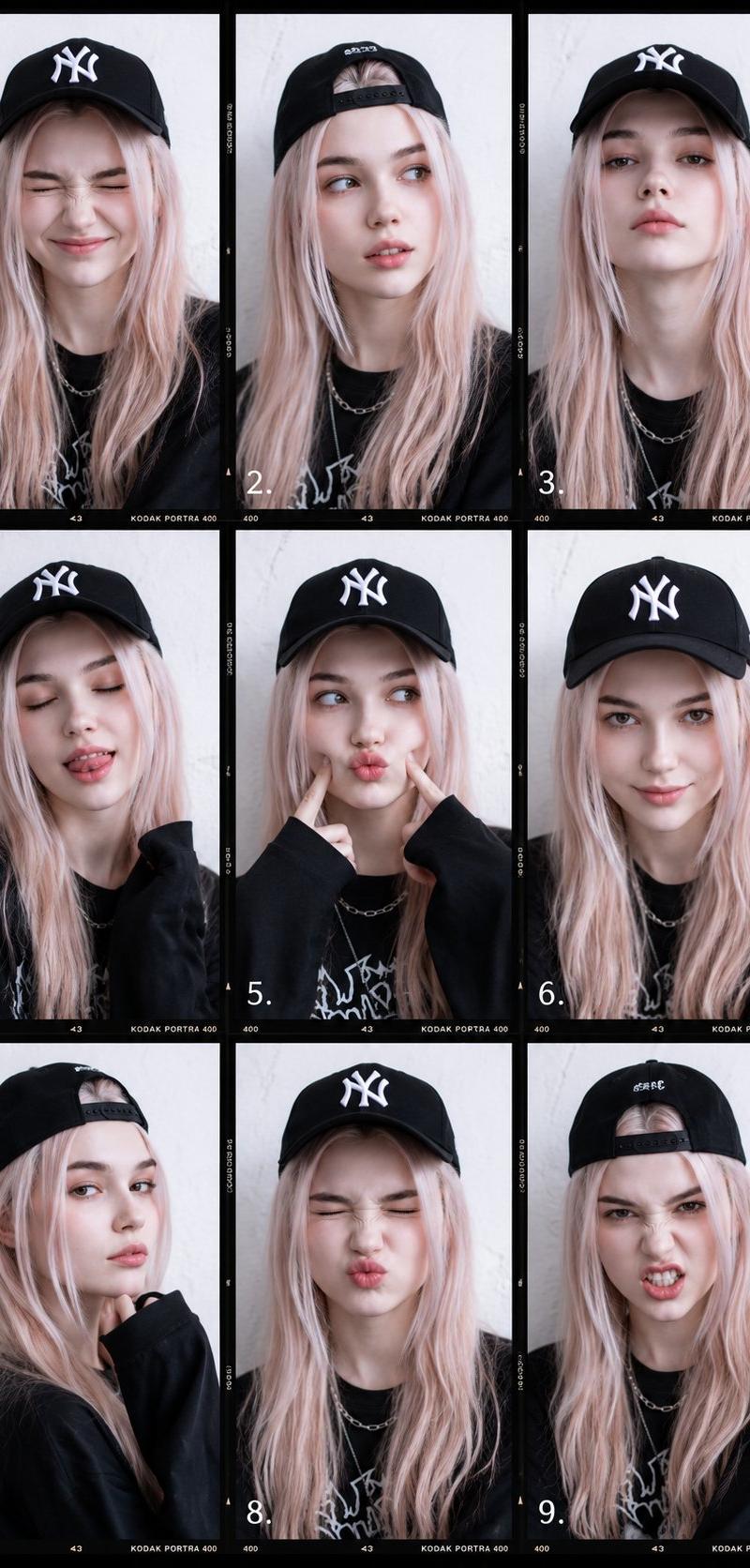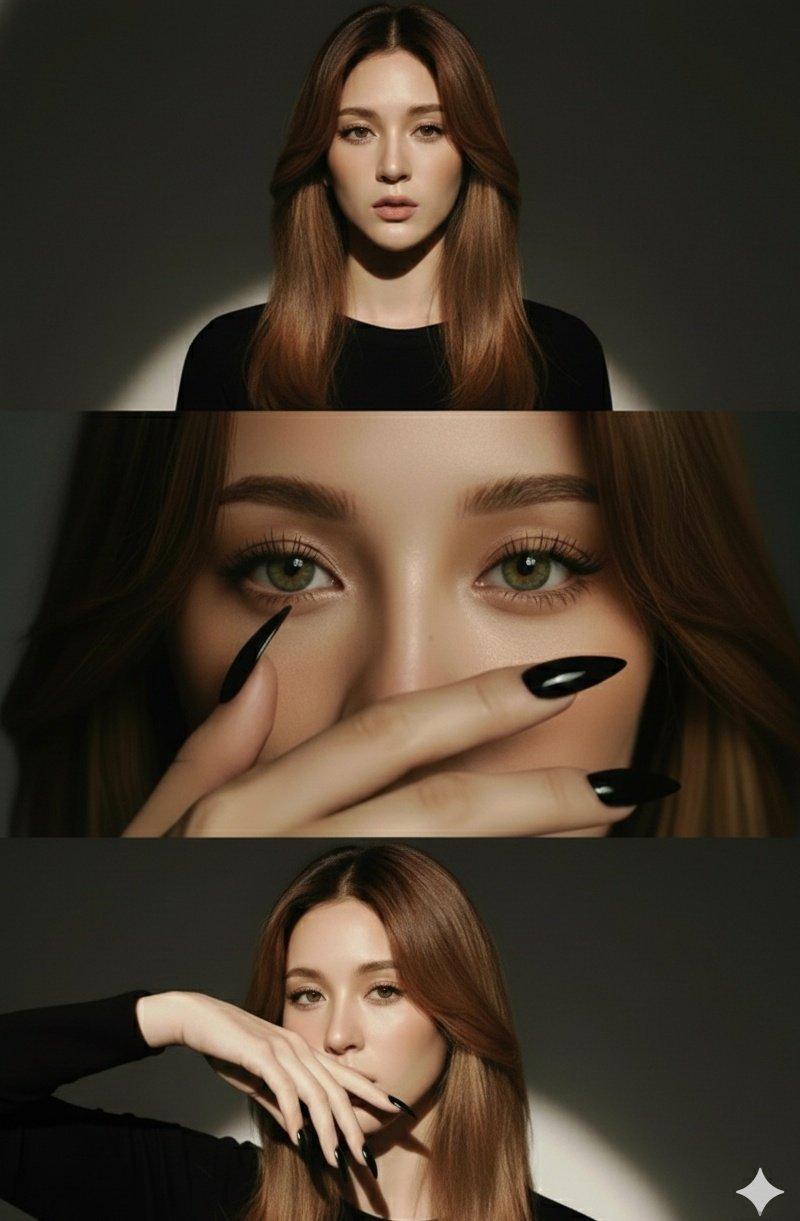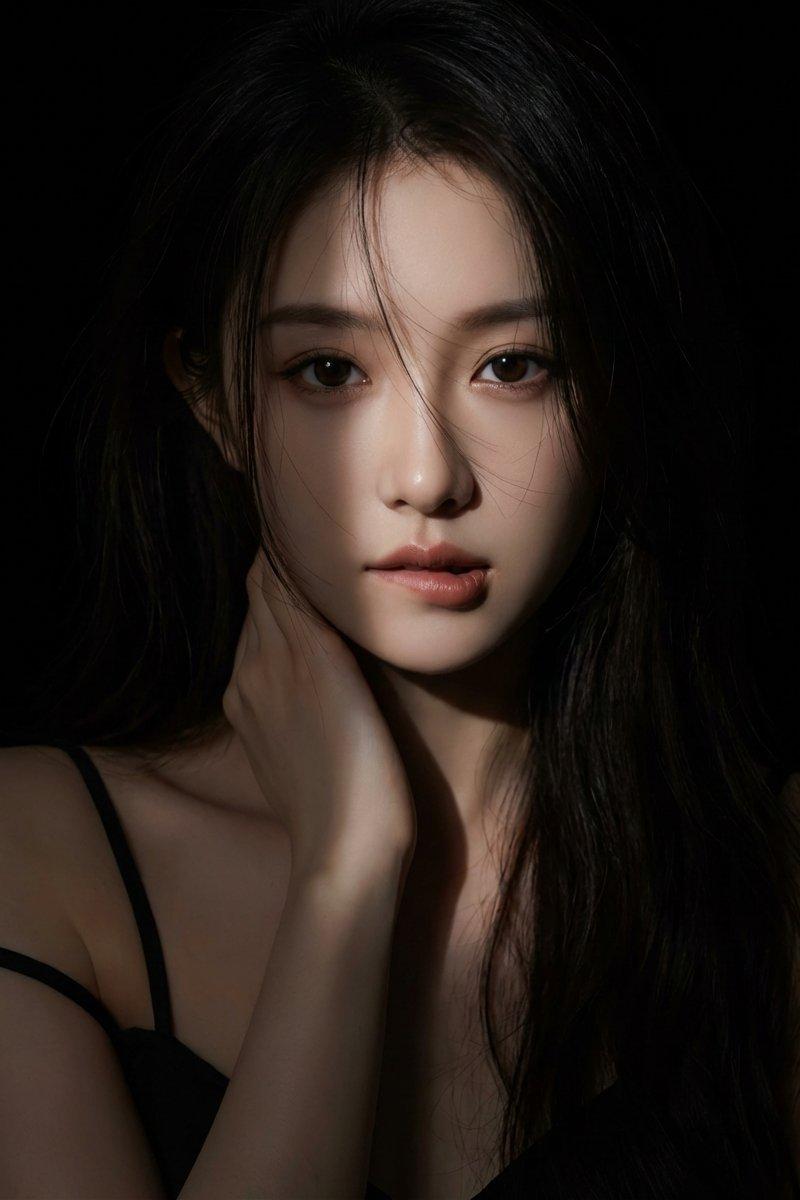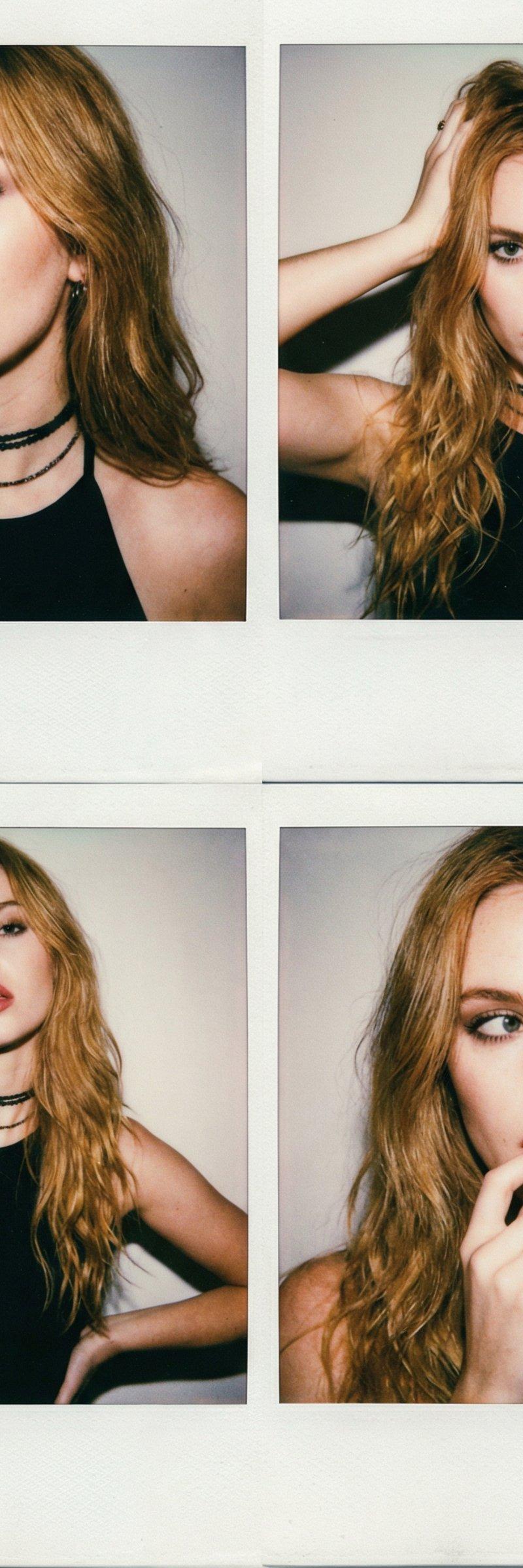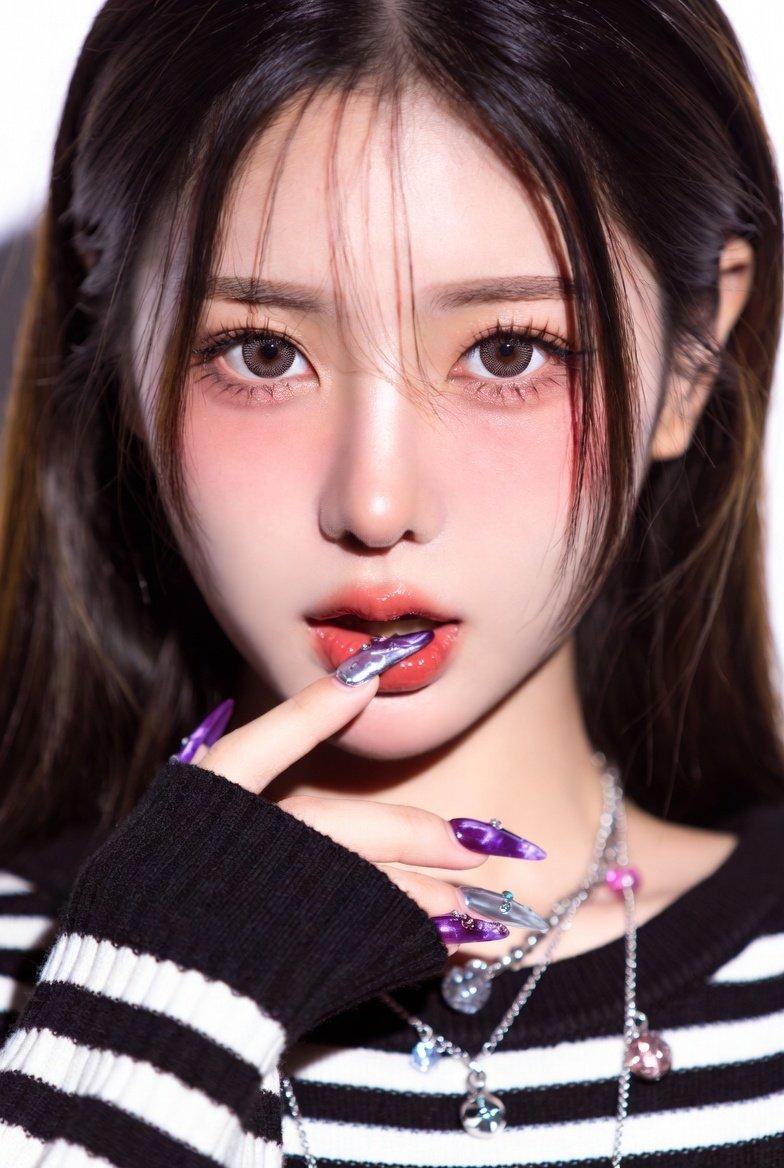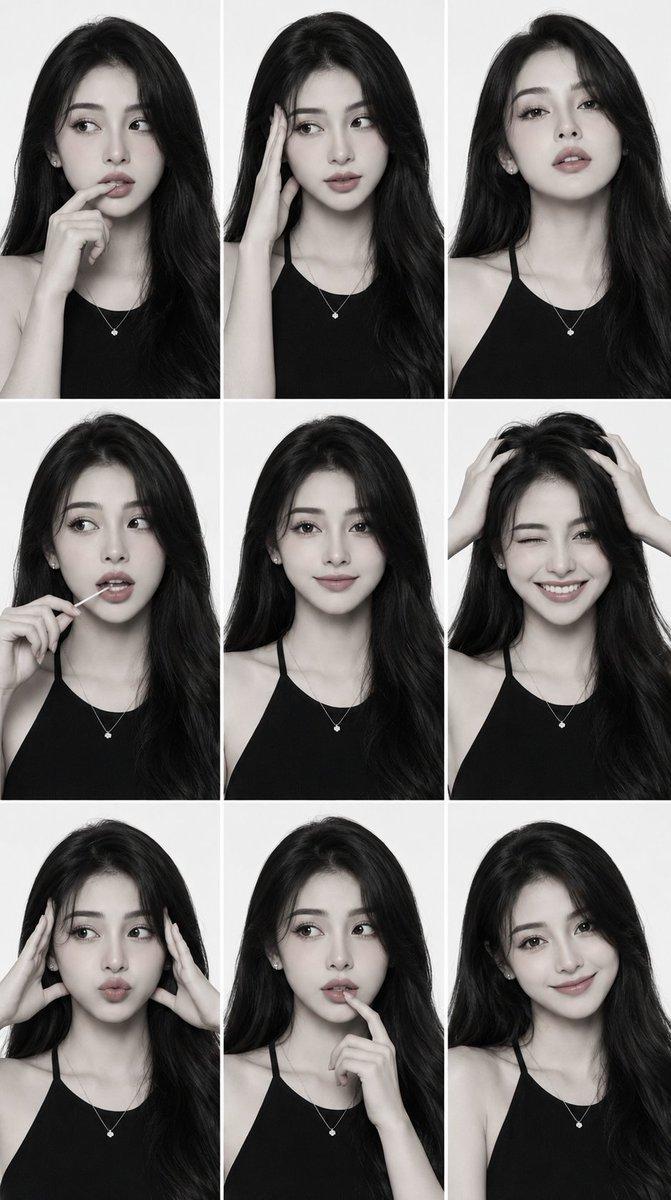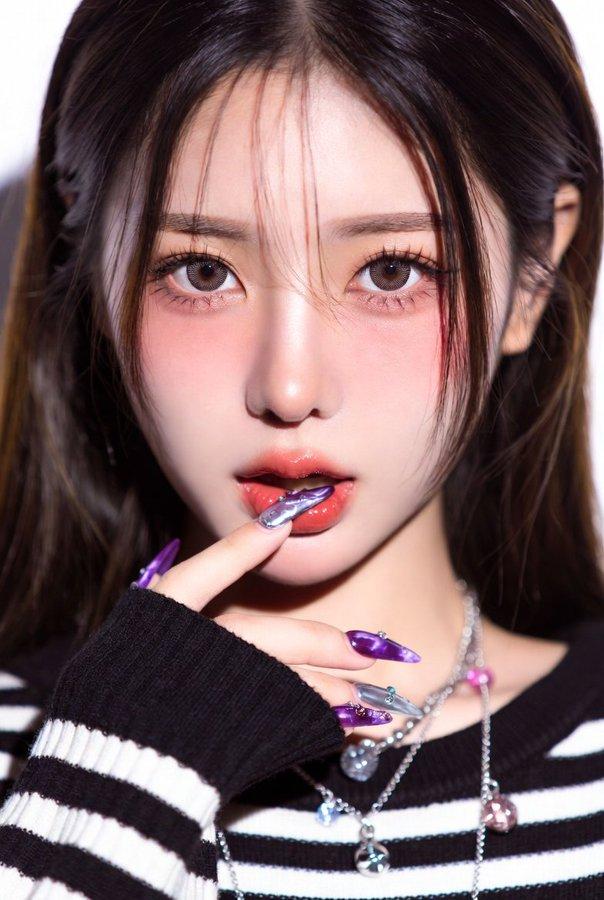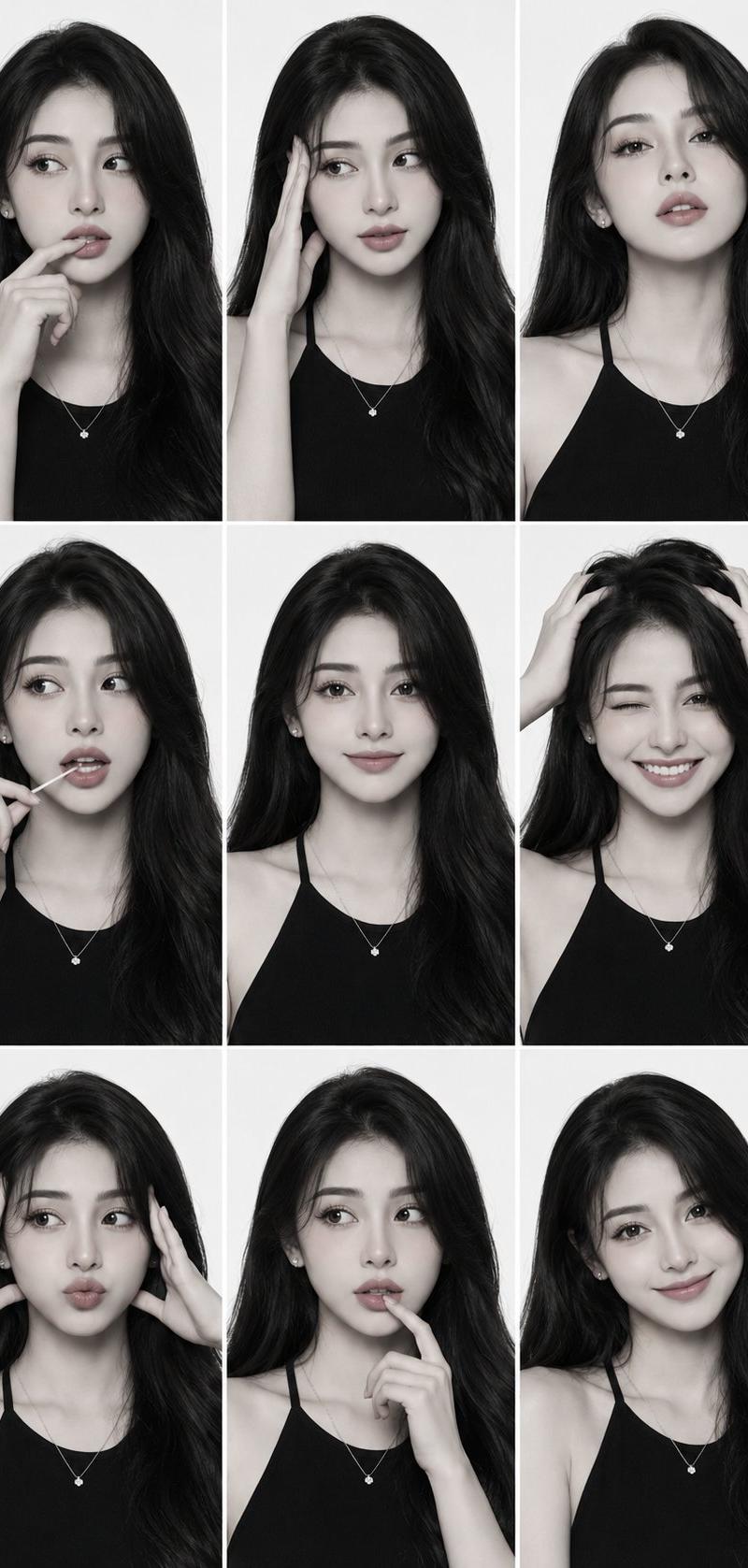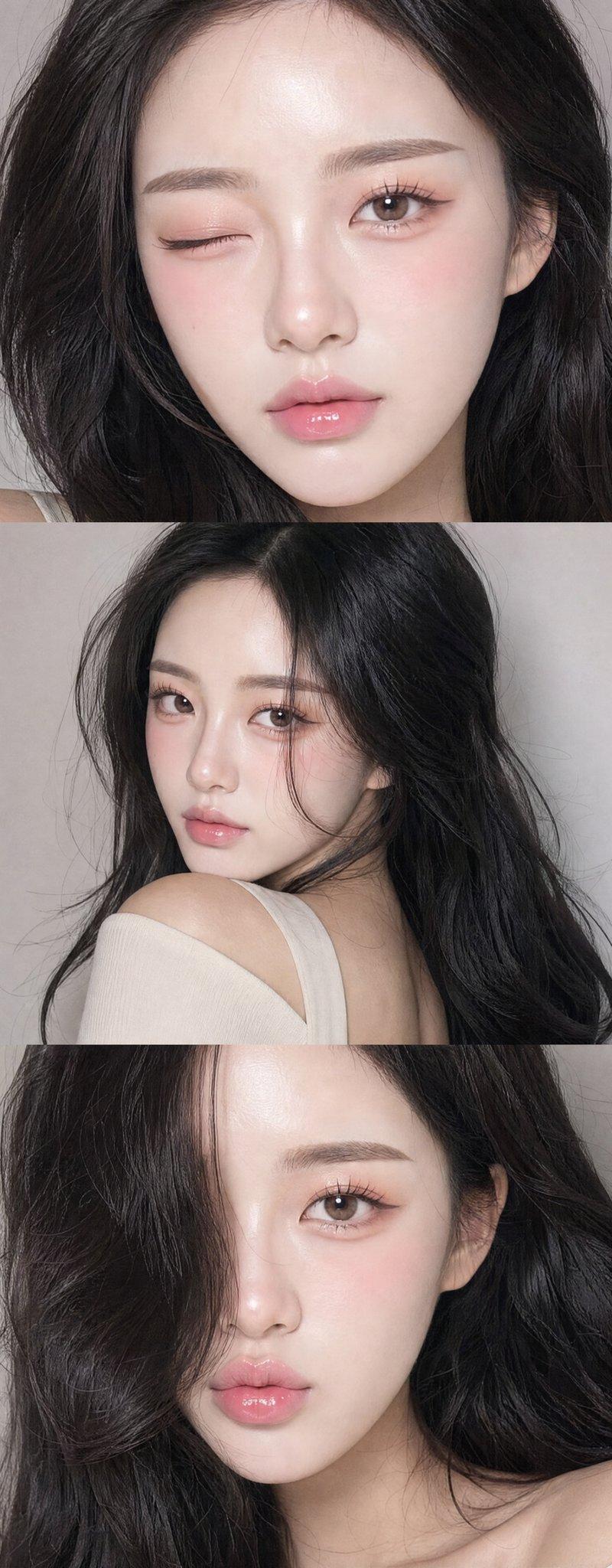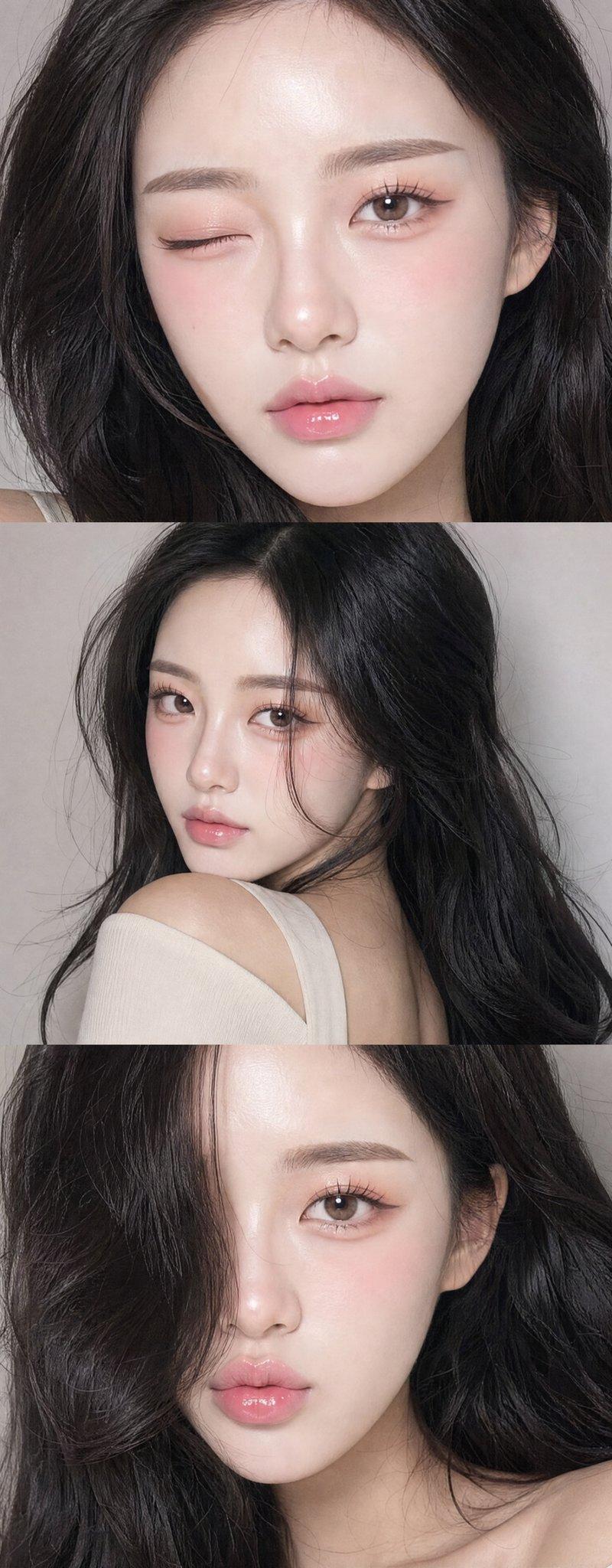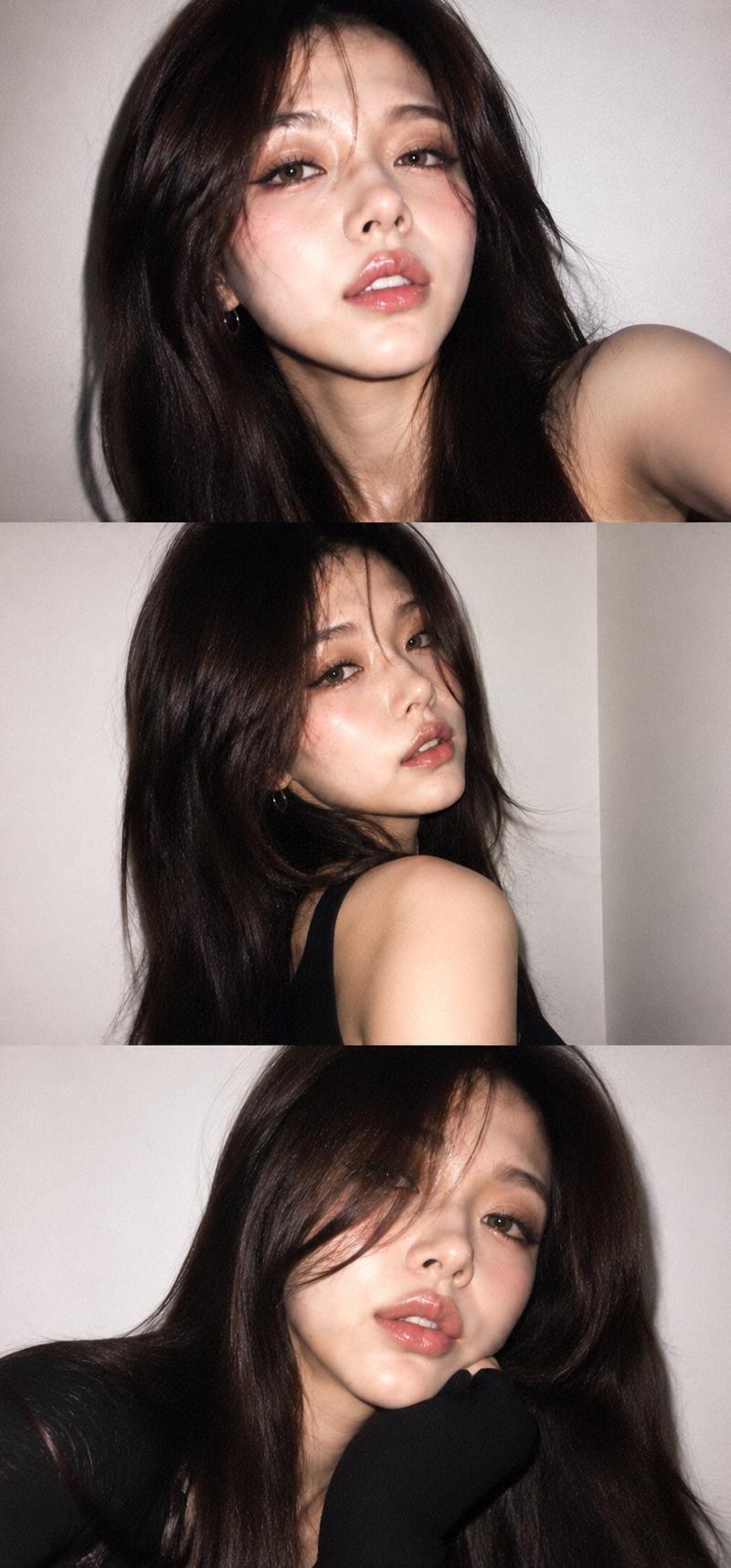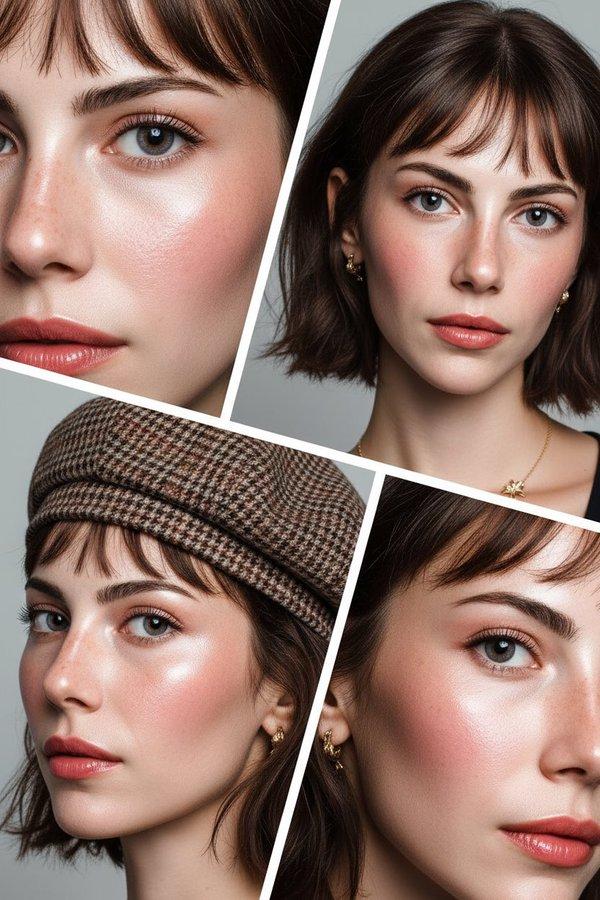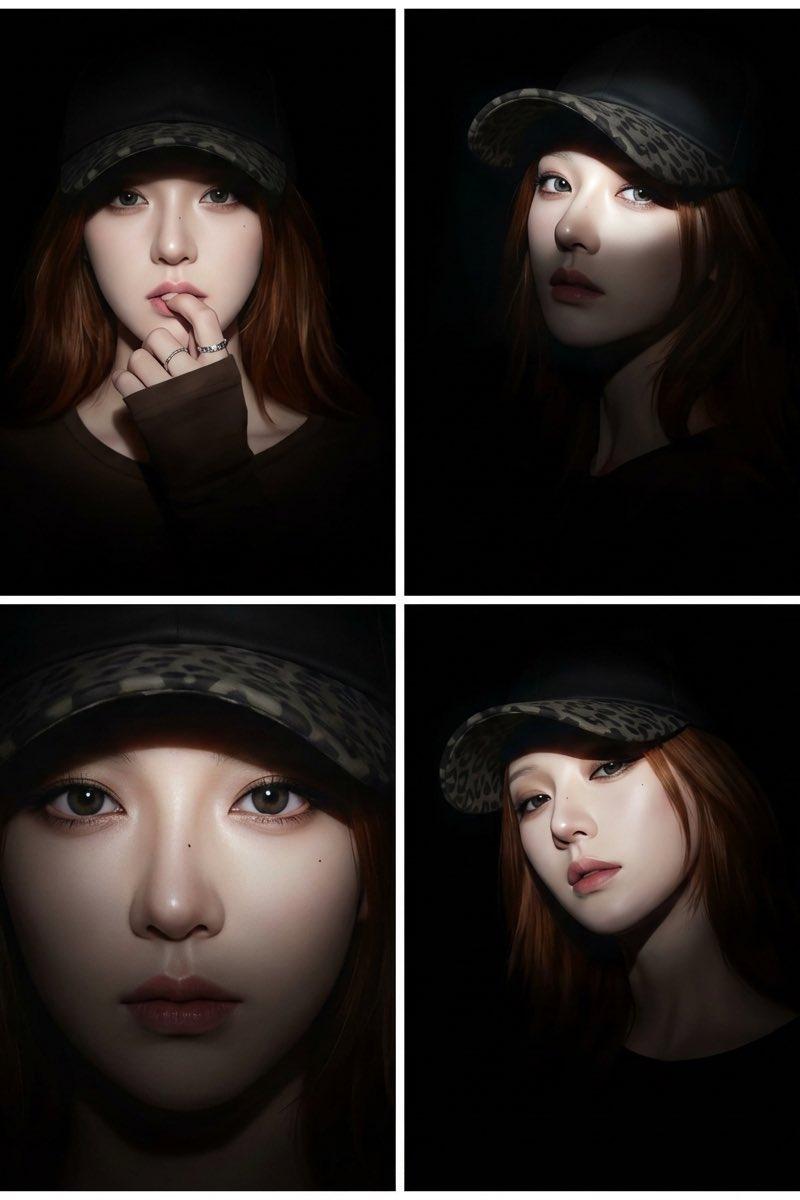
2x2网格分屏拼贴,超现实主义动漫风格,光影交错
Prompt
2x2 grid, split screen, distinct white borders separating the 4 panels, collage, quadtych.
[the character Source: Based strictly on the uploaded reference image. [SAME CHARACTER IN ALL PANELS]r], hyperrealistic realistic-anime style.
Global Lighting Settings: Narrow beam spotlight focused strictly on the center of the face, sharp light edges, high falloff shadows, pitch black background. The body and black clothing dissolve completely into the darkness.
Panel 1 (Top Left): Front view, hand gently raised to lips, shy and hesitant gesture, spotlight hits the face directly revealing clear features, mysterious mood.
Panel 2 (Top Right): 3/4 angle view, looking at the camera, the spotlight cuts across the face creating a dramatic high-contrast look, eyes are bright and sharp, background is void.
Panel 3 (Bottom Left): Close-up shot, intense focus on the eyes, the beam of light illuminates the T-zone and eyes perfectly, rest of the head fades into black, sharp details.
Panel 4 (Bottom Right): Low angle shot, elegant pose, face fully lit by the sharp spotlight, looking down with a mysterious expression, neck and shoulders barely visible in the shadow.
Overall tone: Dark, moody, dramatic, high contrast, 8k resolution, raw photo texture, chiaroscuro. --ar 3:4 --v 6.0 --stylize 250
https://t.co/ZtBJP2eJju
受到了这位博主的启发,大家可以关注一下:
https://t.co/EDTCn65l78
这是根据 Anissa 的参考照片改的提示词:
**Layout & Quality:**
Split screen, 2x2 grid collage, 4 distinct panels, 4K resolution, photorealistic, hyper-detailed, masterpiece, high-fashion editorial photography, cinematic lighting, sharp focus.
**Subject (Consistent across all panels):**
A beautiful girl with long straight medium-brown hair, wearing dark-framed sunglasses with yellow tinted lenses, looking away from camera, elegant and sophisticated atmosphere.
**Panel descriptions:**
1. **Top-Left (Paris):** Background is the Eiffel Tower and Parisian balcony. She is wearing a chic **white silk button-down shirt paired with a white satin blazer**, open collar, layered gold necklaces.
2. **Top-Right (London):** Background is Big Ben and Westminster Bridge. She is wearing a stylish **white trench coat with a white turtle-neck sweater** underneath, textured fabric.
3. **Bottom-Left (Shanghai):** Background is the Oriental Pearl Tower and The Bund skyline. She is wearing a modern **white sleeveless structural dress** with architectural cuts.
4. **Bottom-Right (New York):** Background is the Empire State Building and Manhattan skyline. She is wearing a smart-casual **white leather jacket over a white camisole**.
**Style & Lighting:**
Bright natural daytime light, depth of field, clear background, upscale travel vibe, cohesive color grading.
- Category
- Photography & Realism
- Model
- Unknown
- Creator
- 烟花老师(一支烟花)
- Source language
- zh-CN
- Source ID
- 2x2_grid_split_screen_collage_hyperrealistic_anime_style_chiaroscuro_lighting
Views0