20

AI辅助:如何设计点击率极高的YouTube视频缩略图
Enlarge

AI辅助:如何设计点击率极高的YouTube视频缩略图

Prompt
え?鬼雑プロンプトで一撃これ?
無料でサムネ量産できてしまう。。。
こちらは世界的デザイナー「Nano Banana Pro氏」の作品です。
プロンプト↓
ーーーー
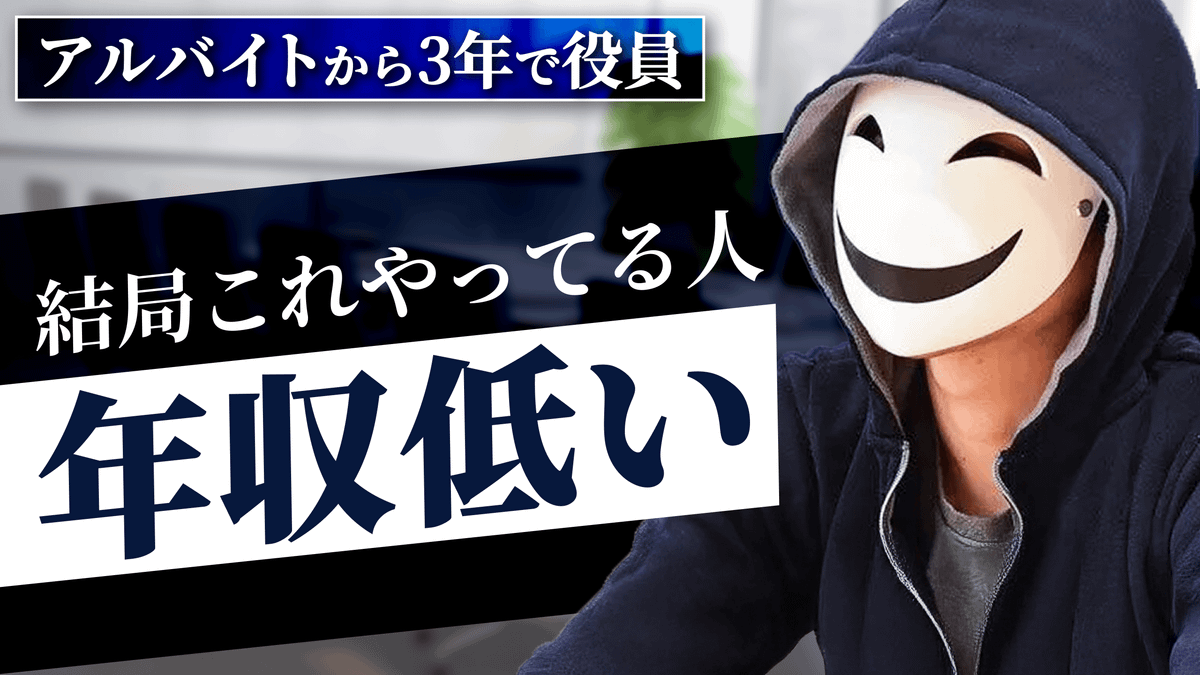
これはYouTubeのサムネで、右側には白い仮面を被った人がインタビューを受けている様子の画像が映ってます。
このテイストで、AIにサムネの情報設計を共有してサムネを作らせたいのでプロンプトを考えてください。
参考画像はあくまで、右側に映っている仮面の人物(える)を参照してほしいだけで、最もクリック率が最大化する構図、文字の大きさ、デザインにしてちょ。
ターゲットはコミュニケーション力に悩む20代後半から30代の男性です。
# サムネ情報設計
<左側>
会話の3レイヤー(小さく)
逆三角で表す
3色に分ける
実際は上から以下の3つ。(文字をモザイクにする)
・抽象
・事実
・具体
<右側>
える(仮面の人)
会話にはこれしかない(吹き出しにする)
<下側>
これで
会話無限に続く(横幅いっぱい)
ーーーー
※1枚目の画像を添付してGeminiに作らせたプロンプトをnanobananaに投げるだけ。
もはやプロンプトですらない。
使うフォントやサイズなどは大体限られているので
時間をかければ網羅的にパーツの言語化ができる。
あとはプロンプトをフォーマット化して、都度テーマに合わせてAIにカスタマイズさせれば完璧レベルのサムネが出てくるようになる。
想像よりかなり早く世界線が変わってしまった。
Category
Posters & Typography
Model
Nano Banana Pro
Views0
Source ID
ai-assisted-designing-click-through-rate-maximizing-youtube-thumbnails

Guide

About "AI辅助:如何设计点击率极高的YouTube视频缩略图"

What is this prompt for?

"AI辅助:如何设计点击率极高的YouTube视频缩略图" AI image prompt for Nano Banana Pro (Posters & Typography). え?鬼雑プロンプトで一撃これ? 無料でサムネ量産できてしまう。。。 こちらは世界的デザイナー「Nano Banana Pro氏」の作品です…

The full copyable prompt and example visuals above are ready for AI image generation or one-click recreate in Picva.

How to use this prompt

  1. Step 1

    Open the prompt detail

    Review the example visuals, category, and full prompt text for "AI辅助:如何设计点击率极高的YouTube视频缩略图".

  2. Step 2

    Copy the prompt

    Copy the prompt body from this page, or load it directly in Studio.

  3. Step 3

    Pick a model (Nano Banana Pro)

    Prefer Nano Banana Pro. If you switch models, keep subject and composition and tweak style terms.

  4. Step 4

    Generate and export

    Recreate the look in Picva, or export into your workflow for editing and publishing.

FAQ

What is the "AI辅助:如何设计点击率极高的YouTube视频缩略图" prompt?
It is an AI image-generation prompt for Nano Banana Pro in the Posters & Typography category. This page includes the full prompt text, example visuals, and a one-click recreate path in Picva.
How do I use this prompt to generate an image?
Copy the prompt from this page, or use Generate / Studio. Paste it into a compatible image model, or recreate the look in Picva with optional reference images.
Which model is this prompt for?
This page lists Nano Banana Pro. Most descriptive prompts also transfer to nearby image models such as GPT Image, Flux, or Midjourney with light style tweaks.
Can I use the result commercially?
You can usually copy the prompt for creation, but commercial use of the final image depends on the model terms, reference-image rights, and the generated content. Follow the source author and platform rules.