19

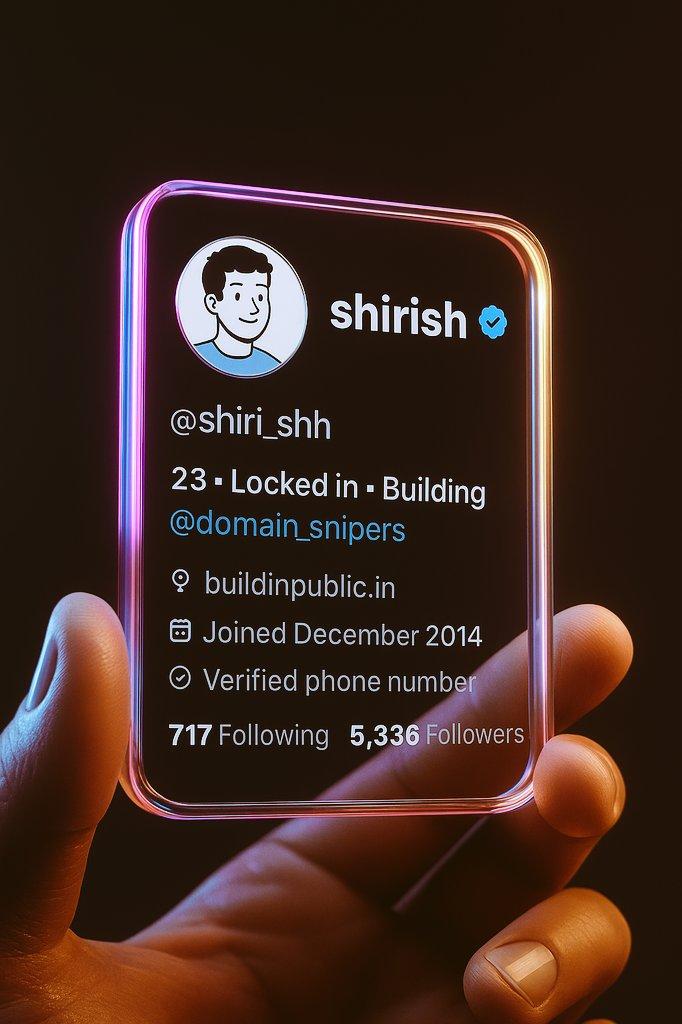
创建3D推特个人资料卡片
Enlarge

Example images

创建3D推特个人资料卡片

Prompt
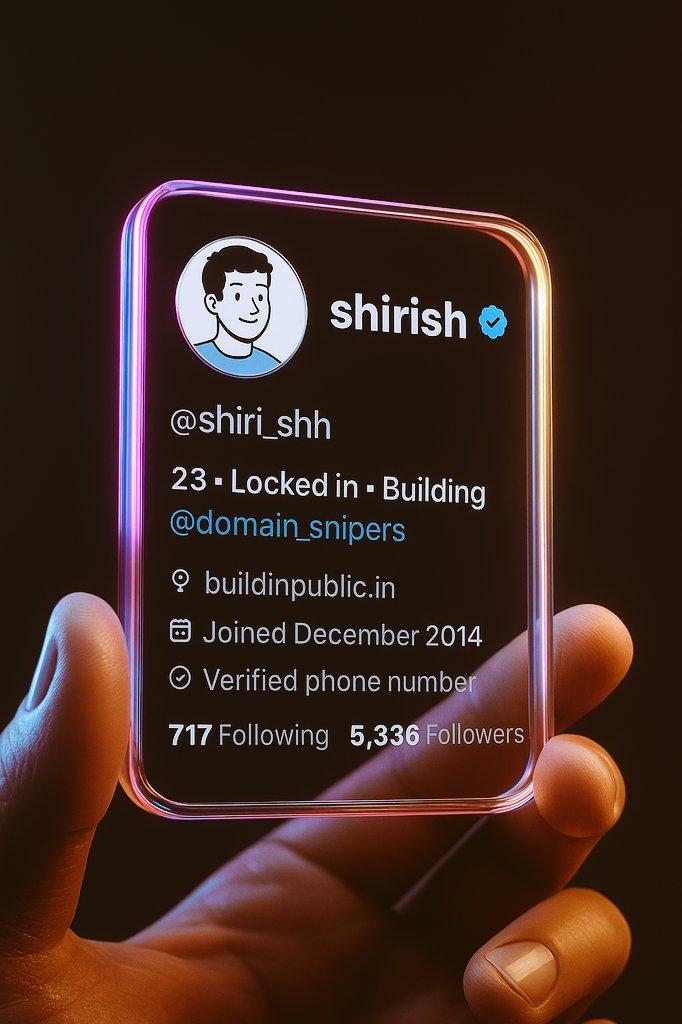
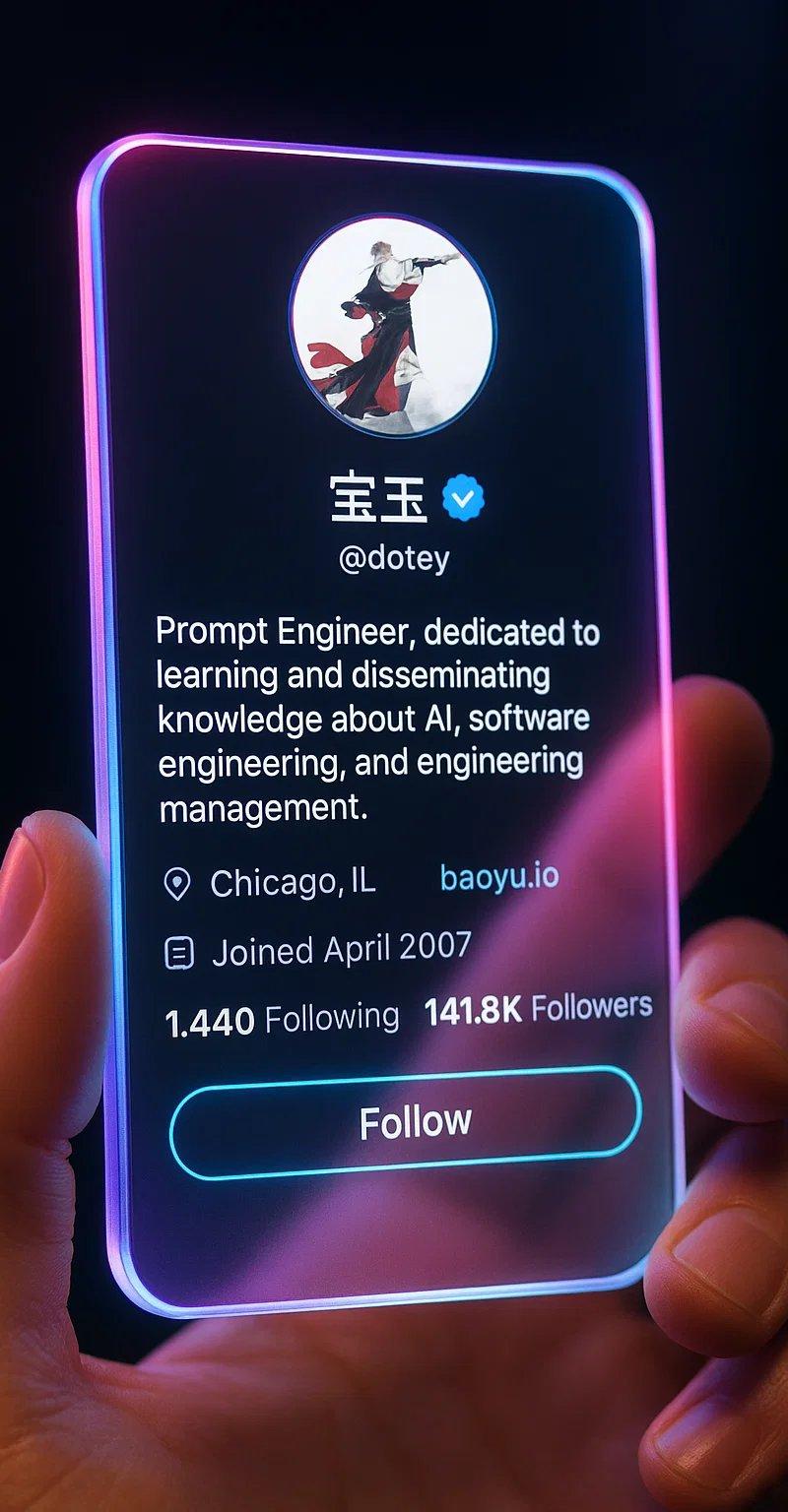
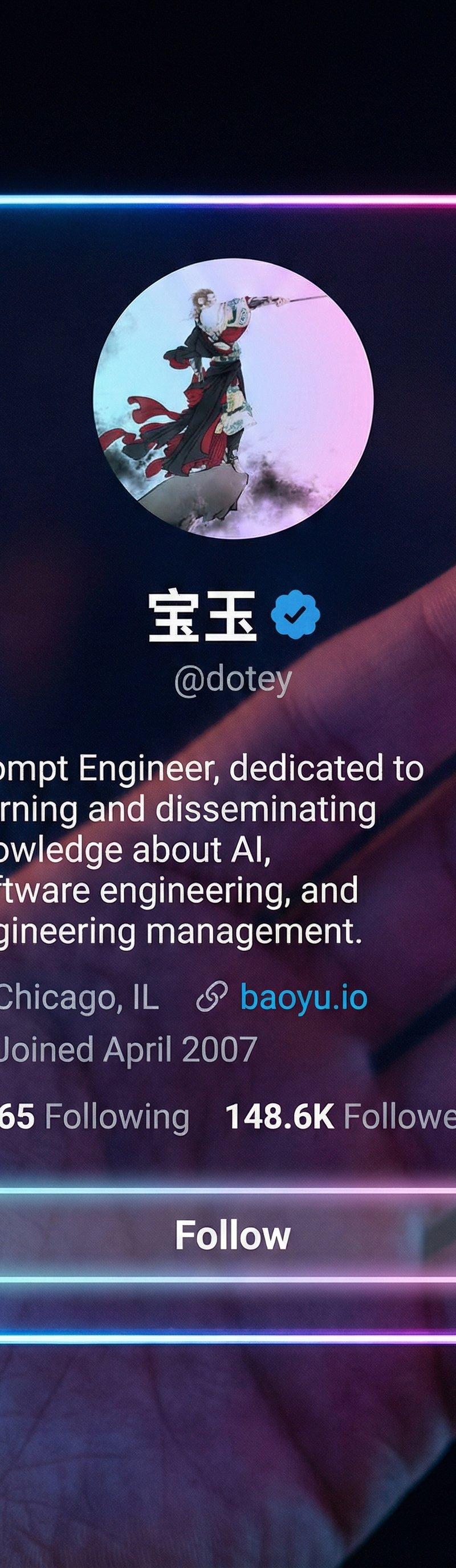
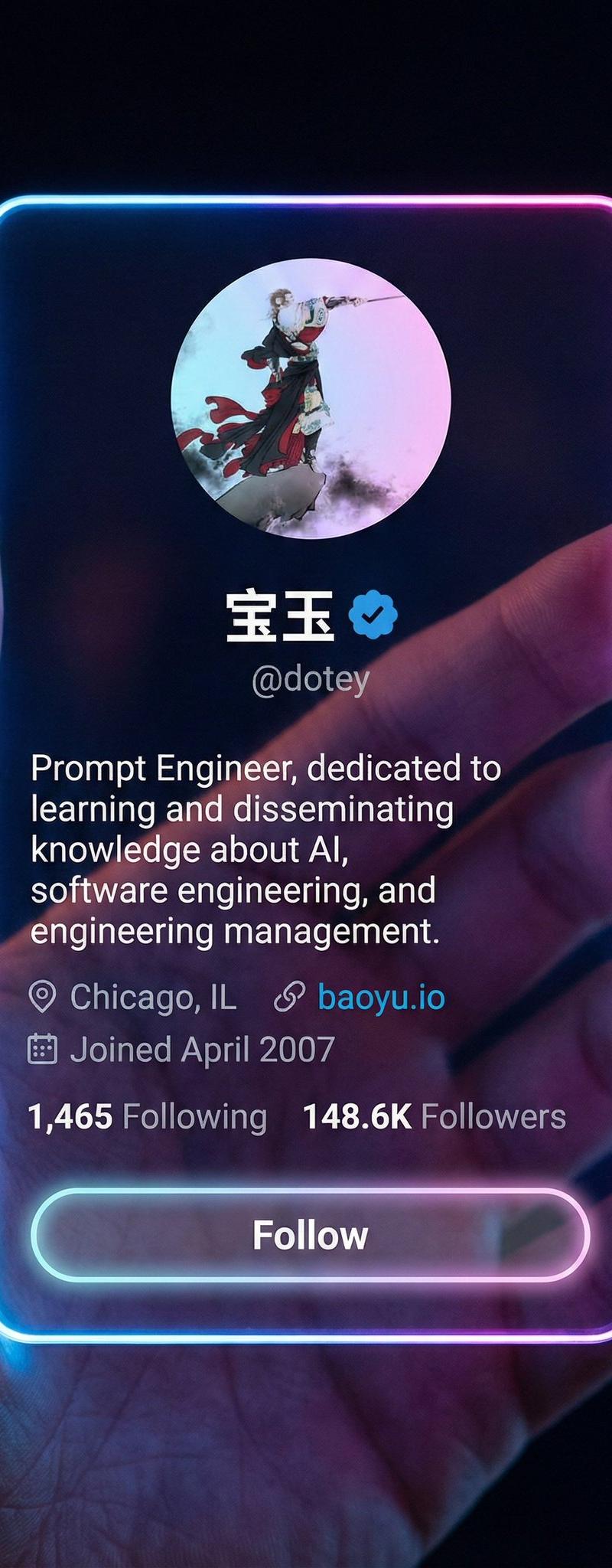
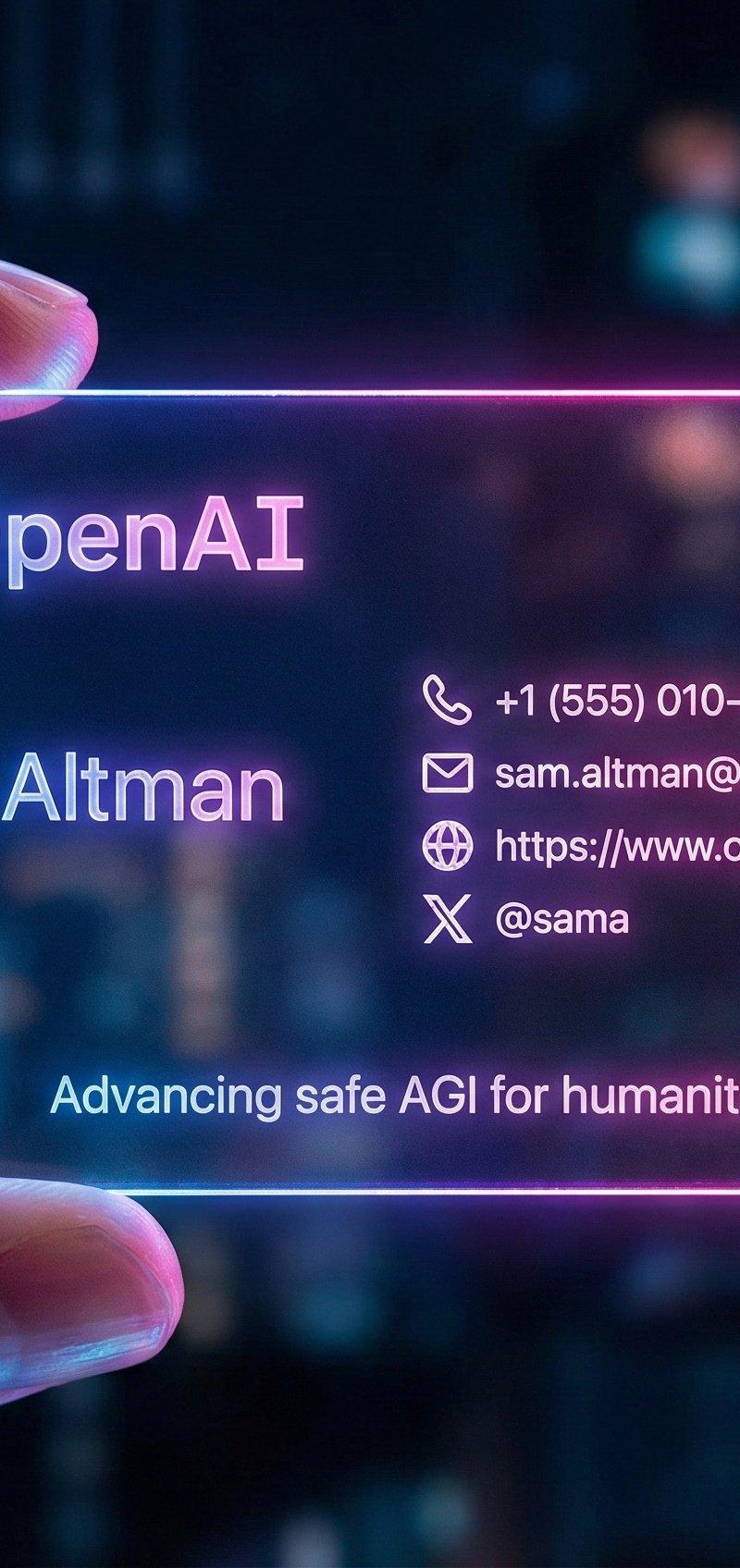
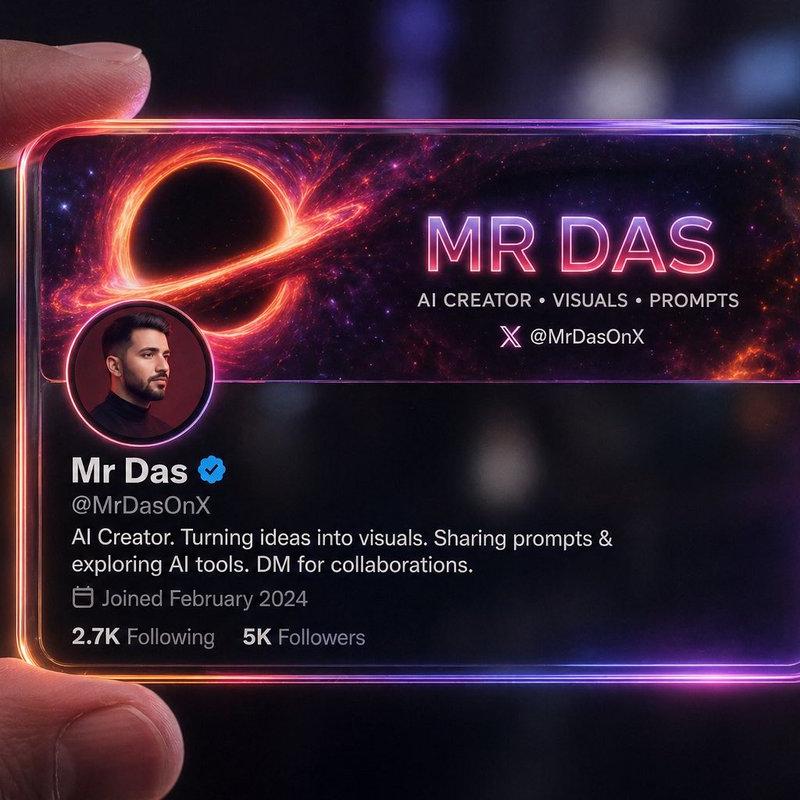
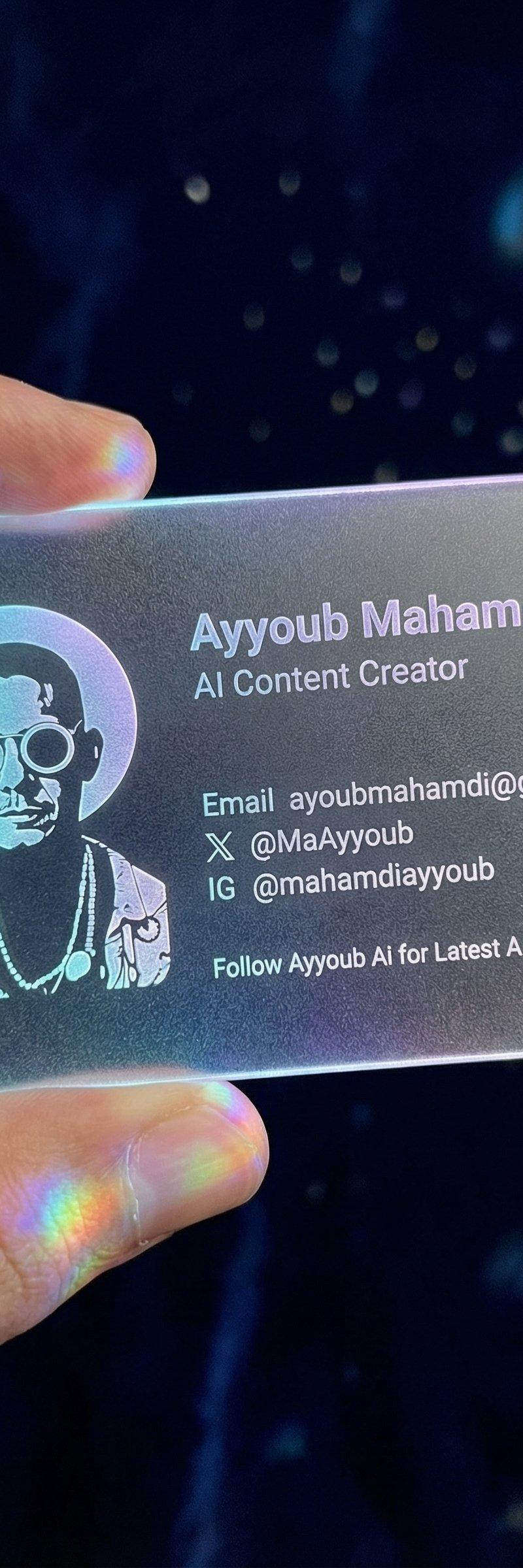
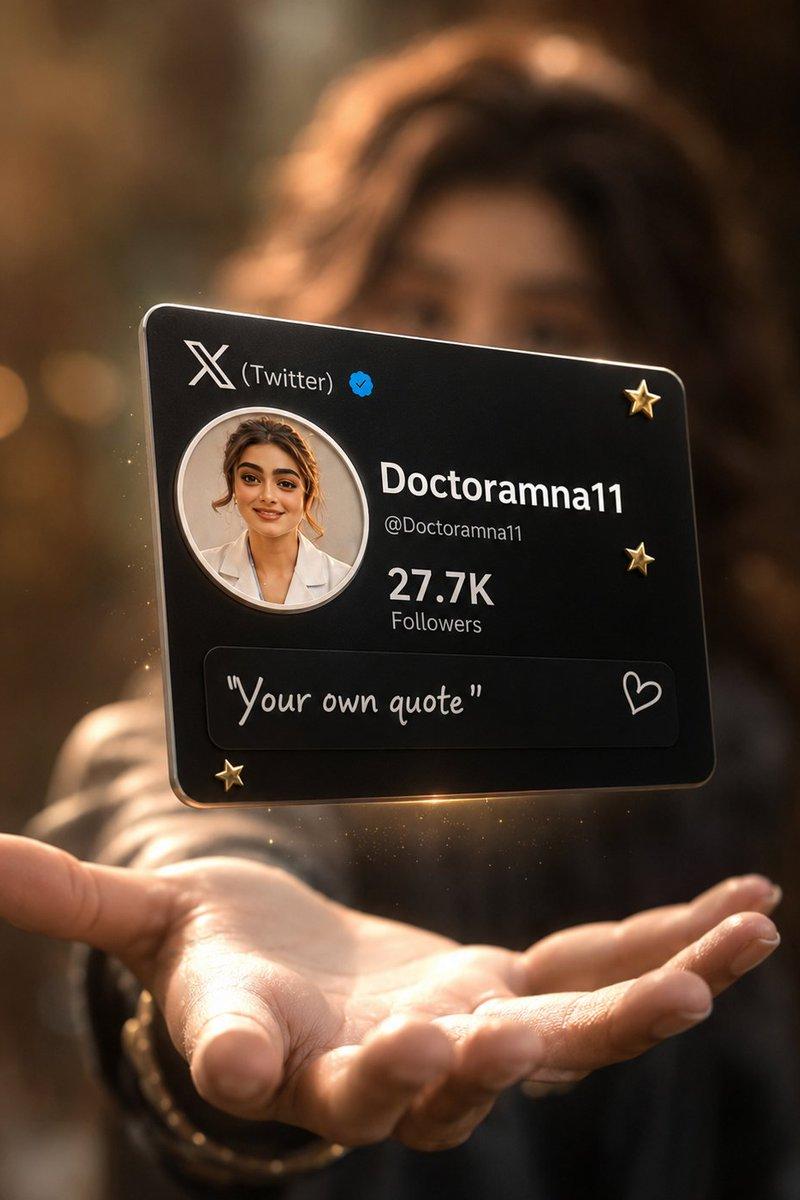
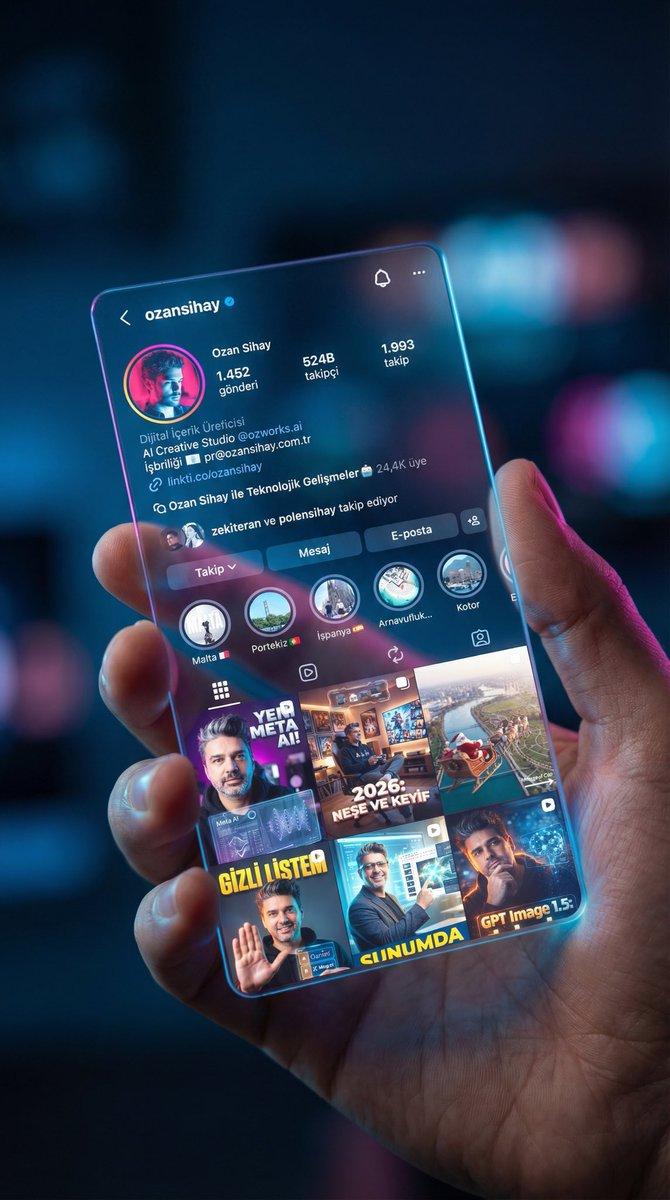
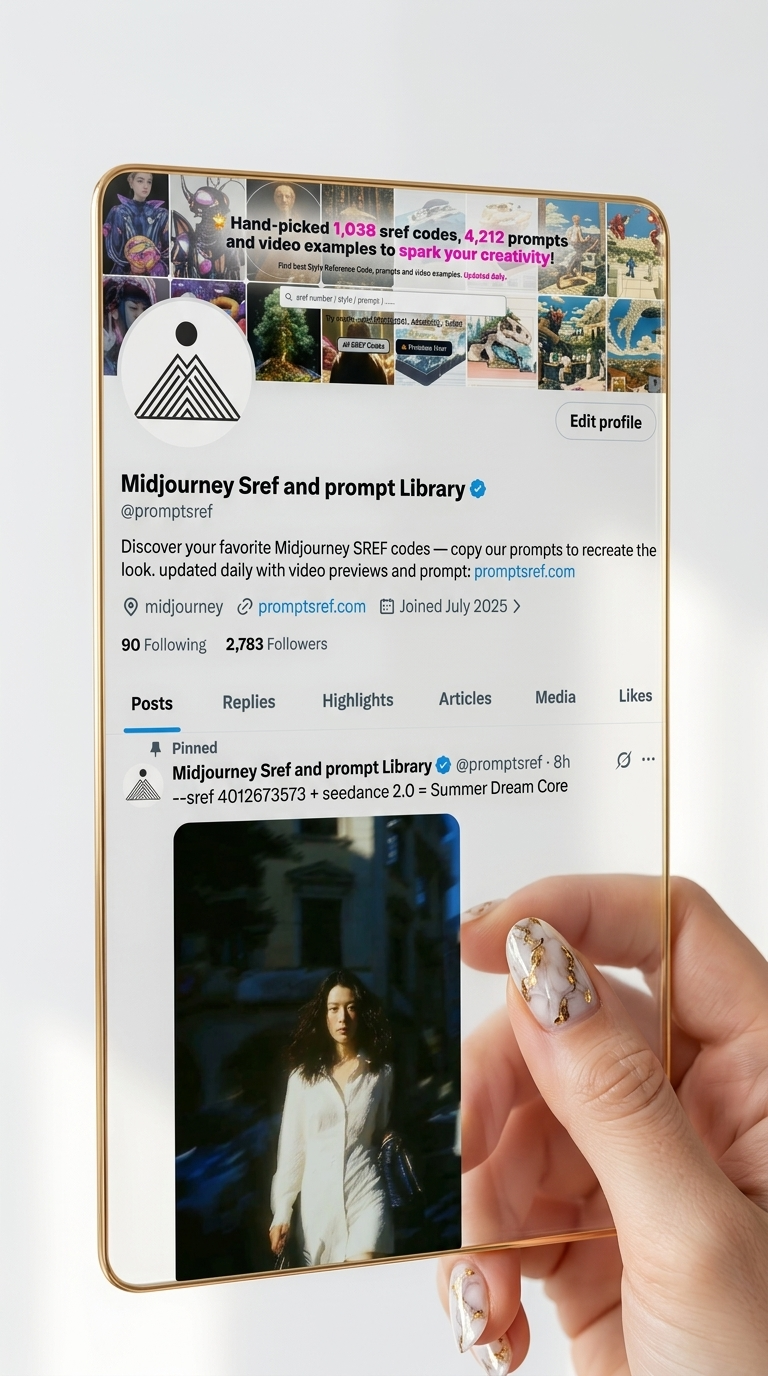
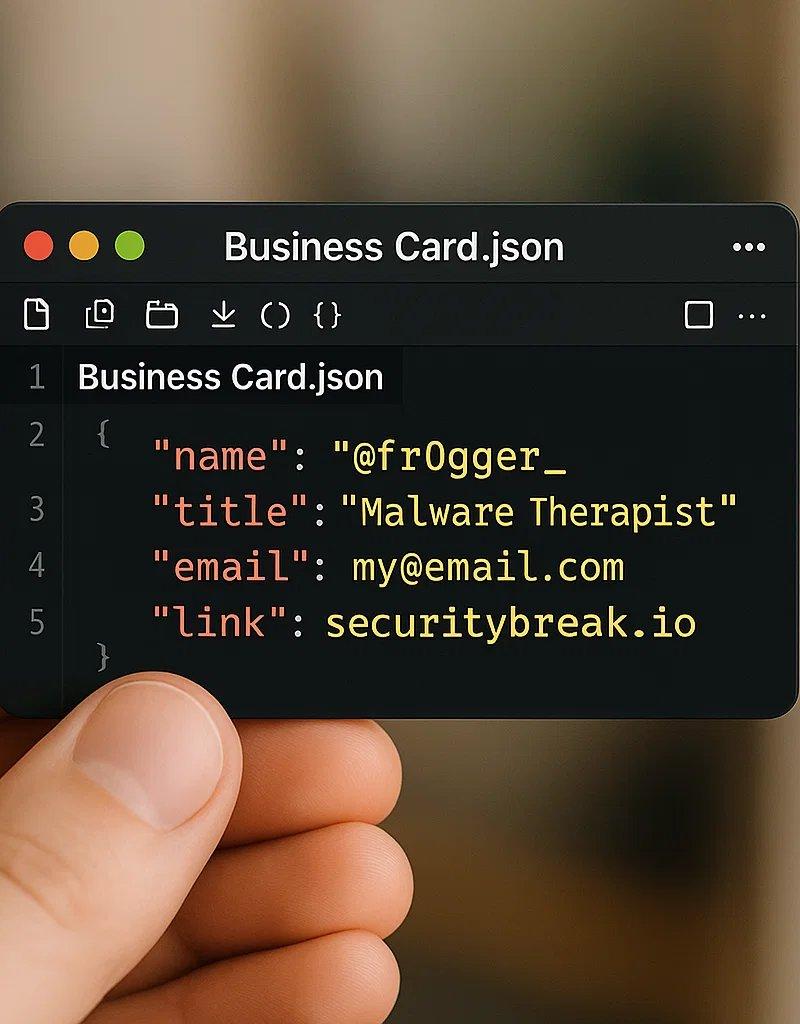
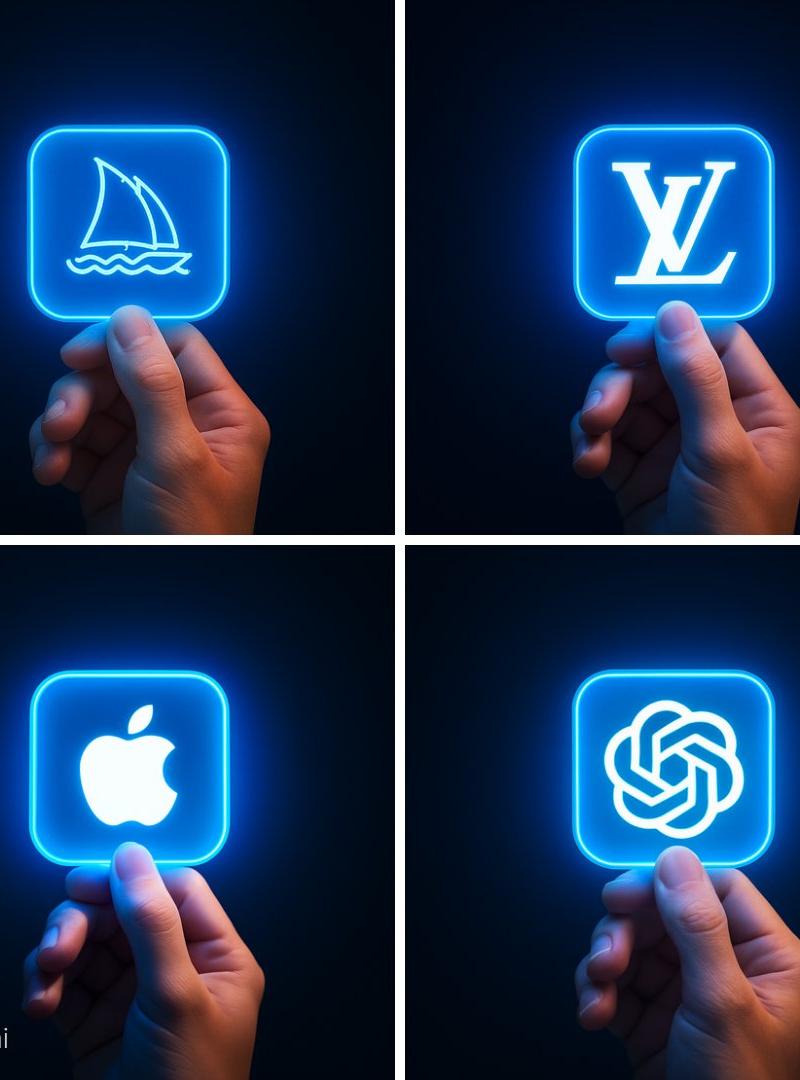
Step 1: Take a screenshot of your Twitter profile.\nStep 2: Open ChatGPT\nStep 3: Paste your screenshot and this prompt below\n\nCreate a hyper-realistic 3D render of a transparent twitter profile card, designed like a futuristic glass ID badge held gently between two fingers. The card should be rectangular with rounded corners, made of clear glossy glass or acrylic, with glowing neon edges in pink, purple, and orange gradient inspired by the twitter color palette. Display the following profile information on the card using modern, minimal sans-serif typography.
第1步:截取您的 Twitter 个人资料屏幕截图。\n第2步:打开 ChatGPT\n第3步:粘贴您的屏幕截图和以下提示\n\n制作一张超逼真的透明推特个人资料卡的3D渲染图,设计灵感源自未来主义的玻璃身份识别卡,可轻柔地夹在两指之间。卡片应为圆角矩形,材质为透明光面玻璃或亚克力,边缘带有粉色、紫色和橙色渐变的霓虹灯效果,灵感来自推特的配色方案。使用现代简约的无衬线字体在卡片上展示以下个人资料信息。
Category
Illustration & Art
Model
Unknown
Creator
shiri_shh
Source language
zh-CN
Views0
Source ID
create-3d-twitter-profile-card
Studio

Guide

About "创建3D推特个人资料卡片"

What is this prompt for?

"创建3D推特个人资料卡片" AI image prompt for Unknown (Illustration & Art). Step 1: Take a screenshot of your Twitter profile.\nStep 2: Open ChatGPT\nStep 3: Paste your s…

The full copyable prompt and example visuals above are ready for AI image generation or one-click recreate in Picva.

How to use this prompt

  1. Step 1

    Open the prompt detail

    Review the example visuals, category, and full prompt text for "创建3D推特个人资料卡片".

  2. Step 2

    Copy the prompt

    Copy the prompt body from this page, or load it directly in Studio.

  3. Step 3

    Pick a model (Unknown)

    Prefer Unknown. If you switch models, keep subject and composition and tweak style terms.

  4. Step 4

    Generate and export

    Recreate the look in Picva, or export into your workflow for editing and publishing.

FAQ

What is the "创建3D推特个人资料卡片" prompt?
It is an AI image-generation prompt for Unknown in the Illustration & Art category. This page includes the full prompt text, example visuals, and a one-click recreate path in Picva.
How do I use this prompt to generate an image?
Copy the prompt from this page, or use Generate / Studio. Paste it into a compatible image model, or recreate the look in Picva with optional reference images.
Which model is this prompt for?
This page lists Unknown. Most descriptive prompts also transfer to nearby image models such as GPT Image, Flux, or Midjourney with light style tweaks.
Can I use the result commercially?
You can usually copy the prompt for creation, but commercial use of the final image depends on the model terms, reference-image rights, and the generated content. Follow the source author and platform rules.