20

使用Nano Banana制作电影海报与地铁站地下风景
Enlarge

使用Nano Banana制作电影海报与地铁站地下风景

Prompt
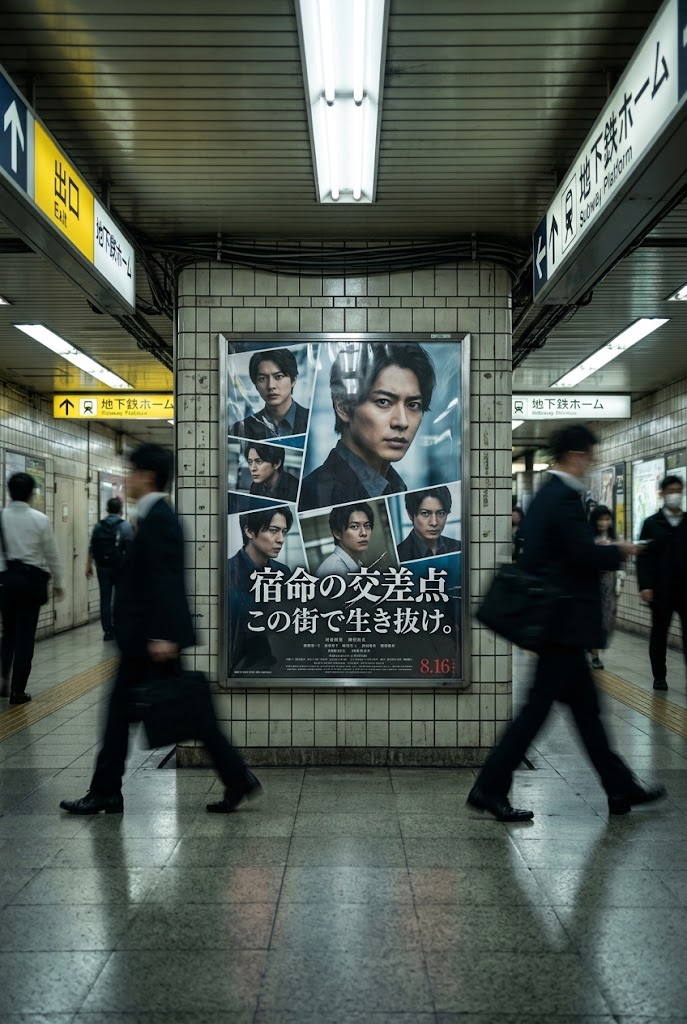
Nano Banana🍌で「映画のポスター+駅地下の風景」を作るためのプロンプトです🎞️🚇
1枚目、2枚目:元画像+Nano Banana+プロンプトで作成した画像
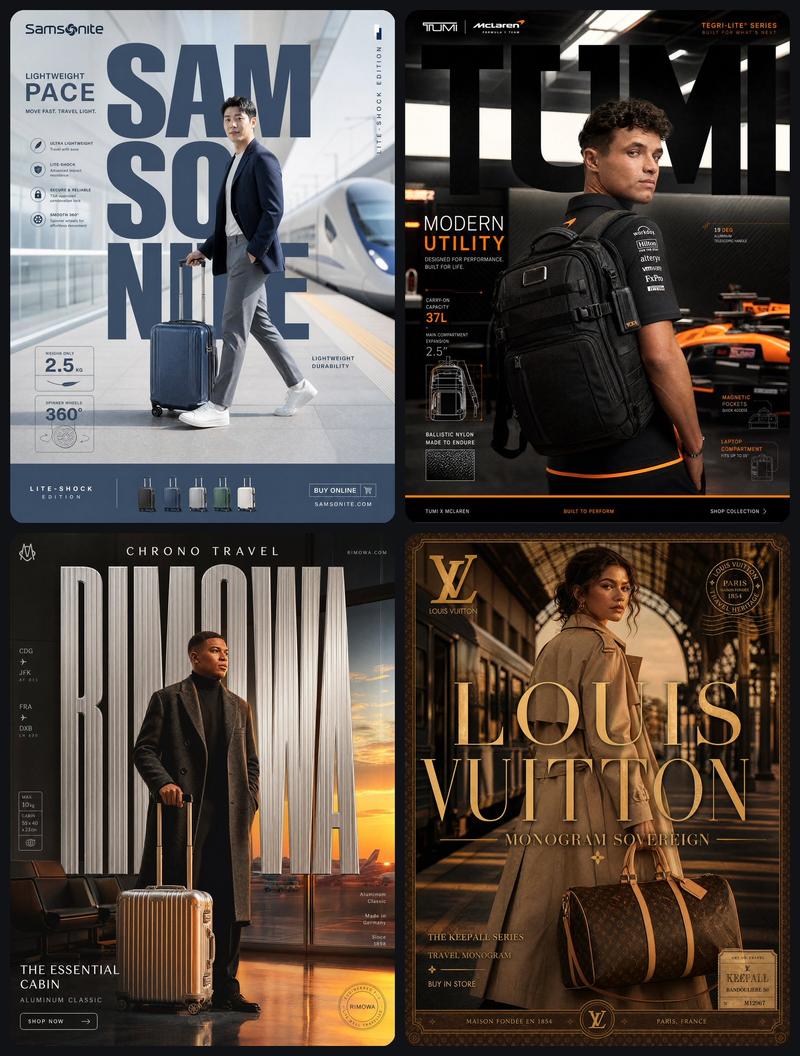
3枚目、4枚目:元画像
※元画像はアニメ系、実写系、どちらでも使えます。
※Nano Banana(Gemini 2.5 Flash Image)は「Google AI Studio」等で無料で使えます。
以下、使用したプロンプトです。プロンプトはご自由にお使い下さい💫
Create a movie poster using the original image. The genre of the movie will be determined based on the atmosphere of the original image.
Regardless of whether the original image is anime or live-action, the style and character design of the original image will be maintained as perfectly as possible. However, poses and expressions may be changed to match the poster design. Other people and objects may also be added at this time.
The final generated image will be photorealistic. This does not apply to the poster design, as it will be based on the original image.
The scenery of the underground passage of a Japanese station where the poster is posted will be recreated in a realistic image. People passing through the underground passage will be added.
The reflection of the poster is angled to make it look more realistic.
Category
Photography & Realism
Model
Nano Banana
Creator
Kei🍤衣装本舗
Source language
zh-CN
Views0
Source ID
create-movie-poster-and-station-underground-scene-with-nano-banana
Studio

Guide

About "使用Nano Banana制作电影海报与地铁站地下风景"

What is this prompt for?

"使用Nano Banana制作电影海报与地铁站地下风景" AI image prompt for Nano Banana (Photography & Realism). Nano Banana🍌で「映画のポスター+駅地下の風景」を作るためのプロンプトです🎞️🚇 1枚目、2枚目:元画像+Nano Banana…

The full copyable prompt and example visuals above are ready for AI image generation or one-click recreate in Picva.

How to use this prompt

  1. Step 1

    Open the prompt detail

    Review the example visuals, category, and full prompt text for "使用Nano Banana制作电影海报与地铁站地下风景".

  2. Step 2

    Copy the prompt

    Copy the prompt body from this page, or load it directly in Studio.

  3. Step 3

    Pick a model (Nano Banana)

    Prefer Nano Banana. If you switch models, keep subject and composition and tweak style terms.

  4. Step 4

    Generate and export

    Recreate the look in Picva, or export into your workflow for editing and publishing.

FAQ

What is the "使用Nano Banana制作电影海报与地铁站地下风景" prompt?
It is an AI image-generation prompt for Nano Banana in the Photography & Realism category. This page includes the full prompt text, example visuals, and a one-click recreate path in Picva.
How do I use this prompt to generate an image?
Copy the prompt from this page, or use Generate / Studio. Paste it into a compatible image model, or recreate the look in Picva with optional reference images.
Which model is this prompt for?
This page lists Nano Banana. Most descriptive prompts also transfer to nearby image models such as GPT Image, Flux, or Midjourney with light style tweaks.
Can I use the result commercially?
You can usually copy the prompt for creation, but commercial use of the final image depends on the model terms, reference-image rights, and the generated content. Follow the source author and platform rules.