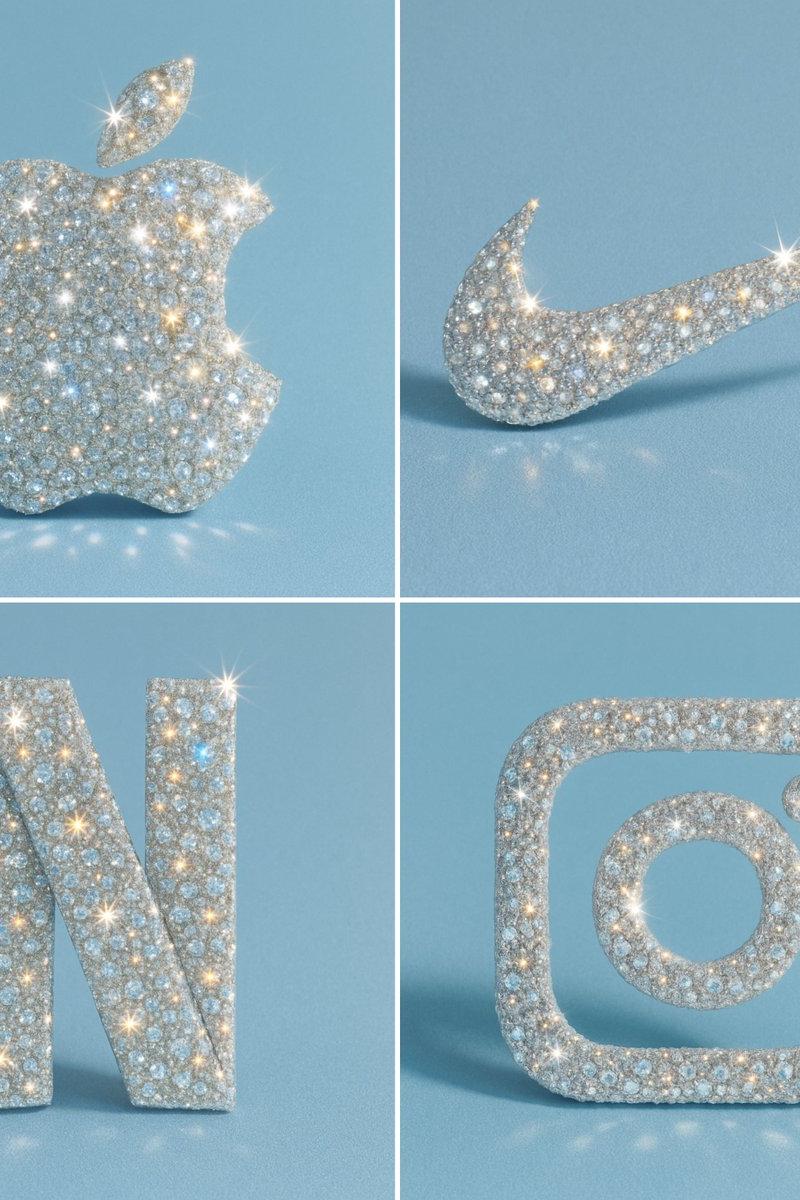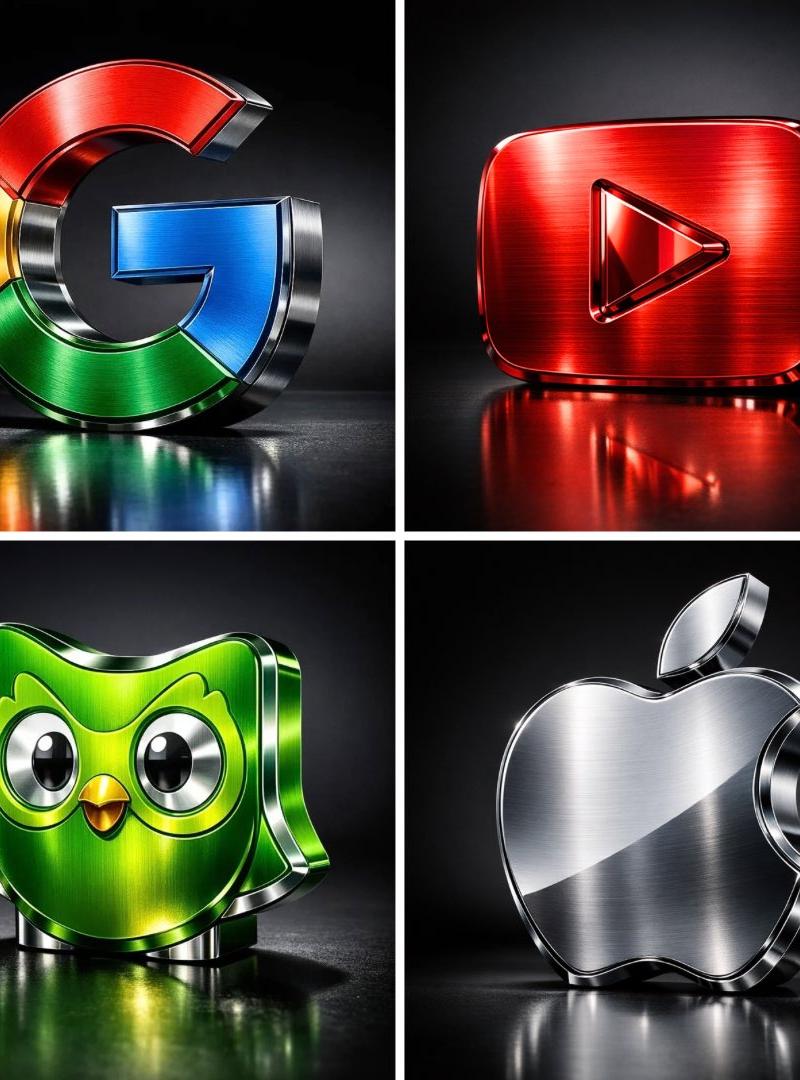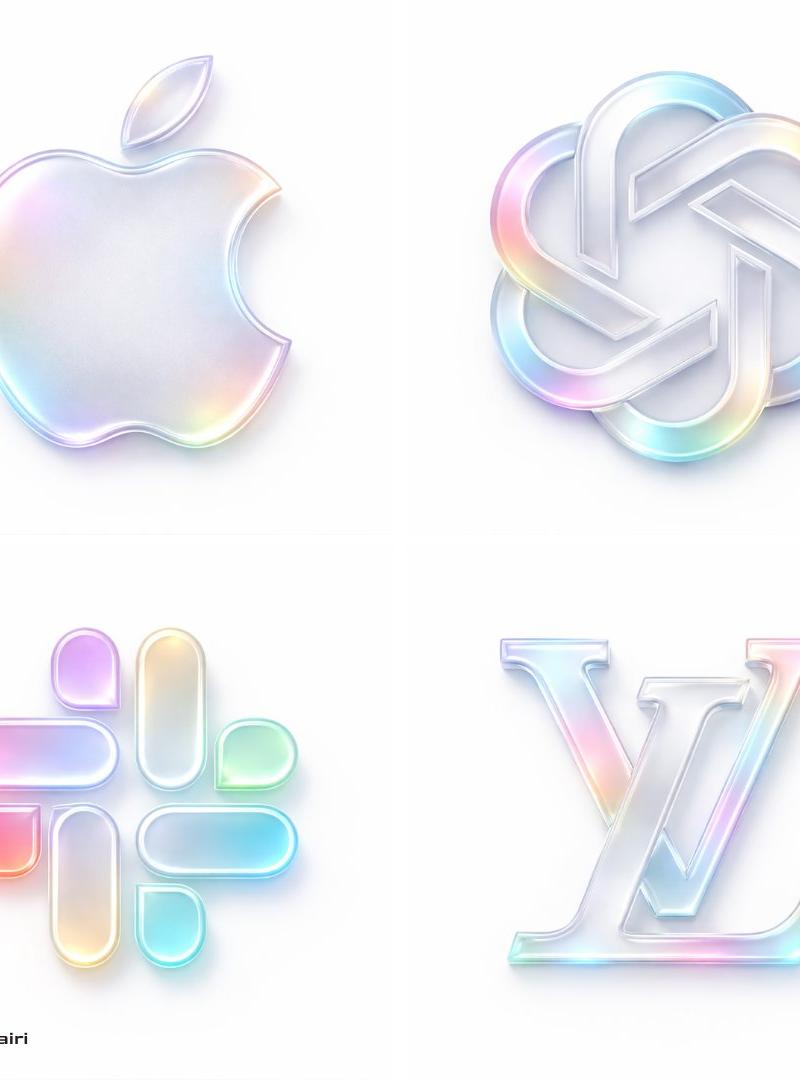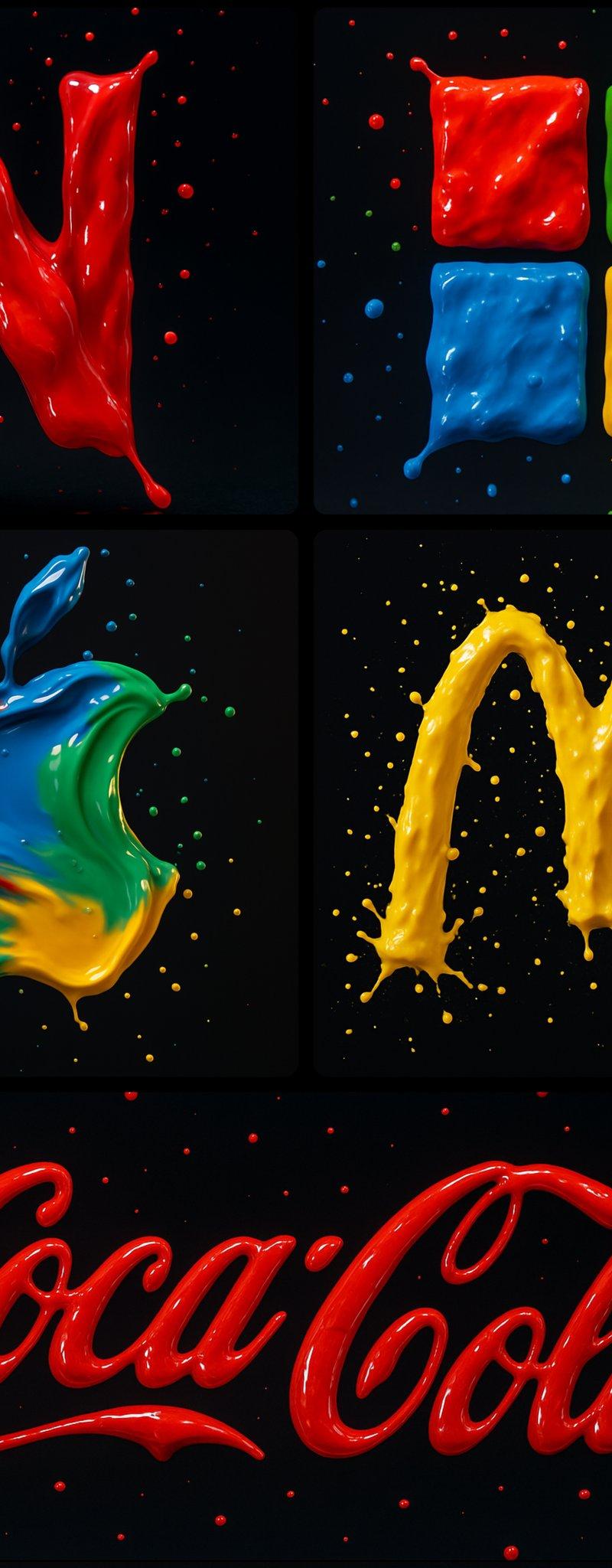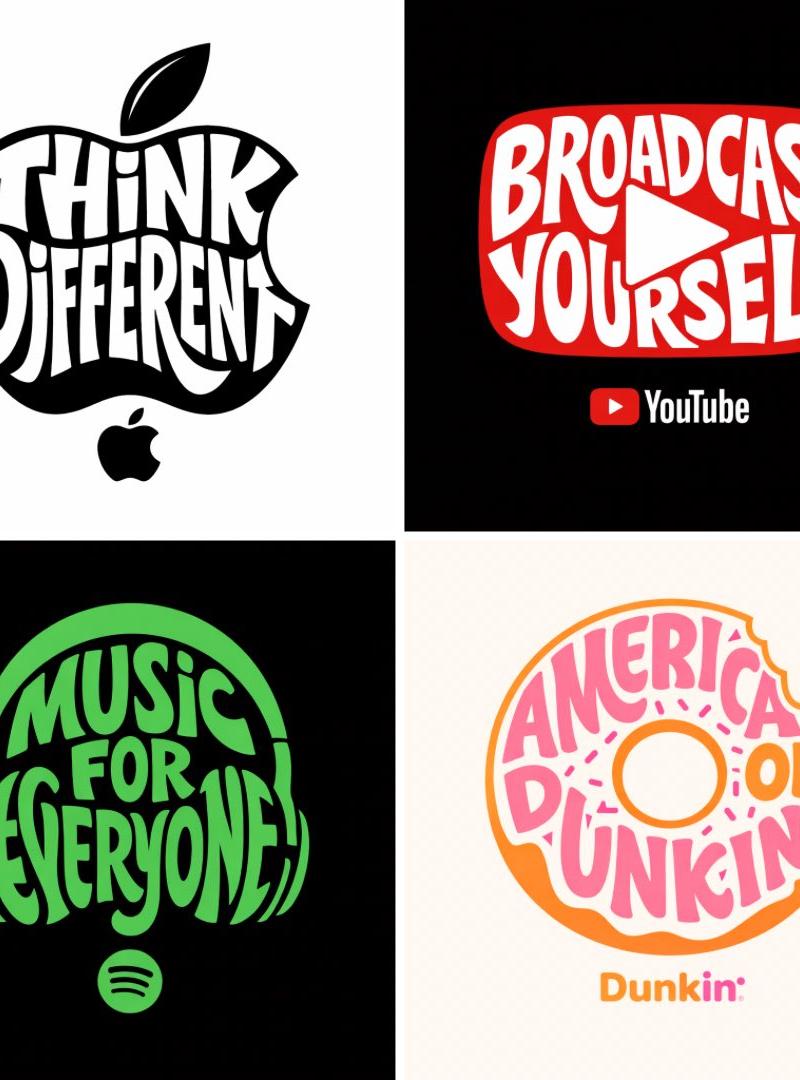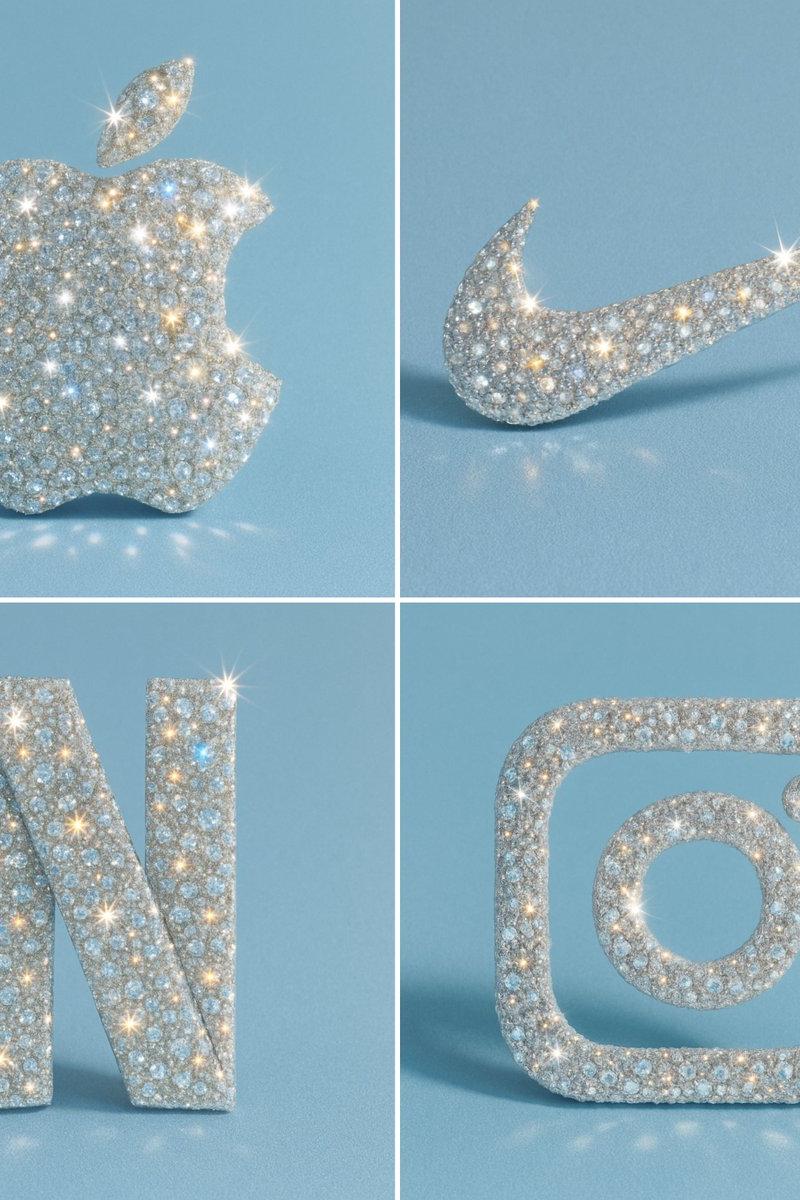
钻石镶嵌风格
Prompt
Recreate this image using the parameters of the JSON provided.\n{\n "style_name": "Diamond-Encrusted Glamour",\n "description": "Applies a hyper-realistic diamond-encrusted style to any object, logo, or shape. The surface of the subject is entirely covered with sparkling gemstones that reflect light with intense brilliance, creating a luxurious, eye-catching, and surreal look.",\n "surface_texture": {\n "material": "diamond-crystal",\n "coating": "fully encrusted with multi-faceted diamonds",\n "sparkle_intensity": "maximum",\n "reflection_type": "specular and highly refractive",\n "detail_density": "ultra-fine, micro-gem coverage with no gaps",\n "light_refraction": "strong rainbow dispersion through facets"\n },\n "lighting": {\n "light_source": "hard directional light",\n "highlight_effects": "lens flares, sparkle flares on gem edges",\n "shadow_type": "soft-edged, low-opacity shadows for contrast",\n "specularity": "very high",\n "reflection_sources": "ambient and direct highlights across the gem facets"\n },\n "background": {\n "type": "minimalist solid color",\n "color": "#B0C4DE",\n "texture": "smooth matte",\n "contrast_with_subject": "high contrast to enhance sparkle",\n "depth": "subtle shadow under the object for floating effect"\n },\n "color_palette": {\n "primary": "transparent white (diamond base)",\n "secondary": "prismatic reflections (rainbow light dispersion)",\n "accent": "metallic shimmer on edges (optional: gold or silver undertones)"\n },\n "camera": {\n "angle": "slight top-down perspective",\n "depth_of_field": "shallow (sharp focus on object, blurred background)",\n "lens_effects": ["macro focus", "sparkle highlights", "light bloom"]\n },\n "style_keywords": [\n "glamorous",\n "luxury",\n "crystal-covered",\n "bling",\n "hyper-detailed",\n "sparkling",\n "futuristic",\n "eye-catching",\n "surreal realism",\n "fashion-inspired"\n ],\n "applicability": {\n "usable_on": ["logos", "icons", "food items", "everyday objects", "fashion accessories", "typography"],\n "visual_requirements": ["well-defined silhouette", "clean shapes for gem placement"],\n "scalability": "best results on medium to large subjects for detailed sparkle"\n }\n}
使用提供的 JSON 参数重新创建此图像。\n\n{\n"style_name": "钻石镶嵌奢华风格",\n "description": "将超逼真的钻石镶嵌风格应用于任何物体、标志或形状。主体的表面完全覆盖着闪闪发光的宝石,这些宝石以强烈的亮度反射光线,营造出奢华、引人注目和超现实的效果。",\n "surface_texture": {\n "material": "钻石水晶",\n"涂层": "完全镶嵌有多面钻石",\n"闪耀强度": "最大",\n"反射类型": "镜面和高折射率",\n"细节密度": "超精细,微宝石覆盖,无间隙"\n"light_refraction": "通过切面产生强烈的彩虹色散"\n },\n "lighting": {\n "light_source": "硬直射光源",\n"高光效果": "镜头眩光,宝石边缘的闪光眩光",\n "阴影类型": "柔和边缘,低不透明度的阴影以形成对比",\n "光泽度": "非常高",\n "反射源": "宝石切面的环境光和直接高光"\n },\n"background": {\n "type": "极简纯色",\n "color": " #B0C4DE ",\n"纹理": "光滑磨砂质感",\n"与主体对比度": "高对比度以增强闪耀效果",\n"深度": "物体下方微妙阴影以产生悬浮效果"\n },\n"color_palette": {\n "primary": "透明白色(钻石基底)",\n "secondary": "棱镜反射(彩虹光散)",\n "accent": "边缘金属光泽(可选:金色或银色底色)"\n },\n"camera": {\n "angle": "略微俯视角度",\n "depth_of_field": "浅景深(物体清晰,背景模糊)",\n"镜头效果": ["微距对焦", "闪烁高光", "光晕"]\n },\n "风格关键词": [\n "迷人",\n"奢侈",\n"水晶覆盖的",\n"闪亮",\n"超精细的",\n"闪闪发光的",\n"未来感的",\n"引人注目的",\n"超现实现实主义",\n"受时尚启发的"\n ],\n "适用性": {\n "可用于": ["标志", "图标", "食品项目", "日常用品", "时尚配饰", "字体"],\n"视觉要求": ["轮廓清晰", "宝石放置的形状干净"],\n "可扩展性": "在中等至大型对象上获得最佳效果,以展现细节闪烁"\n }\n}- Category
- Photography & Realism
- Model
- Unknown
- Creator
- alban_gz
- Source language
- zh-CN
- Source ID
- diamond-inlay-style
Views0