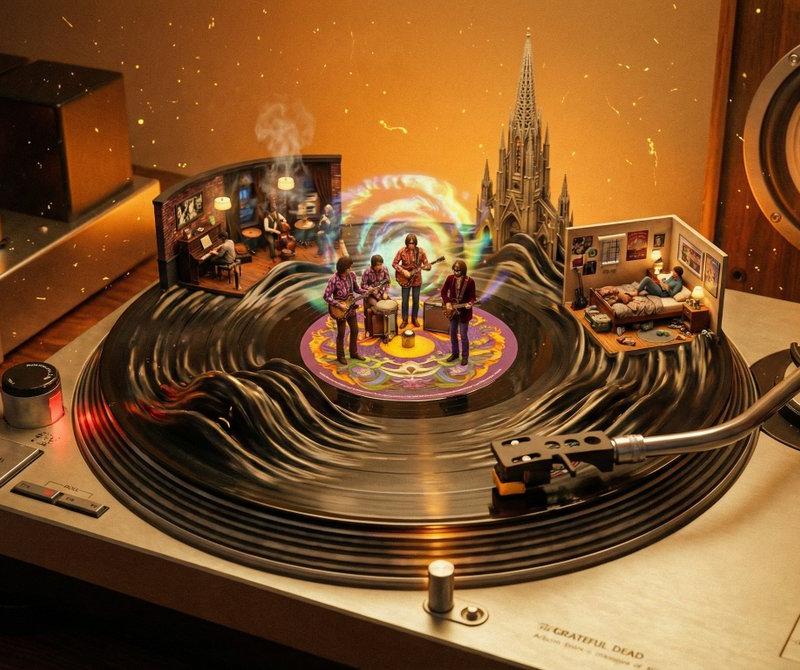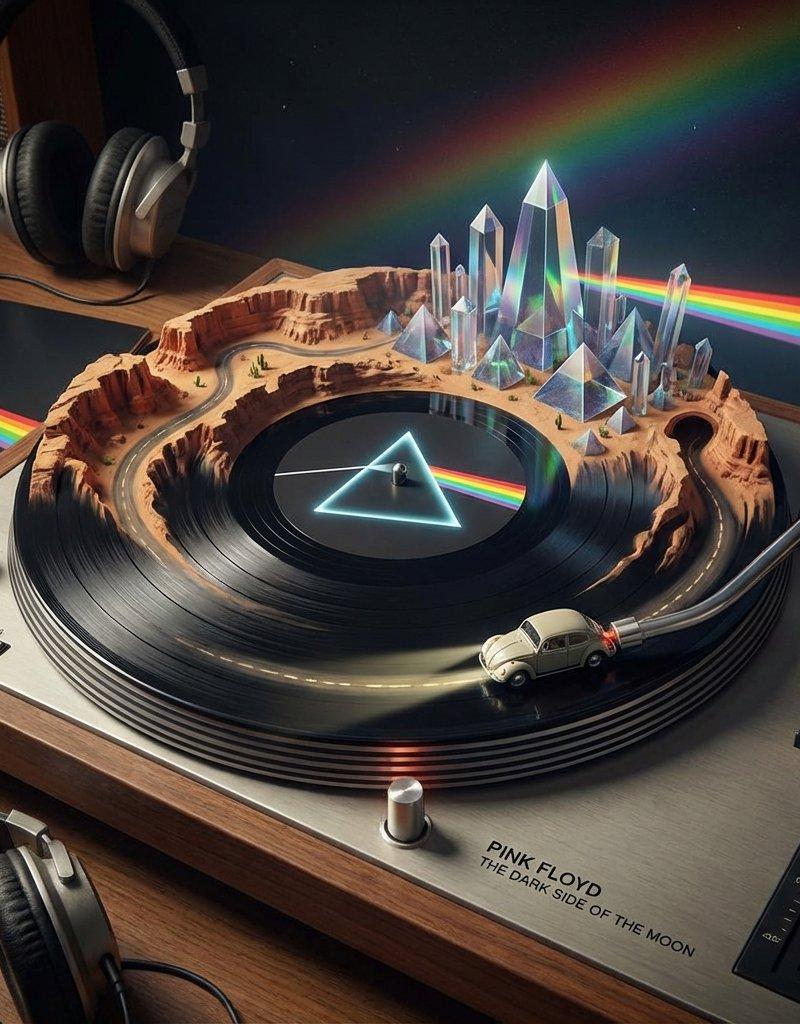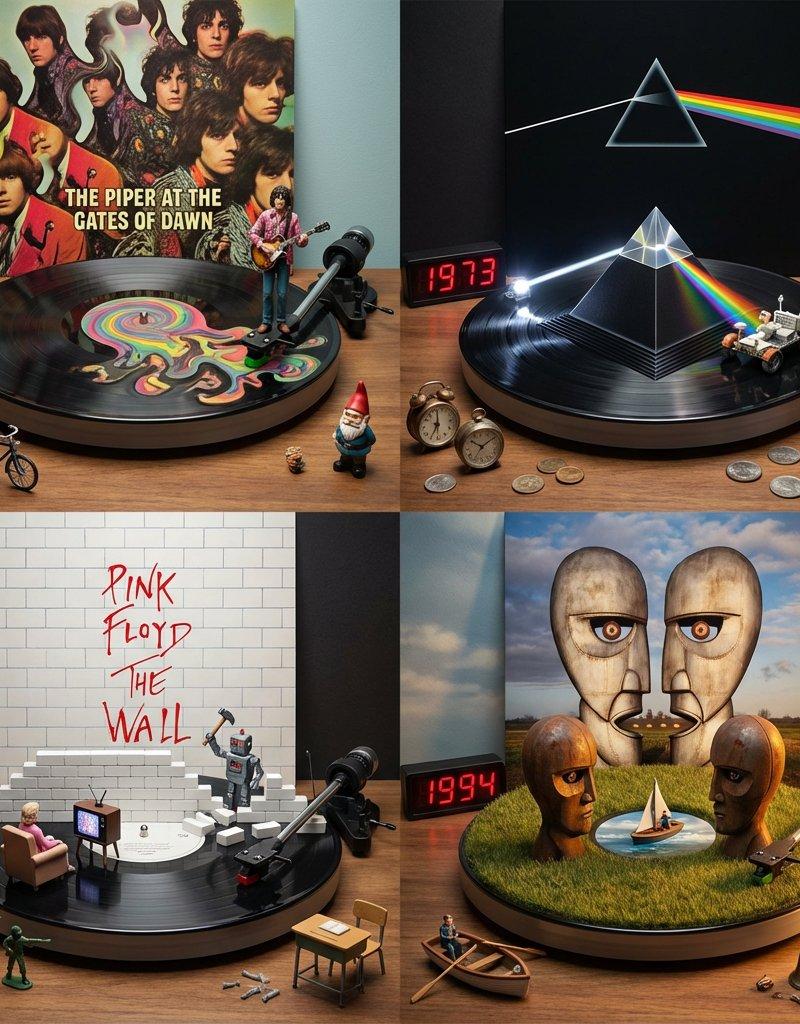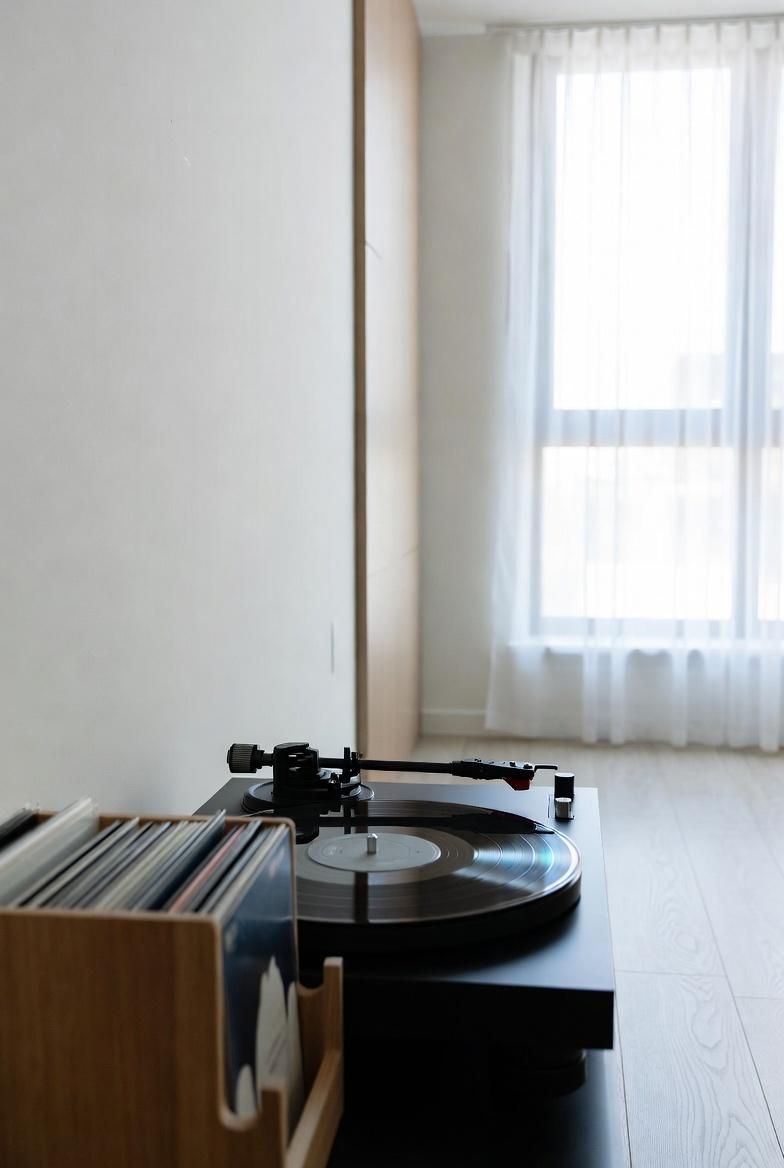
Gemini 3.0 | Nano Banana Pro 图像生成提示分析
Prompt
Gemini 3.0 | Nano Banana Pro
- Platform: @eachlabs
{
"image_generation_prompts": [
{
"id": 1,
"title": "Air Jordan 1 \'Chicago\' High-Top Assembly",
"subject": {
"main_element": "Giant Nike Air Jordan 1 High Sneaker (Chicago colorway)",
"orientation": "Standing upright",
"details": [
"Premium red and white leather texture",
"Black Nike Swoosh logo",
"Thick laces resembling heavy ropes"
]
},
"environment": {
"setting": "Concrete urban floor",
"elements": [
"Cranes hoisting the shoelaces",
"Scaffolding around the ankle collar",
"Miniature workers in streetwear safety gear"
]
},
"action": [
"Stitching the leather swoosh",
"Polishing the white rubber midsole",
"Threading the giant laces through eyelets",
"Painting the \'Air Jordan\' wings logo."
],
"style": {
"camera_view": "Low-angle macro",
"technique": "Tilt-shift hypebeast photography",
"focus": "Sharp focus on the leather grain",
"atmosphere": "Cool, urban, and stylish"
},
"parameters": {
"aspect_ratio": "--ar 3:4",
"reference_constraint": "Style must match the miniature macro photography reference"
}
},
{
"id": 2,
"title": "Glazed Donut Glazing Operation",
"subject": {
"main_element": "Giant fluffy Ring Donut",
"orientation": "Lying flat",
"details": [
"Golden-brown fried dough texture",
"Thick, wet, dripping sugar glaze",
"Steam rising from the fresh dough."
]
},
"environment": {
"setting": "Pastel pink bakery counter",
"elements": [
"Trucks carrying liquid sugar",
"Workers with mops spreading the glaze",
"Ladders leaning against the donut sides"
]
},
"action": [
"Pouring glaze from overhead pipes",
"Smoothing the sugar coating",
"Installing giant rainbow sprinkles like pillars",
"Inspecting the dough porosity."
],
"style": {
"camera_view": "Overhead tilt-shift",
"technique": "Food photography macro",
"lighting": "Soft, bright, appetizing window light",
"theme": "Satisfying and sweet"
},
"parameters": {
"aspect_ratio": "--ar 3:4",
"reference_constraint": "Style must match the miniature macro photography reference"
}
},
{
"id": 3,
"title": "Mechanical Keyboard Switch Lube Station",
"subject": {
"main_element": "Giant Mechanical Keyboard Switch (Transparent Housing)",
"orientation": "Exploded view (stem raised)",
"details": [
"Gold-plated spring coils",
"Purple stem (tactile switch)",
"RGB LED glowing from beneath."
]
},
"environment": {
"setting": "Tech desk mat with geometric pattern",
"elements": [
"Barrels of lubricant",
"Tiny brushes",
"Technicians in anti-static suits",
"LED light panels"
]
},
"action": [
"Brushing lube onto the switch rails",
"Lowering the stem into the housing",
"Polishing the copper contact leaf",
"Calibrating the spring tension."
],
"style": {
"camera_view": "Side-profile macro",
"technique": "Tilt-shift tech photography",
"lighting": "Neon RGB accent lighting (Cyberpunk vibes)",
"theme": "Tech-enthusiast / ASMR visual"
},
"parameters": {
"aspect_ratio": "--ar 3:4",
"reference_constraint": "Style must match the miniature macro photography reference"
}
},
{
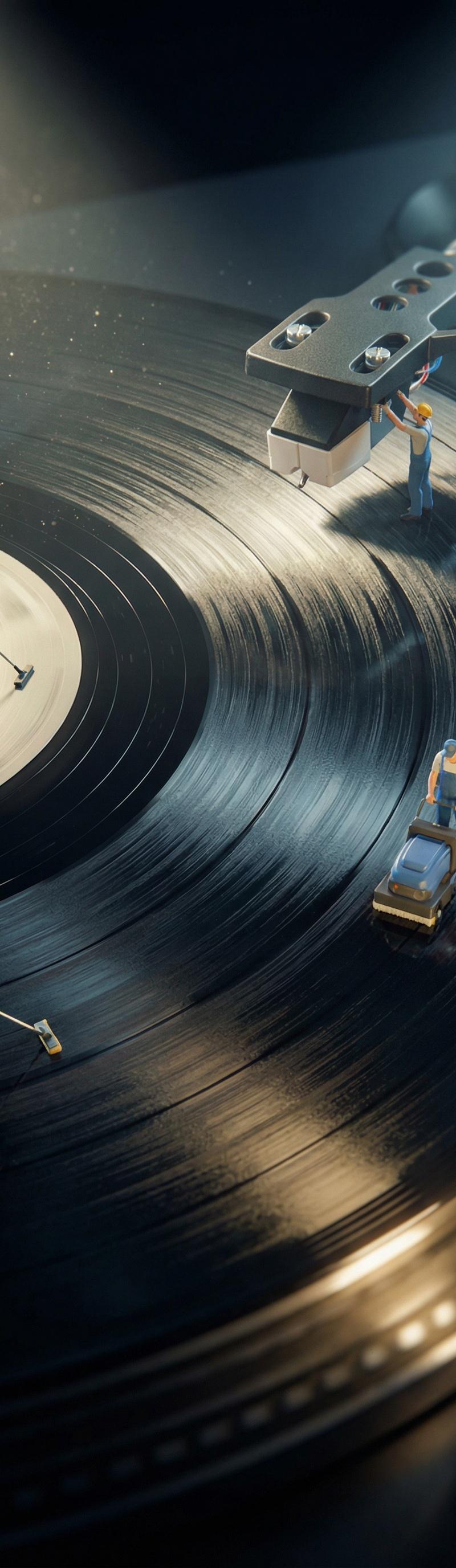
"id": 4,
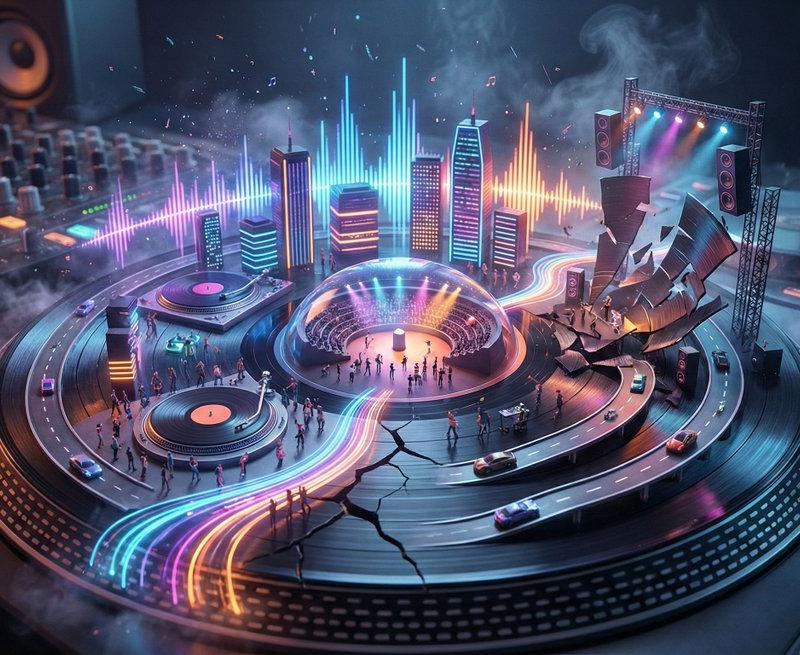
"title": "Vinyl Record Groove Deep Clean",
"subject": {
"main_element": "Giant Vinyl Record on Turntable",
"orientation": "Spinning surface",
"details": [
"Microscopic ridges of the vinyl grooves",
"Glossy black reflection",
"Giant stylus needle hovering above."
]
},
"environment": {
"setting": "Wooden Hi-Fi cabinet surface",
"elements": [
"Cleaning crews with industrial vacuums",
"Workers scrubbing the grooves like valleys",
"Spotlights illuminating the dust particles"
]
},
"action": [
"Sweeping dust from the deep grooves",
"Polishing the record label",
"Inspecting the stylus tip",
"Navigating the ridges like canyons."
],
"style": {
"camera_view": "Extreme close-up macro",
"technique": "Tilt-shift abstract photography",
"focus": "Sharp focus on the texture of grooves",
"atmosphere": "Retro audiophile aesthetic"
},
"parameters": {
"aspect_ratio": "--ar 3:4",
"reference_constraint": "Style must match the miniature macro photography reference"
}
}
]
}- Category
- Photography & Realism
- Model
- Nano Banana Pro
- Creator
- Mehdi Sharifi
- Source language
- zh-CN
- Source ID
- gemini-3-0-nano-banana-pro-image-generation-prompt-analysis
Views0