19

超现实主义电影风格的街头全景
Enlarge

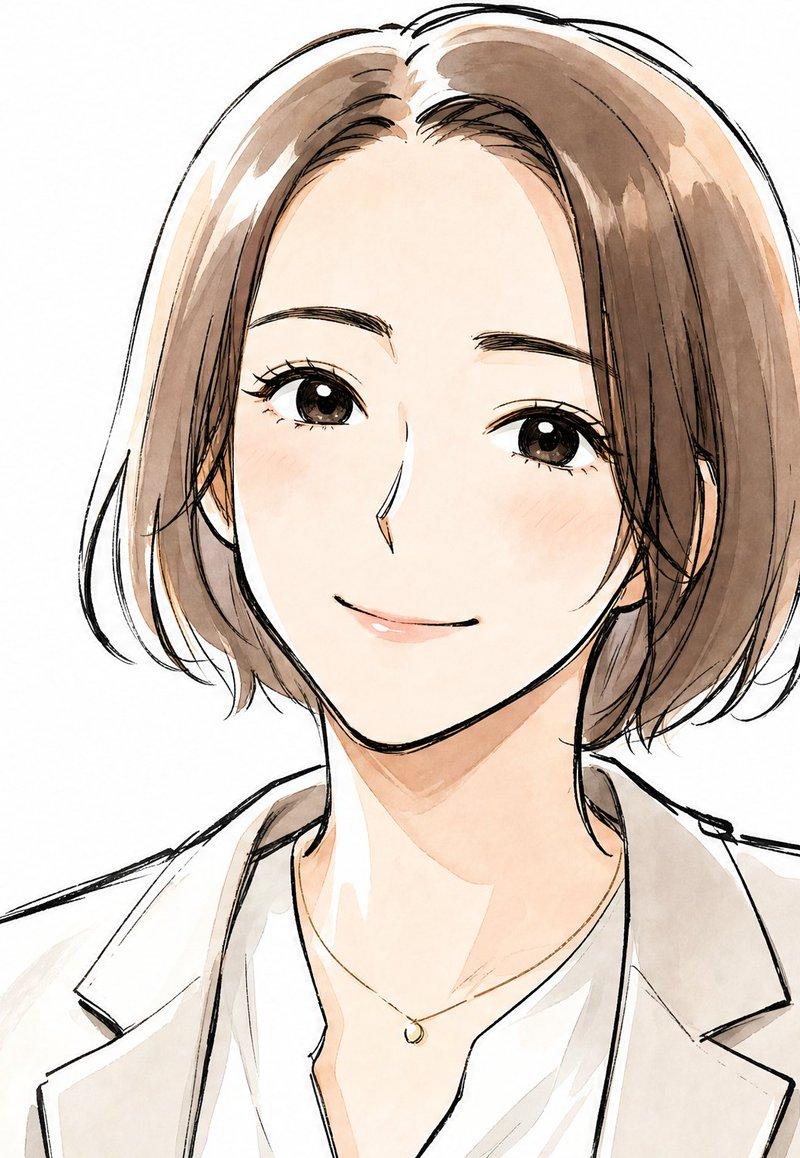
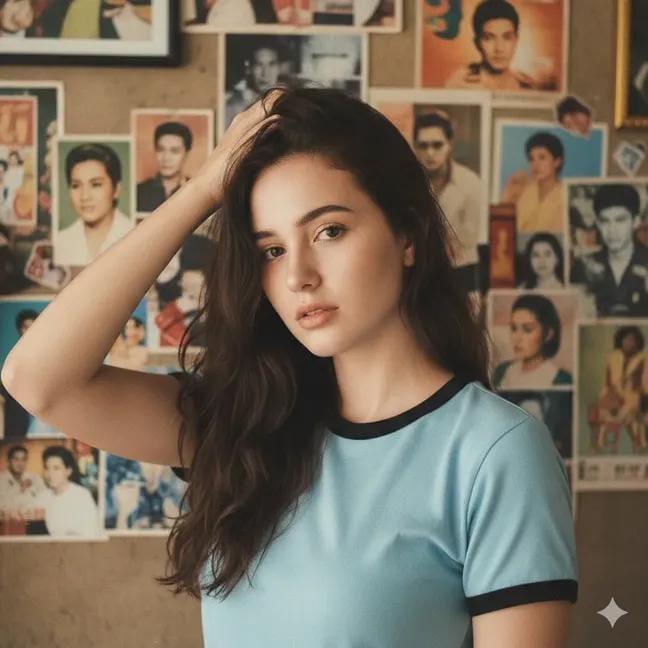
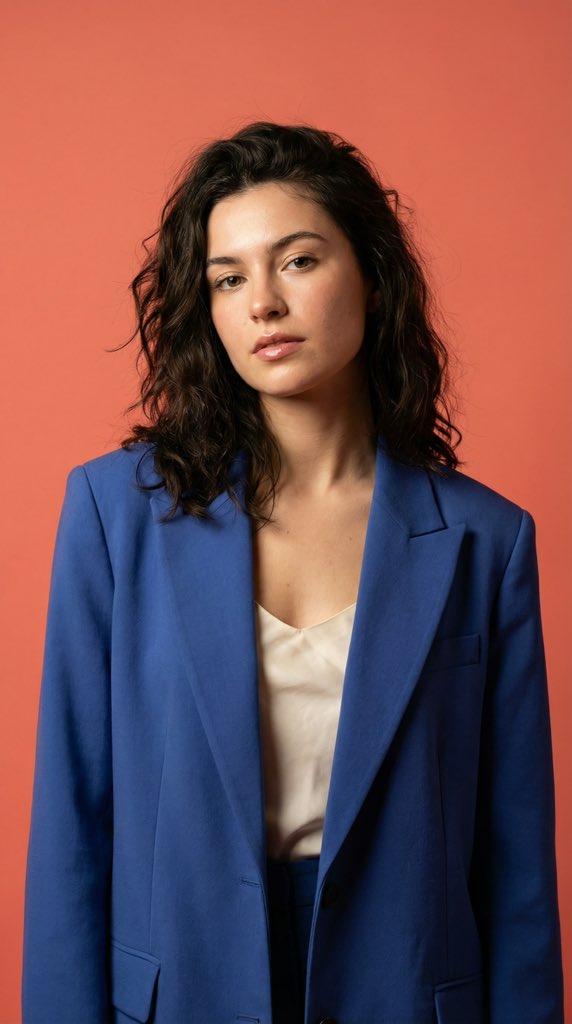
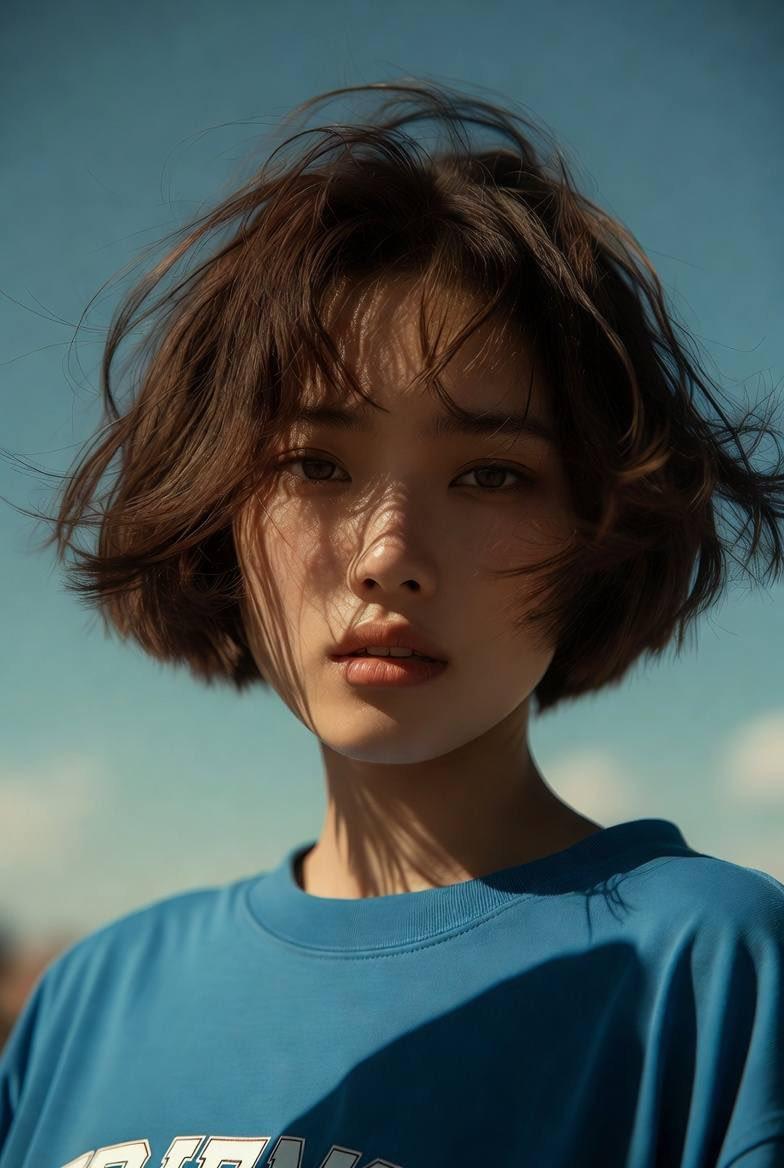
Example images

超现实主义电影风格的街头全景

Prompt
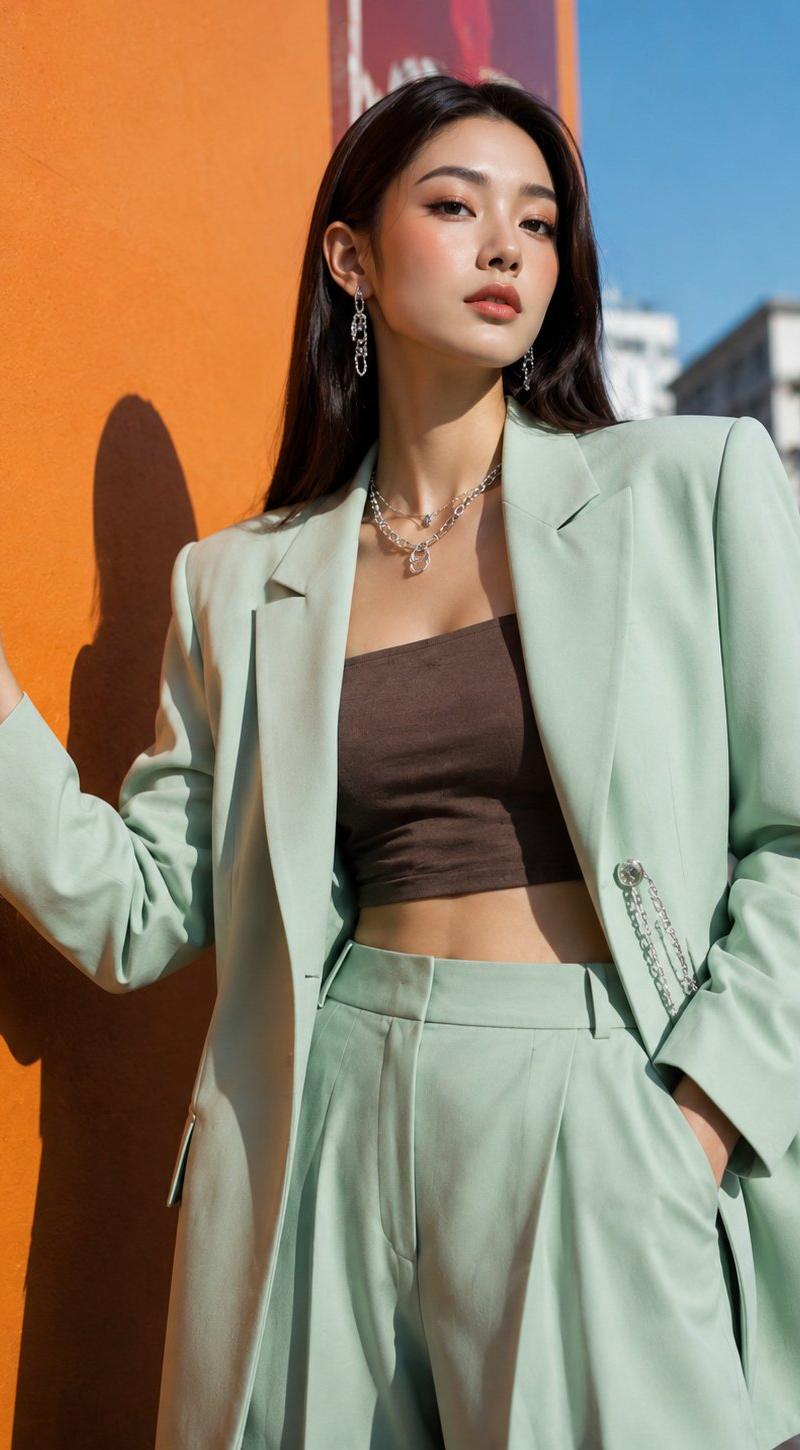
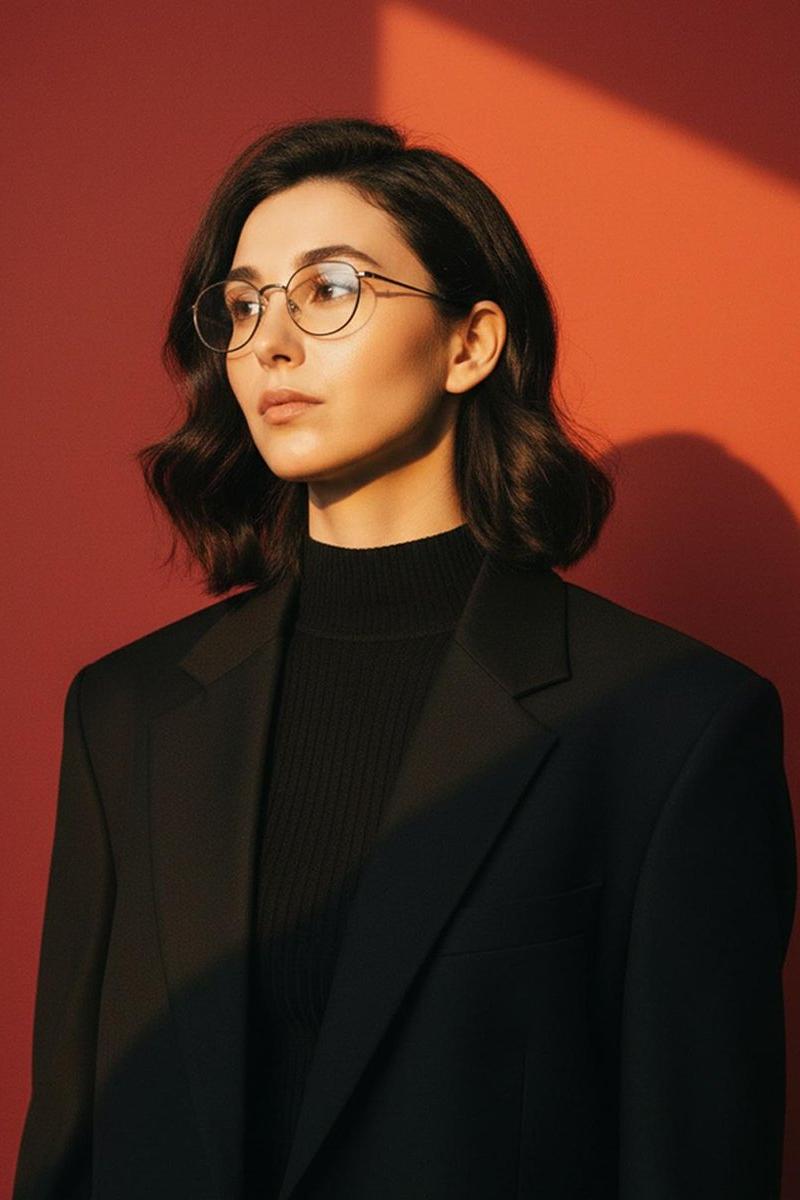
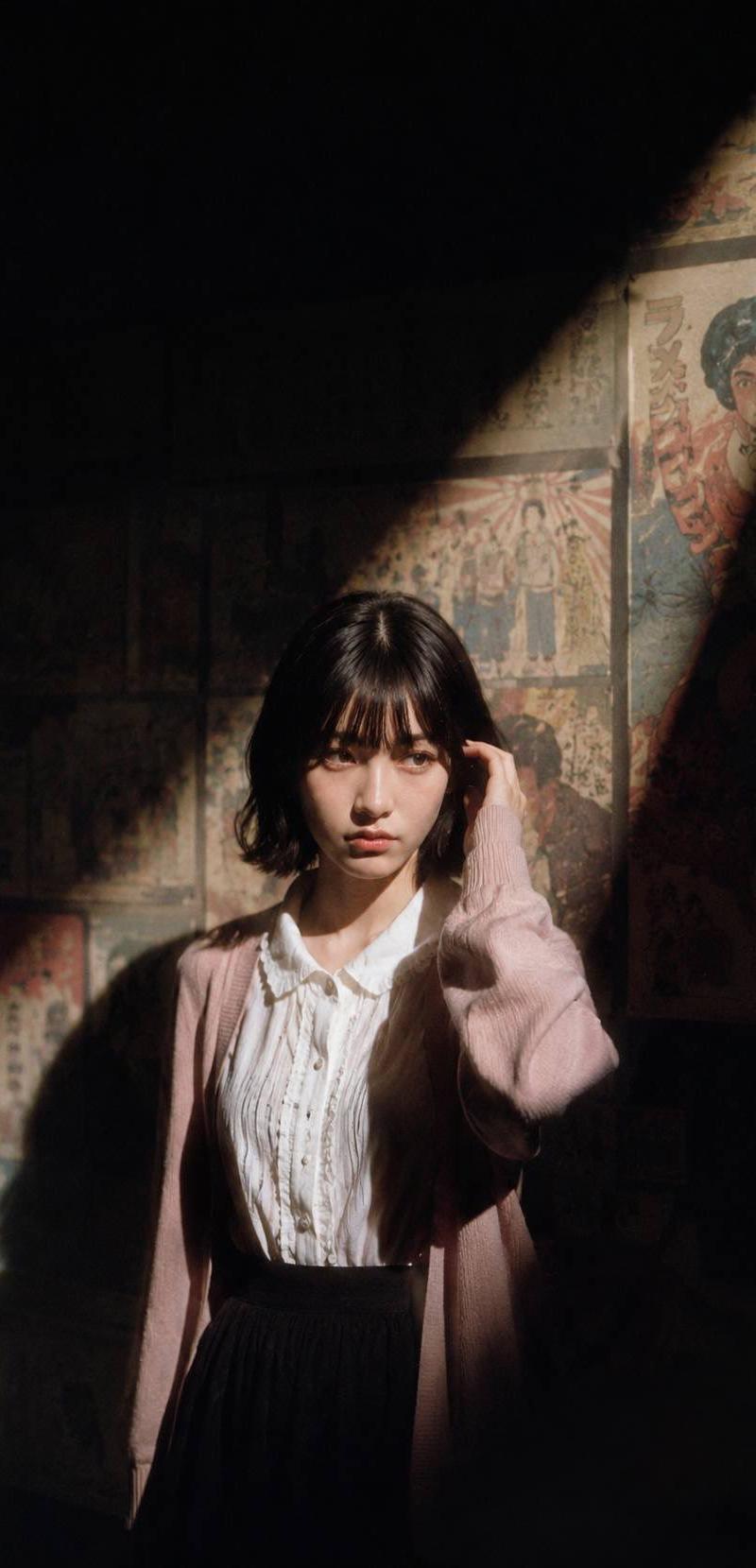
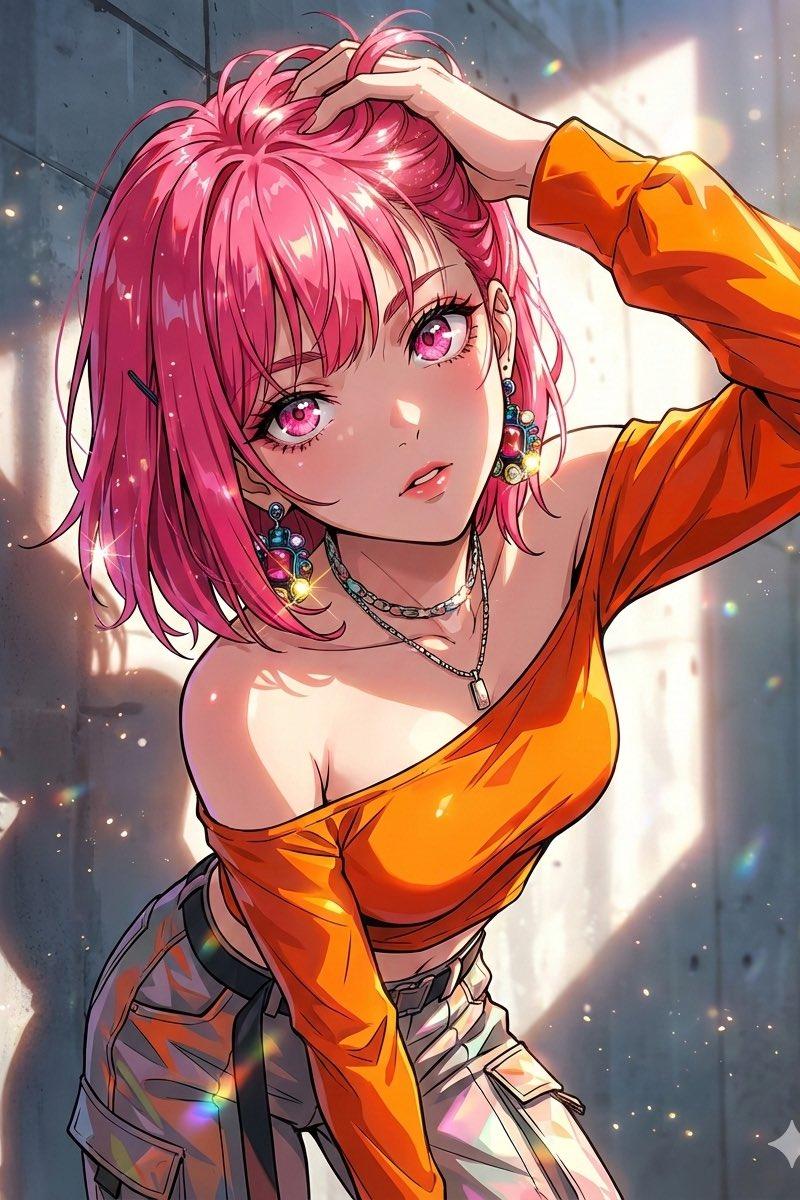
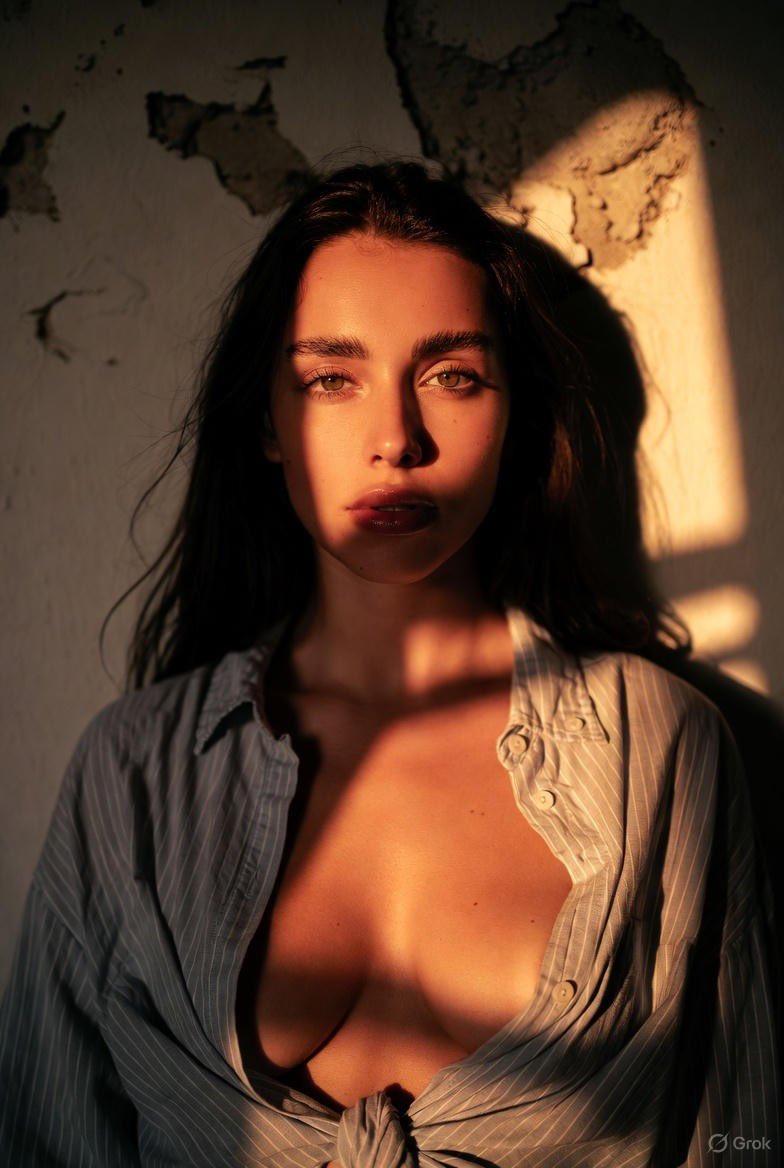
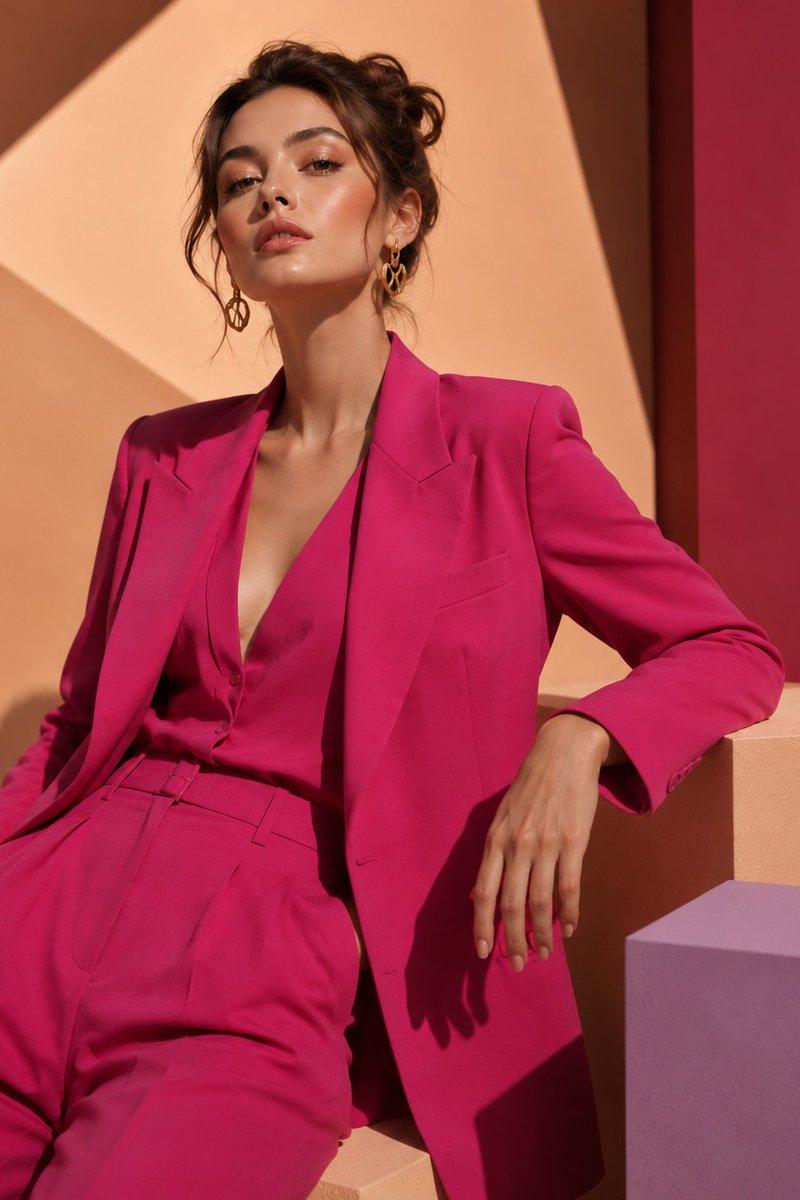
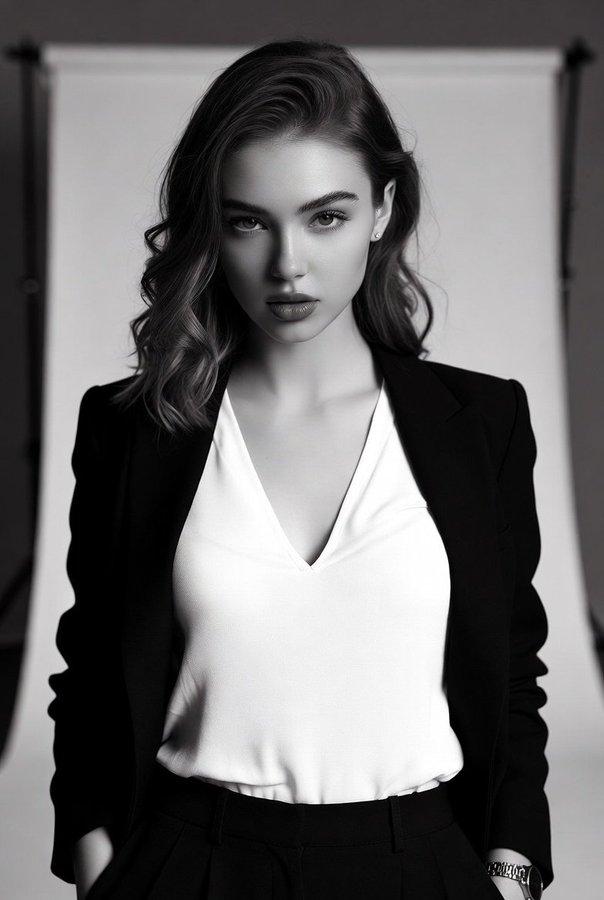
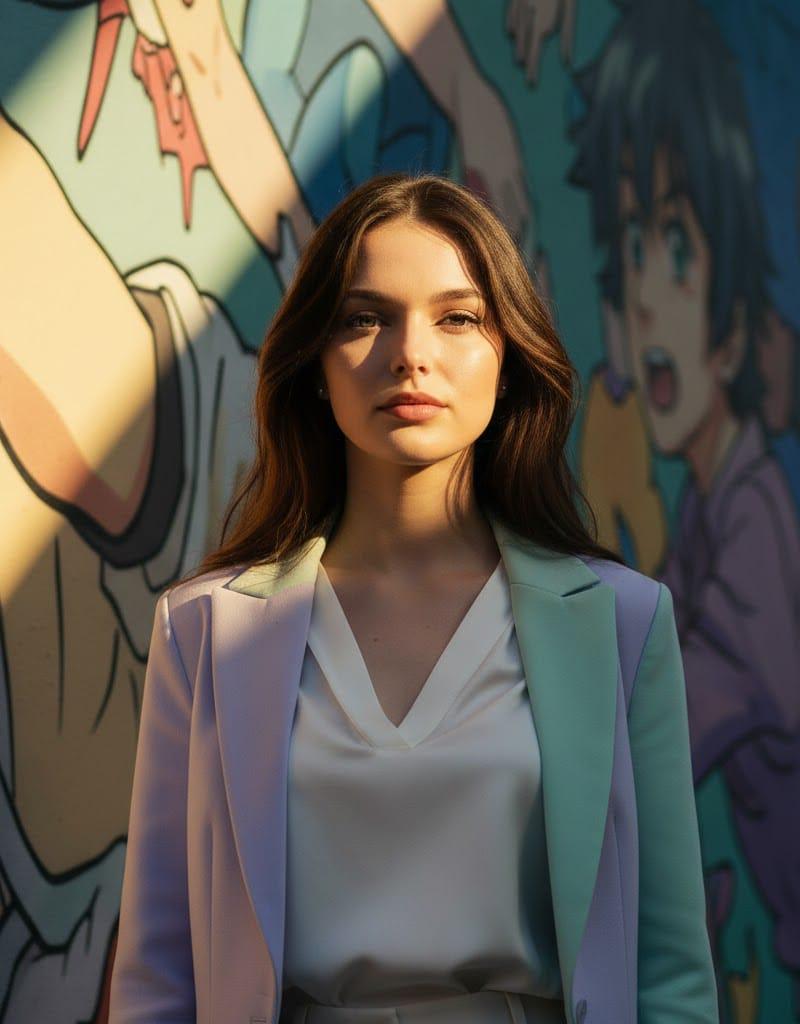
A hyperrealistic cinematic wide street shot. The subject stands right beside a colorful anime mural wall on the sidewalk, not on the road, recreated with exact, sharp facial details from the uploaded photo — facing directly toward the camera. The subject is wearing a chic pastel blazer over a white silk blouse, high-waisted tailored trousers, and sleek white leather sneakers. She is positioned full-body and captured at a medium distance, so the mural wall is clearly visible behind her. A dramatic diagonal shaft of sunlight illuminates part of the mural and the subject, surrounded by deep contrasting shadows. The mural stays vibrant and detailed, but all text is removed. The atmosphere is cinematic, with a strong interplay of light and shadow, emphasizing realism and depth. Camera: Wide shot, 35mm lens, medium distance, full-body framing, vivid mural color balance, cinematic diagonal sunlight.
Category
Photography & Realism
Model
Unknown
Creator
Anissa
Source language
zh-CN
Views0
Source ID
hyperrealistic-cinematic-wide-street-shot
Studio

Guide

About "超现实主义电影风格的街头全景"

What is this prompt for?

"超现实主义电影风格的街头全景" AI image prompt for Unknown (Photography & Realism). A hyperrealistic cinematic wide street shot. The subject stands right beside a colorful a…

The full copyable prompt and example visuals above are ready for AI image generation or one-click recreate in Picva.

How to use this prompt

  1. Step 1

    Open the prompt detail

    Review the example visuals, category, and full prompt text for "超现实主义电影风格的街头全景".

  2. Step 2

    Copy the prompt

    Copy the prompt body from this page, or load it directly in Studio.

  3. Step 3

    Pick a model (Unknown)

    Prefer Unknown. If you switch models, keep subject and composition and tweak style terms.

  4. Step 4

    Generate and export

    Recreate the look in Picva, or export into your workflow for editing and publishing.

FAQ

What is the "超现实主义电影风格的街头全景" prompt?
It is an AI image-generation prompt for Unknown in the Photography & Realism category. This page includes the full prompt text, example visuals, and a one-click recreate path in Picva.
How do I use this prompt to generate an image?
Copy the prompt from this page, or use Generate / Studio. Paste it into a compatible image model, or recreate the look in Picva with optional reference images.
Which model is this prompt for?
This page lists Unknown. Most descriptive prompts also transfer to nearby image models such as GPT Image, Flux, or Midjourney with light style tweaks.
Can I use the result commercially?
You can usually copy the prompt for creation, but commercial use of the final image depends on the model terms, reference-image rights, and the generated content. Follow the source author and platform rules.