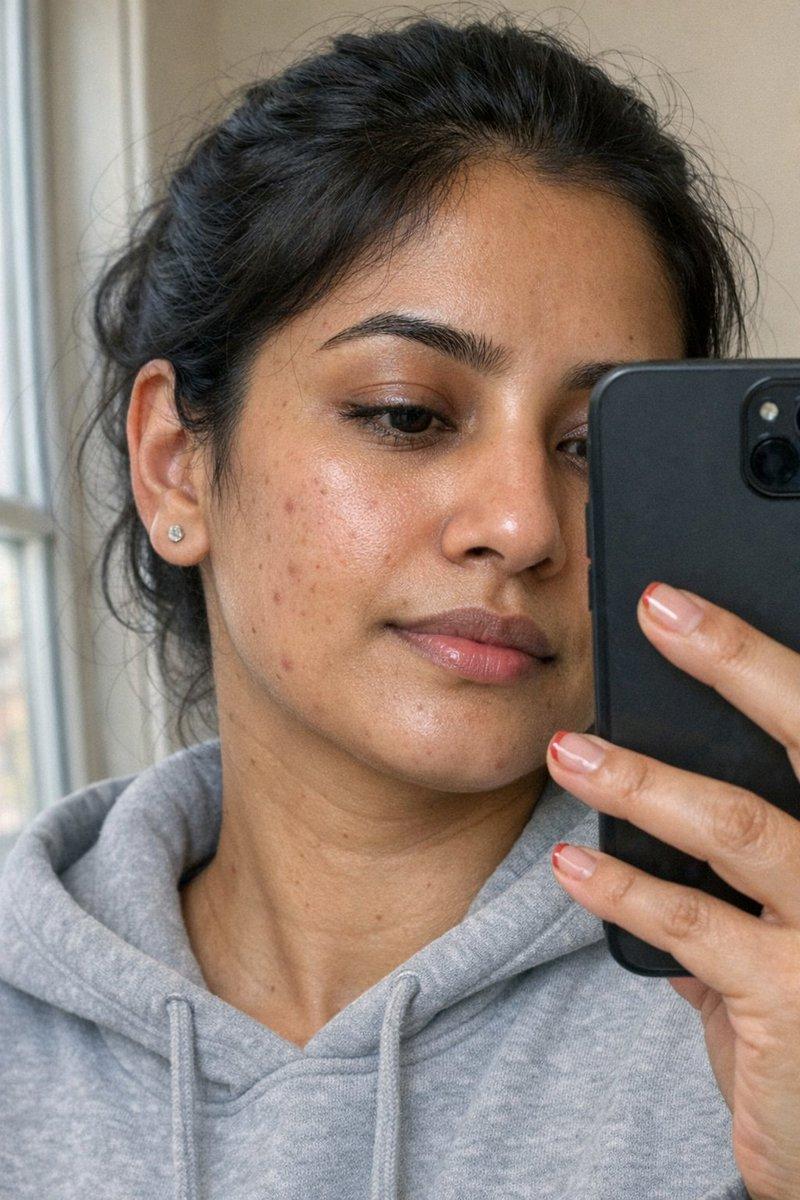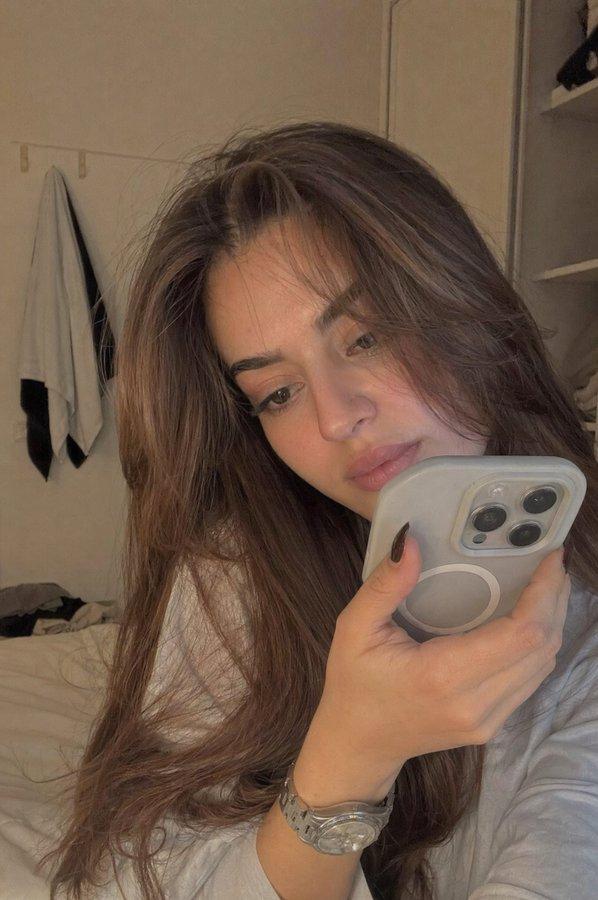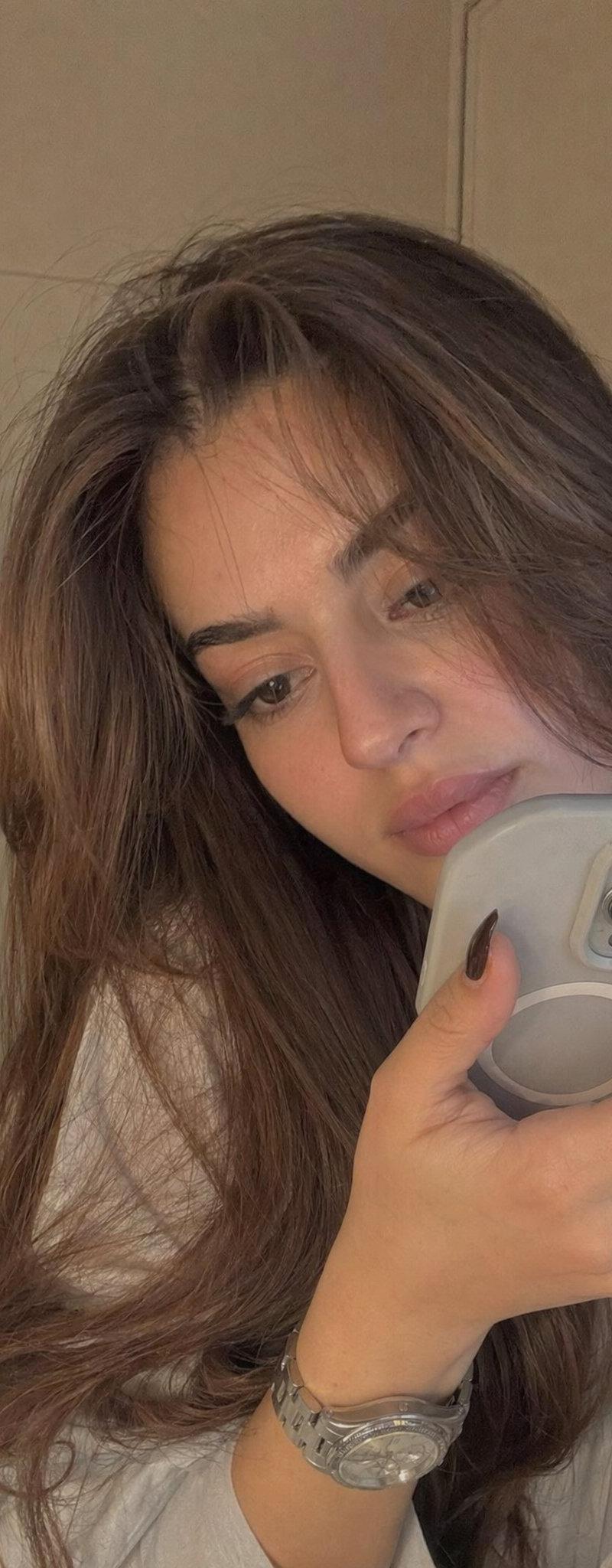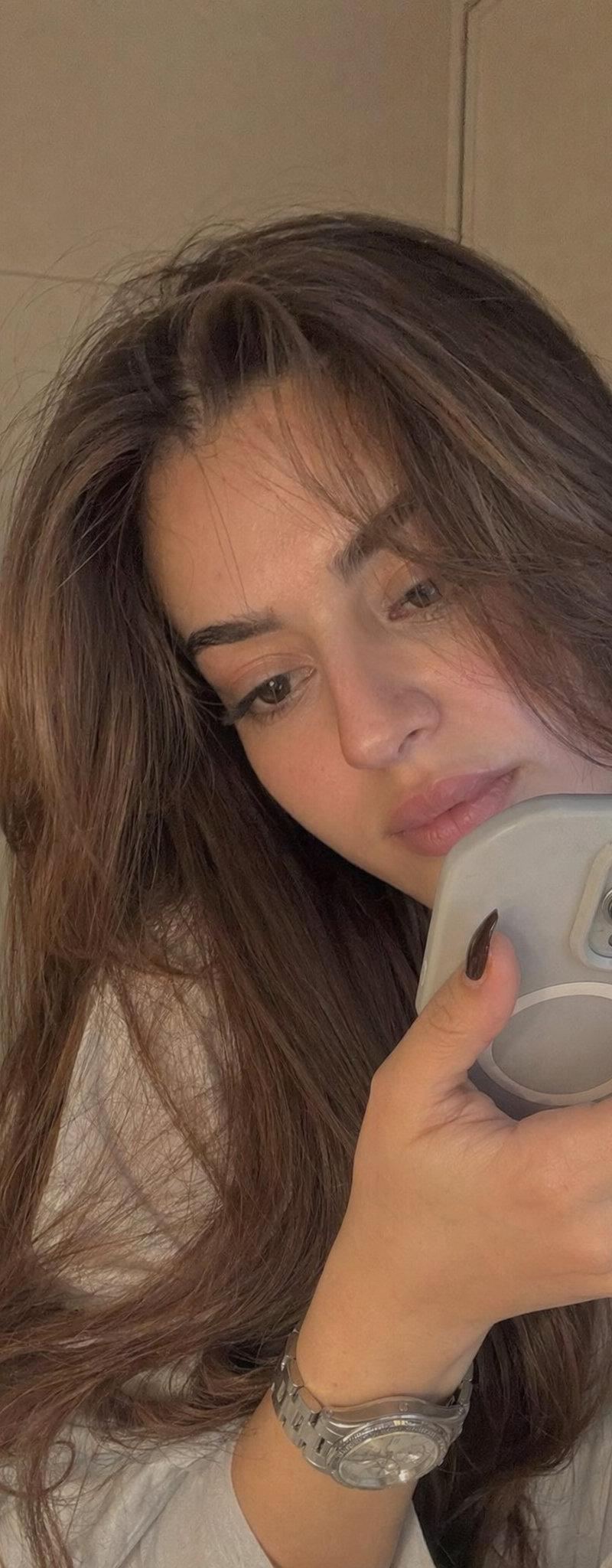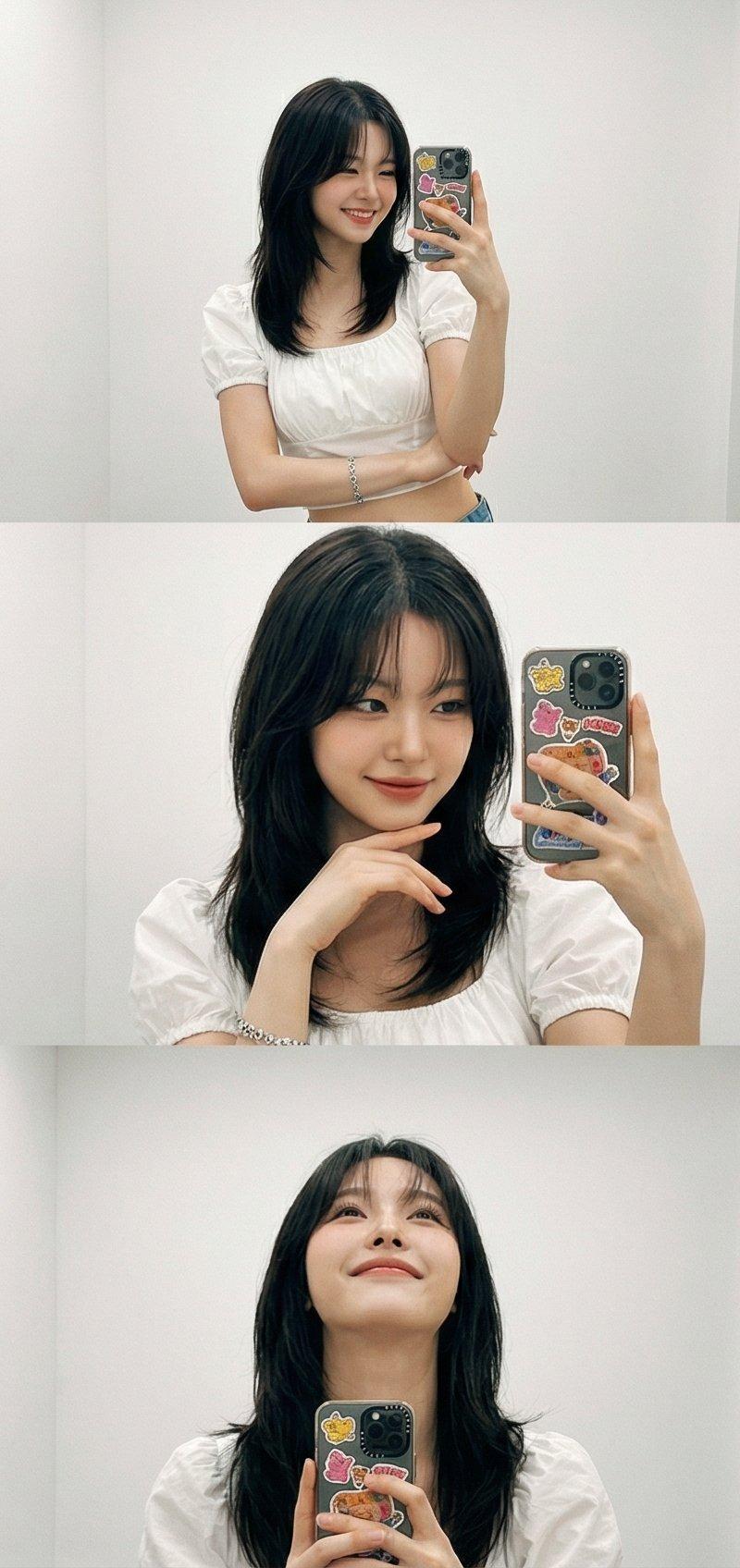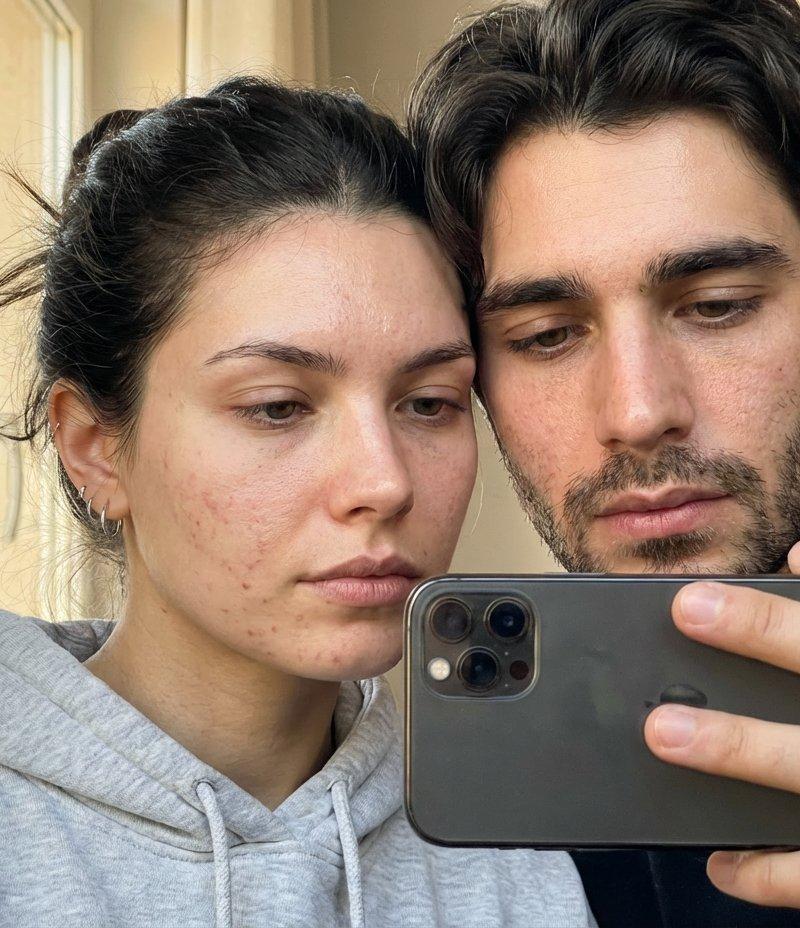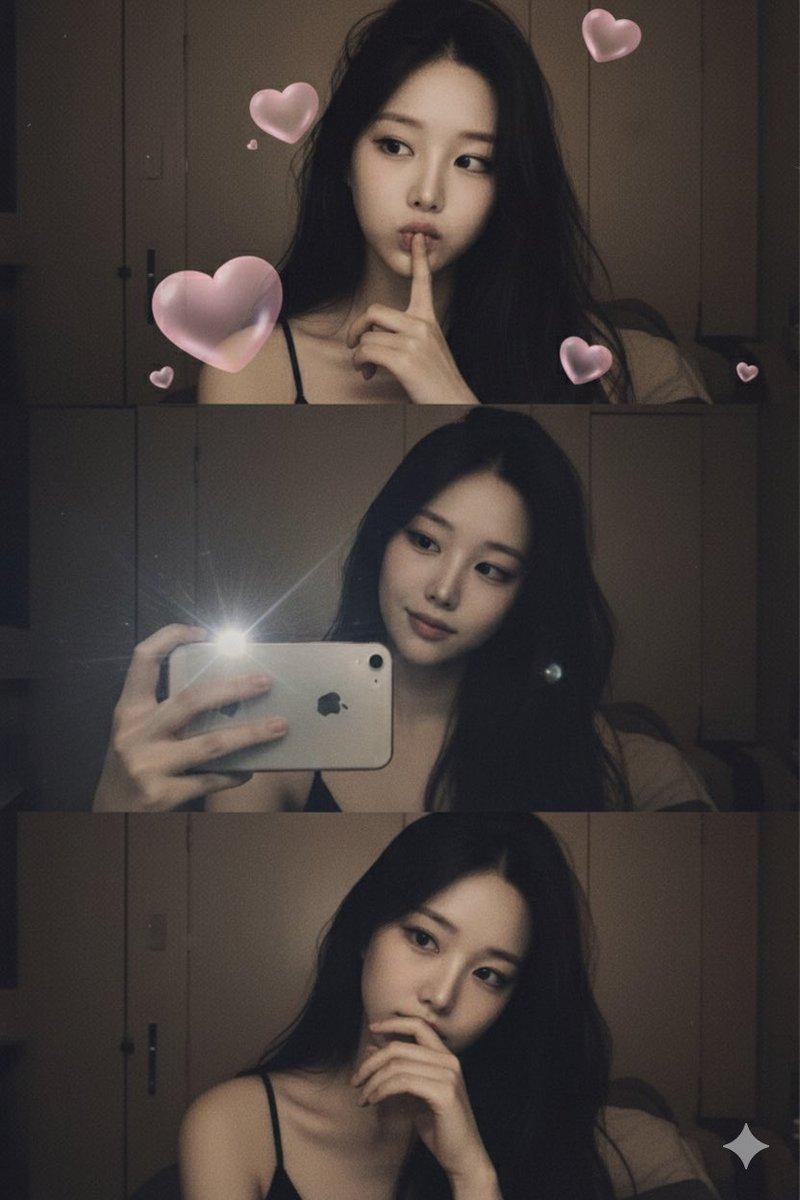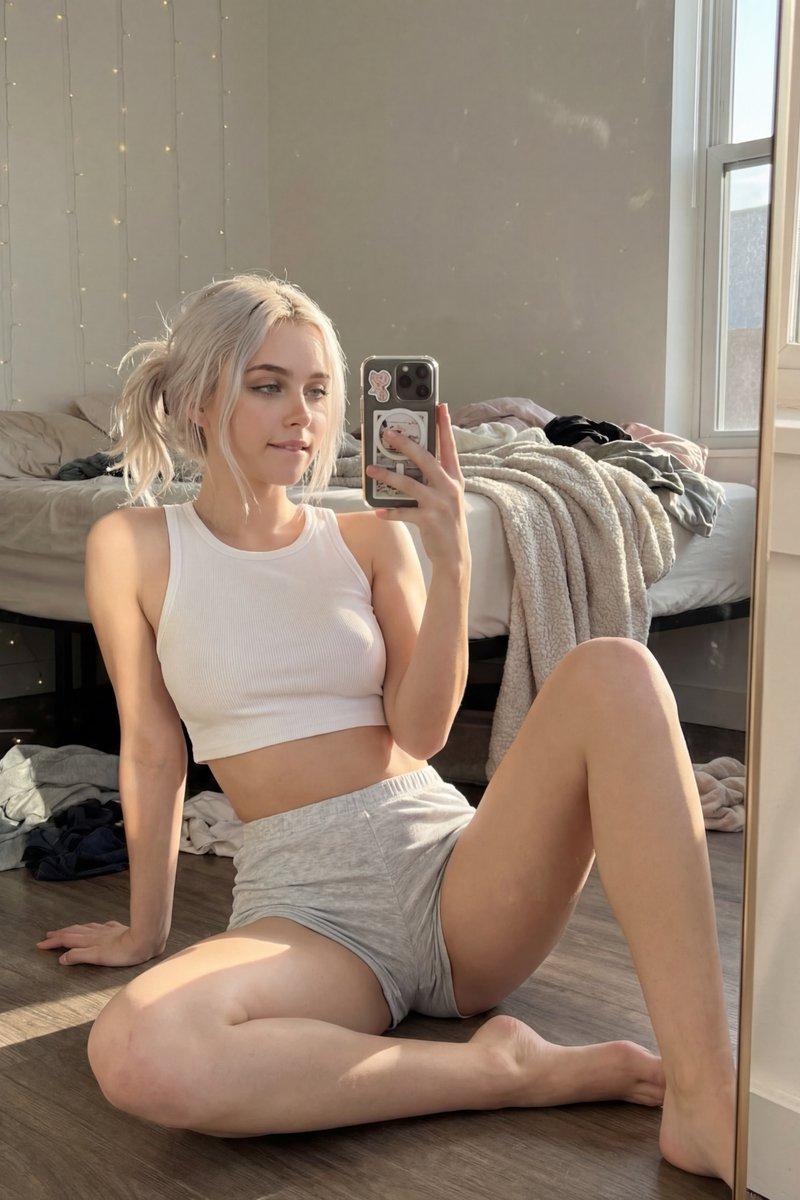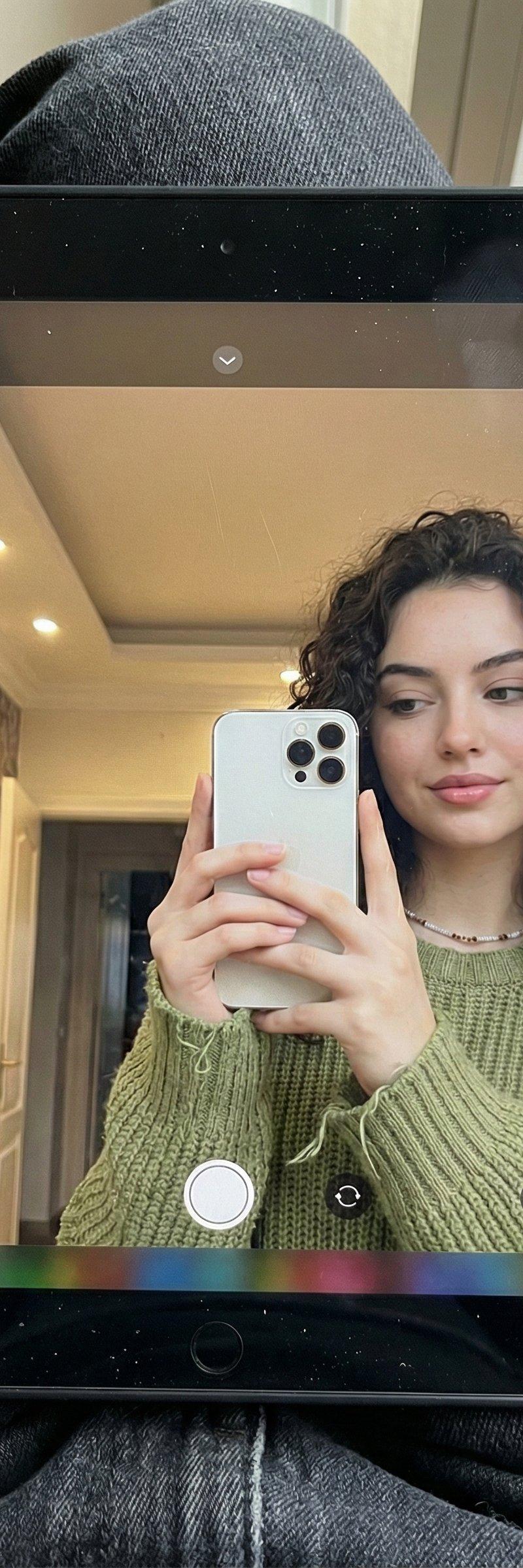
超写实iPad反射人像
Prompt
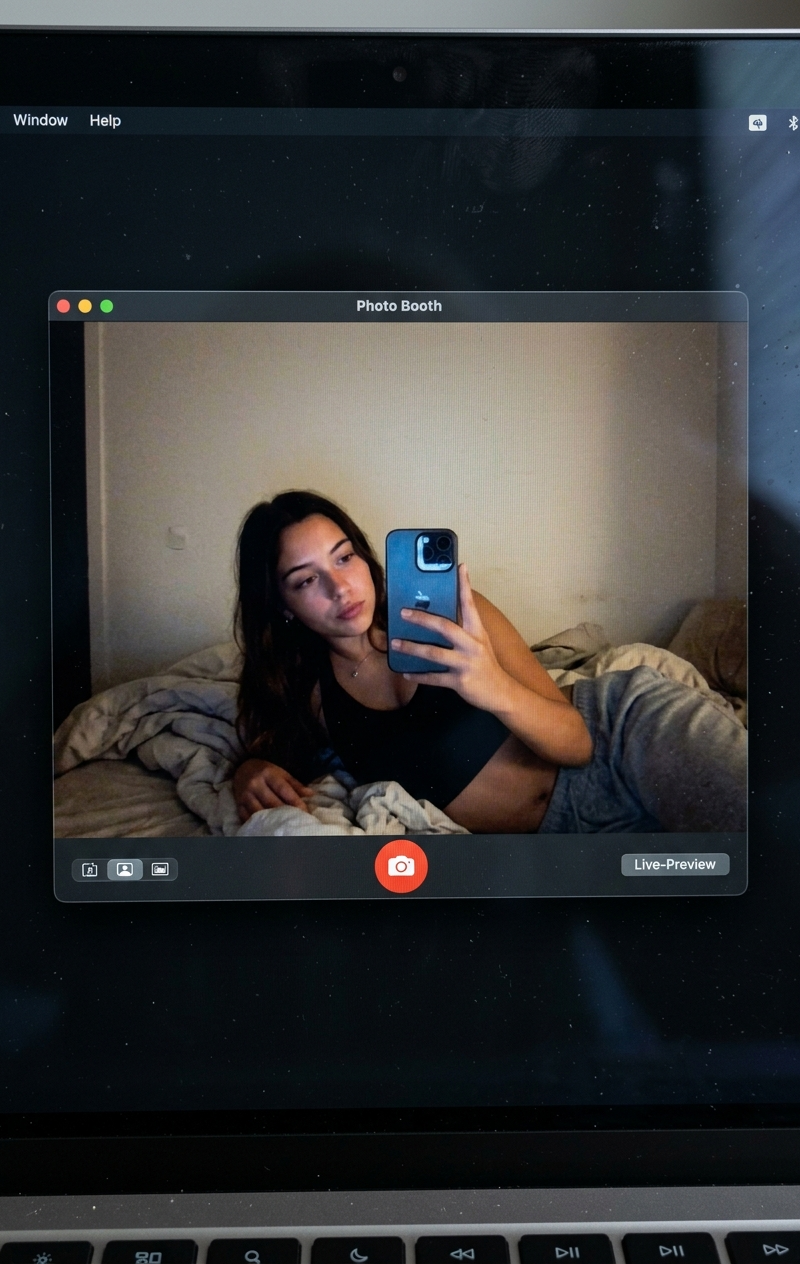
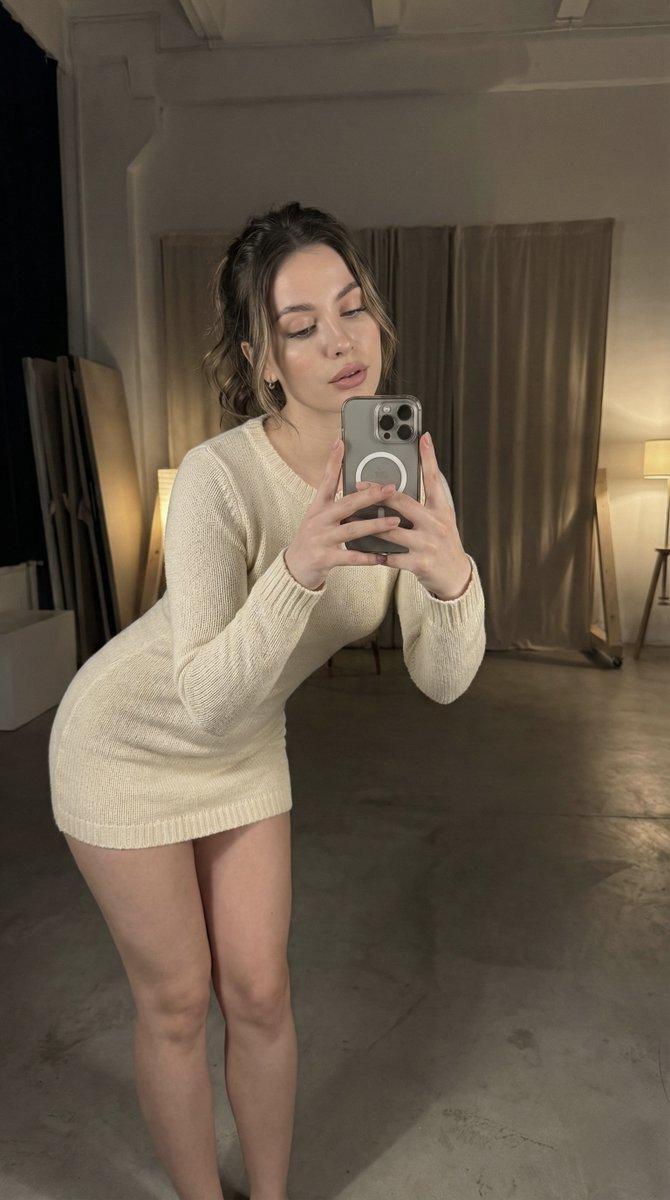
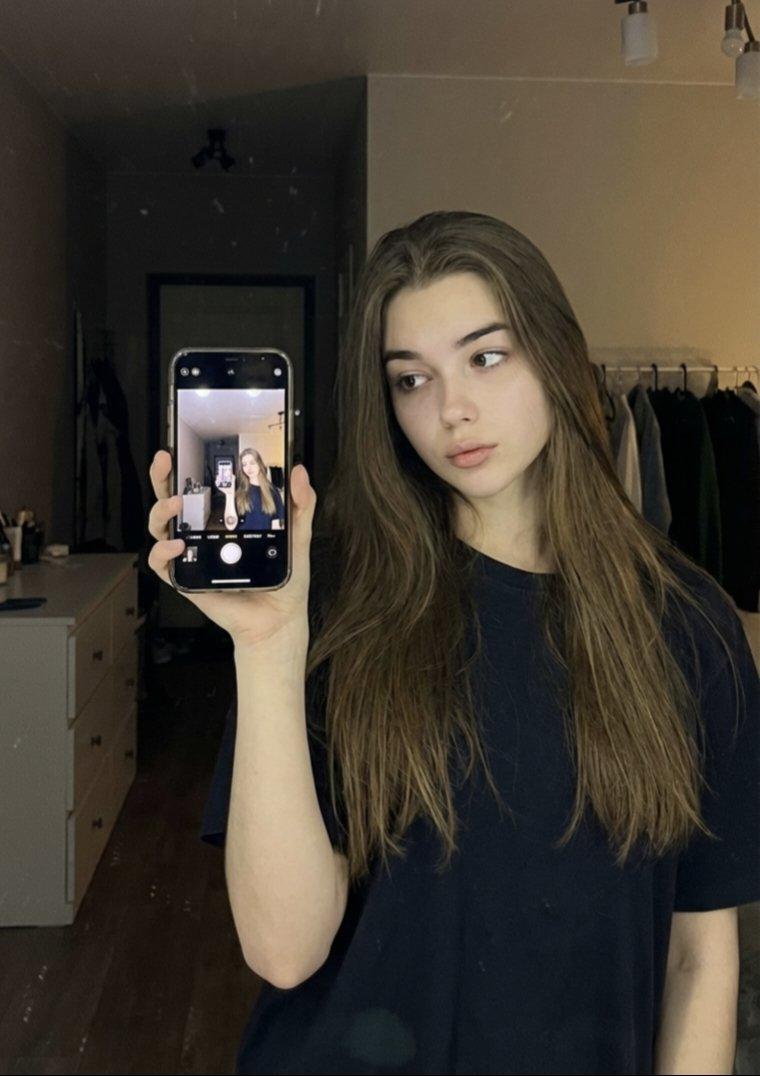
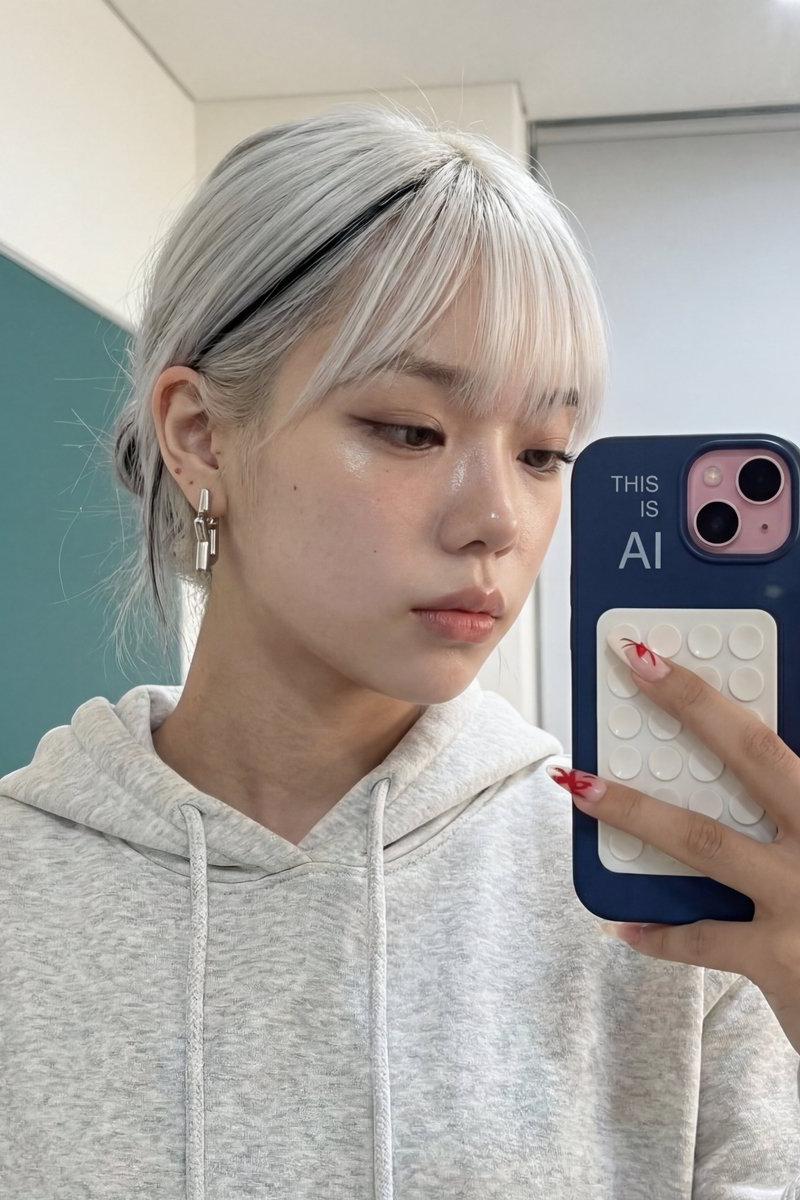
Hyperrealistic iPad Reflection Portrait.
Use Google Gemini ai Nano Banana 3 Pro.
Prompt ⤵️
{
"image_generation_prompt": {
"description": {
"main_subject": "Hyper-realistic, tightly framed scene showing the Subject\'s reflection on an upward-tilted iPad resting on their lap.",
"clothing_and_accessories": "Chunky beige ribbed sweater displaying detailed knit loops, gentle compression at bends, loose threads, and pilling at the elbow. Small beaded necklace catching pinpoint reflections. Dark, slightly faded denim jeans and a black shoe filling the lower portion.",
"device_details": "iPad with matte-black bezel marked with subtle dust, micro-smudges, and faint screen scratches. On-screen reflection shows subject holding a pale, glossy phone at chest height with a triple-camera module producing tiny specular highlights. iPad UI (shutter button, icons, dock) visible.",
"physical_attributes": "Subject appears on the right side of the screen with a relaxed, natural posture. Dark, curly hair forms a soft-edged halo against the pale ceiling without revealing facial features.",
"background_environment": "Reflected environment reads minimal yet lived-in: recessed ceiling lights, patterned wallpaper strip with slight texture, doorway and shelving in soft focus, and a window with lightly dirty glass revealing a tiled balcony and a translucent plastic container.",
"lighting": "Blend of warm overhead source shaping low-contrast shadows on sweater and neck, mixed with cooler illumination from the screen. Natural falloff and believable shadow density."
},
"technical_specs": {
"style": "Candid, authentic, unedited look, HD, photorealistic, ultra-detailed.",
"imperfections": "Lint on denim, pilling at sweater elbow, dust fleck on phone glass, faint fingerprints on iPad.",
"aspect_ratio": "3:4"
},
"full_prompt_string": "Hyper-realistic, tightly framed scene, Subject\'s reflection on an upward-tilted iPad resting on lap, matte-black bezel with subtle dust and micro-smudges, faint screen scratches. Dark slightly faded denim and black shoe in lower frame. On screen: Subject on right side, relaxed natural posture, head tilted toward pale glossy phone held at chest height, triple-camera module with specular highlights. Chunky beige ribbed sweater with detailed knit loops, loose threads, pilling at elbow, small beaded necklace. Dark curly hair forming soft-edged halo against pale ceiling. Background reflection: recessed ceiling lights, patterned wallpaper strip, soft focus doorway and shelving, window with lightly dirty glass showing tiled balcony and translucent plastic container. iPad camera UI visible. Lighting: Warm overhead source mixed with cool screen illumination, natural falloff, believable shadow density. Candid, authentic, unedited look, HD, photorealistic, ultra-detailed. --ar 3:4"
}
}- Category
- Photography & Realism
- Model
- Nano Banana
- Creator
- Shreya Yadav
- Source language
- zh-CN
- Source ID
- hyperrealistic-ipad-reflection-portrait
Views0