17

Nano Banana Proの料理キャラクター設定インフォグラフィックス
Enlarge

Example images

Nano Banana Proの料理キャラクター設定インフォグラフィックス

Prompt
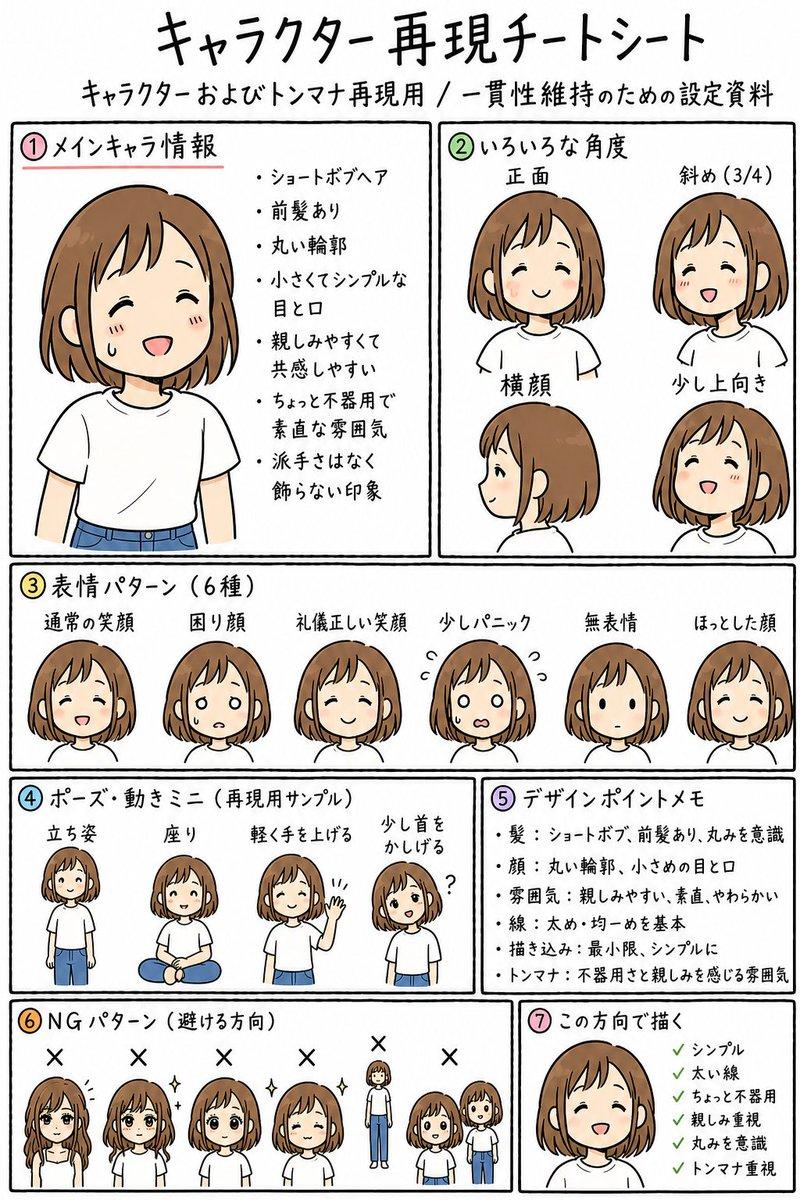
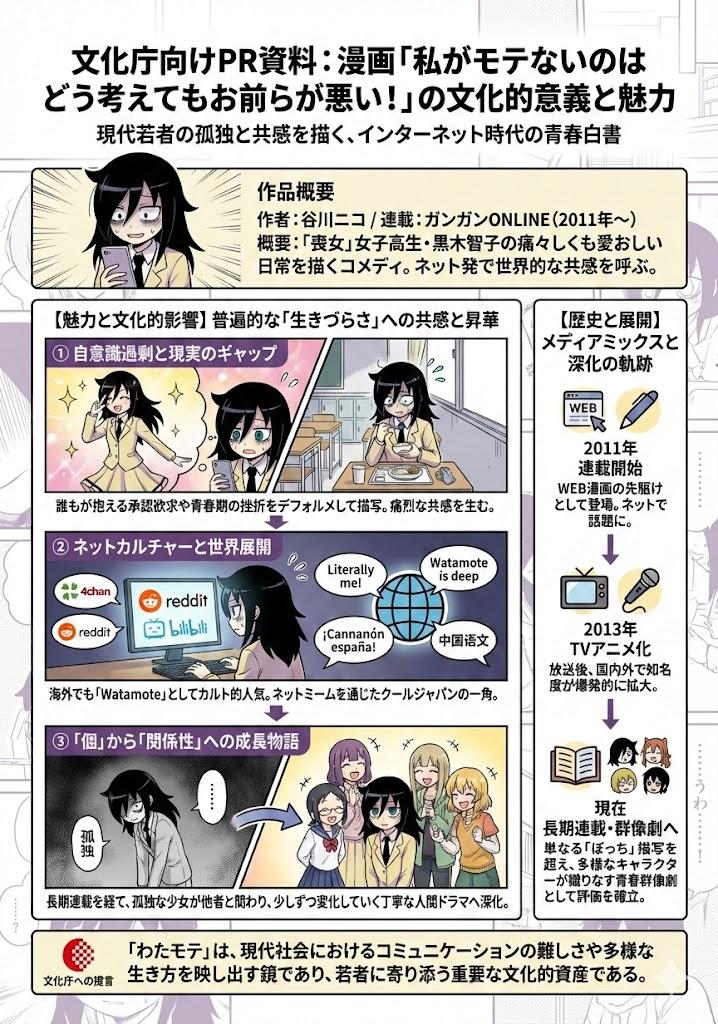
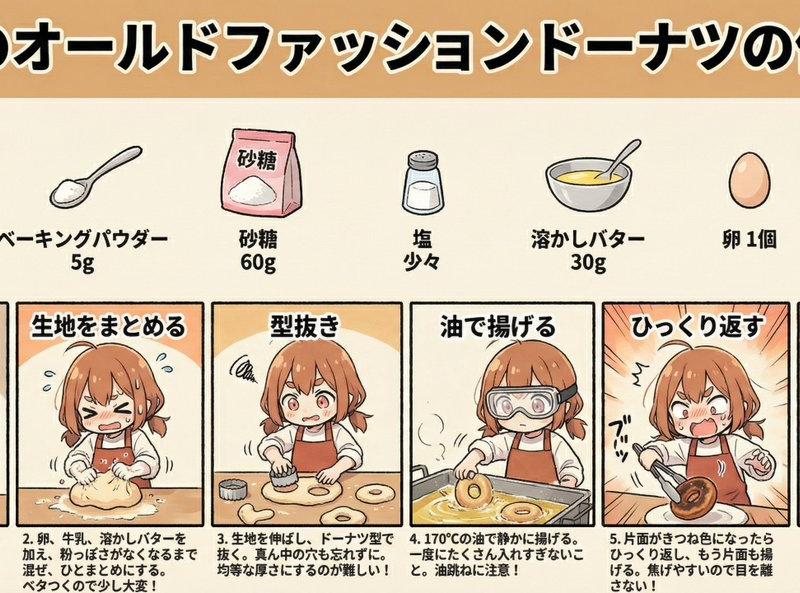
【Nano Banana Proのインフォグラフィックスにキャラクターの設定を反映】
料理が得意/下手を設定すれば、その特徴に合わせてインフォグラフィックスを作成してくれる。
プロンプト(料理初心者バージョン):
基本のオールドファッションドーナツの各工程を参考写真のキャラクターが実行する画像を作成し、インフォグラフィックスにしてください。
キャラクターは料理初心者で、苦労しながら工程を進めている画像にしてください。
セリフは不要です。
各工程には詳細な説明を表示してください。
アスペクト比2:1
タイトル、材料、工程の三段構成
タイトル:基本のオールドファッションドーナツの作り方
材料と分量をイラスト付きで表示
漫画風の工程フロー
プロンプト(料理得意バージョン):
キャラクターは~部分を変更
キャラクターは料理が得意で楽々工程を進めている画像にしてください。
Category
Characters & People
Model
Nano Banana Pro
Creator
シュナプーン
Source language
zh-CN
Views0
Source ID
nano-banana-pro-cooking-character-setup-infographic
Studio

Guide

About "Nano Banana Proの料理キャラクター設定インフォグラフィックス"

What is this prompt for?

"Nano Banana Proの料理キャラクター設定インフォグラフィックス" AI image prompt for Nano Banana Pro (Characters & People). 【Nano Banana Proのインフォグラフィックスにキャラクターの設定を反映】 料理が得意/下手を設定すれば、その…

The full copyable prompt and example visuals above are ready for AI image generation or one-click recreate in Picva.

How to use this prompt

  1. Step 1

    Open the prompt detail

    Review the example visuals, category, and full prompt text for "Nano Banana Proの料理キャラクター設定インフォグラフィックス".

  2. Step 2

    Copy the prompt

    Copy the prompt body from this page, or load it directly in Studio.

  3. Step 3

    Pick a model (Nano Banana Pro)

    Prefer Nano Banana Pro. If you switch models, keep subject and composition and tweak style terms.

  4. Step 4

    Generate and export

    Recreate the look in Picva, or export into your workflow for editing and publishing.

FAQ

What is the "Nano Banana Proの料理キャラクター設定インフォグラフィックス" prompt?
It is an AI image-generation prompt for Nano Banana Pro in the Characters & People category. This page includes the full prompt text, example visuals, and a one-click recreate path in Picva.
How do I use this prompt to generate an image?
Copy the prompt from this page, or use Generate / Studio. Paste it into a compatible image model, or recreate the look in Picva with optional reference images.
Which model is this prompt for?
This page lists Nano Banana Pro. Most descriptive prompts also transfer to nearby image models such as GPT Image, Flux, or Midjourney with light style tweaks.
Can I use the result commercially?
You can usually copy the prompt for creation, but commercial use of the final image depends on the model terms, reference-image rights, and the generated content. Follow the source author and platform rules.