15

专业图形设计师的纳米香蕉神器
Enlarge

专业图形设计师的纳米香蕉神器

Prompt
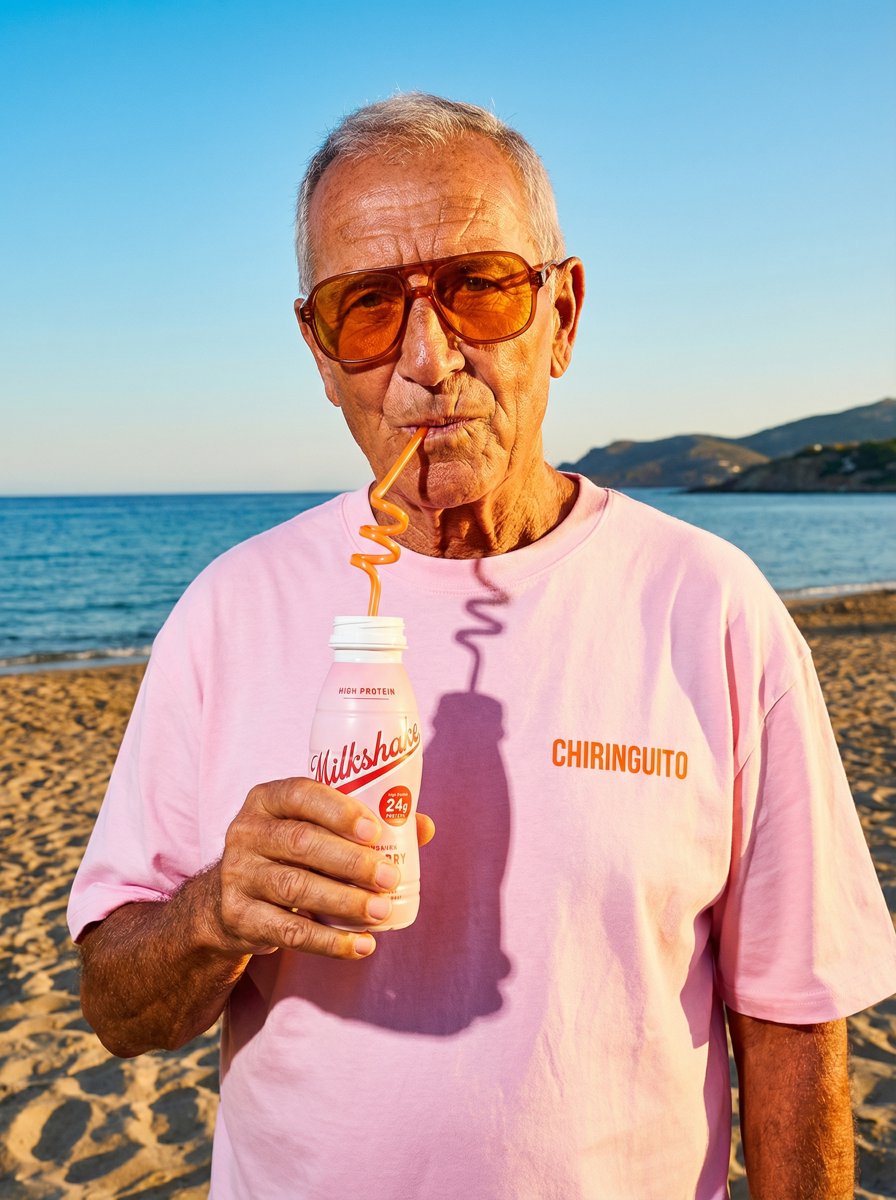
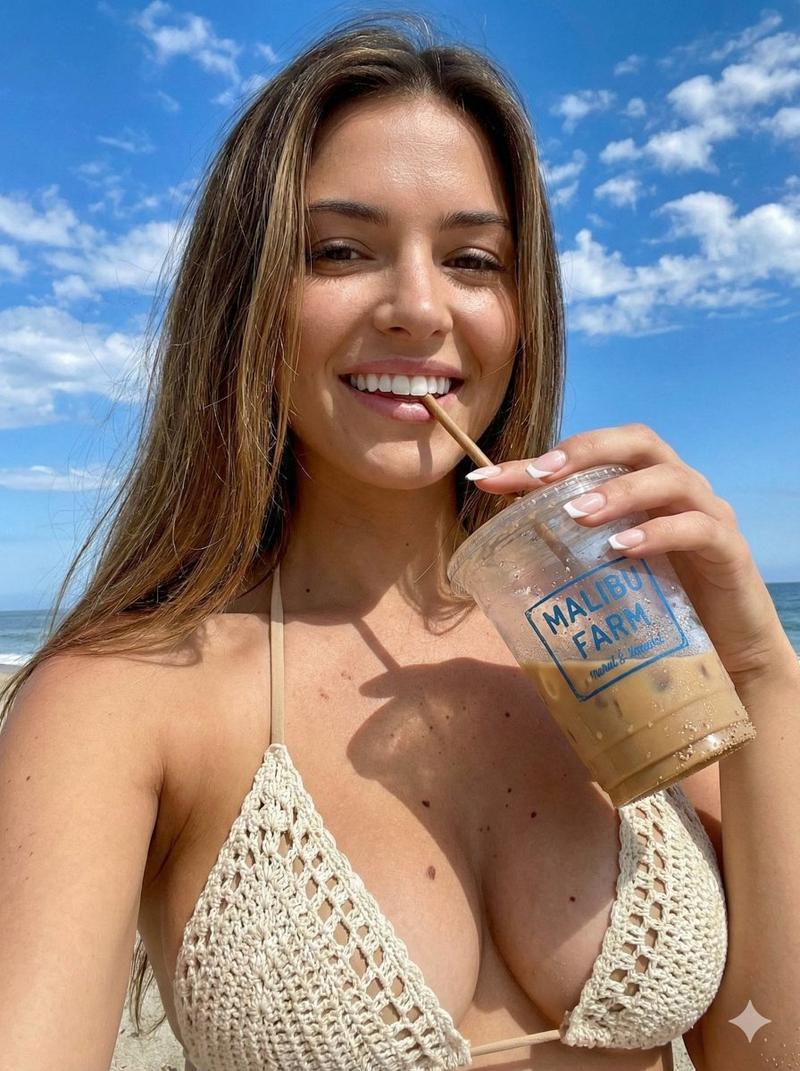
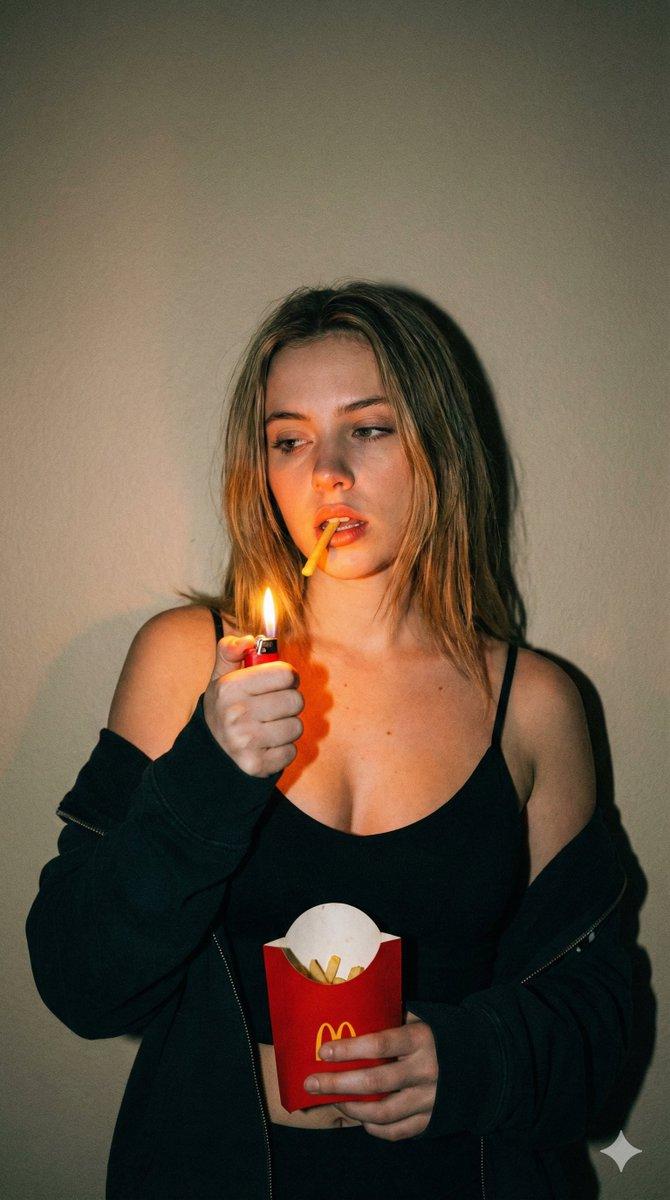
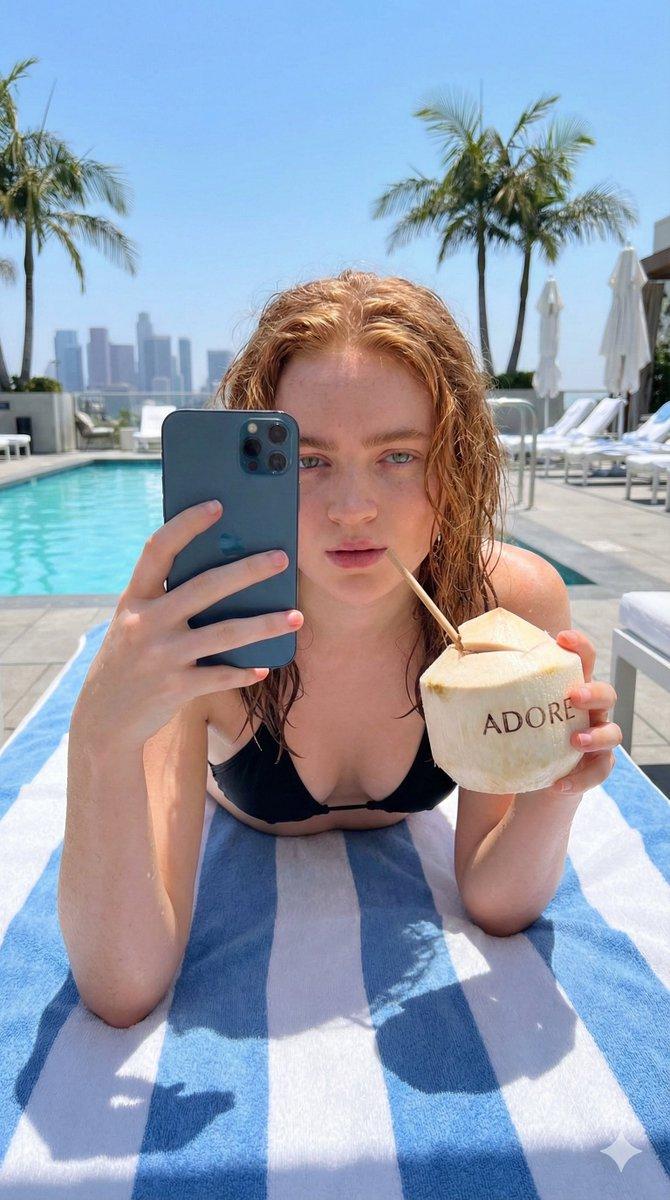
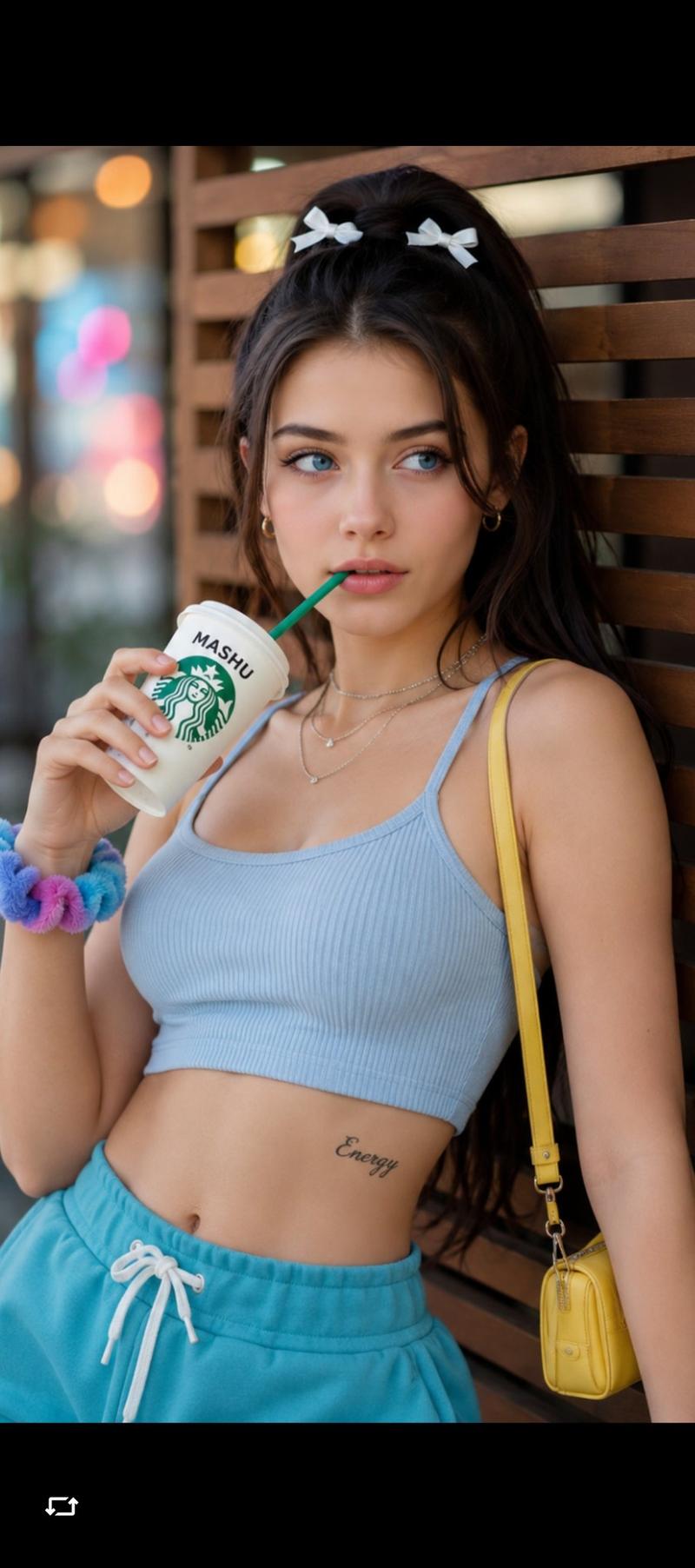
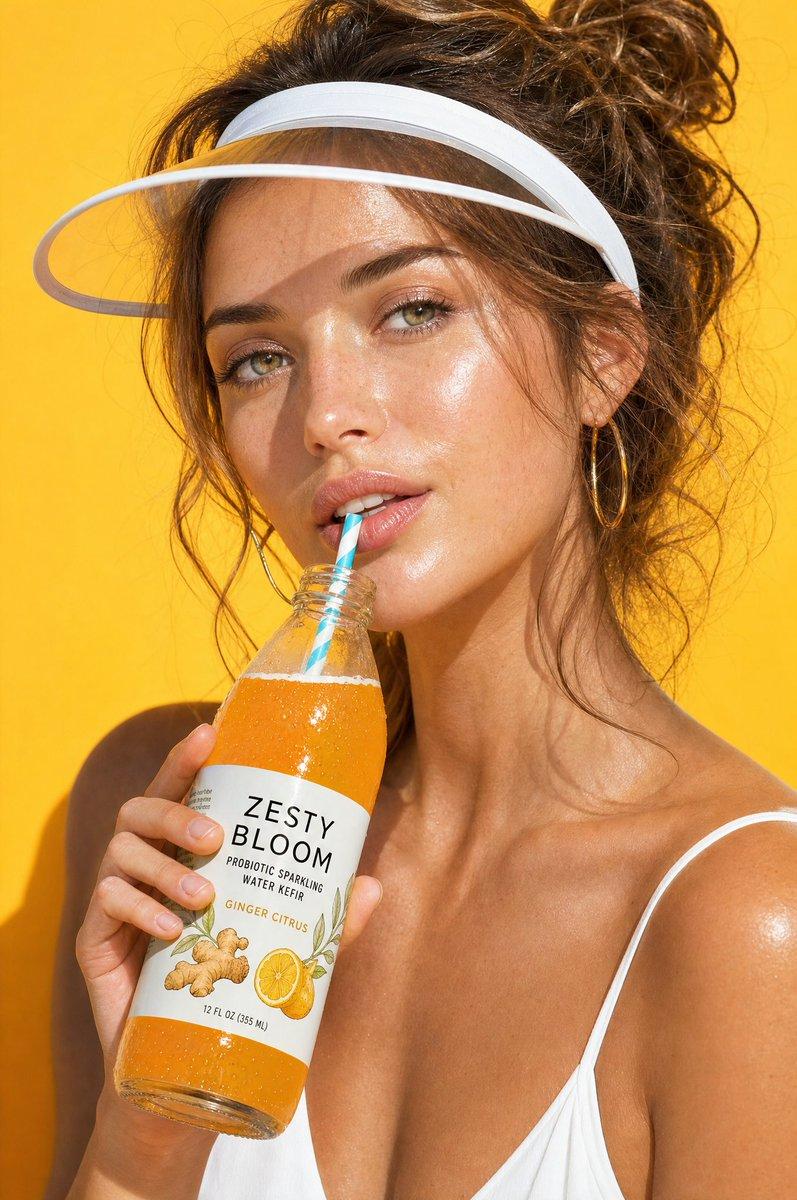
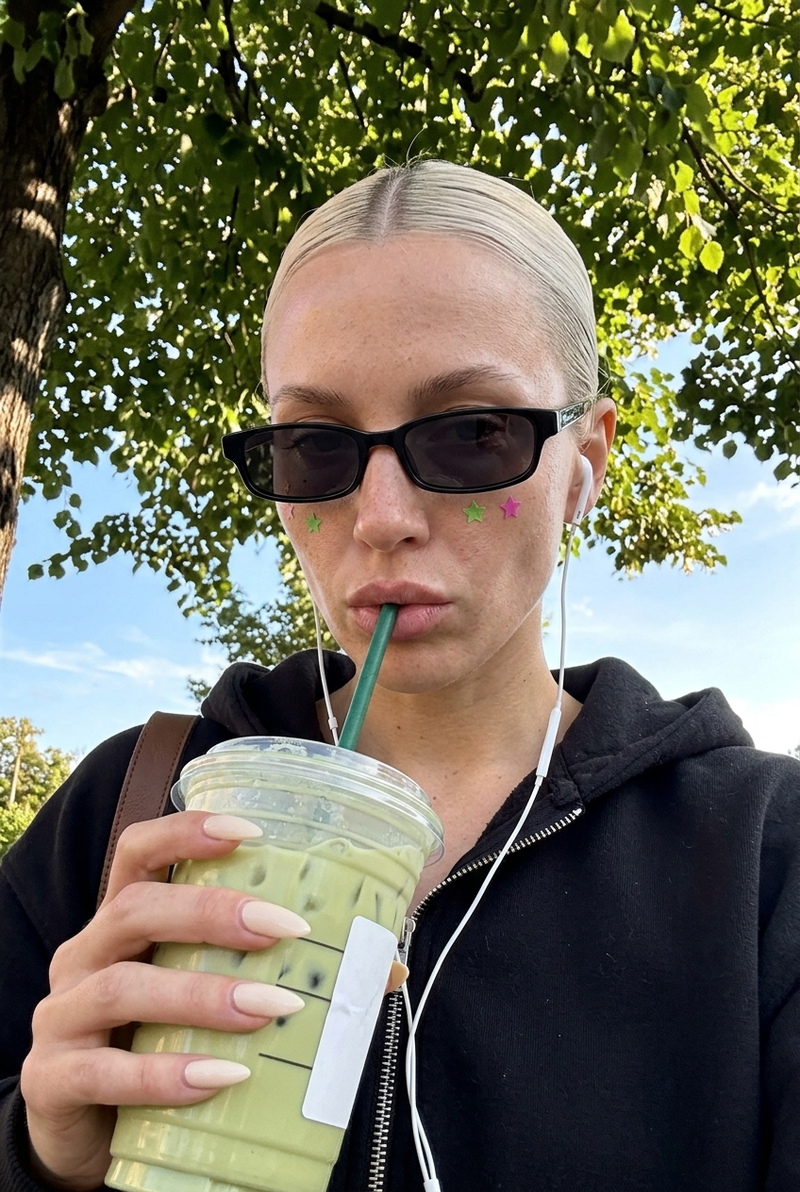
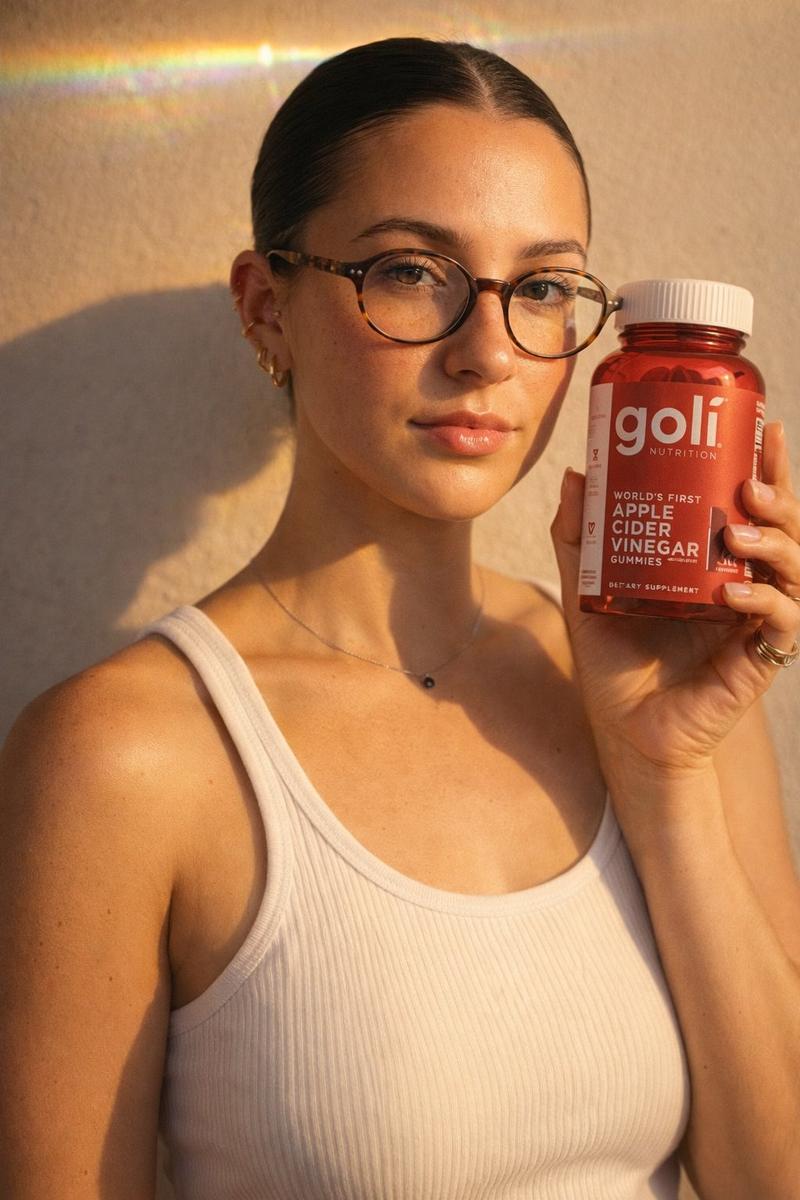
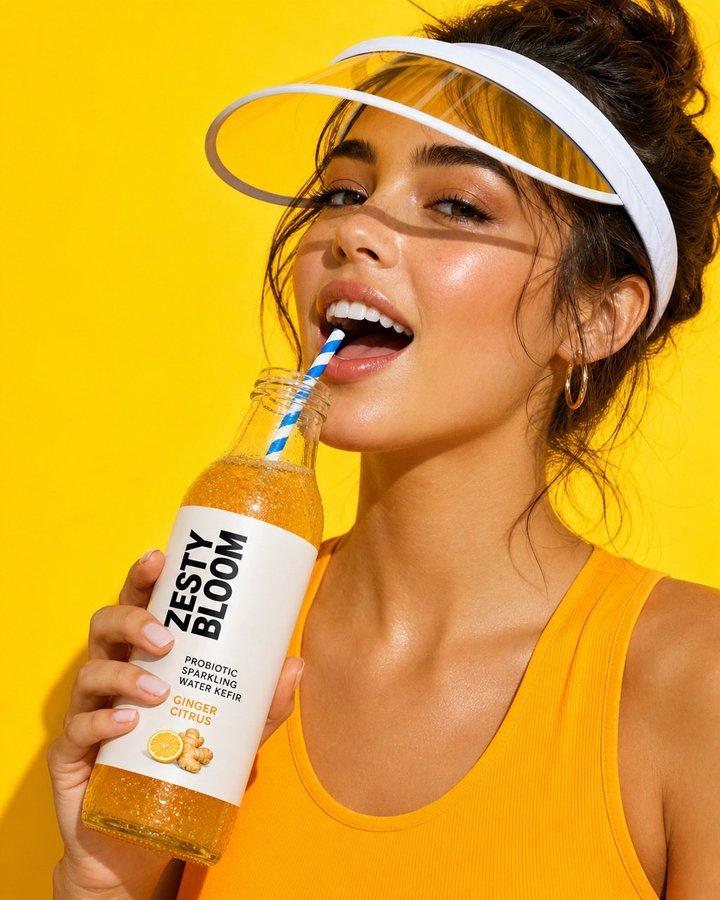
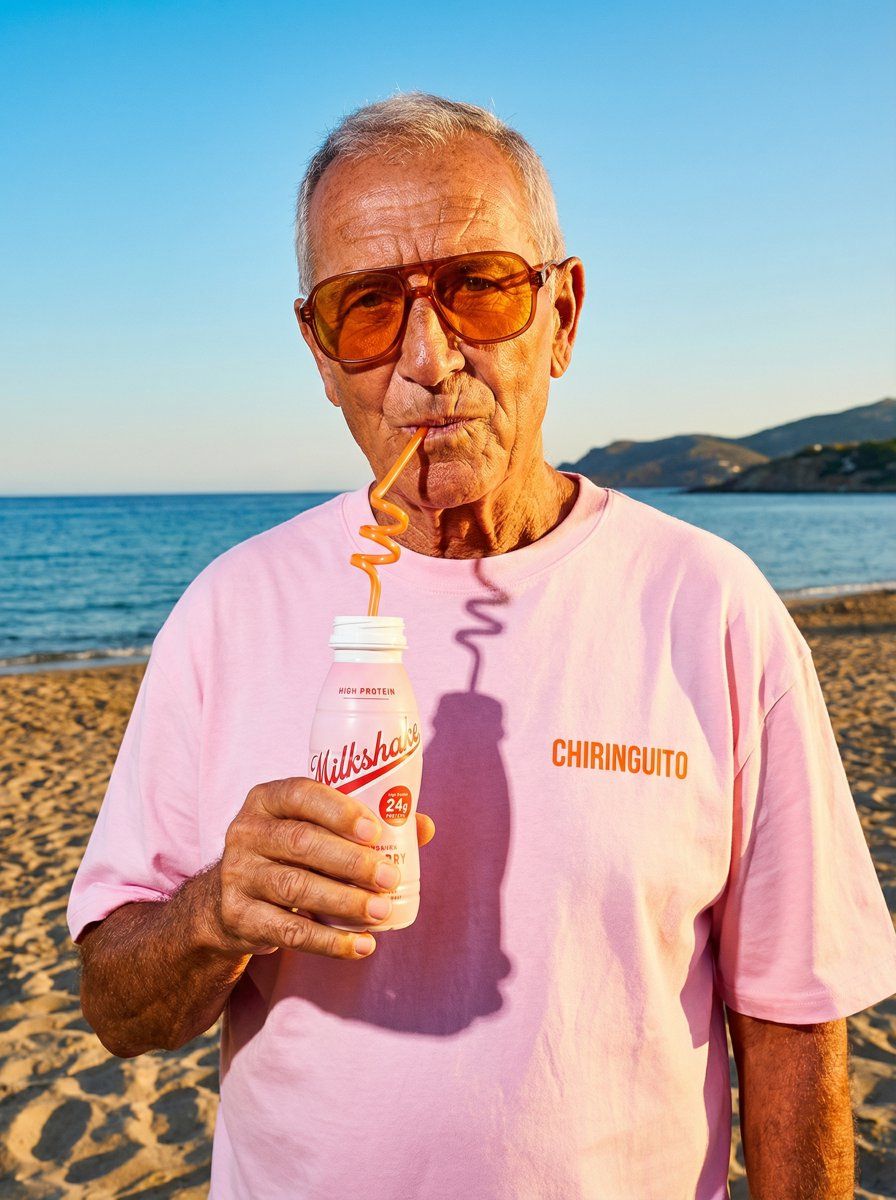
nano banana pro is a professional graphic designer that works in seconds
people are still sleeping on how good it actually is
the prompt adherence alone is insane
it can generate:
>cinematic shots
>instagram posts
>pinterest graphics
>tiktok slideshow content
>regular organic photos
literally any photo you can think of
and we still haven't scratched the surface of what this model can actually do
this is massive if you run a brand or do client work
(this used to take hours and years of graphic design experience)
i put together the full guide on:
- how to create any photo you want
- find inspiration and recreating it with nanobanana
- saving style prompts you can reuse for any photo
plus a swipe file of different prompts for different styles
RT + reply 'NANO' and i'll send it over
(must follow so i can dm)
Category
Photography & Realism
Model
Nano Banana Pro
Creator
Miko
Views0
Source ID
nano-banana-pro-the-ultimate-graphic-design-tool

Guide

About "专业图形设计师的纳米香蕉神器"

What is this prompt for?

"专业图形设计师的纳米香蕉神器" AI image prompt for Nano Banana Pro (Photography & Realism). nano banana pro is a professional graphic designer that works in seconds people a…

The full copyable prompt and example visuals above are ready for AI image generation or one-click recreate in Picva.

How to use this prompt

  1. Step 1

    Open the prompt detail

    Review the example visuals, category, and full prompt text for "专业图形设计师的纳米香蕉神器".

  2. Step 2

    Copy the prompt

    Copy the prompt body from this page, or load it directly in Studio.

  3. Step 3

    Pick a model (Nano Banana Pro)

    Prefer Nano Banana Pro. If you switch models, keep subject and composition and tweak style terms.

  4. Step 4

    Generate and export

    Recreate the look in Picva, or export into your workflow for editing and publishing.

FAQ

What is the "专业图形设计师的纳米香蕉神器" prompt?
It is an AI image-generation prompt for Nano Banana Pro in the Photography & Realism category. This page includes the full prompt text, example visuals, and a one-click recreate path in Picva.
How do I use this prompt to generate an image?
Copy the prompt from this page, or use Generate / Studio. Paste it into a compatible image model, or recreate the look in Picva with optional reference images.
Which model is this prompt for?
This page lists Nano Banana Pro. Most descriptive prompts also transfer to nearby image models such as GPT Image, Flux, or Midjourney with light style tweaks.
Can I use the result commercially?
You can usually copy the prompt for creation, but commercial use of the final image depends on the model terms, reference-image rights, and the generated content. Follow the source author and platform rules.