19

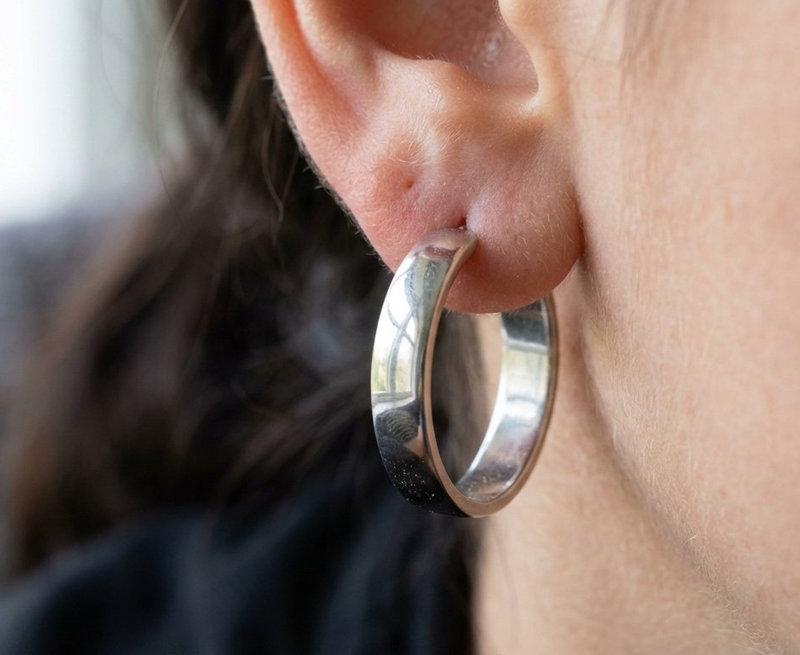
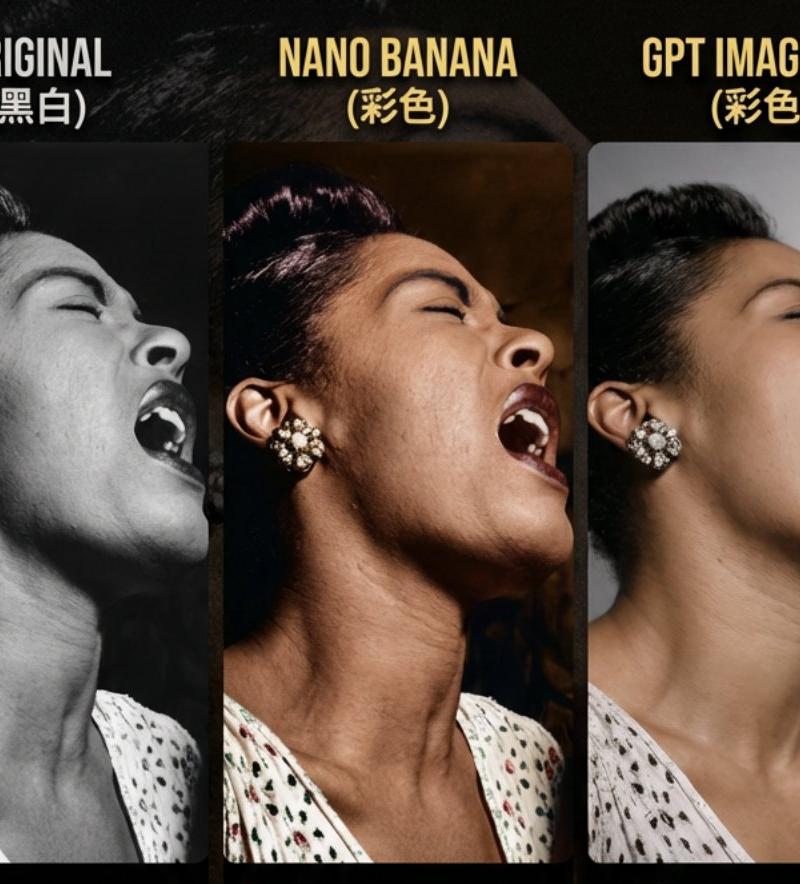
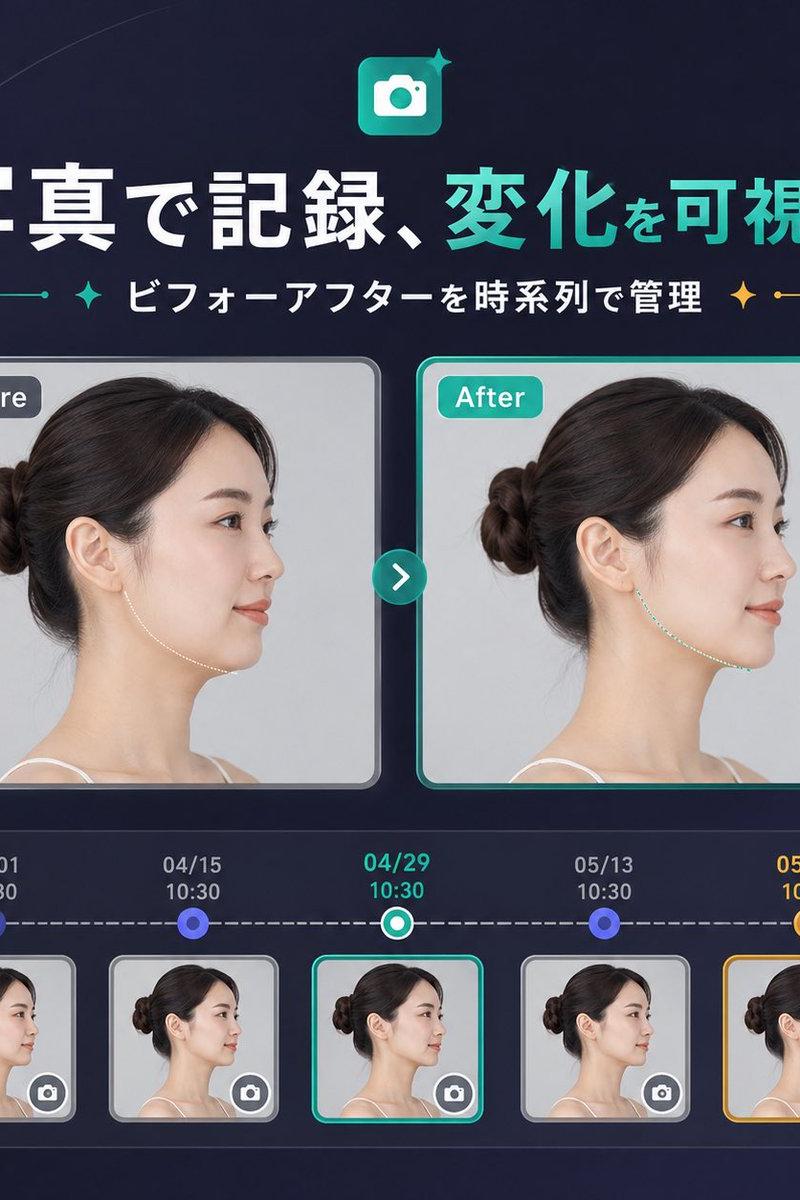
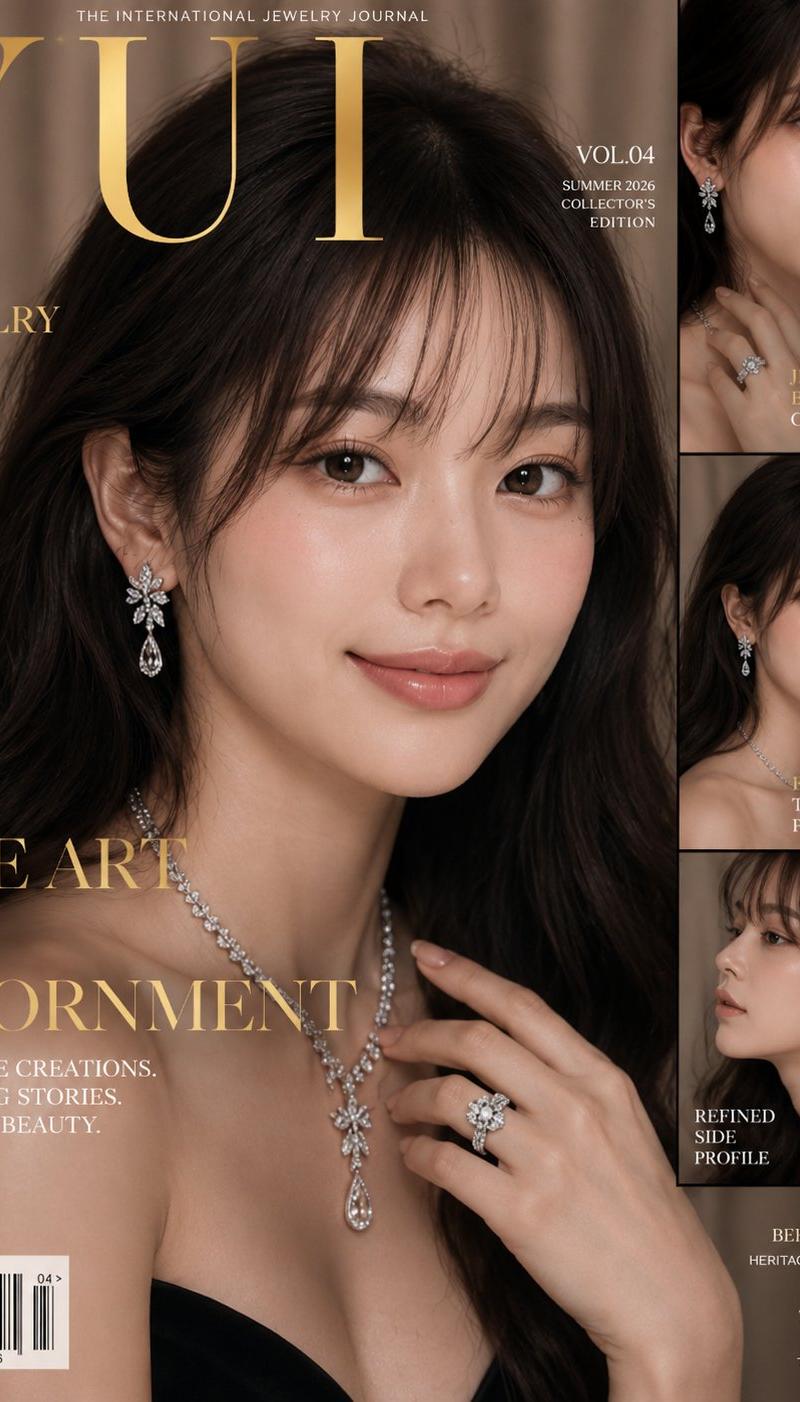
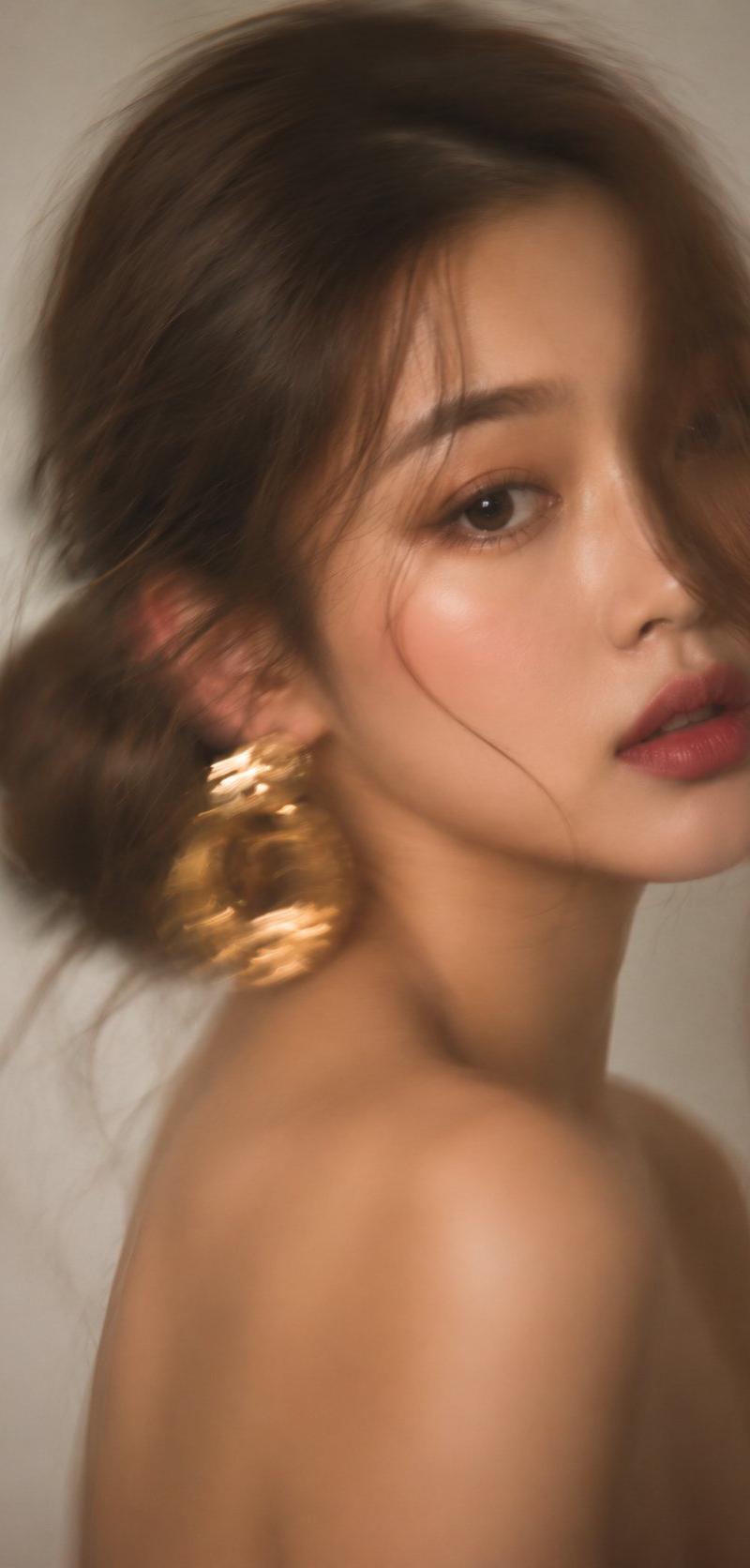
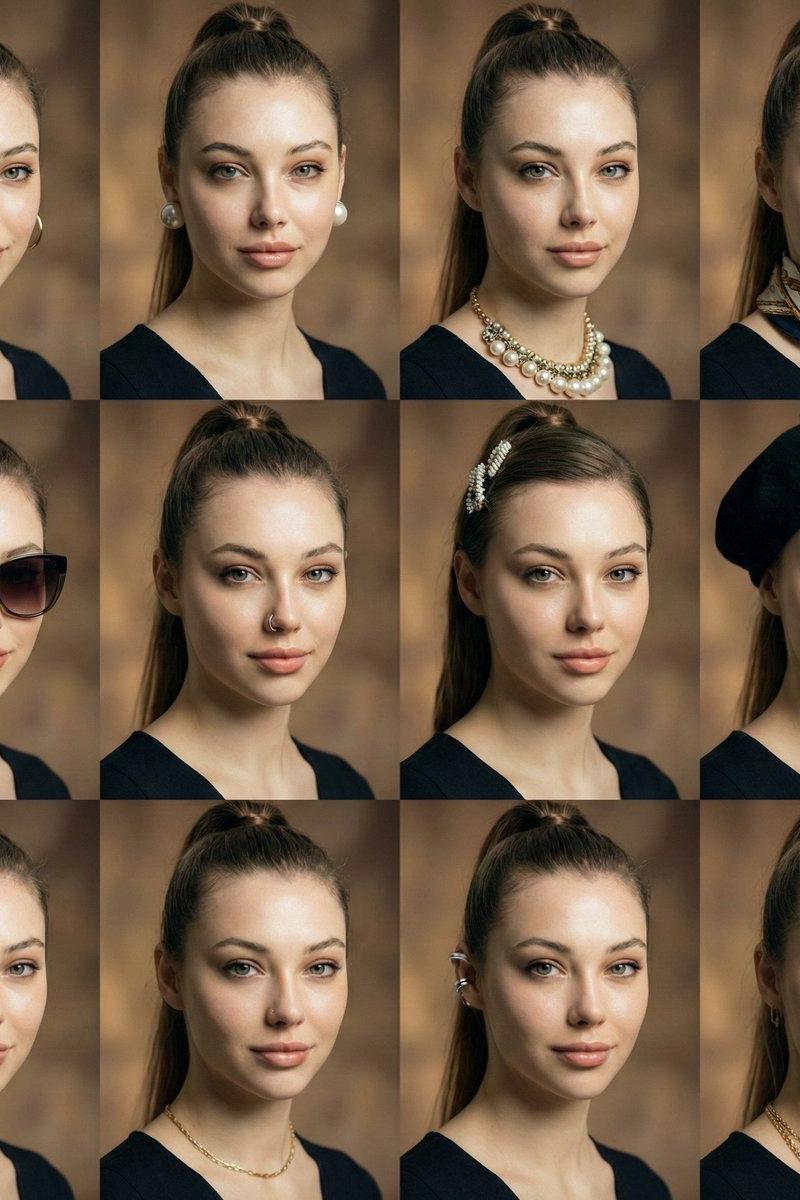
封号前玩耳饰系列摄影
Enlarge

Example images

封号前玩耳饰系列摄影

Prompt
被封号前两天就想玩这个耳饰系列
最大的难度就是4x4脸部的朝向问题
试试这个提示词👇:
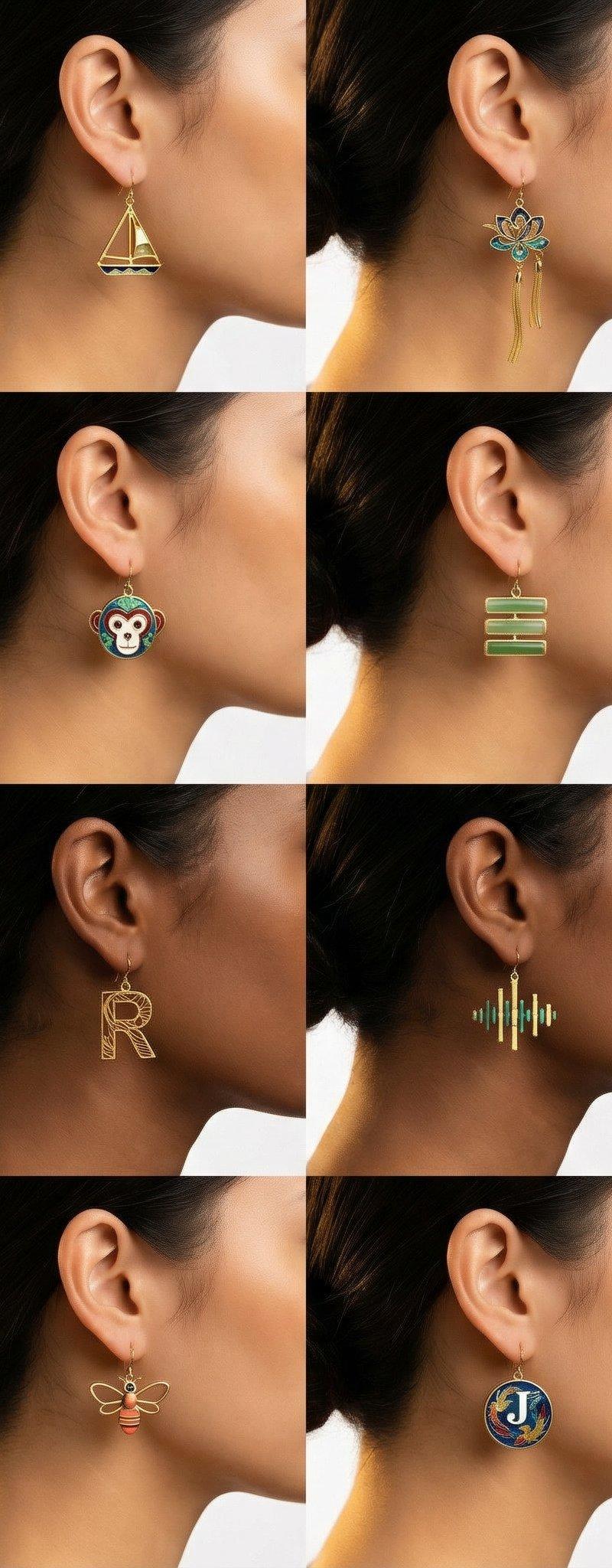
十六张产品摄影特写镜头组成的网格。🌹所有16张照片使用完全相同的拍摄角度:模特面向画面左侧,展示右耳🌹。
🌹拍摄构图:相机位于模特右后侧,画面只显示右半边脸(右耳+耳环、右耳垂、右侧脸颊边缘、右侧下颌、右侧脖子、右侧头发)。耳朵和耳环在画面右侧,模特视线朝向画面左边。严禁出现左耳或面向右侧的照片🌹。
极致特写裁剪:排除眼睛、鼻子、面部正面。多样肤色(浅色到深棕)、多种深色发型(盘发或披发)。4×4网格,纯白色无缝背景。产品摄影风格,简洁现代。正方形1:1。浅景深,耳环清晰、背景虚化。微距镜头。柔和摄影棚灯光,玫瑰金高光。暖色调。
🌹所有耳环为抛光玫瑰金,所有模特右耳佩戴,面向左侧🌹。
第一行(左到右,🌹全部右耳、面向左🌹):1)抽象旋涡结(OpenAI风格) 2)三角帆船轮廓 3)抽象花朵旋涡 4)圆圈内字母C。
第二行(左到右,🌹全部右耳、面向左🌹):1)字母G 2)卡通猴脸 3)三横线对话框 4)字母D。
🌹第三行特别注意:这一行的4个格子也必须全部展示右耳、面向左侧🌹。第三行(左到右):1)播放按钮(圆角矩形内三角,🌹右耳、面向左🌹) 2)字母R(🌹右耳、面向左🌹) 3)声波均衡器竖条(🌹右耳、面向左🌹) 4)圆圈内字母Q(🌹右耳、面向左🌹)。
🌹第四行特别注意:这一行的4个格子也必须全部展示右耳、面向左侧🌹。第四行(左到右):1)侧面人头含大脑符号(🌹右耳、面向左🌹) 2)蜜蜂轮廓(🌹右耳、面向左🌹) 3)圆圈内字母J(🌹右耳、面向左🌹) 4)方框内字母N(🌹右耳、面向左🌹)。
🌹最终检查:16个格子,每一个都是右耳、都面向左侧。绝不允许例外🌹。
无其他文字或装饰。
Category
Photography & Realism
Model
Unknown
Creator
huangserva
Source language
zh-CN
Views0
Source ID
photography-of-earring-series-before-ban
Studio

Guide

About "封号前玩耳饰系列摄影"

What is this prompt for?

"封号前玩耳饰系列摄影" AI image prompt for Unknown (Photography & Realism). 被封号前两天就想玩这个耳饰系列 最大的难度就是4x4脸部的朝向问题 试试这个提示词👇: 十六张产品摄影特写镜头组成的网格。🌹所有16张照片使用完全相同的拍摄角度:模特面向画面左侧,展…

The full copyable prompt and example visuals above are ready for AI image generation or one-click recreate in Picva.

How to use this prompt

  1. Step 1

    Open the prompt detail

    Review the example visuals, category, and full prompt text for "封号前玩耳饰系列摄影".

  2. Step 2

    Copy the prompt

    Copy the prompt body from this page, or load it directly in Studio.

  3. Step 3

    Pick a model (Unknown)

    Prefer Unknown. If you switch models, keep subject and composition and tweak style terms.

  4. Step 4

    Generate and export

    Recreate the look in Picva, or export into your workflow for editing and publishing.

FAQ

What is the "封号前玩耳饰系列摄影" prompt?
It is an AI image-generation prompt for Unknown in the Photography & Realism category. This page includes the full prompt text, example visuals, and a one-click recreate path in Picva.
How do I use this prompt to generate an image?
Copy the prompt from this page, or use Generate / Studio. Paste it into a compatible image model, or recreate the look in Picva with optional reference images.
Which model is this prompt for?
This page lists Unknown. Most descriptive prompts also transfer to nearby image models such as GPT Image, Flux, or Midjourney with light style tweaks.
Can I use the result commercially?
You can usually copy the prompt for creation, but commercial use of the final image depends on the model terms, reference-image rights, and the generated content. Follow the source author and platform rules.