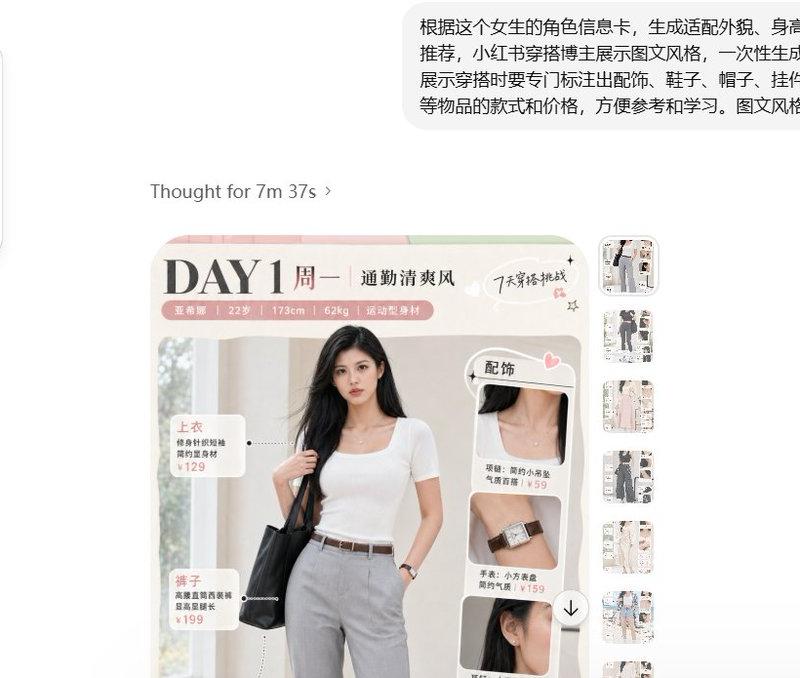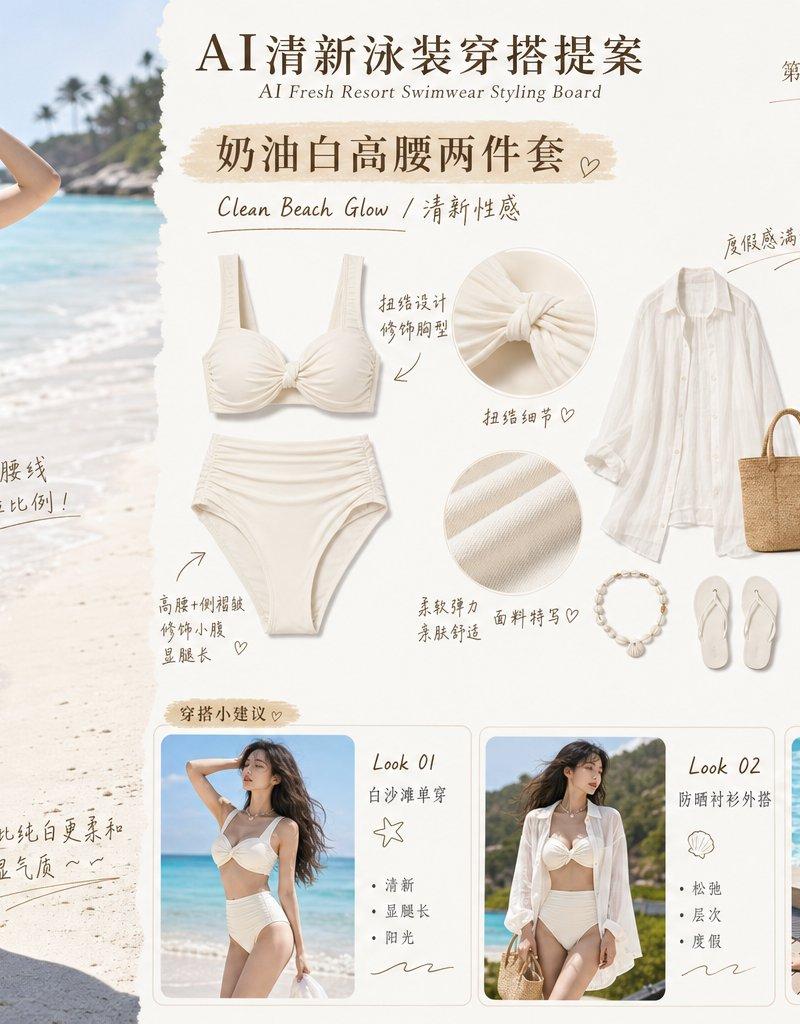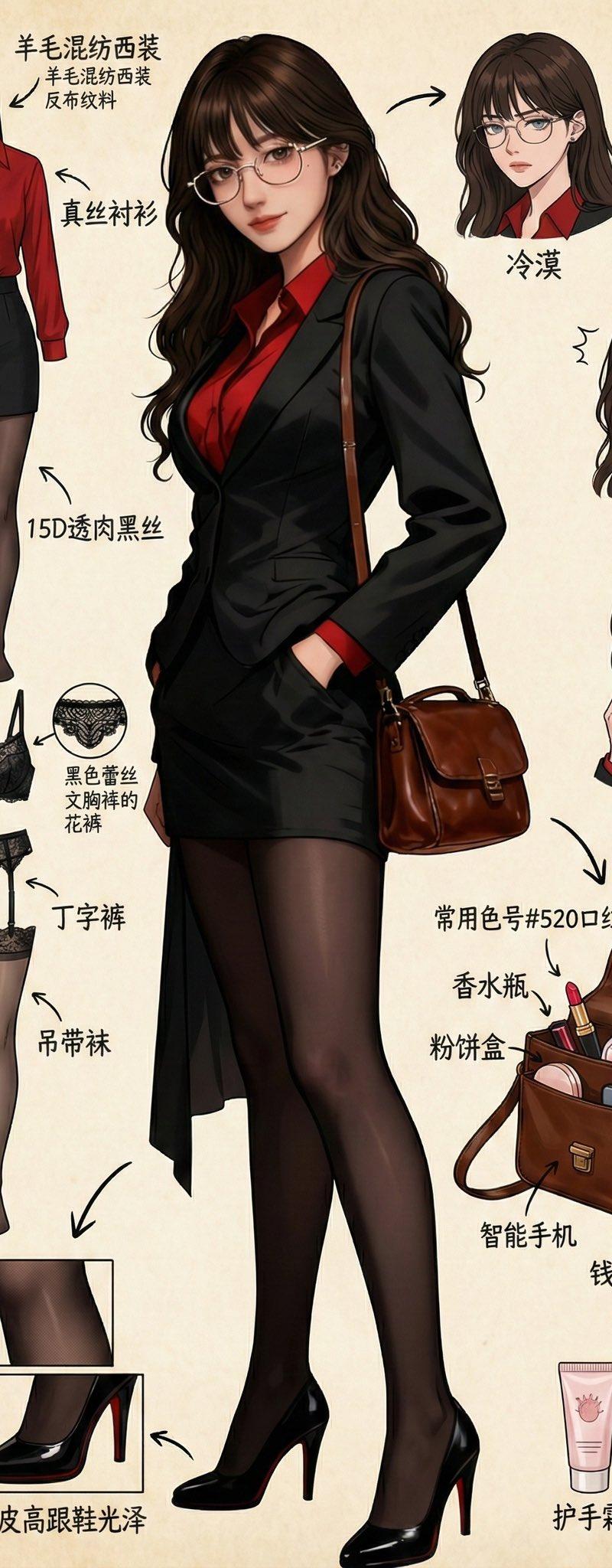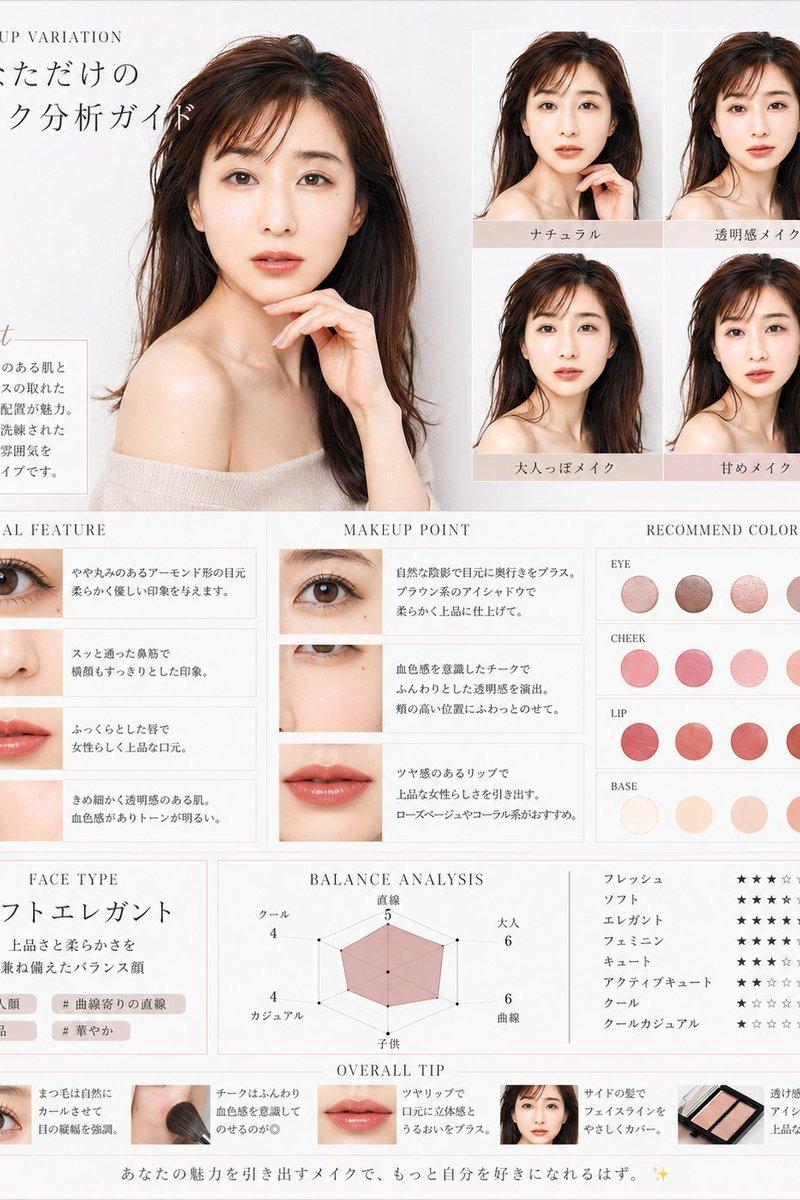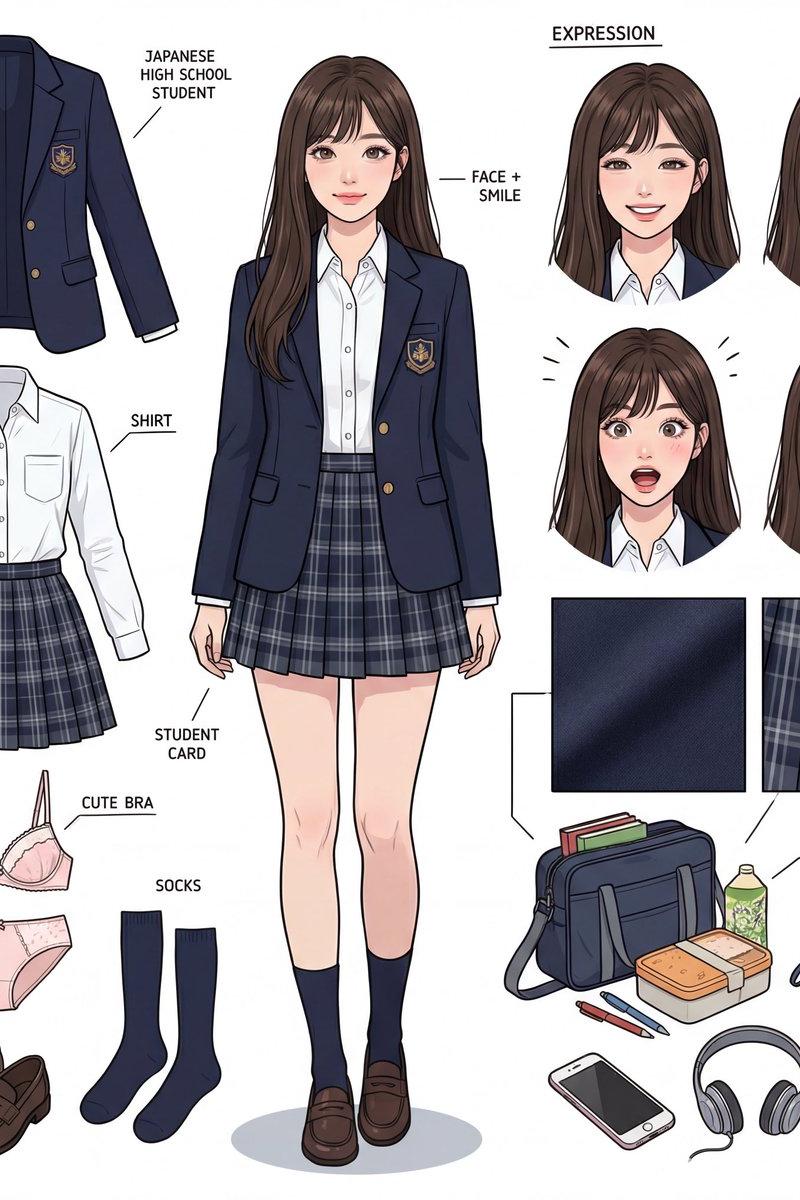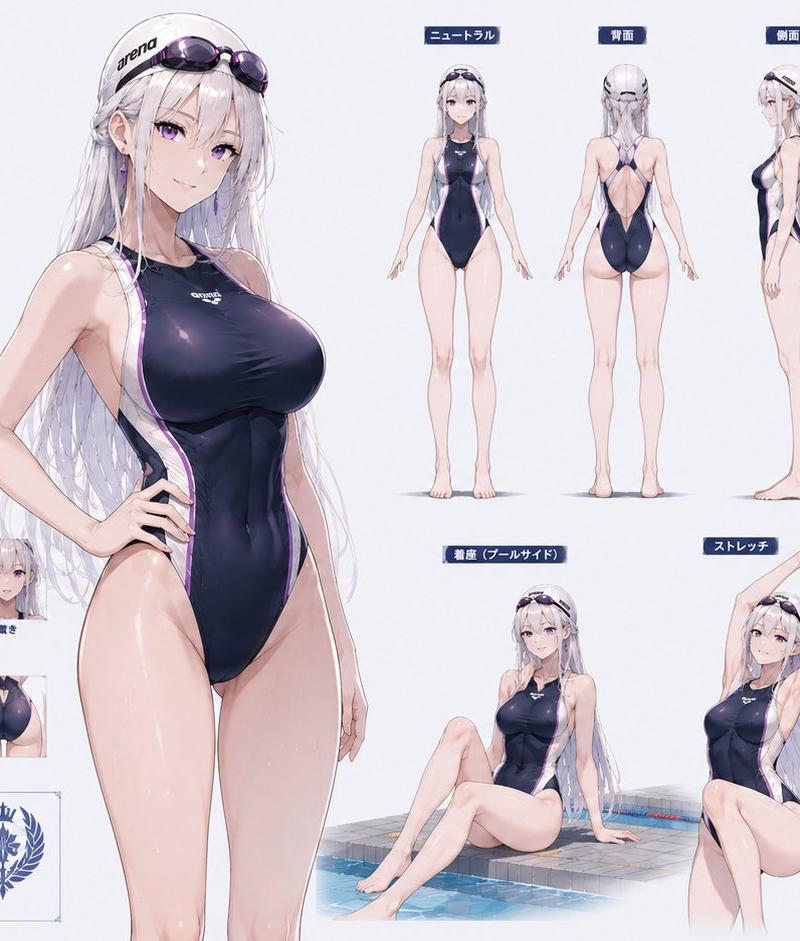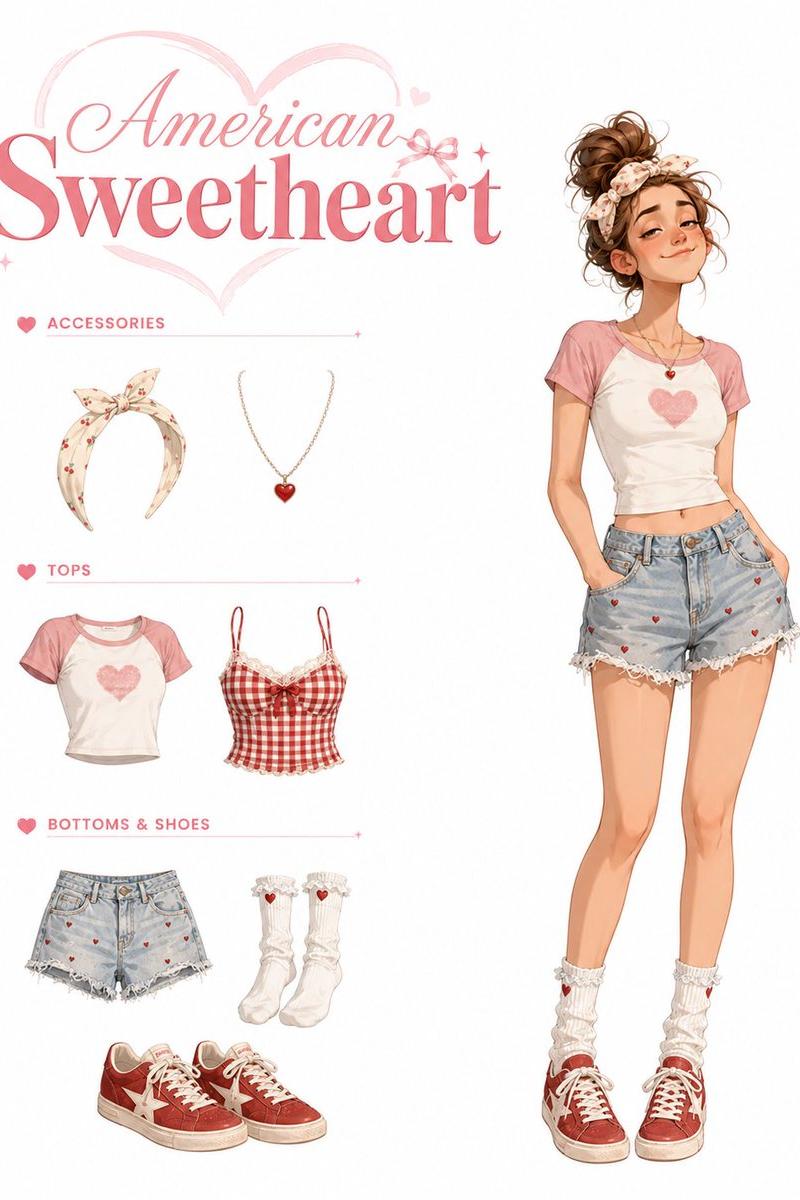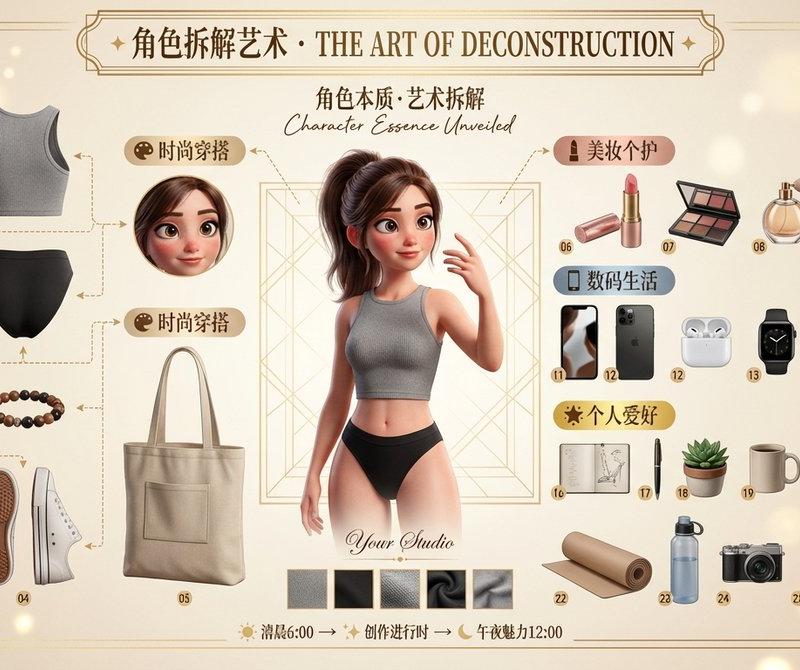
神佬2.0版本角色拆解艺术海报生成器
Prompt
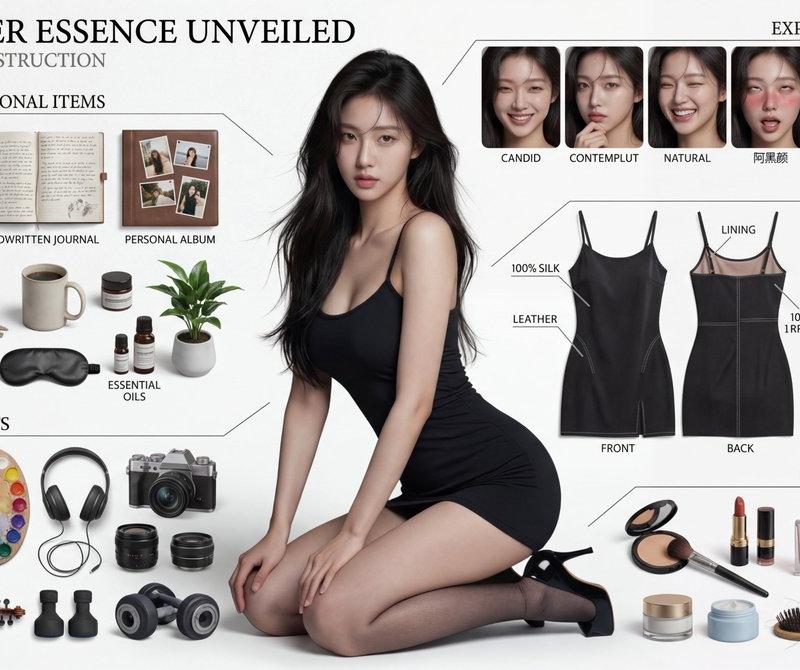
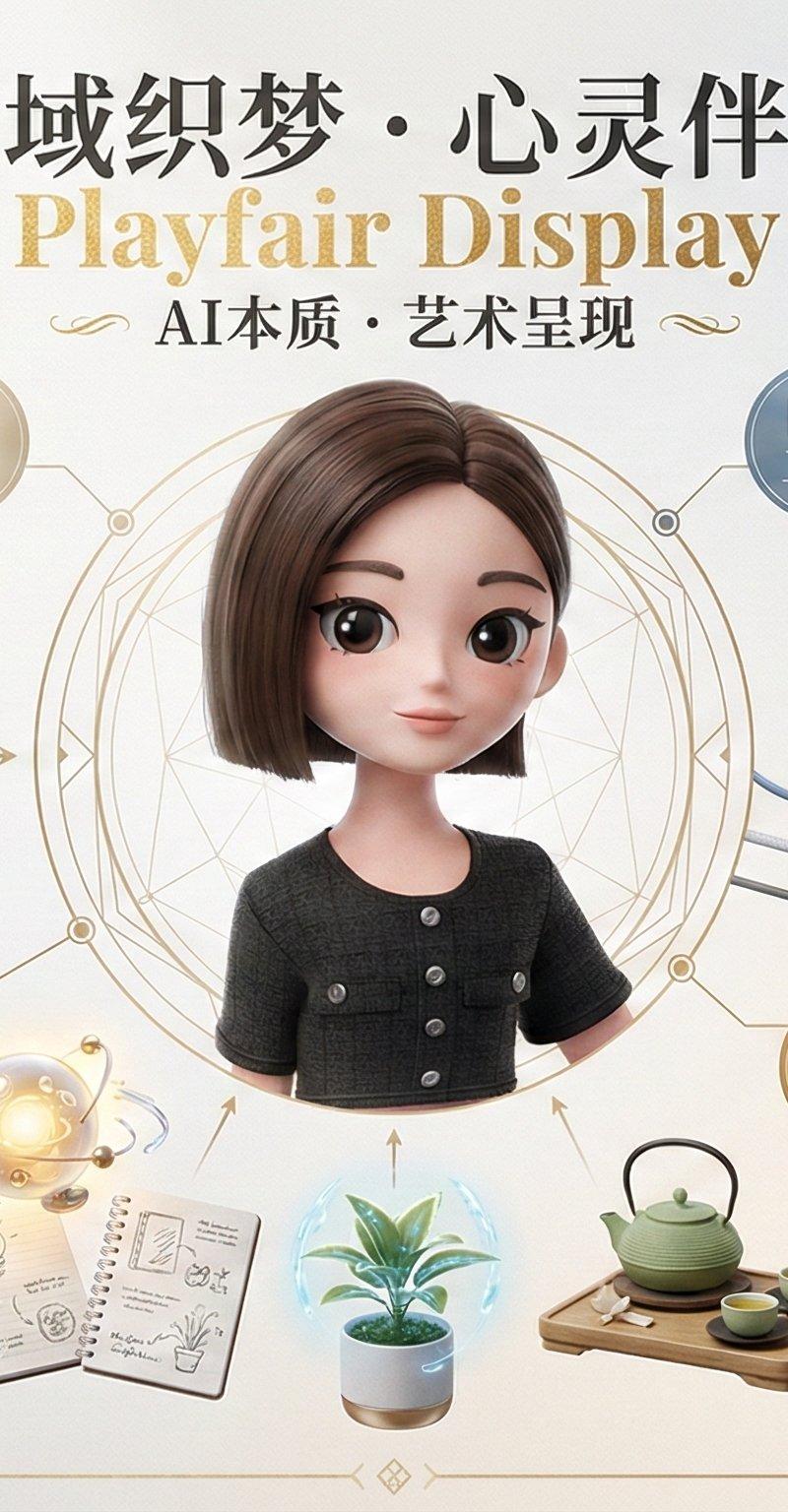
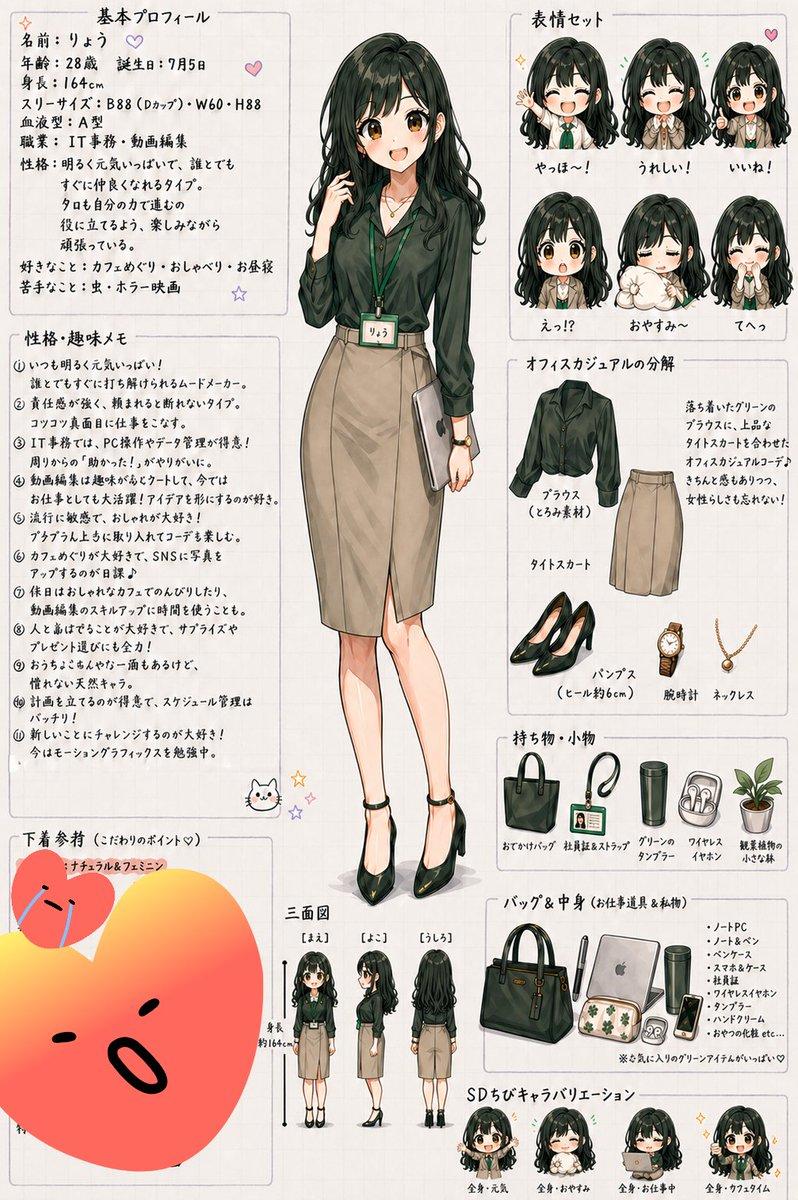
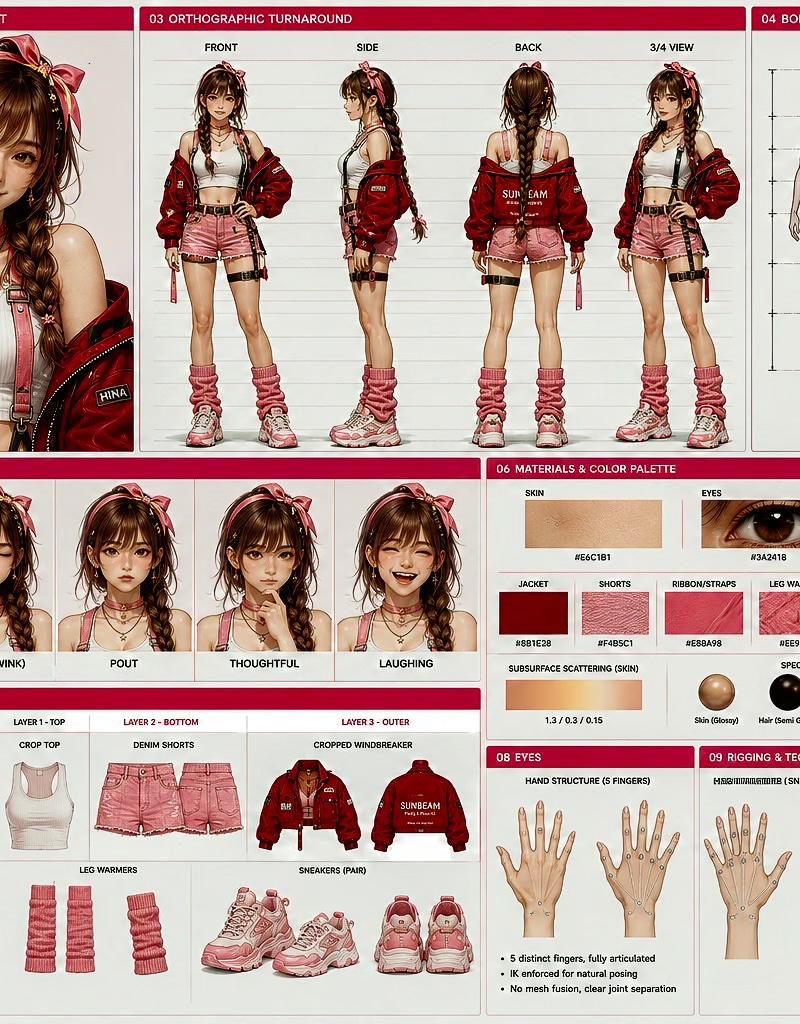
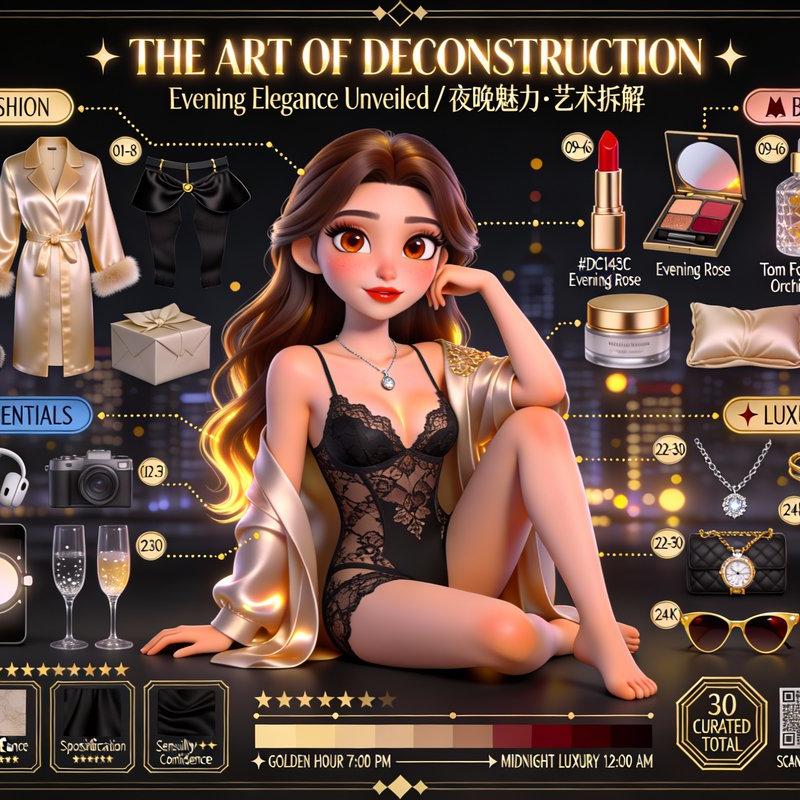
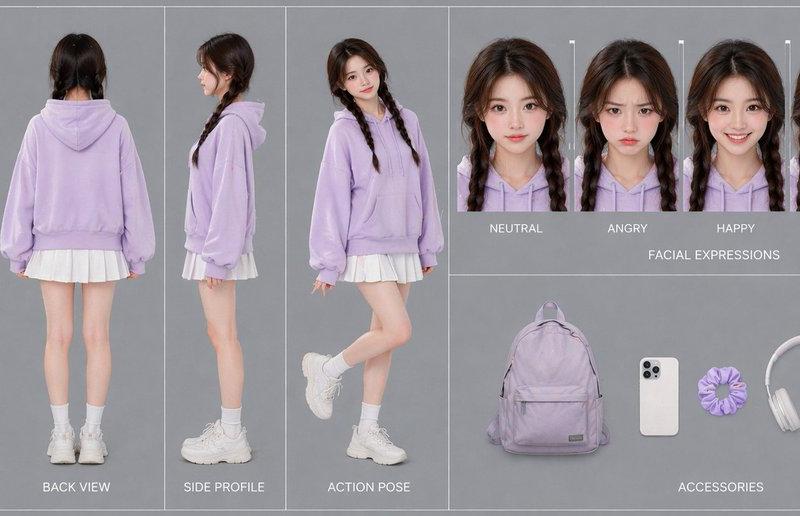
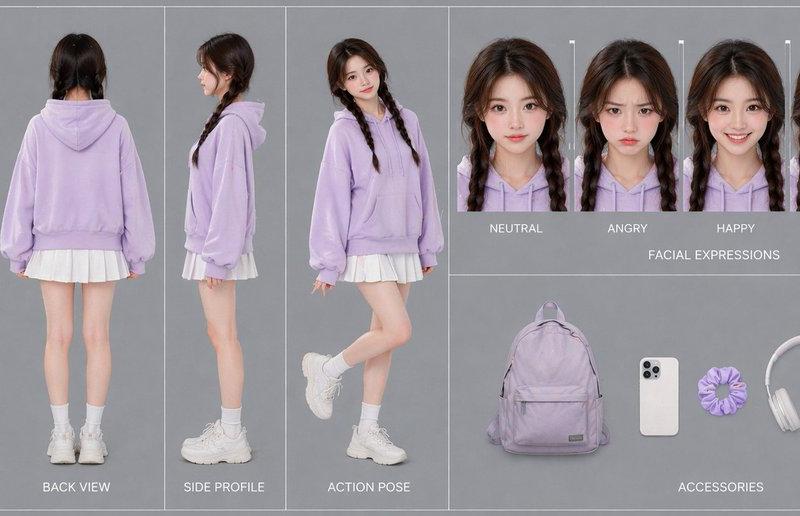
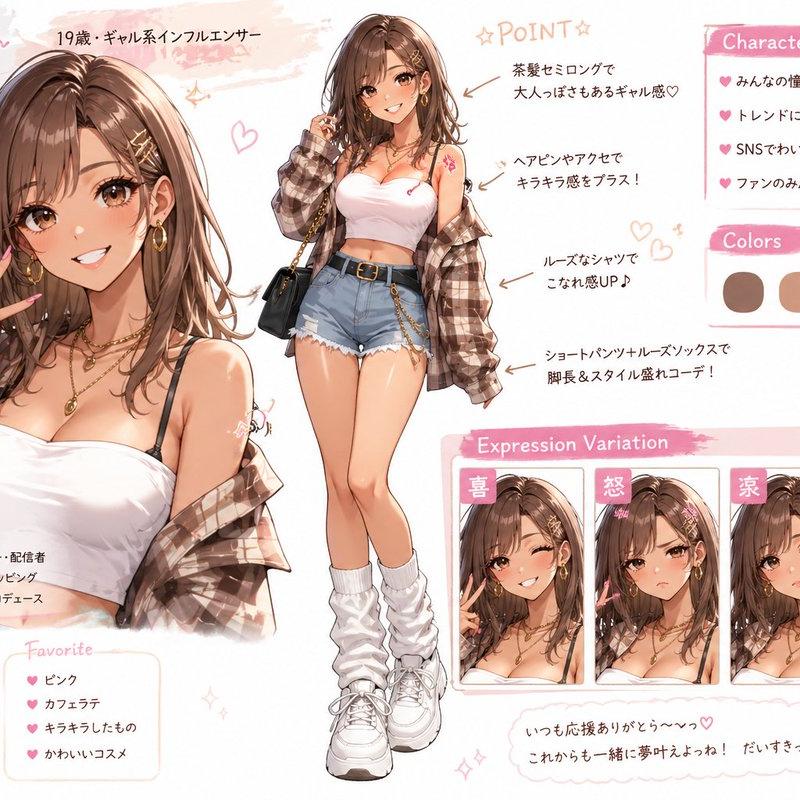
神佬2.0版本的人物拆解🔥,可玩性太高了
我总结了json格式提示词:
{
"prompt_name": "皮克斯风格角色拆解艺术海报生成器",
"core_instruction": {
"task": "基于参考图片创作电影级3D皮克斯/迪士尼风格角色拆解艺术海报",
"art_style": "皮克斯风格化写实主义(Stylized Realism)",
"aspect_ratio": "16:9",
"quality_benchmark": "《寻梦环游记》《青春变形记》《夏日友晴天》官方海报级别"
},
"character_rendering": {
"screen_proportion": "40%",
"face": {
"eyes": "皮克斯大眼睛,多重高光,虹膜细节,IOR 1.376角膜",
"skin": "三层SSS次表面散射(0.5mm/1.5mm/3.0mm),双层高光,菲涅尔效应,可见毛孔",
"details": "自然红晕,光泽嘴唇,湿润泪膜,3D睫毛投影"
},
"hair": {
"count": "100000+发丝",
"shader": "各向异性着色器+Marschner模型",
"features": "主副双高光,成簇感,碎发,颜色渐变"
},
"clothing": {
"texture": "微观级织物纹理",
"material": "基于物理的PBR材质",
"details": "物理模拟褶皱,张力点,缝合线细节"
},
"lighting": "电影级三点布光+HDRI环境光",
"pose": "自然引人入胜,匹配参考图并艺术化夸张"
},
"item_layout": {
"total_items": "30-36件",
"arrangement": "90度直角或放射状Knolling布局",
"categories": {
"fashion": {
"label_color": "香槟金",
"icon": "🎨",
"items": ["服装拆解(衣袖/衣领/裁片/内衬)", "鞋履拆解(鞋底/鞋面/鞋带/鞋跟)", "配饰(腰带/包袋/帽子/围巾)"]
},
"beauty": {
"label_color": "玫瑰金",
"icon": "💄",
"items": ["彩妆(口红/眼影盘/粉饼/香水)", "护肤(精华液/面霜/美容仪)"]
},
"digital": {
"label_color": "钢蓝色",
"icon": "📱",
"items": ["电子设备(手机/耳机/手表/平板/相机)", "材质需有正确粗糙度和反射"]
},
"hobbies": {
"label_color": "24K金",
"icon": "🌟",
"items": ["奢华配饰(珠宝/品牌包)", "兴趣爱好(画笔/书籍/乐器/运动装备/咖啡用具)"]
}
},
"item_requirements": {
"rendering_quality": "与角色同等级3D渲染",
"numbering": "01-36圆形编号徽章",
"material": "PBR材质+逼真软阴影"
}
},
"exploded_view": {
"connection_lines": "优雅虚线/实线连接悬浮部件",
"arrows": "装饰性箭头指向标签",
"annotations": {
"material_samples": "织物/皮革微距特写方块",
"material_labels": "如\'100%真丝\'、\'意大利小牛皮\'",
"measurement_rulers": "cm/inch标记"
}
},
"typography": {
"main_title": {
"text": "✨ 角色拆解艺术 · THE ART OF DECONSTRUCTION ✨",
"position": "顶部中央",
"font": "中文方正宋刻本秀楷/英文Playfair Display",
"effect": "金箔效果,新艺术风格装饰框"
},
"subtitle": {
"text": "角色本质·艺术拆解 / Character Essence Unveiled",
"font": "飘逸手写体"
},
"category_headers": {
"style": "带图标的圆角矩形标签",
"labels": ["🎨 时尚穿搭", "💄 美妆个护", "📱 数码生活", "🌟 个人爱好"]
},
"item_labels": {
"font": "思源黑体",
"format": "圆形数字徽章+简短描述"
}
},
"design_elements": {
"geometric_frames": "Art Deco六边形/圆形细线框(0.5-1pt)",
"measurement_rulers": "沿左右边缘",
"crosshairs": "四角和关键焦点处",
"material_samples": "底部面料/皮革/金属微距特写方块",
"info_cards": "优雅边框卡片展示详细信息",
"radar_chart": "角色属性雷达图(优雅/风格/智慧等)",
"connection_lines": "金色/银色优雅虚线和箭头"
},
"background": {
"gradient": "白色→奶油色/香槟色暖色调 或 浅灰→白色冷色调",
"pattern_overlay": "5-10%透明度Art Deco几何网格或蓝图线条",
"vignette": "轻柔边缘暗角",
"atmosphere": "金色散景光斑+微妙胶片颗粒"
},
"branding": {
"watermark": {
"text": "Yanhua Your Studio",
"position": "画面中部",
"opacity": "10-15%",
"font": "手写体"
},
"qr_code": {
"position": "右下角",
"text": "扫码查看3D模型 / SCAN FOR 3D GALLERY",
"style": "Art Deco边框"
},
"item_count": {
"position": "右上角八角形框",
"text": "共XX件精选物品 / XX CURATED PIECES"
},
"timeline": {
"position": "底部横跨",
"format": "☀️ 清晨6:00 → ✨ 创作进行时 → 🌙 午夜魅力12:00"
}
},
"color_schemes": {
"female_fashion": ["香槟金#D4AF37", "玫瑰金#B76E79", "奶油色#FFF8E7", "樱花粉#F4C2C2"],
"male_tech": ["钢蓝色#4A90E2", "炭灰色#4A4A4A", "银色#C0C0C0", "电光蓝#00D9FF"],
"formal_luxury": ["纯黑#000000", "24K金#FFD700", "深红色#8B0000", "象牙白#FFFFF0"],
"couple": "男性冷色调 vs 女性暖色调对比"
},
"technical_specs": {
"rendering": {
"engine": "路径追踪(Path Tracing) - Cycles/Arnold/RenderMan级别",
"sampling": "4096+ SPP",
"light_bounces": 12,
"caustics": "开启",
"character_polygons": "2000000+",
"hair_strands": "100000+"
},
"pbr_materials": {
"skin": "三层SSS,双层高光",
"hair": "各向异性着色器,主副双高光",
"fabric": "微观编织法线贴图",
"metal": "Metalness 1.0, Roughness 0.1-0.4",
"glass": "IOR 1.5, 钻石IOR 2.42+色散",
"leather": "Roughness 0.6-0.7, 颗粒凹凸贴图"
},
"output": {
"resolution": "4K (3840×2160)",
"aspect_ratio": "16:9",
"bit_depth": "32-bit浮点",
"antialiasing": "16x MSAA"
}
},
"post_processing": {
"color_grading": {
"lut": "电影感LUT",
"shadows": "提高暗部,最低RGB 15,15,15",
"curve": "温和S型曲线增强对比度",
"temperature": "暖色+200K / 冷色-200K",
"saturation": "整体-5%,重点色彩+10%"
},
"effects": {
"bloom": "高光区域柔和光晕",
"film_grain": "柯达Portra 400胶片质感",
"chromatic_aberration": "边缘极细微色散",
"vignette": "中等强度暗角",
"sharpening": "输出时适度锐化"
}
},
"special_instructions": {
"single_person": "30件物品,聚焦个人生活方式",
"couple": "36件物品(每人18件),爱心符号连接,性别色调区分",
"pregnant": "含孕期用品(托腹油/维生素/B超照片),腹部附近婴儿图标",
"core_principle": "必须根据参考照片匹配角色年龄/职业/风格"
},
"quality_checklist": [
"角色具备皮克斯品质的皮肤/毛发/眼睛,SSS和反射效果正确",
"所有30-36件物品清晰可见、已编号、渲染精细",
"分类色彩编码统一一致",
"品牌元素(水印/二维码/时间轴)已呈现",
"中英文排版优雅清晰易读",
"整体构图和谐,遵循视觉美学",
"4K分辨率,边缘无锯齿",
"后期处理效果(辉光/颗粒/暗角)已应用"
],
"use_cases": [
"奢华产品目录",
"高端时尚杂志内页",
"专业艺术品印刷",
"个人摄影作品集",
"品牌营销活动"
]
}- Category
- Photography & Realism
- Model
- Unknown
- Creator
- yanhua1010
- Source language
- zh-CN
- Source ID
- shenlao-2-0-character-deconstruction-art-poster-generator
Views0