17

Gemini nano banana 超逼真摄影肖像
Enlarge

Example images

Gemini nano banana 超逼真摄影肖像

Prompt
Prompt for Gemini nano banana 🍌 @eachlabs
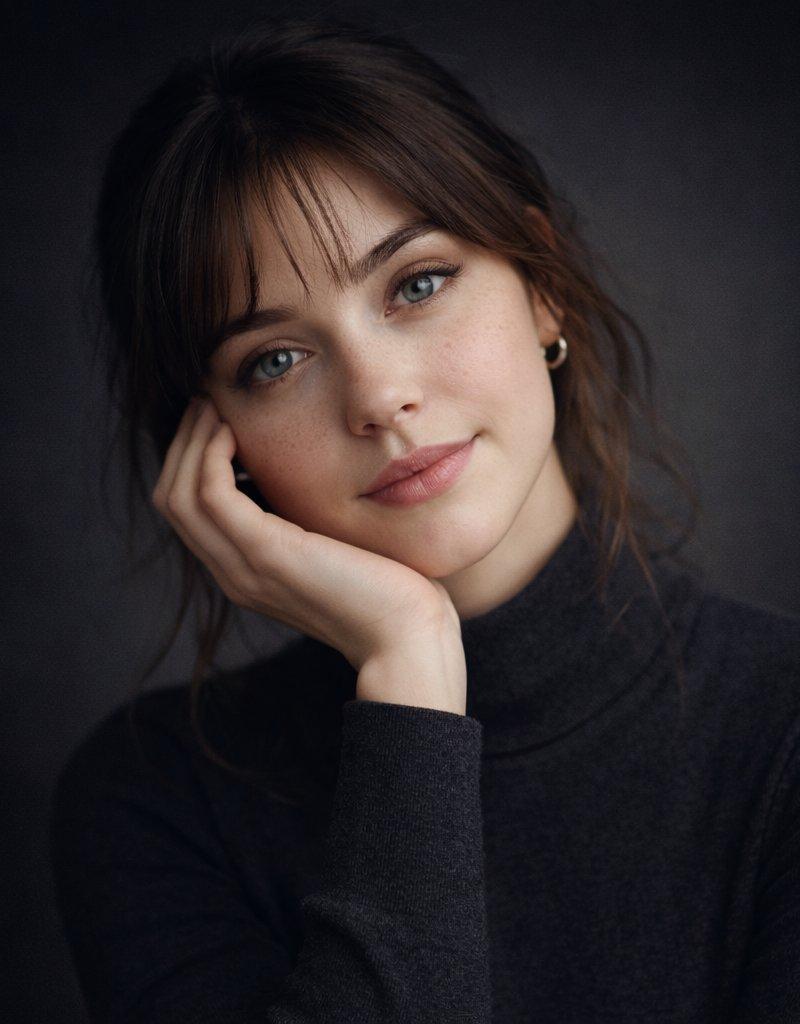
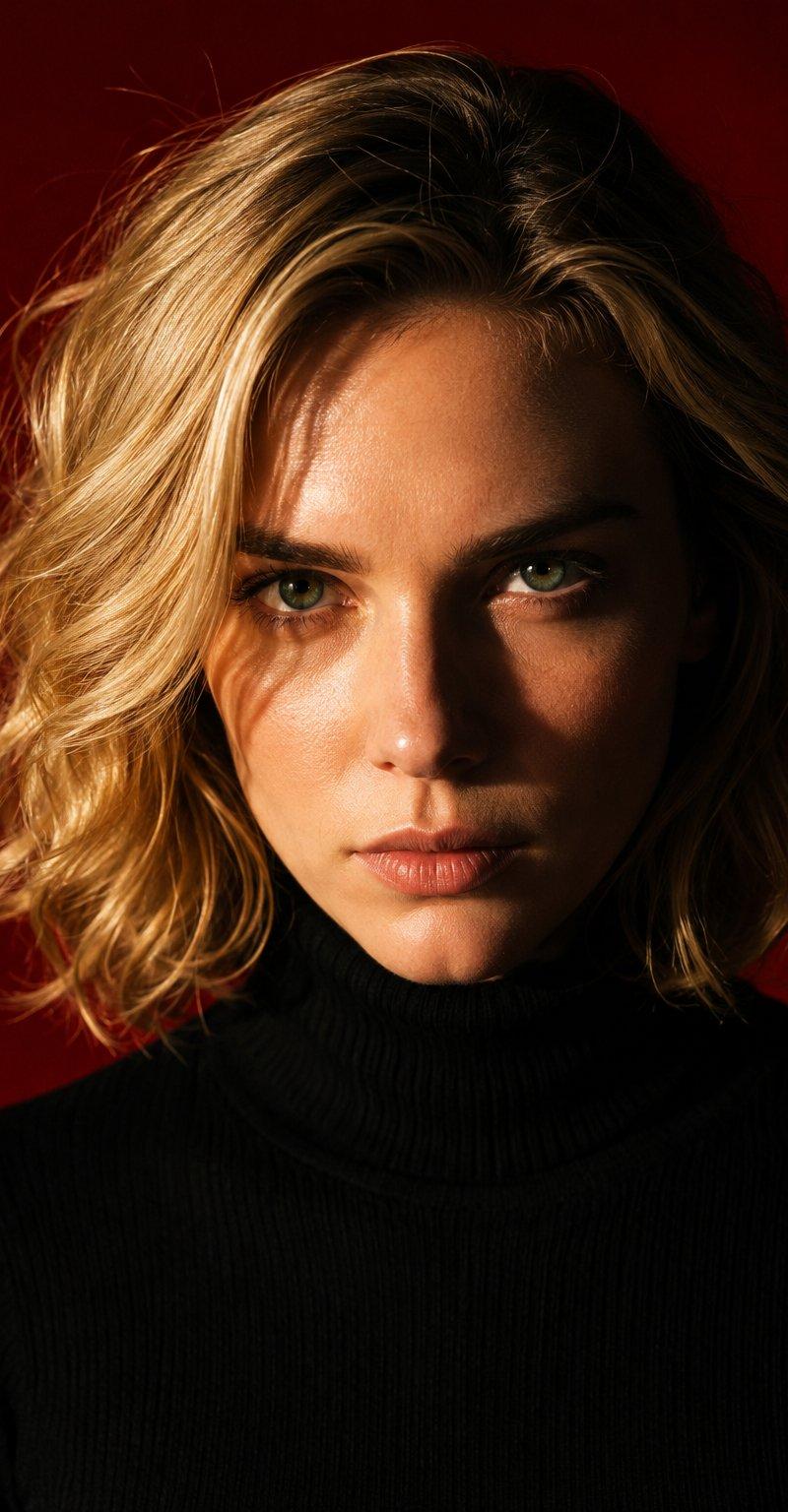
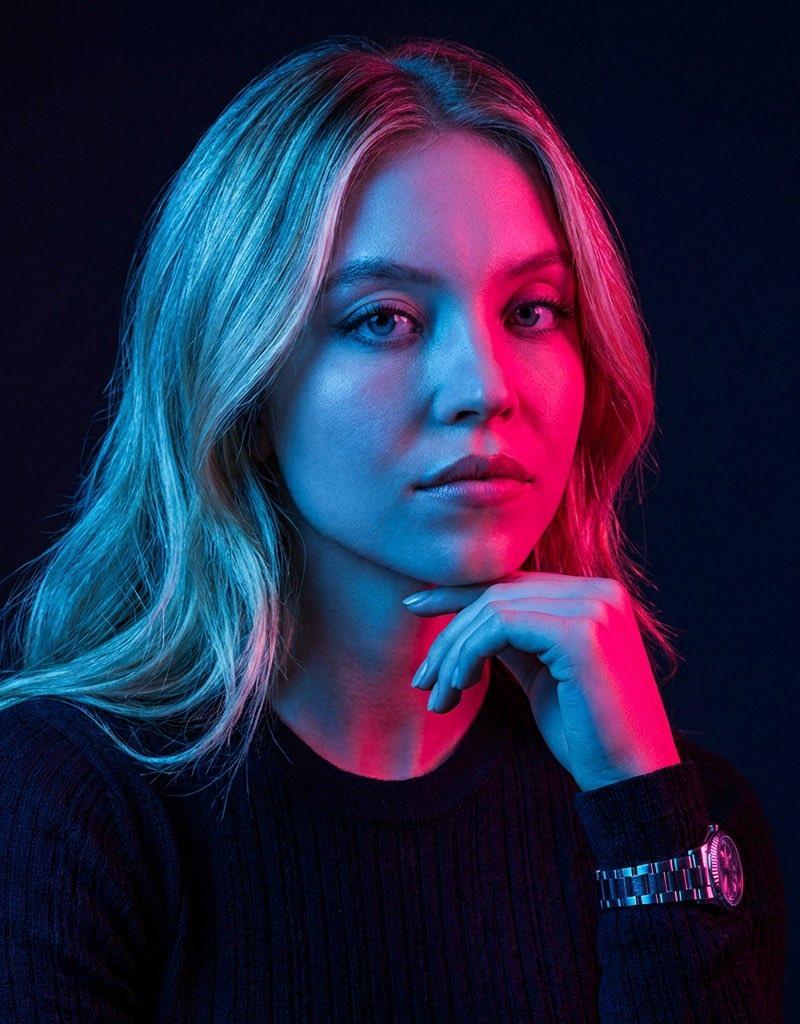
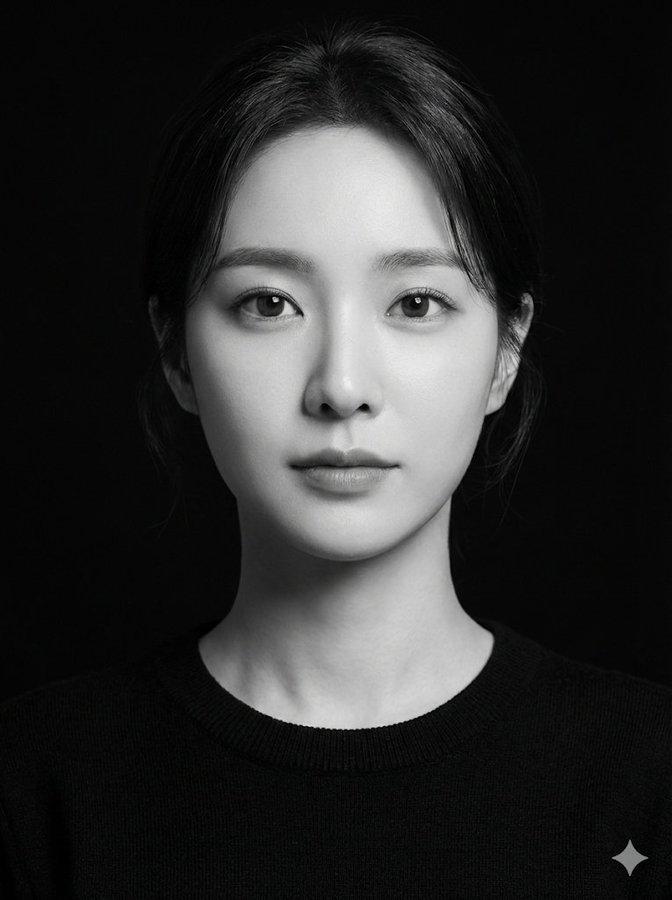
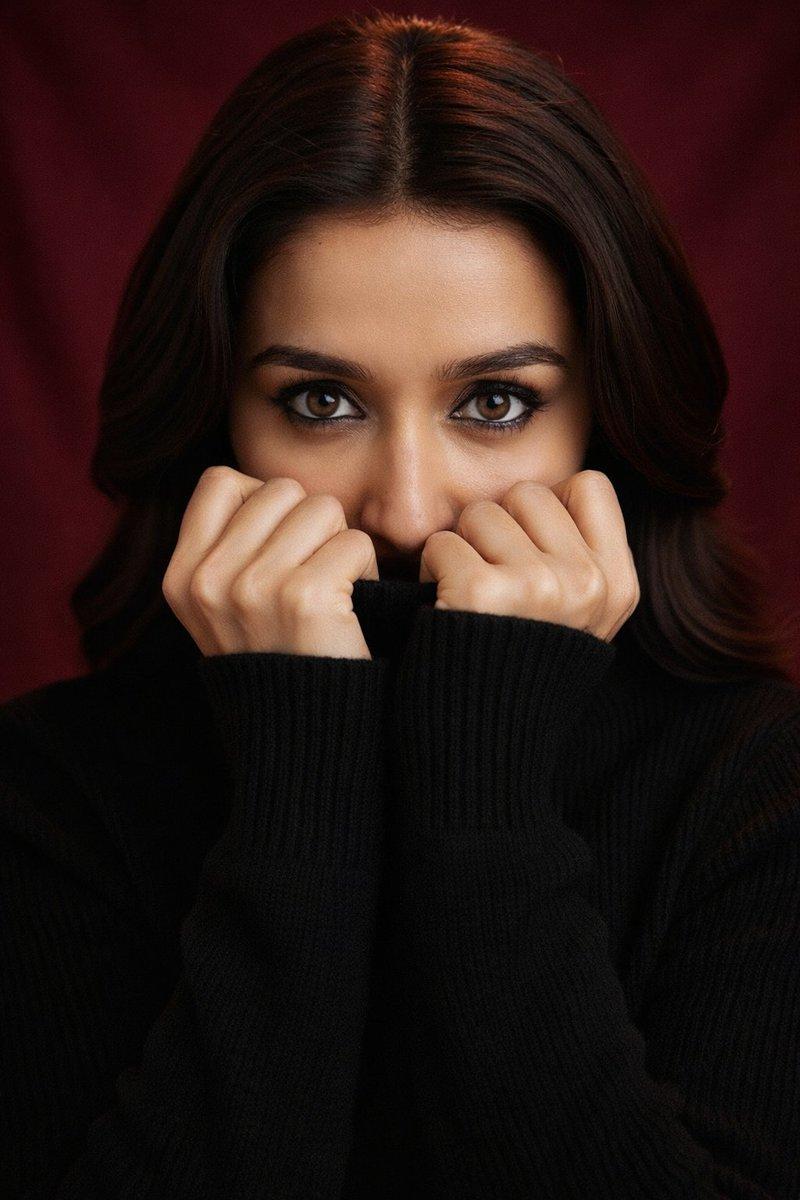
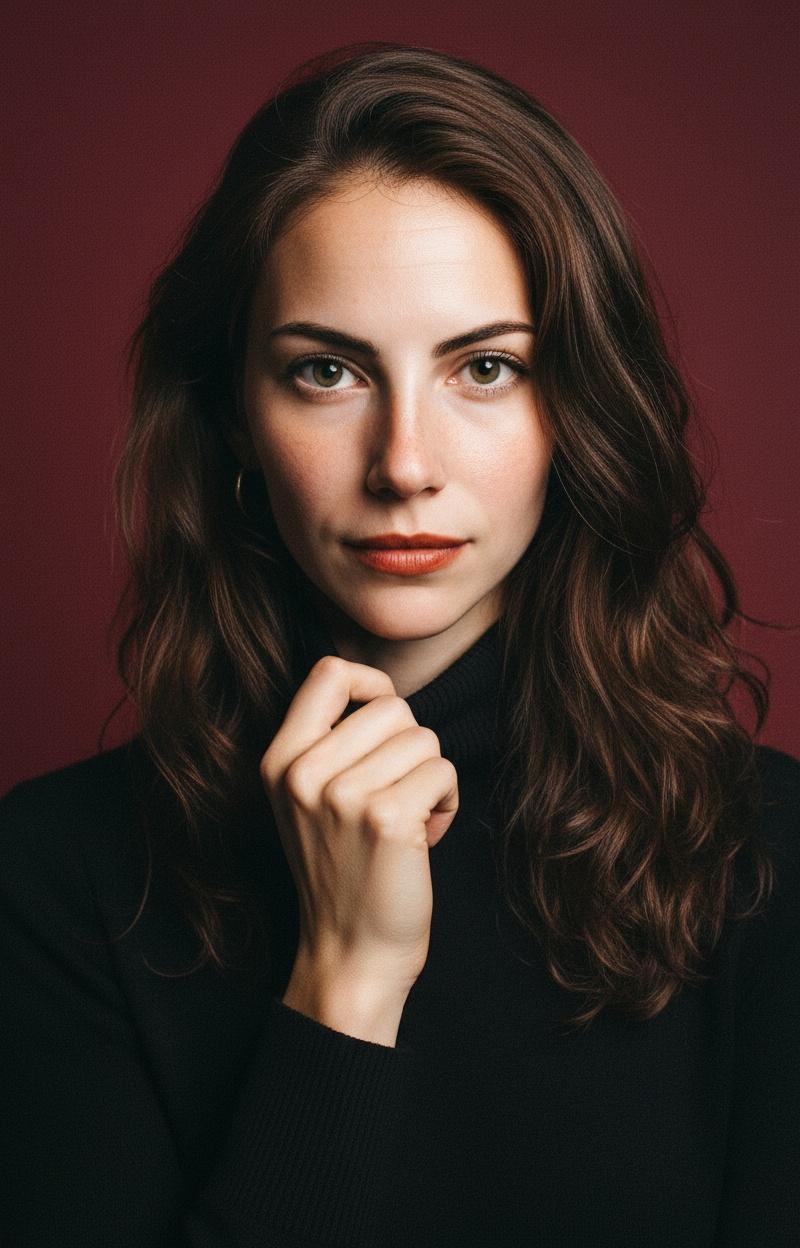
Super realistic studio portrait.
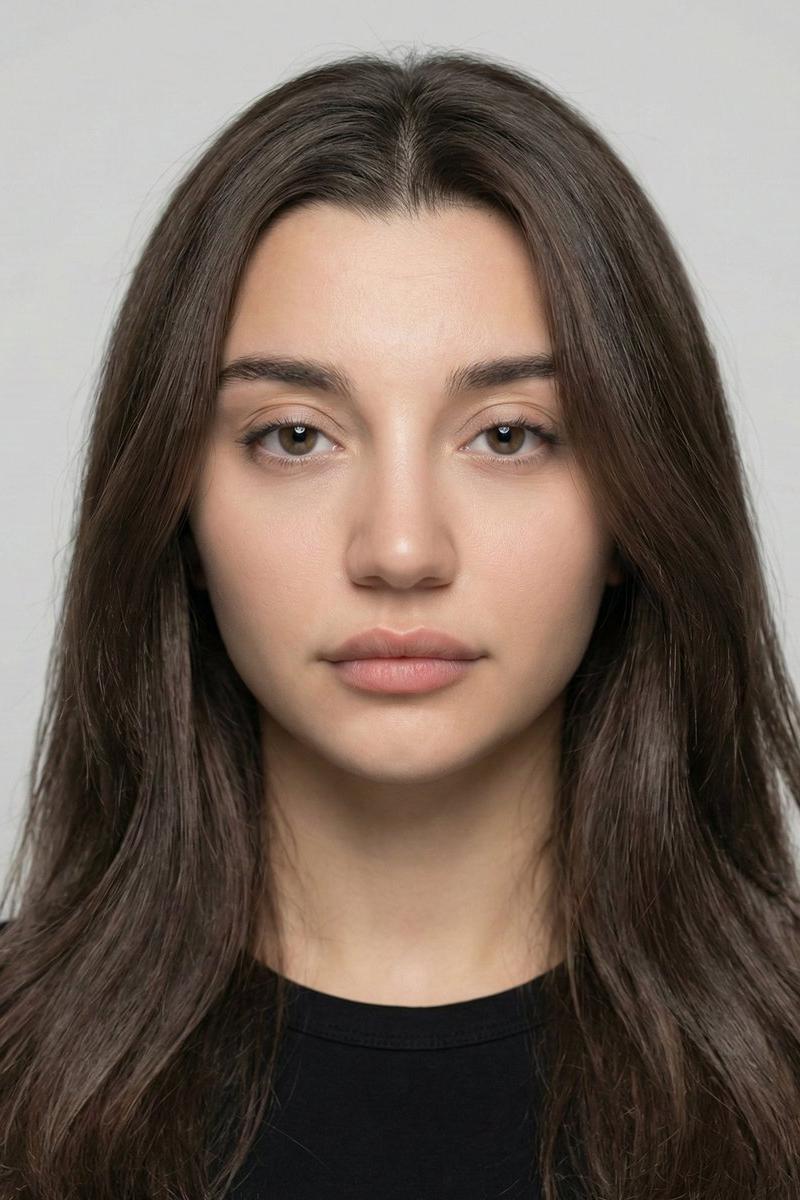
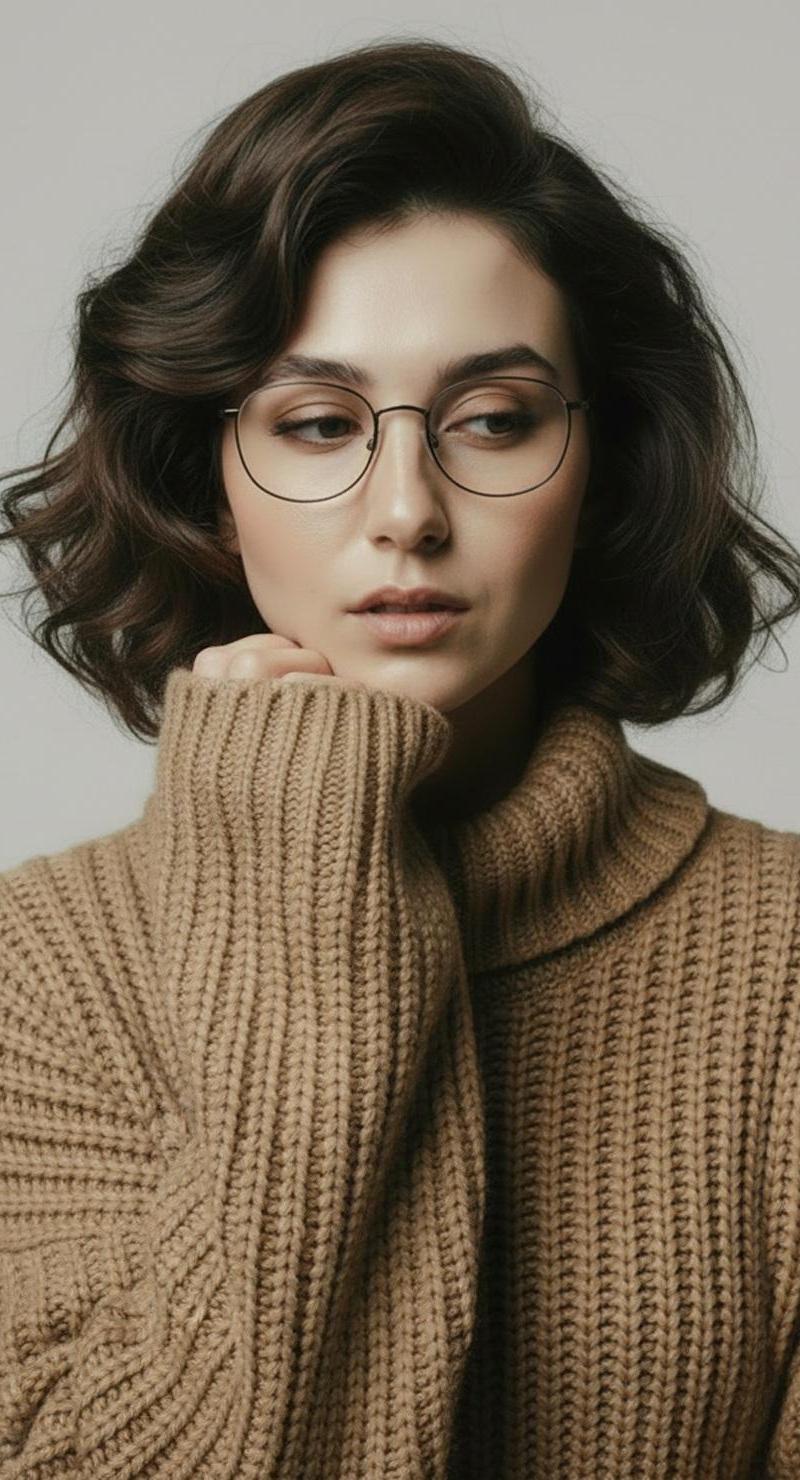
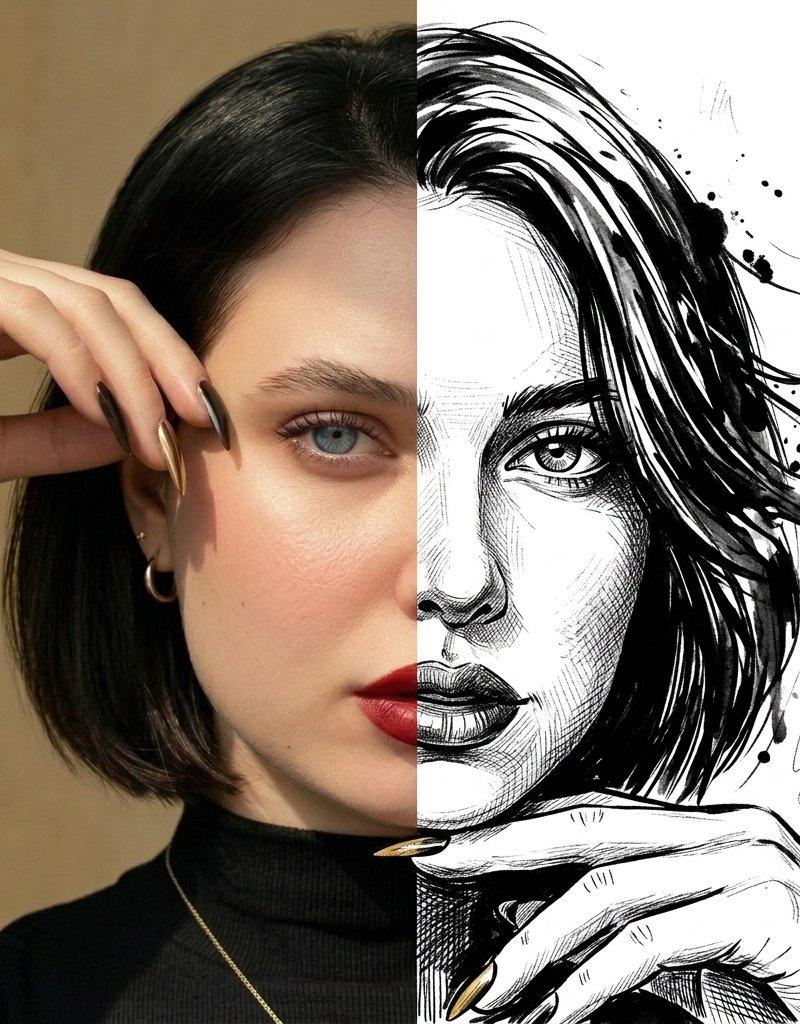
Use the person in the uploaded image. Do not change or alter the face, bone structure, gender, age, skin tone, hairstyle, or identity. Keep the same hair length and style exactly as in the uploaded photo.
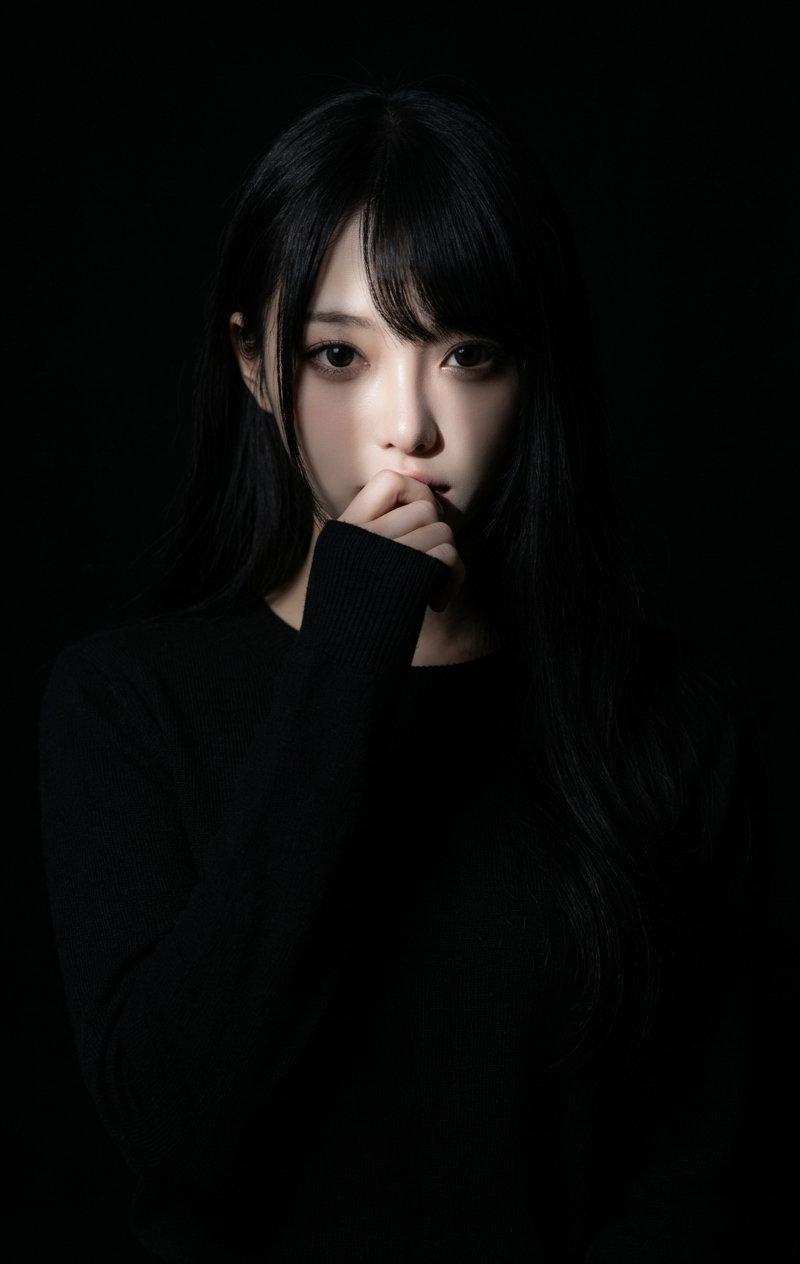
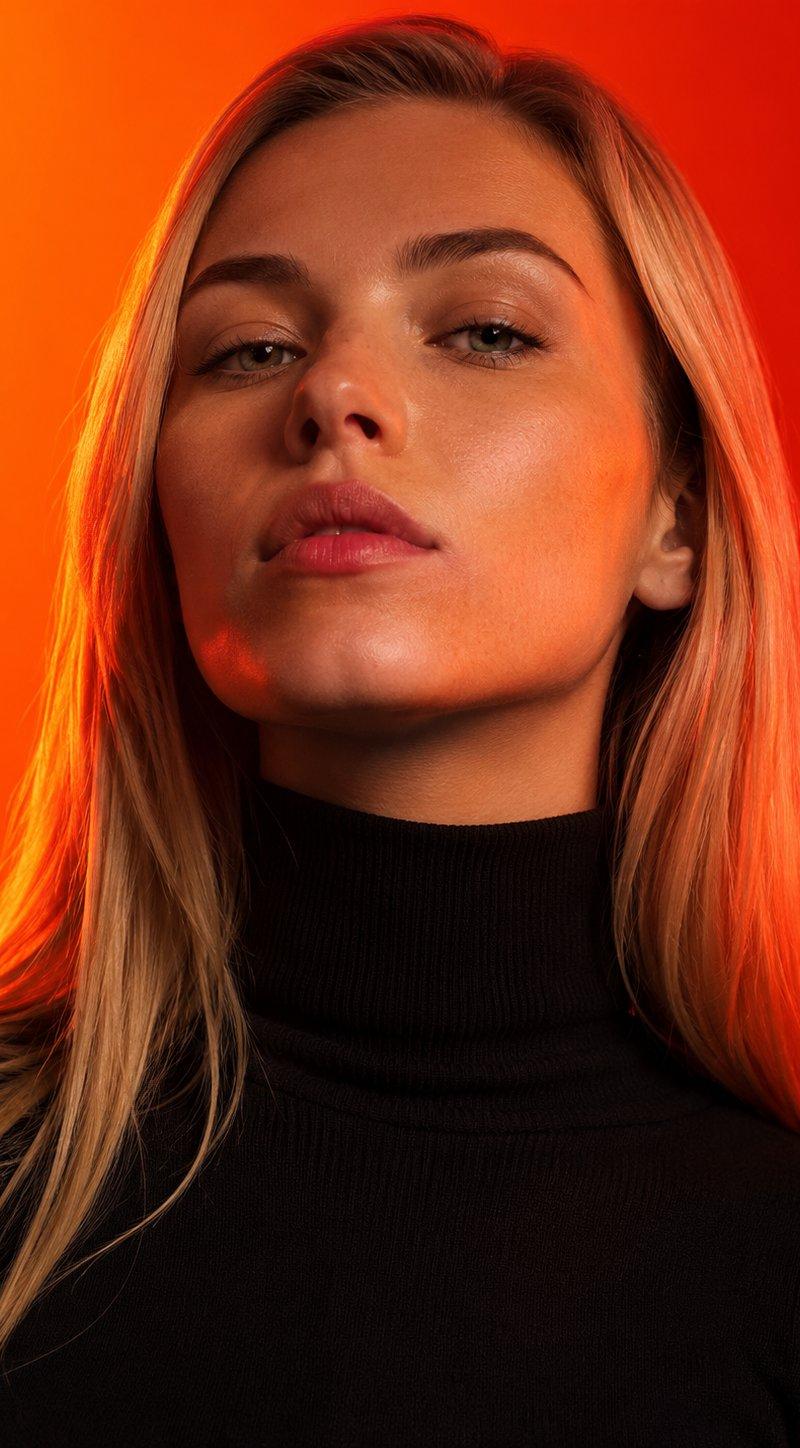
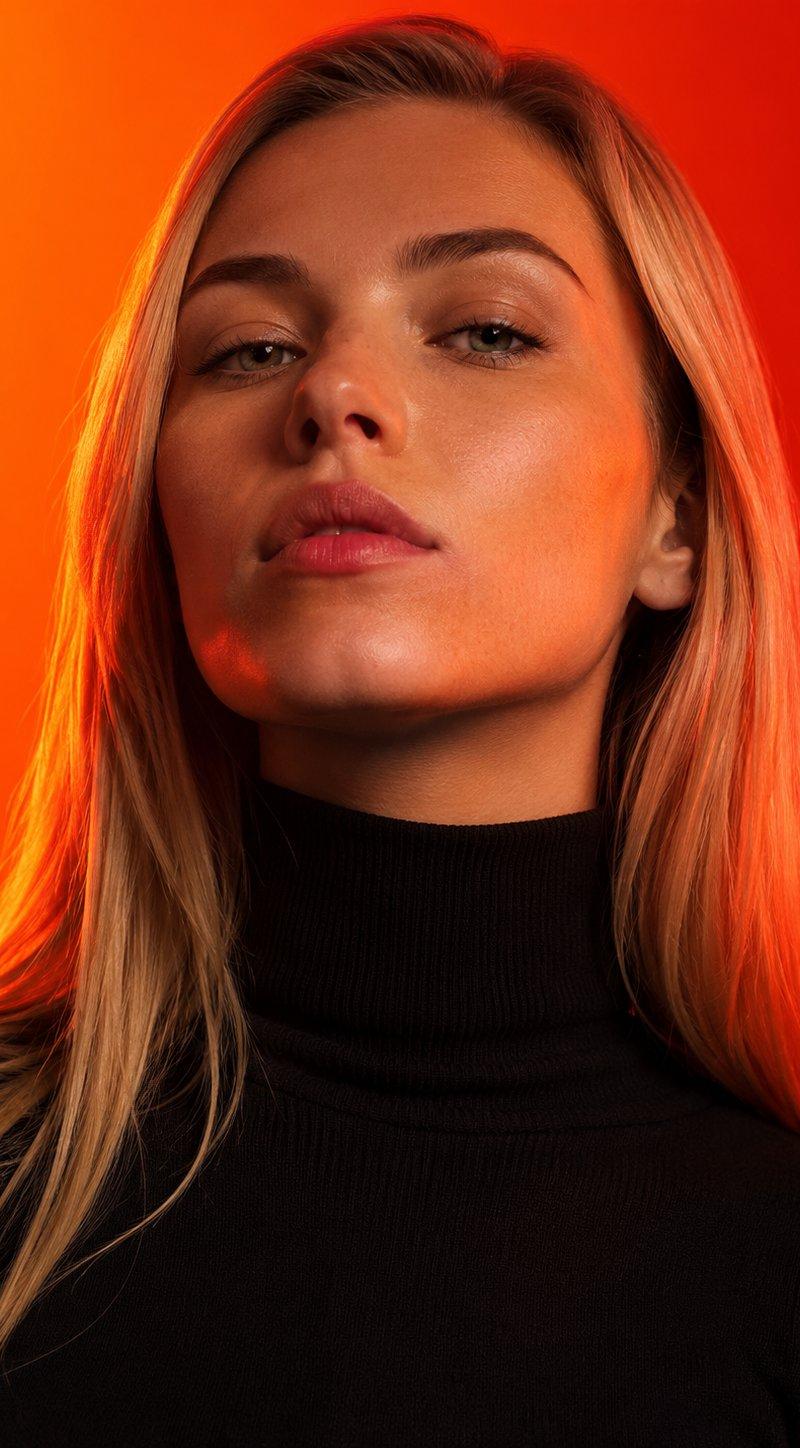
Pose: Head slightly tilted downward, eyes looking directly into the camera, creating a strong, mysterious expression.
Clothing: A black high-neck sweater. One hand casually touching or lightly adjusting the collar (not covering the mouth). The face remains mostly visible, only a subtle gesture with the hand near the collar.
Lighting & Background: Warm, soft studio lighting with a gentle shadow on one side of the face. Dark red background, plain, uniform, no patterns. Slight background blur, delicate film grain, and soft vignette on the edges.
Framing: Chest-up portrait, subject centered in the frame.
Rendering Style: Photorealistic, high resolution, natural realistic skin texture, no beautification, preserve real facial details and identity.
Category
Photography & Realism
Model
Nano Banana Pro
Creator
Melis✨
Source language
zh-CN
Views0
Source ID
super-realistic-studio-portrait-of-gemini-nano-banana
Studio

Guide

About "Gemini nano banana 超逼真摄影肖像"

What is this prompt for?

"Gemini nano banana 超逼真摄影肖像" AI image prompt for Nano Banana Pro (Photography & Realism). Prompt for Gemini nano banana 🍌 @eachlabs Super realistic studio por…

The full copyable prompt and example visuals above are ready for AI image generation or one-click recreate in Picva.

How to use this prompt

  1. Step 1

    Open the prompt detail

    Review the example visuals, category, and full prompt text for "Gemini nano banana 超逼真摄影肖像".

  2. Step 2

    Copy the prompt

    Copy the prompt body from this page, or load it directly in Studio.

  3. Step 3

    Pick a model (Nano Banana Pro)

    Prefer Nano Banana Pro. If you switch models, keep subject and composition and tweak style terms.

  4. Step 4

    Generate and export

    Recreate the look in Picva, or export into your workflow for editing and publishing.

FAQ

What is the "Gemini nano banana 超逼真摄影肖像" prompt?
It is an AI image-generation prompt for Nano Banana Pro in the Photography & Realism category. This page includes the full prompt text, example visuals, and a one-click recreate path in Picva.
How do I use this prompt to generate an image?
Copy the prompt from this page, or use Generate / Studio. Paste it into a compatible image model, or recreate the look in Picva with optional reference images.
Which model is this prompt for?
This page lists Nano Banana Pro. Most descriptive prompts also transfer to nearby image models such as GPT Image, Flux, or Midjourney with light style tweaks.
Can I use the result commercially?
You can usually copy the prompt for creation, but commercial use of the final image depends on the model terms, reference-image rights, and the generated content. Follow the source author and platform rules.