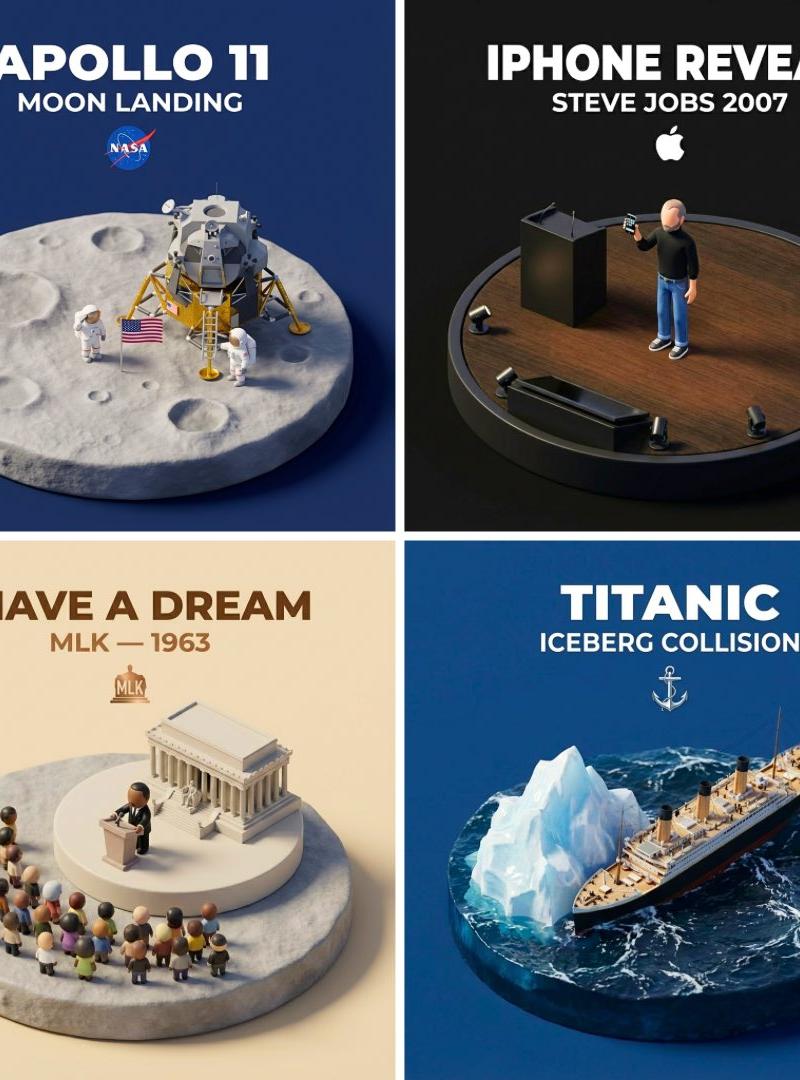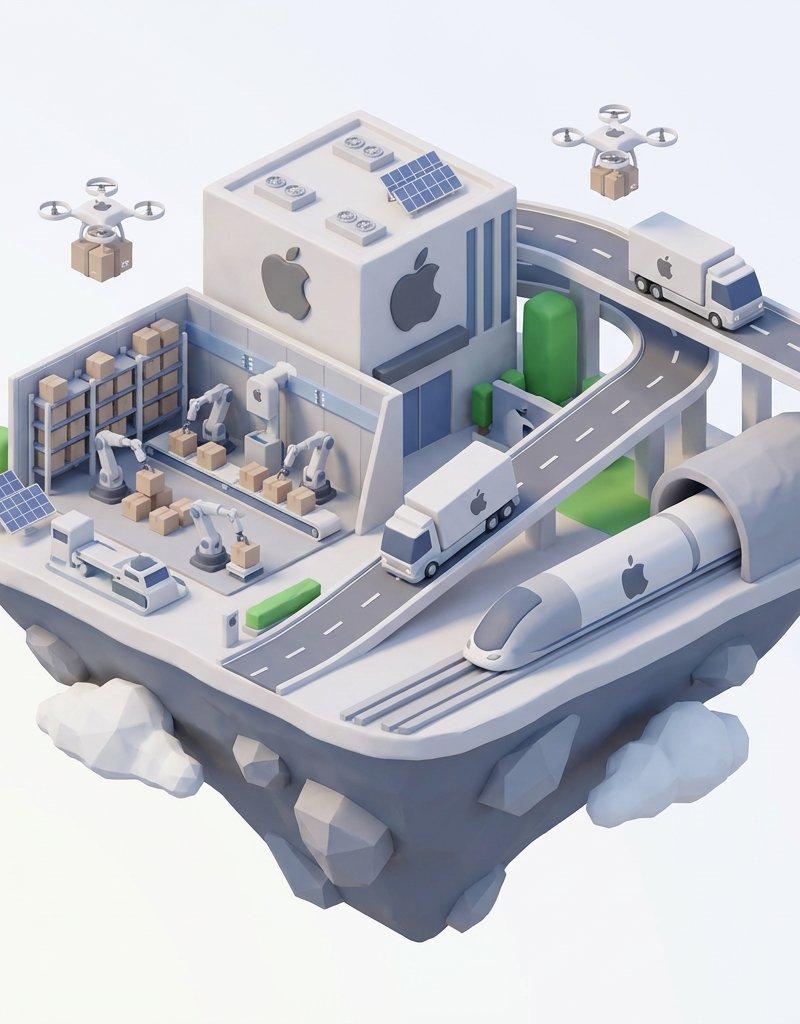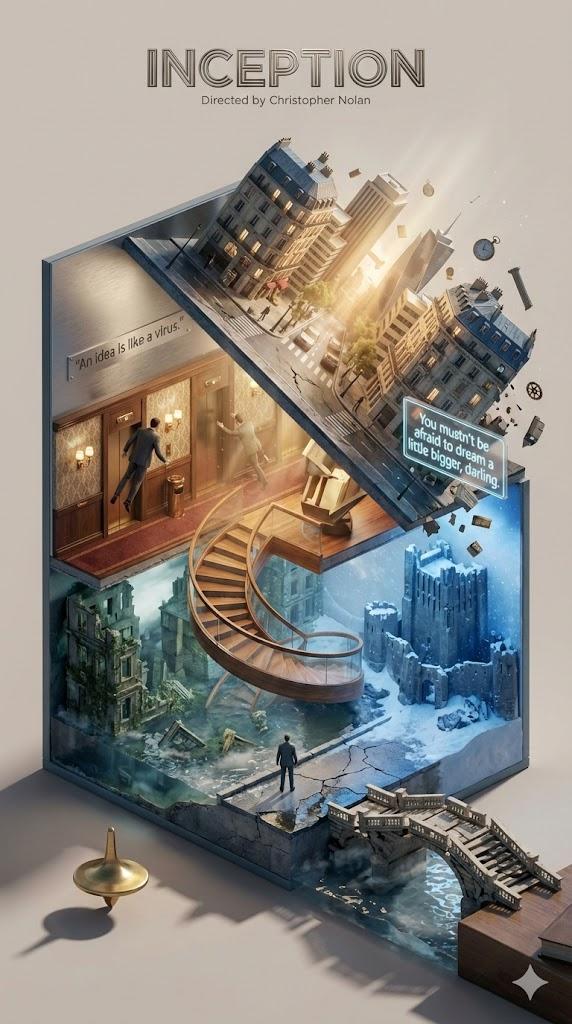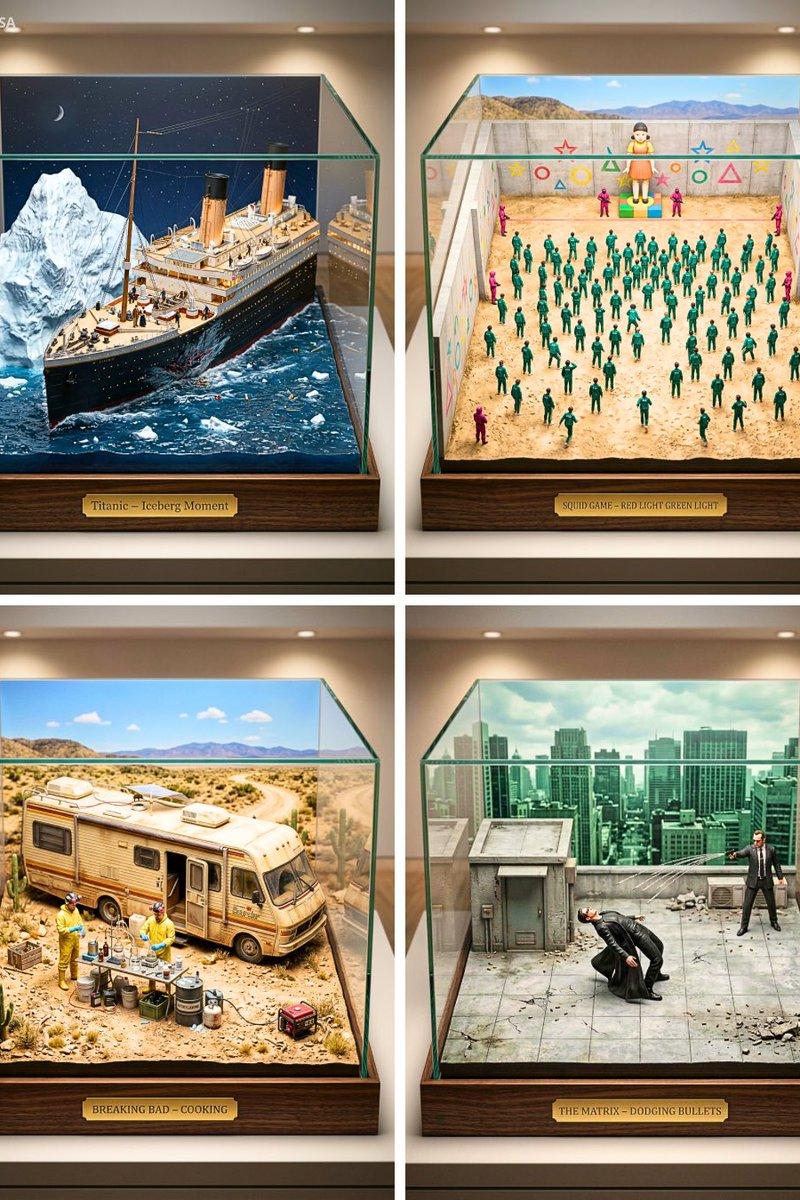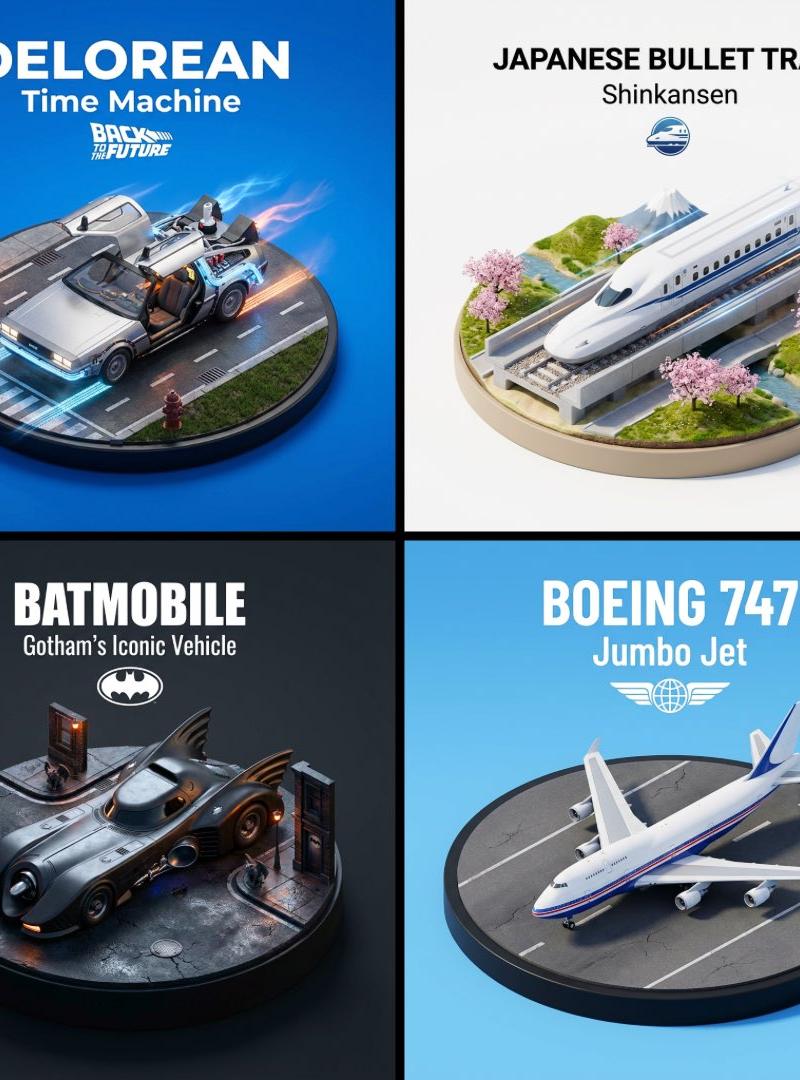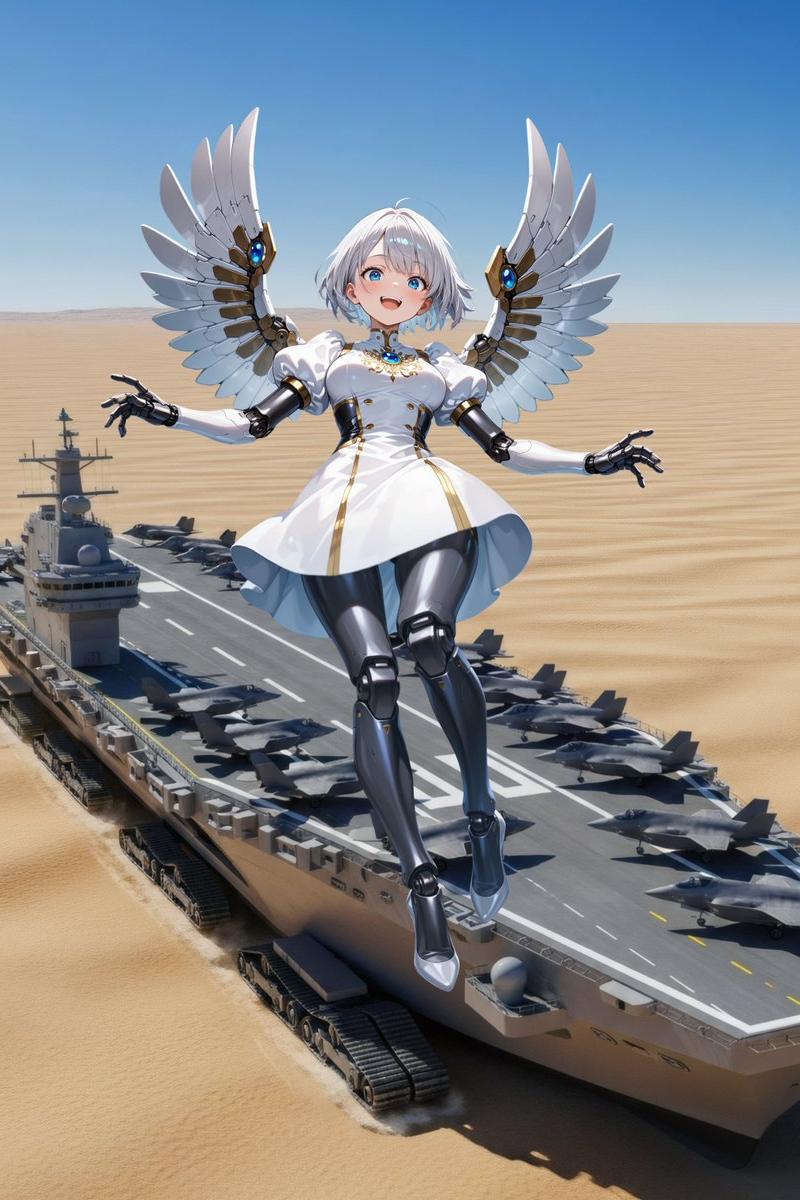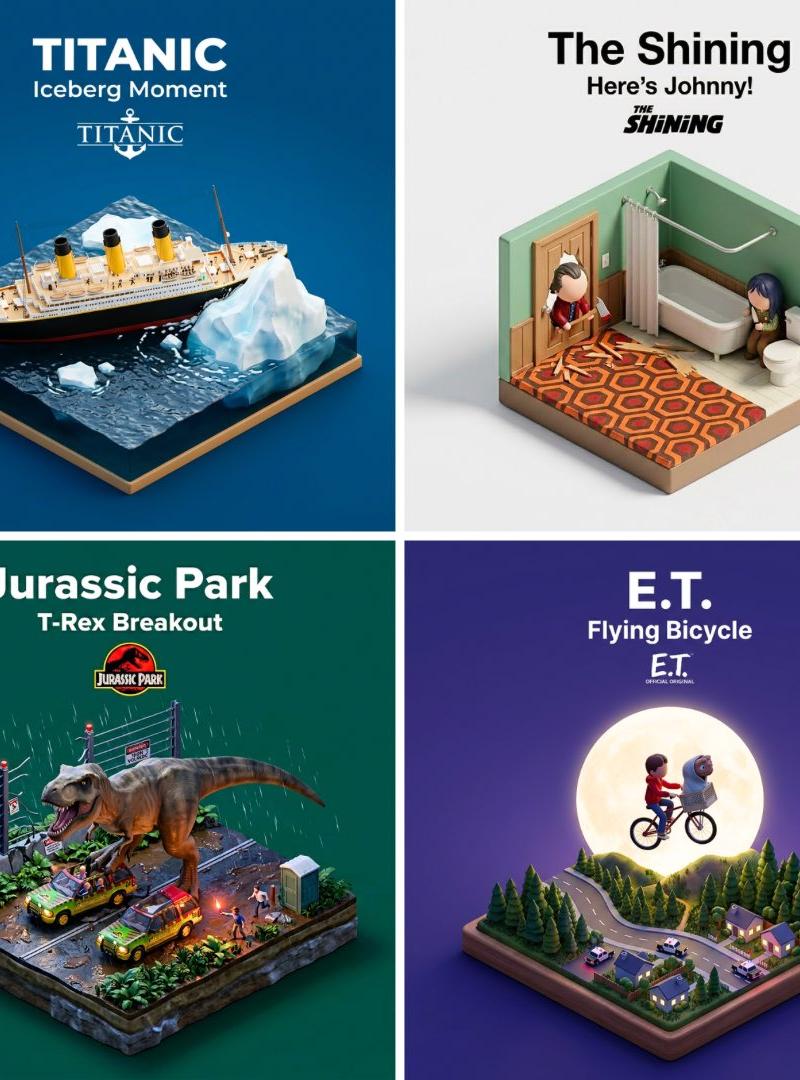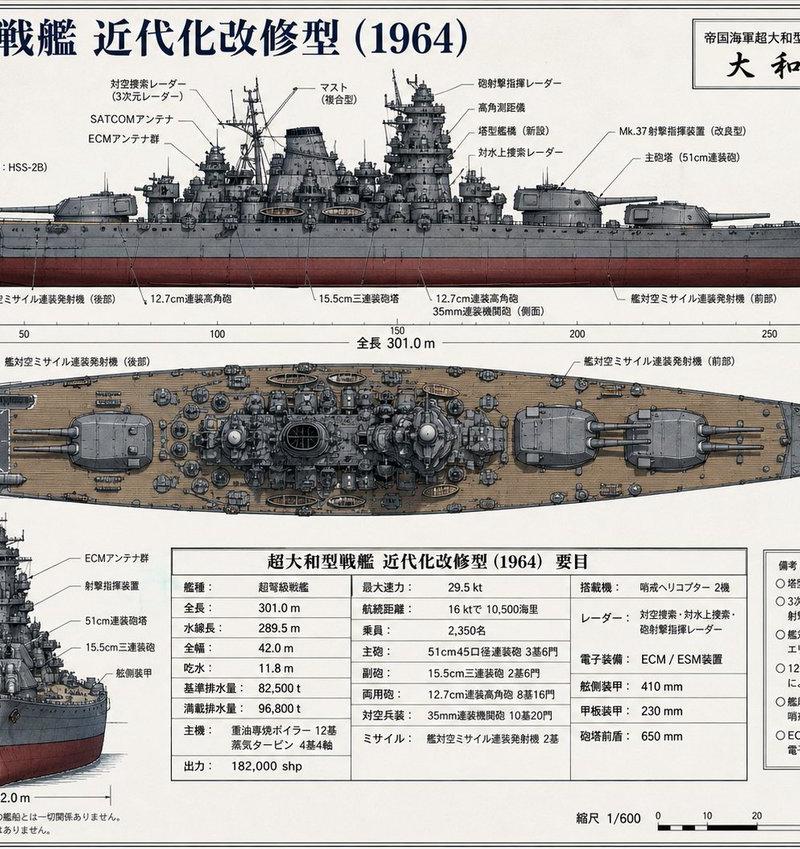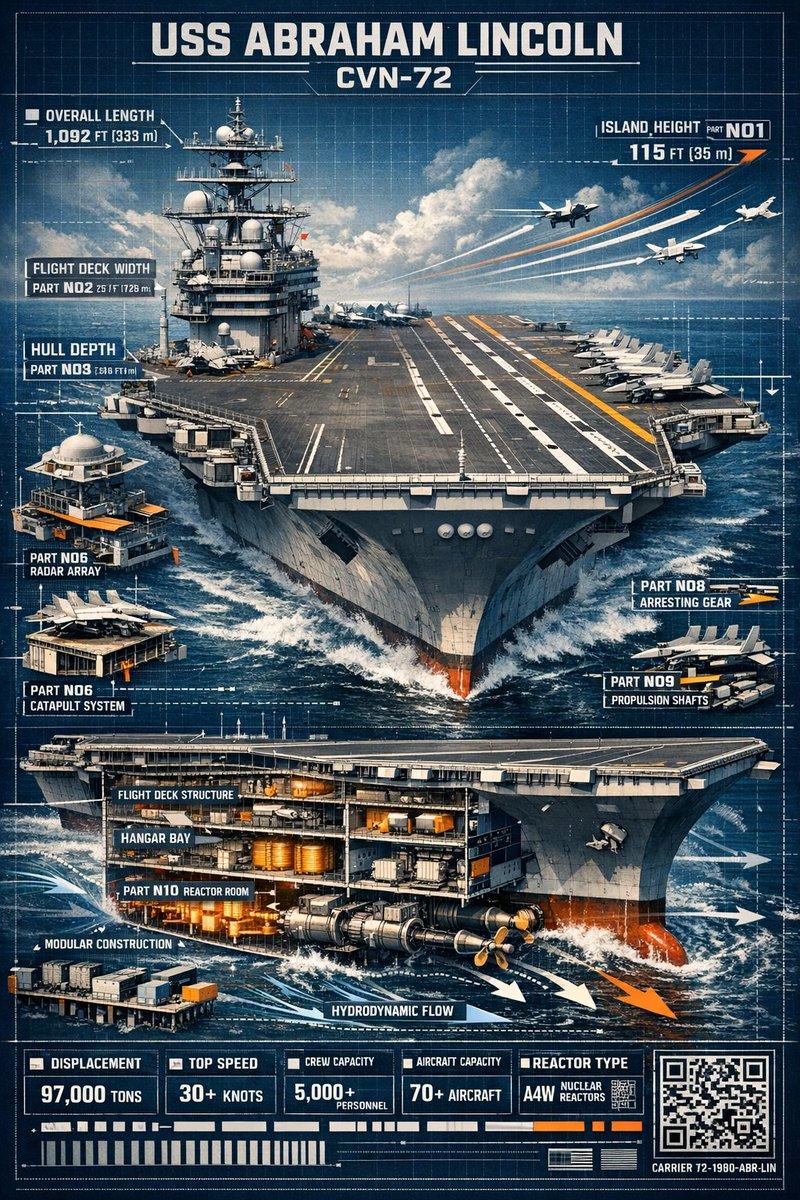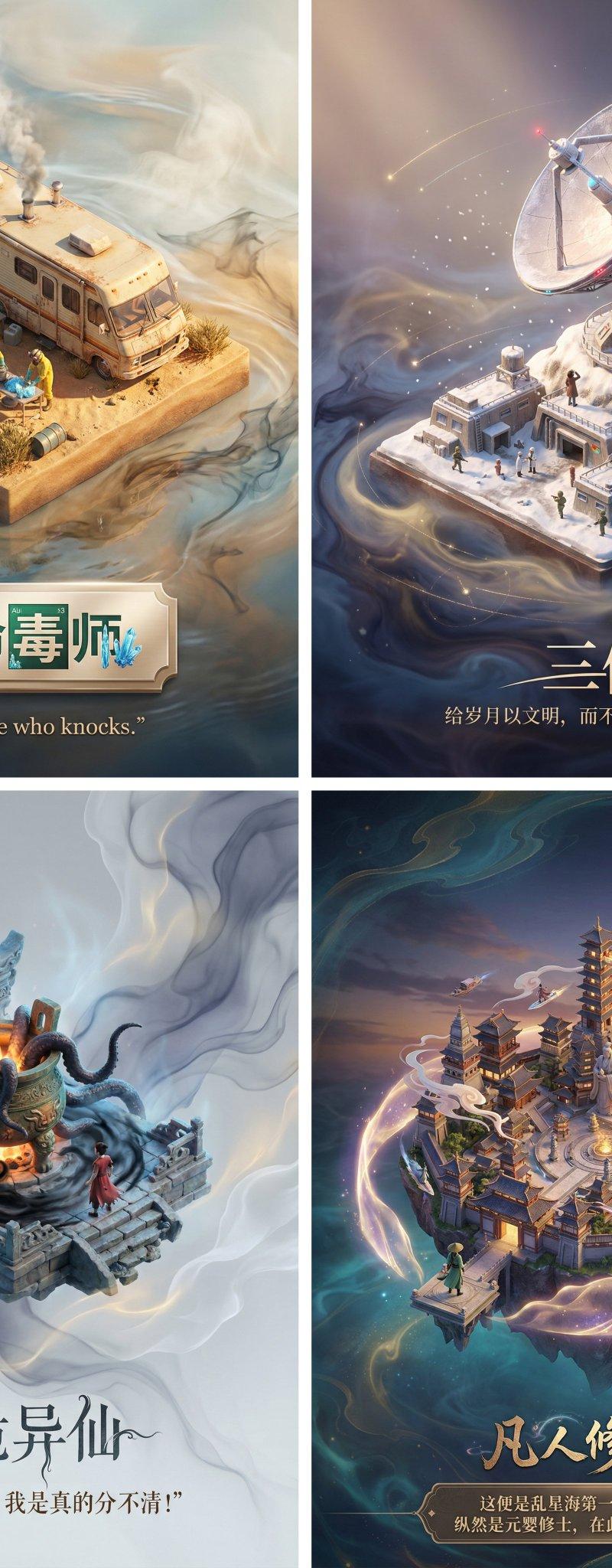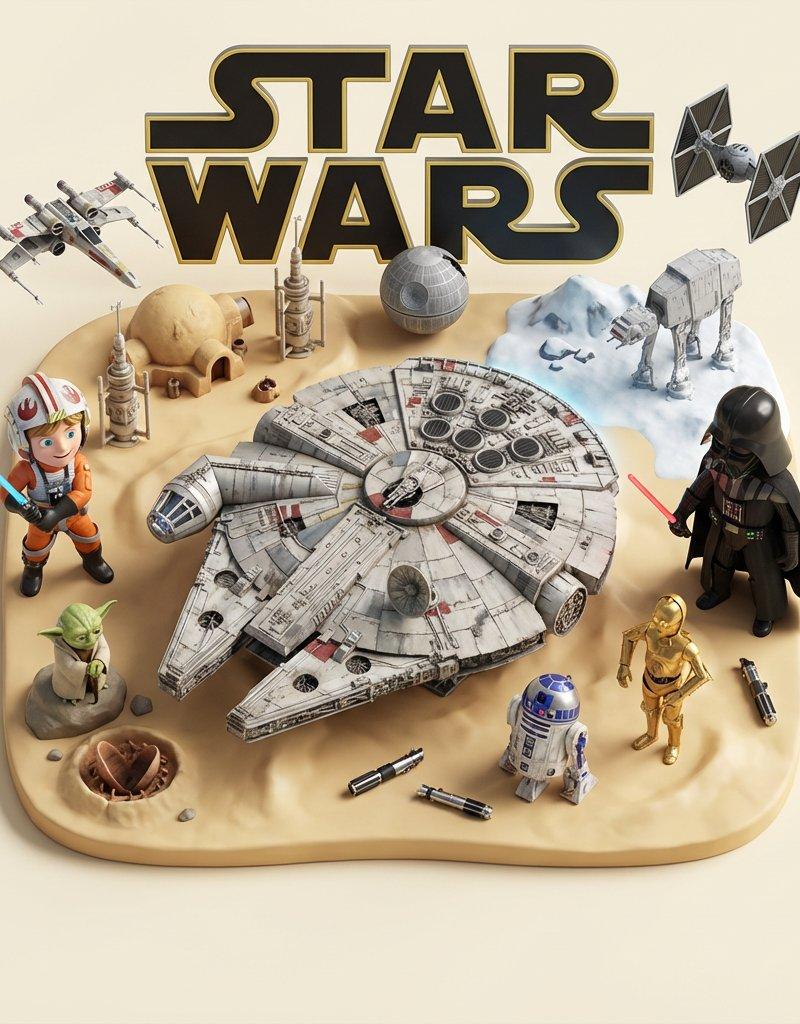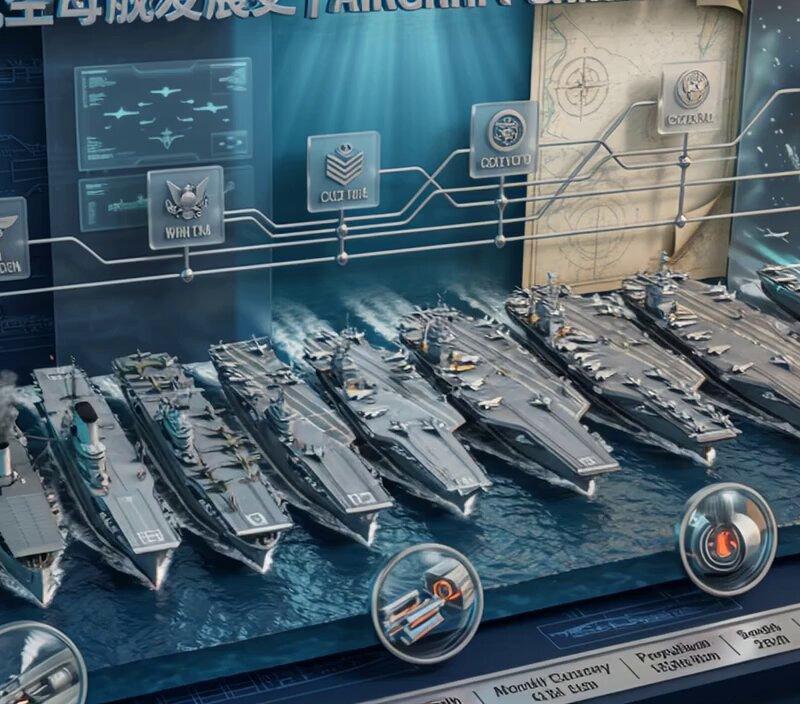
3D产品进化史
Prompt
产品展示历史3D图提示词:
Role & Subject:
A museum-grade, hyper-realistic 16:9 3D infographic masterpiece titled "THE EVOLUTION OF [Product Name]". The visual style combines cinematic product photography with advanced technical blueprint aesthetics, emphasizing extreme depth and tangible 3D presence.
The Hero Lineup (3D Volumetric Core):
• A complete chronological sequence of 8-12 historical versions of [Product Name], from earliest prototype to futuristic concept
• Arranged on a precision-engineered floating ruler/timeline base with depth shadows and reflection mapping
• 3D Rendering Enhancement:
- Octane Render + Unreal Engine 5 volumetric lighting
- PBR (Physically Based Rendering) materials with:
* Sub-surface scattering for organic materials
* Metallic/roughness maps for mechanical parts
* Micro-displacement for surface texture depth
- Each object casts realistic shadows on the background plane
- Edge rim lighting (0.3 intensity) to separate objects from background
- Depth of field: Sharp focus on center objects, subtle bokeh on edges
• Material Evolution Story:
- Early versions: Weathered textures (rust, wear marks, patina)
- Mid-era: Industrial matte finishes with visible manufacturing seams
- Modern: Pristine glossy surfaces with screen-space reflections
- Future: Holographic elements with volumetric fog effects
Brand Atmosphere (The 3D Canvas):
• Background: Deep [Brand Color] with physical texture layers:
- Embossed vintage patent drawings (normal-mapped)
- Floating translucent glass panels with engraved engineering notes
- Volumetric god rays piercing through layered newspaper clippings
- Particle system: Subtle floating dust motes with motion blur
• Header Zone:
- Brand logo: Extruded 3D metal badge with bevel and emboss
- Title typography: Carved letterpress effect with depth shadows
- Metallic foil stamp simulation with anisotropic highlights
The "Hyper-Dense" 3D Information Layer:
A complex, organized data-maximalist layout with spatial depth:
1. Dense Annotation Network:
- Ultra-fine white hairlines (0.5px) connecting components to data blocks
- Lines have slight 3D curvature following perspective rules
- Connection nodes: Small metallic spheres with Fresnel reflections
2. Contextual Era Modules:
- Floating glass panels hovering above the timeline
- Each decade module has:
* Frosted glass material with transparency gradient
* Iconographic markers in raised relief
* Subtle animated pulse effects (optional)
3. Magnifying Lens Inserts:
- Circular/hexagonal cutouts with beveled glass edges
- Extreme macro close-ups showing:
* Material grain (wood, metal, plastic crystals)
* Internal mechanisms with exploded-view depth
- Lens distortion shader for realism
4. Technical Specs Strip (Bottom):
- Structured data bar with 3D segmented panels
- Each cell: Slightly recessed with inner shadow
- Typography: Laser-etched effect on brushed metal texture
- Micro LED indicator lights between data points
3D Enhancement Technical Specs:
• Rendering Engine: Octane Render / Unreal Engine 5.3
• Global Illumination: HDRI environment map (studio lighting setup)
• Camera Settings:
- Focal Length: 35mm (slight wide-angle for information density)
- F-Stop: f/5.6 (selective focus)
- Chromatic Aberration: 0.2 (photographic realism)
• Post-Processing Stack:
- Ambient Occlusion (AO) for micro-shadows
- Screen Space Reflections (SSR)
- Volumetric lighting with light shaft scattering
- Color Grading: Cinematic LUT with lifted blacks
- Sharpness: 130% (crisp data legibility)
• Material Library:
- Metals: Anisotropic brushed aluminum, polished chrome
- Glass: IOR 1.52 with caustics
- Plastics: Translucent with thickness variation
- Paper: Subsurface scattering for vintage documents
Output Parameters:
--ar 16:9
--v 6.1
--style raw
--stylize 400
--quality 2
--chaos 10
Additional Flags (for AI generators):
--3d-rendering
--volumetric-lighting
--octane-quality
--pbr-materials
--depth-of-field
Metadata Variables to Replace:
[Product Name] → Your subject (e.g., "POP MART Designer Toys")
[Brand Color] → Primary brand color (e.g., "Deep Navy Blue #1A2332")
[Material Vibe] → Core material story (e.g., "Vinyl to Resin to Smart Materials")
[Key Components] → Specific product features (e.g., "Joints, Paint Finish, Packaging")
Pro Tips for Maximum 3D Impact:
1. Use "isometric 3D layout" for uniform depth perception
2. Add "floating holographic UI elements" for futuristic tech feel
3. Include "cross-section cutaway views" to show internal structure
4. Apply "chromatic aberration" around high-contrast edges for lens realism
5. Insert "measurement calipers" as 3D props for scale reference
- Category
- Photography & Realism
- Model
- Unknown
- Creator
- servasyy
- Source language
- zh-CN
- Source ID
- viral-3d-product-evolution-by-the-amazing-teacher
Views0