19

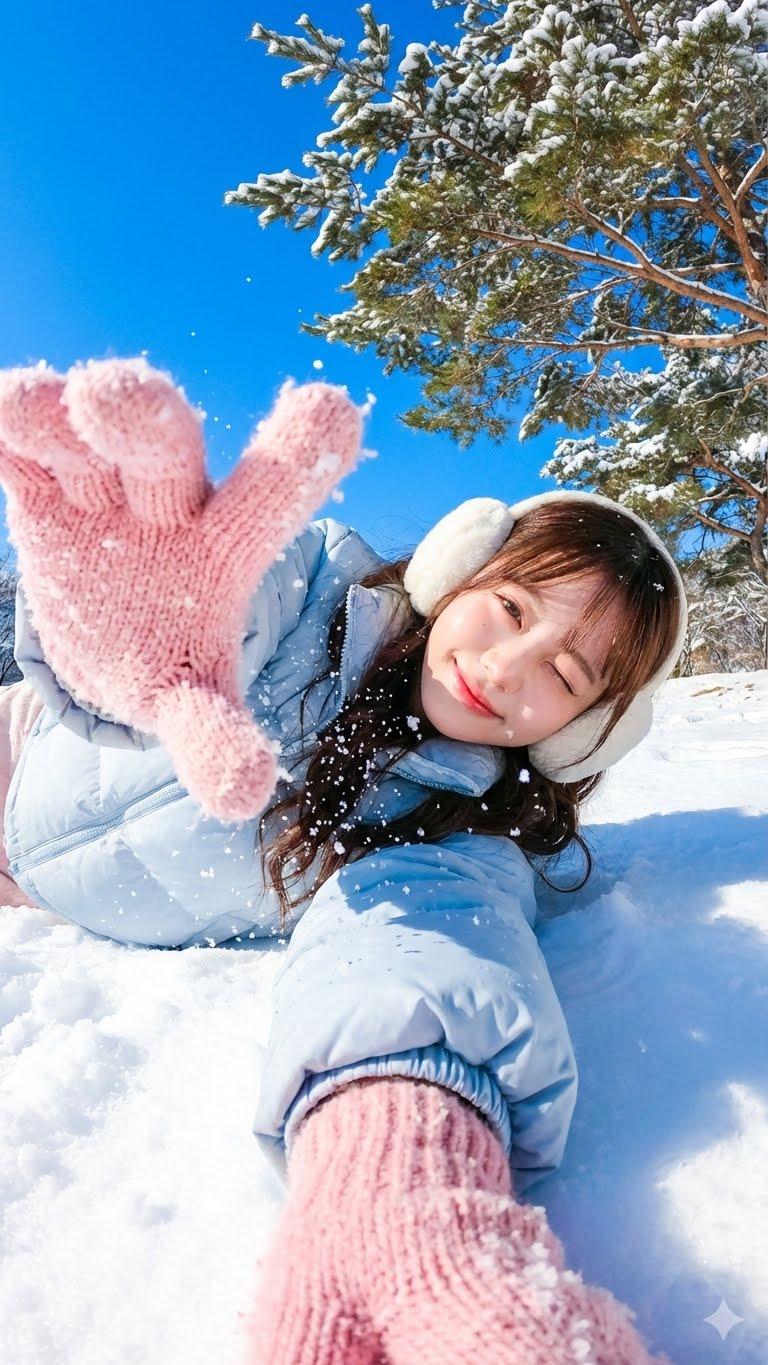
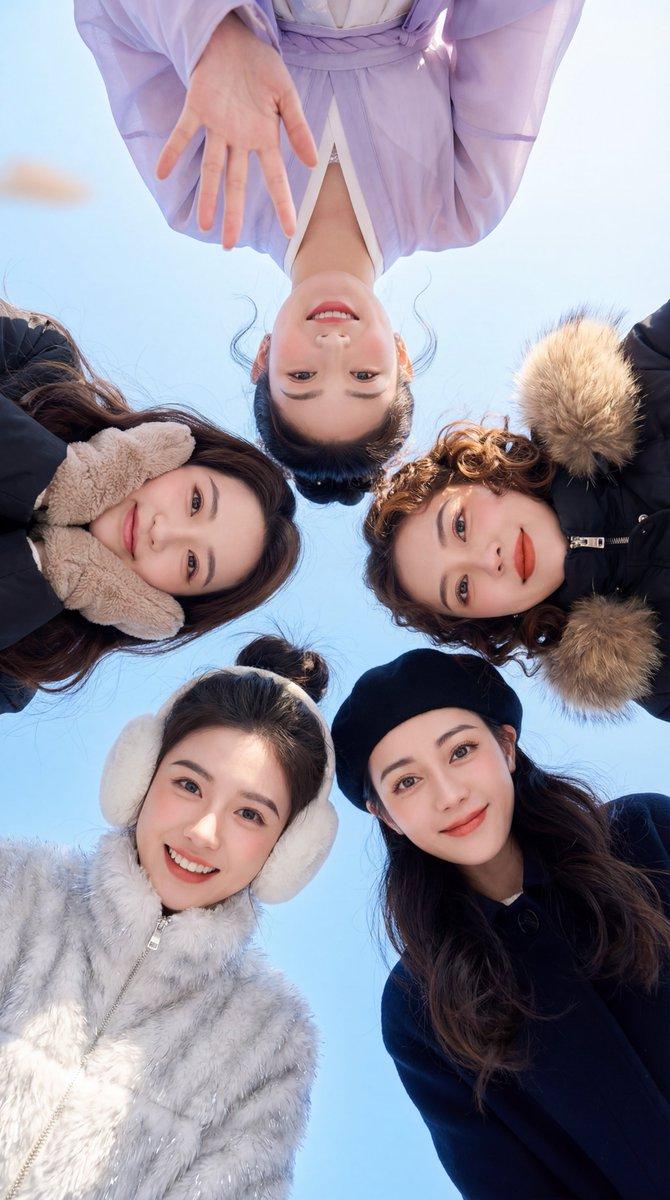
冬日户外双人温情一刻
Enlarge

Example images

冬日户外双人温情一刻

Prompt
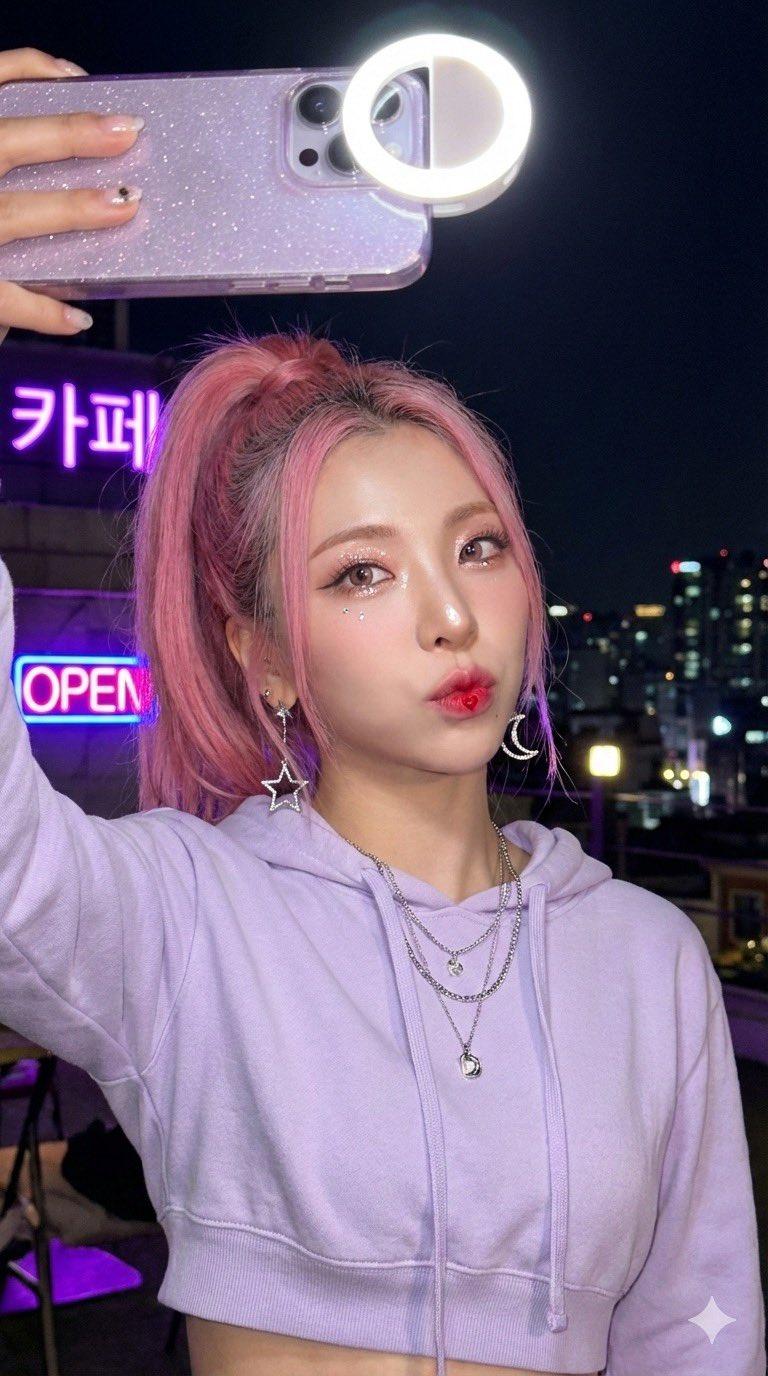
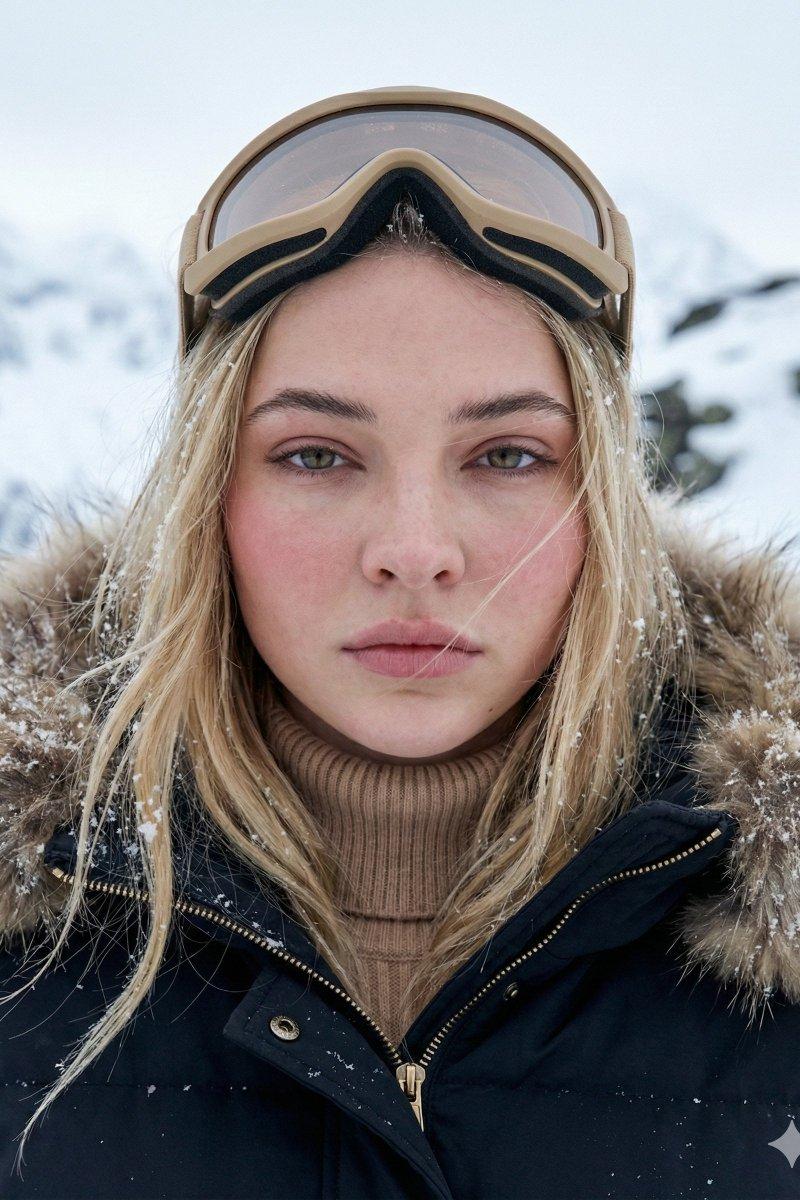
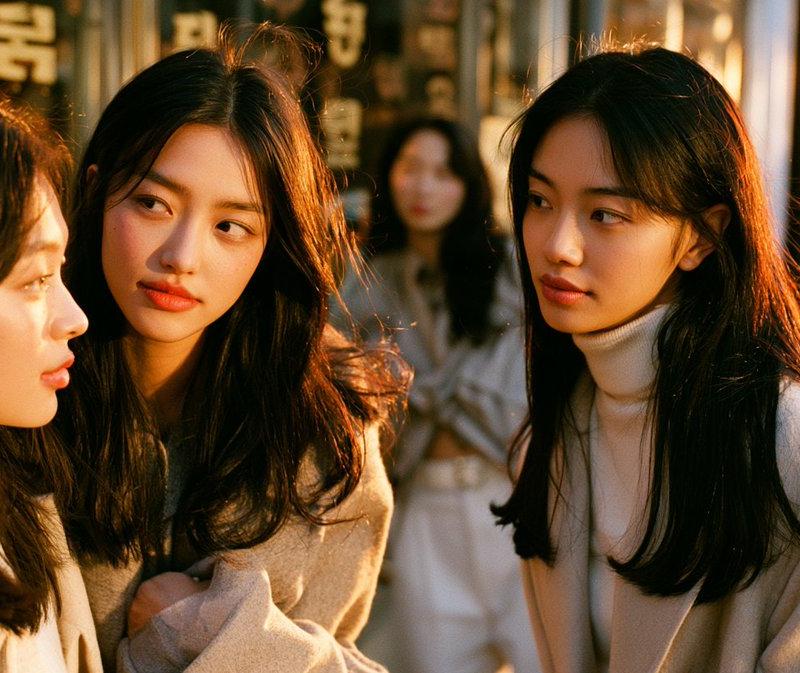
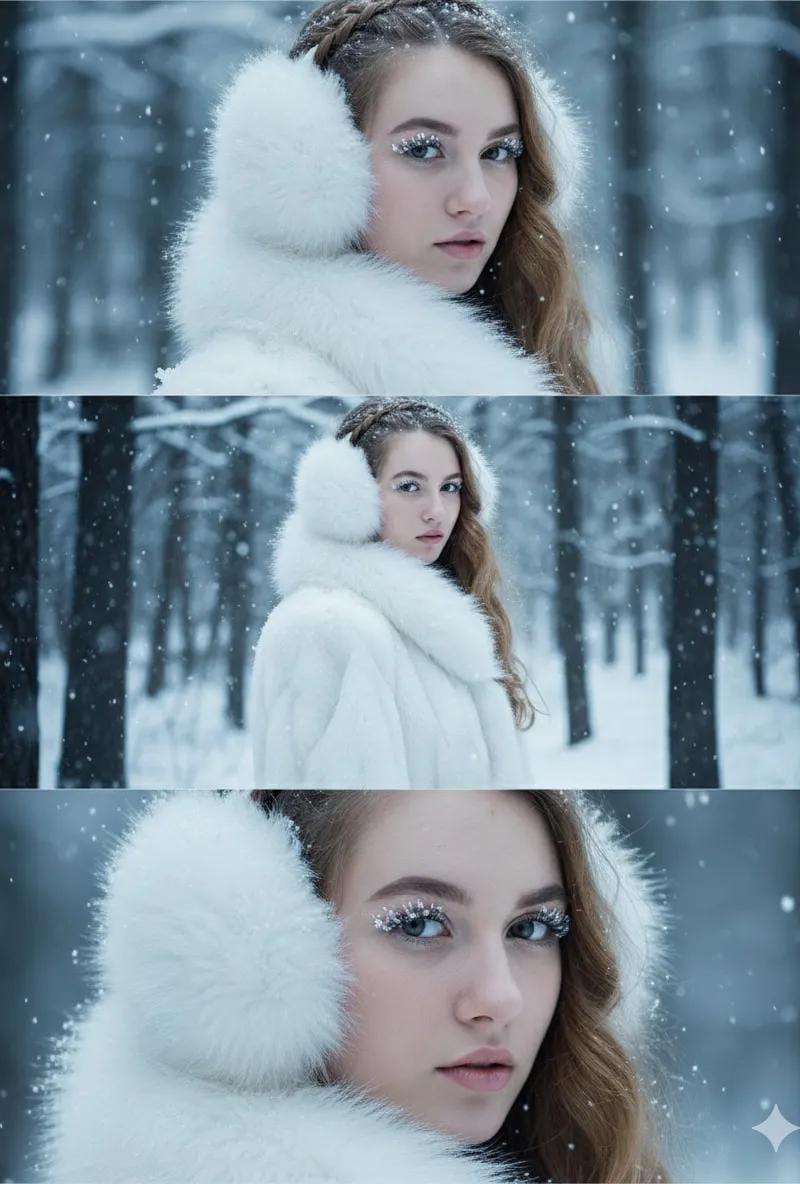
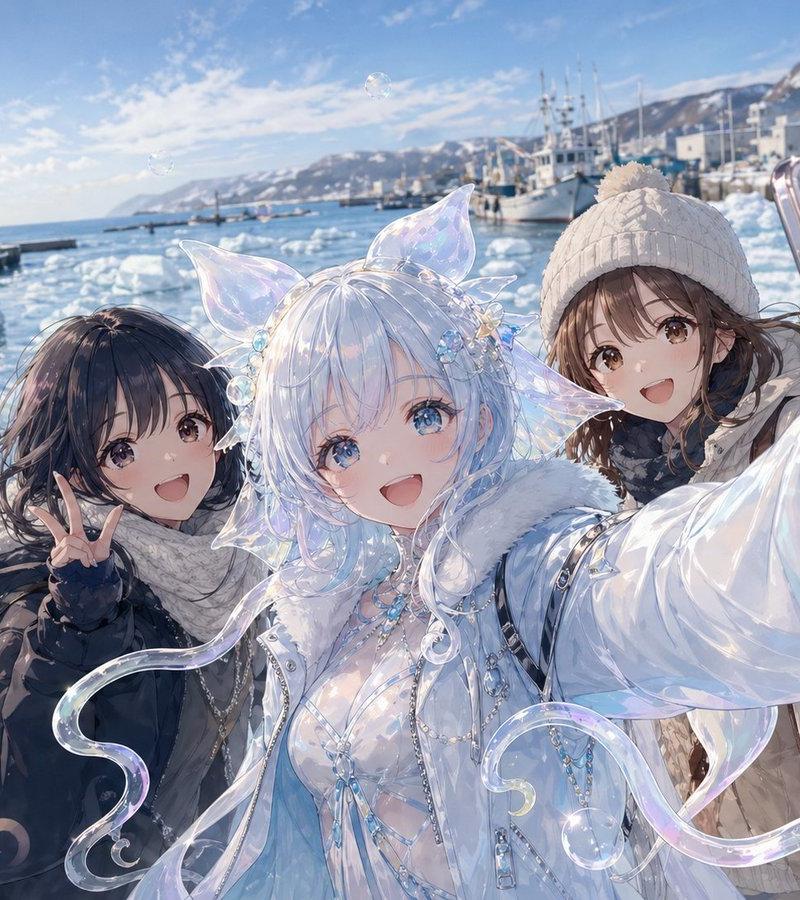
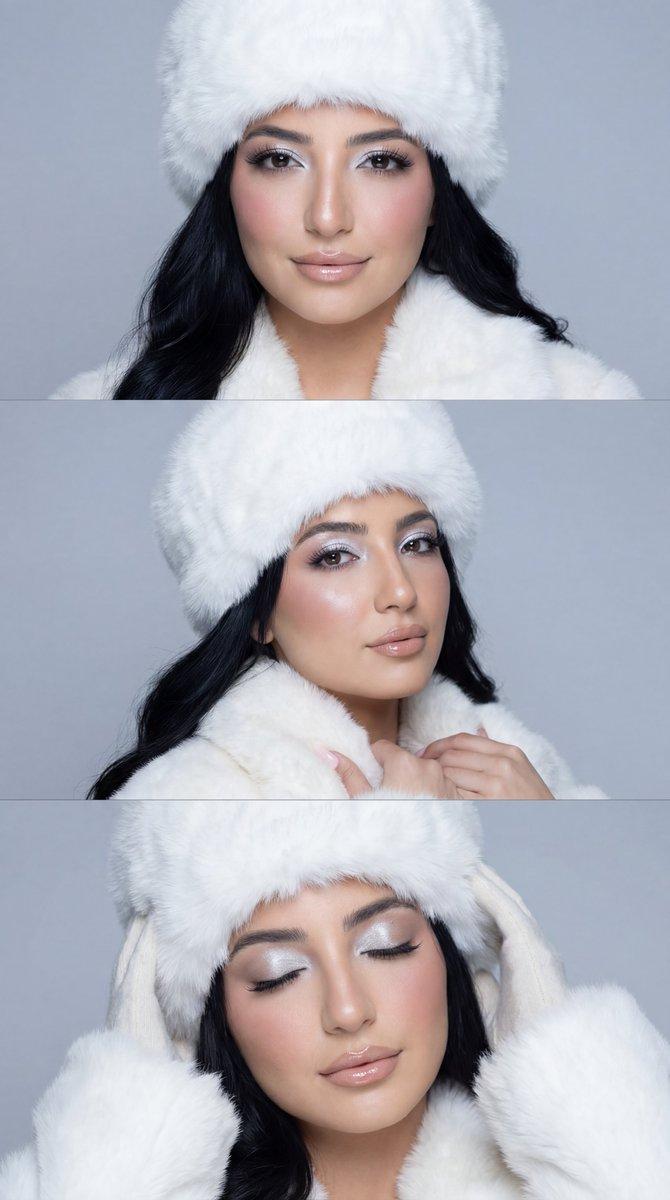
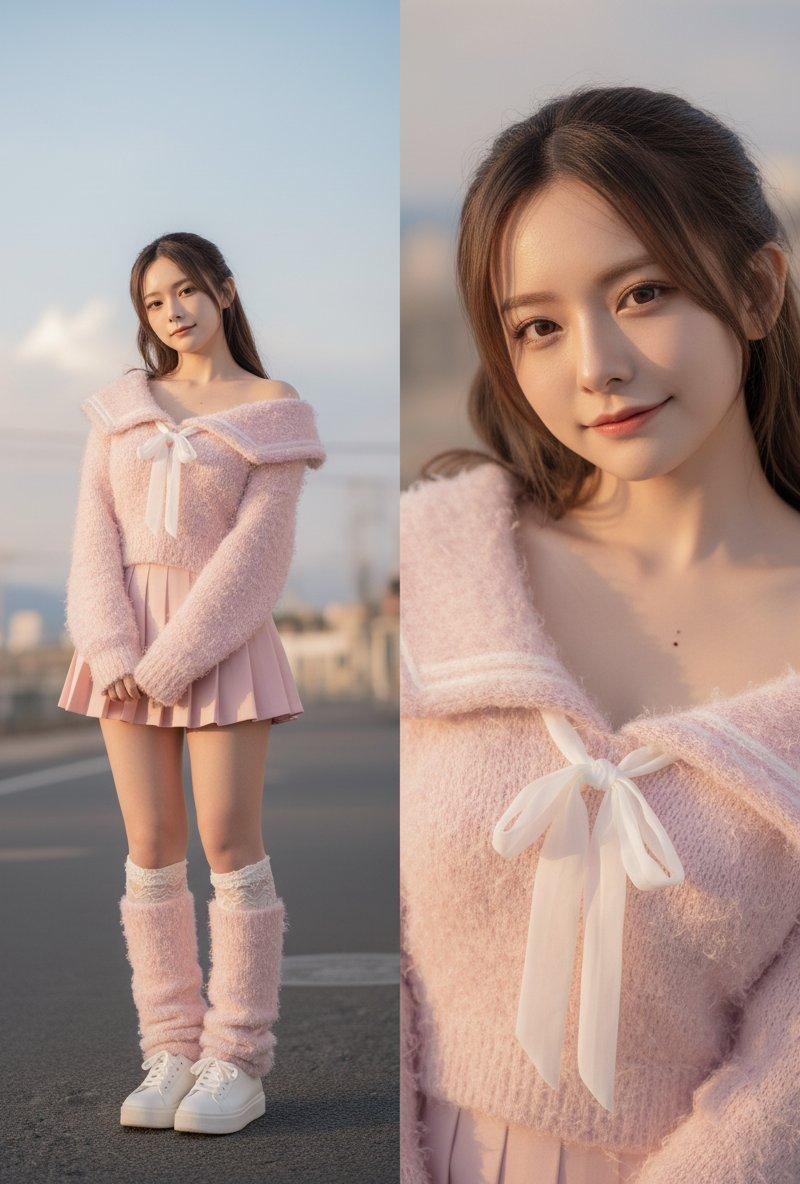
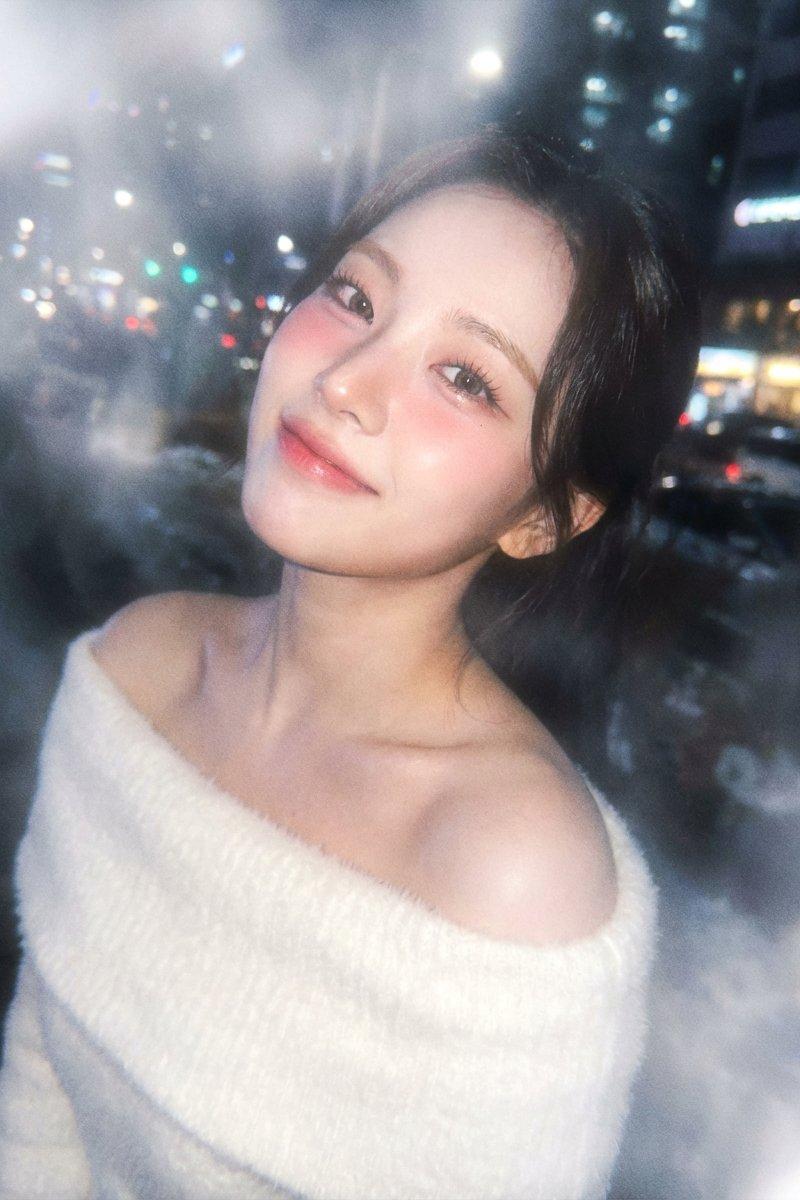
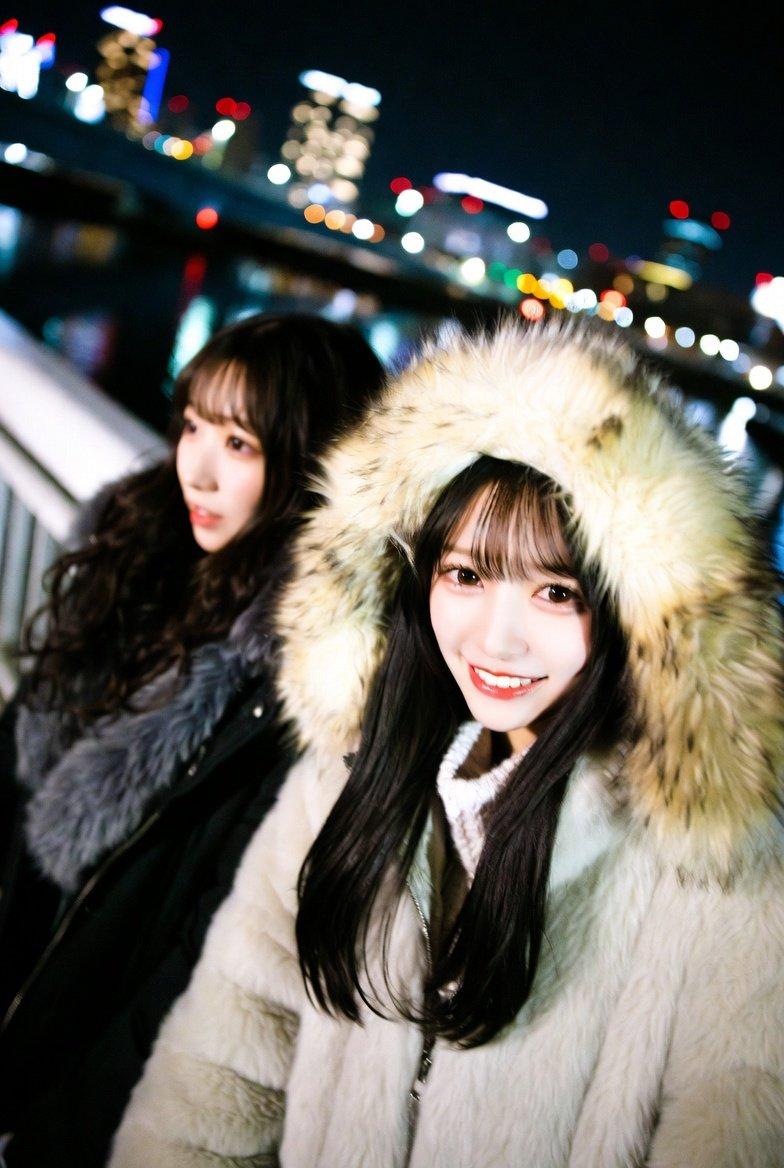
✨使用Grok生成,冬日户外双人温情一刻
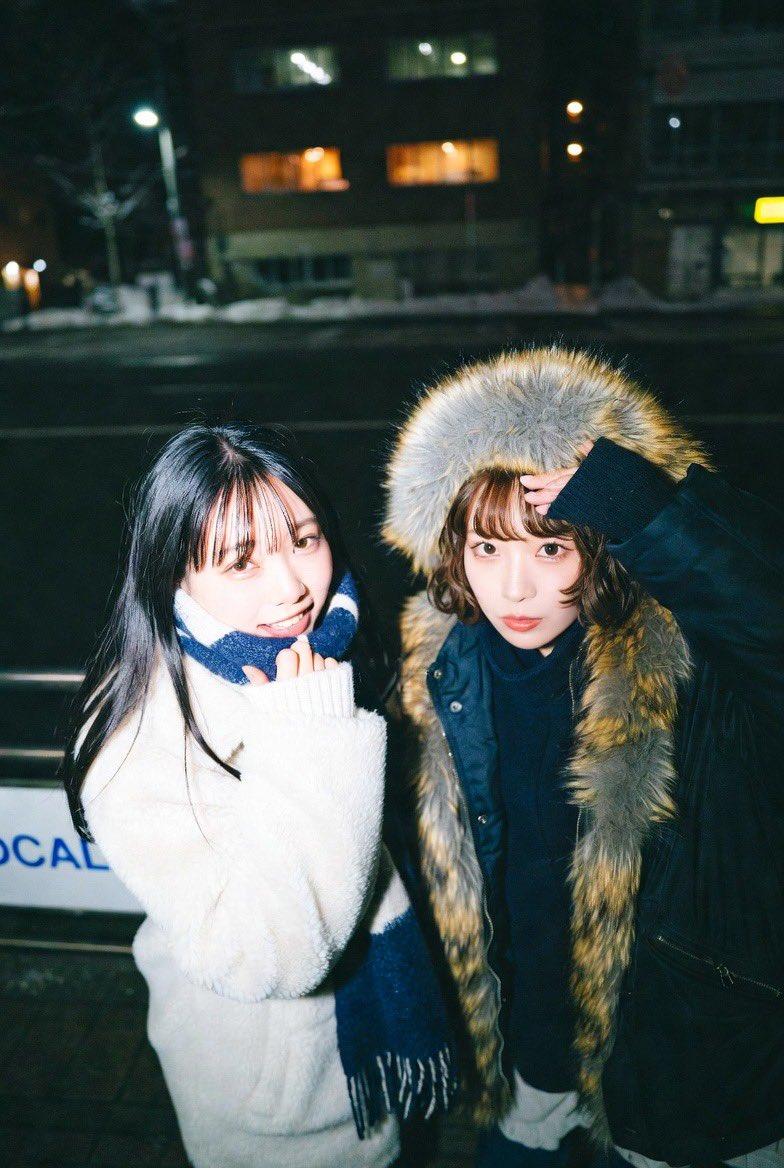
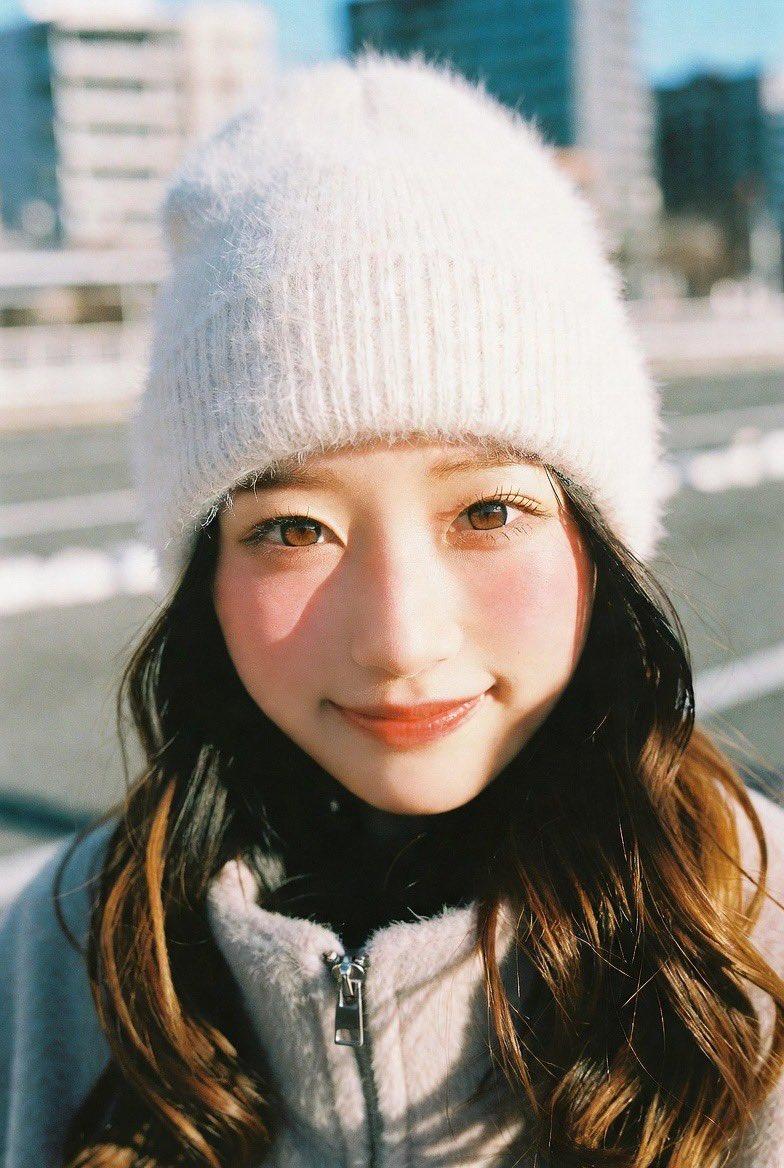
原提示词(图一图二):
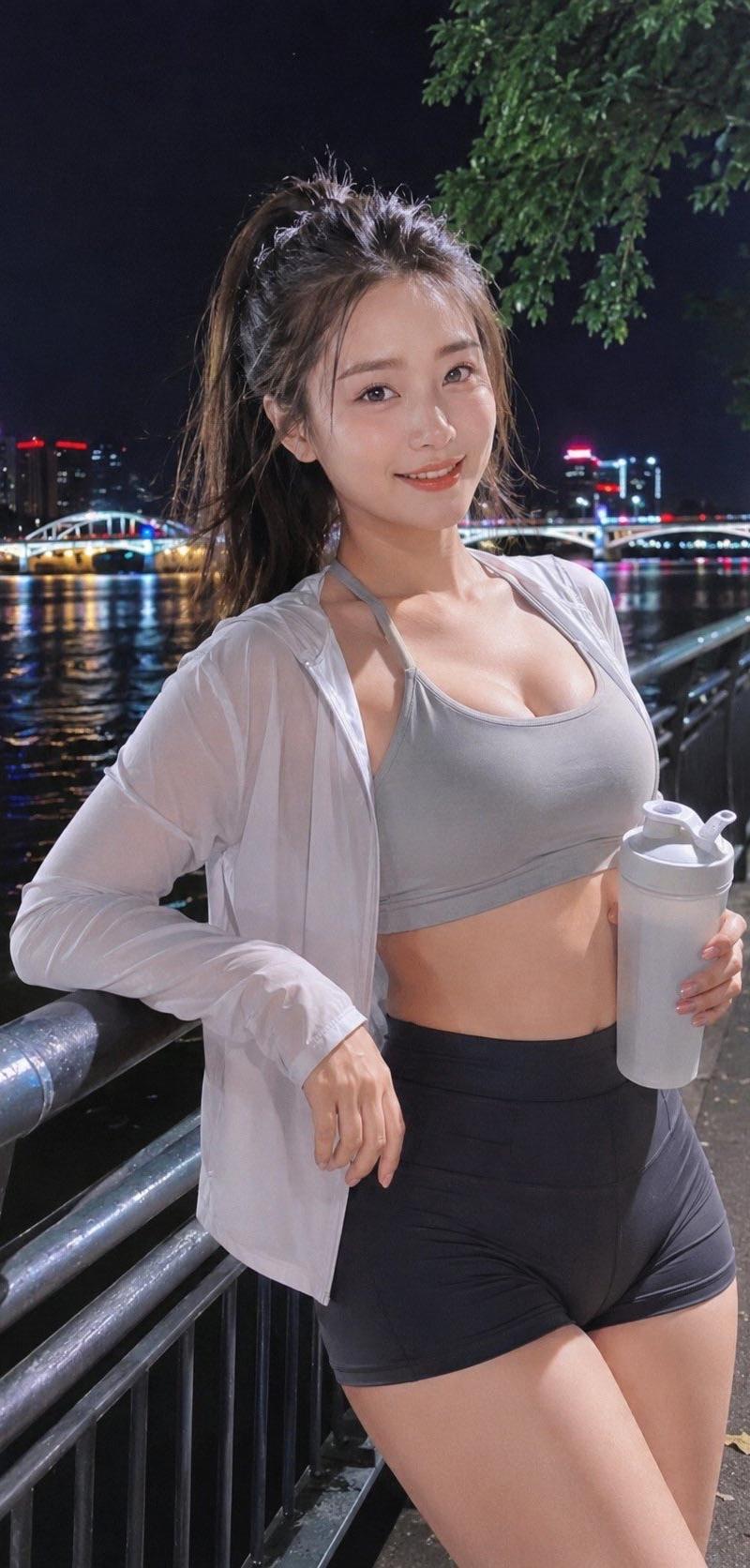
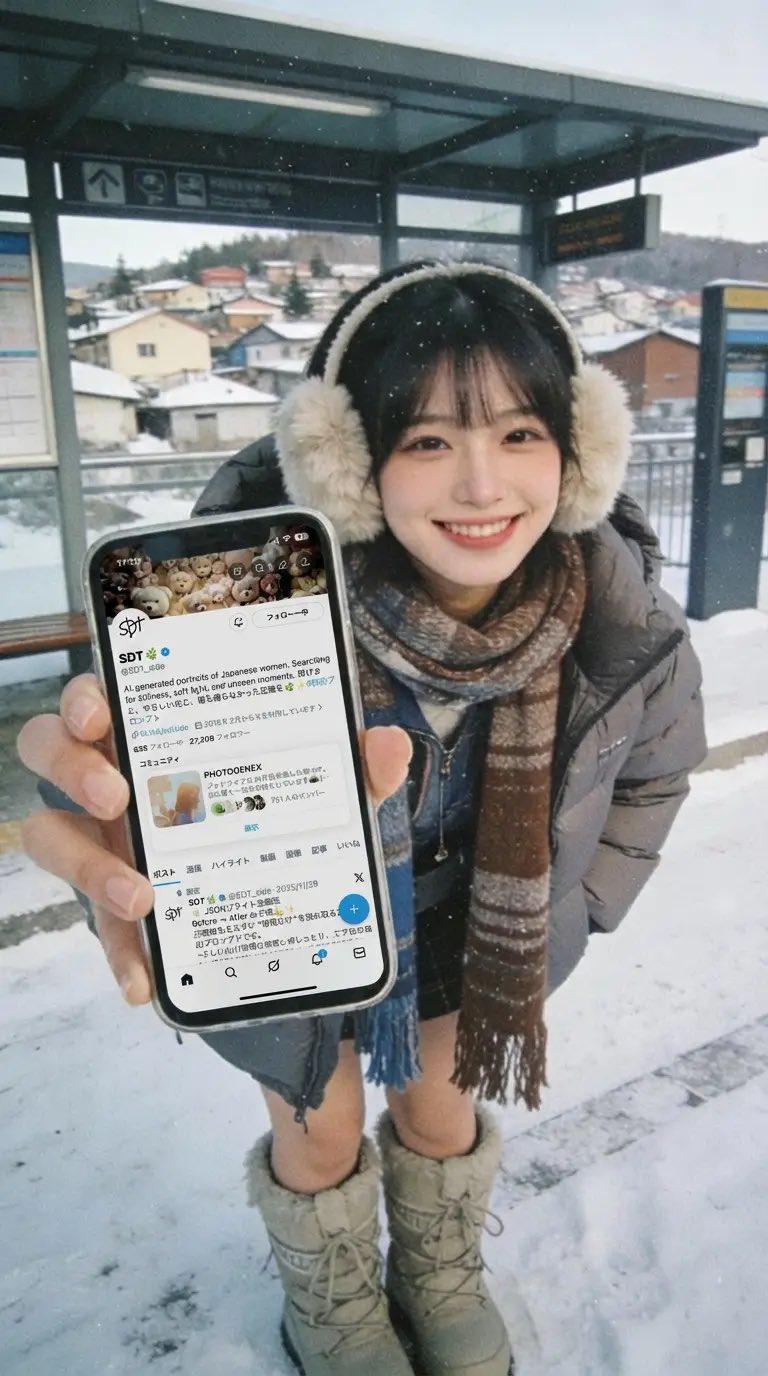
Close-up photograph of two cute K-pop idol Japanese women in Y2K winter natural color fashion, urban setting with a local city in view, lo-fi film aesthetic, winter, smiling, candid diagonal view, night
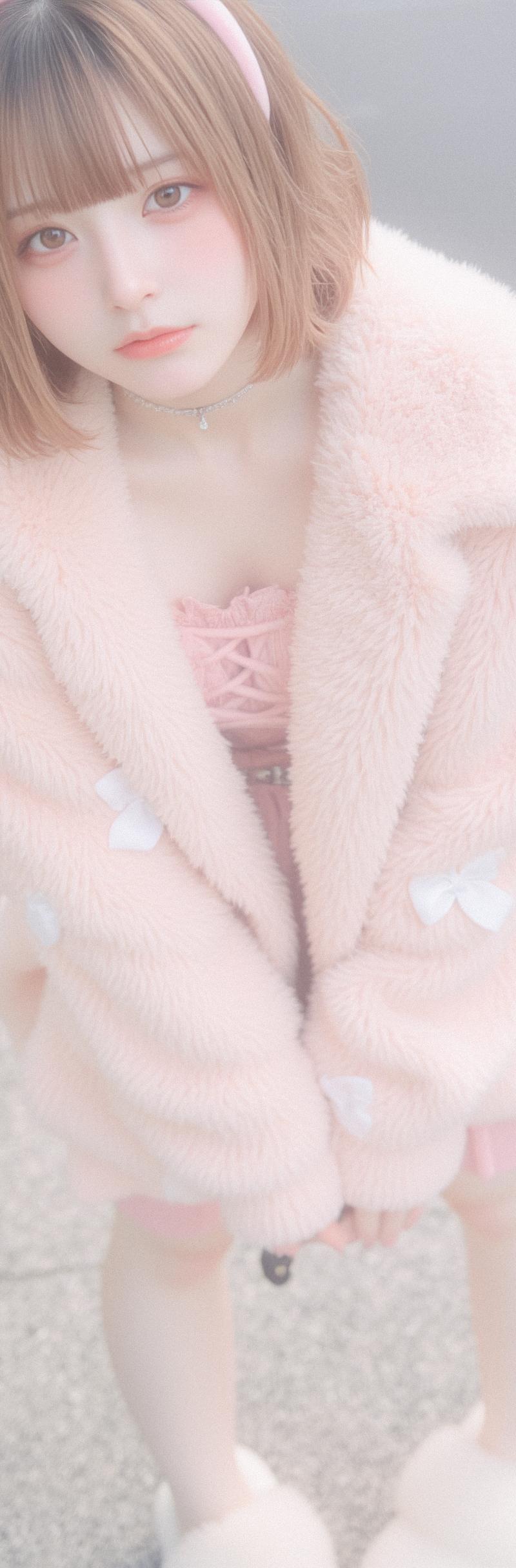
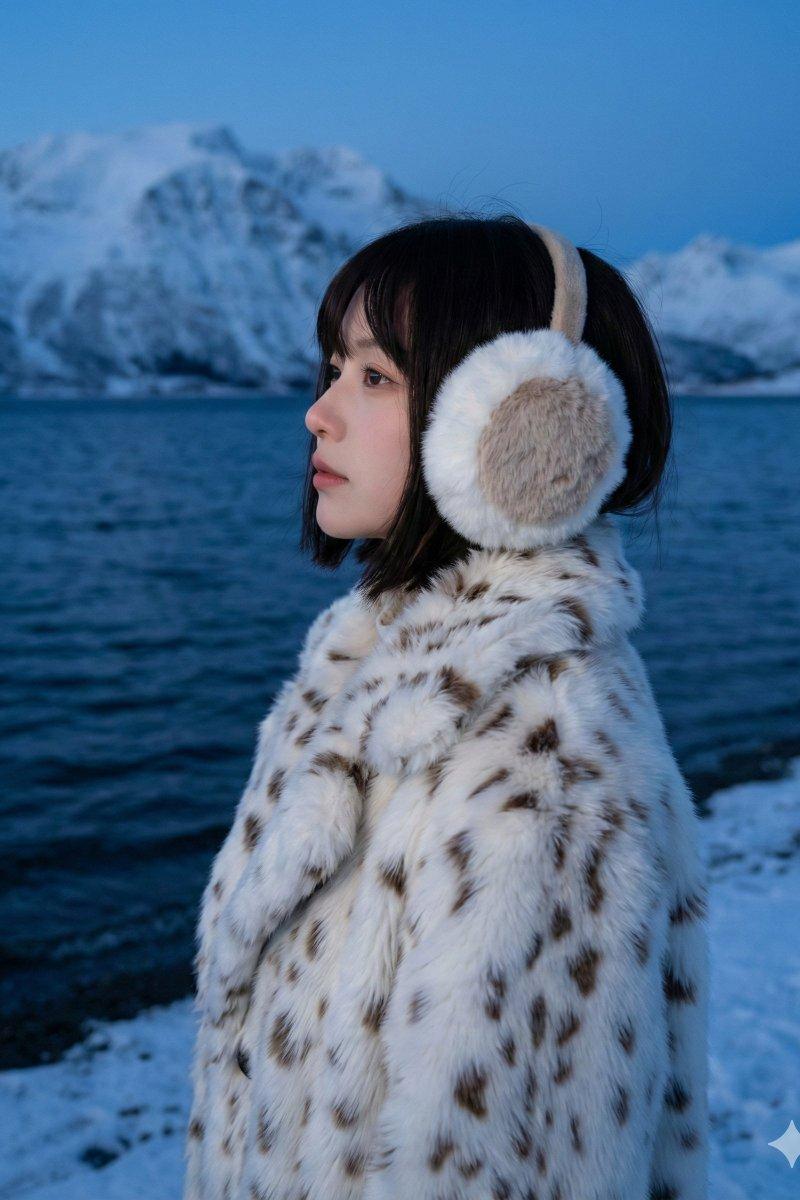
修改后的提示词(图三图四):
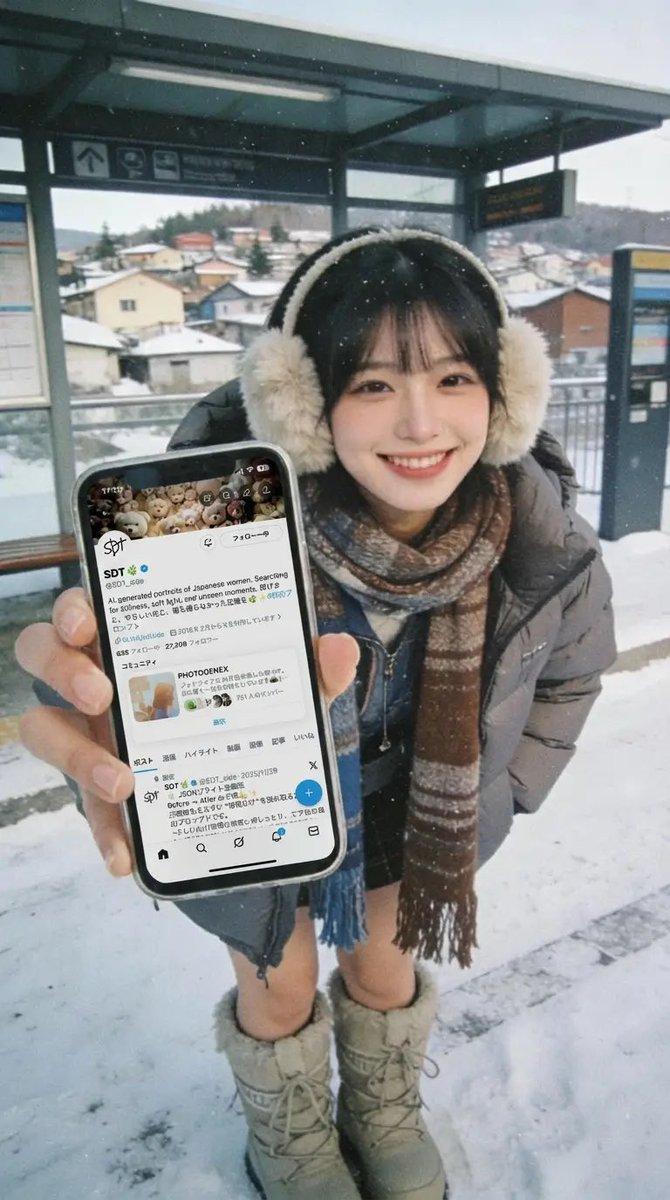
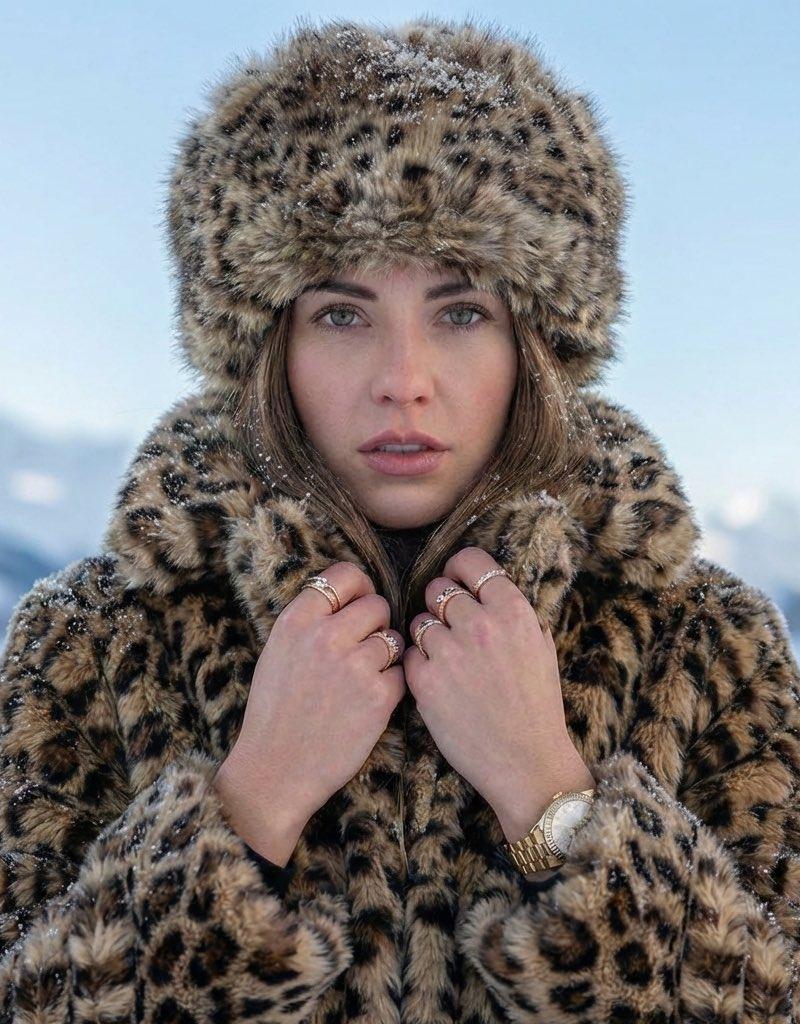
Close-up photograph of two stylish Japanese K-pop female idols in their 20s, trendy Y2K winter night streetwear with a lighter, less bulky layering look: cropped puffer jackets worn open, fitted baby tees or slim turtlenecks, pleated mini skirts or low-rise jeans, sheer tights, knee-high boots, bold Y2K accessories (hair clips, mini shoulder bags, chunky rings), natural color palette, urban setting with a local city view in the background, lo-fi film aesthetic, night, soft streetlight glow, natural skin texture, shallow depth of field, smiling, candid diagonal angle.
Category
Photography & Realism
Model
Unknown
Creator
骑司Chase
Source language
zh-CN
Views0
Source ID
winter-outdoor-double-romantic-moment
Studio

Guide

About "冬日户外双人温情一刻"

What is this prompt for?

"冬日户外双人温情一刻" AI image prompt for Unknown (Photography & Realism). ✨使用Grok生成,冬日户外双人温情一刻 原提示词(图一图二): Close-up photograph of two cute K-pop idol Japanese women in…

The full copyable prompt and example visuals above are ready for AI image generation or one-click recreate in Picva.

How to use this prompt

  1. Step 1

    Open the prompt detail

    Review the example visuals, category, and full prompt text for "冬日户外双人温情一刻".

  2. Step 2

    Copy the prompt

    Copy the prompt body from this page, or load it directly in Studio.

  3. Step 3

    Pick a model (Unknown)

    Prefer Unknown. If you switch models, keep subject and composition and tweak style terms.

  4. Step 4

    Generate and export

    Recreate the look in Picva, or export into your workflow for editing and publishing.

FAQ

What is the "冬日户外双人温情一刻" prompt?
It is an AI image-generation prompt for Unknown in the Photography & Realism category. This page includes the full prompt text, example visuals, and a one-click recreate path in Picva.
How do I use this prompt to generate an image?
Copy the prompt from this page, or use Generate / Studio. Paste it into a compatible image model, or recreate the look in Picva with optional reference images.
Which model is this prompt for?
This page lists Unknown. Most descriptive prompts also transfer to nearby image models such as GPT Image, Flux, or Midjourney with light style tweaks.
Can I use the result commercially?
You can usually copy the prompt for creation, but commercial use of the final image depends on the model terms, reference-image rights, and the generated content. Follow the source author and platform rules.