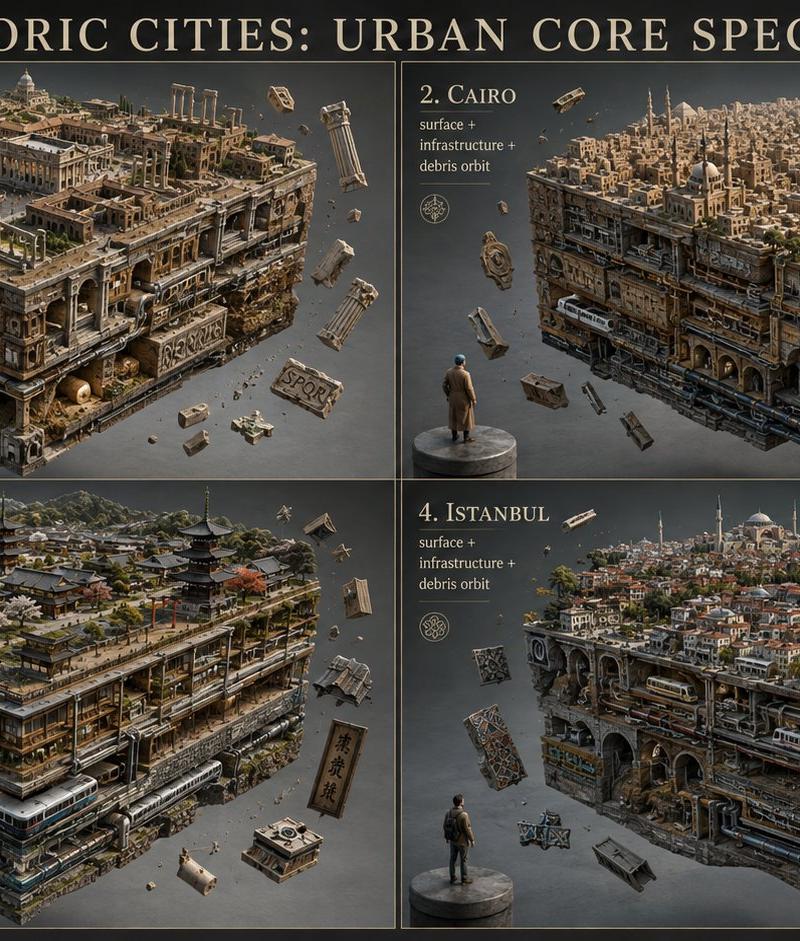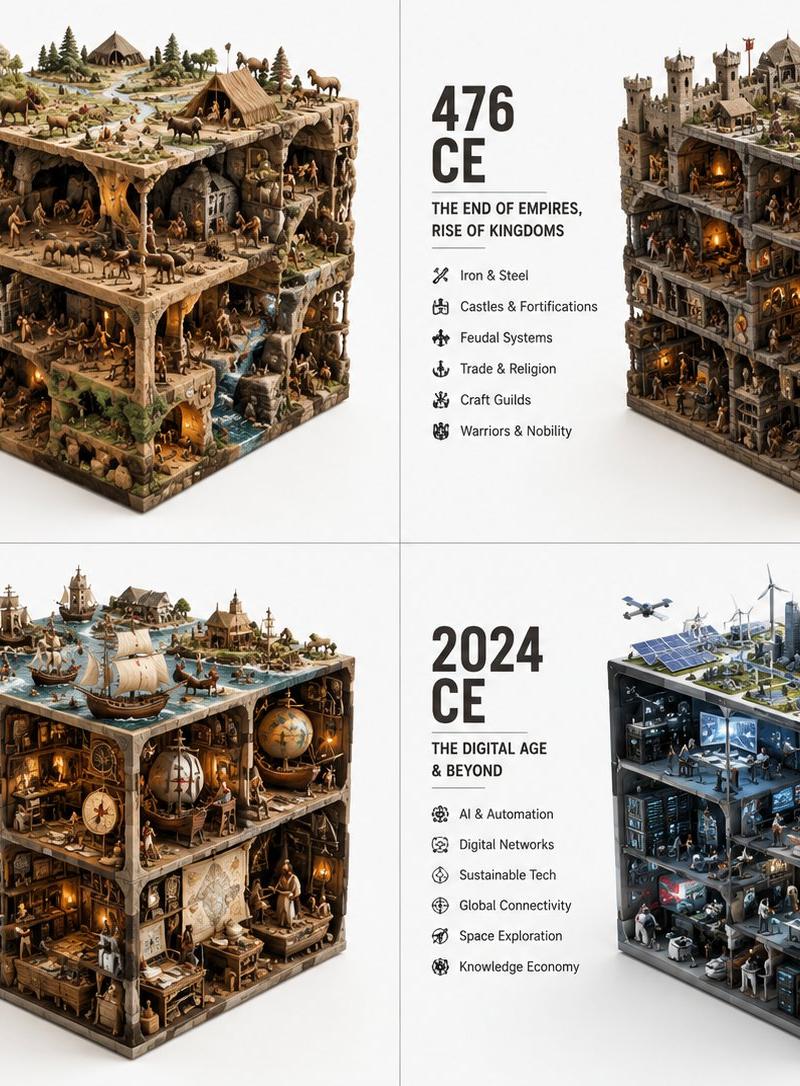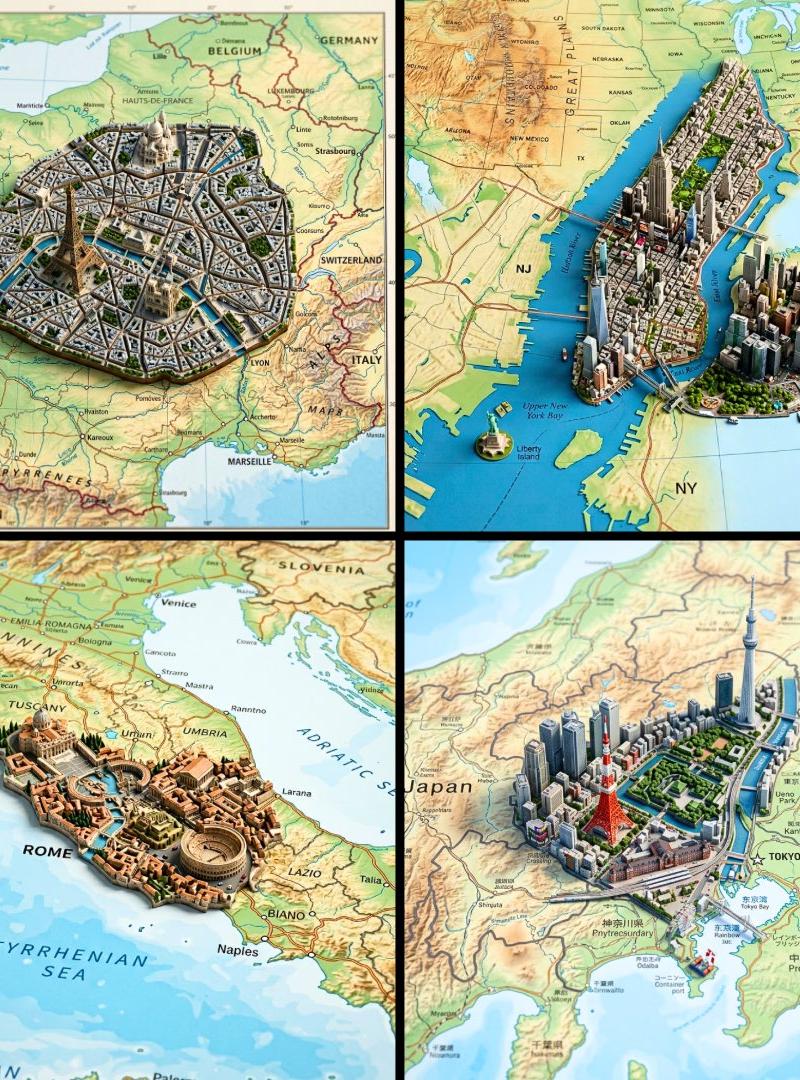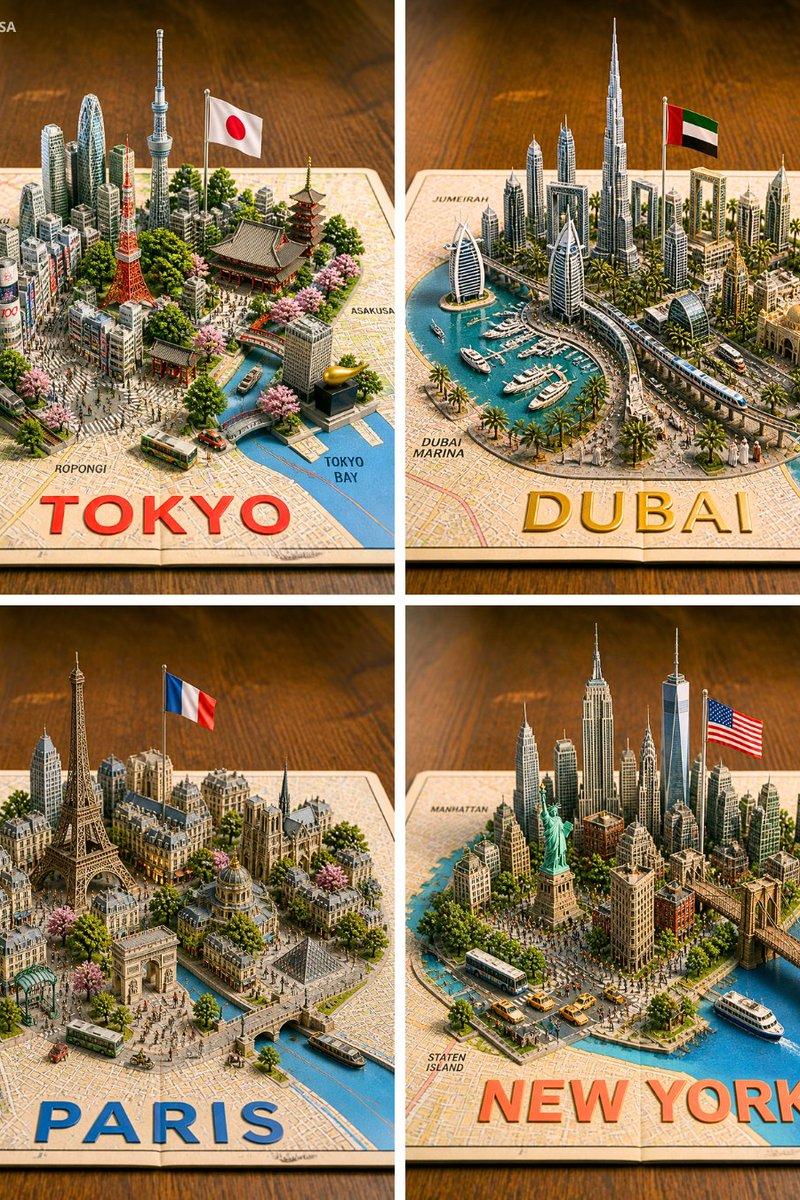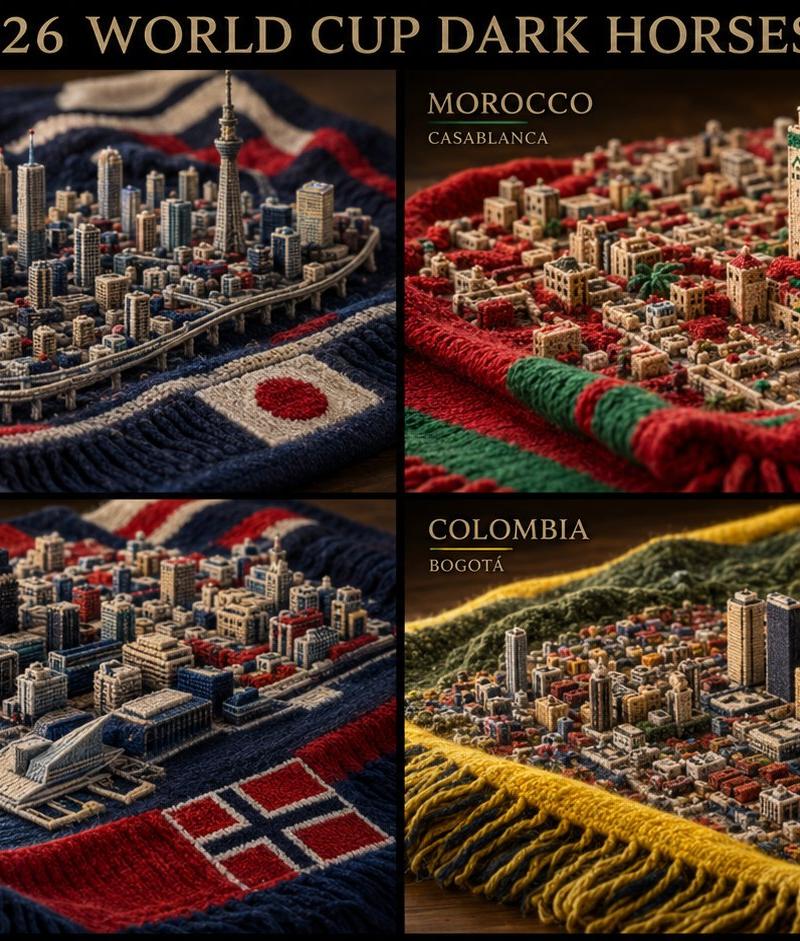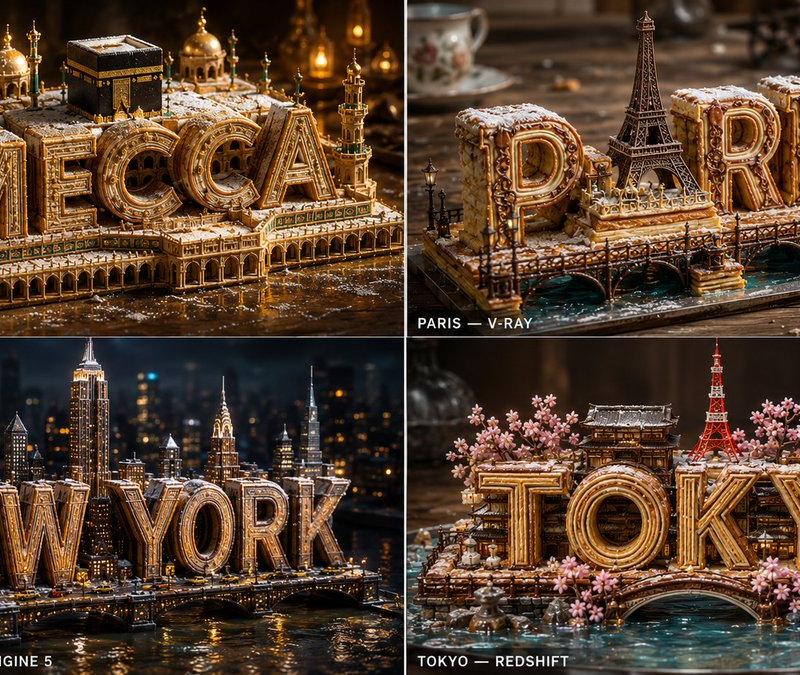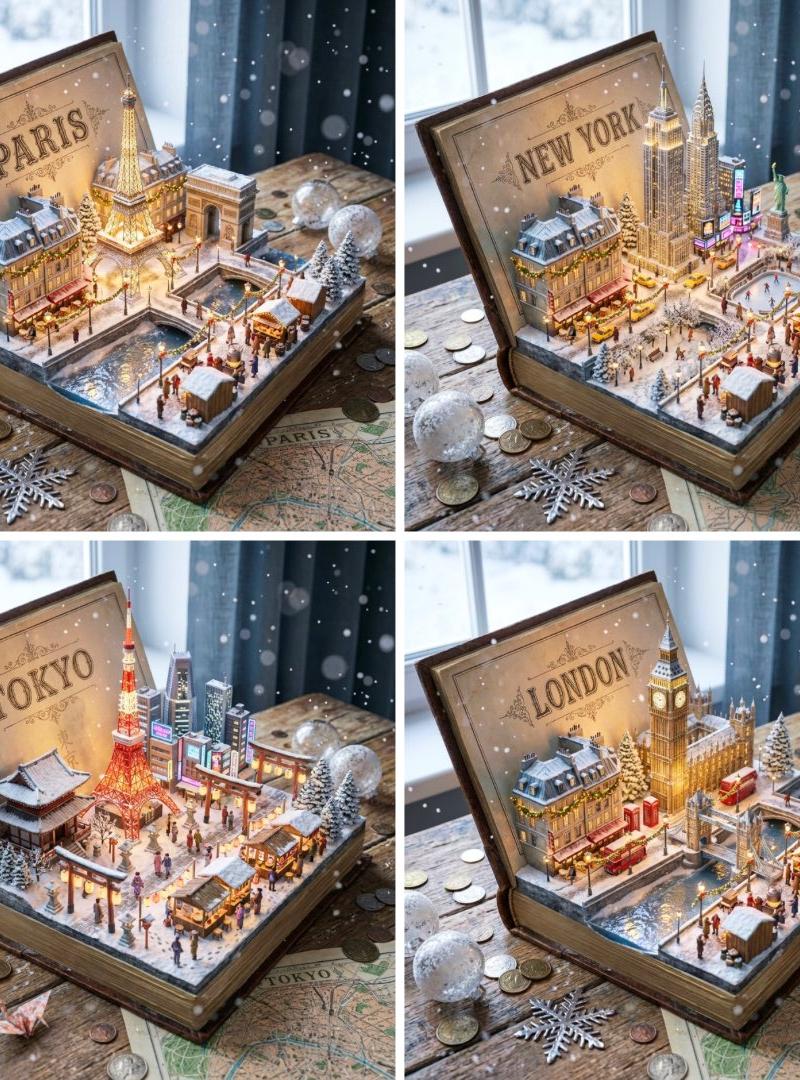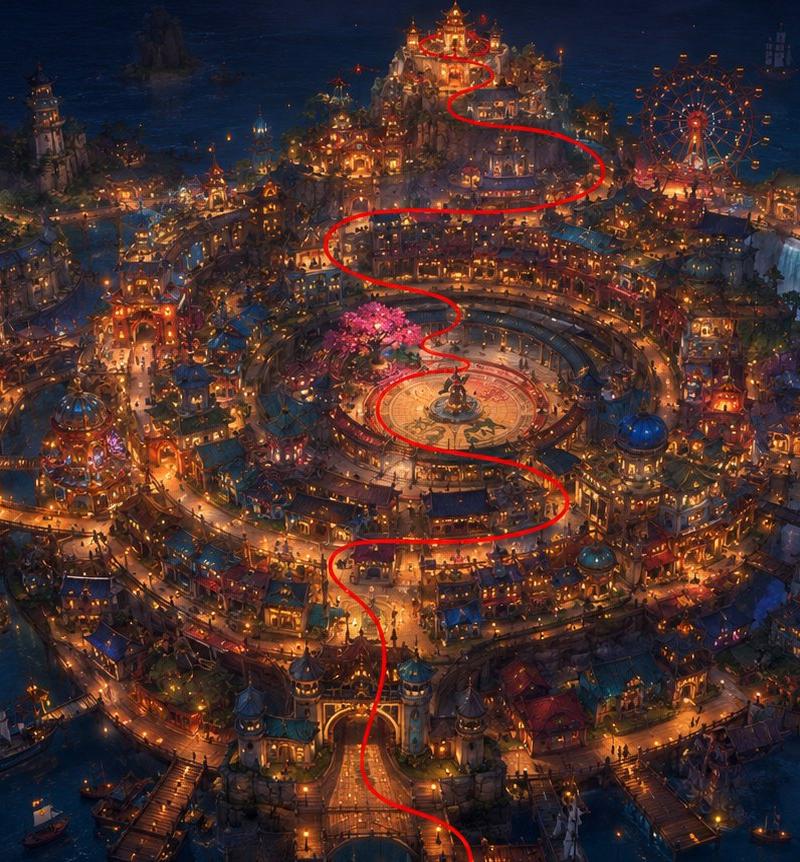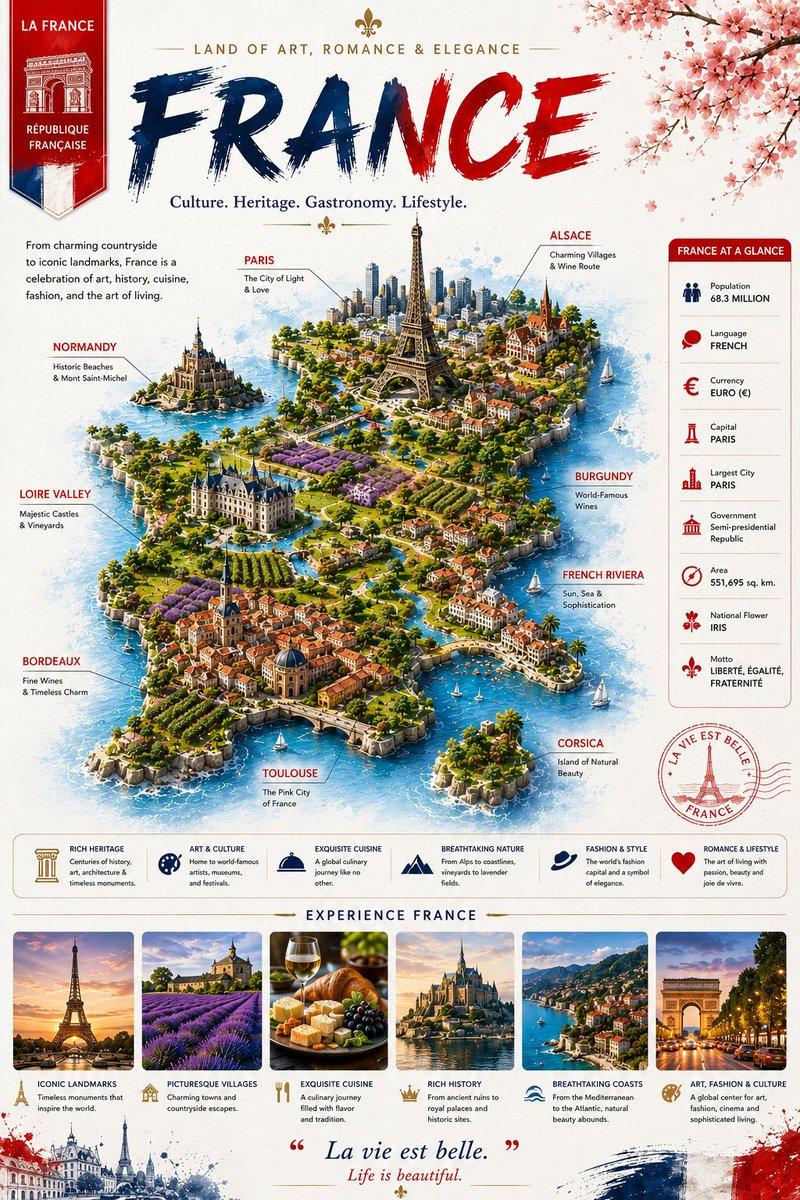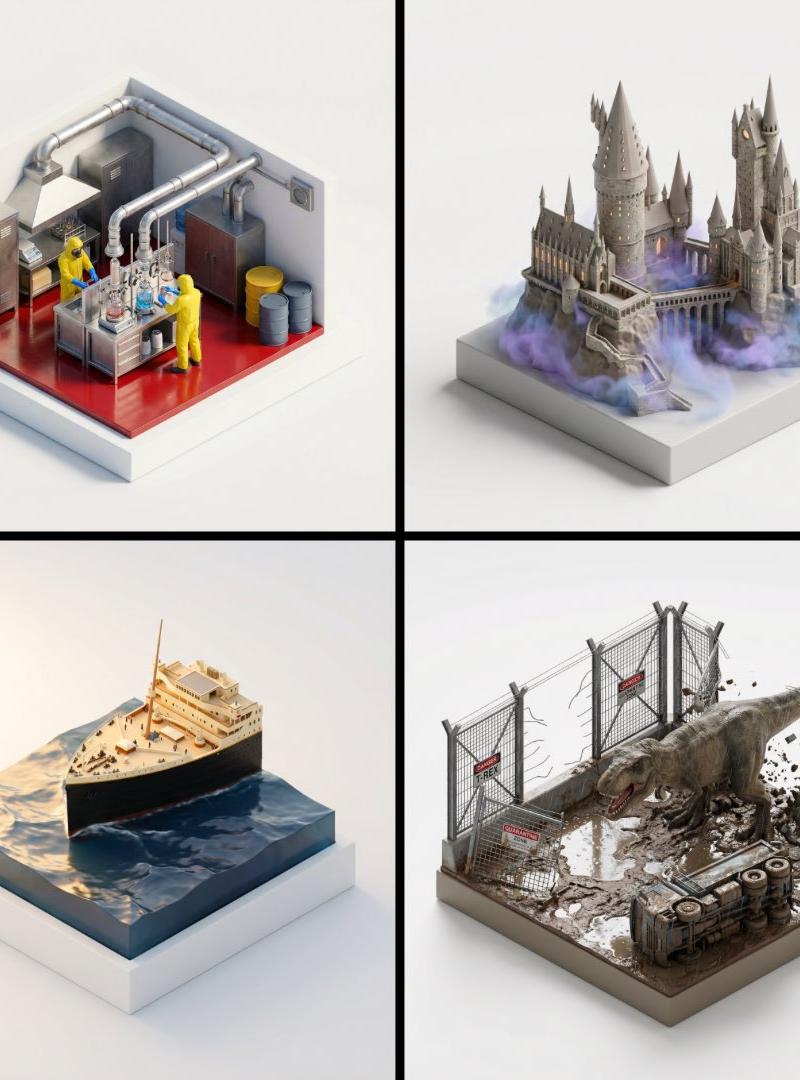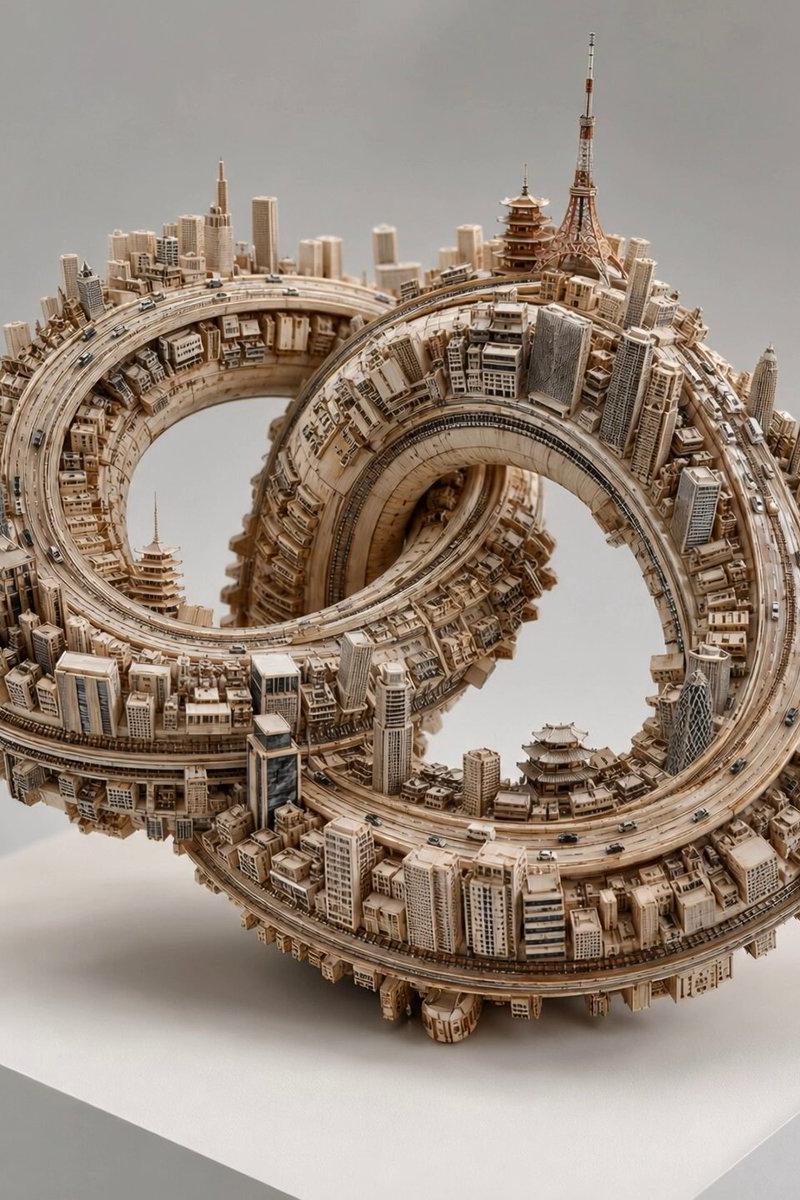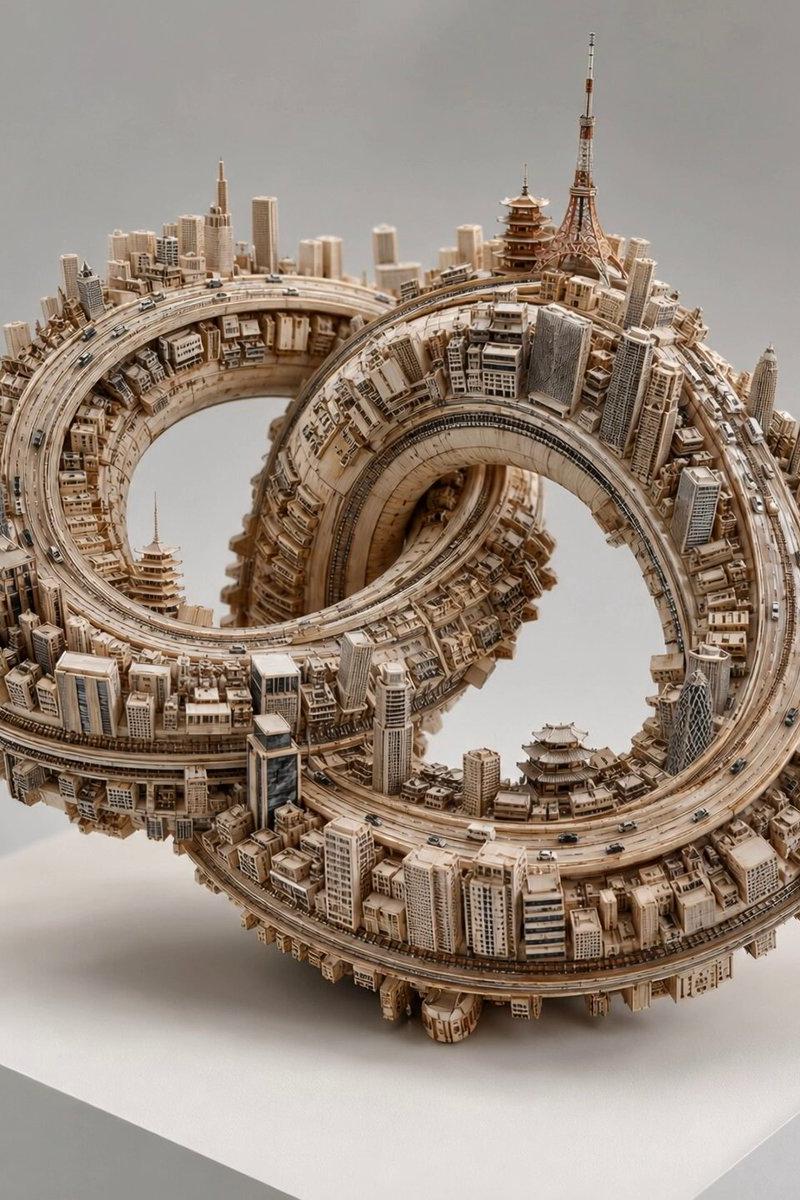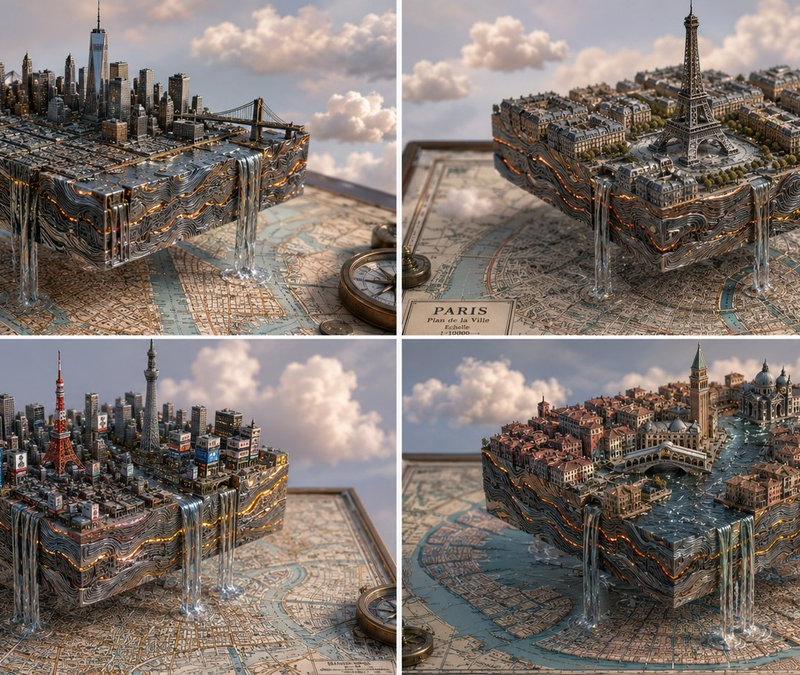
等距视角岩浆大马士革钢城市
提示词
2x2 grid, 16:9, do this for 4 famous cities, magma damascus steel: concept: a city carved from a map, floating in a dreamscape. input variables: [{argument name="city" default="famous city/location"}] [{argument name="material" default="magma damascus steel"}] (e.g., cardboard, balsa wood, folded paper) workflow: 1. base: a flat, vintage 2d map of {argument name="city" default="famous city/location"} lies flat. 2. design: a perfect, isometric 3d cubic chunk of the city is hovering directly above its corresponding spot on the map. 3. material: the entire 3d block, including the skyscrapers, bridges, and geological strata, is constructed meticulously out of {argument name="material" default="magma damascus steel"}. 4. the edge: rivers from the city flow off the edge of the cube as stylized waterfalls spilling into the void. god-level details: soft, fluffy stylized clouds drifting around the floating block. pastel, bright, airy lighting. visible grain, glue marks, and paper edges on the architecture to emphasize the miniature scale.- 分类
- 图表信息图
- 模型
- GPT Image 2
- 来源作者
- Gadgetify
- 原始语言
- en
- 来源 ID
- 24445
- 发布时间
- 2026年6月6日
浏览量539