16

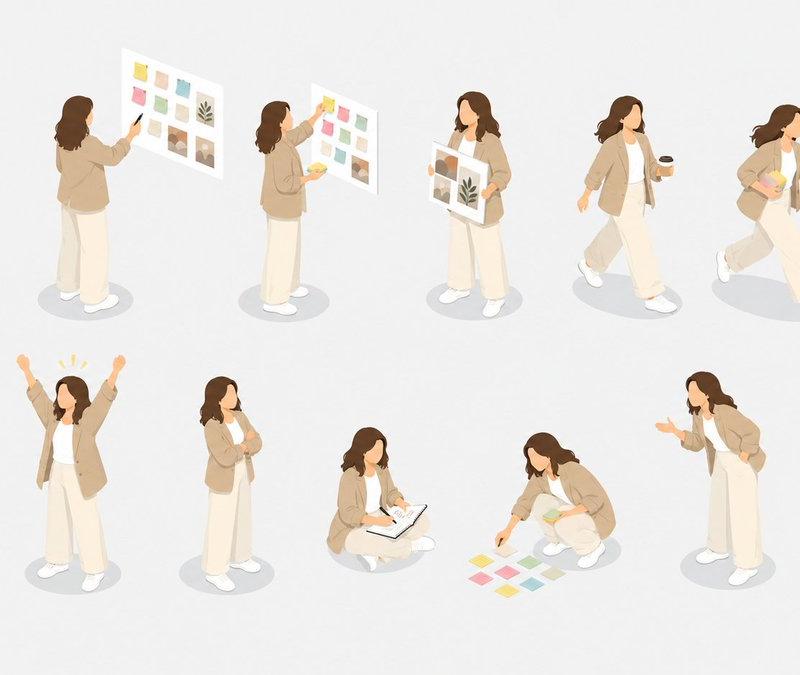
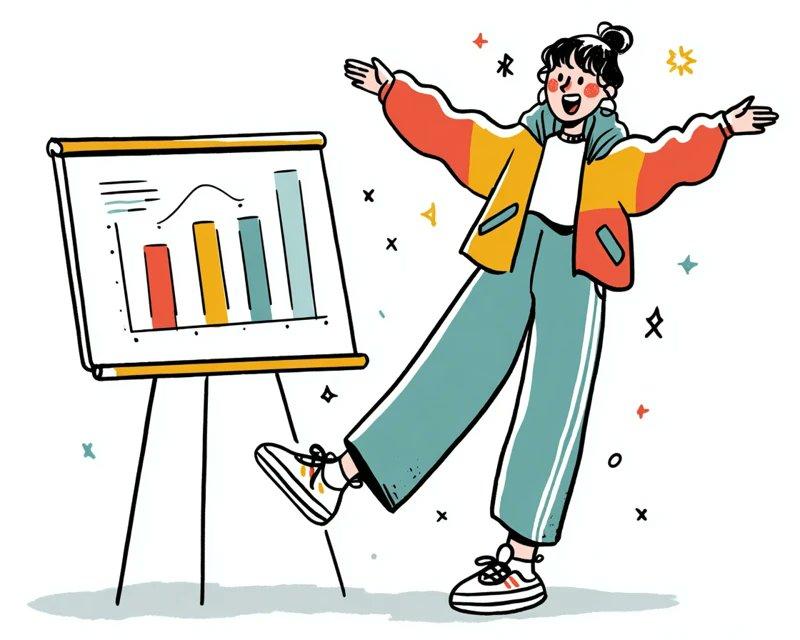
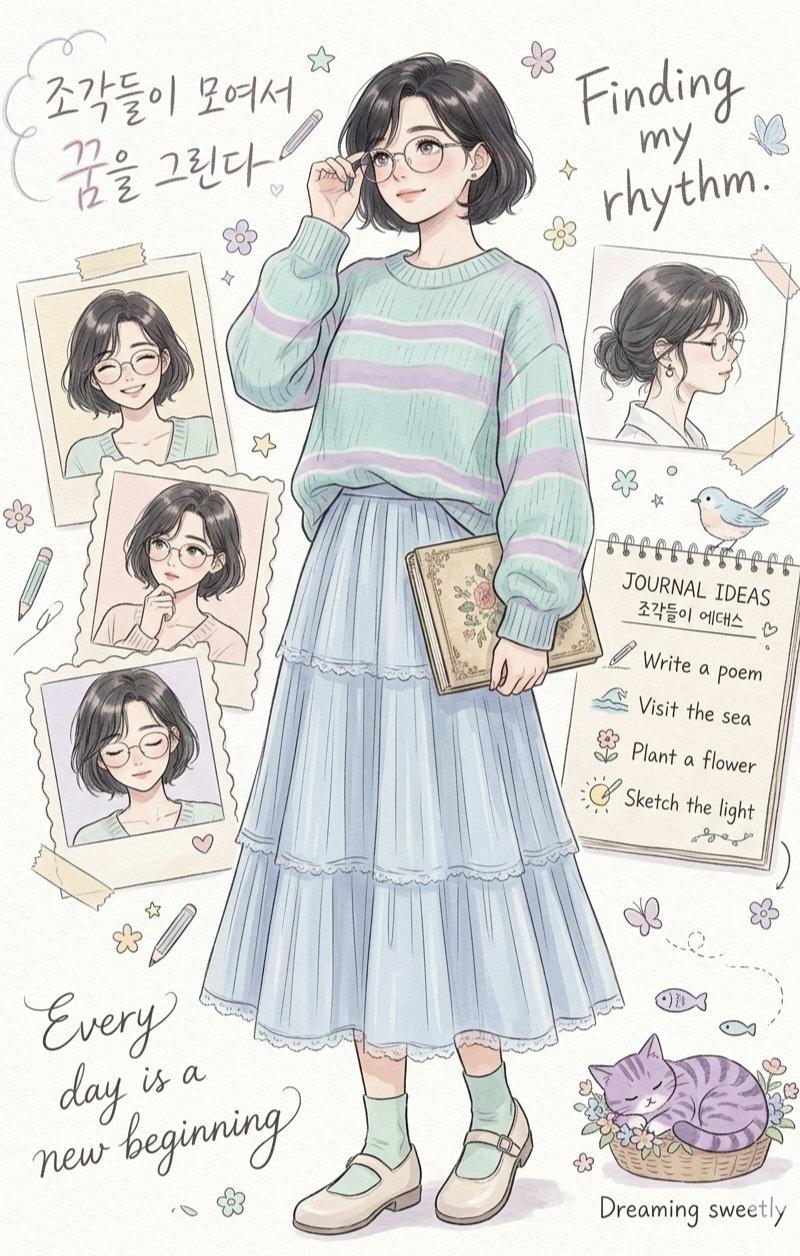
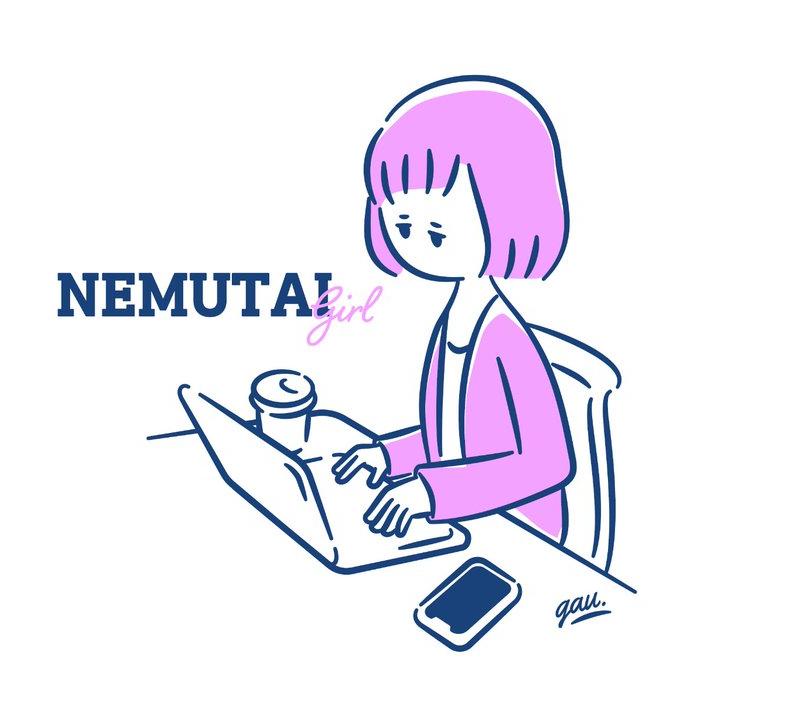
Cute Student Presentation Illustration
Enlarge

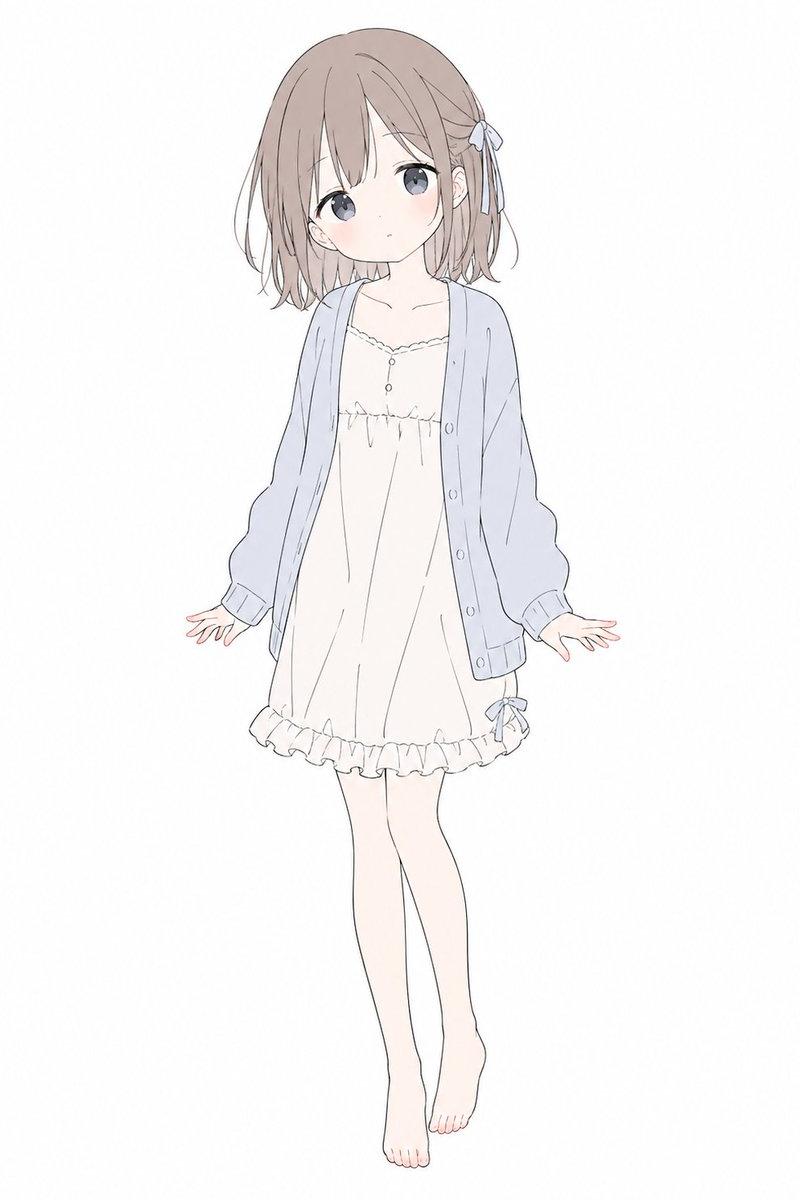
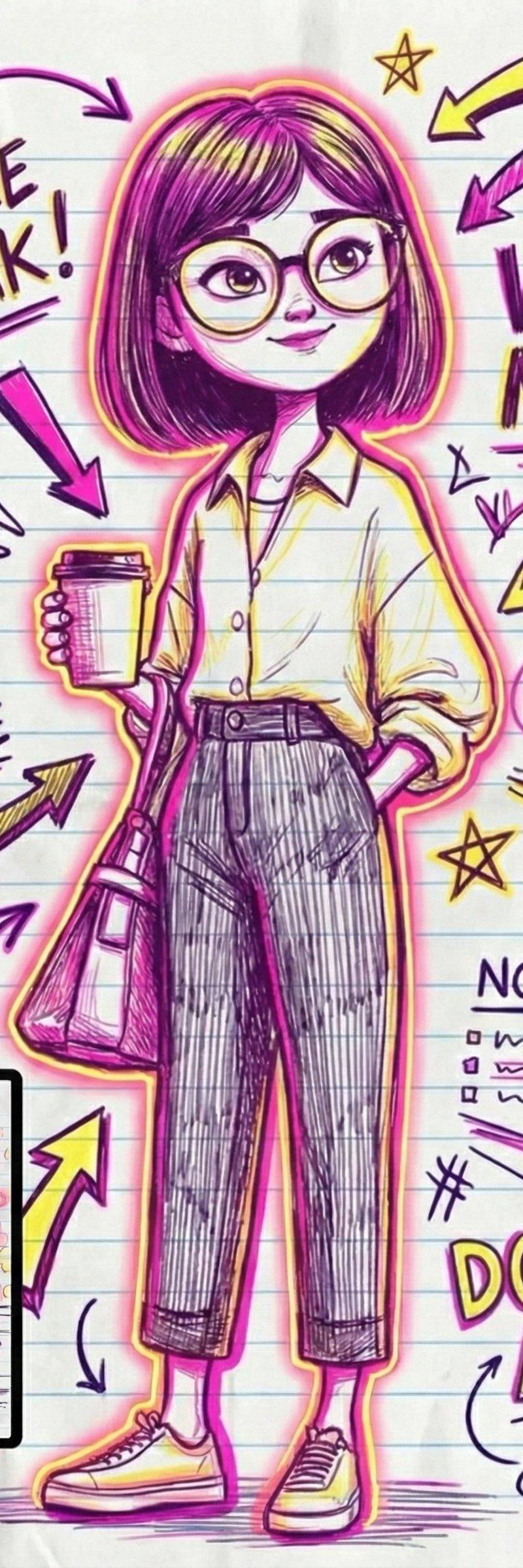
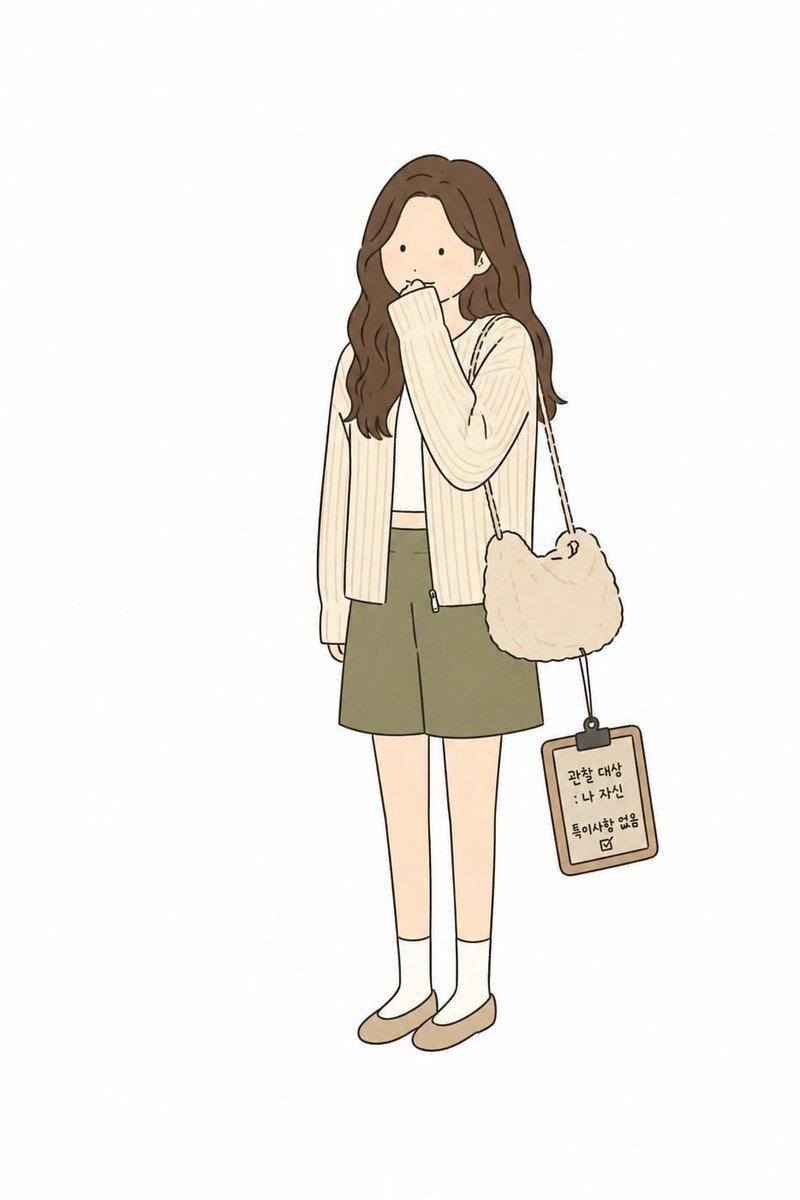
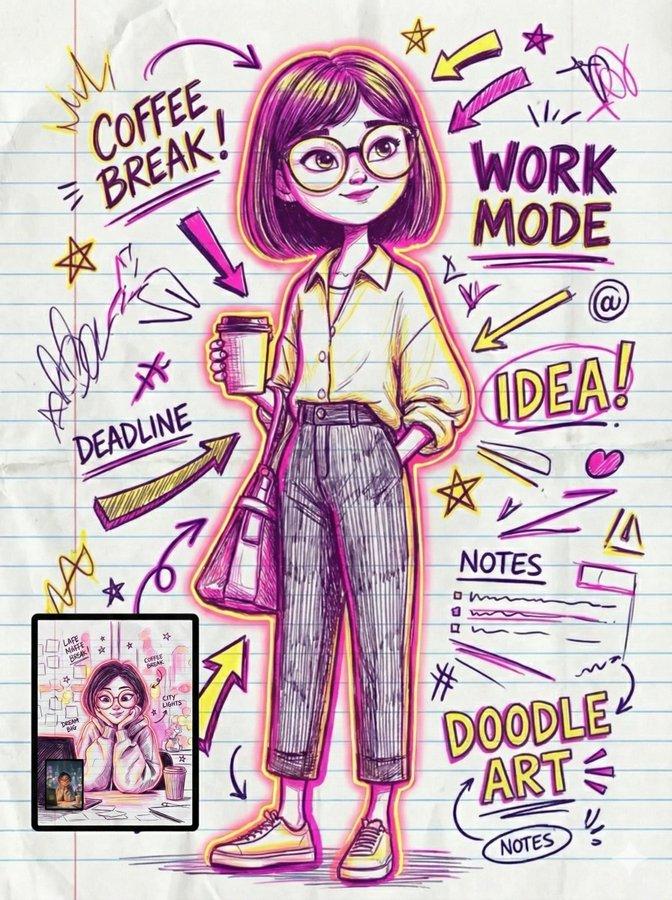
Example images

Cute Student Presentation Illustration

Prompt
Create a simple full-body vector illustration on a clean white background of a friendly young woman standing upright, slightly tall with long legs, suitable as an illustration for student internship or presentation materials. She has {argument name="hair color" default="black"} shoulder-length bob hair with a side part, a minimal faceless or softly obscured face, and a calm professional pose. Dress her in an {argument name="jacket color" default="bright orange"} cardigan-style jacket with exactly 3 visible black buttons over a white shirt, beige high-waisted wide-leg trousers, white socks, and orange flats. Her left arm is extended holding an open gray laptop angled outward; her right hand rests casually in her trouser pocket. Add exactly 1 floating object to the right of her upper body: a teal closed book or notebook with a thick black outline, white page edges, and a centered white heart icon on the cover. Use a cute modern Japanese-style flat illustration aesthetic with thick rounded black outlines, soft cream shading, simple shapes, no text, no shadows beyond subtle flat shading, and plenty of white negative space.
Category
Charts & Infographics
Model
GPT Image 2
Creator
カオリ(SEO・AI・福祉)
Source language
en
Views332
Source ID
24510
Published
Jun 6, 2026
Studio

Guide

About "Cute Student Presentation Illustration"

What is this prompt for?

"Cute Student Presentation Illustration" AI image prompt for GPT Image 2 (Charts & Infographics). A clean flat vector-style illustration of a young woman holdi…

The full copyable prompt and example visuals above are ready for AI image generation or one-click recreate in Picva.

How to use this prompt

  1. Step 1

    Open the prompt detail

    Review the example visuals, category, and full prompt text for "Cute Student Presentation Illustration".

  2. Step 2

    Copy the prompt

    Copy the prompt body from this page, or load it directly in Studio.

  3. Step 3

    Pick a model (GPT Image 2)

    Prefer GPT Image 2. If you switch models, keep subject and composition and tweak style terms.

  4. Step 4

    Generate and export

    Recreate the look in Picva, or export into your workflow for editing and publishing.

FAQ

What is the "Cute Student Presentation Illustration" prompt?
It is an AI image-generation prompt for GPT Image 2 in the Charts & Infographics category. This page includes the full prompt text, example visuals, and a one-click recreate path in Picva.
How do I use this prompt to generate an image?
Copy the prompt from this page, or use Generate / Studio. Paste it into a compatible image model, or recreate the look in Picva with optional reference images.
Which model is this prompt for?
This page lists GPT Image 2. Most descriptive prompts also transfer to nearby image models such as GPT Image, Flux, or Midjourney with light style tweaks.
Can I use the result commercially?
You can usually copy the prompt for creation, but commercial use of the final image depends on the model terms, reference-image rights, and the generated content. Follow the source author and platform rules.