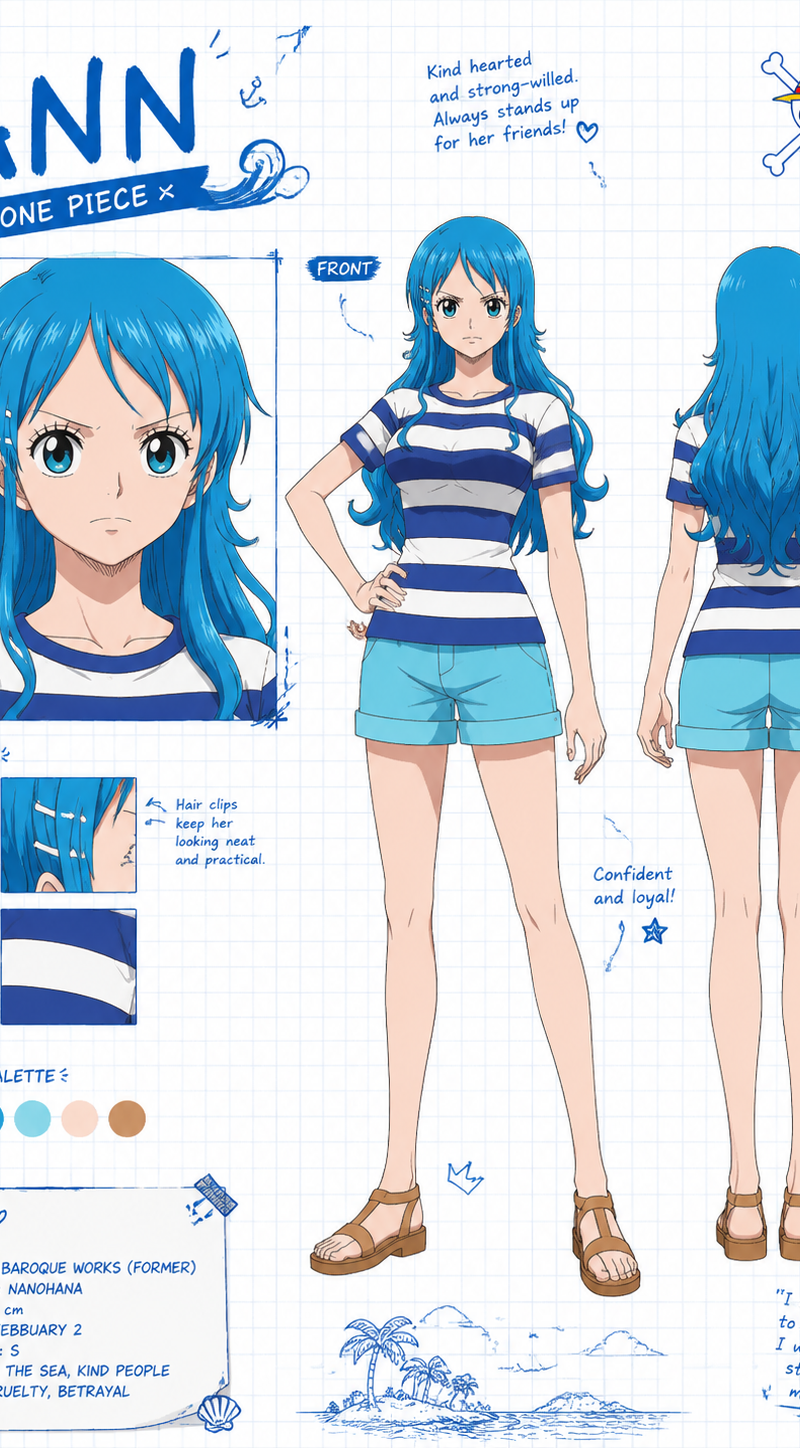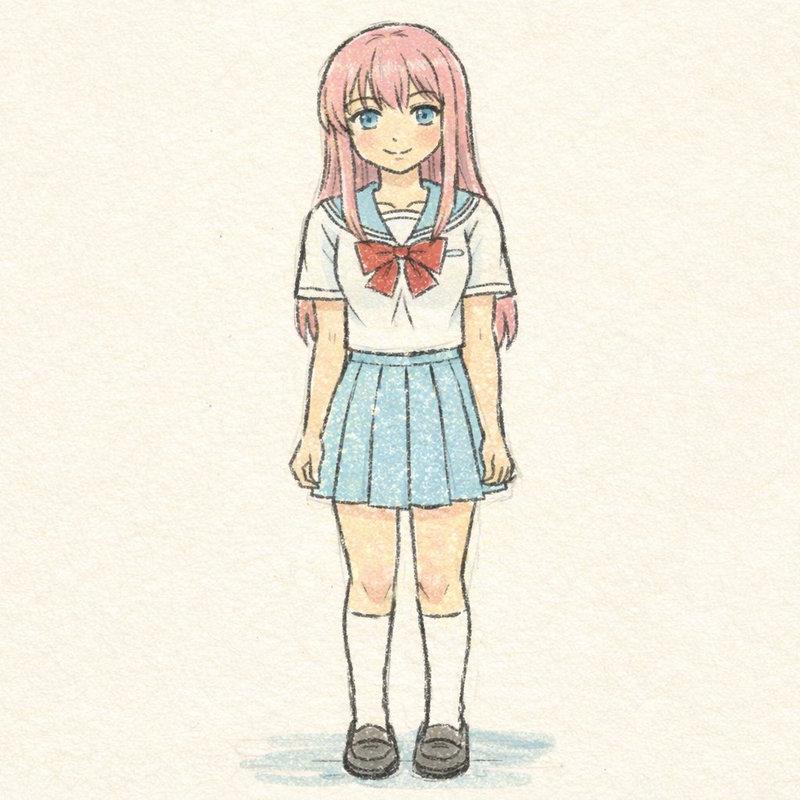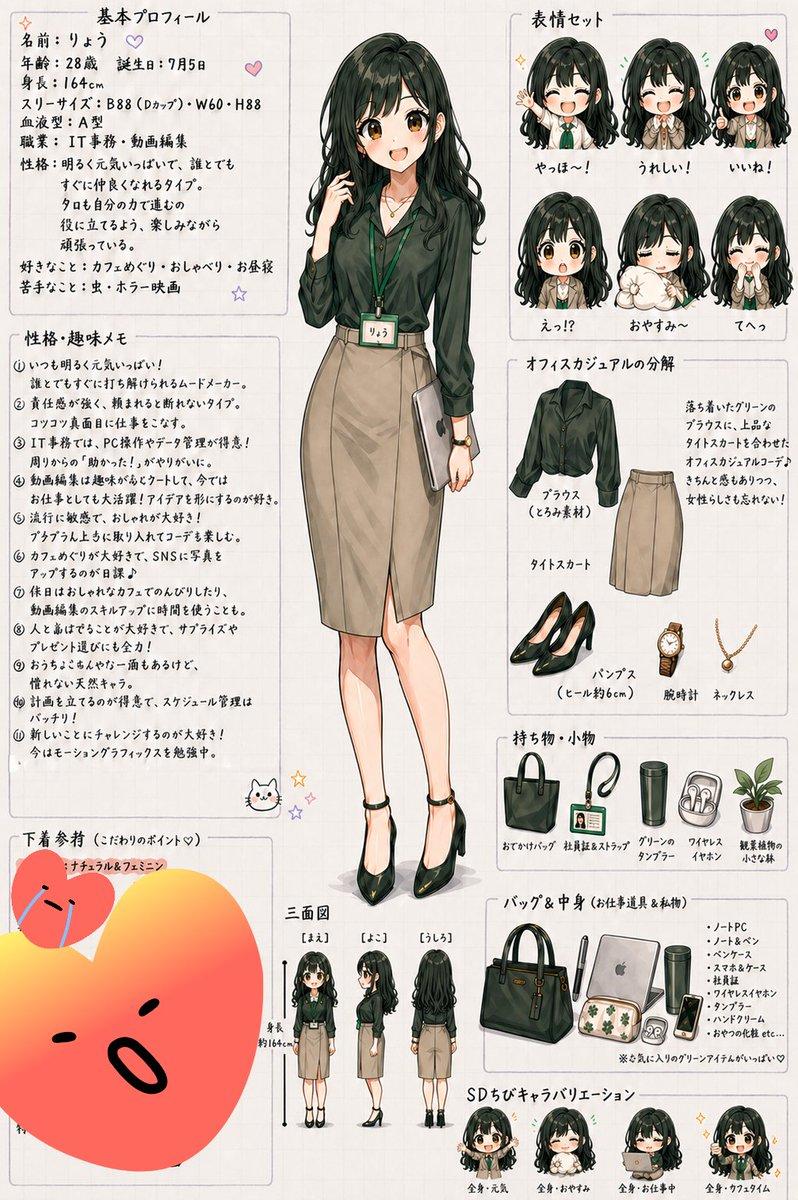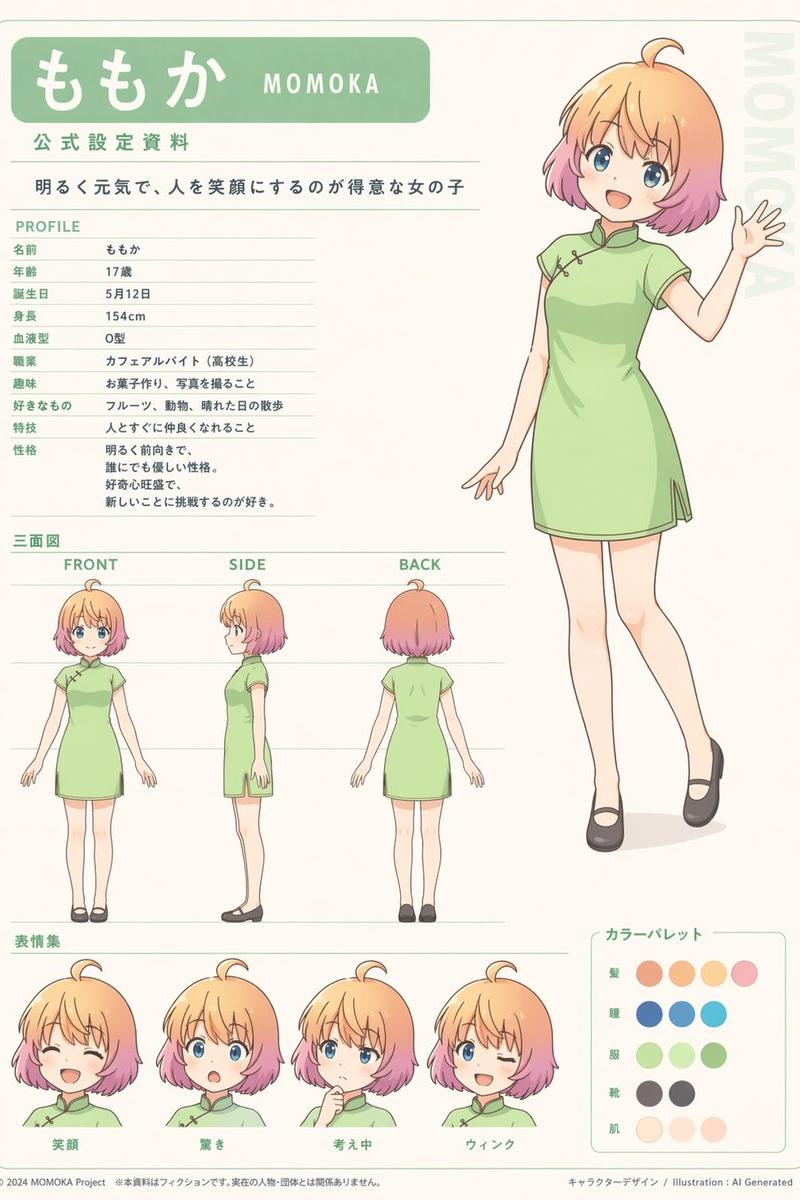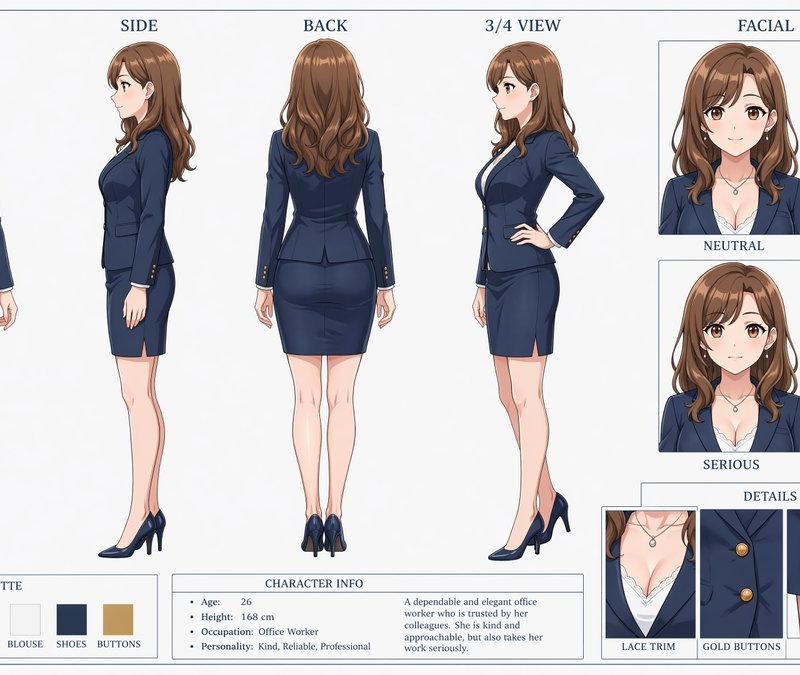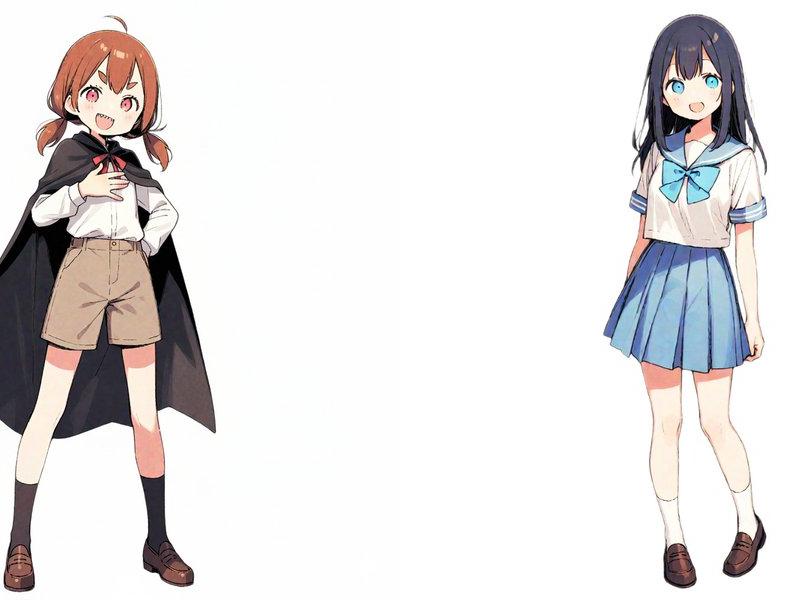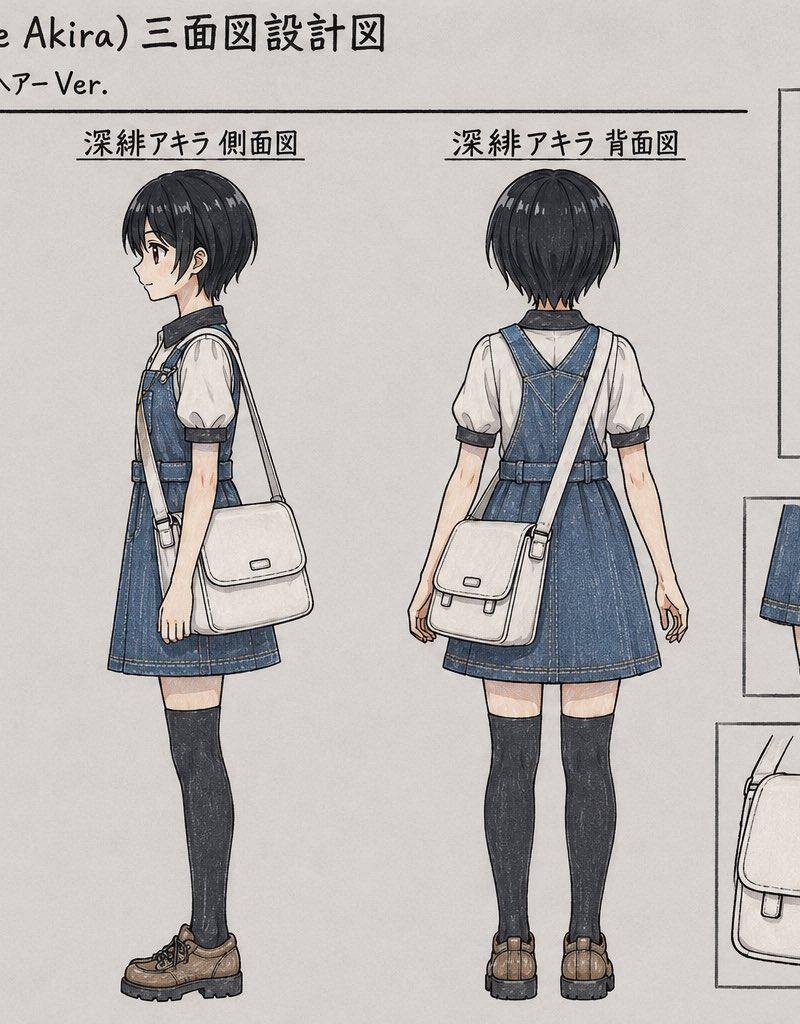
Anime Character Turnaround Sheet
Prompt
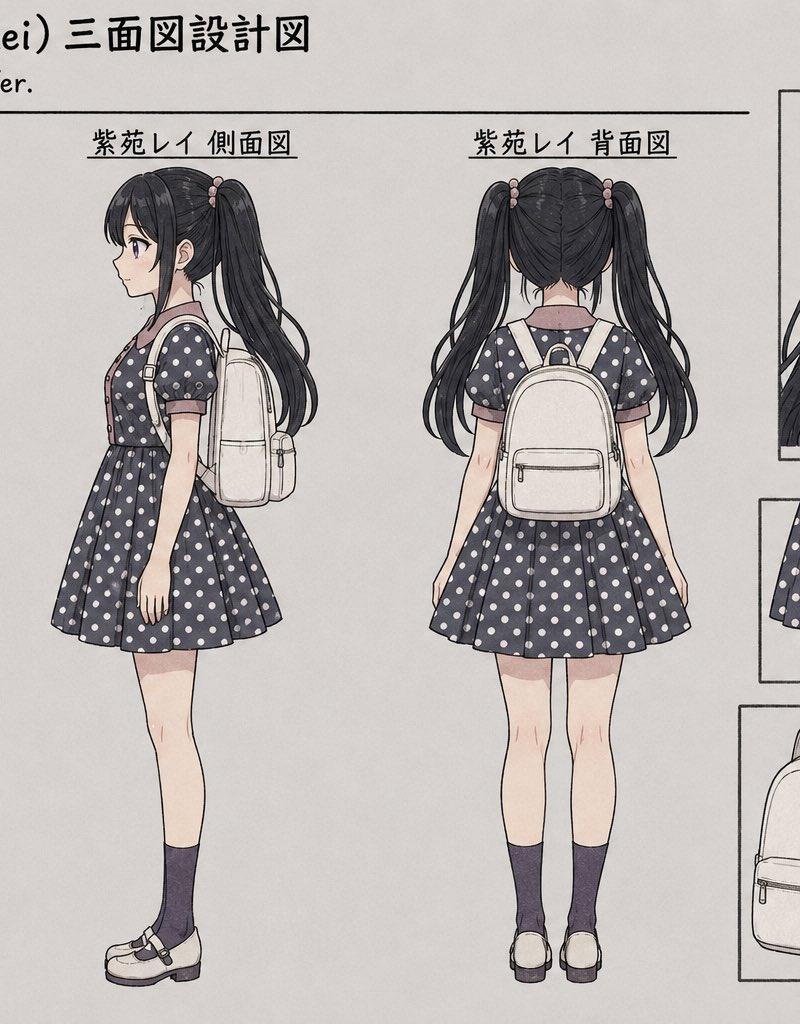
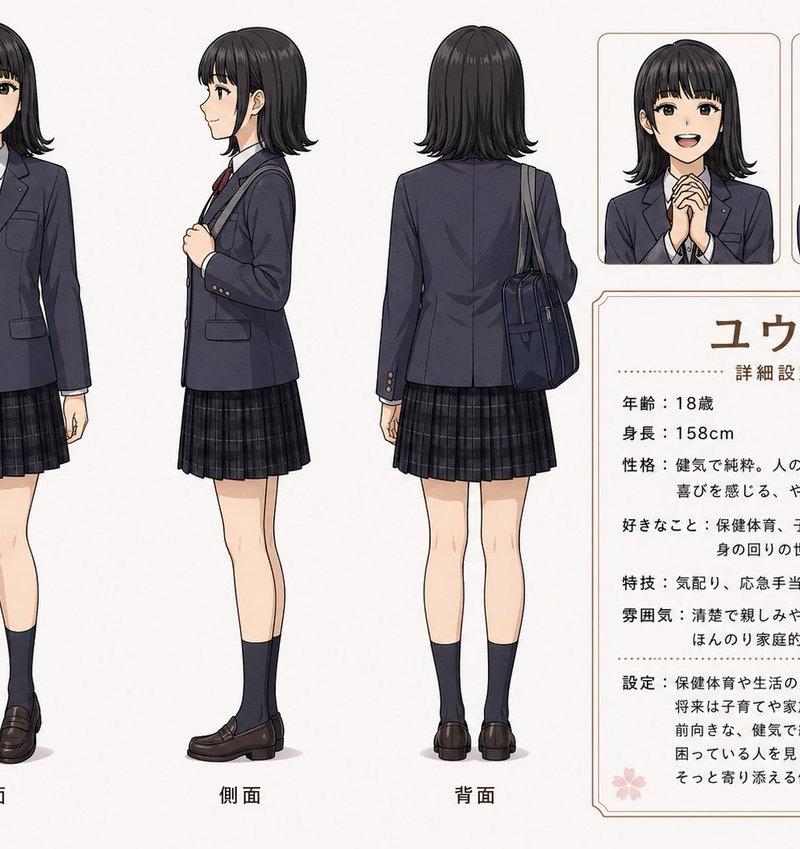
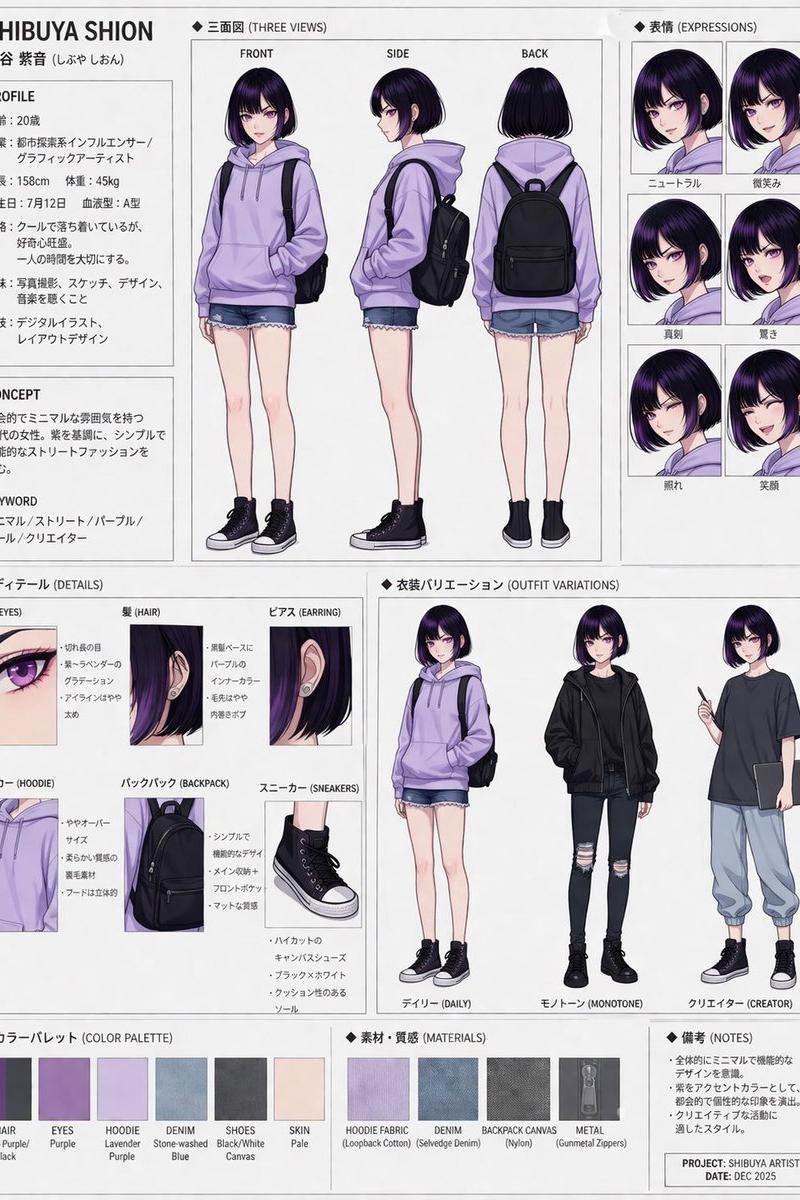
Goal: Create an anime character turnaround reference sheet for {argument name="character name" default="Kokiake Akira"}, formatted like a hand-drawn Japanese design document.

Canvas: Horizontal 16:9 character sheet on an off-white paper background with subtle pencil-and-watercolor texture, thin black divider lines, and clean boxed detail panels on the right. Use a muted sketchbook style with delicate ink outlines, soft watercolor shading, visible fabric grain, and slightly imperfect hand-drawn linework.

Header text: At the top left, write the Japanese-style title “深緋アキラ (Kokiake Akira) 三面図設計図”. Under it, write “詳細設計:黒髪ボーイッシュヘアーVer.” Use handwritten black Japanese lettering, with a long horizontal rule beneath the subtitle.

Main layout: Show exactly 3 full-body character views across the left and center: 1 front view labeled “深緋アキラ 正面図”, 1 side view labeled “深緋アキラ 側面図”, and 1 back view labeled “深緋アキラ 背面図”. Each figure should be the same height and scale, standing upright in a neutral pose with arms relaxed. The face area should be softly blurred or obscured, while the hairstyle and outfit remain clear.

Character details: The character is a slim teenage anime girl with {argument name="hair color" default="black"} short boyish bob hair, rounded bangs, layered side locks, and a small silver hairpin near the right side. Outfit: white short puff-sleeve blouse with a dark collar and dark sleeve cuffs, blue denim overall jumper dress with shoulder straps, metal buckles, stitched seams, waistband, front bib, and flared skirt. She wears dark thigh-high socks and brown chunky lace-up shoes. Add a cream/off-white crossbody satchel with flap, buckle details, and a long strap worn diagonally across the torso; in the back view the strap crosses the back and the bag rests at the hip.

Right-side detail panels: Include exactly 4 boxed close-up panels. Panel 1 at the upper right is a bust close-up labeled “髪型/襟元クローズアップ”, showing the short black bob hairstyle, hairpin, blouse collar, and overall straps, with the face blurred. Panel 2 is a skirt/hem close-up showing the denim skirt front with vertical stitching, hem stitching, and the tops of the thigh-high socks. Panel 3 is a vertical leg close-up showing one dark thigh-high sock and one brown lace-up shoe. Panel 4 is a bag close-up showing the cream satchel from the front with flap, seams, strap attachments, and small rectangular label.

Style constraints: Keep the design clean and reference-sheet-like, not a dynamic illustration. Use muted colors: {argument name="dress color" default="faded blue denim"}, cream bag, white blouse, charcoal socks, brown shoes. Maintain consistent proportions between the three views, simple white background, no extra characters, no scenery, no watermark, and no additional panels beyond the 3 full-body views and 4 detail panels.- Category
- Characters & People
- Model
- GPT Image 2
- Creator
- スズヲ@Photo&AIart
- Source language
- en
- Source ID
- 24525
- Published
- Jun 6, 2026
Views365