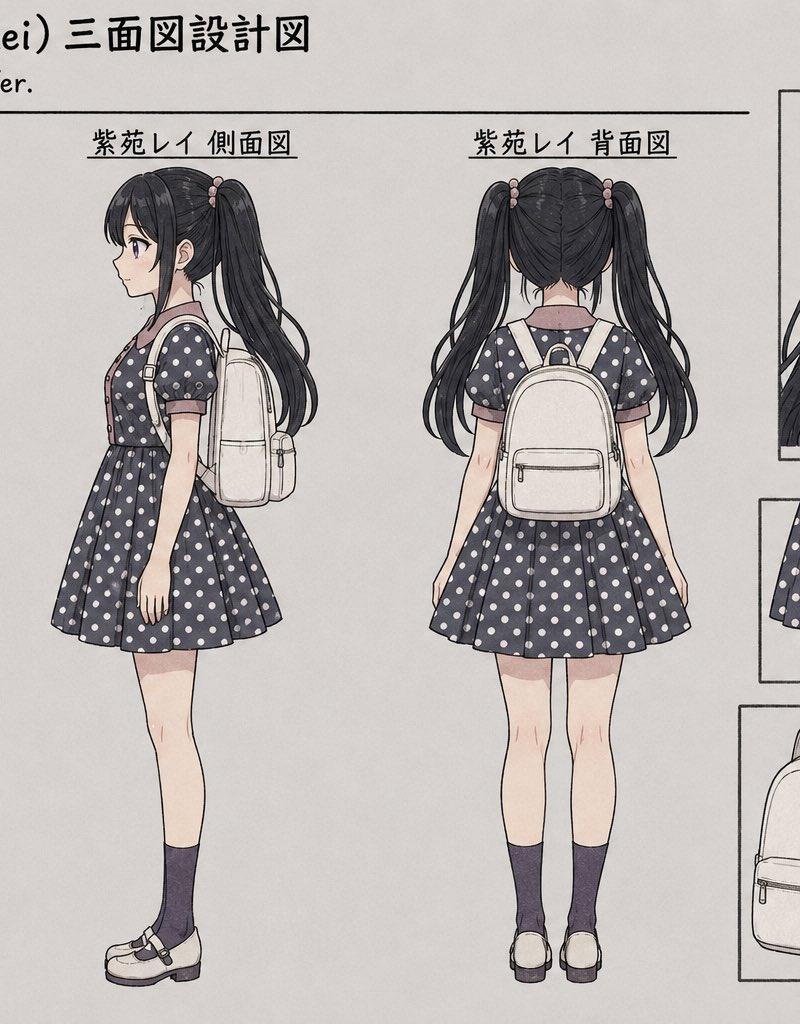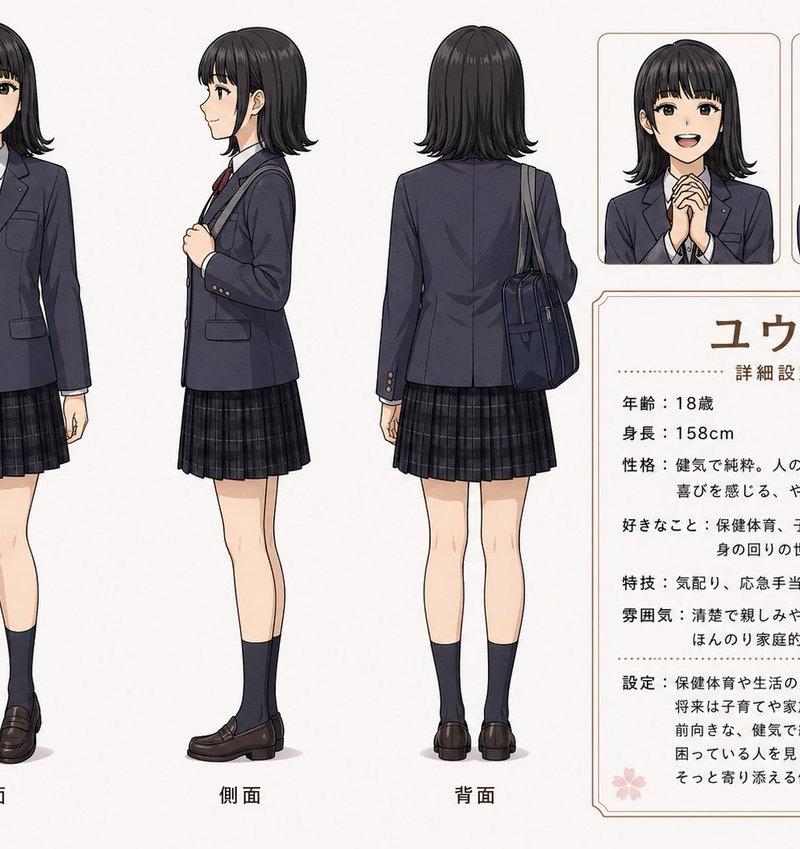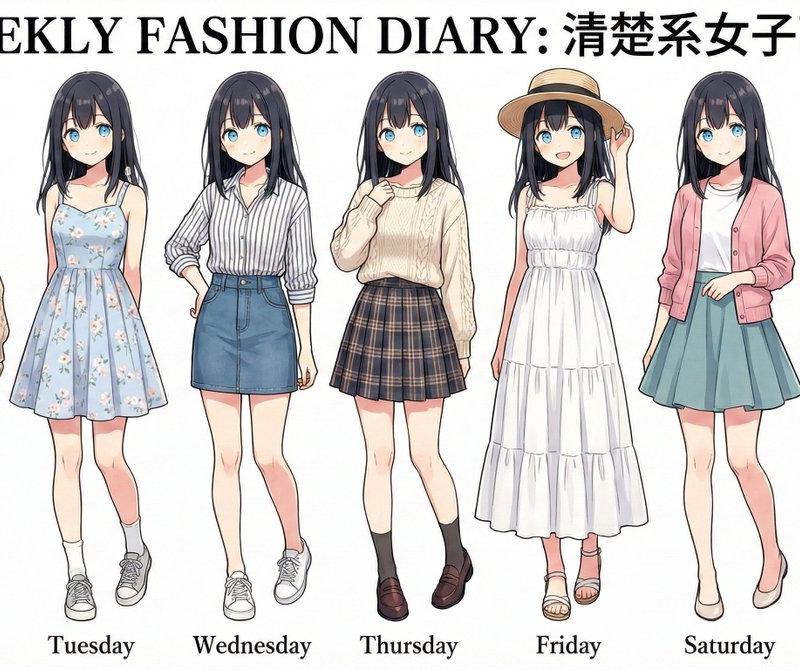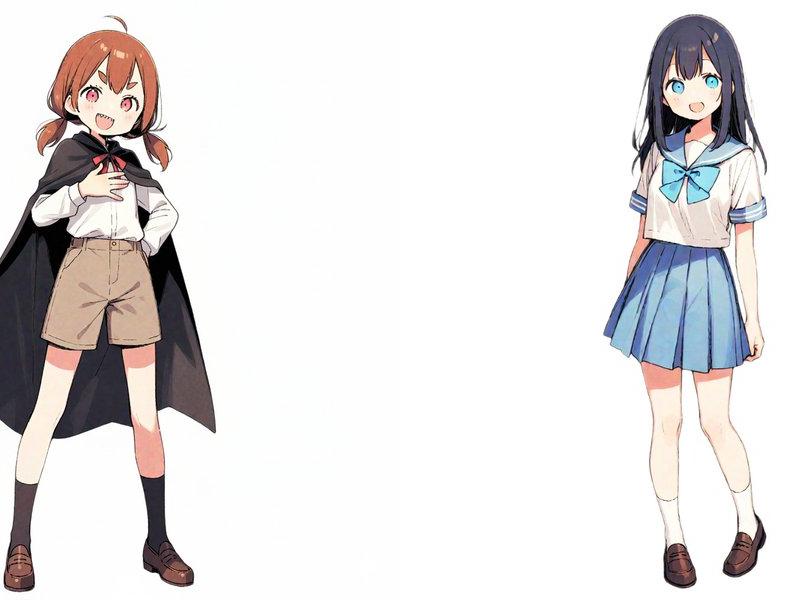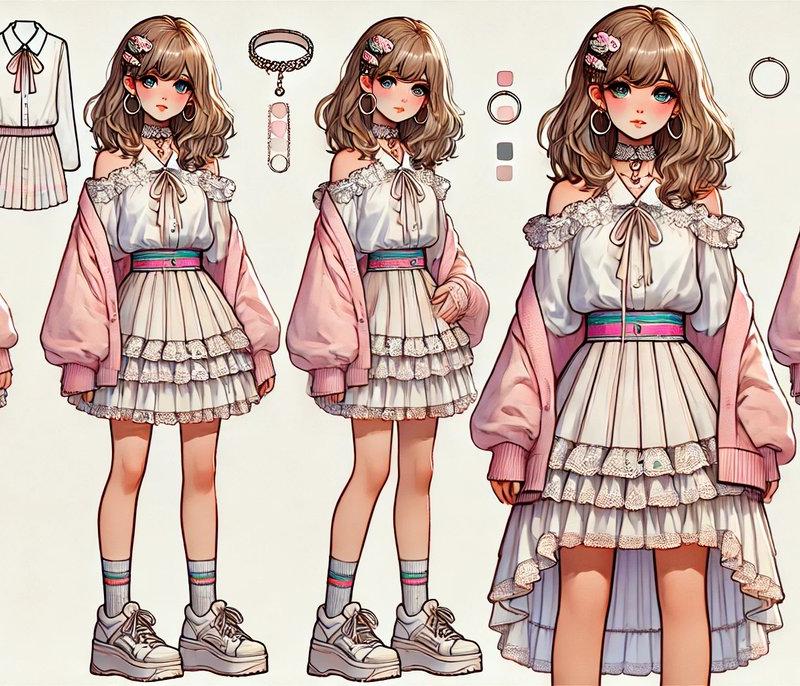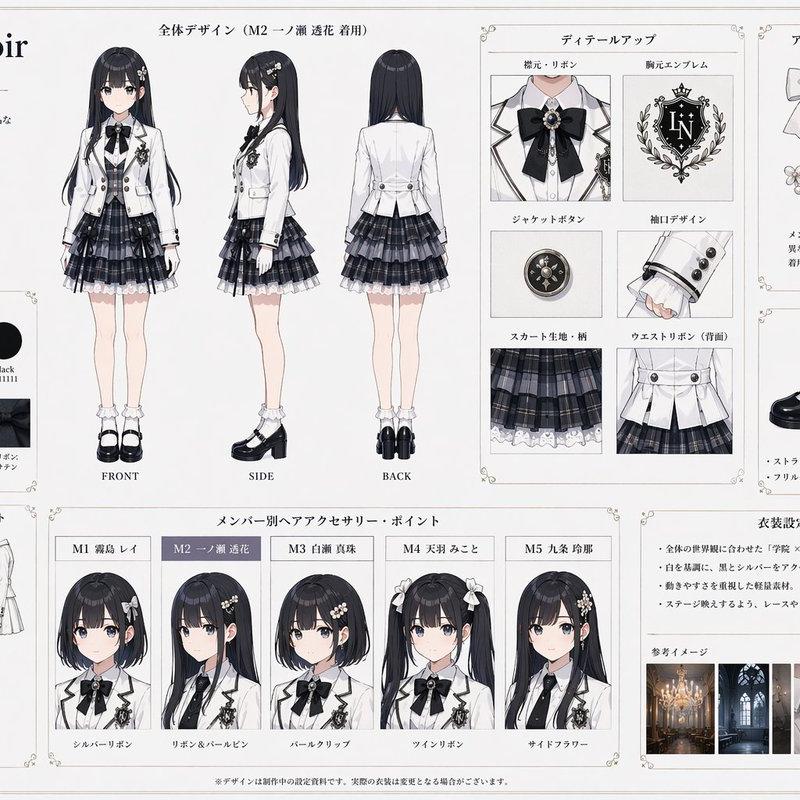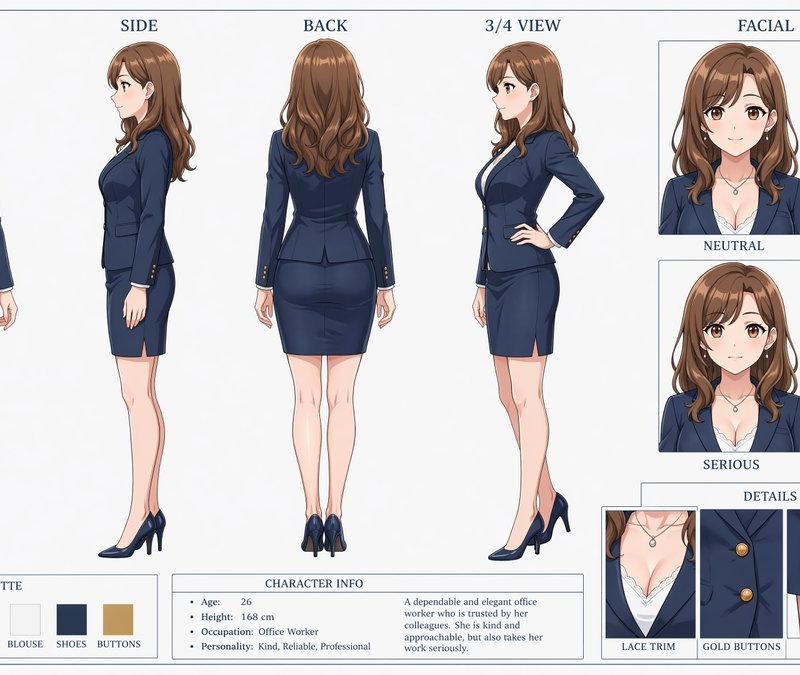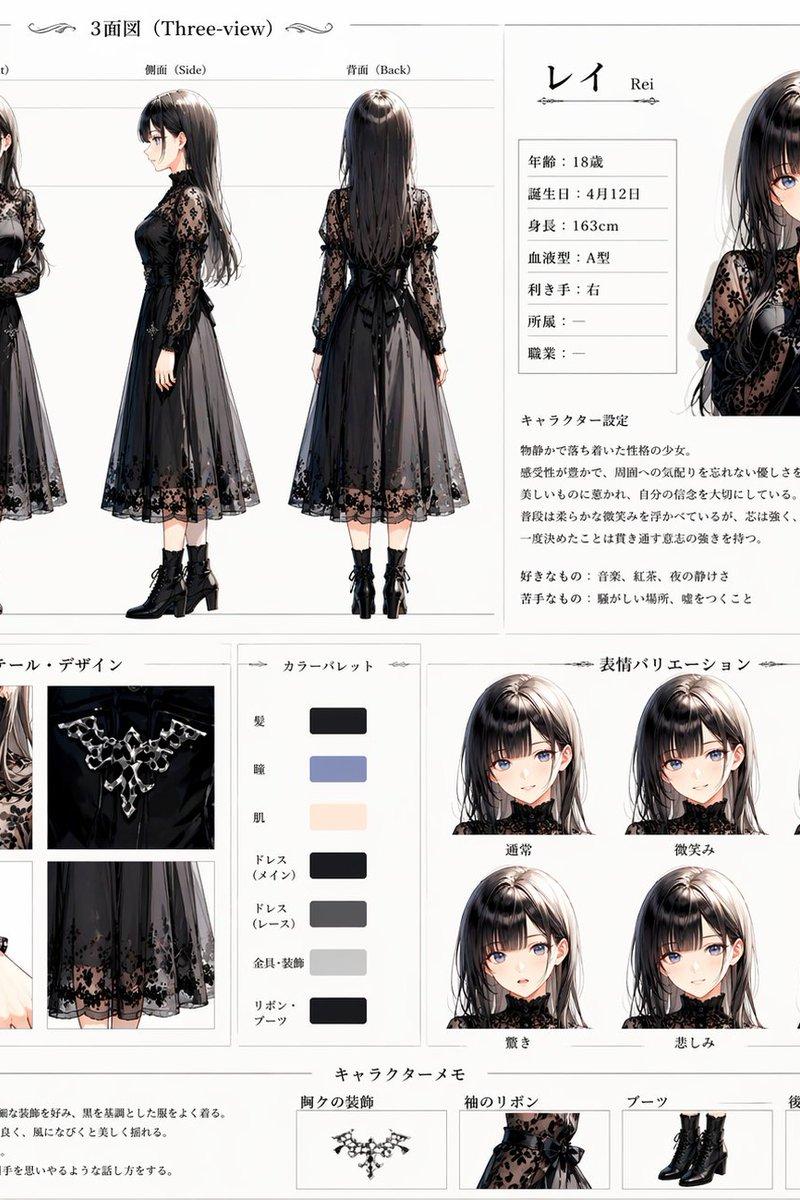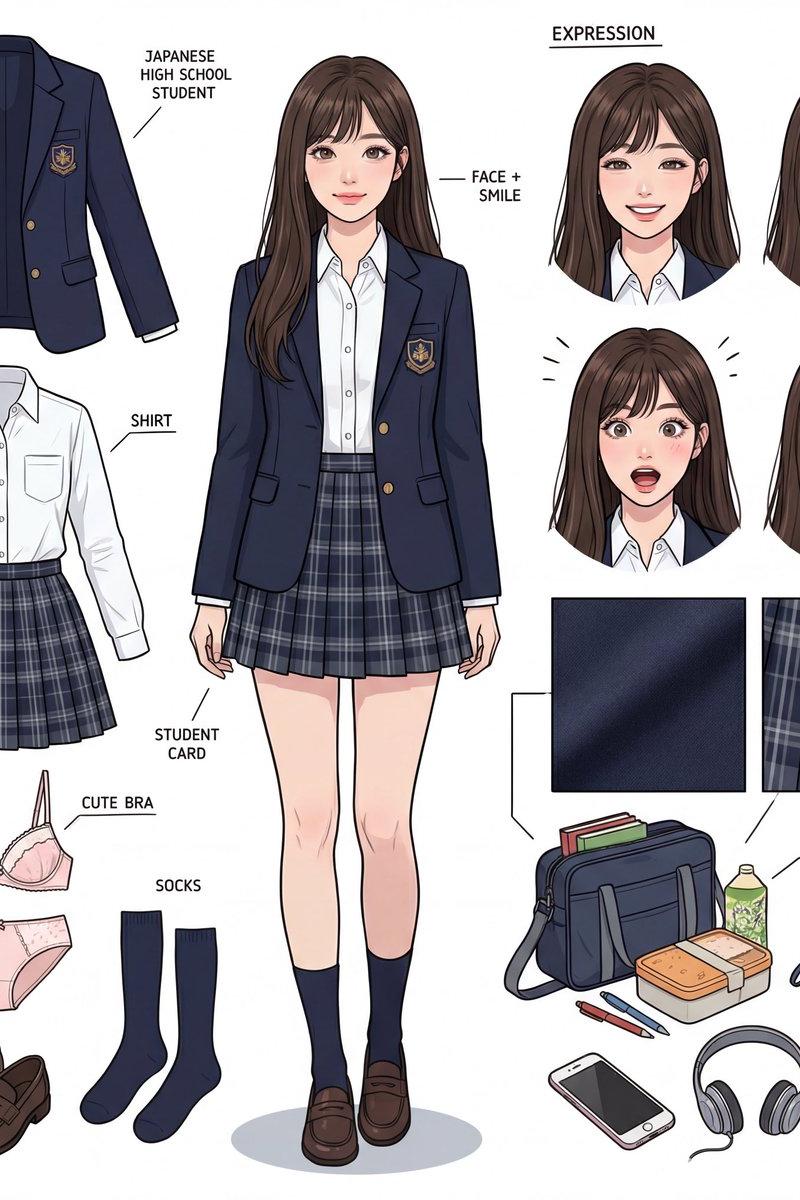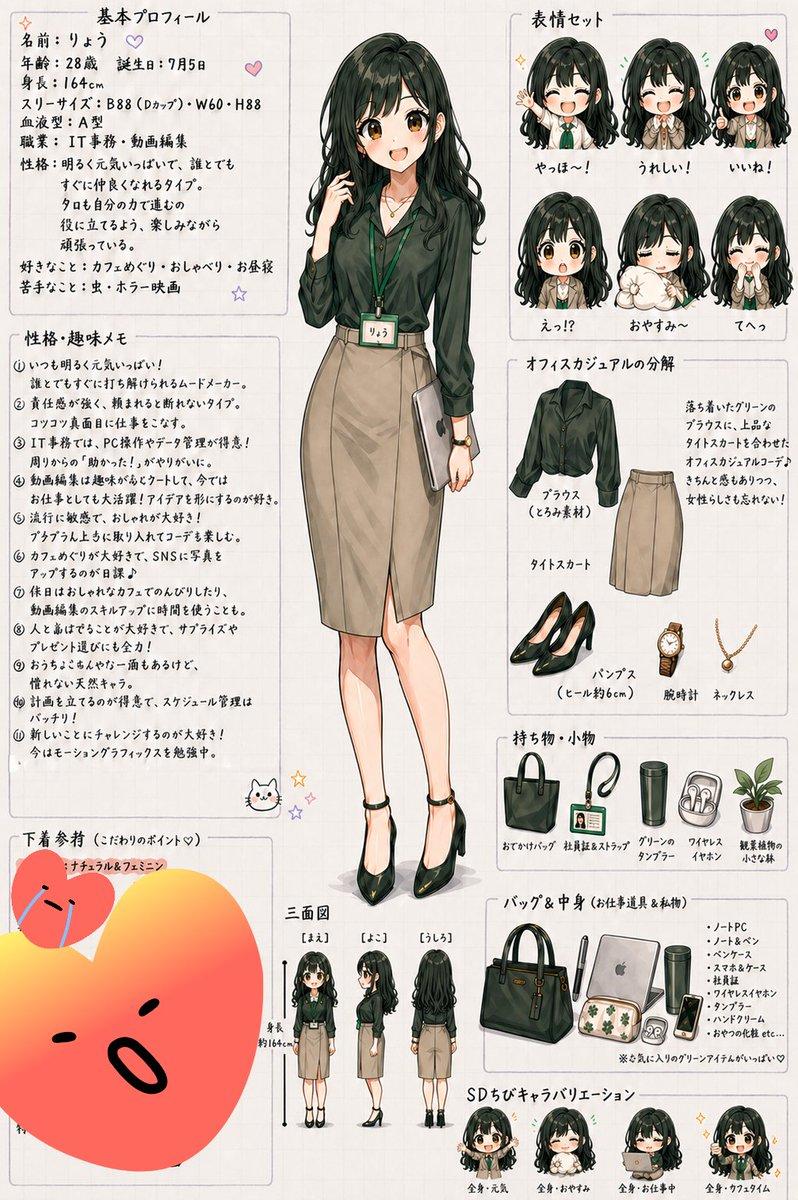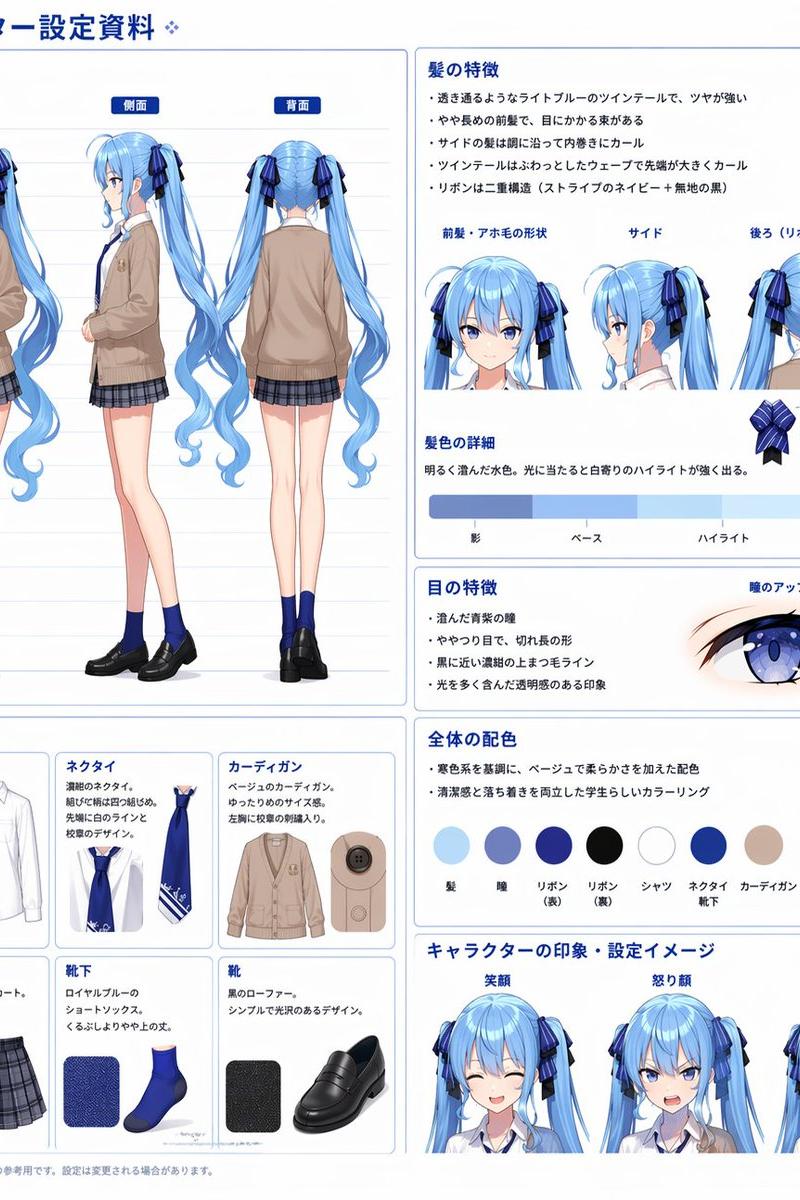
Anime Three-View Character Sheet
Prompt
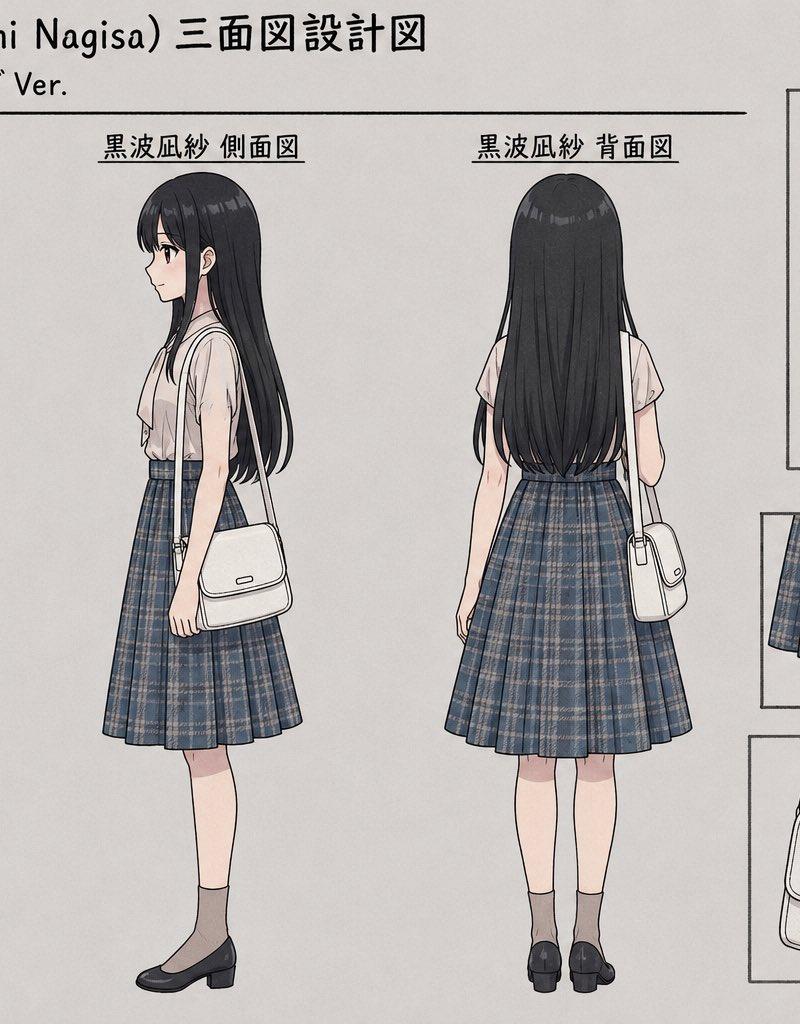
Goal: Create a clean anime character model sheet / three-view design sheet for {argument name="character name" default="黒波凪紗 (Kuronami Nagisa)"}, showing a straight long-hair version in a neat school-uniform-inspired outfit.

Canvas: Horizontal 16:9 illustration on an off-white paper background with thin black drafting lines, light gray shadows, and a professional character-design reference layout. Use a muted, delicate anime style with soft watercolor-like shading and crisp ink outlines.

Header text: At the top left, write “黒波凪紗 (Kuronami Nagisa) 三面図設計図”. Beneath it, write “詳細設計:ストレートロング Ver.” Draw a long horizontal divider line under the subtitle.

Main layout: Place exactly 3 full-body character views across the left and center of the sheet, each with a Japanese label above it: 1) “黒波凪紗 正面図” front view, 2) “黒波凪紗 側面図” side view, 3) “黒波凪紗 背面図” back view. The character’s face should be softly blurred/obscured with a neutral oval blur in every view, while the hair and clothing remain detailed.

Character details: A slim teenage girl with very long straight {argument name="hair color" default="black"} hair reaching below the waist, long bangs framing the face, subtle glossy highlights, and a small pink flower hairpin on the right side. She wears a pale blush short-sleeve blouse with a loose neck-tie ribbon, a high-waisted knee-length pleated plaid skirt in {argument name="skirt pattern" default="dark blue-gray tartan plaid with thin beige lines"}, gray ankle socks, and black low-heeled Mary Jane shoes. She carries a small structured white shoulder bag with a flap, thin strap, side hardware, and a tiny rectangular logo plate.

Full-body views: The front view shows her standing straight, one hand lightly holding the bag strap, bag hanging at her side. The side view shows her profile facing left, with the bag strap over the shoulder and the bag at hip level. The back view shows the full fall of the long hair over the blouse, the flared pleated skirt from behind, both legs visible, and the bag hanging on one side.

Right-side detail panels: Include exactly 4 boxed close-up reference panels arranged in a neat column/grid on the right. Panel 1, largest top panel, label “髪型 / 襟元クローズアップ”, showing a bust close-up of the hair, face blur, collar, neck tie, and pink hairpin. Panel 2, middle-left small panel, shows the pleated plaid skirt close-up from the front. Panel 3, middle-right tall panel, shows the blouse sleeve, waistline, arm, and skirt side detail. Panel 4, bottom-left panel, shows a close-up of the white shoulder bag with strap, flap, seams, buckle hardware, and logo plate.

Constraints: Keep the sheet tidy and symmetrical, with no extra characters and no extra panels beyond the 3 full-body views and 4 close-up panels. Preserve the Japanese labels exactly as specified. Avoid photorealism; maintain a refined anime design-sheet look.- Category
- Charts & Infographics
- Model
- GPT Image 2
- Creator
- スズヲ@Photo&AIart
- Source language
- en
- Source ID
- 24526
- Published
- Jun 6, 2026
Views365