18

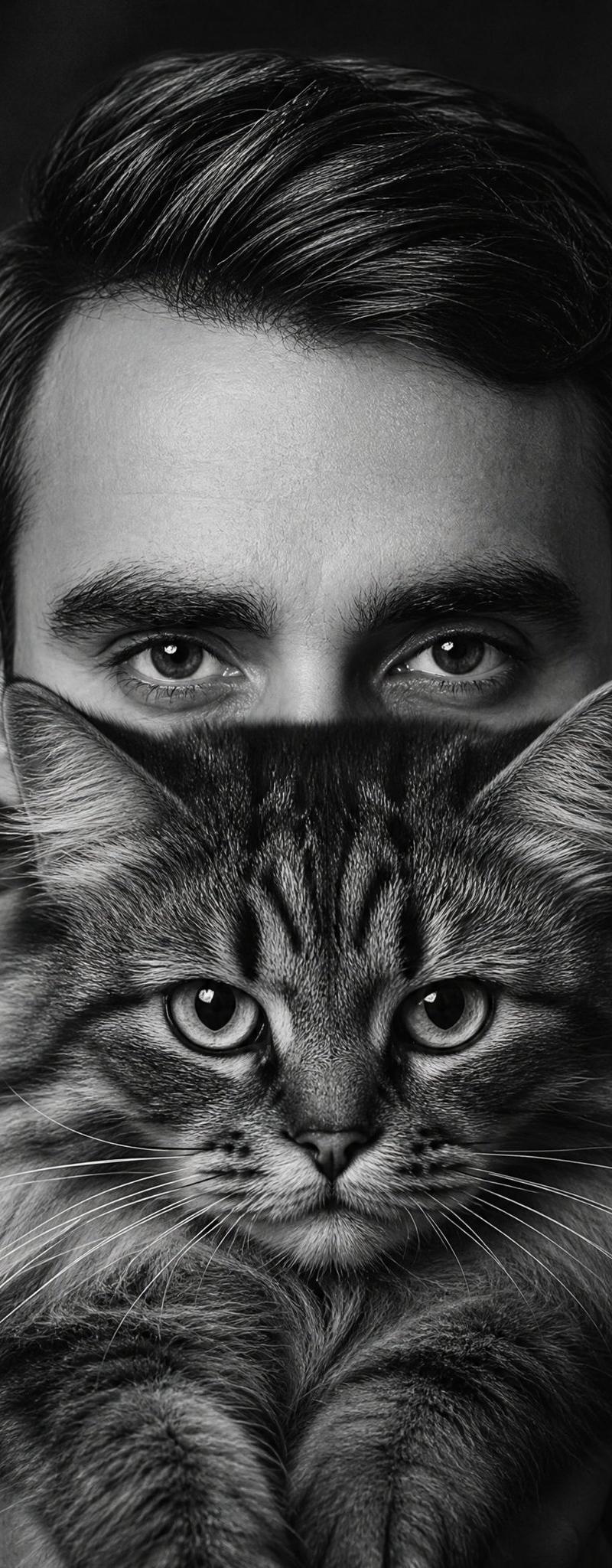
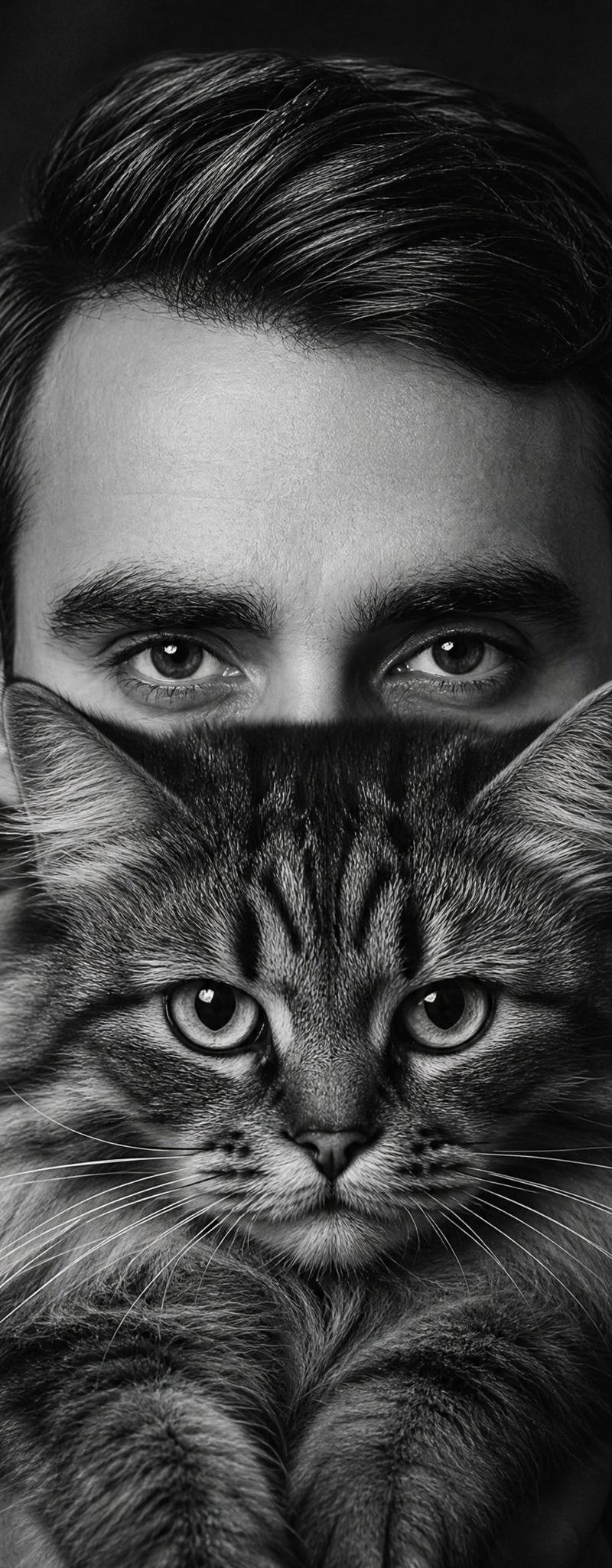
Censored Man Holding Cat Portrait
Enlarge

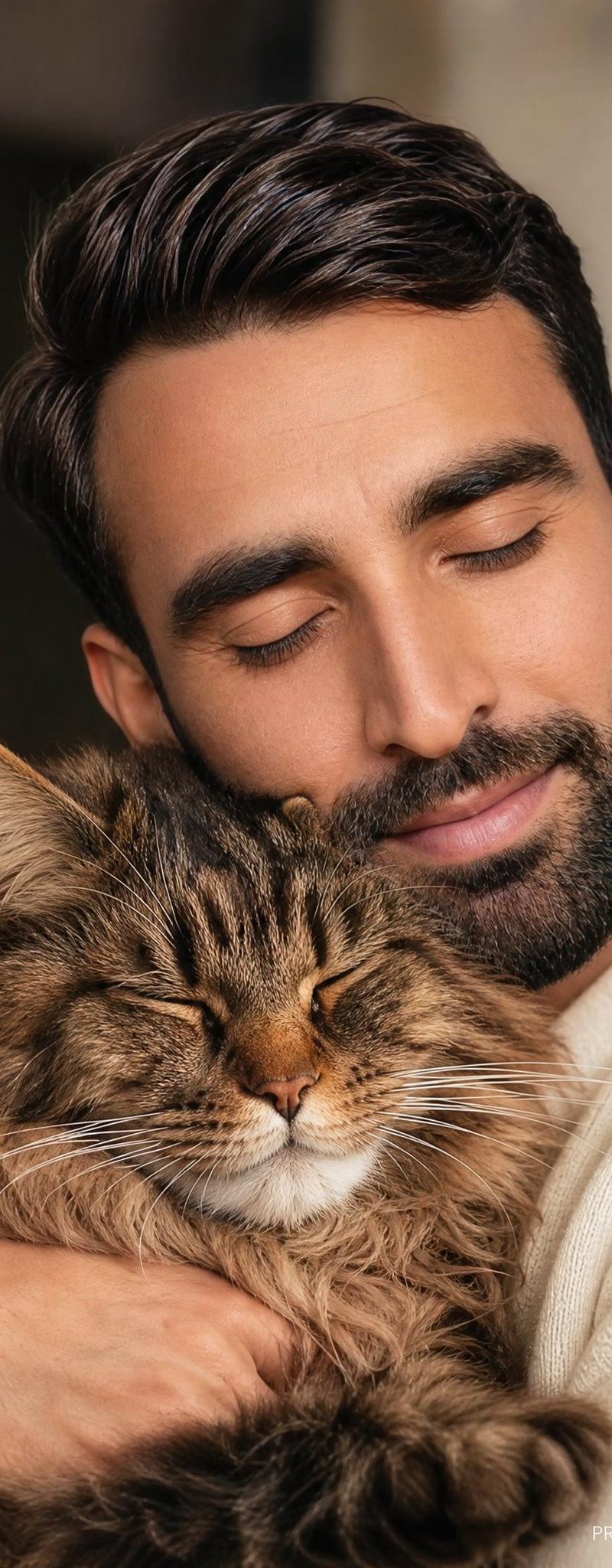
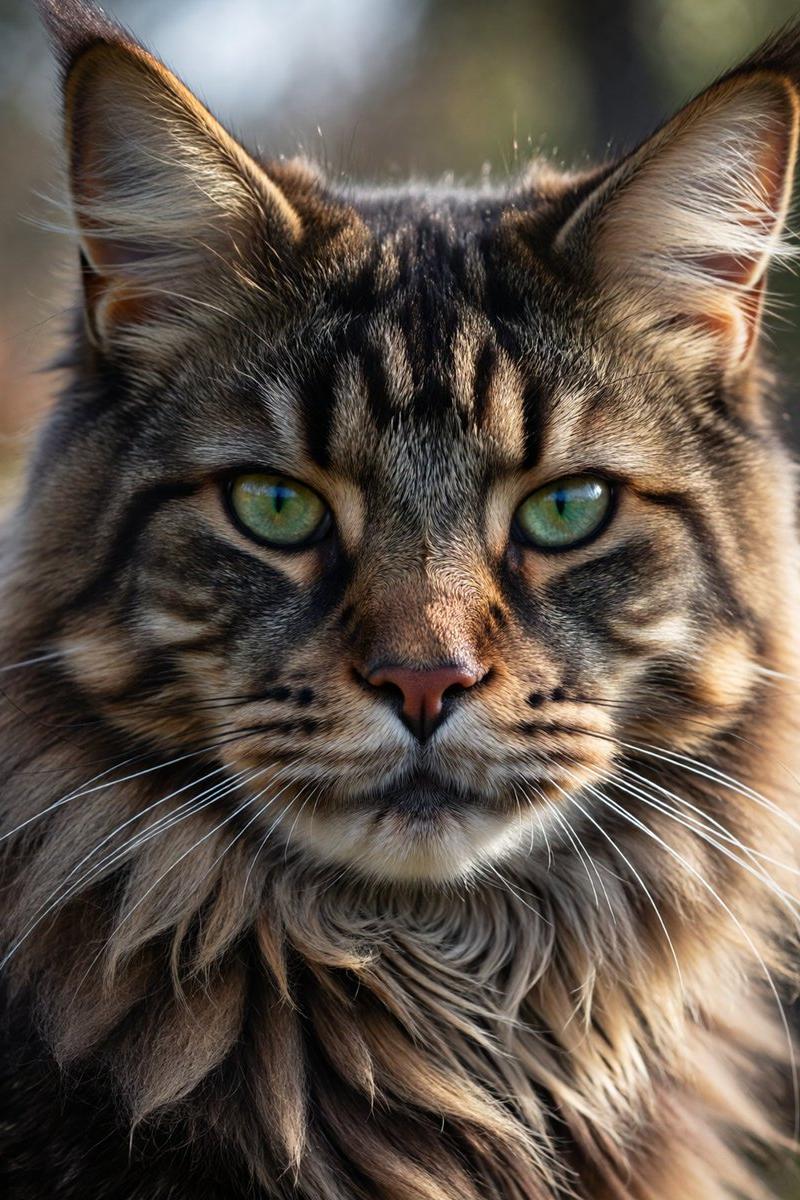
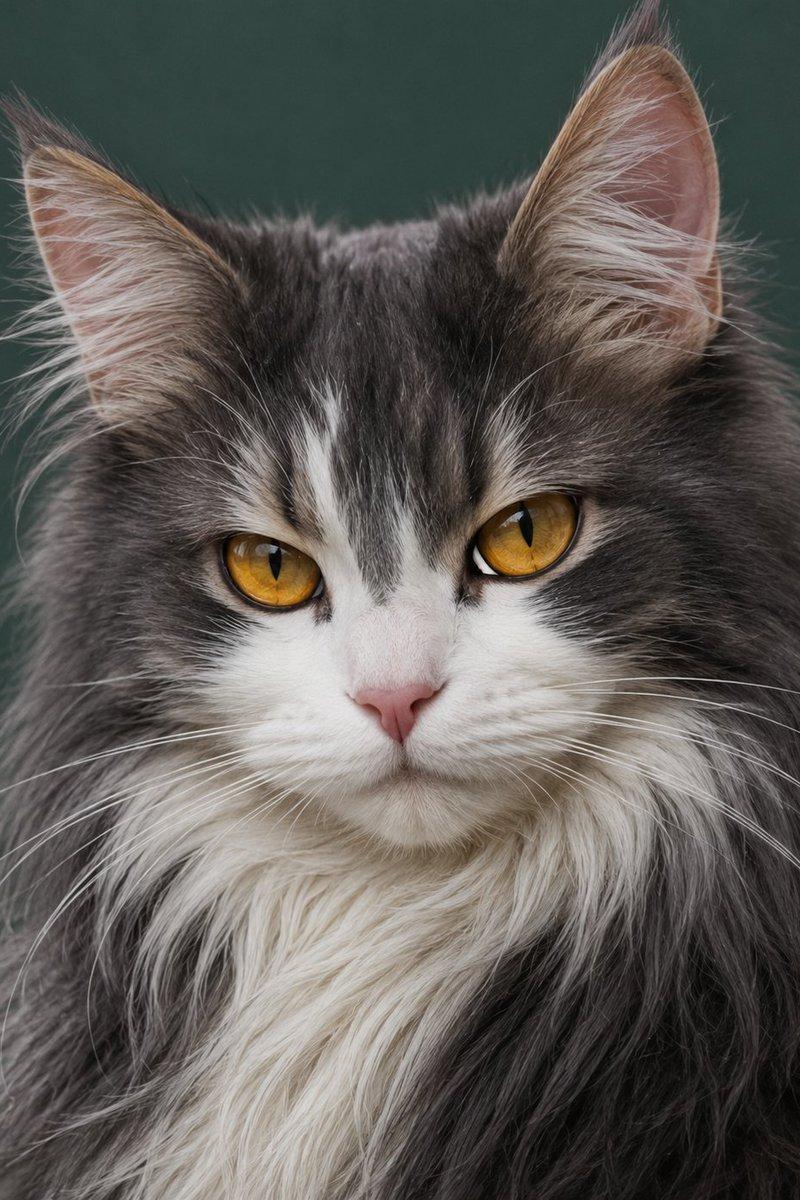
Example images

Censored Man Holding Cat Portrait

Prompt
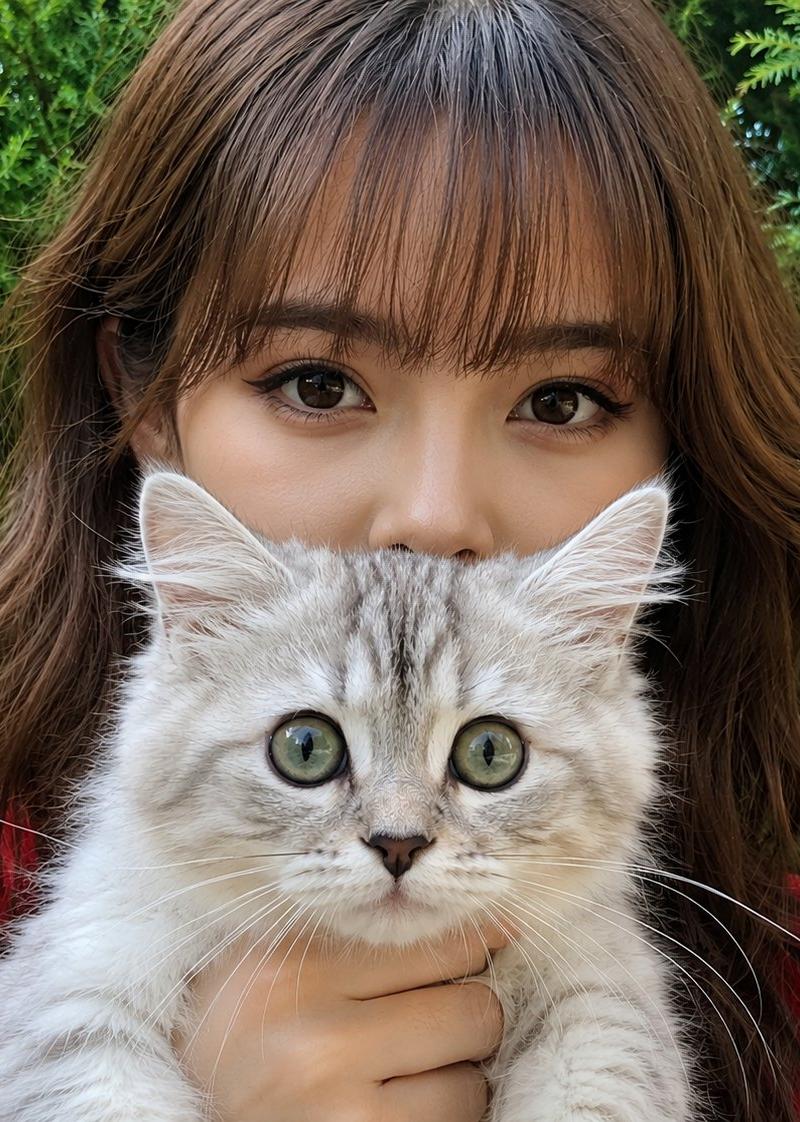
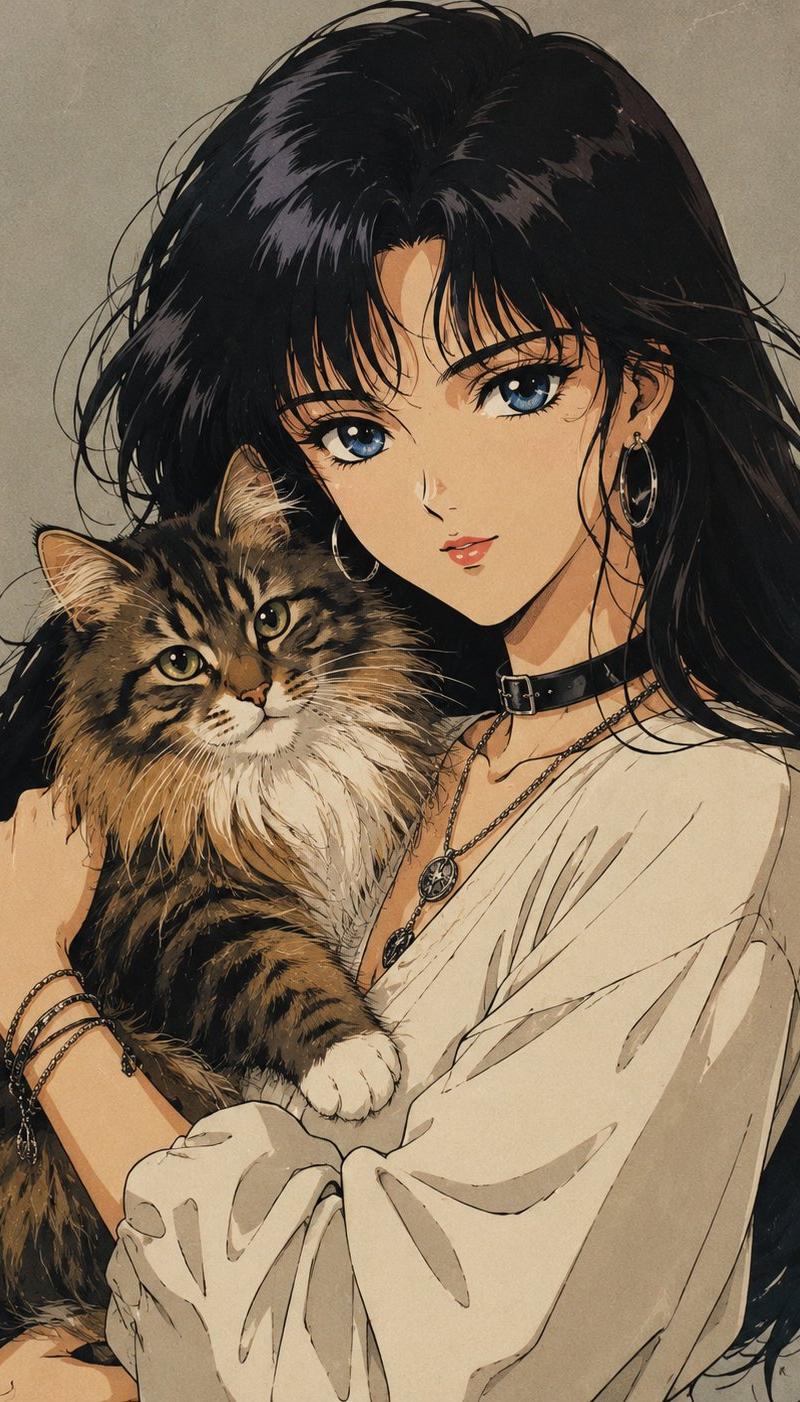
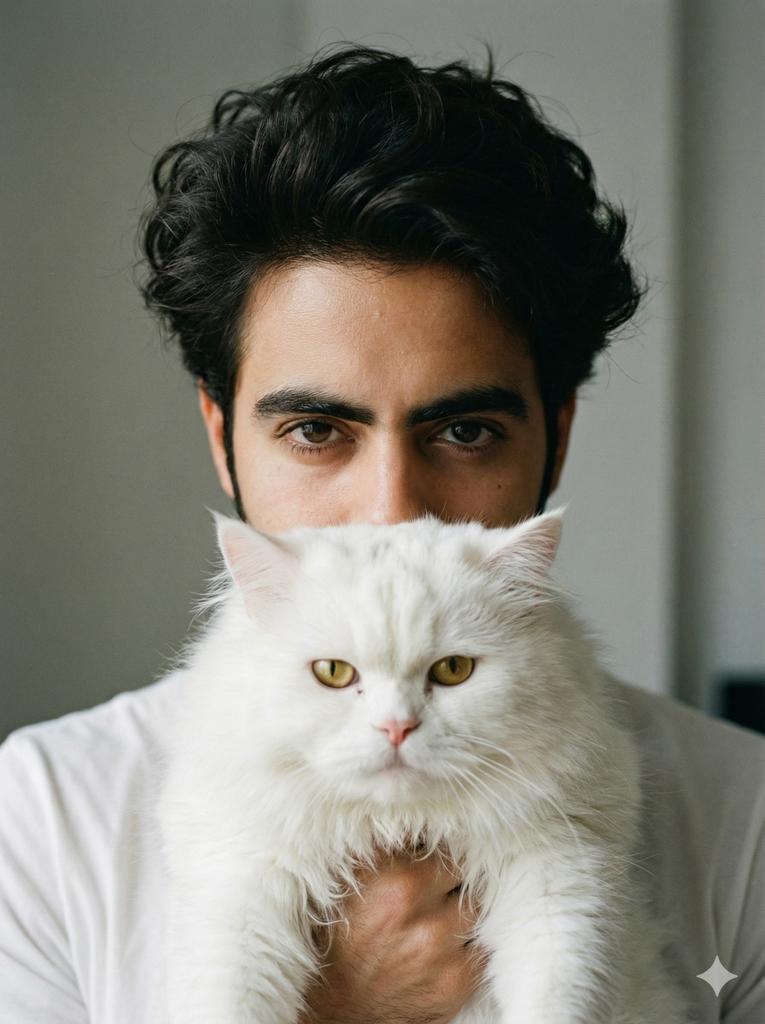
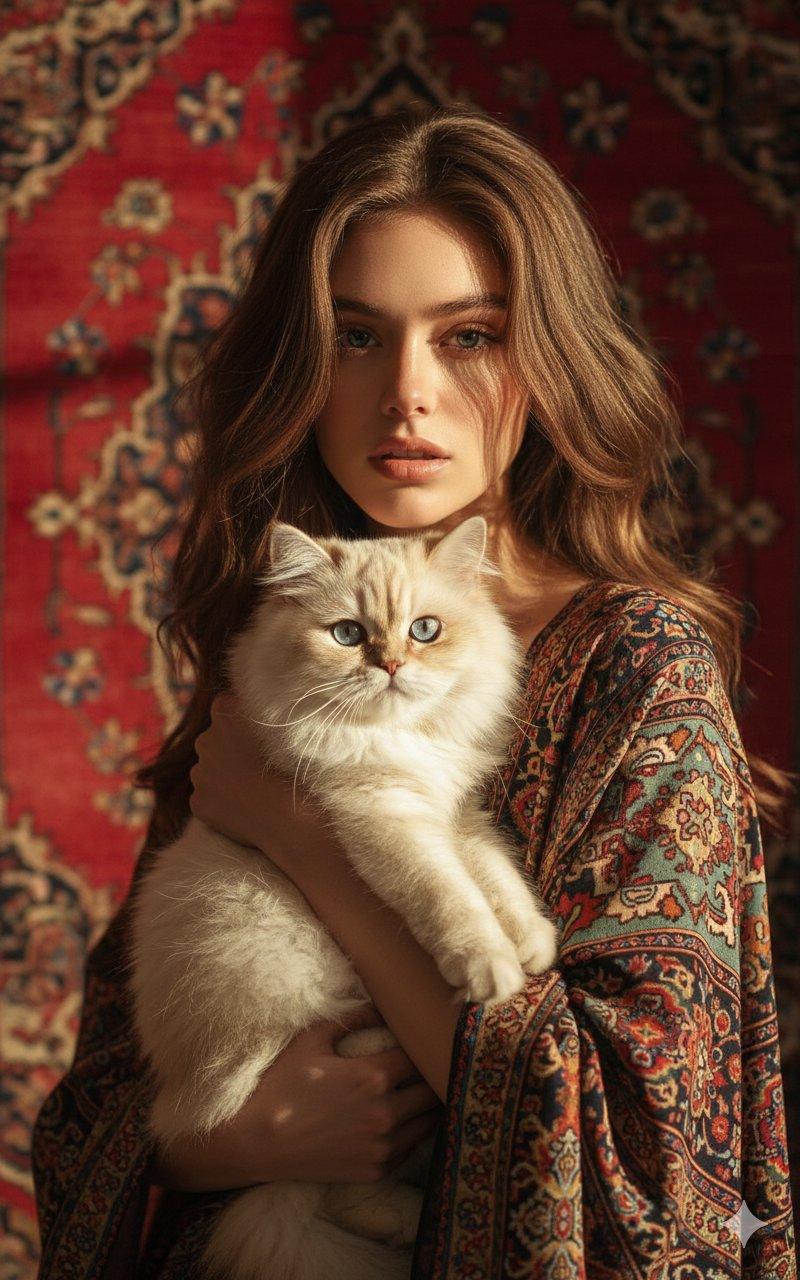
Create an ultra-realistic black-and-white surreal studio portrait of a {argument name="subject age and gender" default="25-year-old man"} facing straight toward the camera in a tight vertical crop. He has thick, dark, glossy hair swept back with a side part, visible ears, and wears a dark shirt that blends into the shadowy background. He holds a large fluffy {argument name="cat type" default="long-haired tabby cat"} directly in front of his face like a living mask; the cat is centered, with its lower face, nose, whiskers, mane-like fur, and two front paws visible near the bottom of the frame. Add a large opaque square censor block in the center of the image, medium gray with a subtle left-to-right gradient, covering most of the man's face and the upper half of the cat, leaving only the man's hair and ears visible above and around it and the cat's muzzle, whiskers, chest fur, and paws visible below it. Use dramatic low-key lighting, high contrast monochrome tones, crisp fur texture, sharp hair detail, a dark vignetted studio backdrop, and a cinematic editorial fashion-photography mood. Place a small handwritten signature-style credit in the bottom-right corner reading {argument name="signature text" default="PROMPT by: Mr. Tariq"}. No color, no extra props, no text other than the small signature.
Category
Charts & Infographics
Model
GPT Image 2
Creator
Mr. Tariq
Source language
en
Views3.9K
Source ID
24685
Published
Jun 7, 2026
Studio

Guide

About "Censored Man Holding Cat Portrait"

What is this prompt for?

"Censored Man Holding Cat Portrait" AI image prompt for GPT Image 2 (Charts & Infographics). A monochrome surreal studio portrait of a man holding a fluffy tab…

The full copyable prompt and example visuals above are ready for AI image generation or one-click recreate in Picva.

How to use this prompt

  1. Step 1

    Open the prompt detail

    Review the example visuals, category, and full prompt text for "Censored Man Holding Cat Portrait".

  2. Step 2

    Copy the prompt

    Copy the prompt body from this page, or load it directly in Studio.

  3. Step 3

    Pick a model (GPT Image 2)

    Prefer GPT Image 2. If you switch models, keep subject and composition and tweak style terms.

  4. Step 4

    Generate and export

    Recreate the look in Picva, or export into your workflow for editing and publishing.

FAQ

What is the "Censored Man Holding Cat Portrait" prompt?
It is an AI image-generation prompt for GPT Image 2 in the Charts & Infographics category. This page includes the full prompt text, example visuals, and a one-click recreate path in Picva.
How do I use this prompt to generate an image?
Copy the prompt from this page, or use Generate / Studio. Paste it into a compatible image model, or recreate the look in Picva with optional reference images.
Which model is this prompt for?
This page lists GPT Image 2. Most descriptive prompts also transfer to nearby image models such as GPT Image, Flux, or Midjourney with light style tweaks.
Can I use the result commercially?
You can usually copy the prompt for creation, but commercial use of the final image depends on the model terms, reference-image rights, and the generated content. Follow the source author and platform rules.