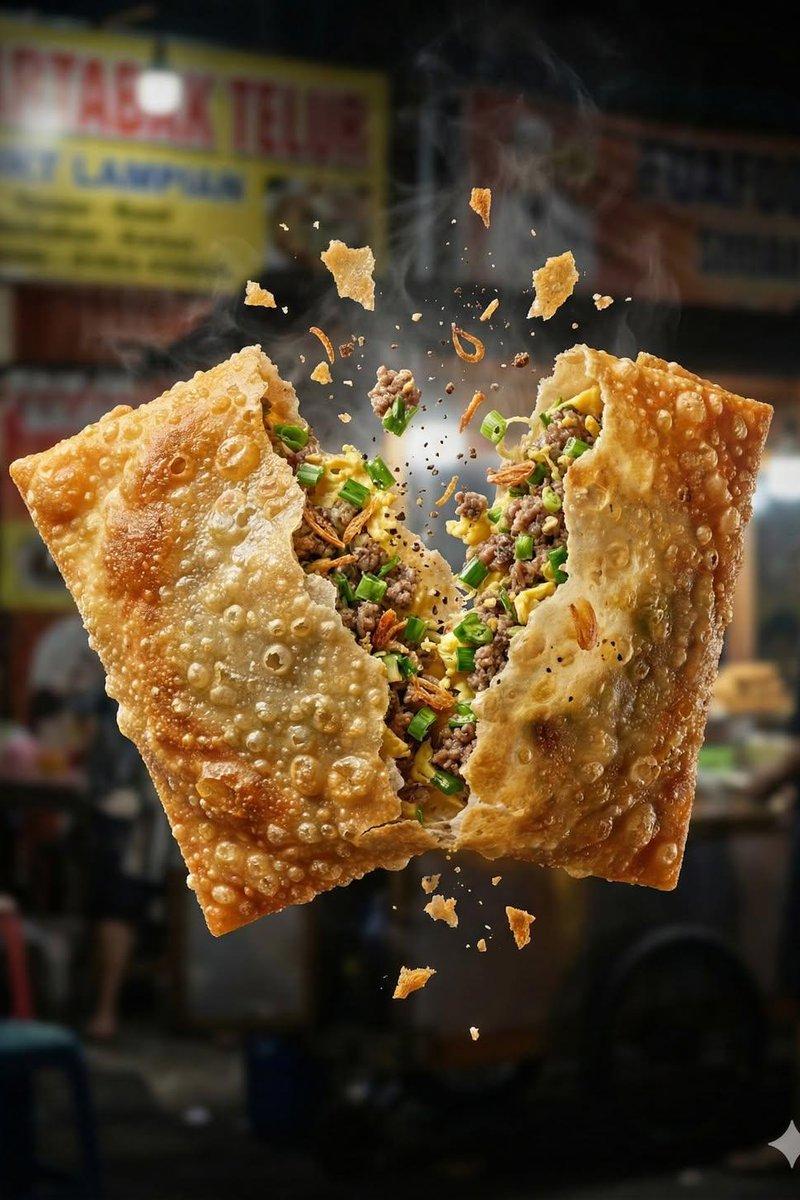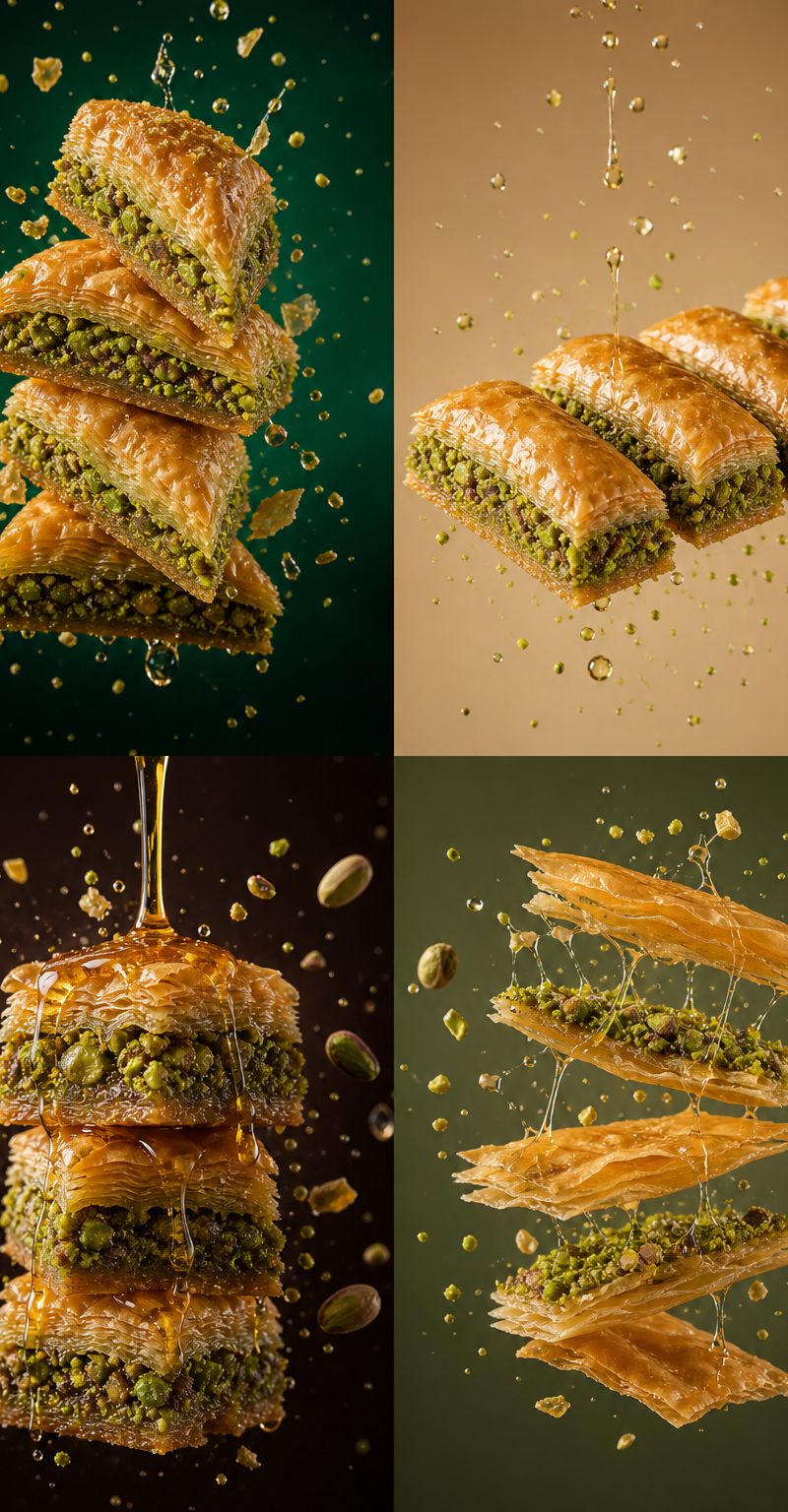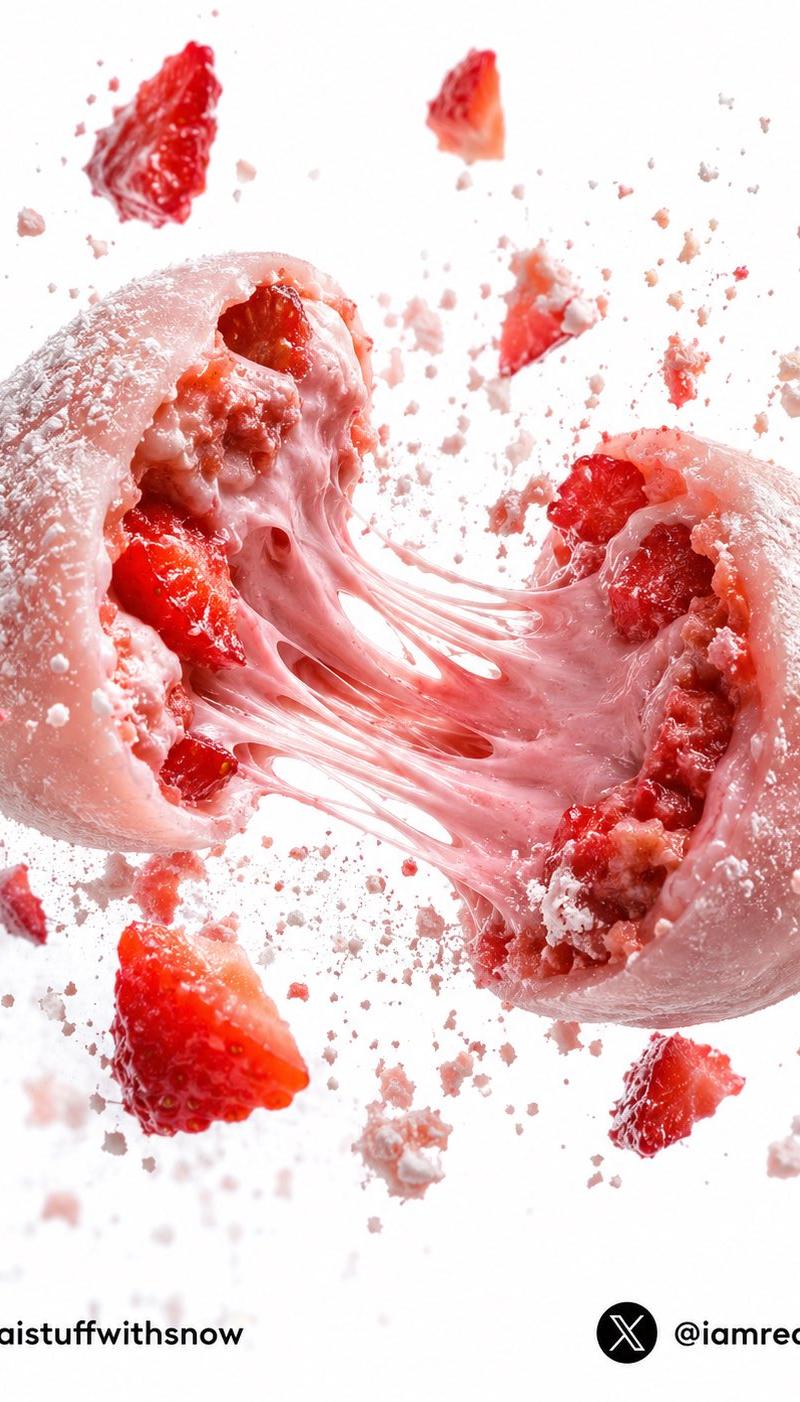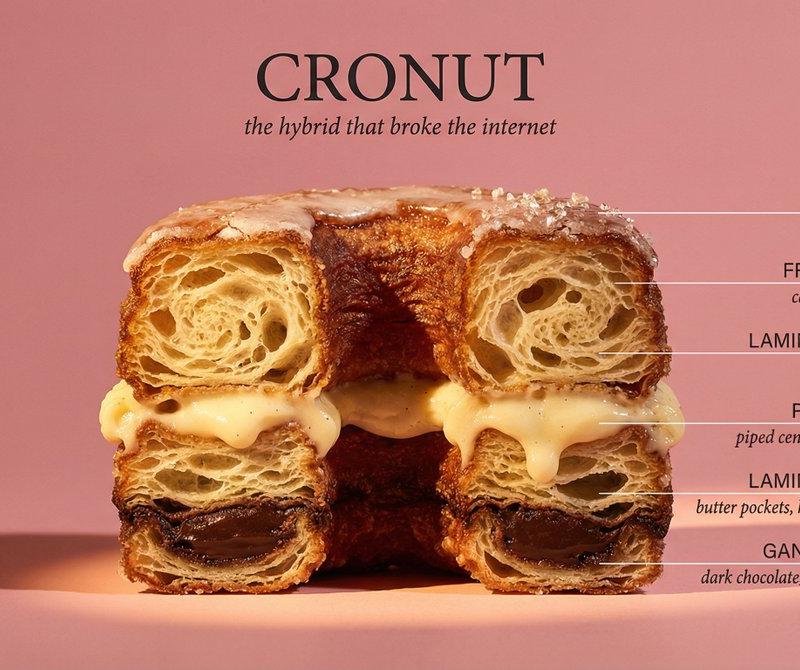
高端商业美食摄影
Prompt
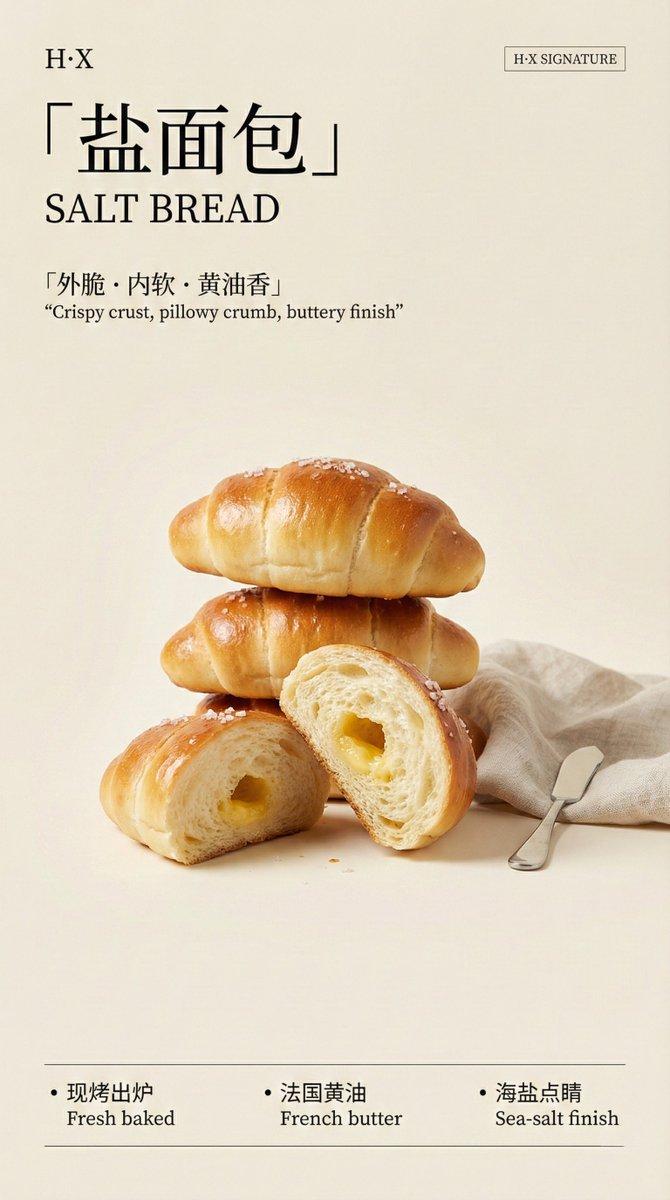
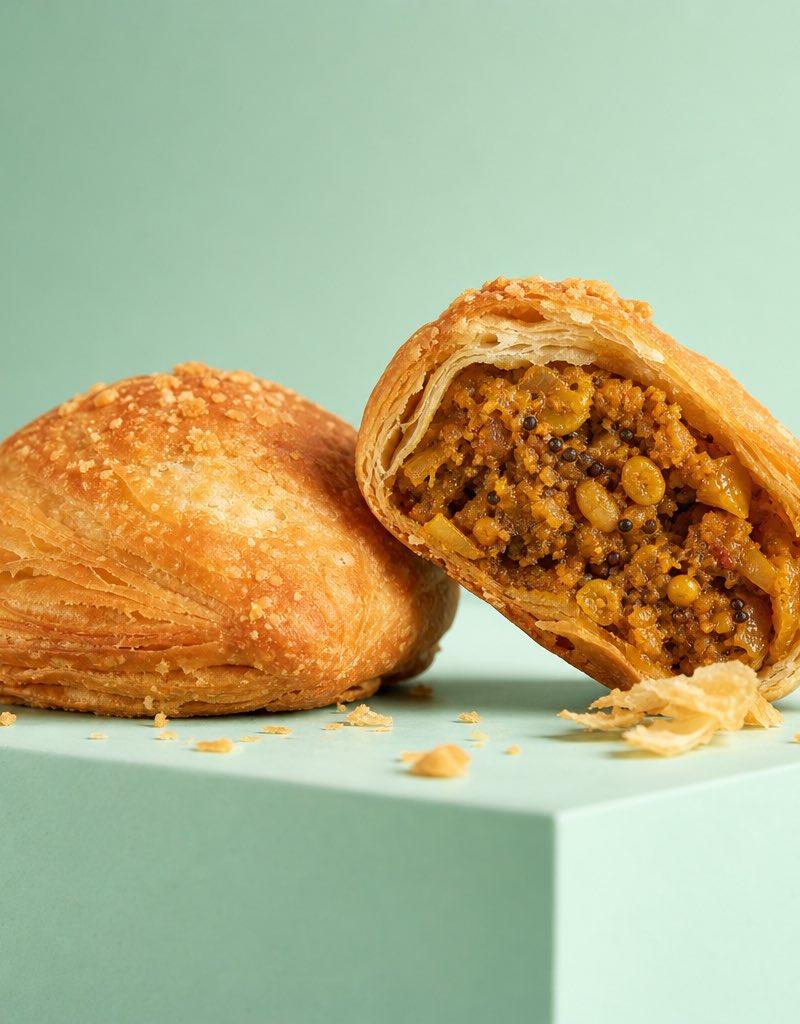
Ultra-premium commercial food photography, hero shot of a {argument name="subject" default="freshly baked crispy stuffed puff pastry (kachori)"} placed on a smooth geometric platform, one pastry cut open revealing {argument name="filling" default="richly textured spicy filling"}, golden flaky crust with visible crumbs scattered naturally around it. {argument name="background" default="Minimalist pastel mint-green background"} with seamless color harmony. Professional advertising photography, soft directional studio lighting from camera-left, clean shadows, ultra-sharp focus, macro food detail, realistic textures, luxury packaging campaign aesthetic, shallow depth of field, Hasselblad medium-format camera, 100mm macro lens, f/5.6, ISO 100, photorealistic, vibrant yet natural colors, elegant composition, negative space, premium food branding, magazine-quality product shot, hyperrealistic, 8K resolution.- Category
- Charts & Infographics
- Model
- GPT Image 2
- Creator
- Al-Shamus
- Source language
- en
- Source ID
- 25036
- Published
- Jun 10, 2026
Views0
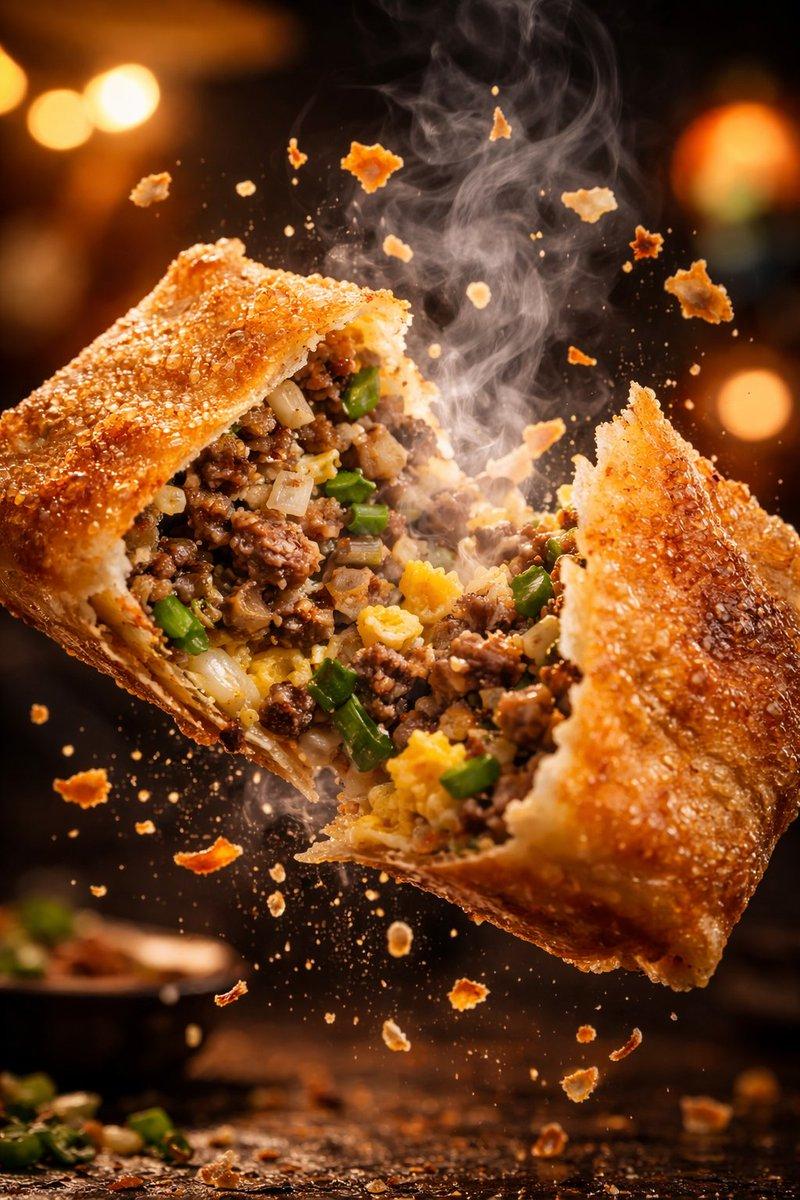
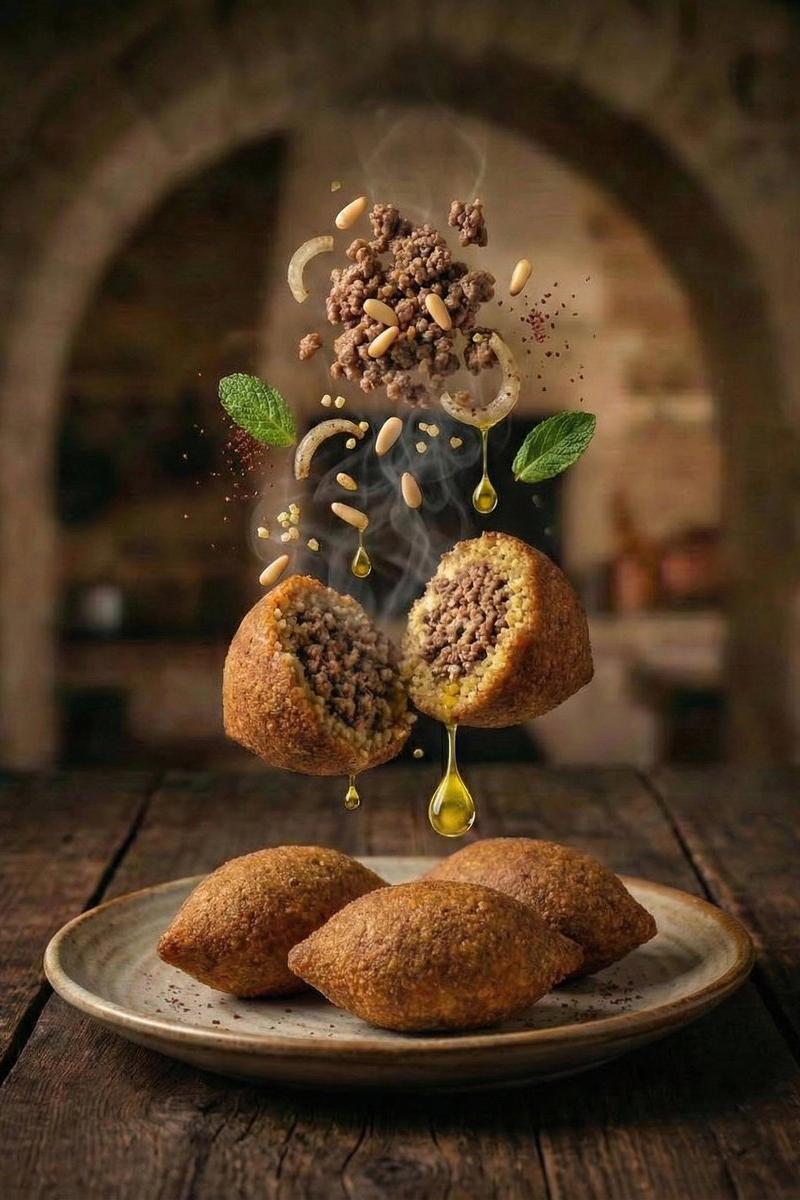
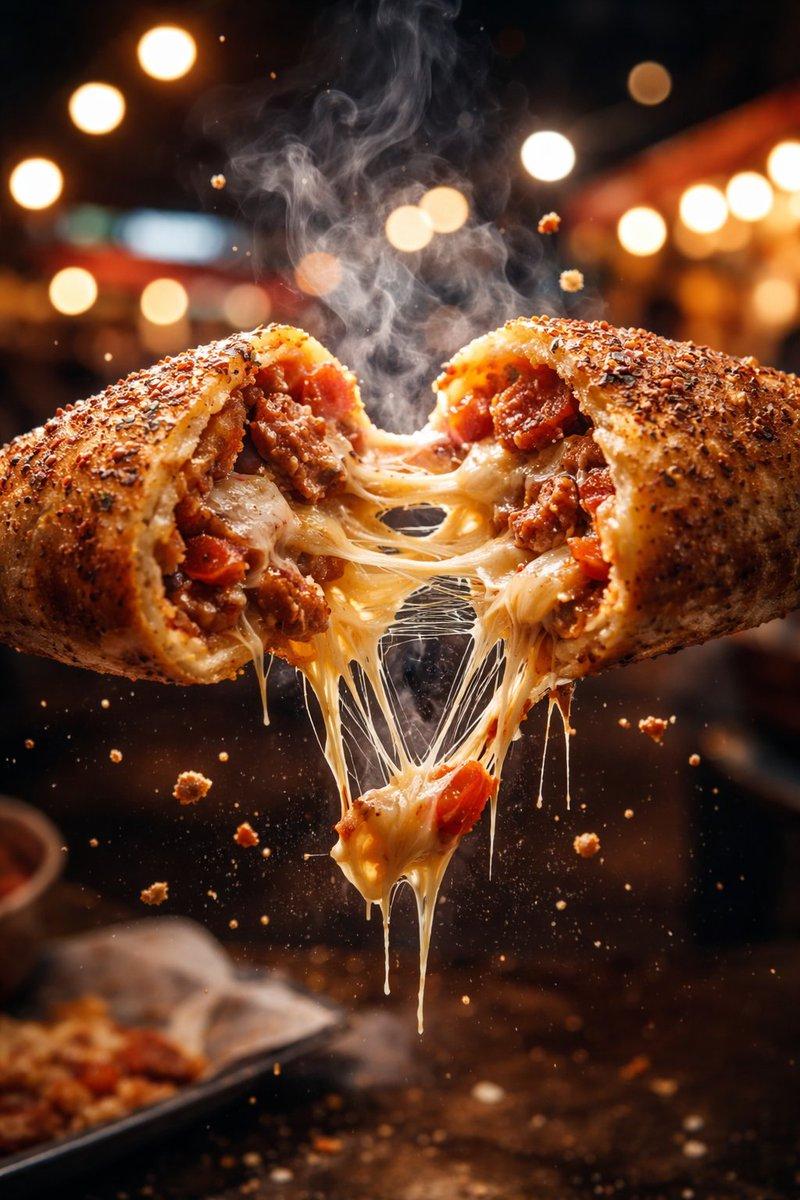
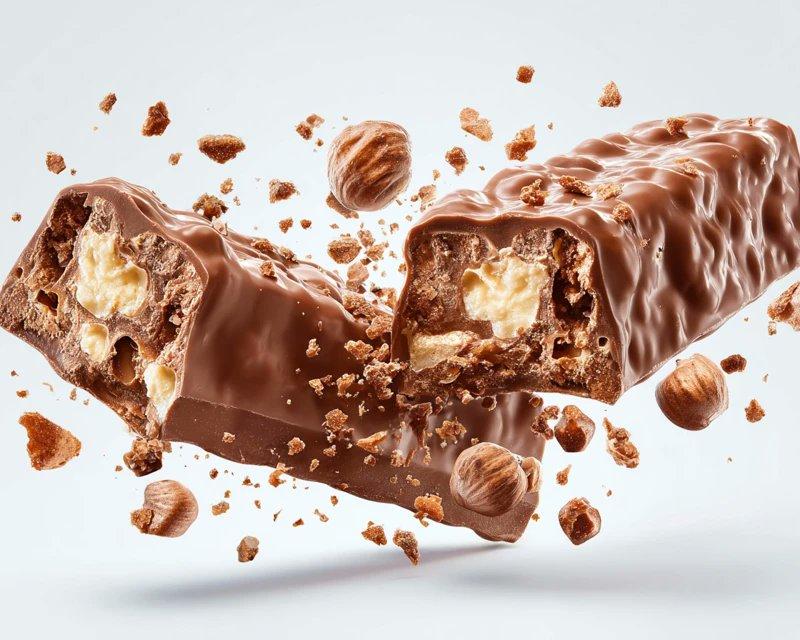
![Exploding [food item] with [filling], broken into two pieces with [filling actio](https://whqgdndlpxjbwosvipip.supabase.co/storage/v1/render/image/public/prompt-source-media/promptsref/work-2413/image-1-e26dc765f3c49579.png?width=800&quality=75)
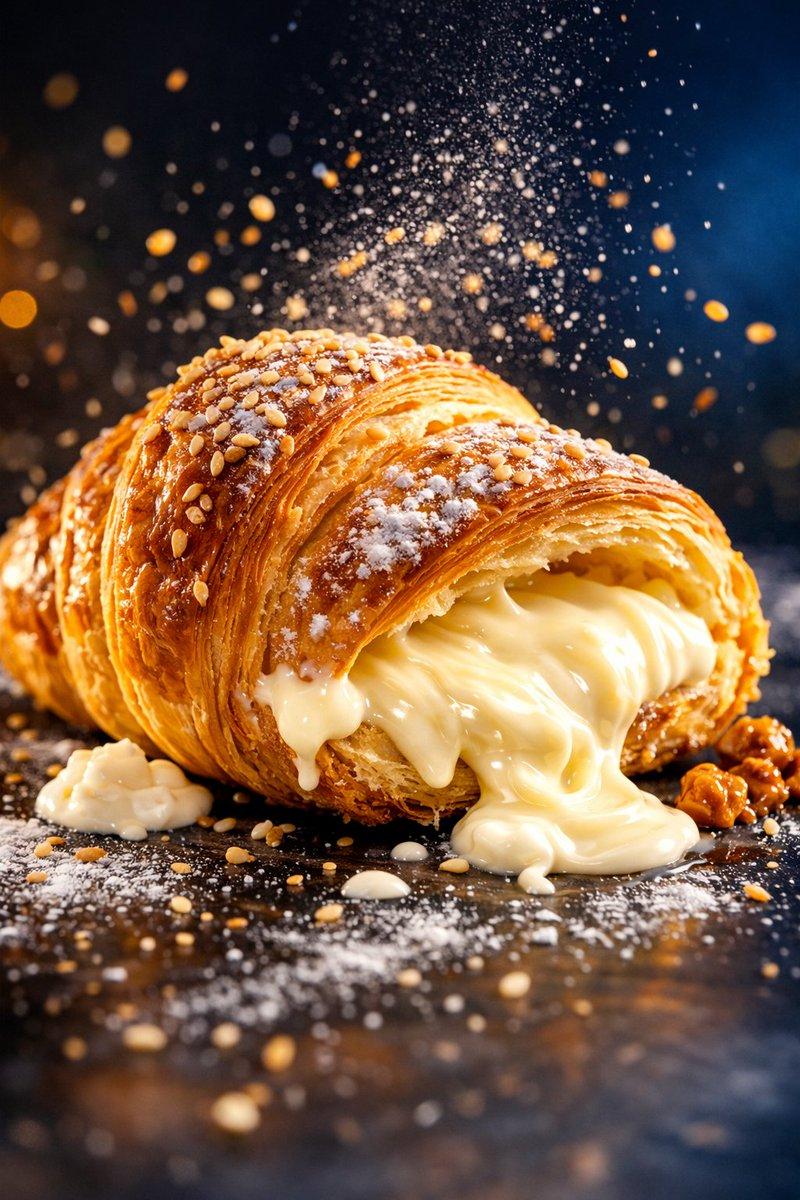
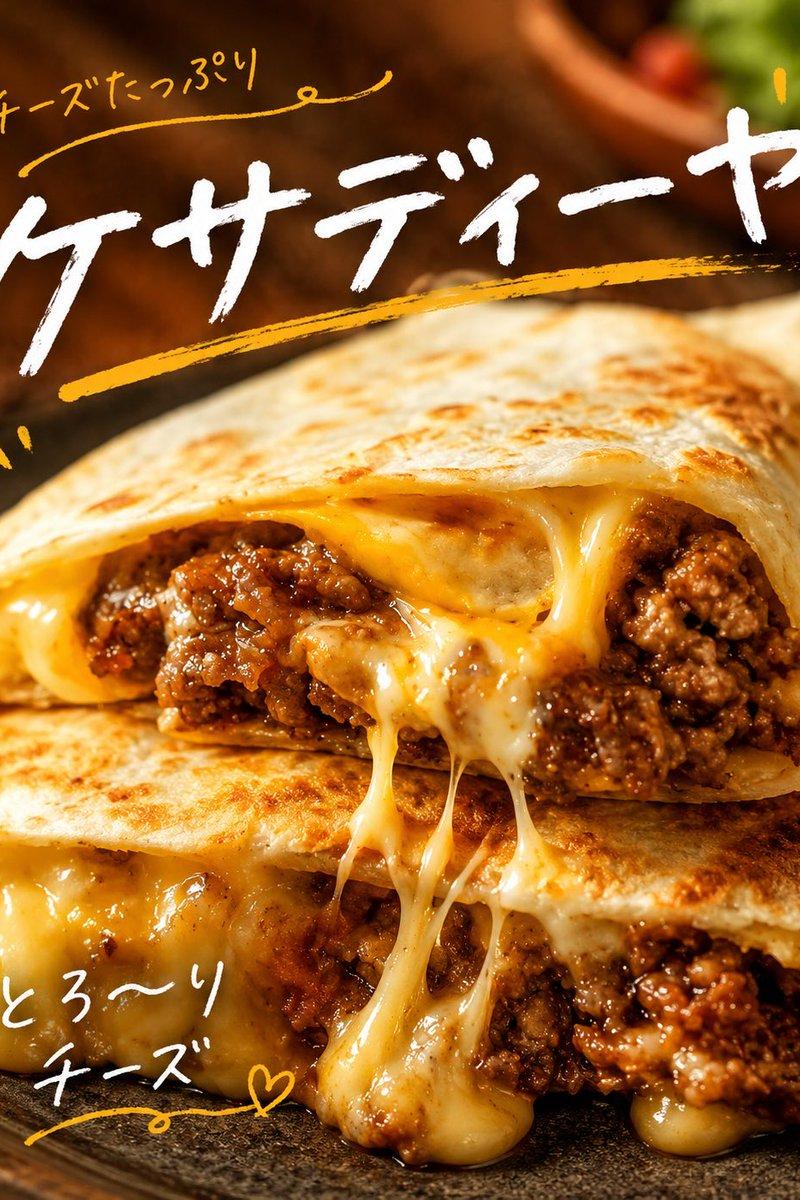
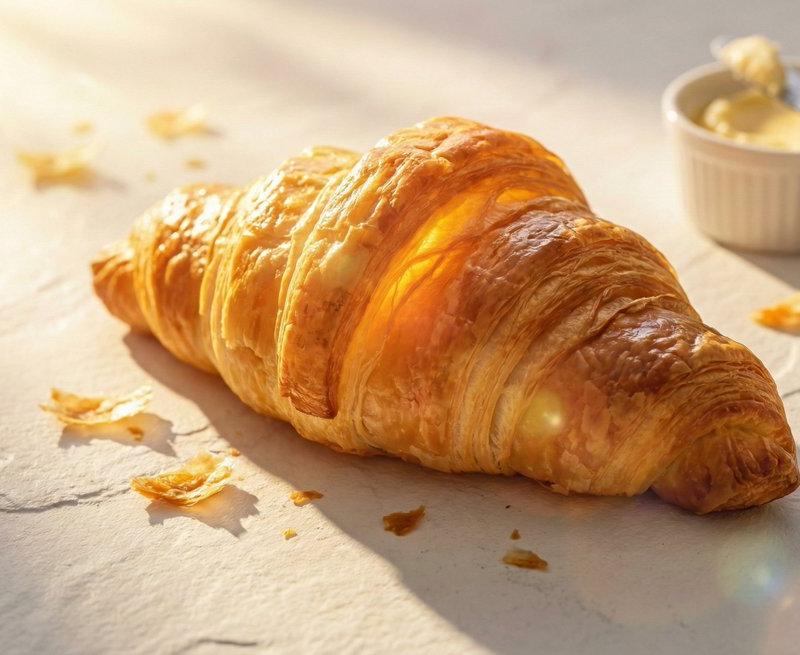
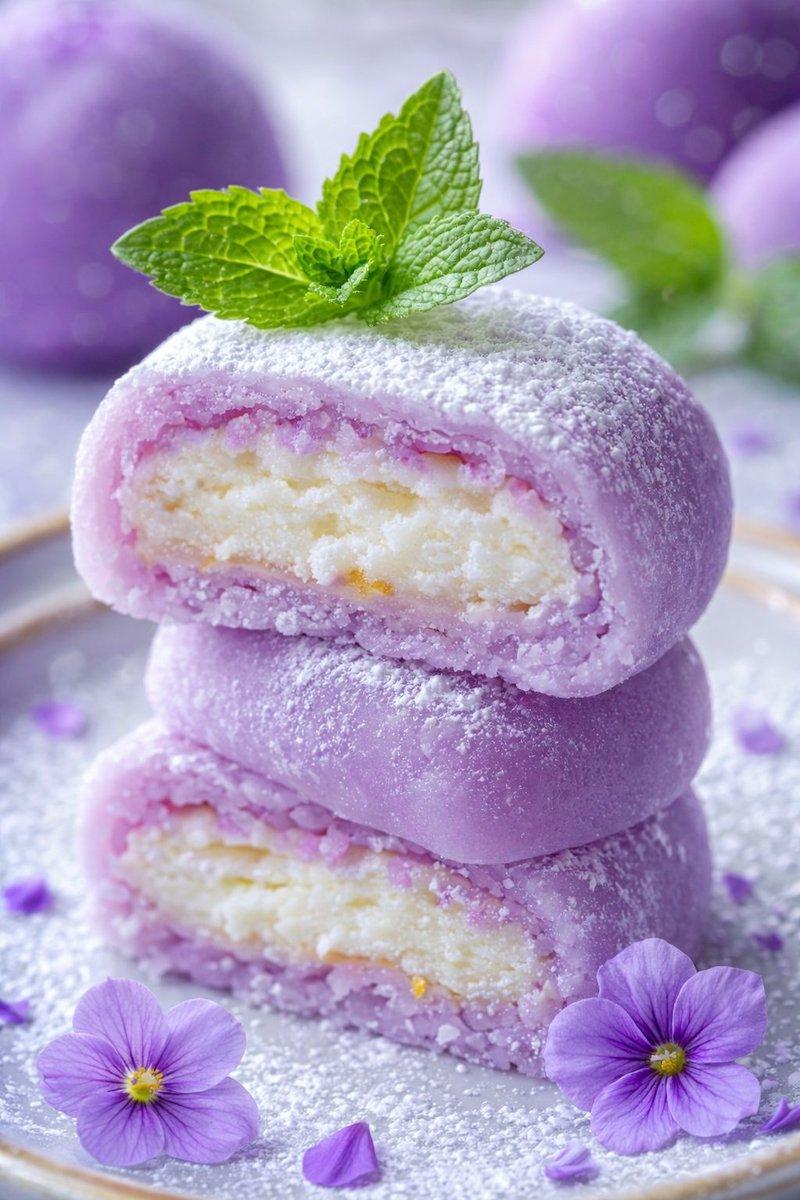
![Perfect cinematic cross-section cut through [DISH], sliced cleanly down the cent](https://whqgdndlpxjbwosvipip.supabase.co/storage/v1/render/image/public/prompt-source-media/promptsref/work-399/image-1-e35508813877be77.png?width=800&quality=75)