18

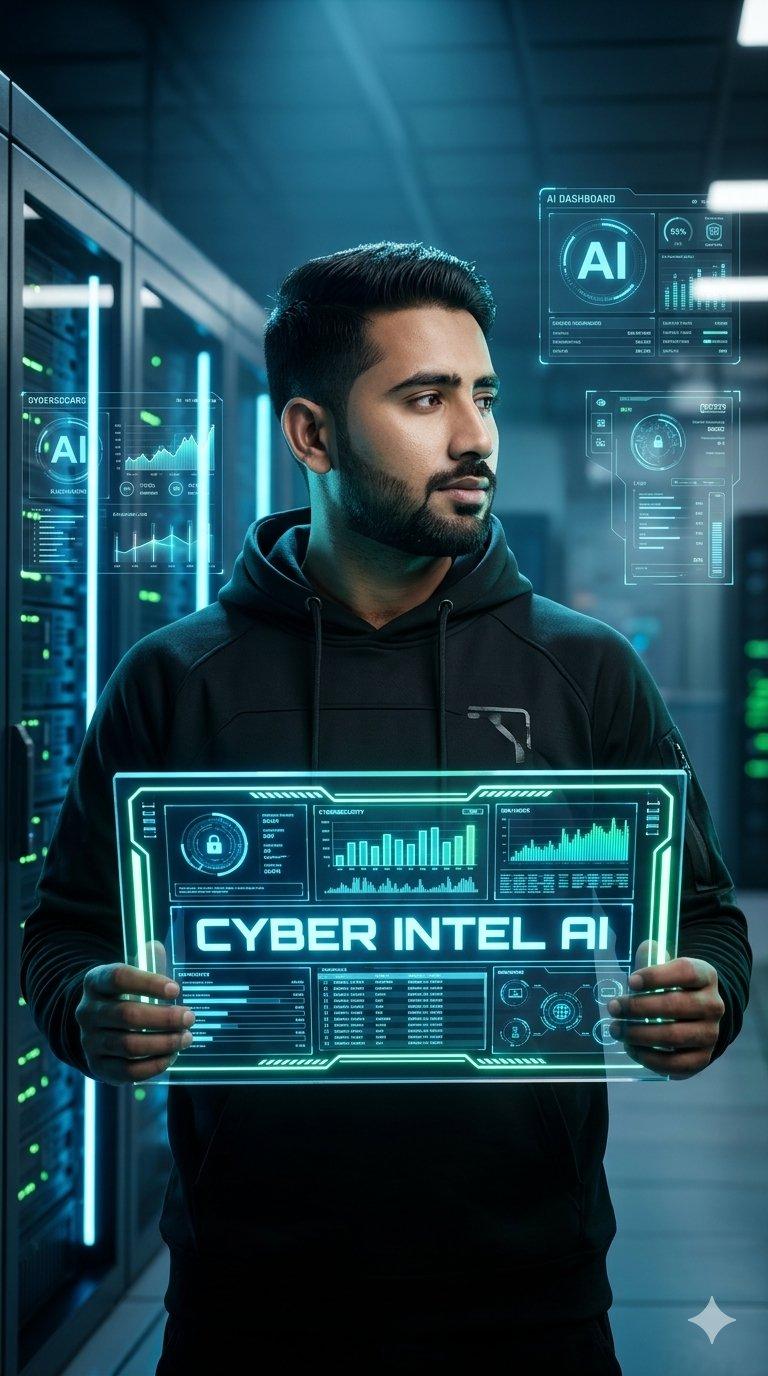
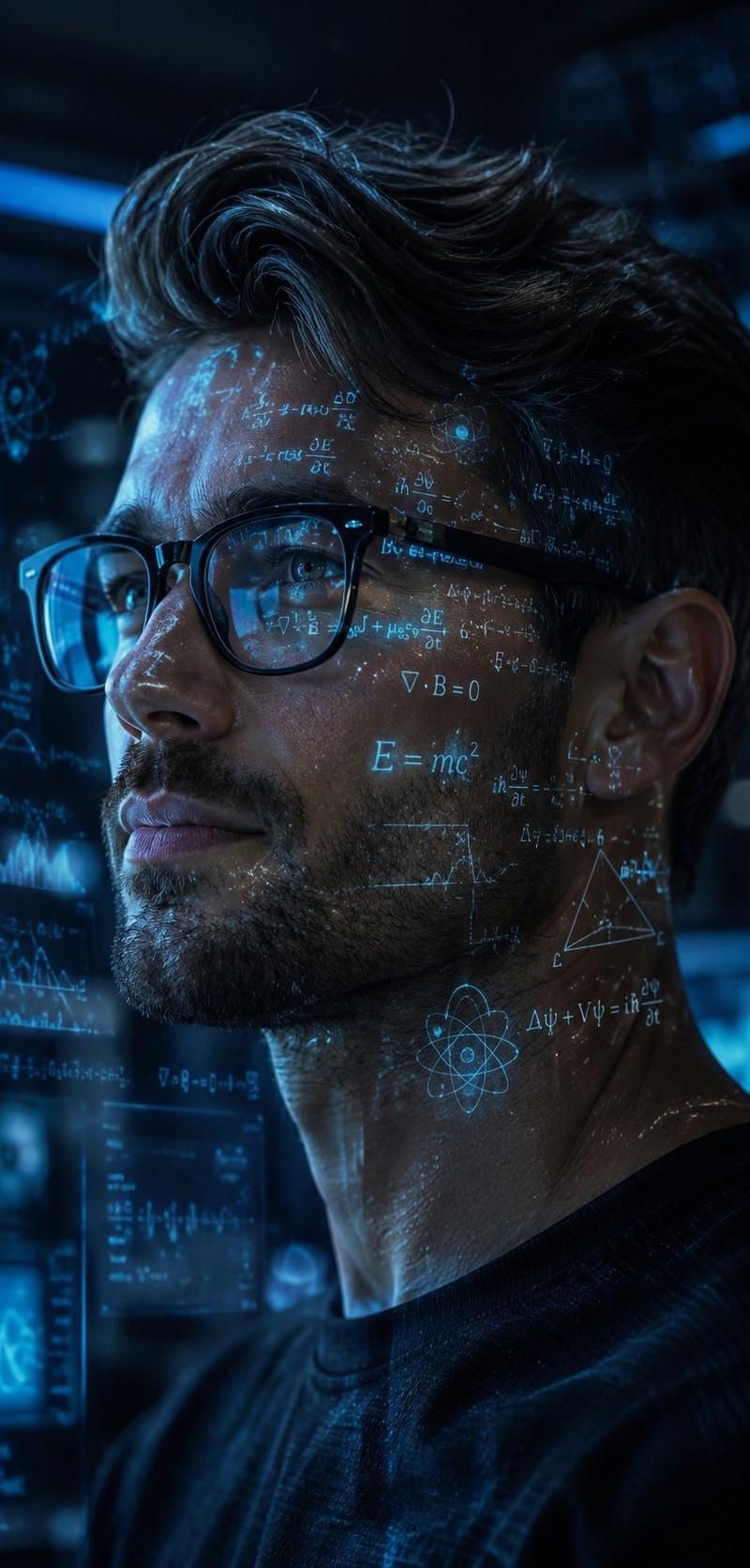
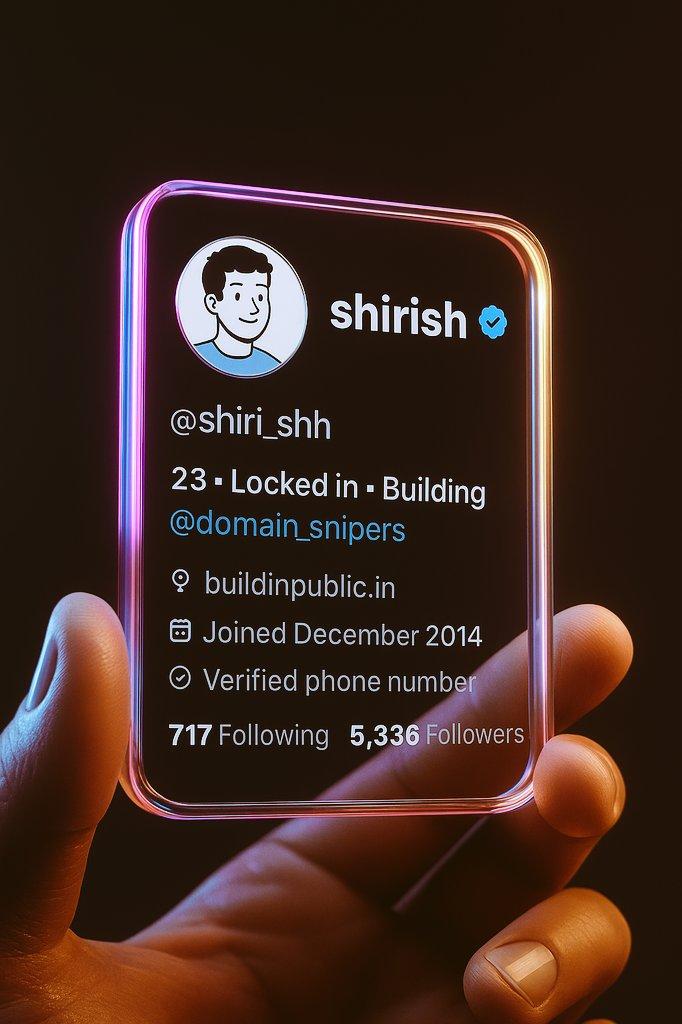
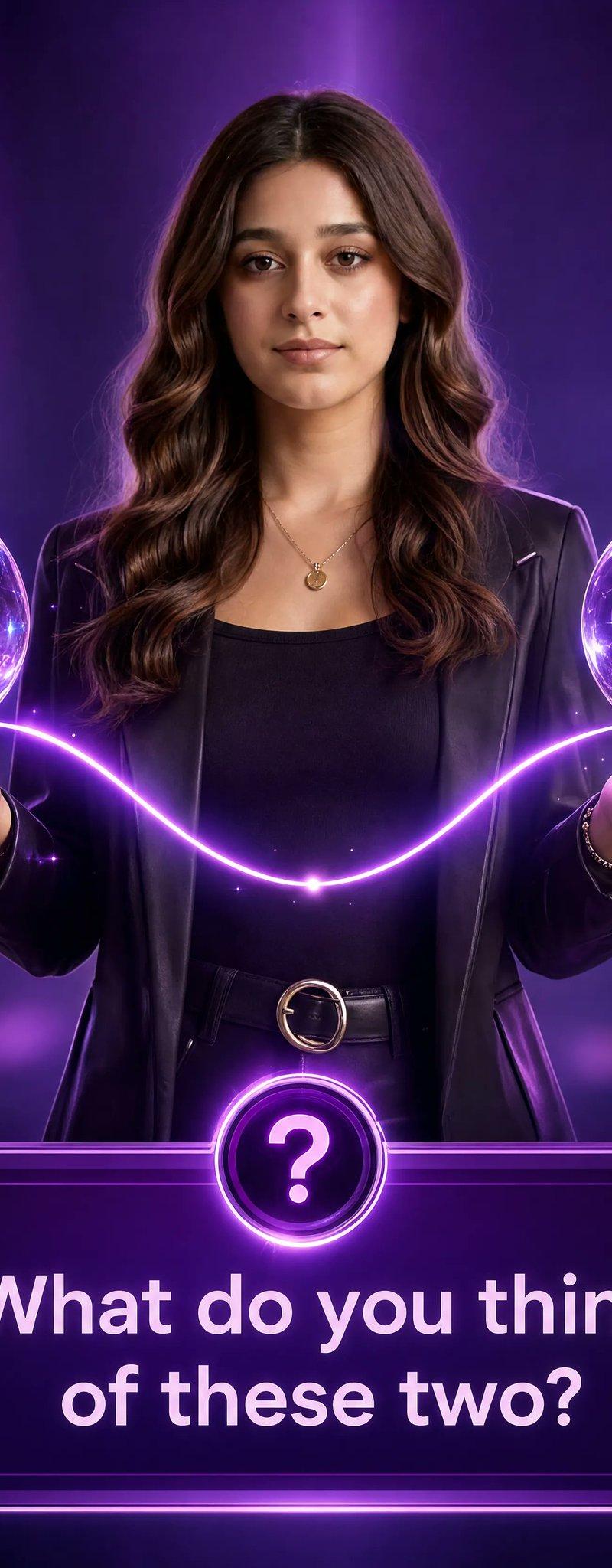
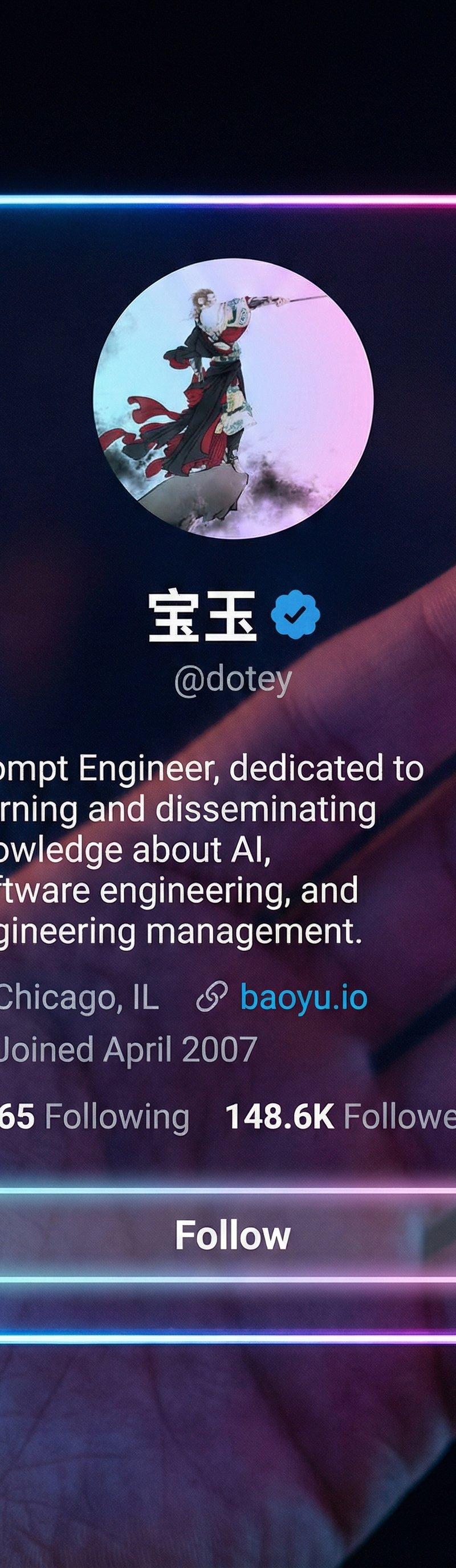
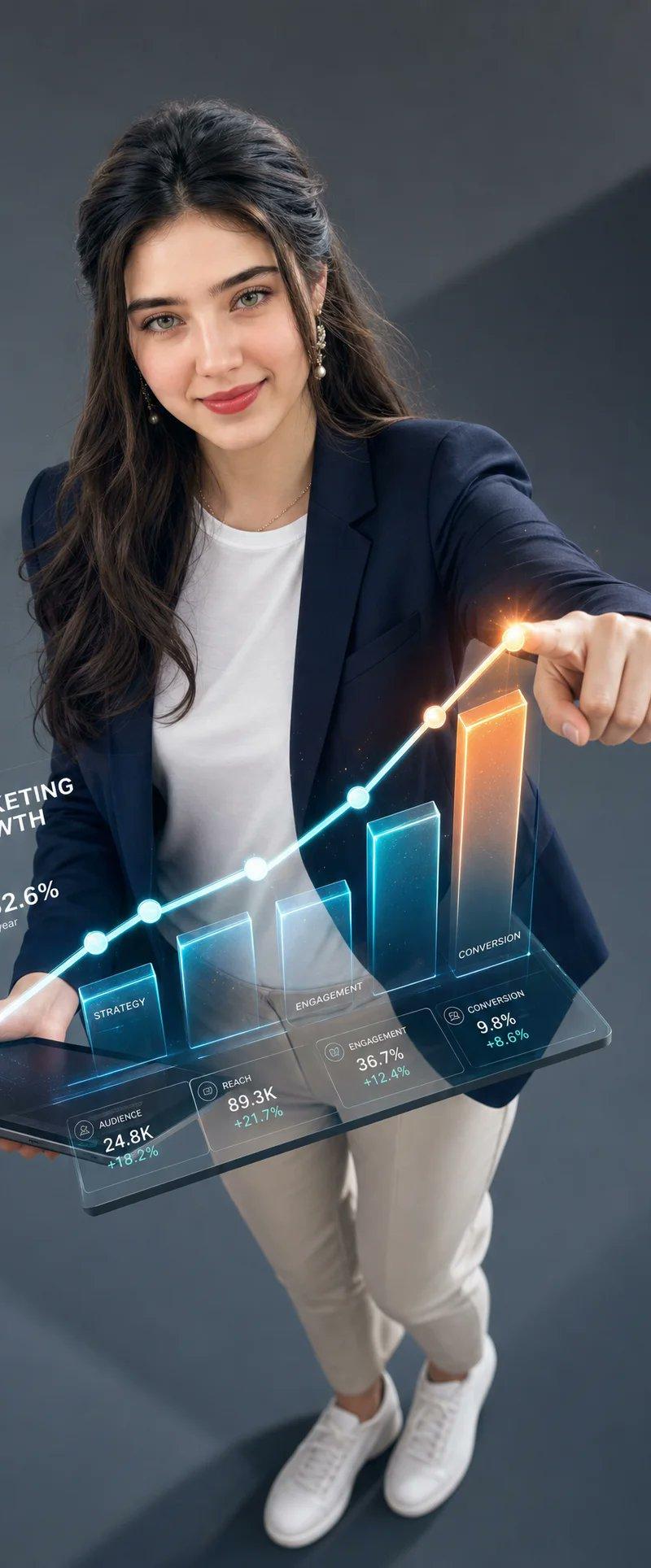
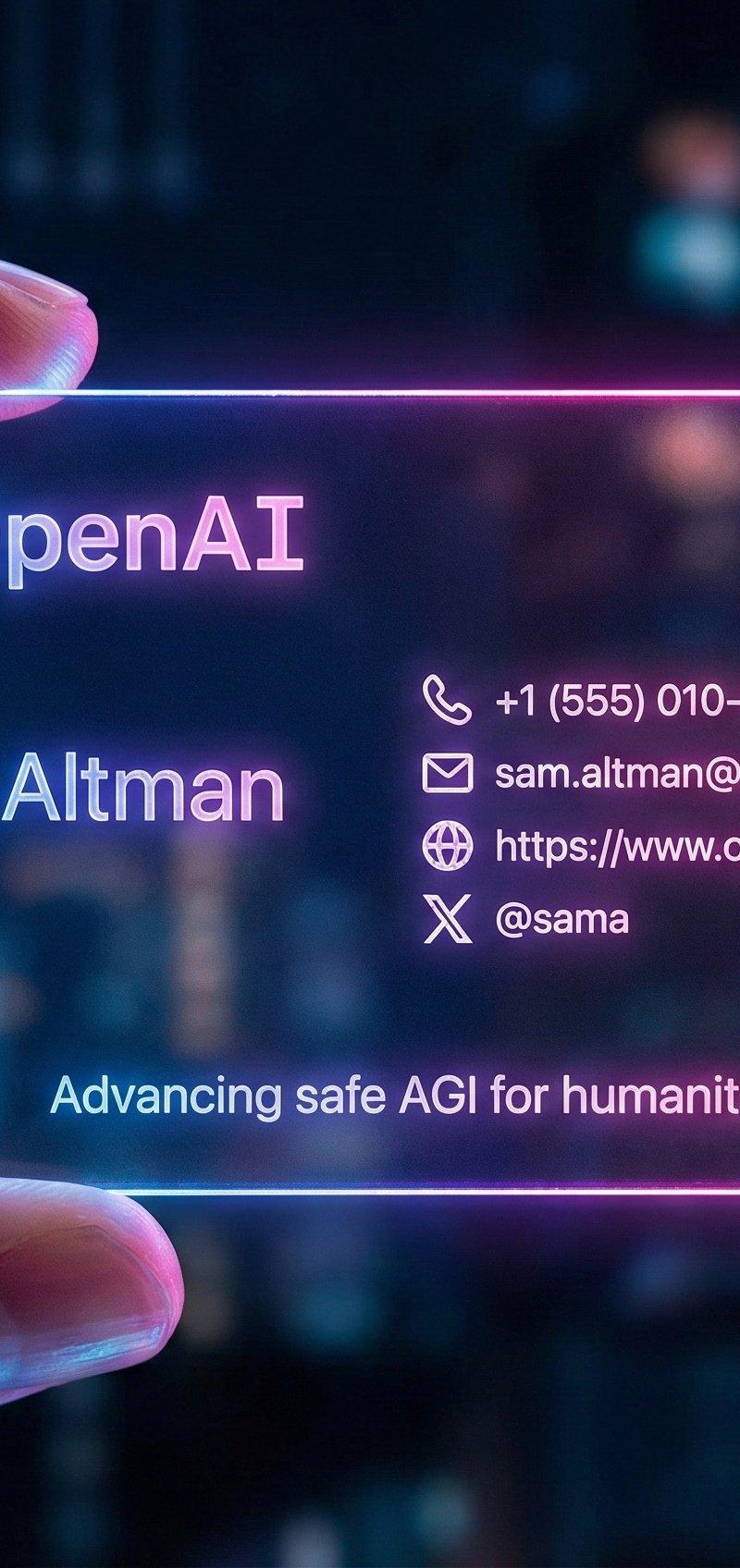
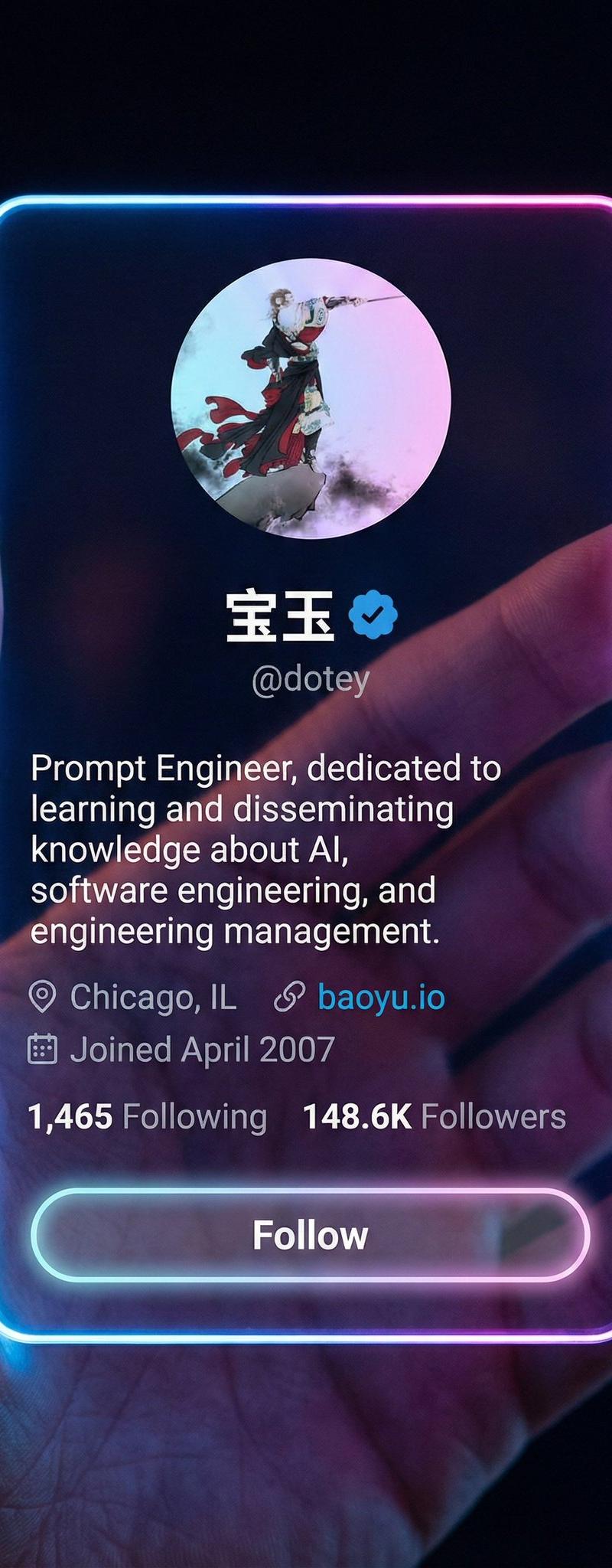
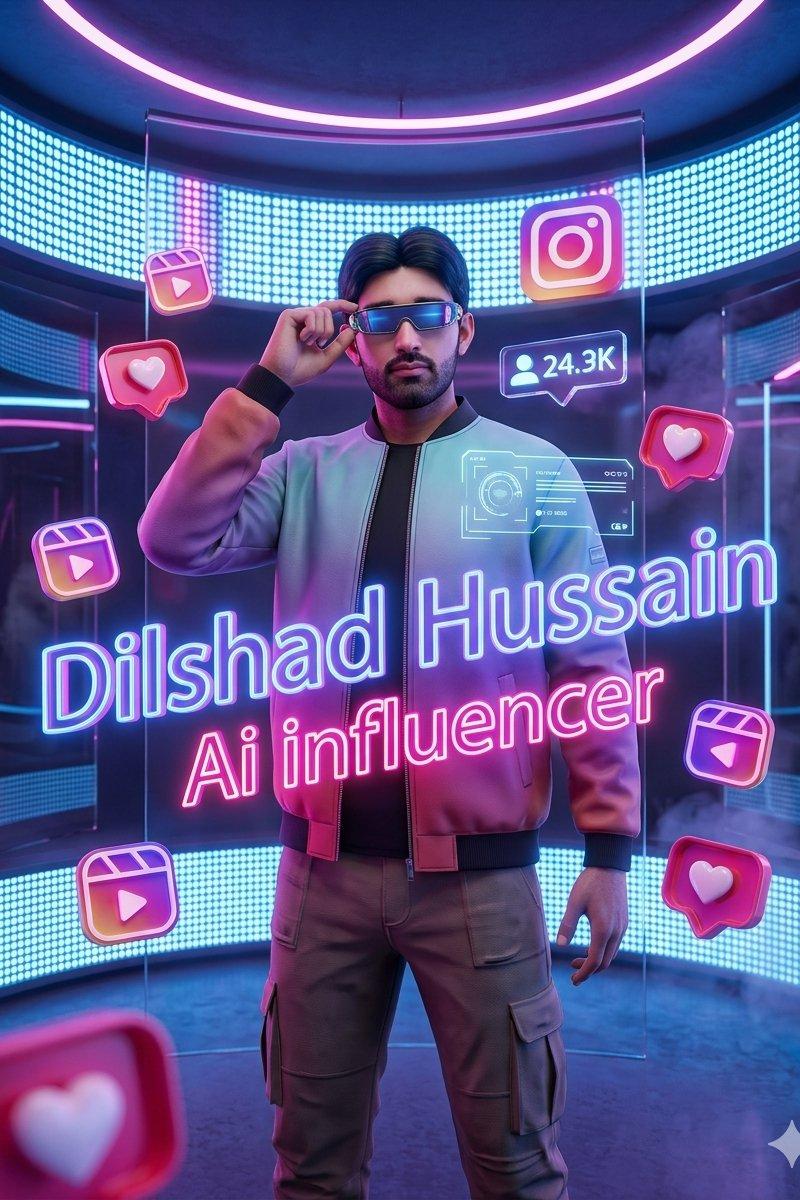
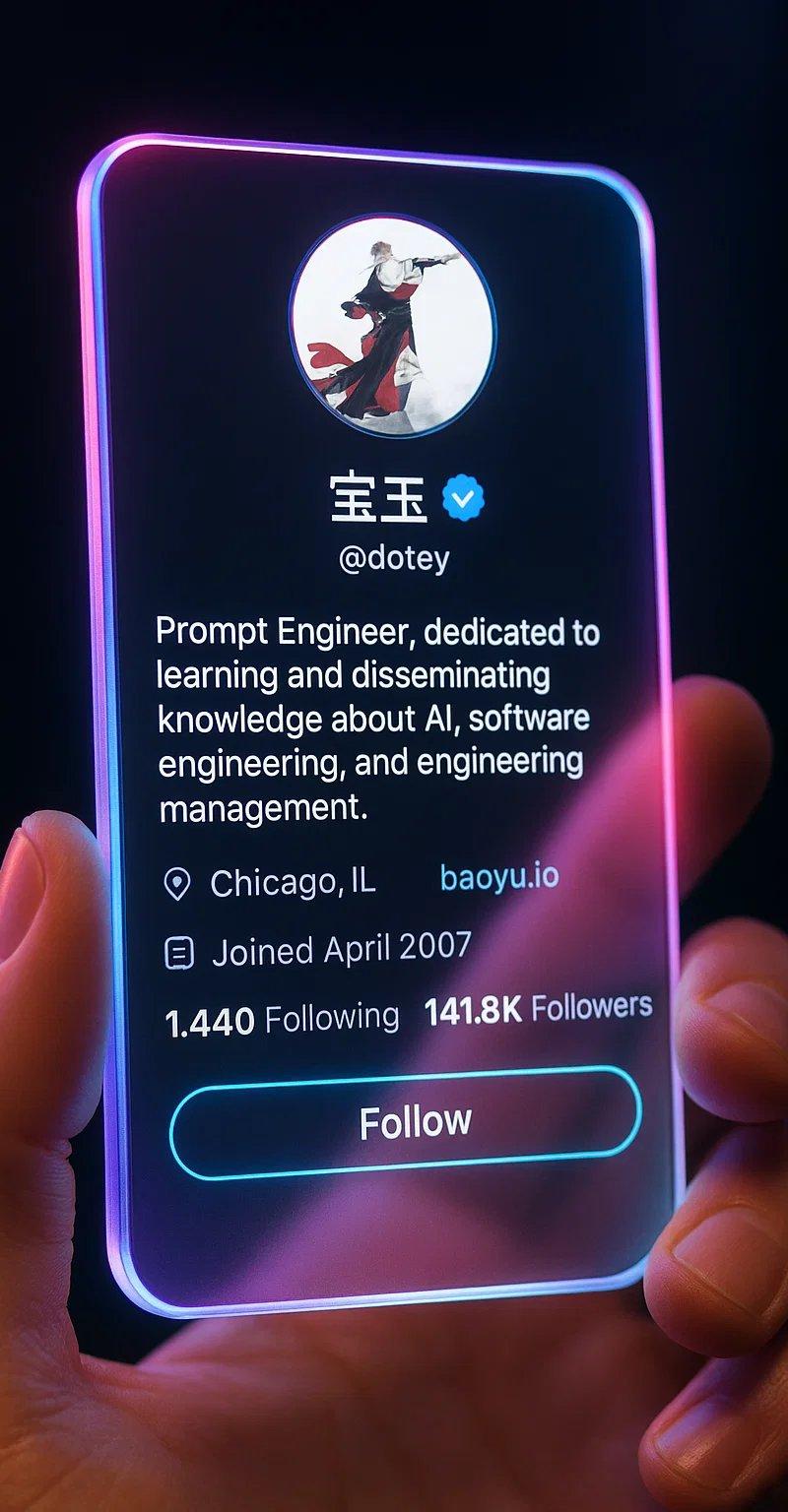
AI 创作者全息宣传肖像
Enlarge

Example images

AI 创作者全息宣传肖像

Prompt
A cinematic ultra-realistic portrait of a confident {argument name="subject" default="young male AI creator"} holding a futuristic transparent holographic social media glass panel directly toward the camera with his hand extended in the foreground. The glowing glass interface dominates the frame, featuring neon purple, blue, cyan, and orange edge lighting with realistic reflections and volumetric glow. The creator stands behind the panel with a slightly blurred face due to shallow depth of field, stylish dark hair, trimmed beard, black outfit, and a subtle confident smile.\n\nThe holographic display contains a complete futuristic AI branding interface with:\n\nCircular AI logo labeled “{argument name="brand name" default="AI TRENDS"}”\n\nProfile name “{argument name="profile name" default="AI Trends"}”\n\nUsername “{argument name="username" default="@aitrendsltd"}”\n\nCategory text “AI | Automation | Innovation”\n\nStatistics section:\n\n312 Posts\n\n160K Followers\n\n28 Following\n\nAnalytics chart with glowing bar graph and upward trend\n\nLarge headline:\n\n“160K Followers”\n\n“BIGGEST AI PROMPT LIBRARY”\n\nEngagement metrics:\n\n28.7K
Category
Charts & Infographics
Model
GPT Image 2
Creator
Muhammad Amir
Source language
en
Views0
Source ID
25348
Published
Jun 12, 2026
Studio

Guide

About "AI 创作者全息宣传肖像"

What is this prompt for?

"AI 创作者全息宣传肖像" AI image prompt for GPT Image 2 (Charts & Infographics). 一张电影感肖像提示词,展示了一位 AI 创作者手持透明全息界面,上面显示着社交媒体指标和品牌信息。 Copy it on Picva and recreate the loo…

The full copyable prompt and example visuals above are ready for AI image generation or one-click recreate in Picva.

How to use this prompt

  1. Step 1

    Open the prompt detail

    Review the example visuals, category, and full prompt text for "AI 创作者全息宣传肖像".

  2. Step 2

    Copy the prompt

    Copy the prompt body from this page, or load it directly in Studio.

  3. Step 3

    Pick a model (GPT Image 2)

    Prefer GPT Image 2. If you switch models, keep subject and composition and tweak style terms.

  4. Step 4

    Generate and export

    Recreate the look in Picva, or export into your workflow for editing and publishing.

FAQ

What is the "AI 创作者全息宣传肖像" prompt?
It is an AI image-generation prompt for GPT Image 2 in the Charts & Infographics category. This page includes the full prompt text, example visuals, and a one-click recreate path in Picva.
How do I use this prompt to generate an image?
Copy the prompt from this page, or use Generate / Studio. Paste it into a compatible image model, or recreate the look in Picva with optional reference images.
Which model is this prompt for?
This page lists GPT Image 2. Most descriptive prompts also transfer to nearby image models such as GPT Image, Flux, or Midjourney with light style tweaks.
Can I use the result commercially?
You can usually copy the prompt for creation, but commercial use of the final image depends on the model terms, reference-image rights, and the generated content. Follow the source author and platform rules.