19

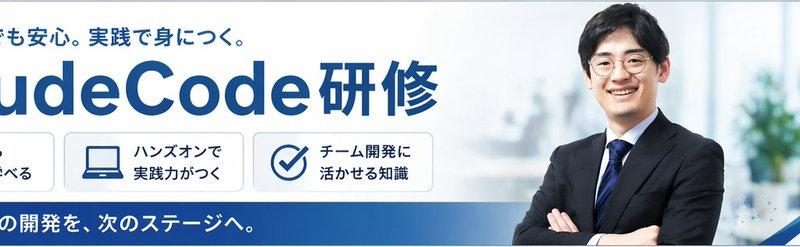
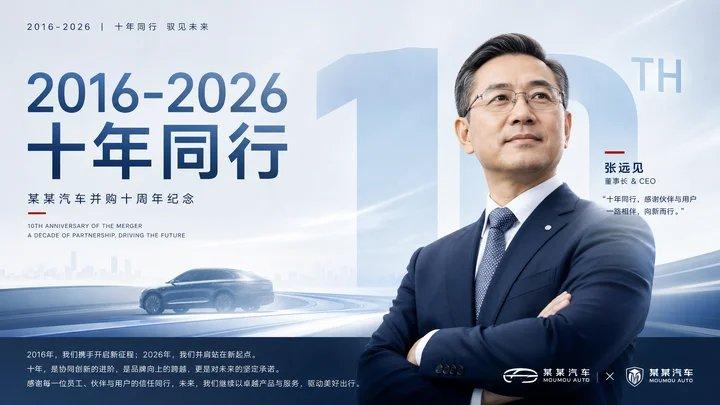
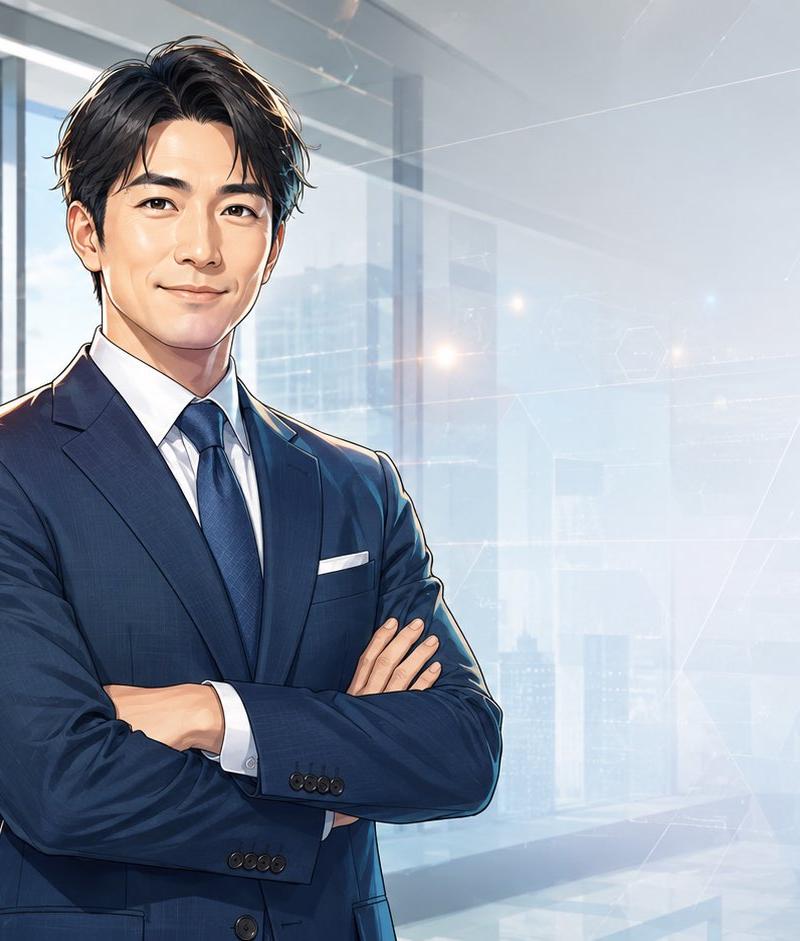
动漫风格商务人士肖像(面部遮挡)
Enlarge

Example images

动漫风格商务人士肖像(面部遮挡)

Prompt
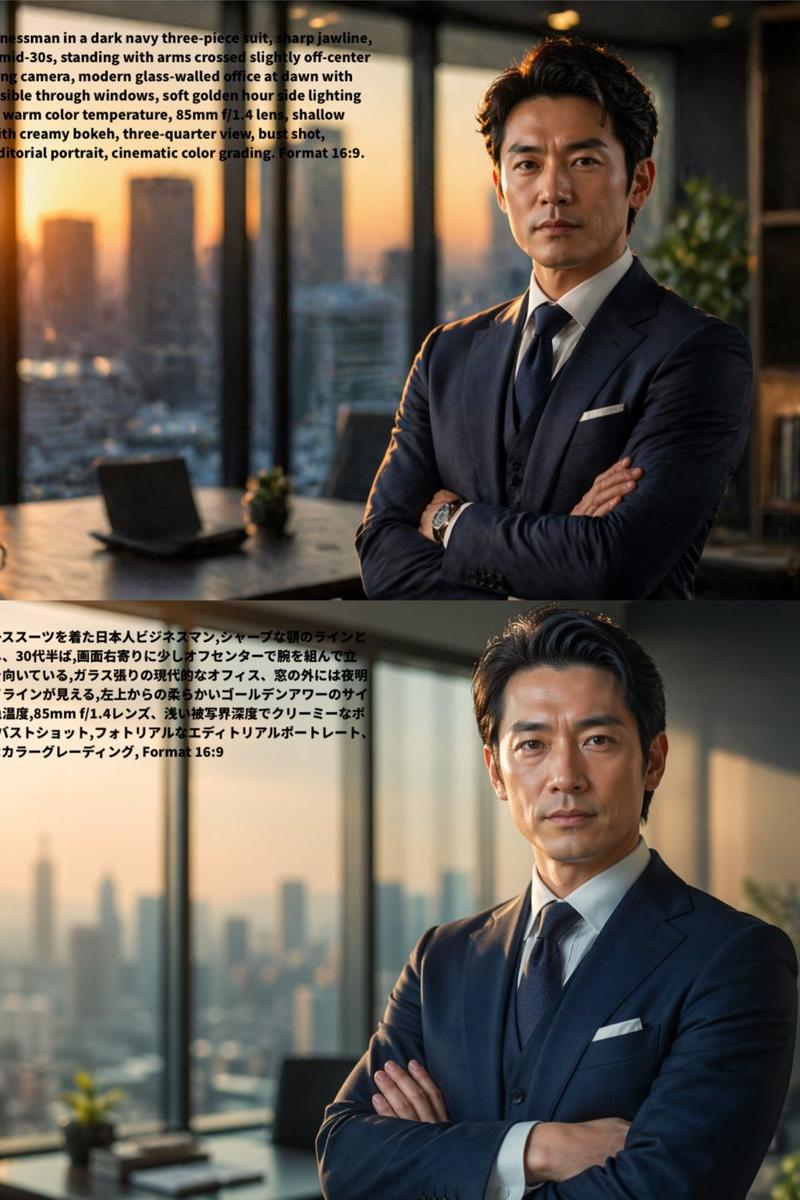
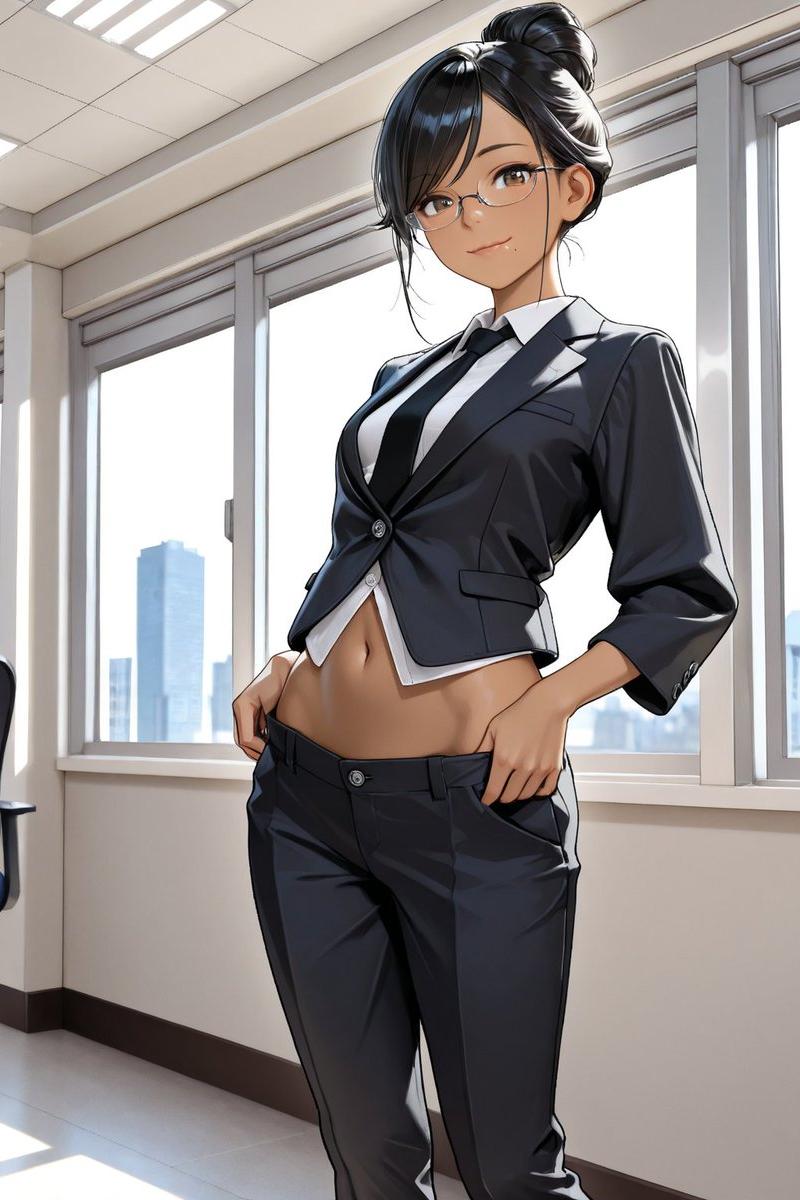
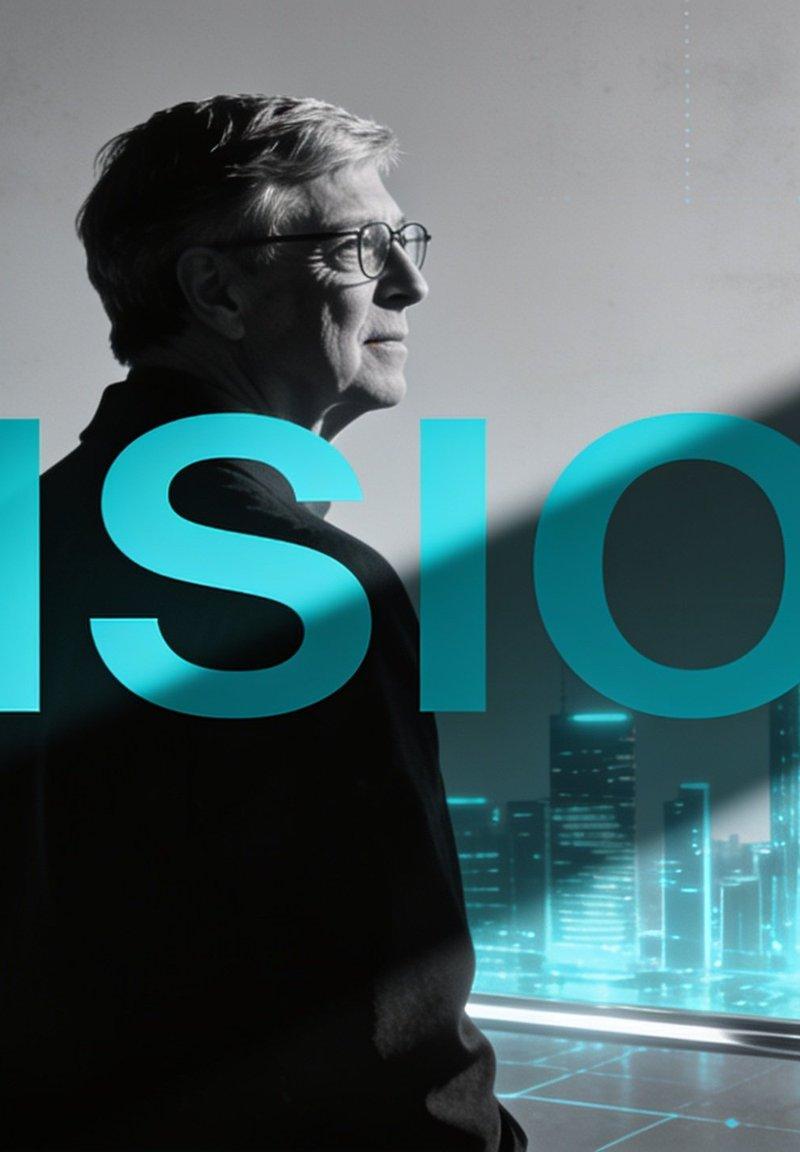
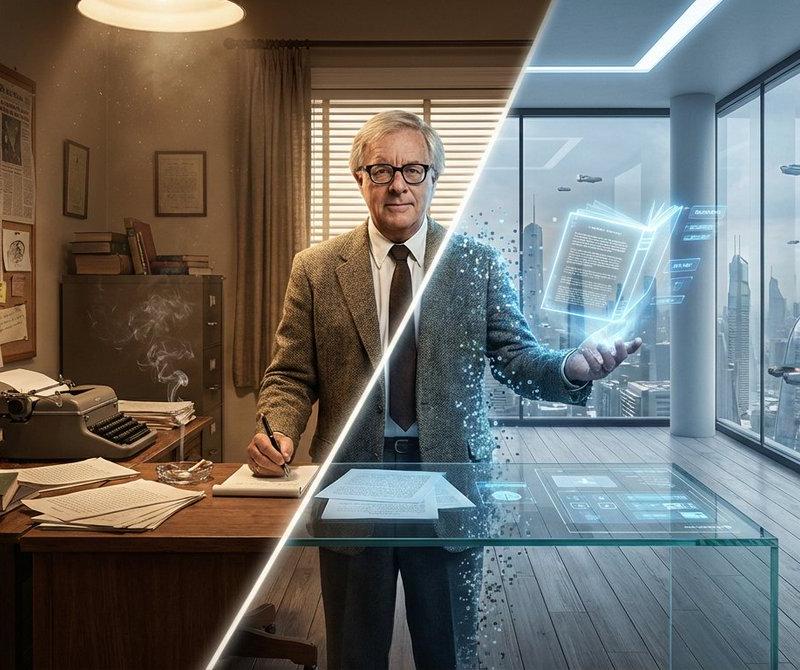
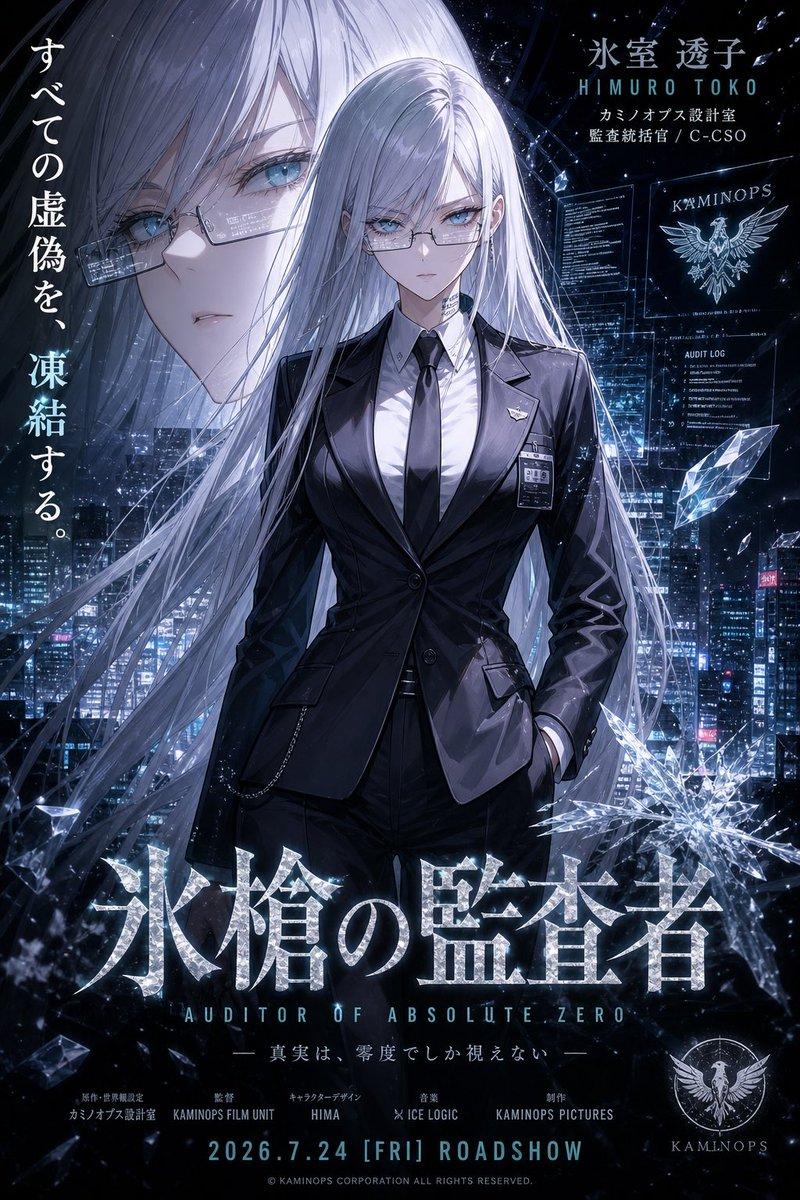
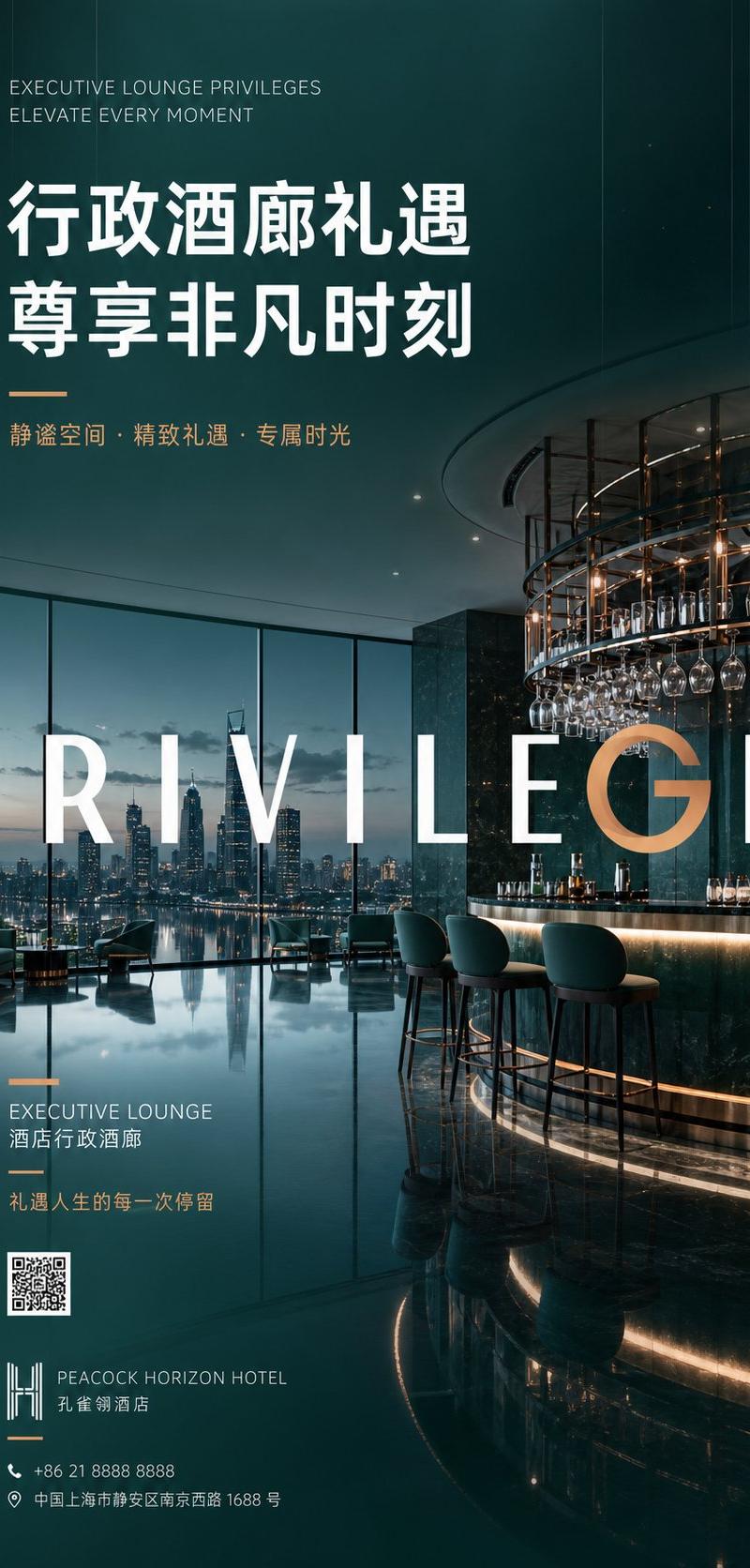
Create a polished semi-realistic anime-style corporate portrait of {argument name="character name" default="a confident young businessman"} standing in a modern high-rise office, shown from mid-thigh to head, positioned slightly left of center with arms crossed. He wears a tailored {argument name="suit color" default="dark navy blue"} business suit, crisp white dress shirt, dark blue tie, white pocket square, and buttoned cuffs; his build is slim-athletic and professional. His hair is short, wavy, neatly styled, and {argument name="hair color" default="black with subtle blue highlights"}. Obscure the entire face with a centered flat square censor block in a smooth beige skin-tone gradient, covering forehead through chin while leaving hair, ears, neck, suit, and posture visible. The background is a bright glass-walled executive office with floor-to-ceiling windows, a sunlit modern city skyline outside, soft blue sky, faint clouds, a small potted plant and office furniture at the lower left, and a pale futuristic digital interface overlay on the right side with thin white lines, hexagons, dotted grids, and abstract network geometry. Use cinematic morning light, soft lens flare, cool blue-white color grading, high-detail anime illustration rendering, clean linework, realistic fabric folds, glossy window reflections, and a professional tech-business atmosphere. Wide 16:9 composition, leave open negative space on the right for potential text, no visible writing, no watermark.
Category
UI & Interfaces
Model
GPT Image 2
Creator
ナル夫
Source language
en
Views0
Source ID
25551
Published
Jun 13, 2026
Studio

Guide

About "动漫风格商务人士肖像(面部遮挡)"

What is this prompt for?

"动漫风格商务人士肖像(面部遮挡)" AI image prompt for GPT Image 2 (UI & Interfaces). 生成一张专业的动漫风格企业肖像,展示一位身处明亮未来感办公室、面部被遮挡的商务人士。 Copy it on Picva and recreate the look in one…

The full copyable prompt and example visuals above are ready for AI image generation or one-click recreate in Picva.

How to use this prompt

  1. Step 1

    Open the prompt detail

    Review the example visuals, category, and full prompt text for "动漫风格商务人士肖像(面部遮挡)".

  2. Step 2

    Copy the prompt

    Copy the prompt body from this page, or load it directly in Studio.

  3. Step 3

    Pick a model (GPT Image 2)

    Prefer GPT Image 2. If you switch models, keep subject and composition and tweak style terms.

  4. Step 4

    Generate and export

    Recreate the look in Picva, or export into your workflow for editing and publishing.

FAQ

What is the "动漫风格商务人士肖像(面部遮挡)" prompt?
It is an AI image-generation prompt for GPT Image 2 in the UI & Interfaces category. This page includes the full prompt text, example visuals, and a one-click recreate path in Picva.
How do I use this prompt to generate an image?
Copy the prompt from this page, or use Generate / Studio. Paste it into a compatible image model, or recreate the look in Picva with optional reference images.
Which model is this prompt for?
This page lists GPT Image 2. Most descriptive prompts also transfer to nearby image models such as GPT Image, Flux, or Midjourney with light style tweaks.
Can I use the result commercially?
You can usually copy the prompt for creation, but commercial use of the final image depends on the model terms, reference-image rights, and the generated content. Follow the source author and platform rules.