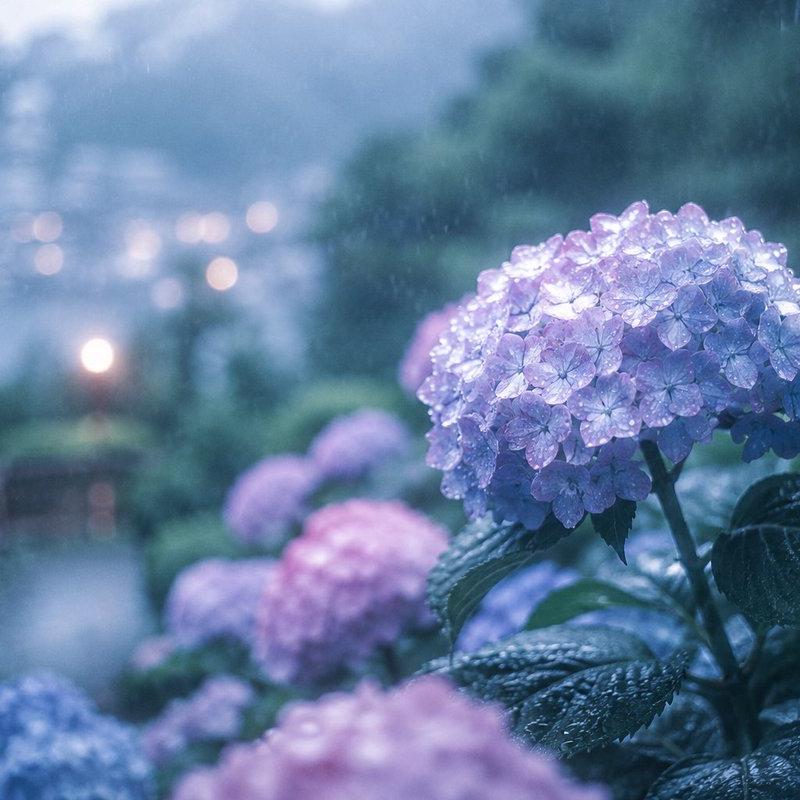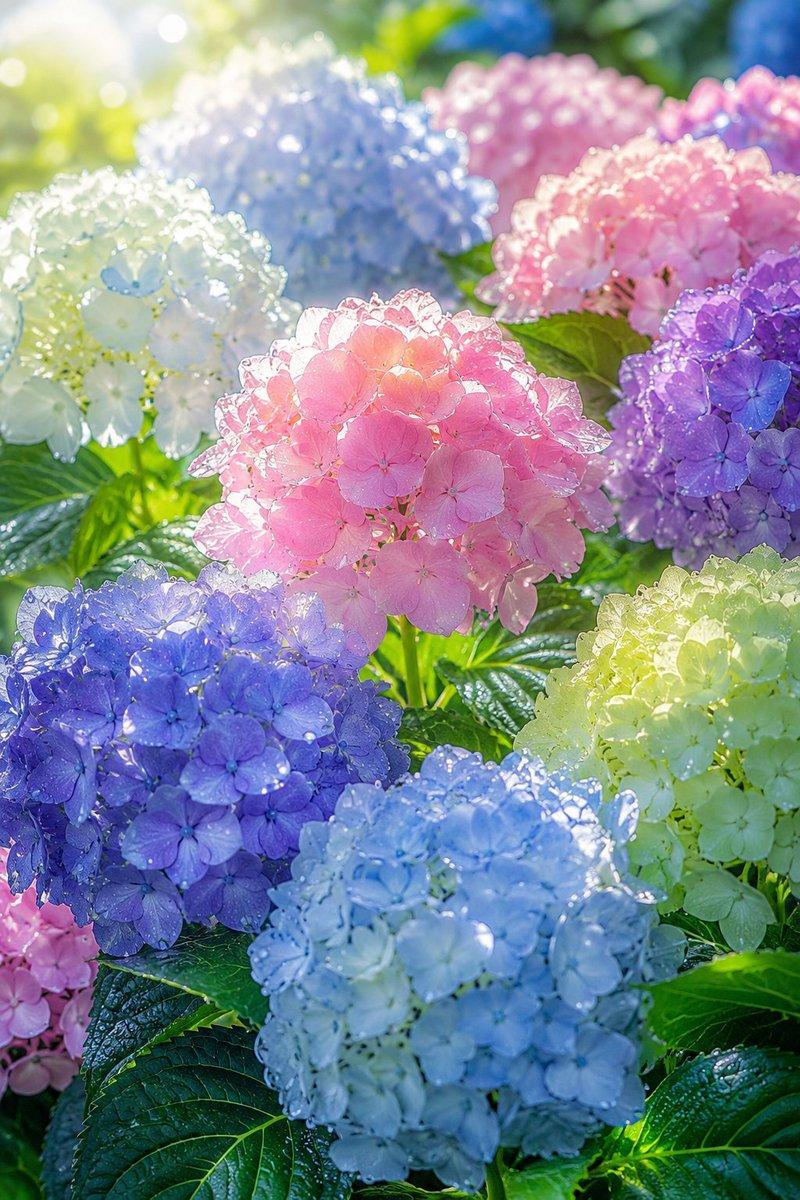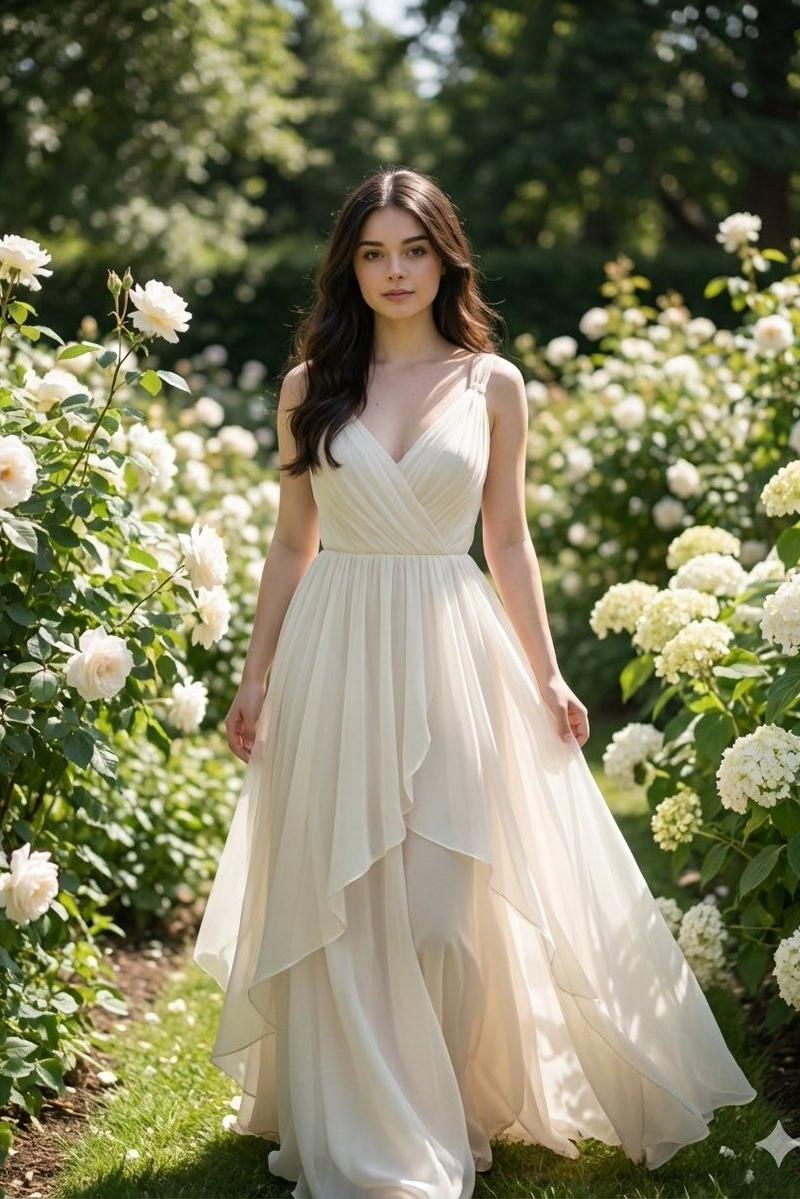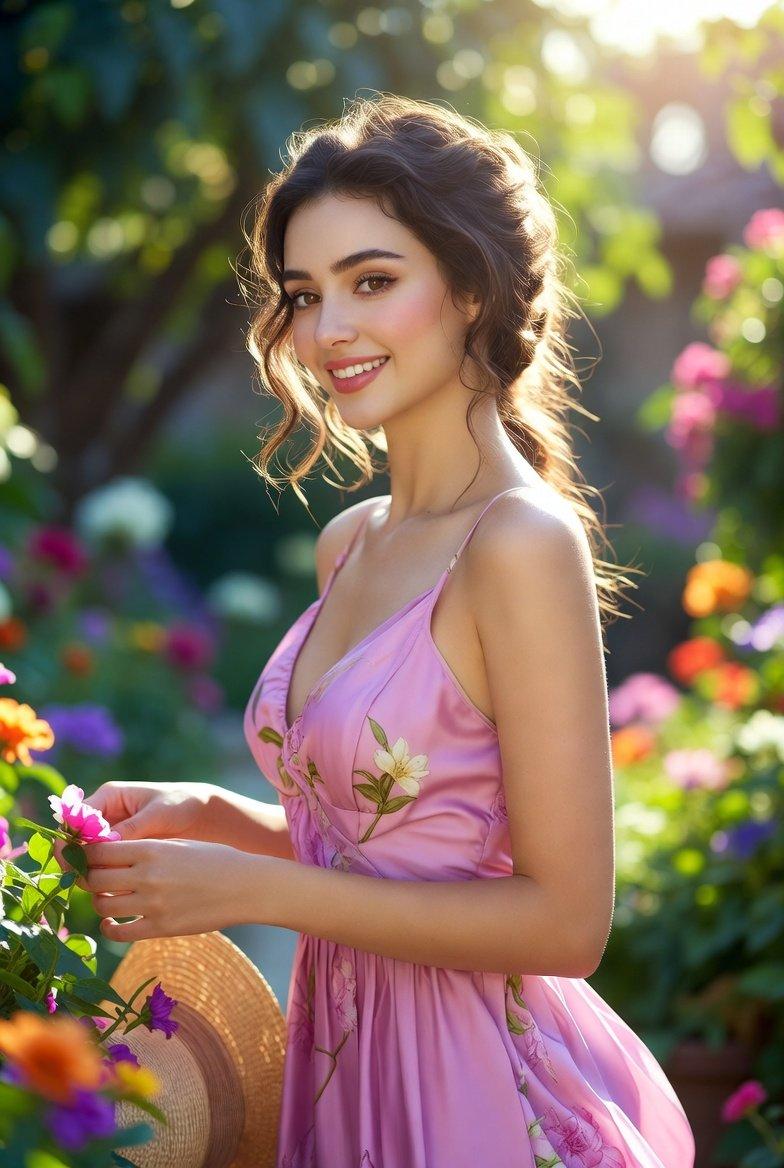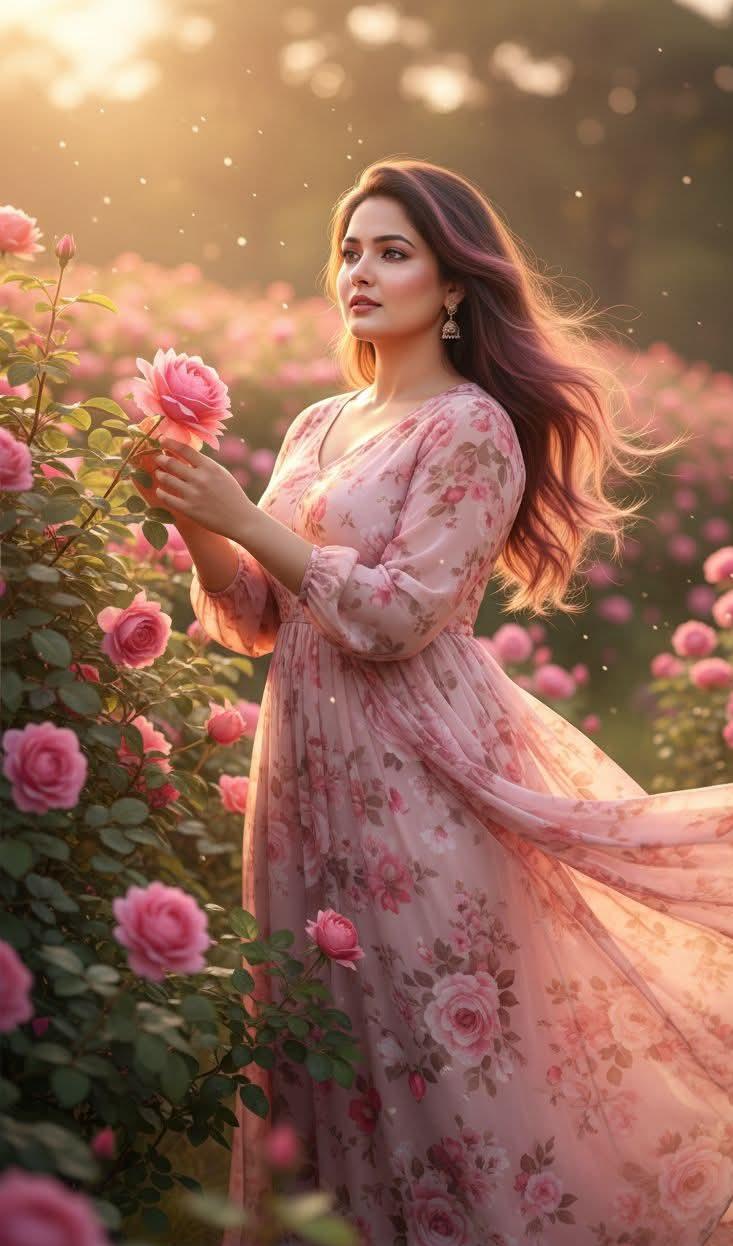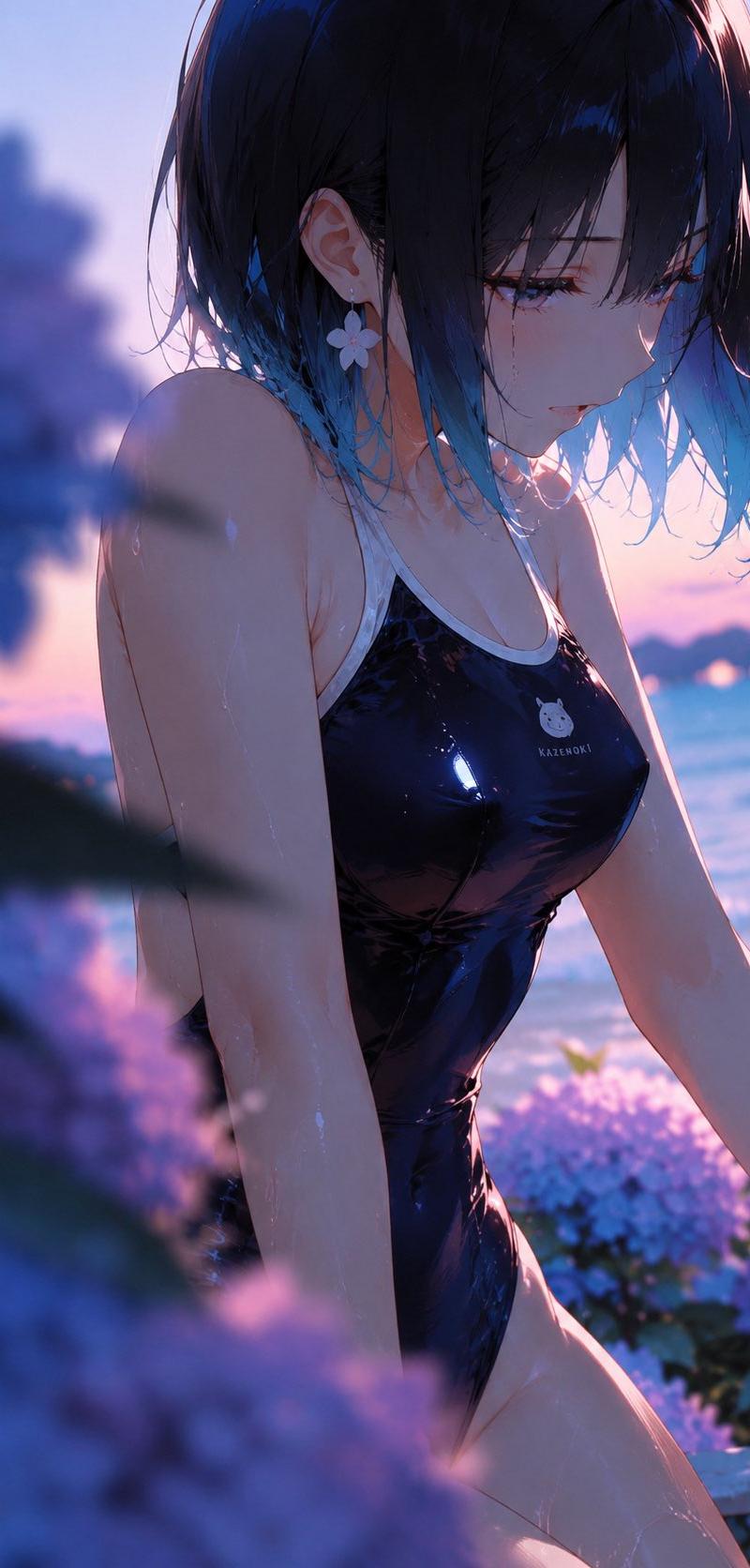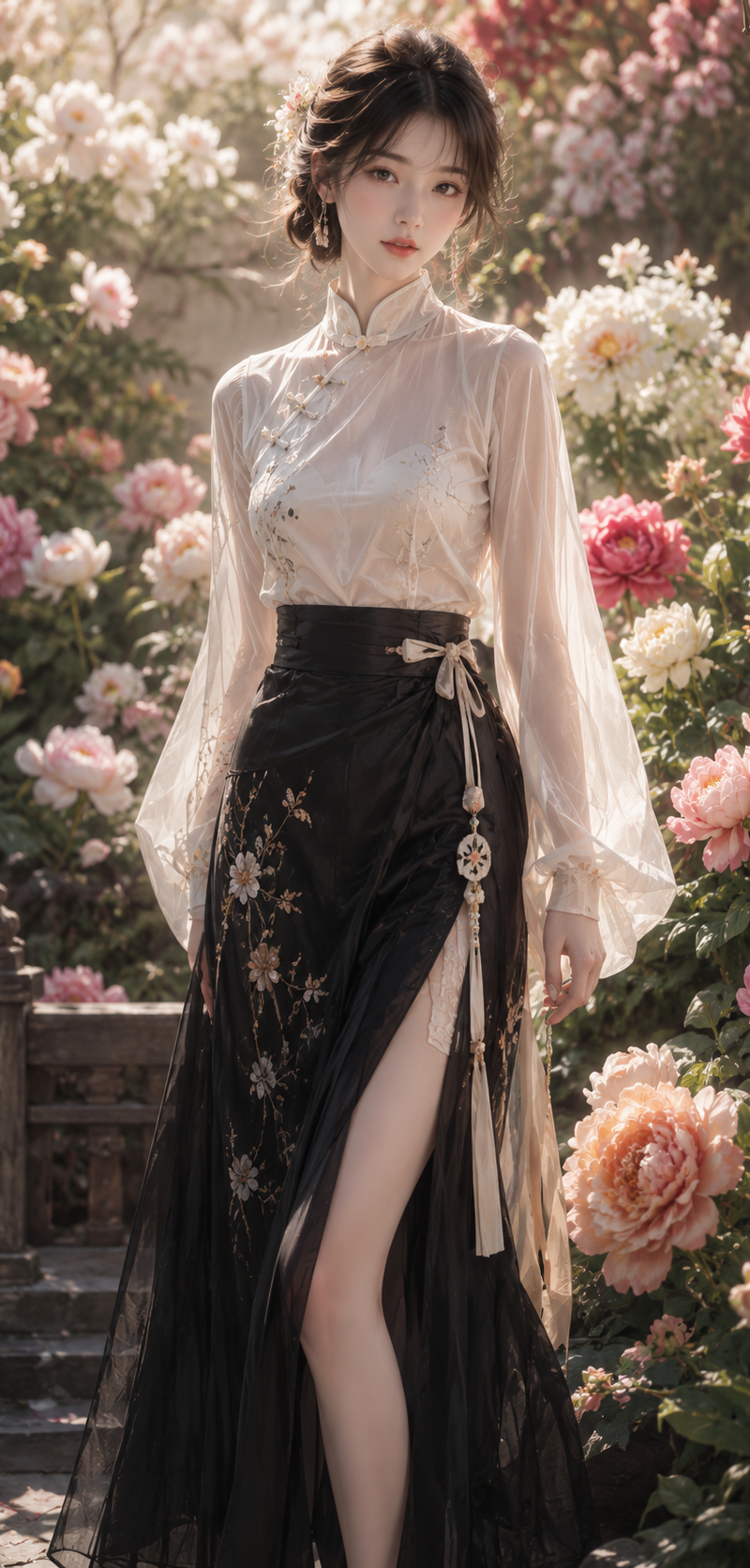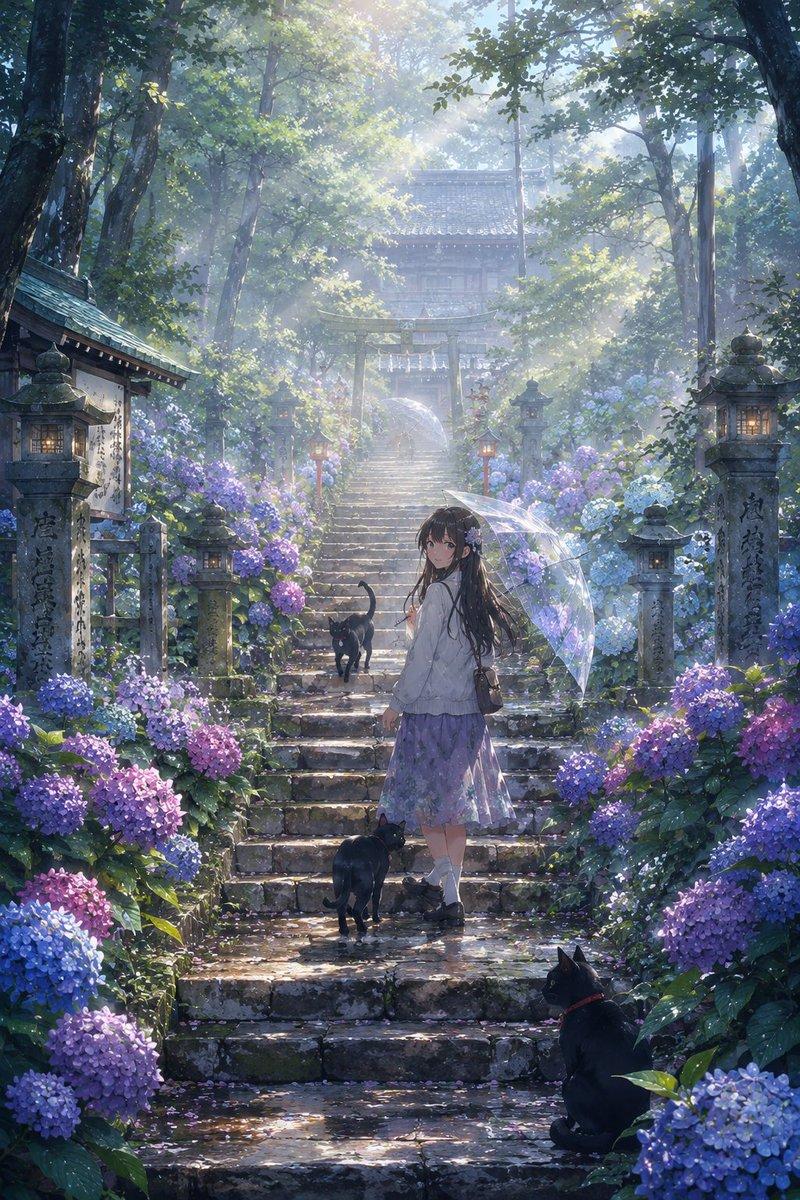
超写实电影感绣球花人像
Prompt
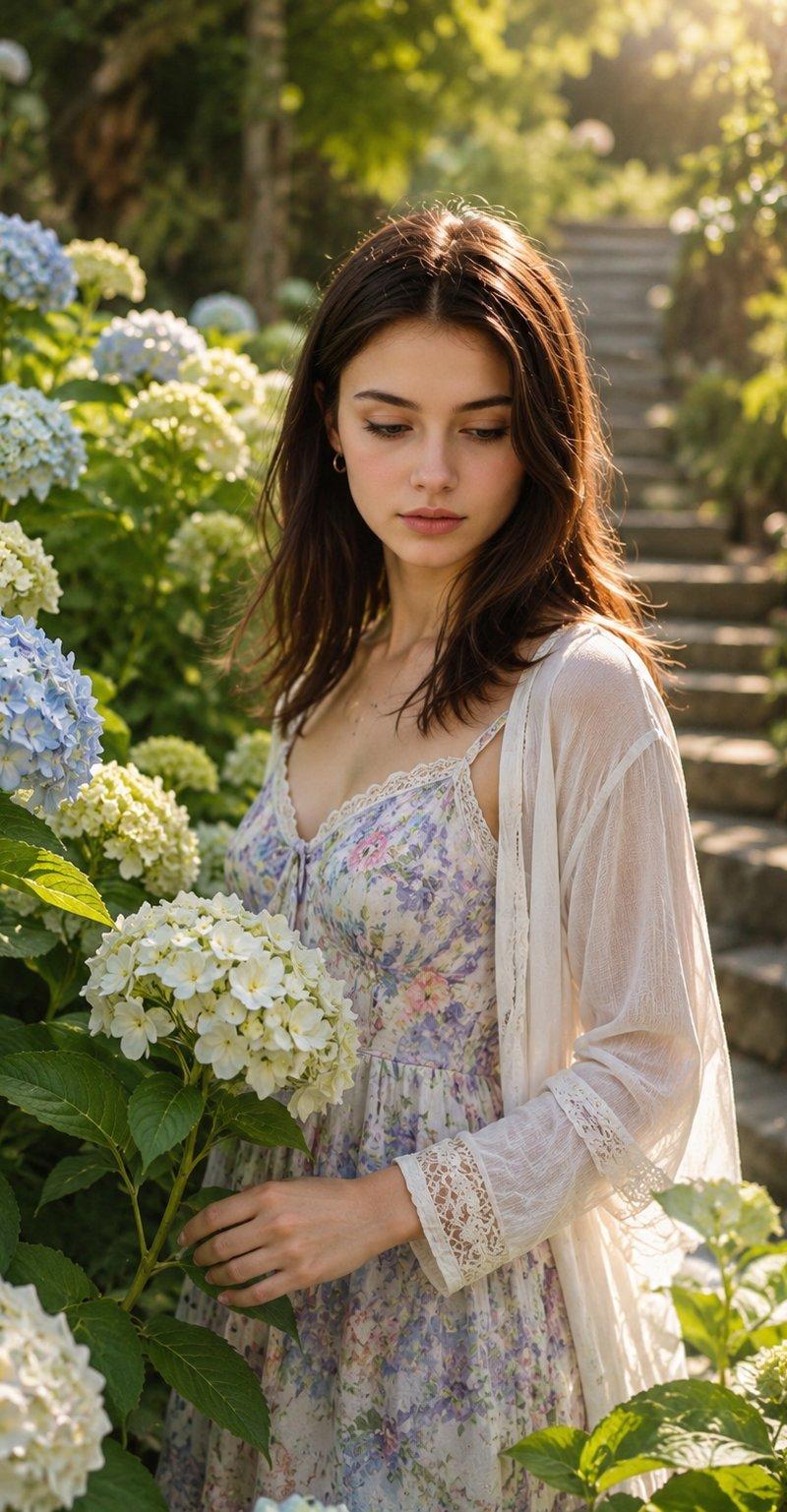
Ultra-realistic cinematic portrait using the uploaded reference photo as the ONLY face source, preserving exact facial features, skin tone, and identity with absolute precision (100% face match — no changes). Ultra-realistic cinematic portrait of a {argument name="subject" default="young woman"} standing gracefully among {argument name="flowers" default="lush blooming hydrangea bushes"} in a sunlit botanical garden during golden morning light. The composition is a vertical fashion-photography frame captured from a slightly elevated eye-level angle, creating a soft candid atmosphere. The woman is positioned slightly off-center, partially hidden behind large green hydrangea leaves and clusters of white and pale blue blossoms. She stands with a gentle relaxed posture, shoulders naturally lowered, body turned approximately 20 degrees toward the camera while her head is slightly tilted downward and subtly angled to her left. Her gaze is directed downward toward the flowers instead of looking into the lens, creating a dreamy, shy, contemplative look. One hand delicately holds a hydrangea stem at waist level, fingers softly curved around the stem without tension. The other arm rests naturally beside her body, partially concealed by flowers and foliage. Her expression is calm and innocent, with relaxed lips and a subtle thoughtful look. She has long, straight dark brown hair cascading over both shoulders, illuminated by warm sunlight that creates natural highlights.She wears a {argument name="clothing" default="delicate pastel floral dress"} with soft watercolor tones of lavender, blue, mint, and blush pink, featuring lace trim details and a romantic cottagecore aesthetic. A sheer white lightweight cardigan drapes loosely over her shoulders and arms, adding softness and movement. The environment features dense hydrangea bushes in the foreground, creating layered depth and natural framing around the subject. Behind her, a winding stone staircase softly disappears into the background among trees and greenery. Sunlight filters through the leaves overhead, producing natural dappled light patterns across the scene. Lighting is warm golden-hour sunlight from the upper right side, creating soft highlights on her hair, cheeks, shoulders, and flowers. Gentle shadows fall across portions of her face and dress, adding realism and dimension. The background melts into creamy bokeh with a shallow depth of field, emphasizing the subject while preserving the magical garden atmosphere Photography style: ultra-realistic, luxury fashion editorial, botanical portrait photography, natural candid pose, dreamy romantic aesthetic, shallow depth of field, soft bokeh, cinematic color grading, 85mm lens, f/1.8 aperture, HDR, highly detailed skin texture, realistic fabric details, natural sunlight, magazine-quality image, serene fairytale garden mood, photorealistic, 8K resolution.- Category
- Charts & Infographics
- Model
- GPT Image 2
- Creator
- Avelyrah
- Source language
- en
- Source ID
- 25637
- Published
- Jun 14, 2026
Views0