17

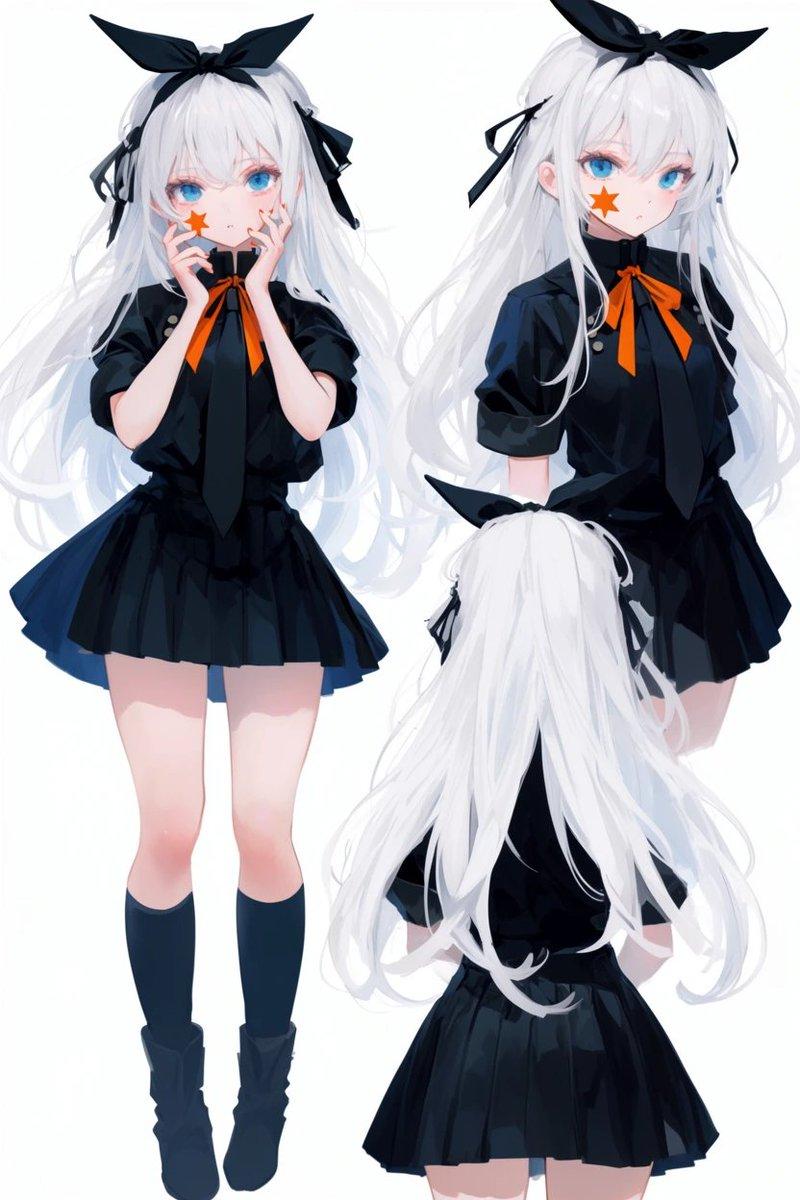
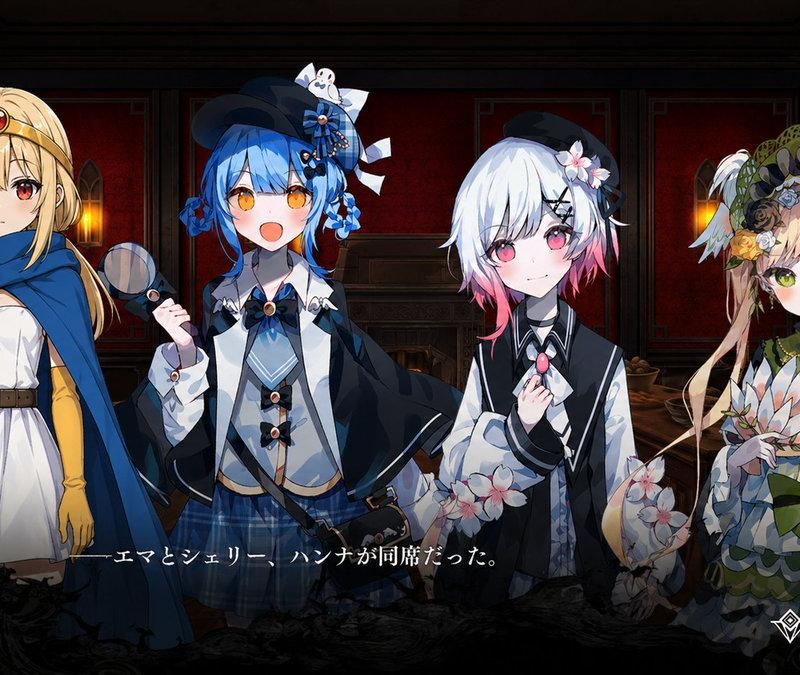
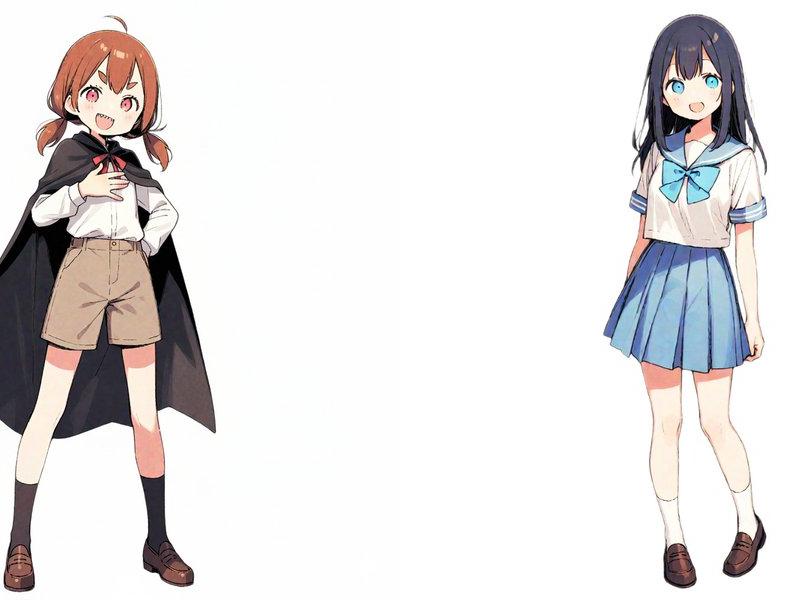
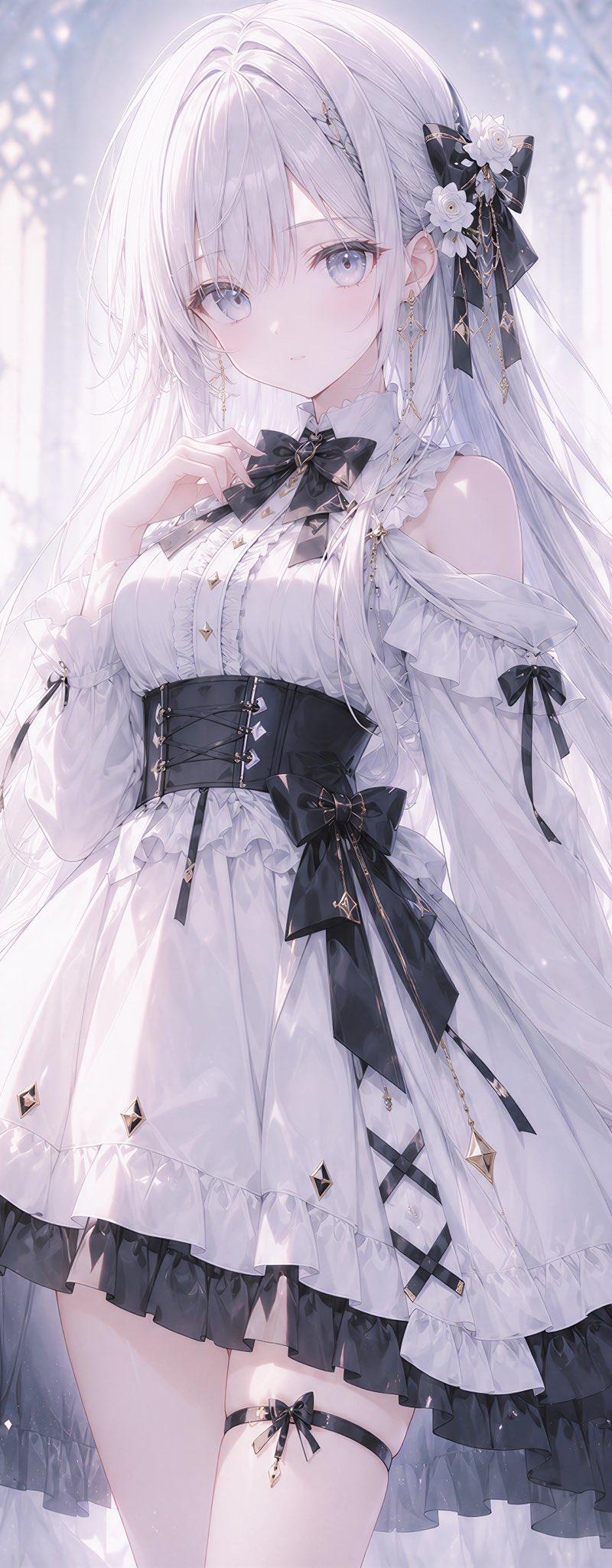
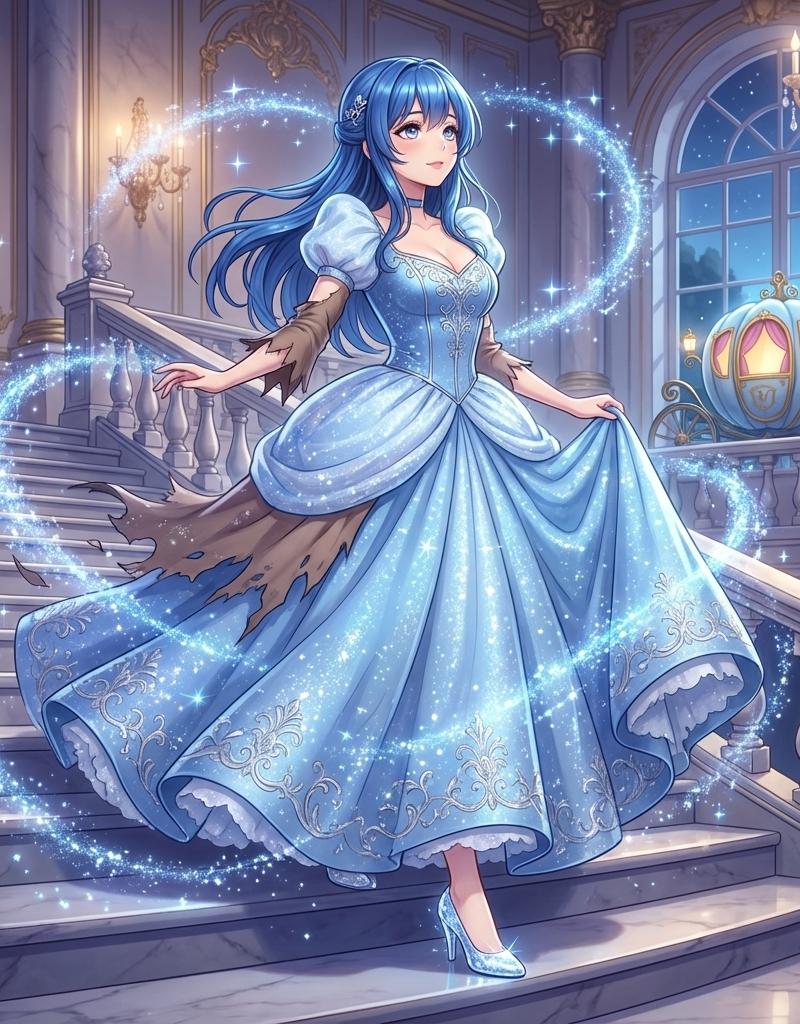
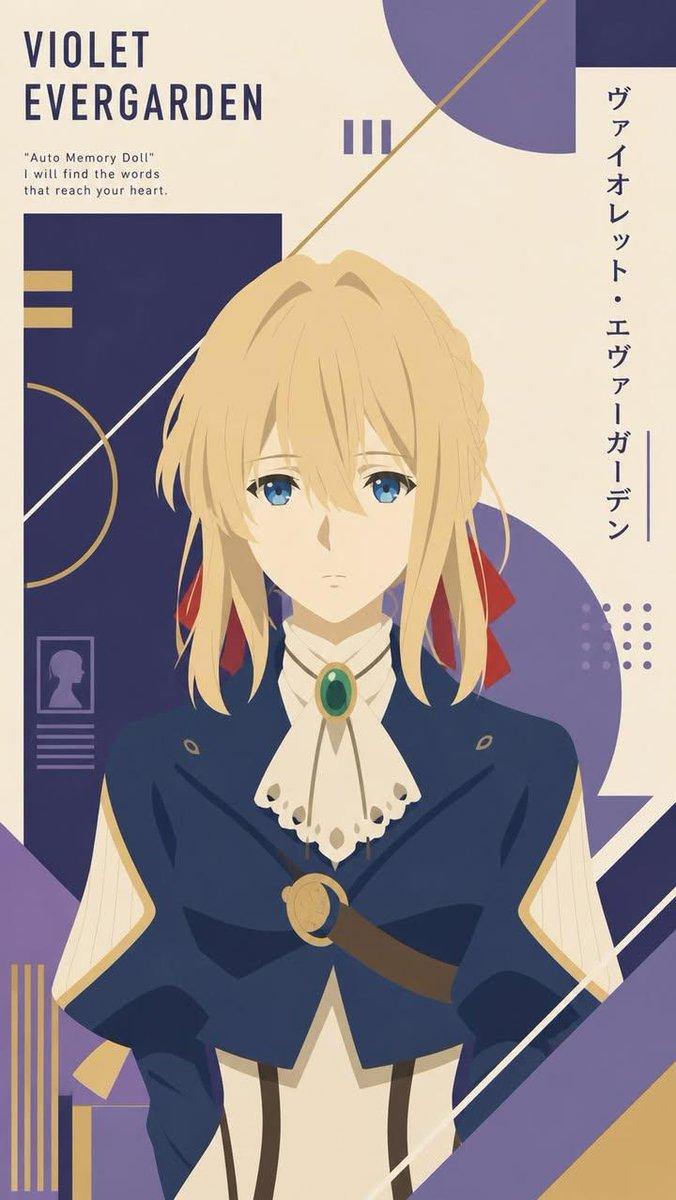
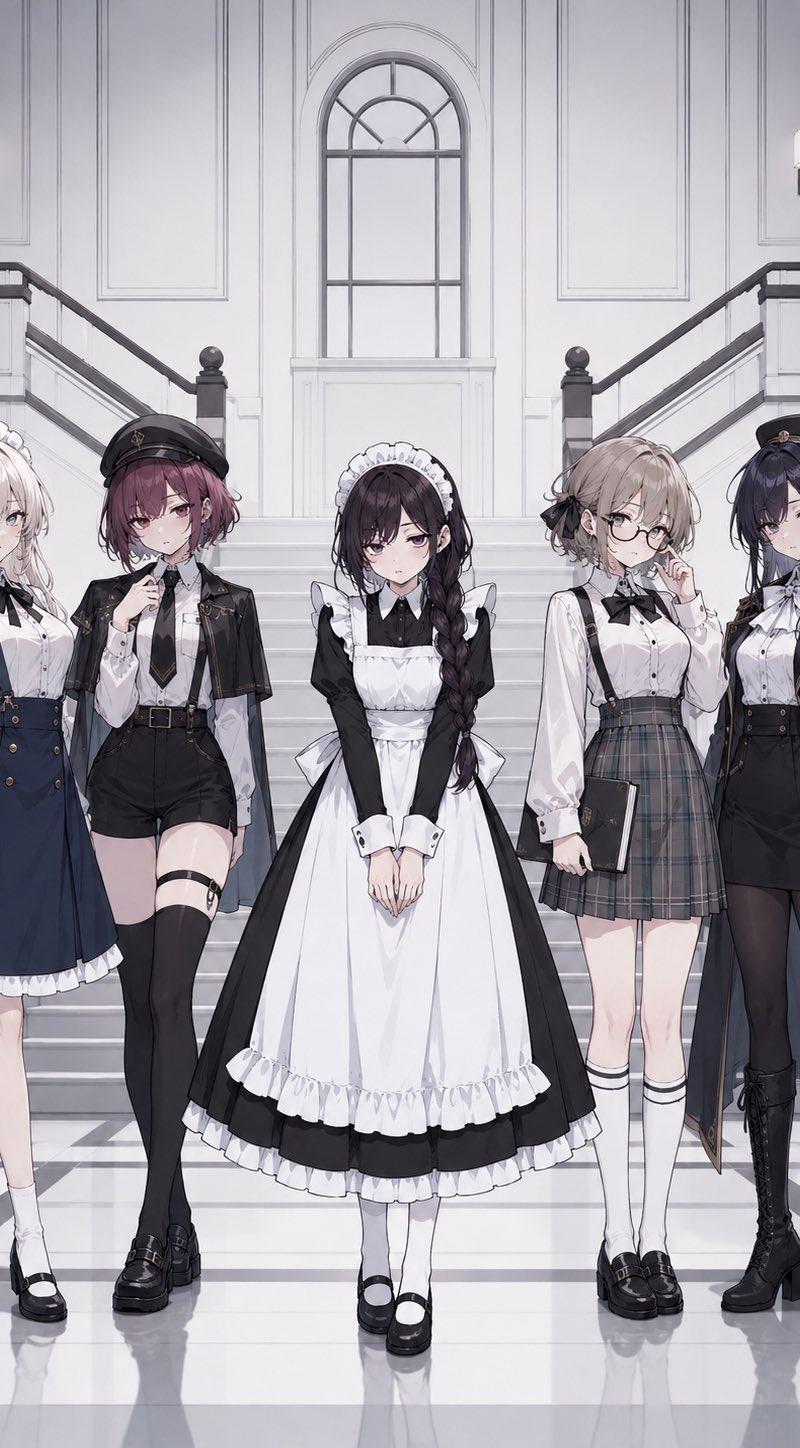
一致的游戏角色扩展
Enlarge

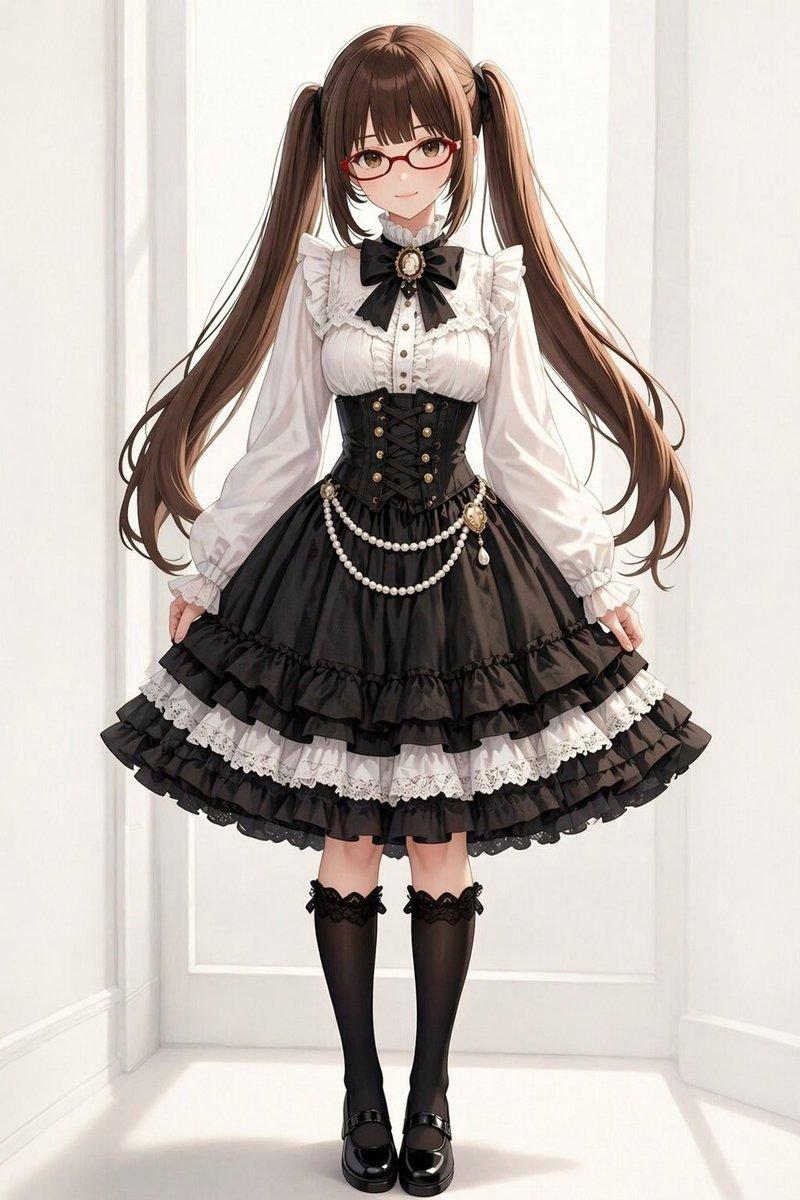
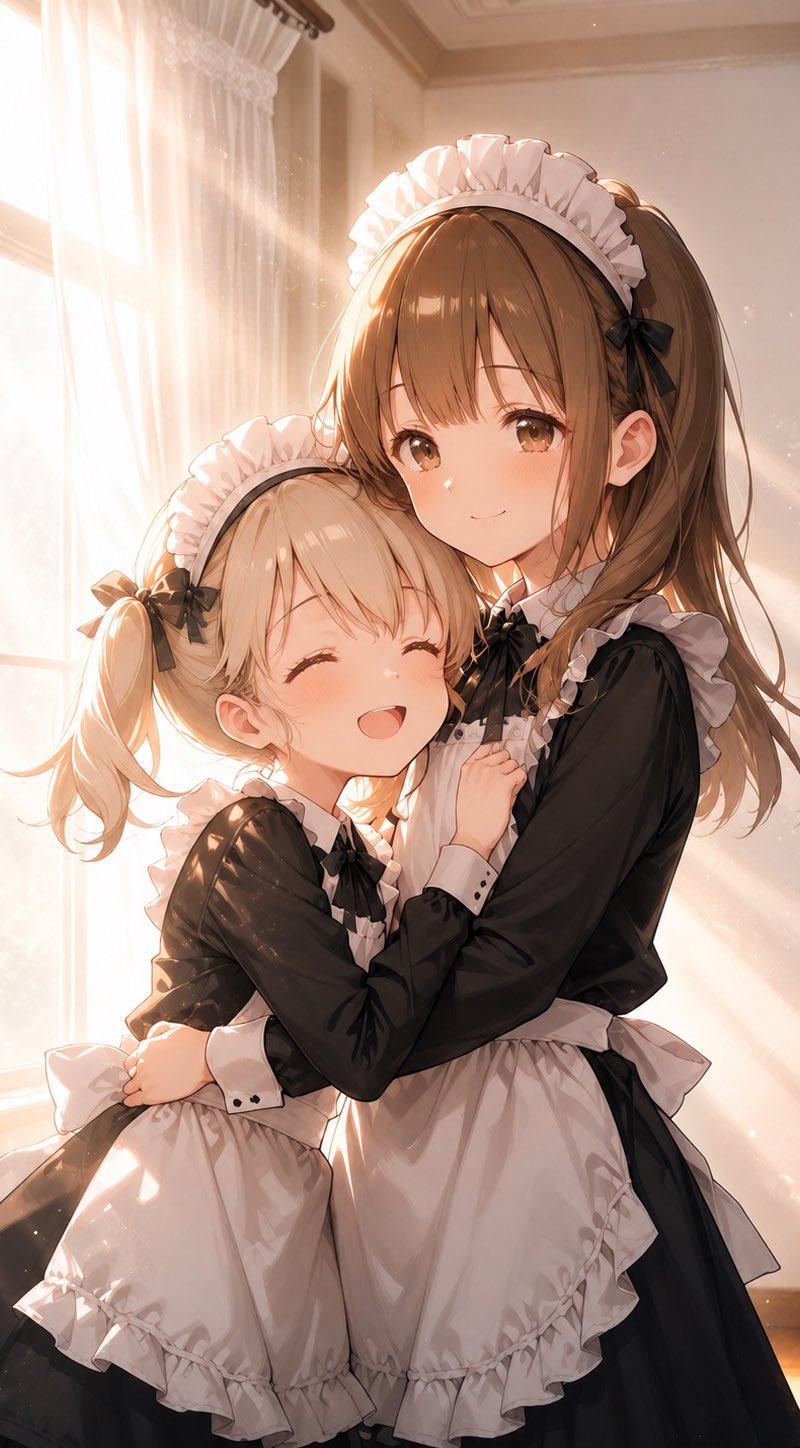
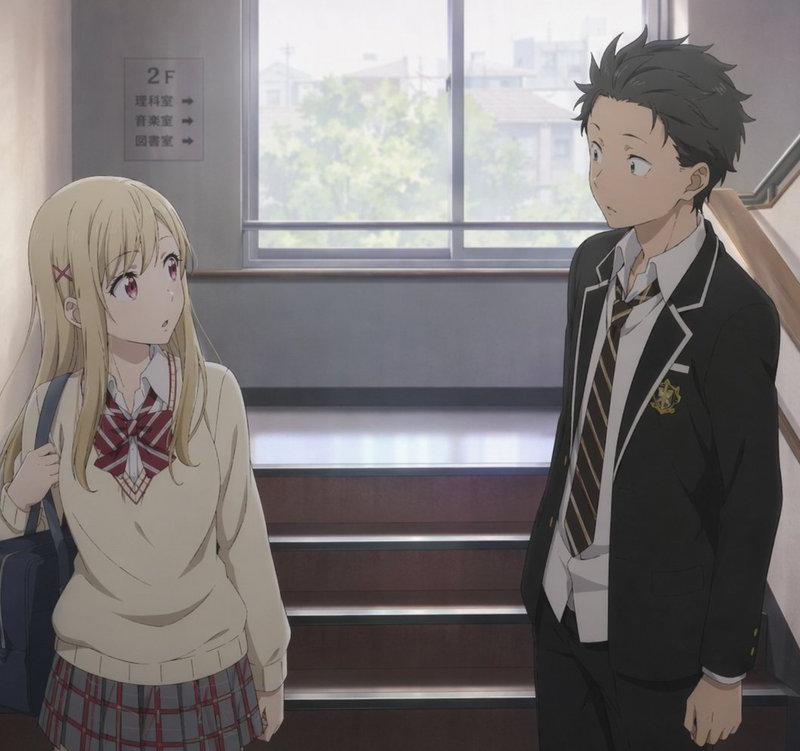
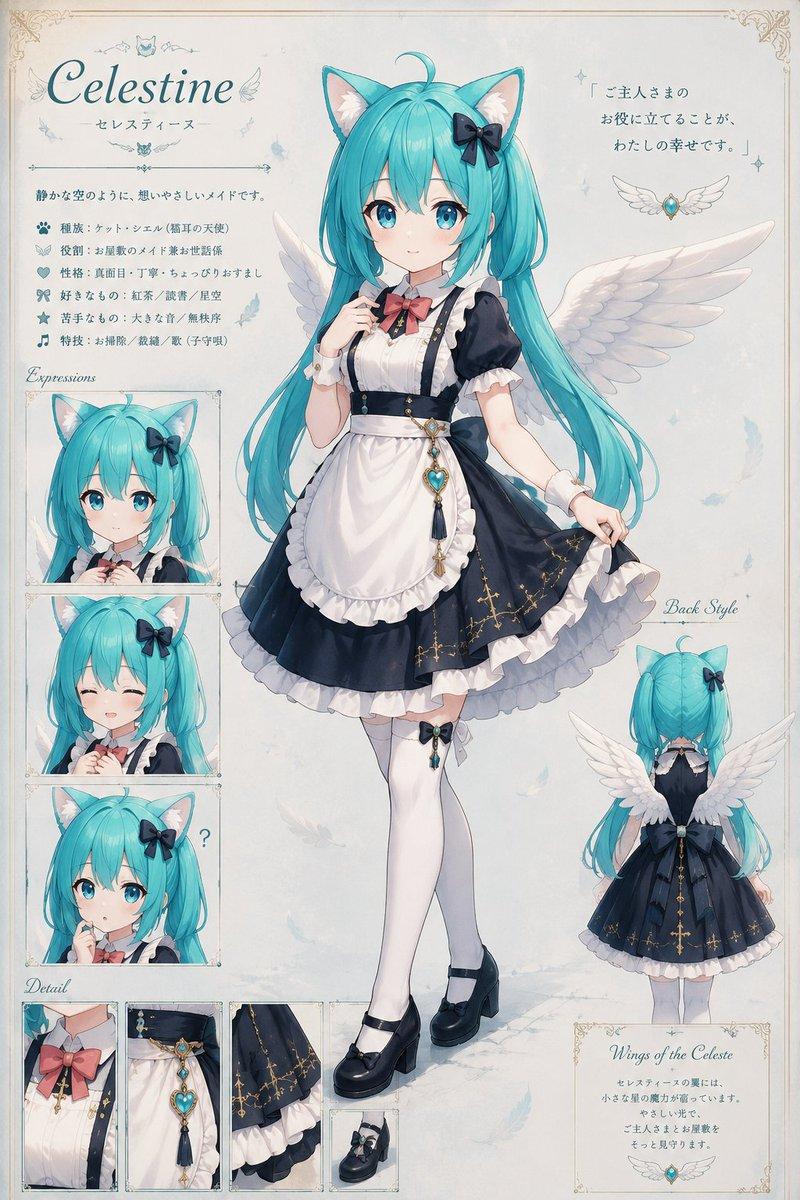
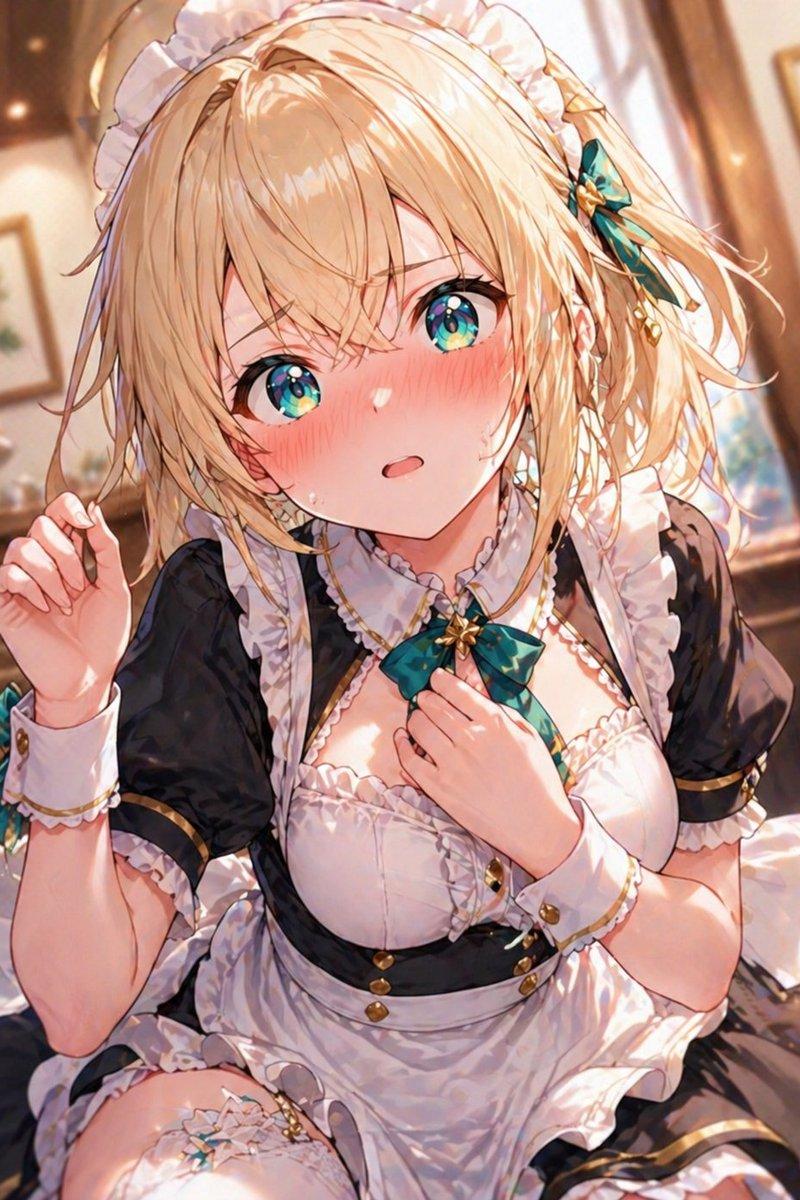
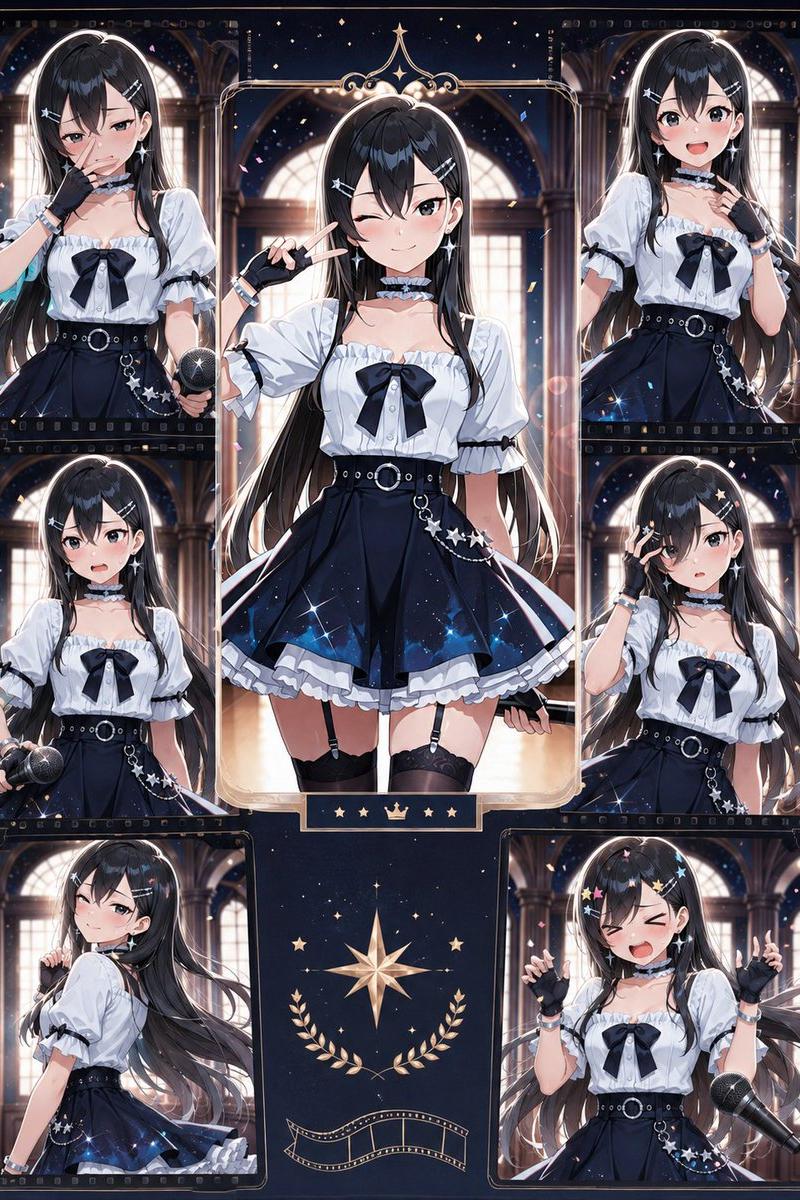
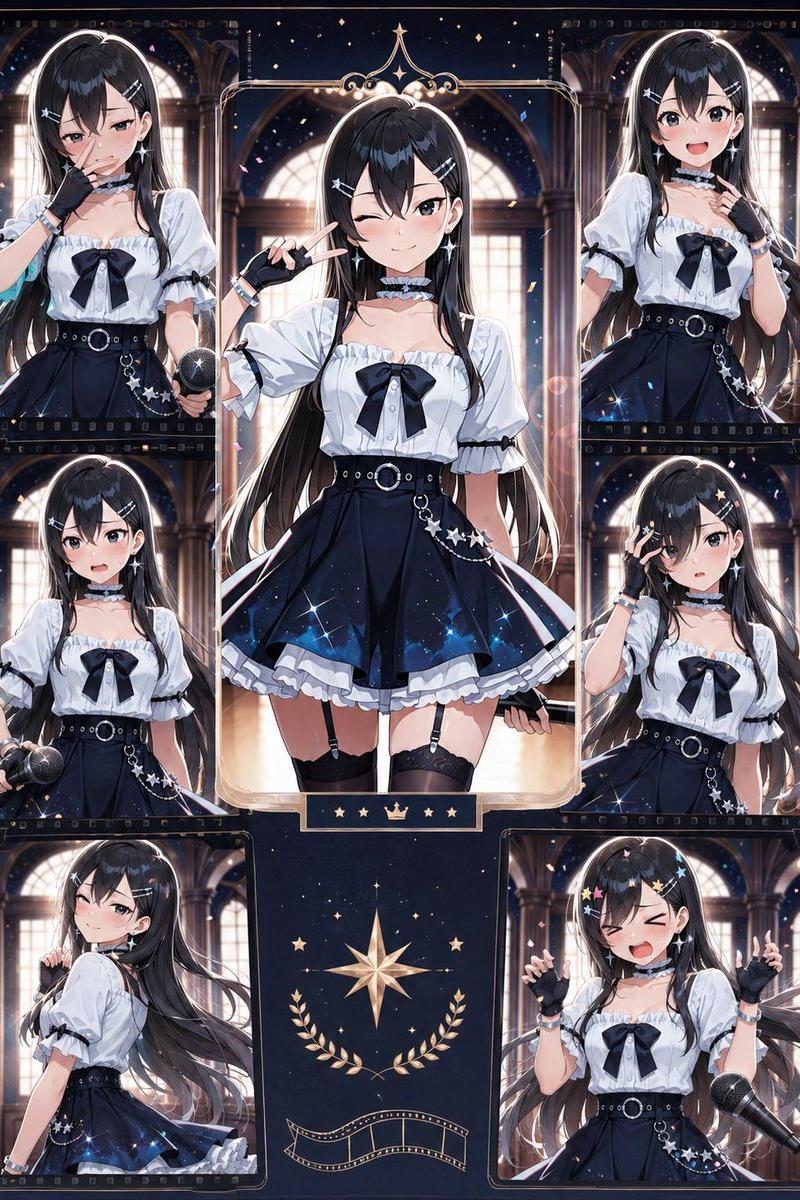
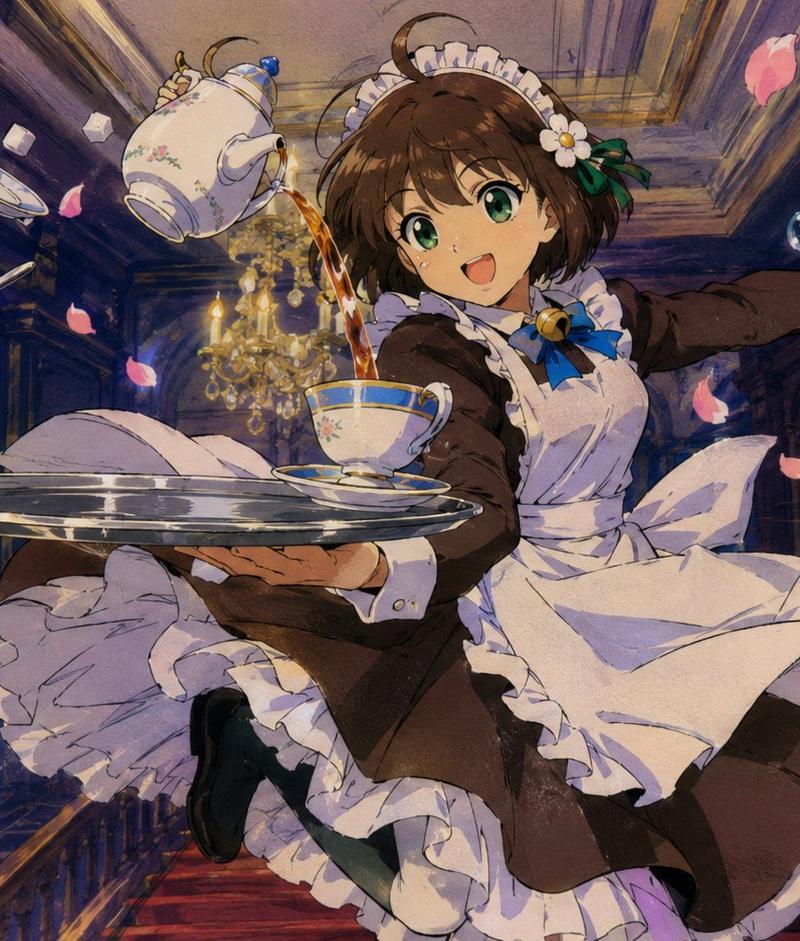
Example images

一致的游戏角色扩展

Prompt
使用 {argument name="aspect ratio" default="3:4"} 的垂直纵横比。以上传的角色作为基础参考,将其绘制在中心位置。

输出 {argument name="count" default="五个人物"}。

设计与基础角色出现在同一游戏中的新角色。

⸻

[最重要]
严格保持基础角色的艺术风格。
保持基础角色的世界观设定。
保持基础角色的色彩设计。
保持基础角色的设计理念。
确保它们作为同一作品中的角色存在。
不要使图像过于细节化。不要添加精细特效或灰尘。不要让画面显得杂乱。添加粒子效果是禁忌。不要使服装设计过于复杂。避免过度装饰。

⸻

[禁止事项]
不要重复使用基础角色的脸部。
不要重复使用基础角色的发型。
不要重复使用基础角色的发色。
不要重复使用基础角色的眼睛形状。
不要重复使用基础角色的刘海。
不要重复使用基础角色的性格。
不要创建换色角色。
不要让它们看起来像姐妹。
使用与基础角色不同的服装。新设计。
更改基础角色的服装颜色。新设计。
必须能一眼识别出是不同的人。

⸻

[角色要求]

角色 1
{argument name="character profile" default="(在此自由输入)"}

角色 2
(在此自由输入)

角色 3
(在此自由输入)

角色 4
(在此自由输入)

角色 5
(在此自由输入)

[背景]

⸻

[输出]
包含背景。
官方设定资料质量水平。
Category
Characters & People
Model
GPT Image 2
Creator
咲山(AIイラスト・AI動画垢)
Source language
ja
Views0
Source ID
26011
Published
Jun 17, 2026
Studio

Guide

About "一致的游戏角色扩展"

What is this prompt for?

"一致的游戏角色扩展" AI image prompt for GPT Image 2 (Characters & People). 一个为 GPT Image 2 设计的高细节提示词,用于设计五个严格遵循上传参考角色图像的艺术风格、调色板和世界观的新角色。 Copy it on Picva and recreate…

The full copyable prompt and example visuals above are ready for AI image generation or one-click recreate in Picva.

How to use this prompt

  1. Step 1

    Open the prompt detail

    Review the example visuals, category, and full prompt text for "一致的游戏角色扩展".

  2. Step 2

    Copy the prompt

    Copy the prompt body from this page, or load it directly in Studio.

  3. Step 3

    Pick a model (GPT Image 2)

    Prefer GPT Image 2. If you switch models, keep subject and composition and tweak style terms.

  4. Step 4

    Generate and export

    Recreate the look in Picva, or export into your workflow for editing and publishing.

FAQ

What is the "一致的游戏角色扩展" prompt?
It is an AI image-generation prompt for GPT Image 2 in the Characters & People category. This page includes the full prompt text, example visuals, and a one-click recreate path in Picva.
How do I use this prompt to generate an image?
Copy the prompt from this page, or use Generate / Studio. Paste it into a compatible image model, or recreate the look in Picva with optional reference images.
Which model is this prompt for?
This page lists GPT Image 2. Most descriptive prompts also transfer to nearby image models such as GPT Image, Flux, or Midjourney with light style tweaks.
Can I use the result commercially?
You can usually copy the prompt for creation, but commercial use of the final image depends on the model terms, reference-image rights, and the generated content. Follow the source author and platform rules.