20

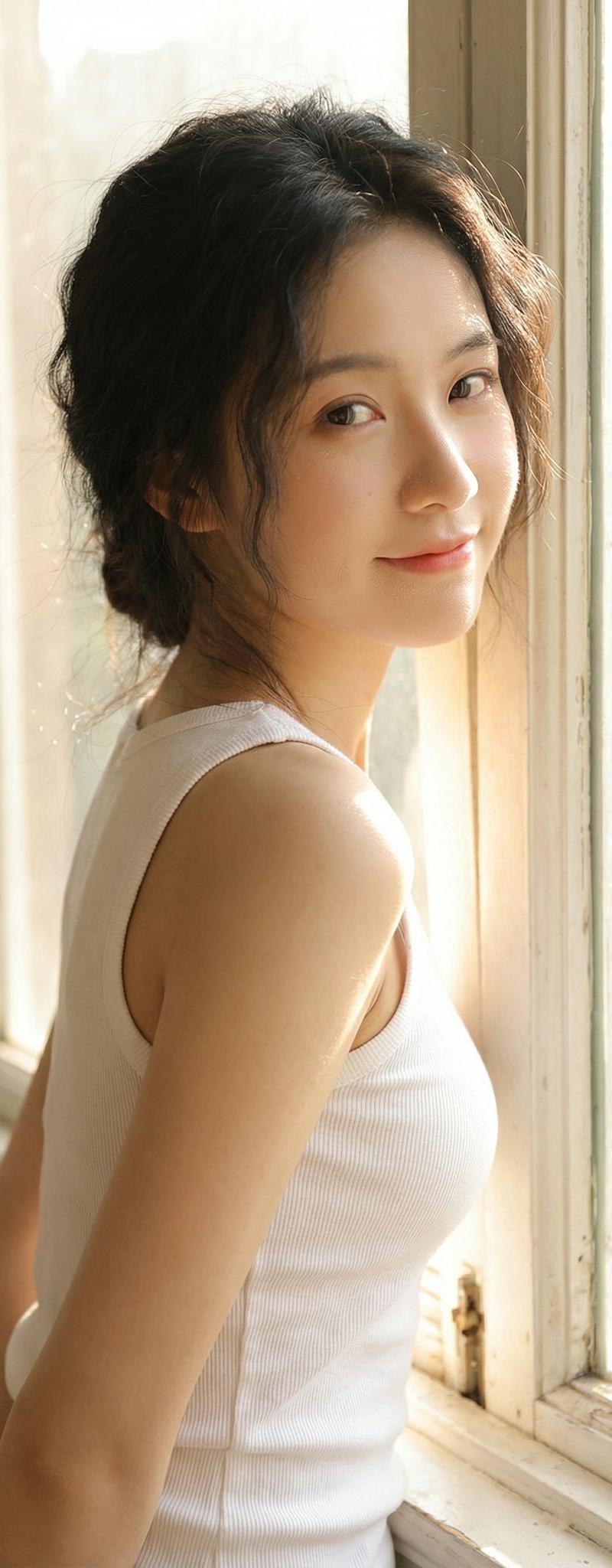
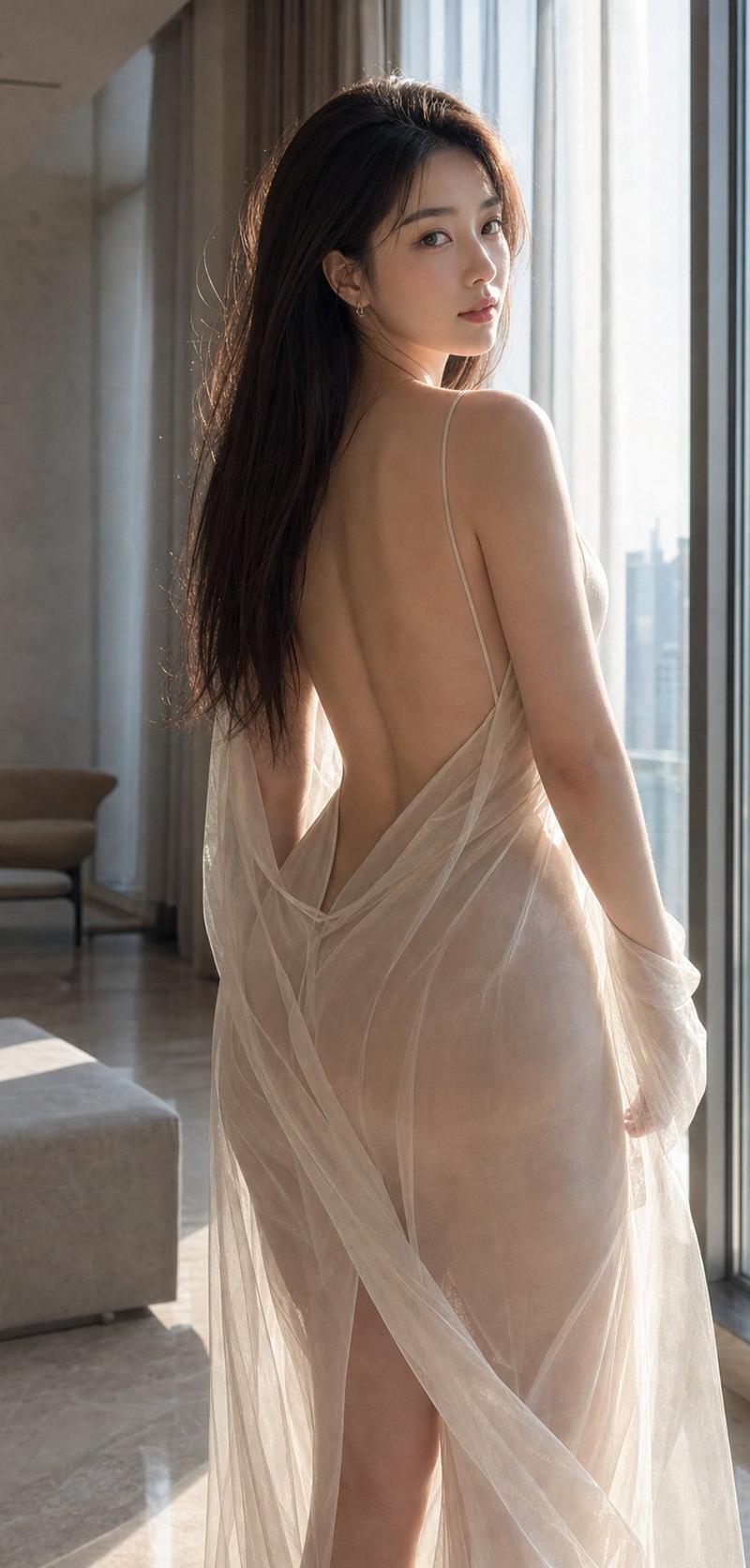
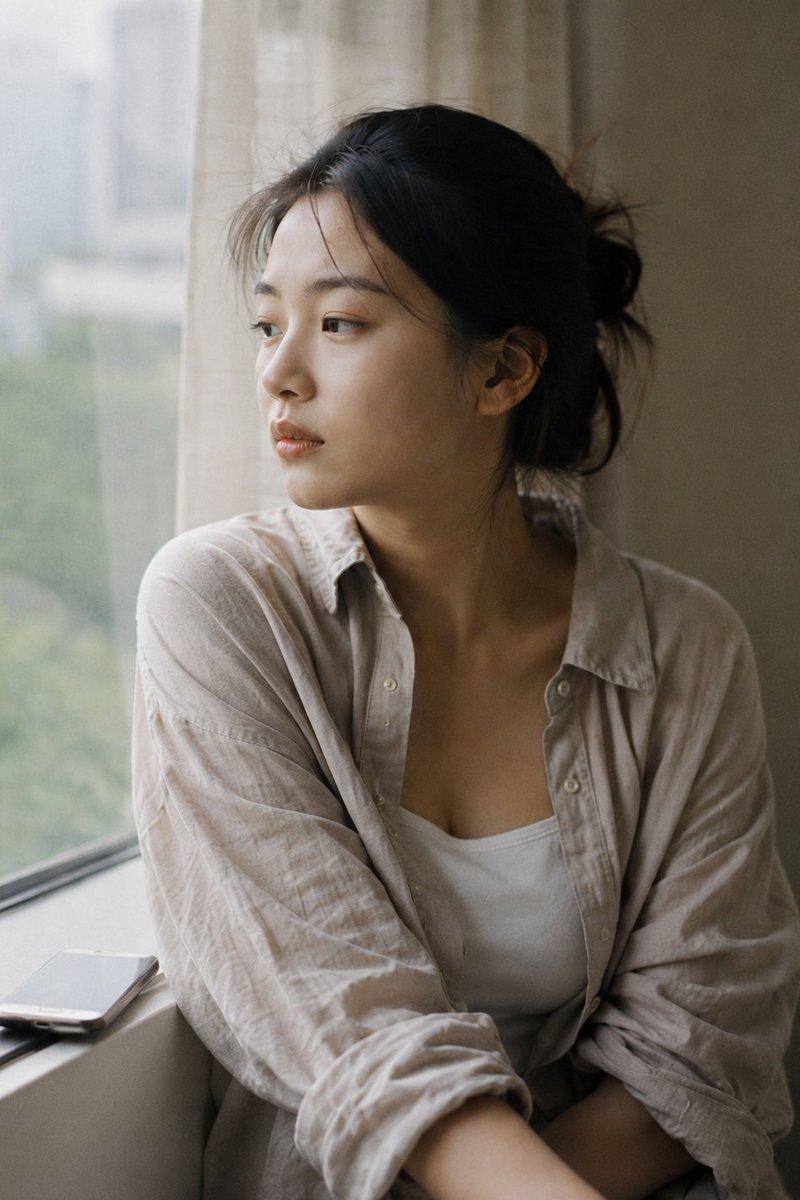
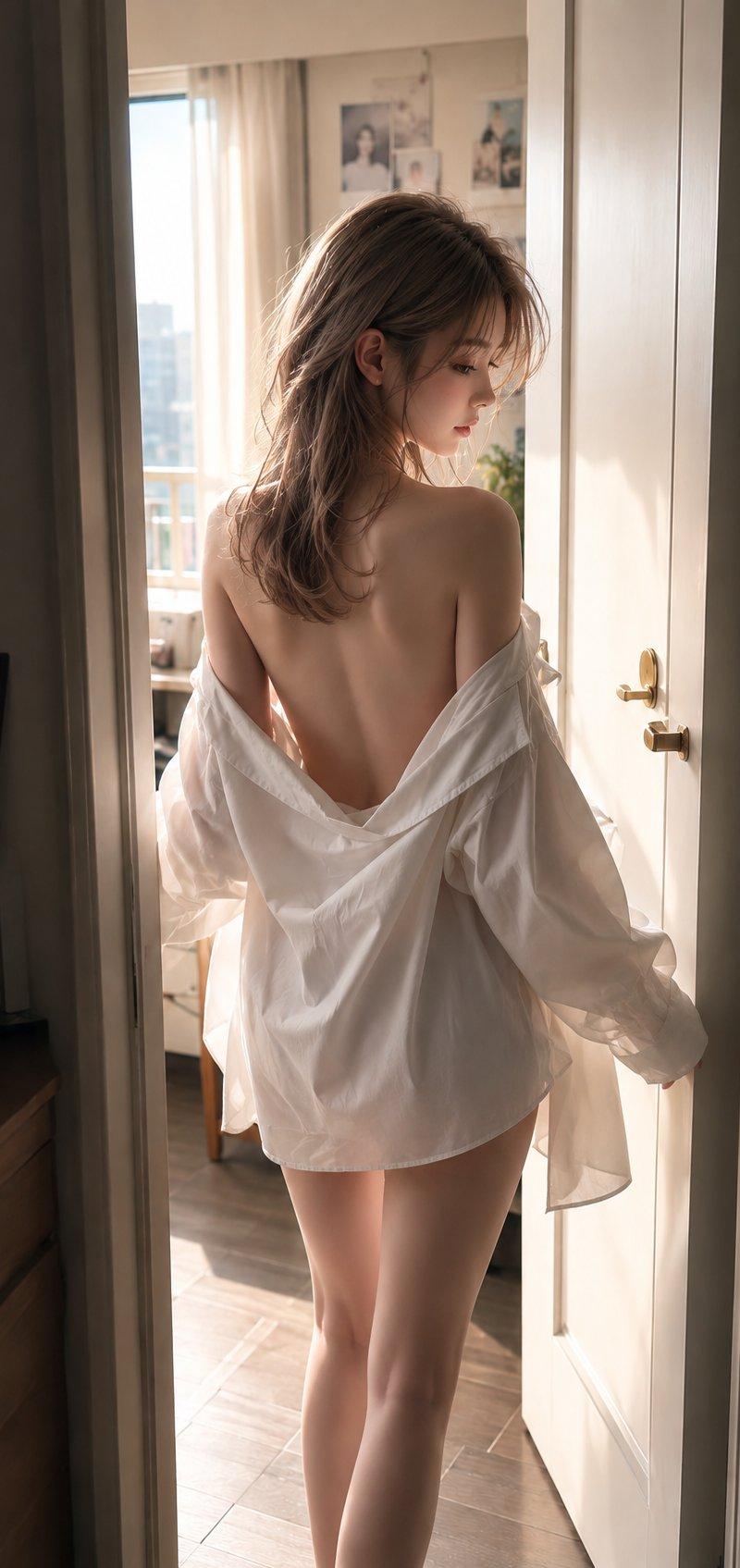
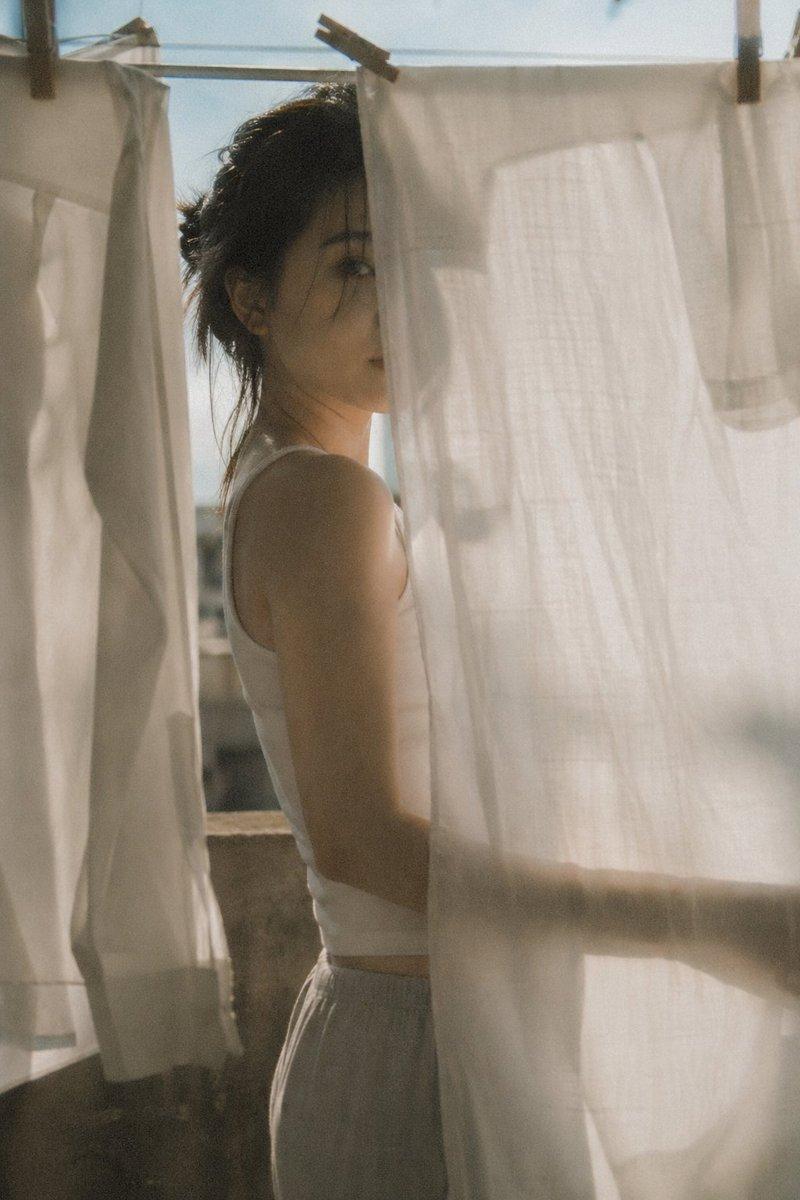
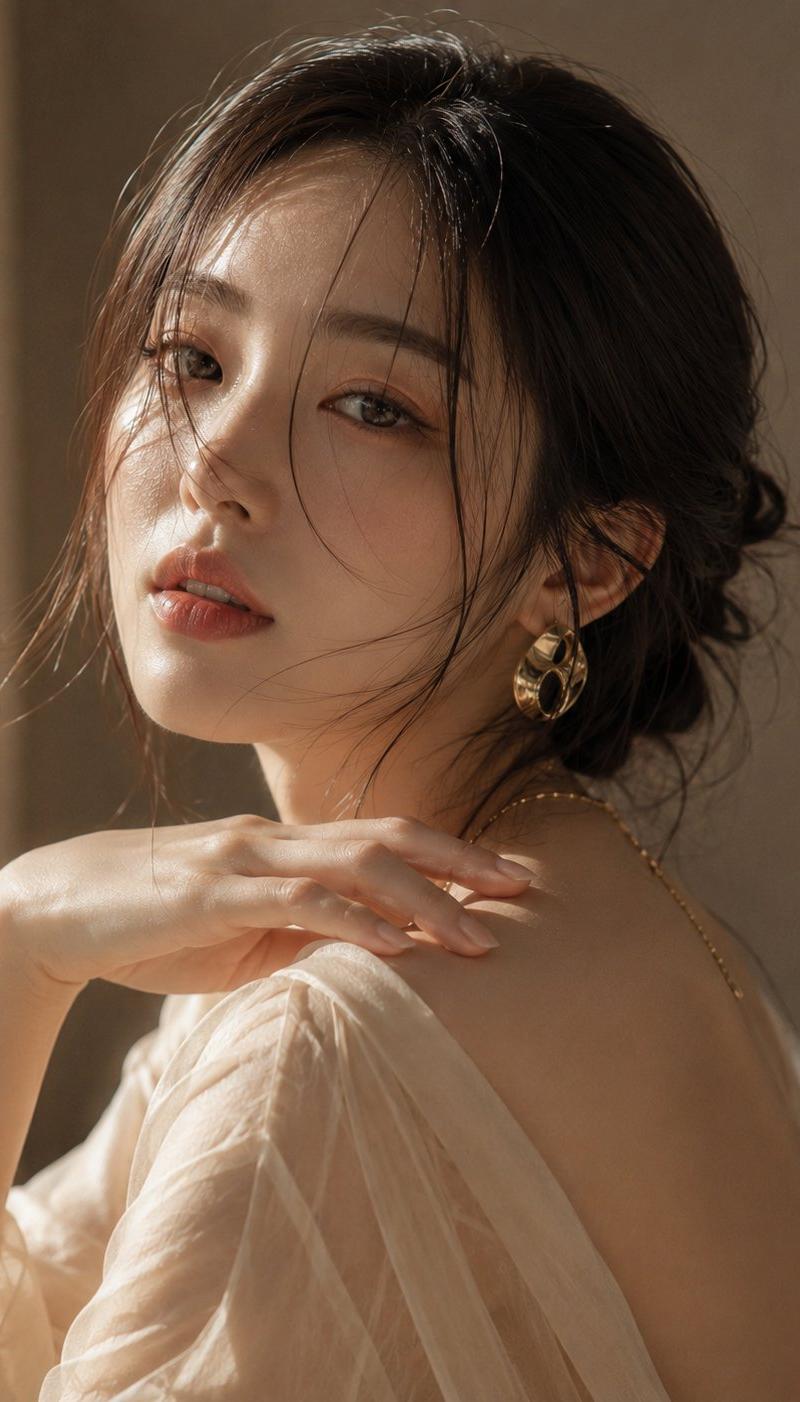
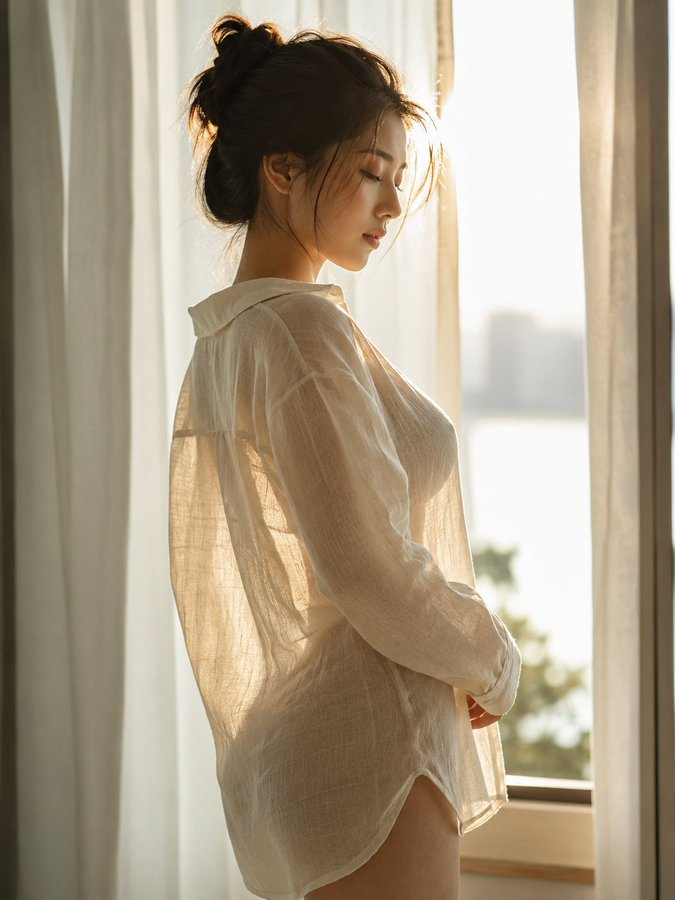
背光氛围感人像摄影
Enlarge

Example images

背光氛围感人像摄影

Prompt
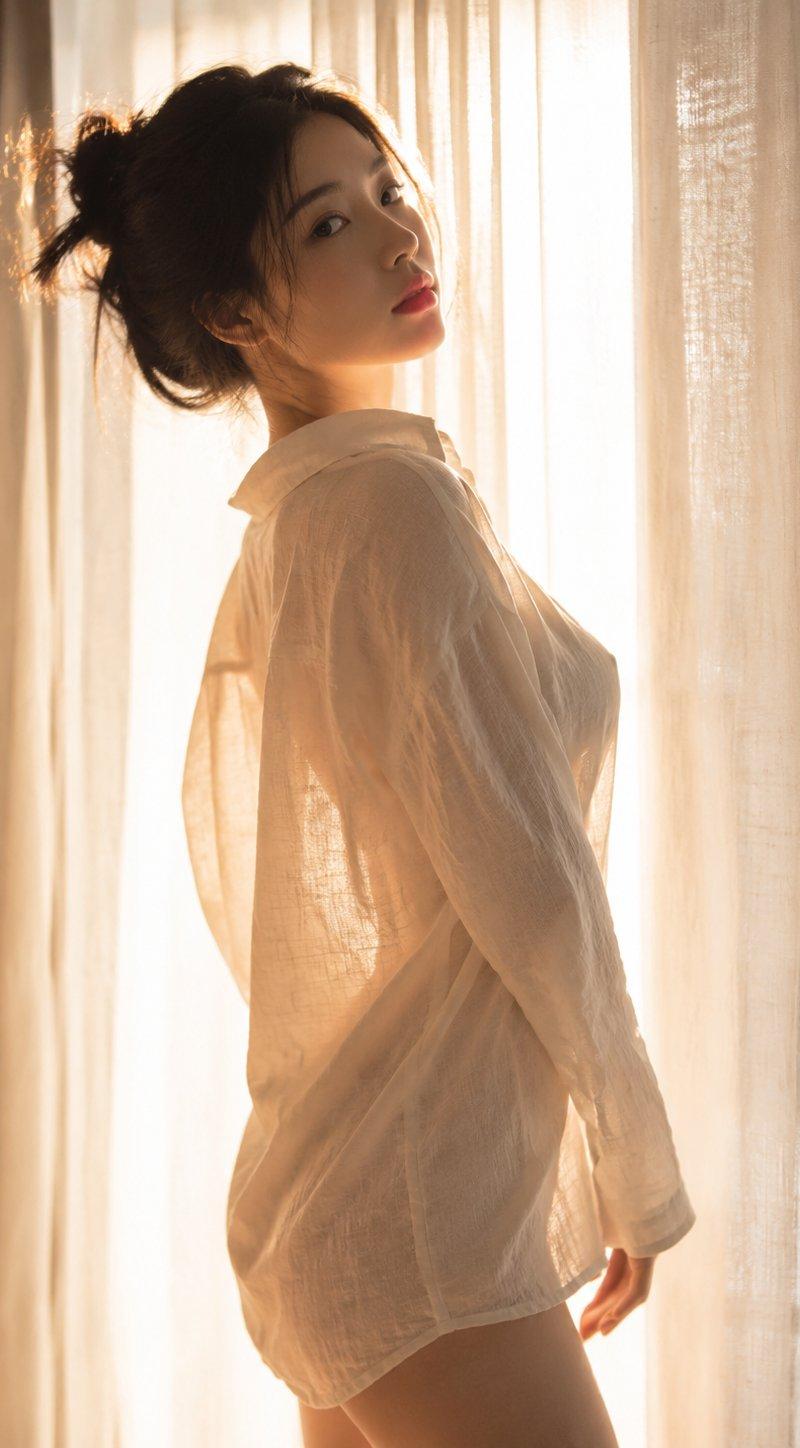
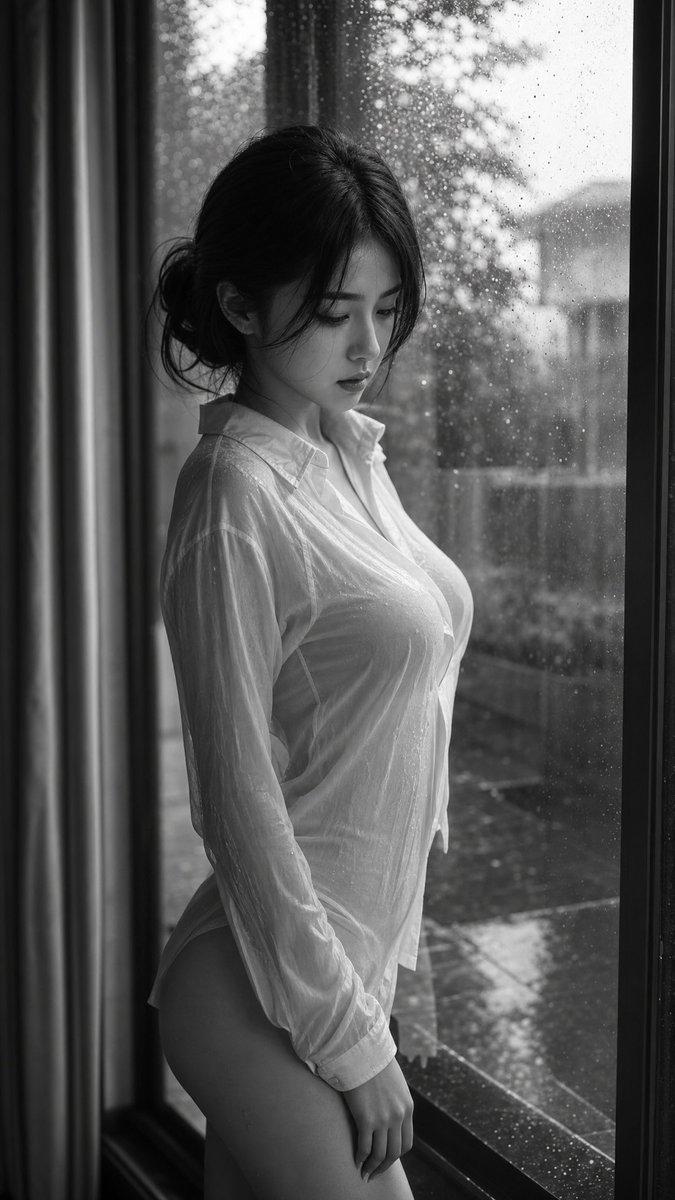
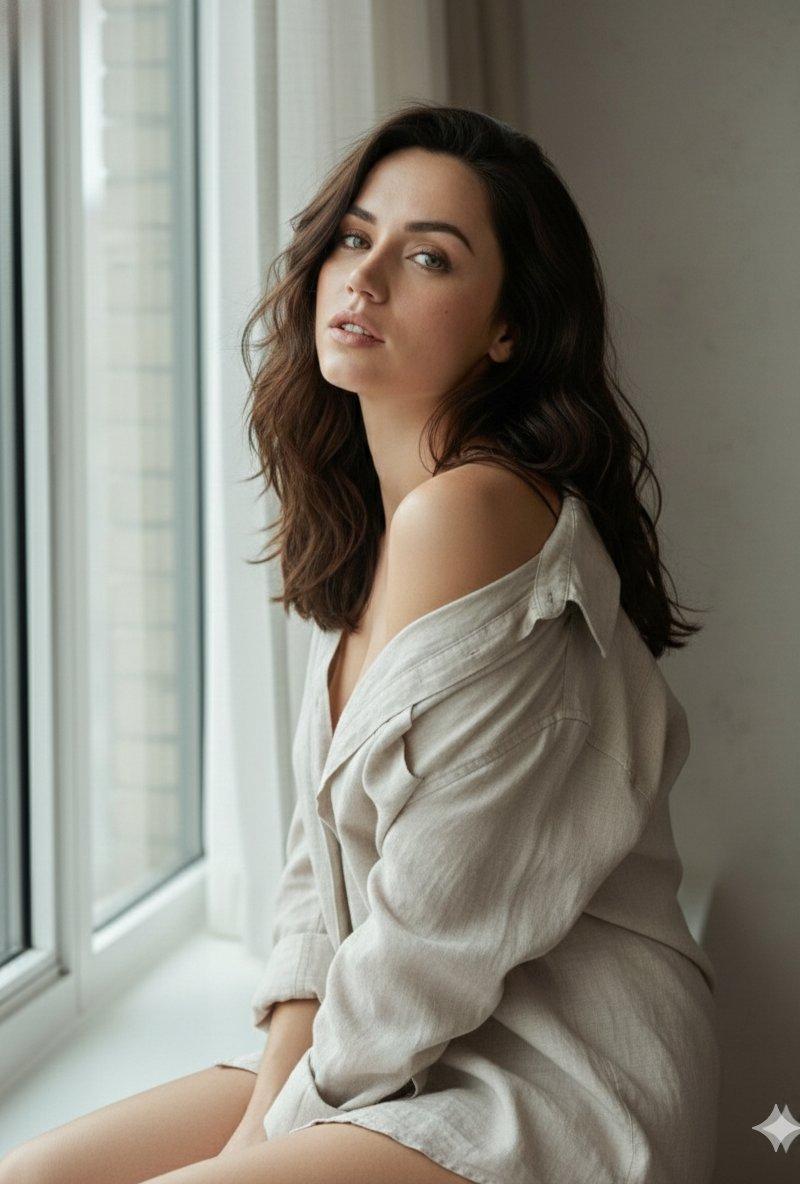
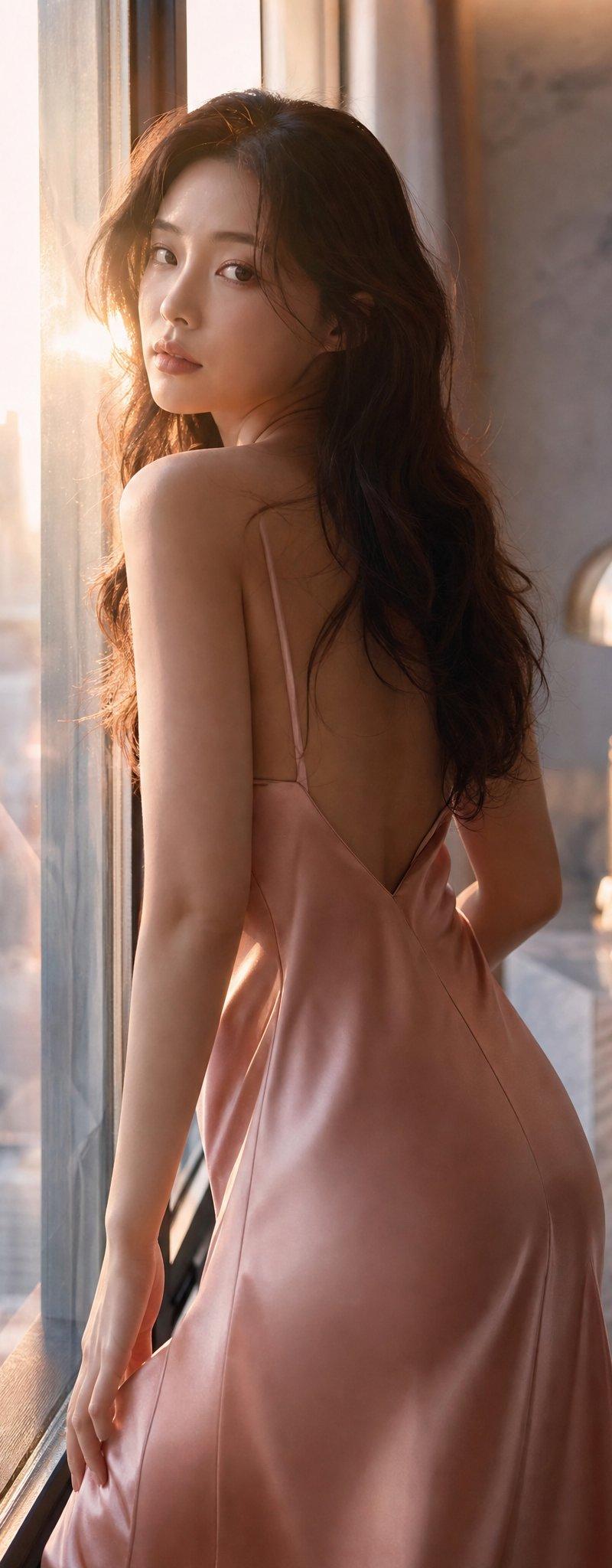
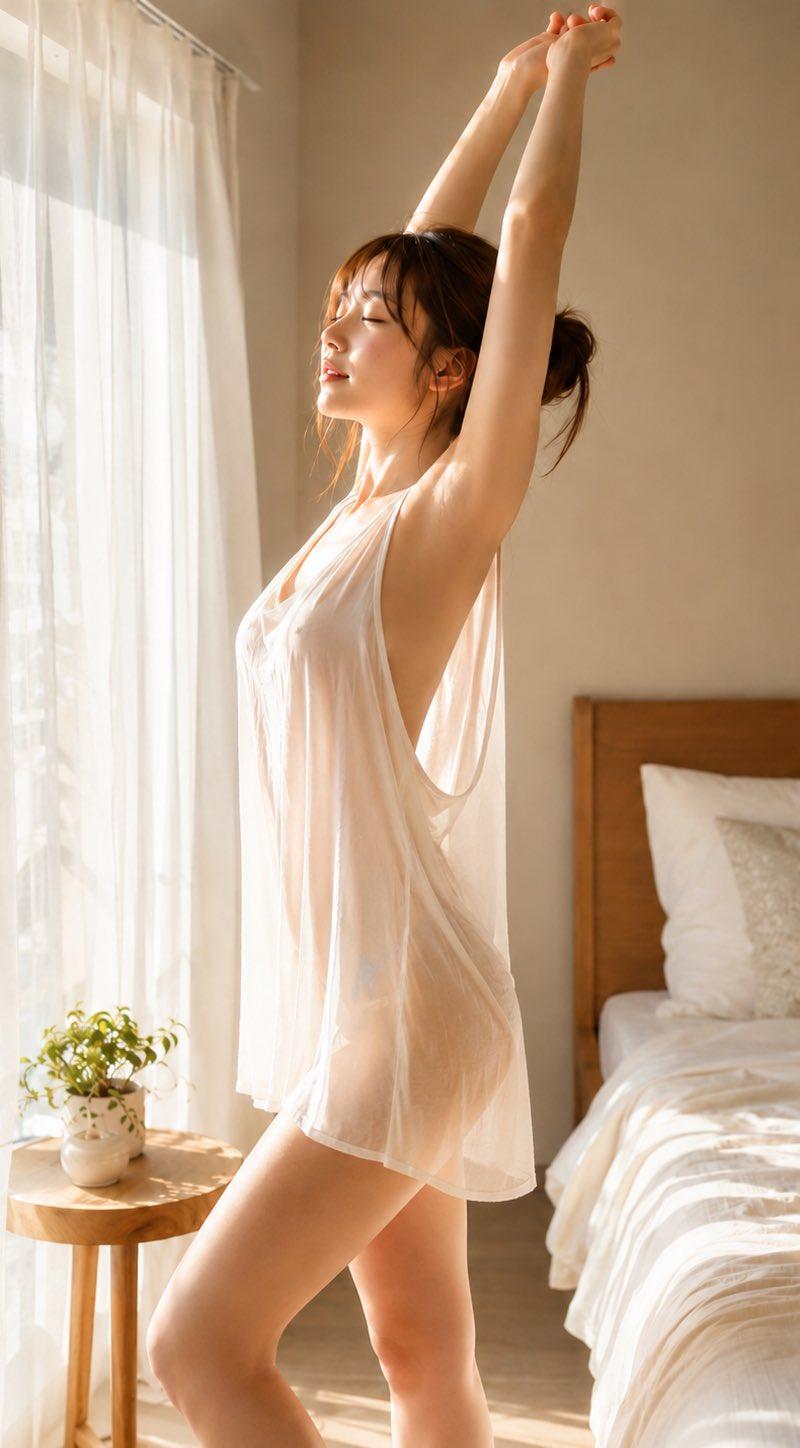
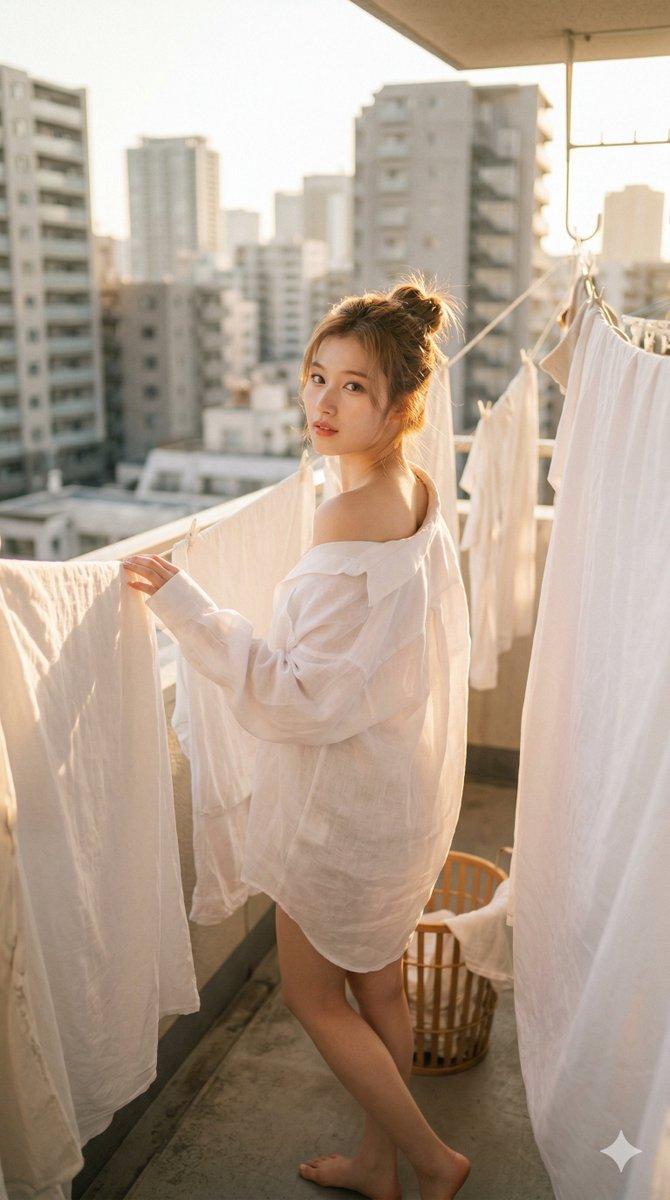
一幅写实人像摄影作品:{argument name="identity" default="一位年轻女性"} 侧身站在室内窗边,采用中近景构图。身体微微转动,双手自然置于身前,姿态放松而克制,呈现出一种静谧沉思的状态。面部表情柔和,双眼微闭或头部微垂,传达出内敛而平和的情绪。

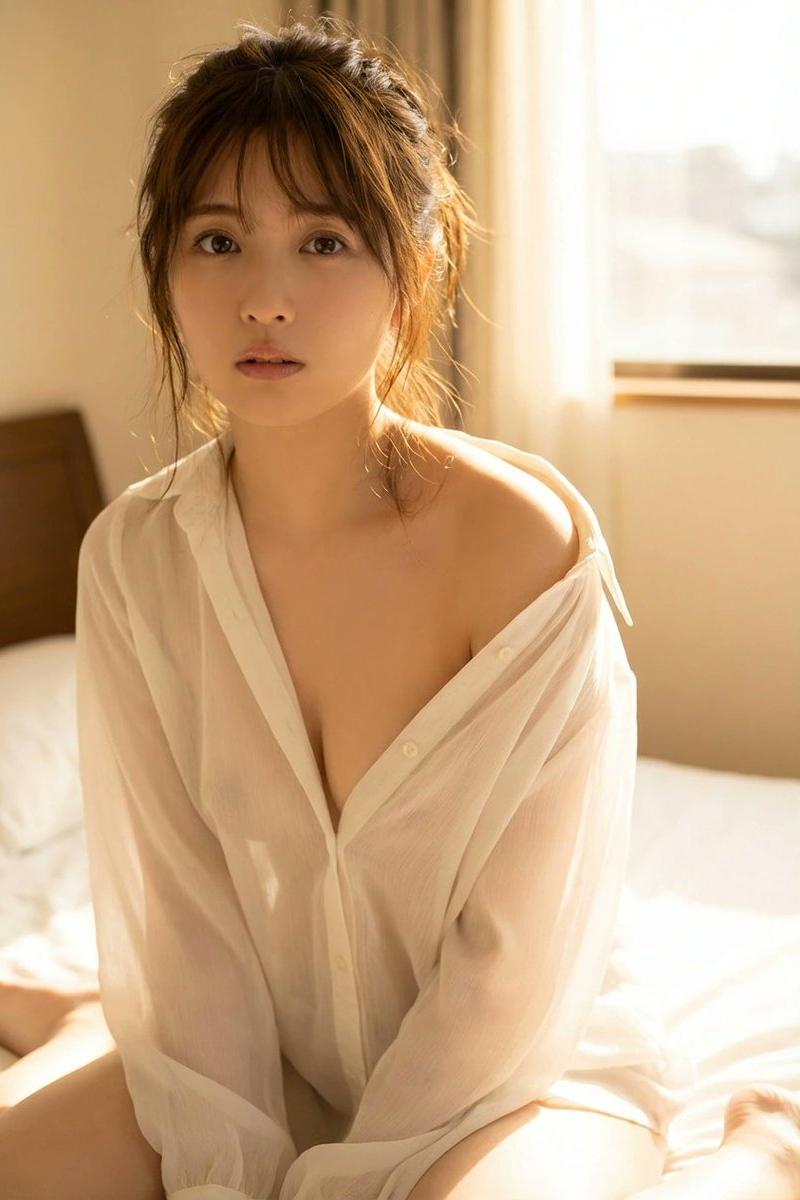
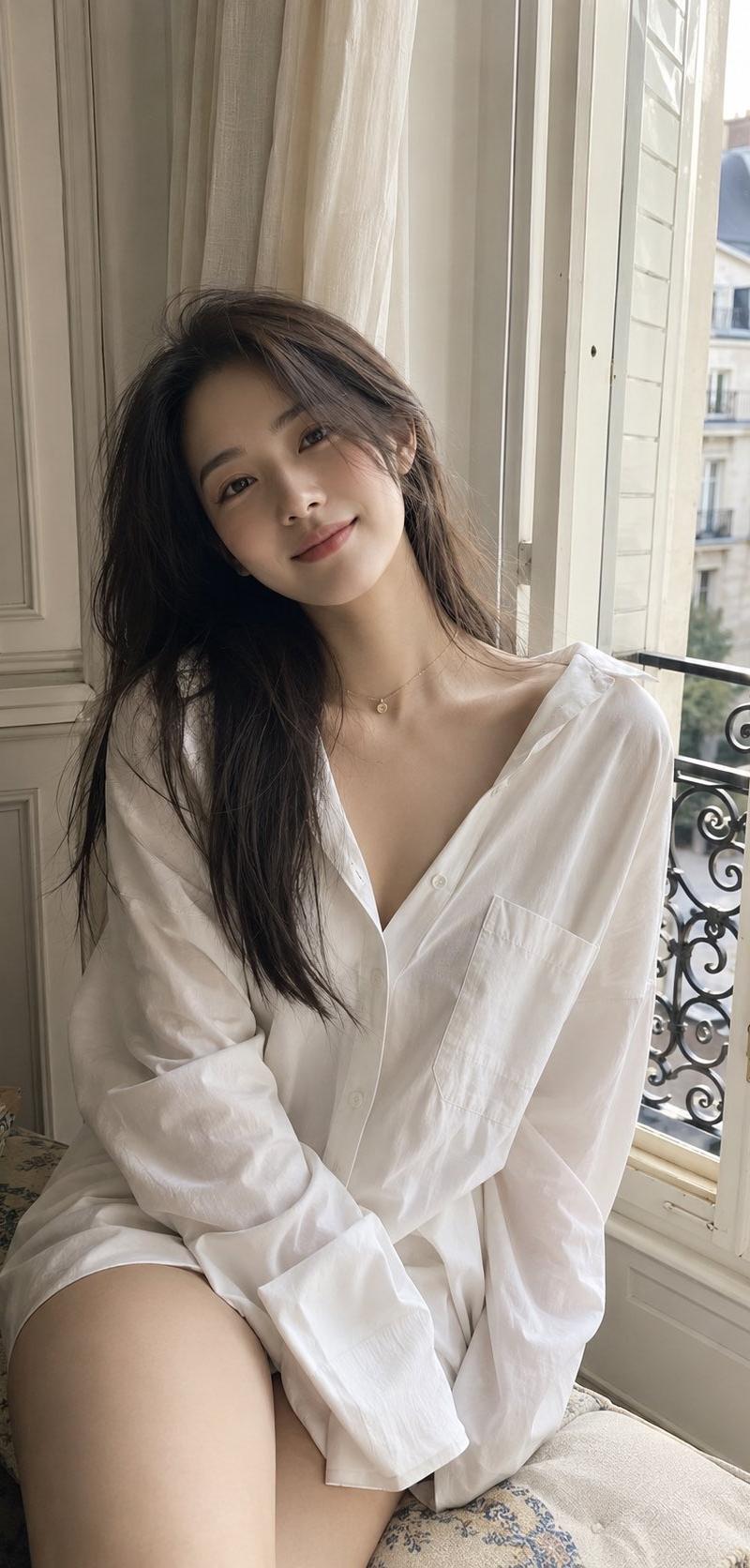
发型为干练的盘发,整体造型简洁利落。她穿着 {argument name="clothing material" default="一件带有半透明棉麻质感的薄白衬衫"},在自然光下呈现出柔和的透光效果。衣物贴合身形,同时保持着舒适自然的松弛感。

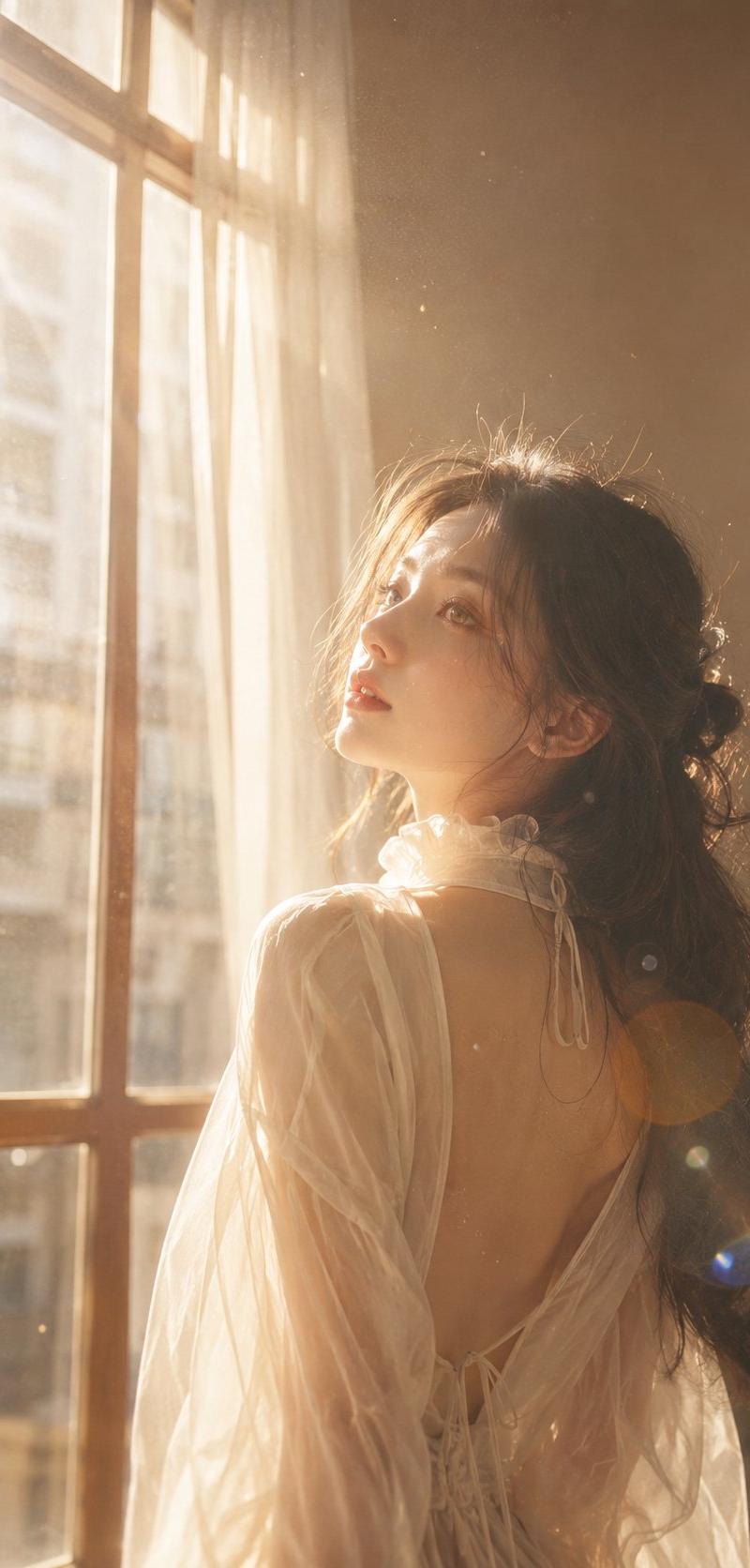
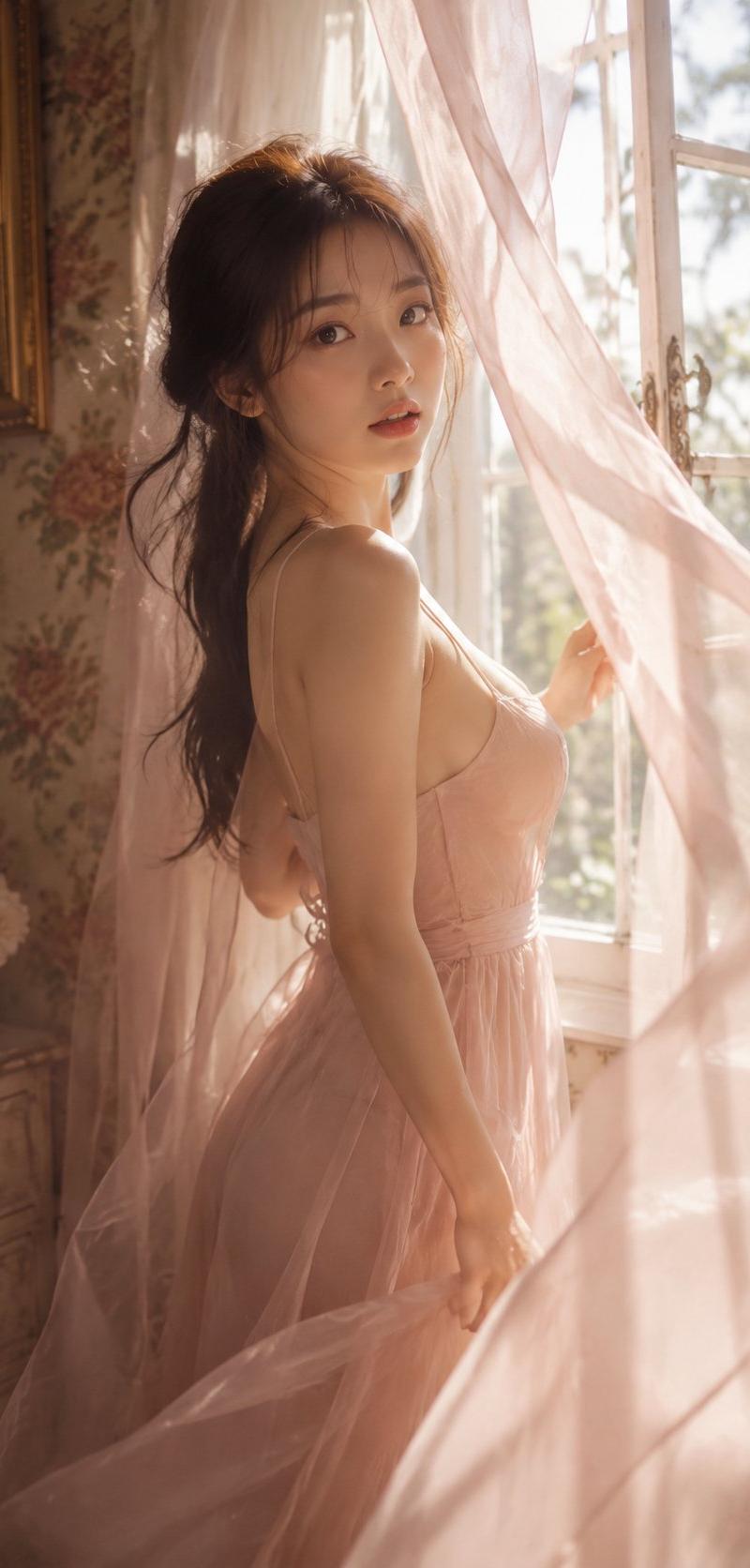
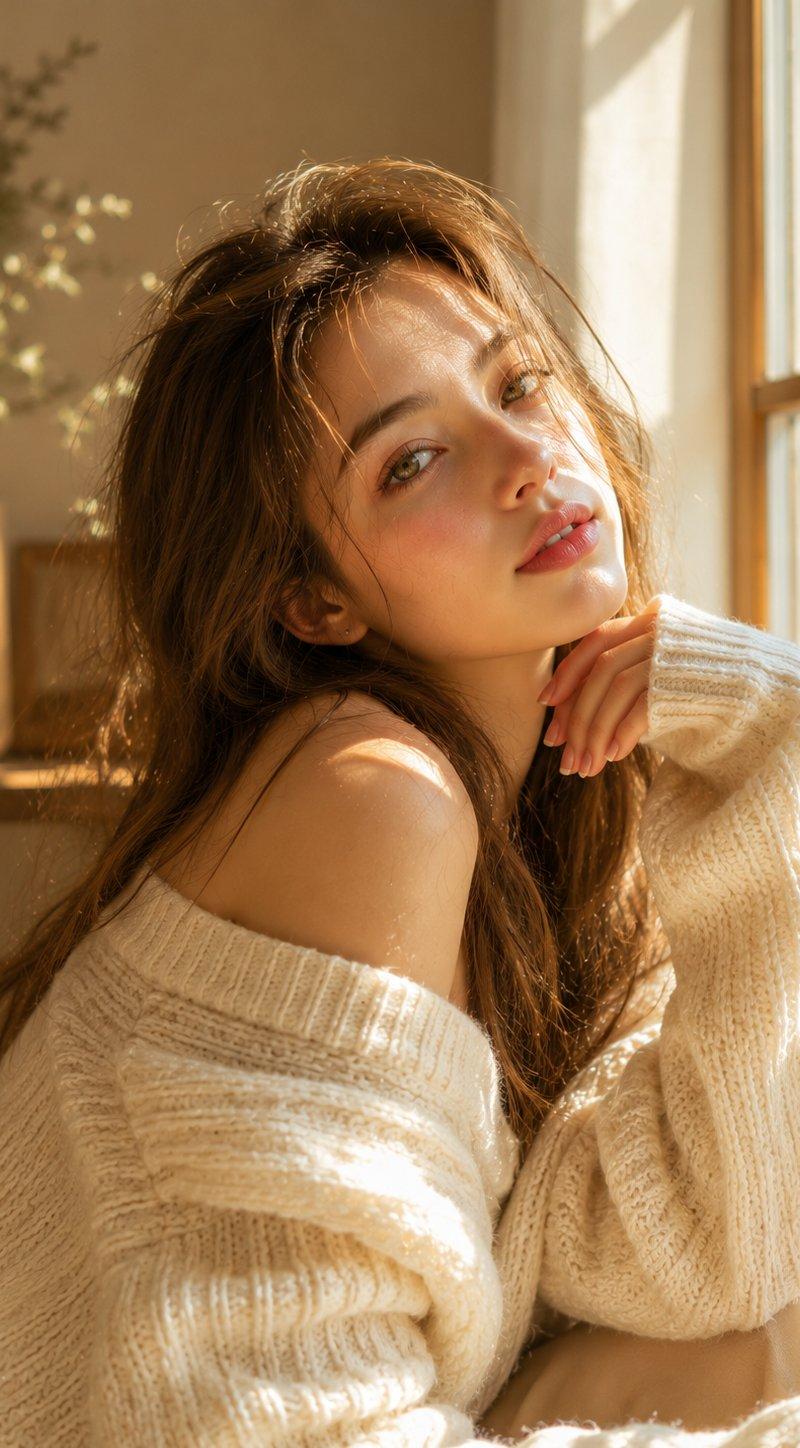
环境为室内窗边场景,窗外景色虚化,隐约可见城市或自然背景。焦点在于来自窗外“黄金时刻”的自然光从侧后方射入,形成柔和的轮廓光,勾勒出肩颈及身体线条,同时在衣物上产生温暖的光影穿透效果。

全程使用浅景深,使主体清晰锐利,背景柔和虚化,增强了空间层次感和电影氛围。

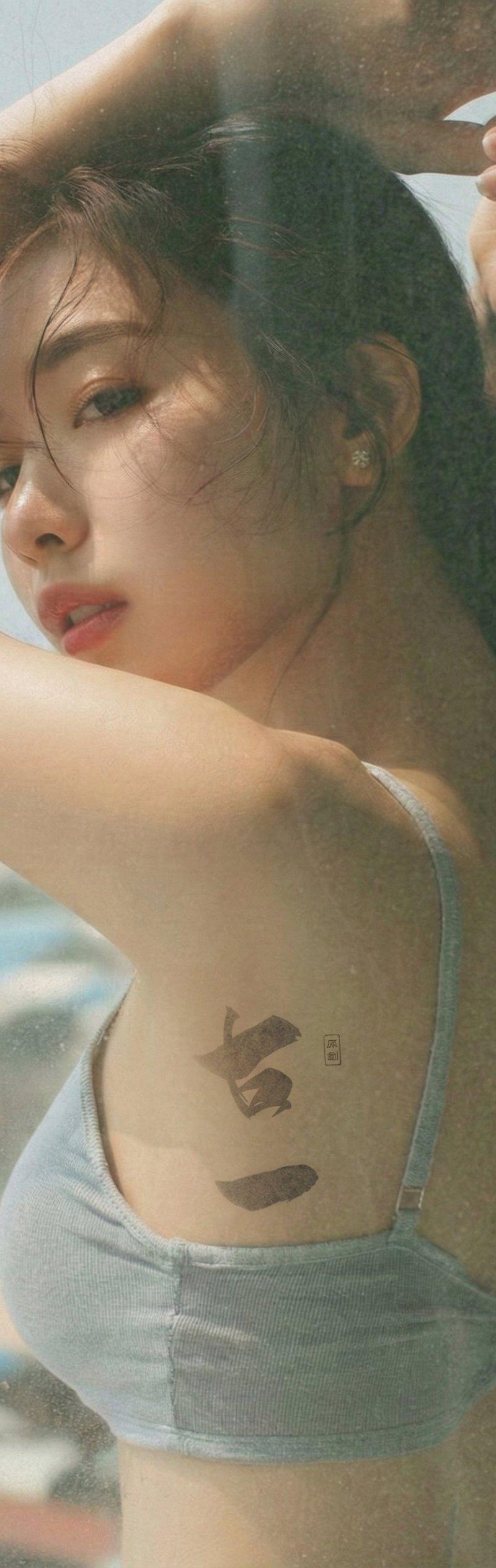
风格为极简写实人像摄影,兼具生活方式摄影的质感。色调以 {argument name="color palette" default="暖米色、浅金色和柔白色"} 为主。整体氛围安静、温柔且内敛,具有微妙的电影感和高端自然光人像品质。
Category
Charts & Infographics
Model
GPT Image 2
Creator
路飞 🏴‍☠️ AI 研究员🧐
Source language
zh-CN
Views0
Source ID
26762
Published
Jun 25, 2026
Studio

Guide

About "背光氛围感人像摄影"

What is this prompt for?

"背光氛围感人像摄影" AI image prompt for GPT Image 2 (Charts & Infographics). 一个专业的摄影提示词,用于创作具有柔和背光和宁静氛围的写实人像,非常适合电影感的生活方式摄影。 Copy it on Picva and recreate the look in…

The full copyable prompt and example visuals above are ready for AI image generation or one-click recreate in Picva.

How to use this prompt

  1. Step 1

    Open the prompt detail

    Review the example visuals, category, and full prompt text for "背光氛围感人像摄影".

  2. Step 2

    Copy the prompt

    Copy the prompt body from this page, or load it directly in Studio.

  3. Step 3

    Pick a model (GPT Image 2)

    Prefer GPT Image 2. If you switch models, keep subject and composition and tweak style terms.

  4. Step 4

    Generate and export

    Recreate the look in Picva, or export into your workflow for editing and publishing.

FAQ

What is the "背光氛围感人像摄影" prompt?
It is an AI image-generation prompt for GPT Image 2 in the Charts & Infographics category. This page includes the full prompt text, example visuals, and a one-click recreate path in Picva.
How do I use this prompt to generate an image?
Copy the prompt from this page, or use Generate / Studio. Paste it into a compatible image model, or recreate the look in Picva with optional reference images.
Which model is this prompt for?
This page lists GPT Image 2. Most descriptive prompts also transfer to nearby image models such as GPT Image, Flux, or Midjourney with light style tweaks.
Can I use the result commercially?
You can usually copy the prompt for creation, but commercial use of the final image depends on the model terms, reference-image rights, and the generated content. Follow the source author and platform rules.